



1. The page starts with a header that contains the Clubhouse logo and a navigation bar with links to different pages of the website. 2. Just below the header, there is a large image showing the Clubhouse import panel with a Trello board on the left side and a Clubhouse project on the right side. 3. The image is followed by a section titled "Import Trello into Clubhouse Easily" that explains the benefits of importing Trello data into Clubhouse. 4. The next section provides step-by-step instructions on how to import Trello data into Clubhouse. The instructions are presented in a numbered list with screenshots illustrating each step. 5. Below the instructions, there is a section titled "What gets imported?" which lists the Trello data that can be imported into Clubhouse. 6. The following section is called "Ready to import your Trello data into Clubhouse?" and contains a large green button that says "Start Import". 7. At the bottom of the page, there are links to different resources including the Clubhouse documentation, the Clubhouse API, and the Clubhouse blog.

Thank you! Your submission has been received!
Oops! Something went wrong while submitting the form.
Get SaaSFrame Pro
Monthly
$18
Quarterly
$48
Yearly
$180
Upgrade to access this feature
Browse all screens & flows
Filter and search screens & flows
Access Figma files
Access mobile versions
Bookmark screens & flows
Join now
Shortcut lubhouse Comparison Pages

Shortcut
Project Management for Software Teams
Designed by
No items found.

Bookmark
Bookmark
Design with AI
Thank you! Your submission has been received!
Oops! Something went wrong while submitting the form.
# Design from Reference: Shortcut lubhouse Comparison Pages
Create an original, high-fidelity visual design inspired by the reference. Prioritize composition, typography, colors, spacing, and component styling over technical implementation.
## Reference
- **Product:** Shortcut
- **Category:** Comparison Page
- **Screenshot:** https://cdn.prod.website-files.com/5e9dc792e1210c5325f7ebbc/62f272d8d84ffb8753096061_1660054777834-2211483c-890d-4f33-abe8-e212e811b335-name%3DClubhouseComparisonPages.webp
Analyze the screenshot first. If inaccessible, request it rather than guessing.
## Content
{{content.instructions}}
{{content.data}}
Preserve essential messaging and factual accuracy. Adapt structure and copy length for visual balance; never invent product claims.
## Visual Design
### Overall aesthetic
- **Character:** A comparison landing page combines white space, dark-purple feature bands, cyan pill actions and pastel hand-drawn geometric illustrations.
- **Evidence:** The original is 1445 × 7261 pixels. All six readable portions were inspected; approximate CSS sizes assume a 1× capture density, which is unverified.
### Page composition
- **Header/hero:** A purple announcement strip precedes brand/navigation. A split hero places a large competitor-switching message and two signup actions left, a balancing geometric illustration right.
- **Feature demonstration:** A centered heading introduces a left feature list beside a large product screenshot.
- **Proof/benefits:** Six customer marks precede four white benefit cards over a sloped purple background.
- **Migration/pricing:** A large product-video image overlaps the purple band, followed by numbered migration steps and a compact two-product price comparison.
- **Integration/trust:** A split integrations section uses floating circular app logos, then a pale pink testimonial pairs quote and portrait.
- **Closing:** A purple conversion band contains two actions before a white multi-group footer.
### Information hierarchy
- **Switching offer:** The oversized hero question identifies the comparison; explanatory copy and signup routes follow.
- **Evidence sequence:** Product demonstration, customer marks, benefit cards and migration steps support the move.
- **Pricing:** Two large prices and a monthly/annual selector provide a focused comparison without a full feature matrix.
- **Conversion:** Integration compatibility and a customer quote precede the final signup/contact choice.
### Typography
- **Hero:** Approximately 64 pixels regular with compact leading; supporting text is about 22 pixels with 34-pixel leading.
- **Sections:** Most headings are around 30–32 pixels; the integration statement is approximately 36 pixels with generous leading.
- **Cards/body:** Benefit titles are around 23 pixels, body copy 18 pixels with 29-pixel leading. Feature-list labels are smaller and bold.
- **Footer:** Links are about 15–16 pixels. A rounded geometric sans-serif is visible; exact identity is unverified.
### Colors & surfaces
- **Measured colors:** ICC-to-sRGB sampling identifies #FFFFFF as canvas/cards, #452B5A as the deep purple bands and #FCEEF0 as the testimonial surface.
- **Measured neutrals:** #F3F3F3 and #EFEFEF occur in supporting UI/image areas.
- **Accents:** Cyan-blue fills signup buttons and links; pastel pink, mint, yellow and blue color the sketch-like artwork.
- **Depth:** Product screenshots and the Google signup control have soft shadows; benefit cards use thin outlines and modest rounding.
### Components
- **Hero actions:** A blue filled pill and white Google alternative sit side by side, approximately 260 pixels wide and 50 pixels tall.
- **Feature selector:** Four icon/title/description rows align left; the first has stronger text and a green divider/indicator.
- **Benefit cards:** A two-by-two grid uses broad white panels with centered illustrations, title and short description.
- **Migration video:** A large rounded screenshot includes a central purple circular play affordance; beneath it, three blue numerals and a celebratory symbol form a horizontal process.
- **Pricing block:** Two logos/names sit above a pale rectangular price panel divided vertically, with a small billing selector below.
- **Testimonial:** A large pale quote mark sits behind text; a circular portrait and overlapping company emblem balance the opposite side.
- **Final CTA/footer:** Two wide pills sit under centered white copy; footer groups and blog links use a restrained white layout.
### Visual rhythm
- **Section breathing room:** Wide gaps separate demonstration, customer logos, pricing and integrations.
- **Alternating structure:** Split hero, centered demonstration, two-column cards and split integrations keep the long page varied.
- **Illustration continuity:** Repeated sketched shapes and pastel outlines tie hero, benefits, migration and final CTA together.
- **Alignment:** Main sections share a roughly 1140-pixel centered content region; the footer follows similar bounds.
### Responsive
- **Observed scope:** One desktop comparison state is shown; feature switching, video playback and price-toggle behavior are not visible.
- **Recommended layout:** Stack split sections, reduce benefit cards to one column and let process steps wrap vertically.
- **Recommended actions:** Stack signup alternatives on phones, preserve readable pricing labels and prevent floating app artwork from covering copy.
- **Recommended footer:** Collapse link groups while retaining direct product, support and policy access.
### Adaptation guidance
- **Comparison narrative:** Lead with the switching problem, demonstrate relevant capabilities, explain migration and show concise commercial differences.
- **Brand system:** Reuse pastel sketch illustrations, cyan actions and purple bands without overwhelming screenshots or comparison data.
- **Content accuracy:** Treat competitor prices and historical branding as screenshot-era information requiring verification before live reuse.
- **Implementation:** Confirm typography/scale, define accessible feature tabs and video controls, and expose billing selection beyond color alone.
Use this context to reproduce the reference's visual language: layout, typography, colors, spacing, borders, radii, and distinctive elements. The screenshot takes priority if descriptions conflict.
## Direction
{{preferences.fidelityInstructions}}
## Output
{{output.instructions}}
Deliver a polished, cohesive design with precise alignment, hierarchy, and spacing. Produce the requested visual artifact, not just a description. If unsupported, explain the limitation.
Category
Patterns
Tech Stack
Added on
July 20, 2020
Similar screens
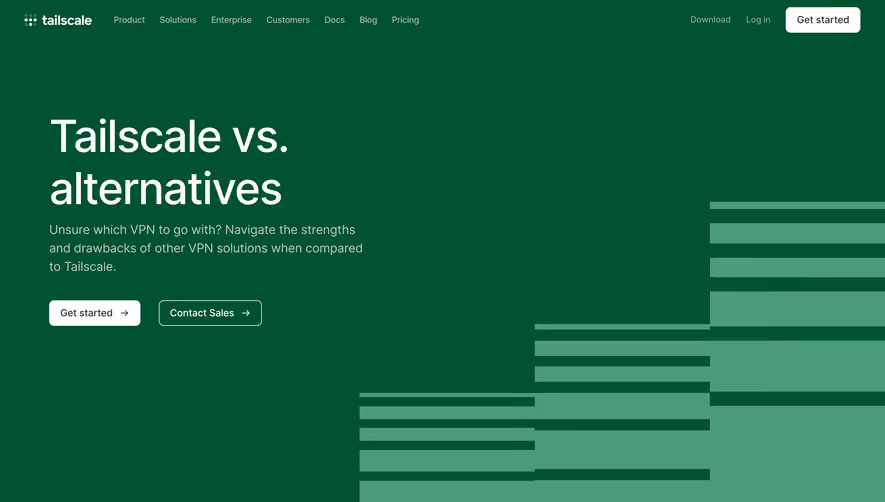


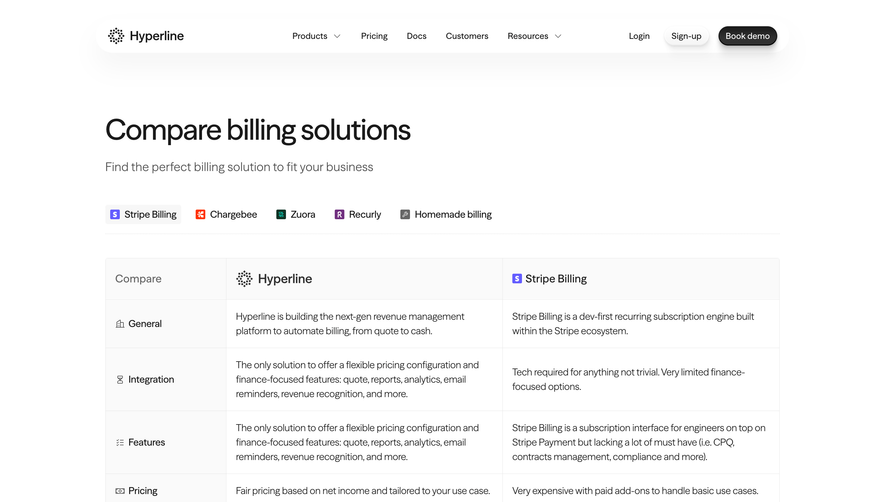

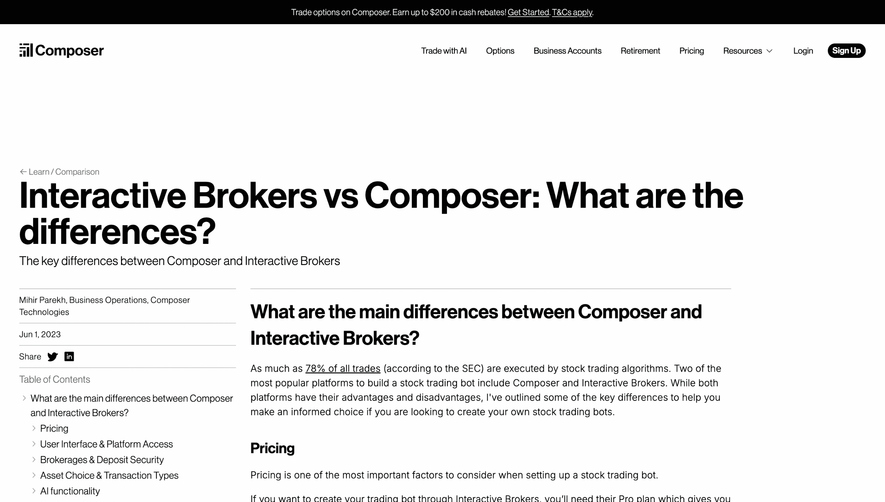

Upgrade to SaaSFrame Pro now to see similar examples.
Monthly
$18 /month
Billed $18 monthly
Browse all screens & flows
Filter and search screens & flows
Search text in screenshots
Access Figma files
Access mobile versions
Join now
Quarterly
$16 /month
Billed $48 quarterly
Browse all screens & flows
Filter and search screens & flows
Search text in screenshots
Access Figma files
Access mobile versions
Join now
Yearly
$15 /month
Billed $180 yearly
Browse all screens & flows
Filter and search screens & flows
Search text in screenshots
Access Figma files
Access mobile versions
Join now