.webp)
Thank you! Your submission has been received!
Oops! Something went wrong while submitting the form.
Get SaaSFrame Pro
Monthly
$18
Quarterly
$48
Yearly
$180
Upgrade to access this feature
Browse all screens & flows
Filter and search screens & flows
Access Figma files
Access mobile versions
Bookmark screens & flows
Join now

Assembly Notification Settings

Assembly
Marketing calendar with superpowers
Designed by
No items found.

Bookmark
Bookmark

Design with AI
Thank you! Your submission has been received!
Oops! Something went wrong while submitting the form.
# Design from Reference: Assembly Notification Settings
Create an original, high-fidelity visual design inspired by the reference. Prioritize composition, typography, colors, spacing, and component styling over technical implementation.
## Reference
- **Product:** Assembly
- **Category:** Settings
- **Screenshot:** https://cdn.prod.website-files.com/5e9dc792e1210c5325f7ebbc/6acc0db8188ab6d0a475ced0_6acc09c90380eda13d562e3b_cms-27402dc023220890ddeaf360-v3.webp
Analyze the screenshot first. If inaccessible, request it rather than guessing.
## Content
{{content.instructions}}
{{content.data}}
Preserve essential messaging and factual accuracy. Adapt structure and copy length for visual balance; never invent product claims.
## Visual Design
### Overall aesthetic
- **Character:** A plain white settings interface prioritizes a broad notification matrix and restrained controls.
- **Accent:** Blue selection squares provide the main repeated color; a warm neutral Slack banner with green action adds a separate integration cue.
### Page composition
- **Capture scale:** The source is 2880 × 2678 pixels. A 2× capture is plausible but unverified; dimensions below estimate CSS pixels at half source resolution.
- **Sidebar:** An approximately 200-pixel settings navigation column contains a title/close row and grouped integration, scheduling and settings links.
- **Main region:** A large Notifications heading and short description precede a customization subheading, Restore Defaults control and Slack connection banner.
- **Matrix:** A wide label column sits beside three evenly spaced notification channels: In-App, Email and Slack.
- **Groups:** General, Comments, Checklist, Approvals and Scheduling divide fifteen visible event rows.
### Information hierarchy
- **Page context:** The large title and muted explanation identify the purpose before controls.
- **Integration prompt:** The banner introduces Slack connection above the matrix, with a filled green action at its right.
- **Preference scanning:** Bold group labels separate event types; repeated channel columns allow comparison across each row.
- **Navigation state:** Notifications is bold in the sidebar, distinguishing it from neighboring Members and Plans links.
### Typography
- **Family:** A clean sans serif is used for interface content; exact font identity is unverified.
- **Heading roles:** Main title is approximately 36 pixels and medium/semibold; customization heading is around 20 pixels.
- **Rows:** Event text is approximately 16 pixels with comfortable leading; group labels and channel headings are around 14 pixels and semibold.
- **Sidebar:** Links are around 14 pixels; small uppercase group labels use a lighter gray treatment.
### Colors & surfaces
- **Measured canvas:** White #FFFFFF dominates; light #EDEDED provides thin structural boundaries.
- **Measured banner:** Warm pale neutral #F4F2EC supports the Slack connection message and reset control.
- **Measured text:** #424242 and black #000000 provide body and heading contrast.
- **Measured selection:** Blue #4065FD marks many selected squares; one pale-blue square is visibly lighter, without establishing its underlying interaction state.
- **Accent relationship:** Deep green controls pair with the multicolor Slack mark above the blue preference matrix.
### Components
- **Connection banner:** A full-width rounded strip around 56 pixels high contains the Slack logo, single-line message and compact green Connect Slack button.
- **Reset control:** A pale rounded button aligns right of the customization heading.
- **Matrix rows:** Thin horizontal gray rules separate approximately 49-pixel-high rows; longer event labels remain left aligned.
- **Selection cells:** Small approximately 14-pixel squares are centered in each channel column, either filled blue or white with a fine gray outline.
- **Sidebar structure:** A fine vertical divider separates navigation from content; small line icons precede settings links and branded icons precede connected services.
### Visual rhythm
- **Content inset:** Main content begins about 80 pixels beyond the sidebar boundary and spans approximately 990 pixels.
- **Group spacing:** Extra whitespace precedes each bold category label, separating related rows without enclosing cards.
- **Column consistency:** Three equal-width channel zones align headings and selection squares precisely throughout the long matrix.
### Responsive
- **Observed state:** Only the desktop settings layout is supplied; narrow-screen behavior is unverified.
- **Recommended matrix:** Preserve row/channel associations through horizontal scrolling or event cards with labeled channel controls.
- **Recommended shell:** Collapse the settings sidebar and allow the connection banner message/action to wrap vertically.
- **Recommended targets:** Enlarge the interactive hit area around small squares while retaining their compact visual appearance.
### Adaptation guidance
- **Preserve clarity:** Keep event labels broad, channel columns stable and group separators light.
- **State fidelity:** Reproduce observed filled/empty squares without inferring disabled behavior from the single lighter square.
- **Integration distinction:** Keep Slack connection separate from per-event preferences and retain the neutral banner/green action treatment.
- **Accessibility:** Use labeled checkbox semantics, associate each control with event and channel headings and make focus visible.
Use this context to reproduce the reference's visual language: layout, typography, colors, spacing, borders, radii, and distinctive elements. The screenshot takes priority if descriptions conflict.
## Direction
{{preferences.fidelityInstructions}}
## Output
{{output.instructions}}
Deliver a polished, cohesive design with precise alignment, hierarchy, and spacing. Produce the requested visual artifact, not just a description. If unsupported, explain the limitation.

.avif)
Category
Patterns
No items found.
Tech Stack

Added on
June 18, 2023
Similar screens
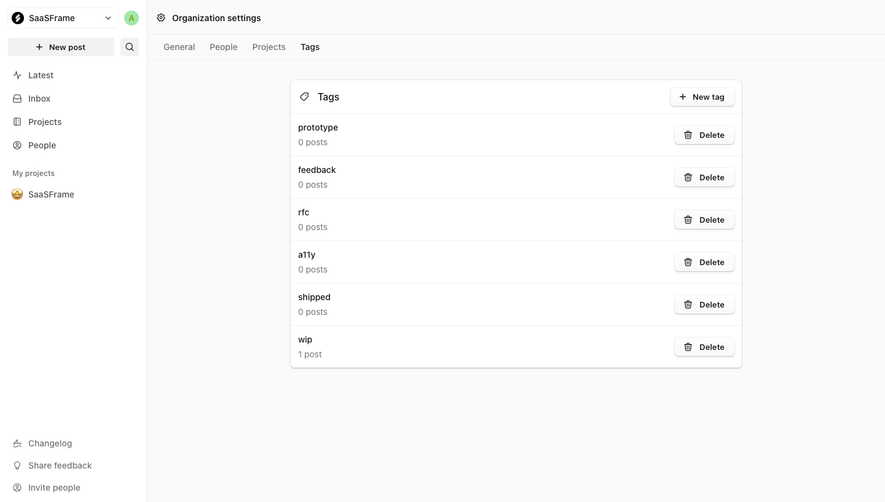




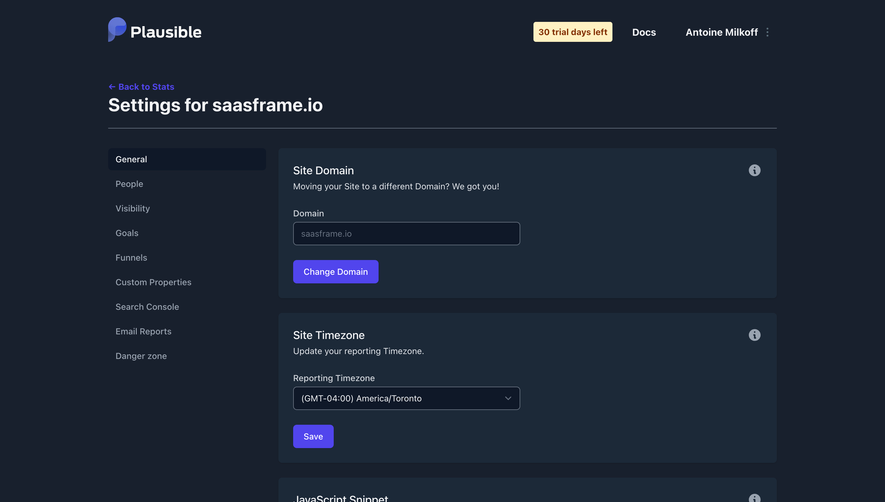

Upgrade to SaaSFrame Pro now to see similar examples.
Monthly
$18 /month
Billed $18 monthly
Browse all screens & flows
Filter and search screens & flows
Search text in screenshots
Access Figma files
Access mobile versions
Join now
Quarterly
$16 /month
Billed $48 quarterly
Browse all screens & flows
Filter and search screens & flows
Search text in screenshots
Access Figma files
Access mobile versions
Join now
Yearly
$15 /month
Billed $180 yearly
Browse all screens & flows
Filter and search screens & flows
Search text in screenshots
Access Figma files
Access mobile versions
Join now