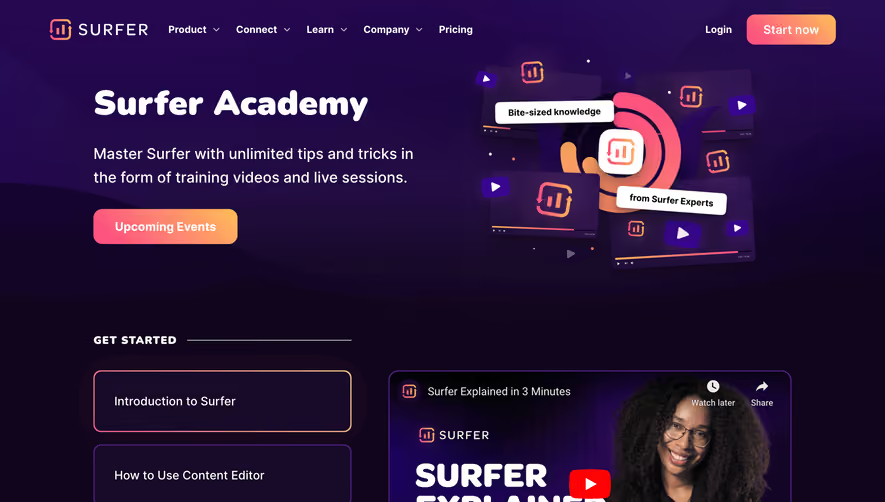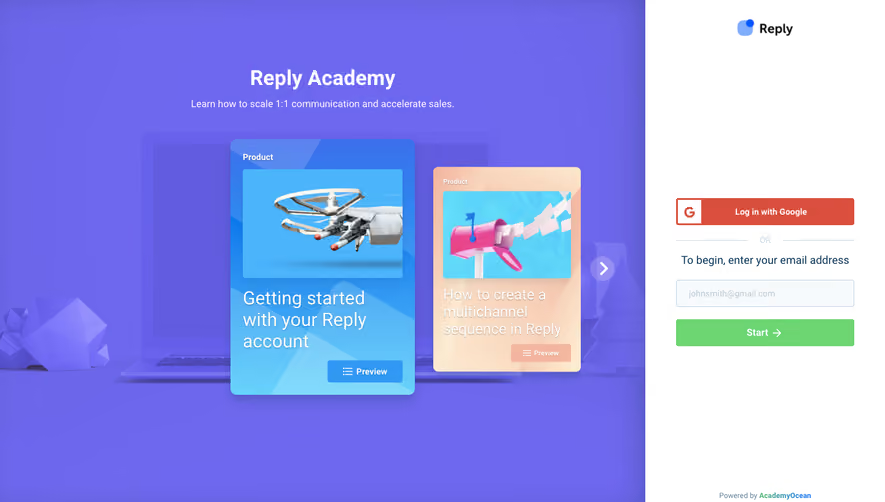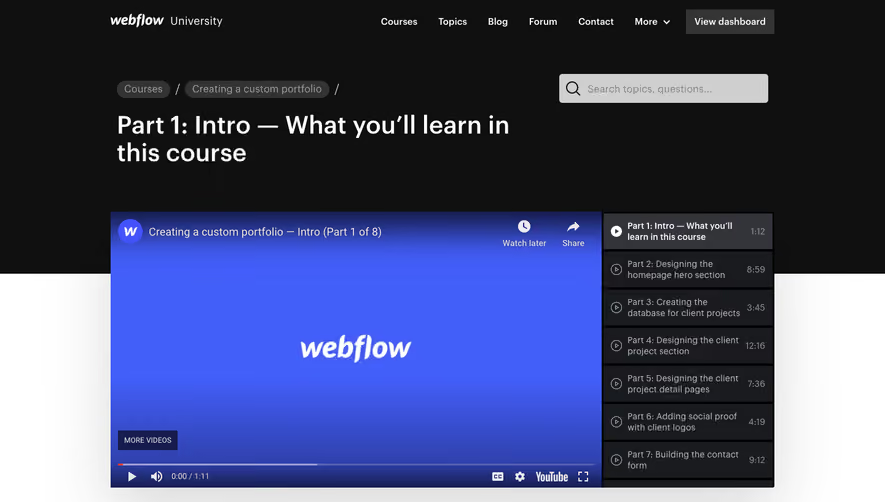

1. Header Section: The page starts with the header section that contains the logo of the company on the left side and the navigation menu on the right side. The navigation menu includes links to different sections of the website. 2. Banner Section: The banner section with a background image and a call-to-action button to access the onboarding academy. The background image is a video that shows a person using a device. 3. Introduction Section: The third section of the page is an introduction to the user onboarding academy. This section explains what the academy is and what it offers to its users. 4. What You'll Learn Section: The next section of the page explains what users will learn from the academy. It explains that users will learn how to create an effective onboarding experience for their customers. 5. Course Section: The course section provides details of the course syllabus, duration of the course, and what users will receive after completing the course. 6. Testimonials Section: The testimonials section provides feedback from people who have completed the course. This feedback will help new users to understand the benefits of the course. 7. Who's it for Section: The next section explains who the academy is for and who can benefit from the course. 8. Pricing Section: The pricing section explains the cost of the course and what users will receive after paying the fee. 9. FAQ Section: The FAQ section answers common questions that users may have about the course. These questions cover topics such as course duration, payment methods, and technical issues. 10. Conclusion Section: The last section of the page contains a call-to-action button for users to enroll in the course. It also includes contact details of the company for users to get in touch with them in case of any queries.

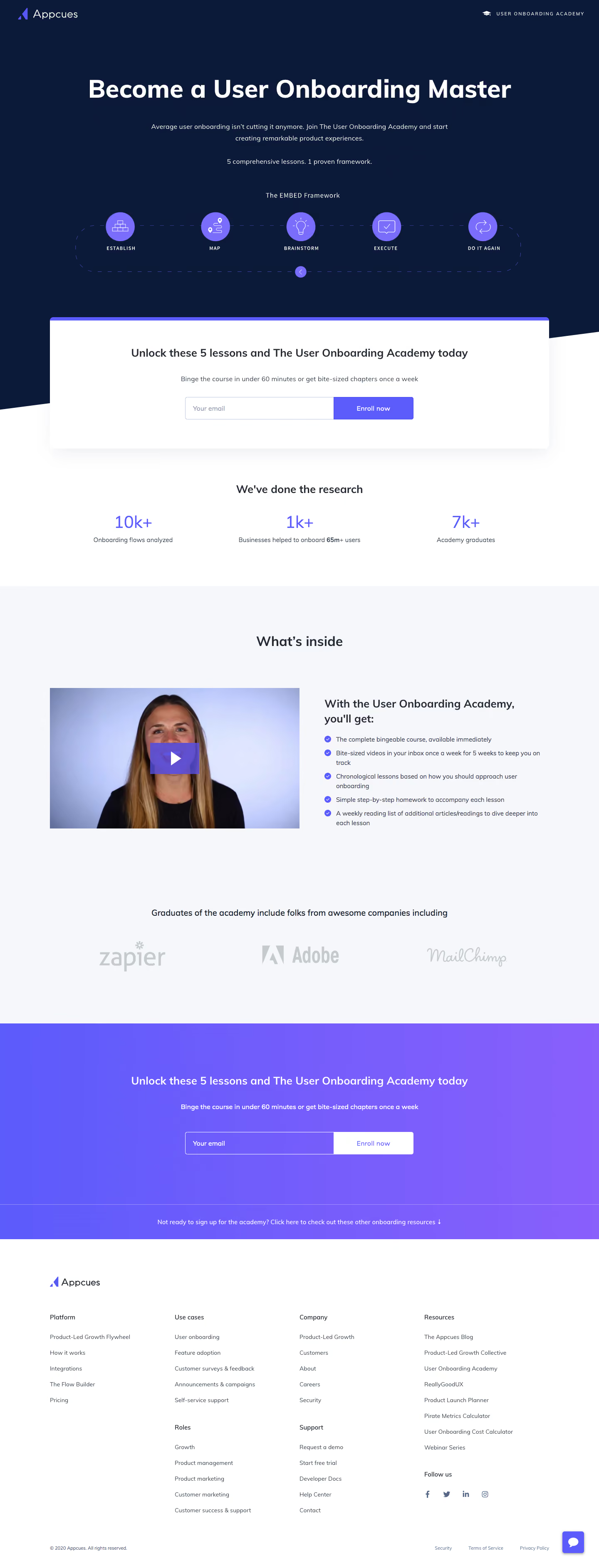

Appcues User Onboarding Academy

Appcues
The Product-Led Growth Platform
Designed by
No items found.
Category
Patterns
No items found.
Tech Stack
Added on
May 9, 2020