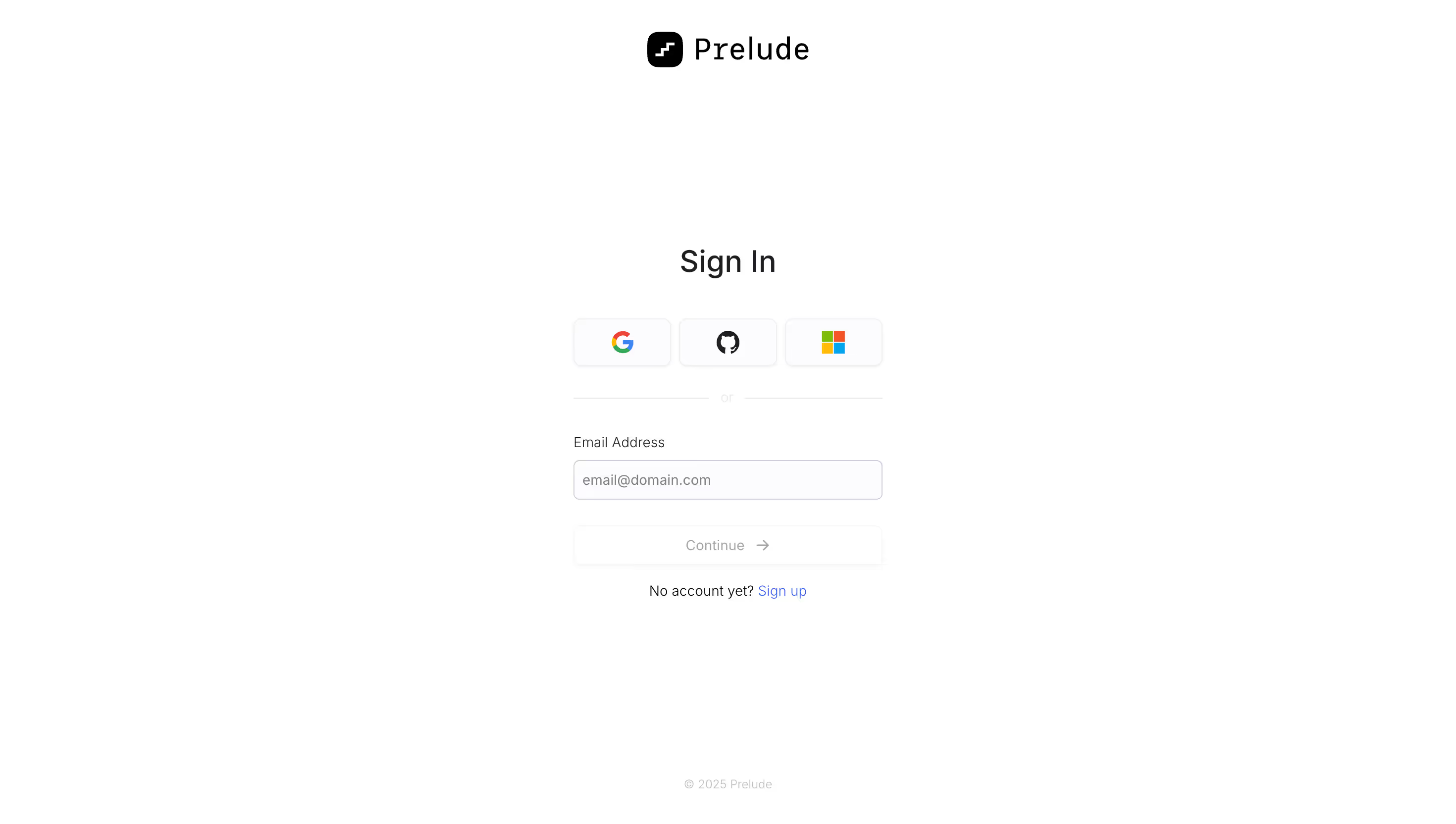
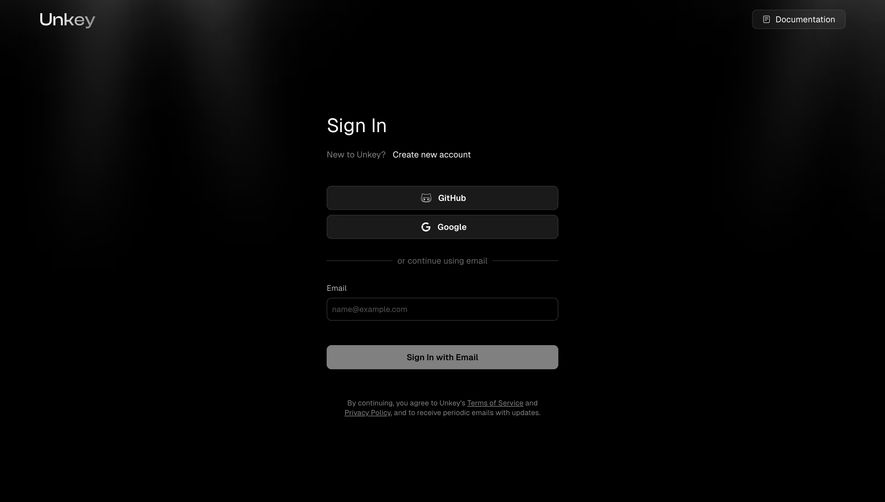
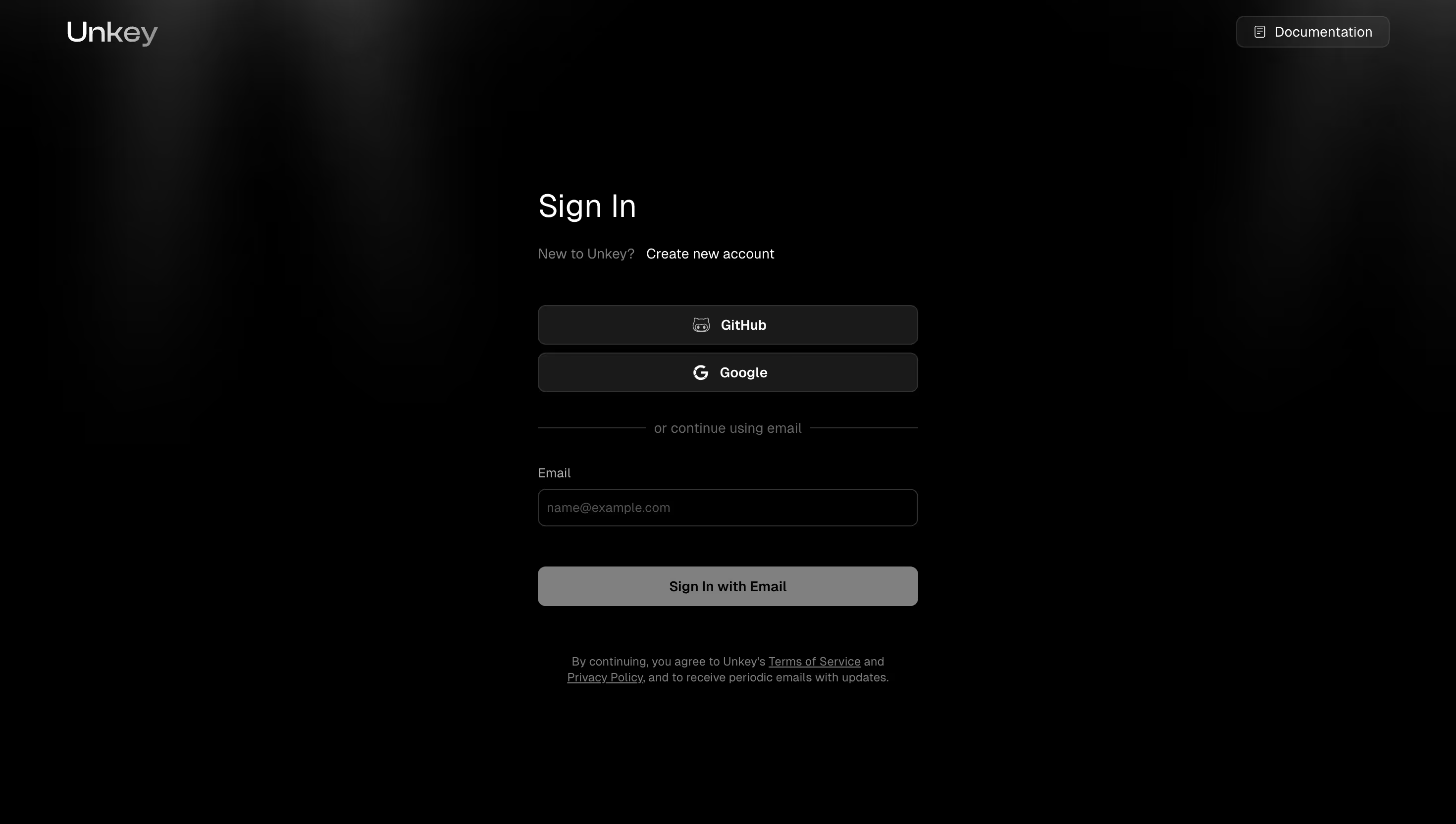
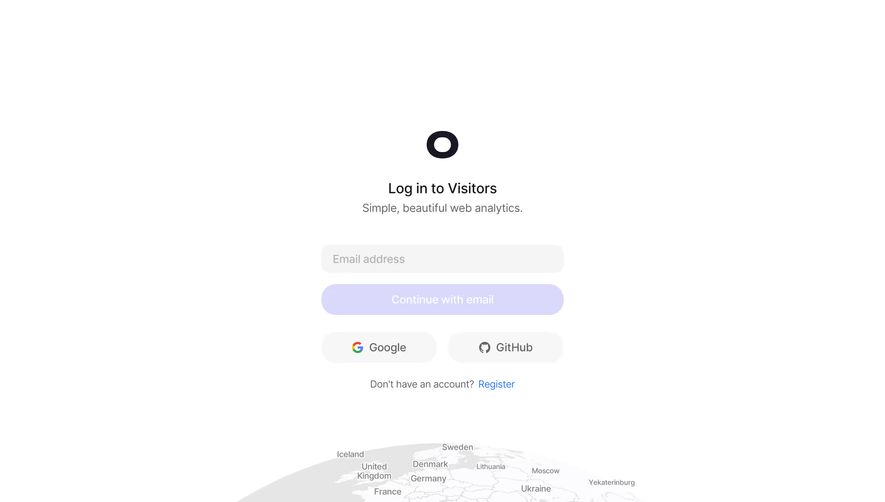
Design secure and accessible SaaS Login and Authentication pages. From SSO (Single Sign-On) buttons to 'Forgot Password' flows, these examples highlight modern security practices with a clean, distraction-free interface.
Browse 60 real SaaS Login with modern UI patterns and conversion strategies.
We sell SaaSFrame licenses on Gumroad, a secured online selling platform for creators.
What about future updates and versions?
SaaSFrame gets updated all the time! Every new update and version will immediately be made available to all SaaSFrame users.
I didn't receive my licence key, what should I do?
The licence key required to create your SaaSFrame account is send by Gumroad once you made your purchase. If this email is blocked by your email client, send me an email at antoine[at]unmake[dot]io so I can resend the licence key.
Can you send me an invoice?
You can generate an invoice on Gumroad once you purchased SaaSFrame. You will find the link in the order confirmation email.
Can I get a refund?
If you're not satisfied, you can ask for a refund within 7 days. Just send me an email at antoine[at]unmake[dot]io
Login Design Guide
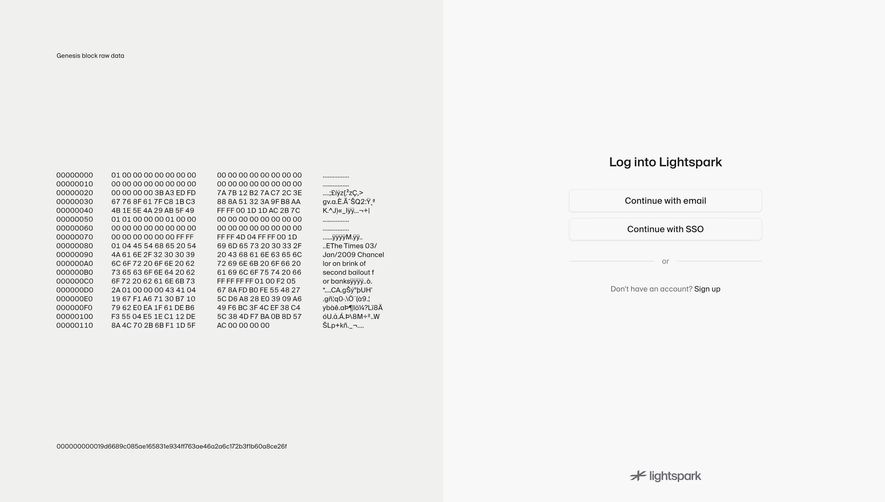
A SaaS login page helps an existing user return to the right account and resume work. Its design should make authentication methods, recovery routes, and the difference between signing in and creating an account clear. A small form can still contain several consequential decisions.
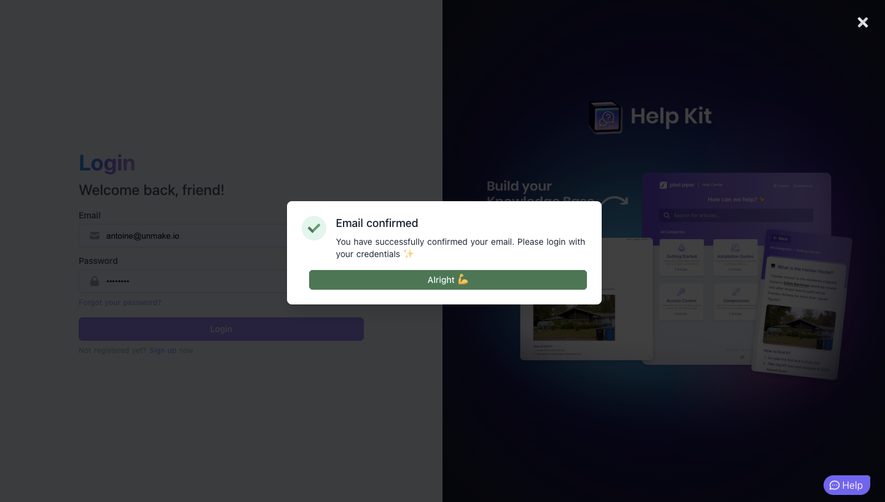
The SaaSFrame references below show different ways to organize that return journey. They demonstrate visible interface choices; they do not establish how the products implement authentication behind the screen.
Start with the returning user's task
A returning user needs recognition and a short route into the product. Keep the form's purpose explicit through its heading and primary action. Avoid a registration message that makes an existing customer wonder whether their account still exists.
Place signup as a secondary route for people who arrived at the wrong entry point. If both routes share a surface, make the active state unmistakable. A person should not discover the distinction only after submitting a familiar email address.
Preserve a useful destination when someone signs in from a shared document or interrupted task. The desired outcome is access to that work, not simply arrival on a generic home screen.
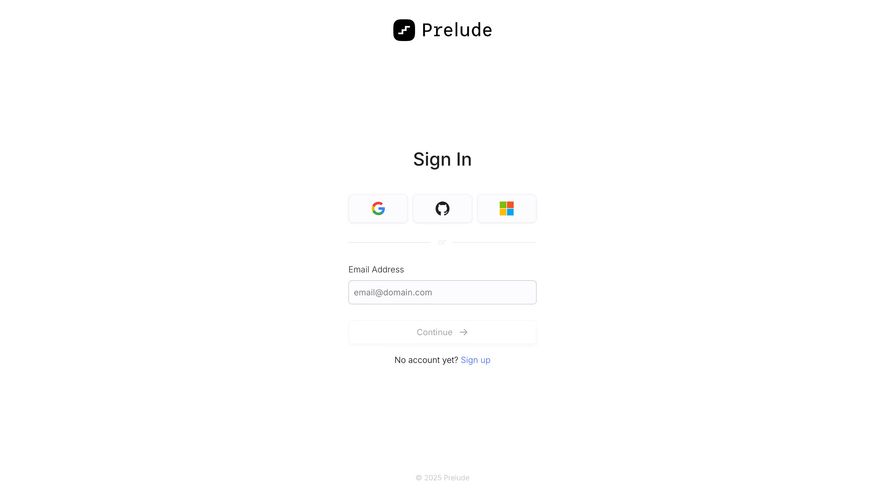
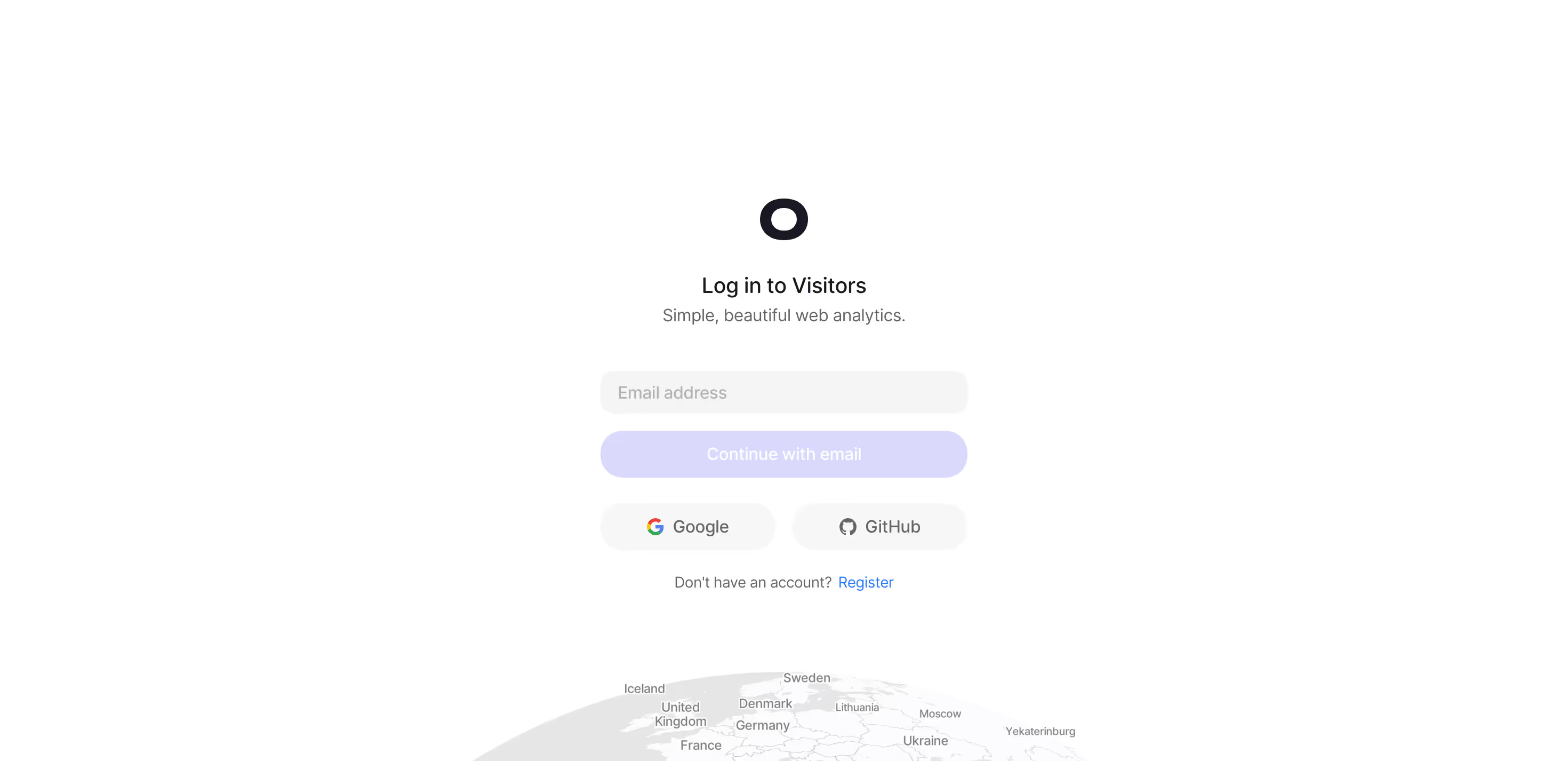
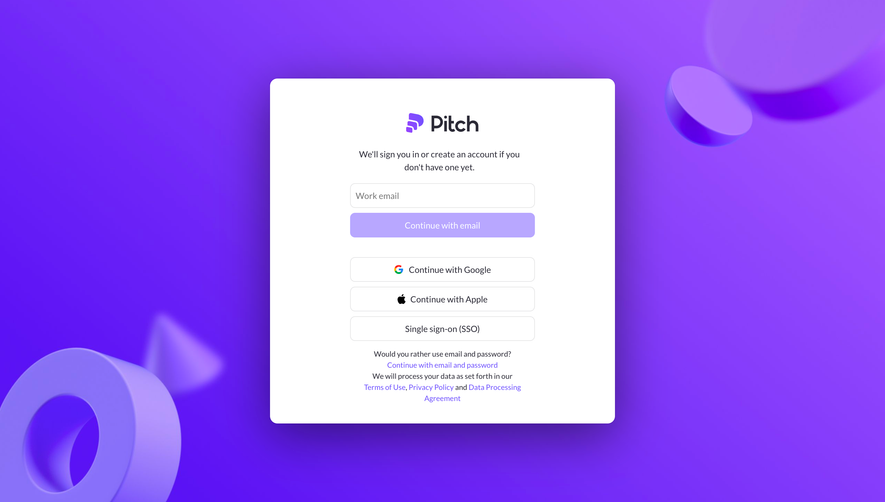
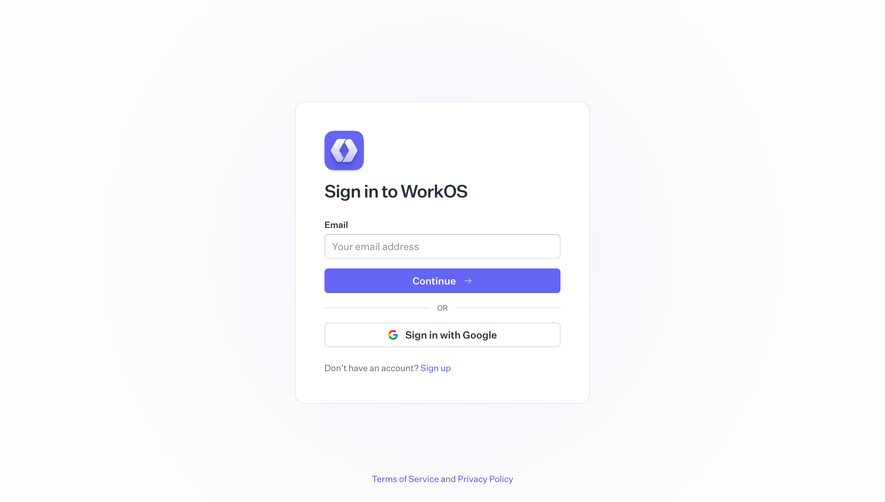
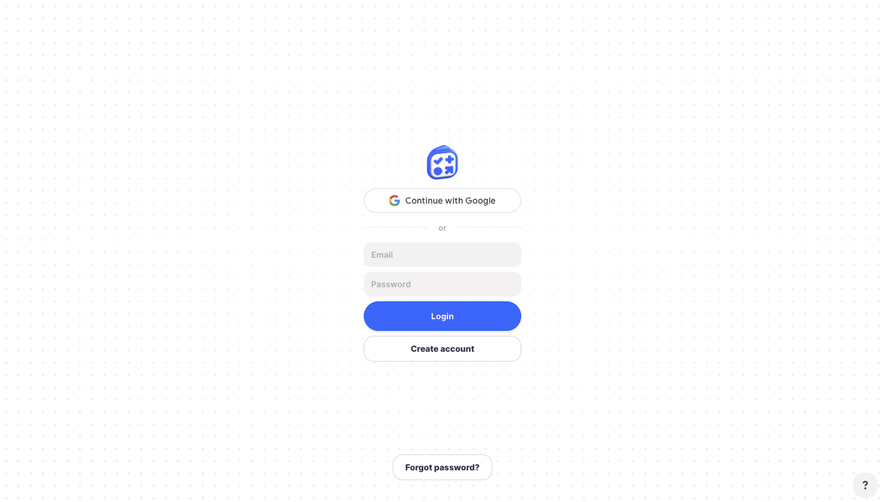
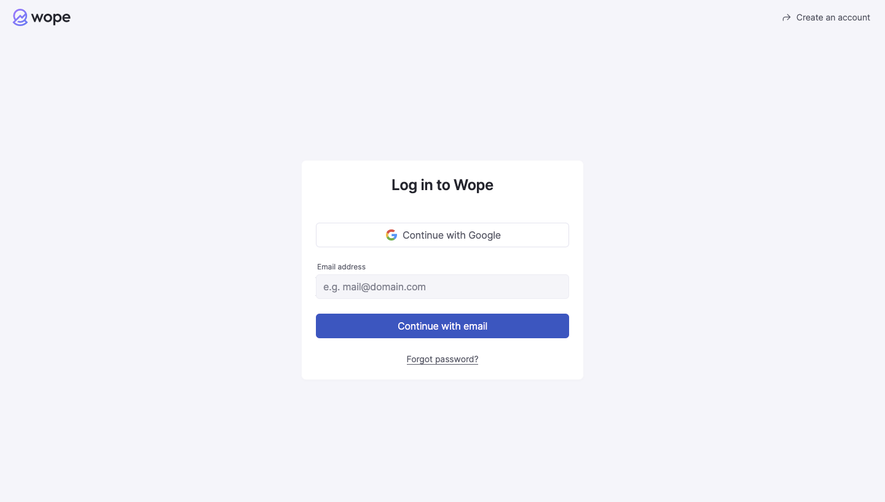
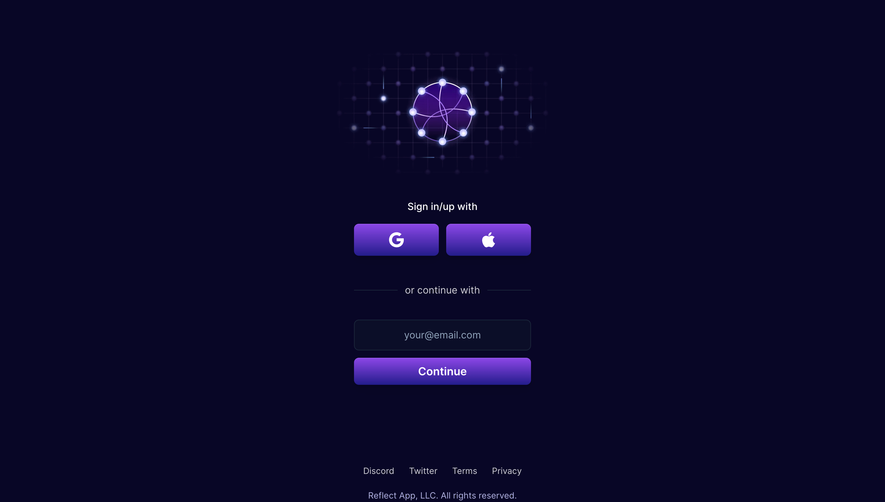
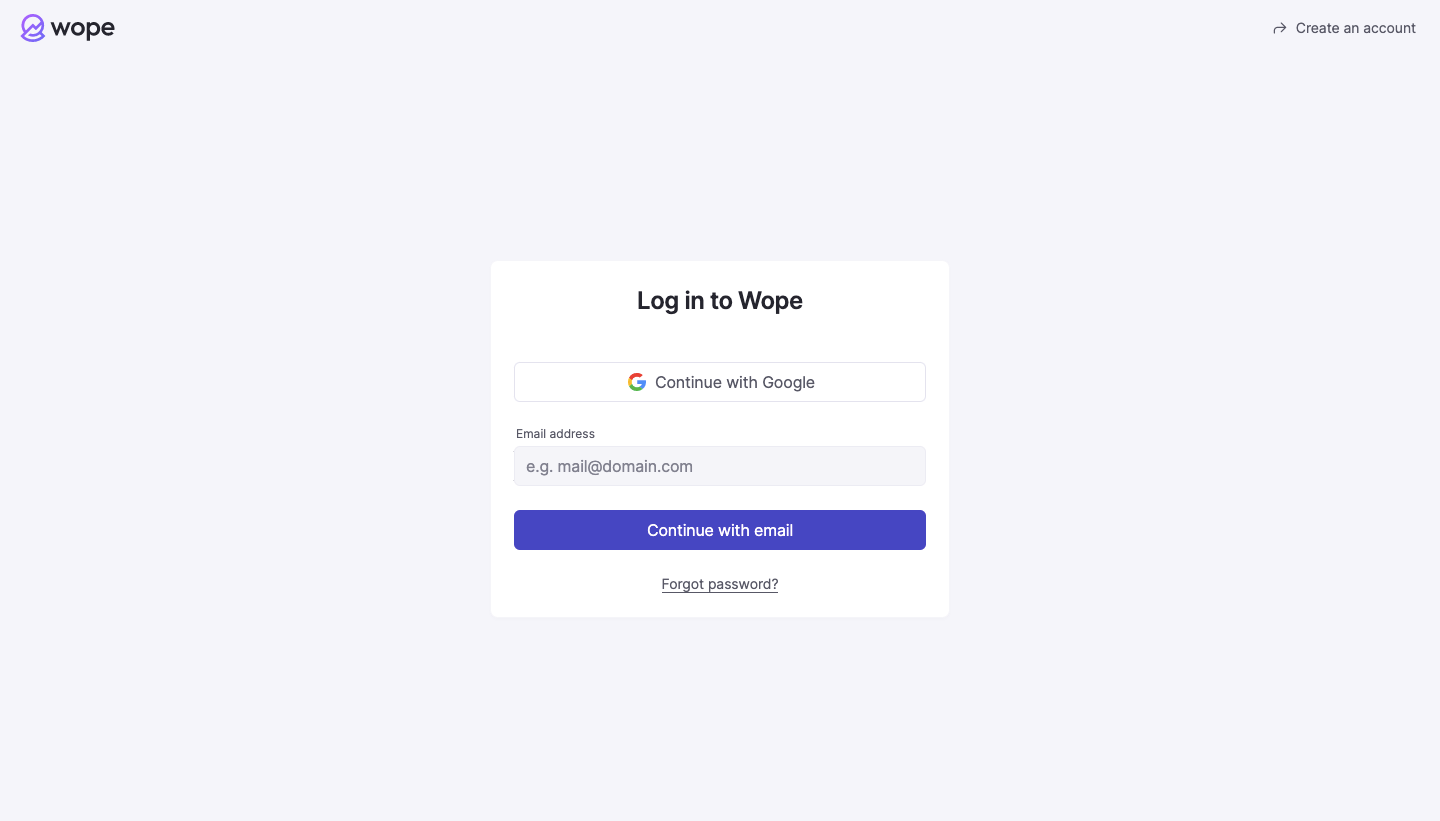
The Wope capture presents a Google option alongside an email route. The card's continuation action lets the interface begin with identity information rather than exposing every possible authentication field at once.
This structure can simplify the first decision, but the next step must remain predictable. Explain what will happen after email entry when the product can require a password, an email link, or an organization-specific method. Progressive disclosure should reduce uncertainty rather than move it to the next screen.
Provider options also need distinct labels. Use recognizable names and make their relationship to the email route clear. Users may remember how they created an account even when they do not remember a password.
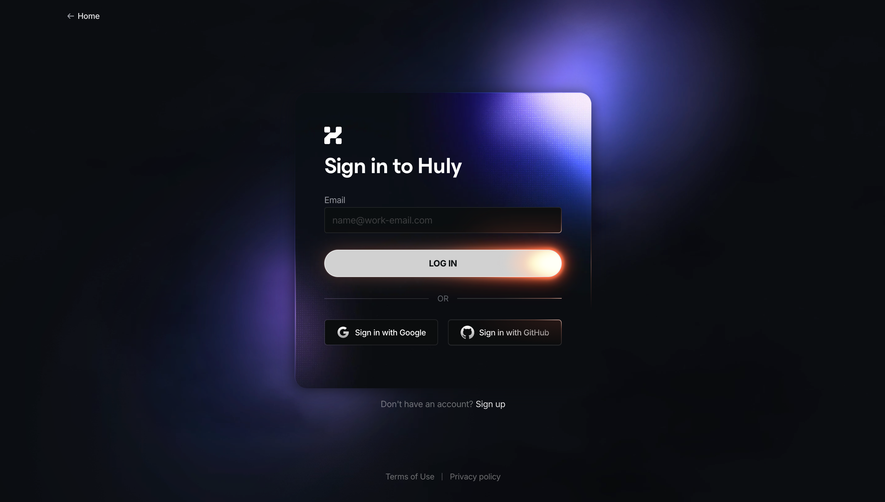
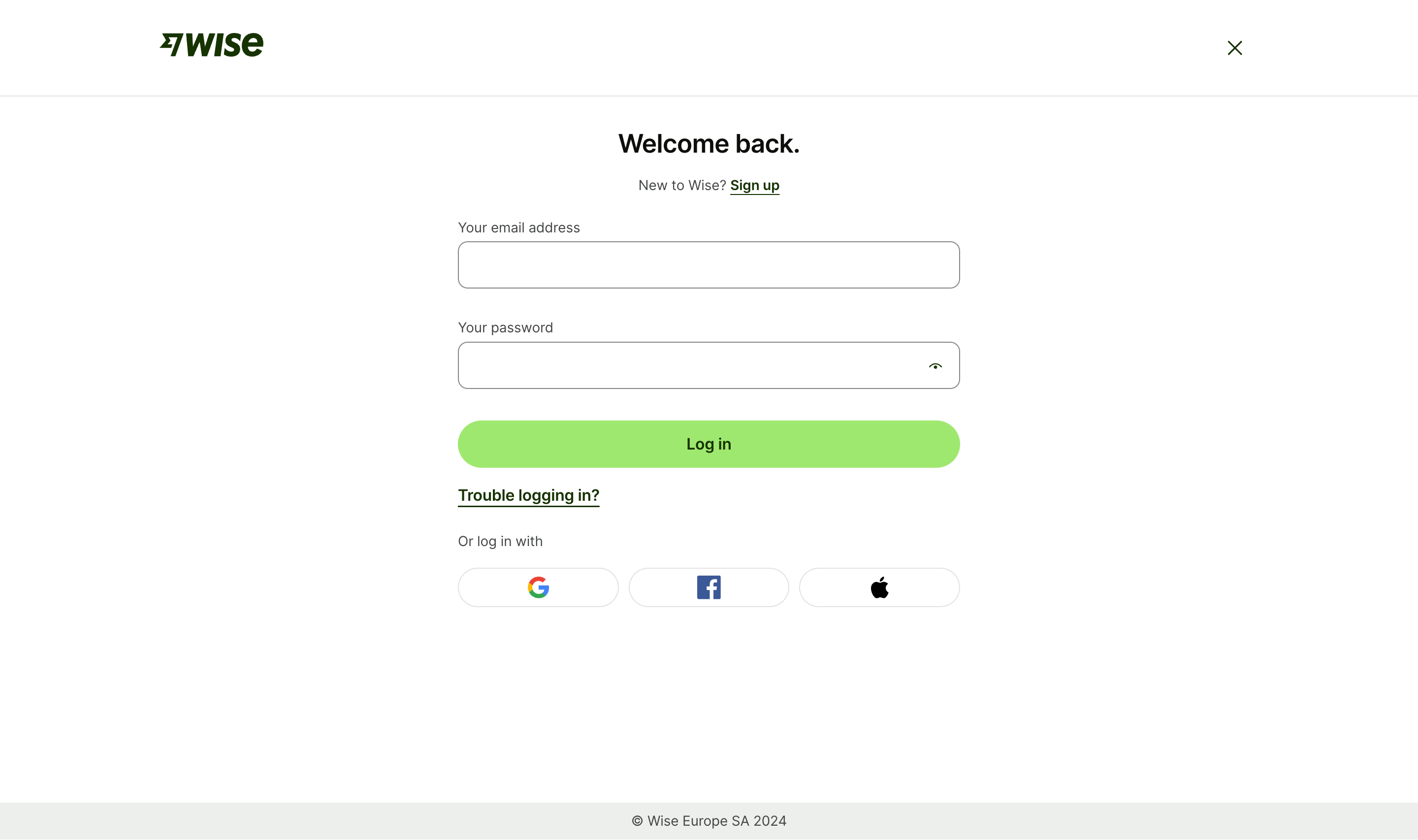
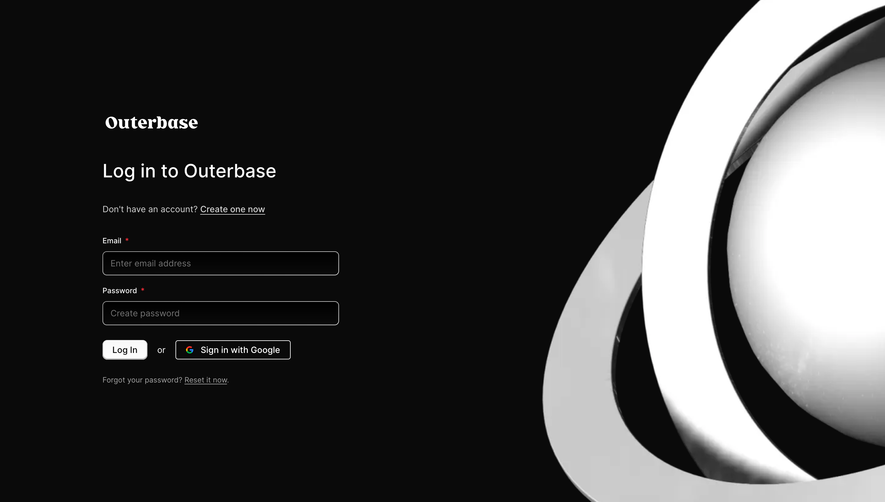
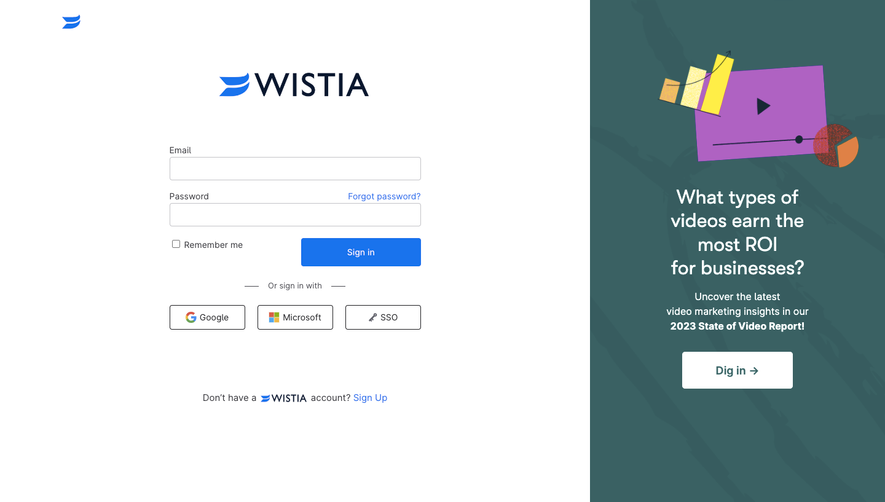
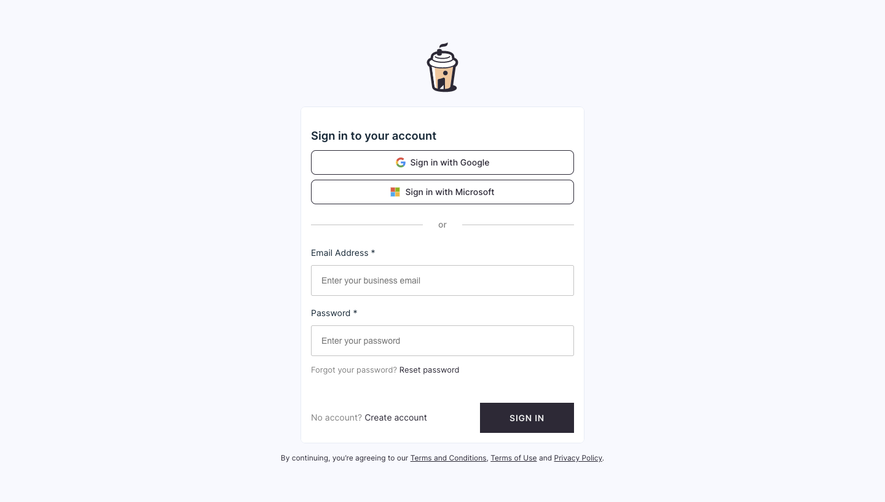
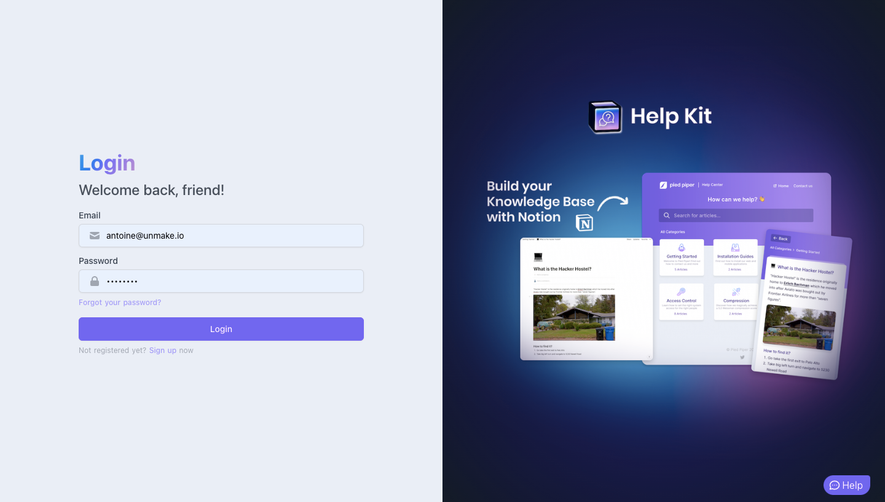
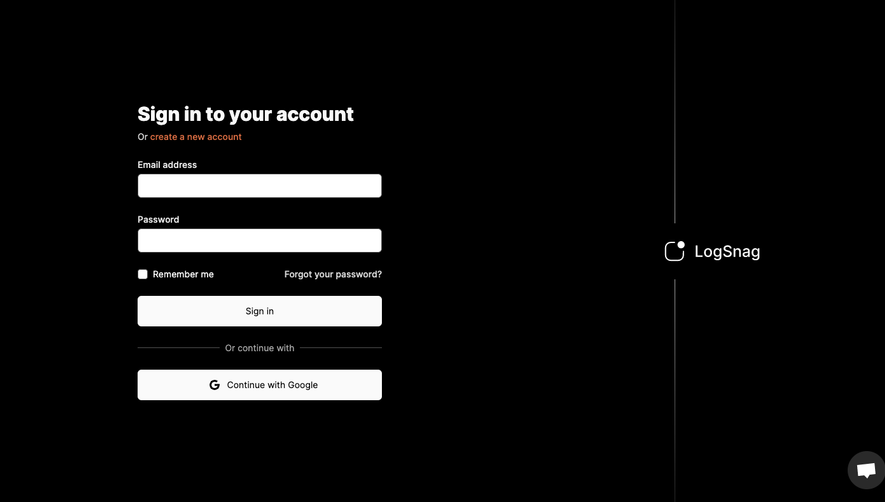
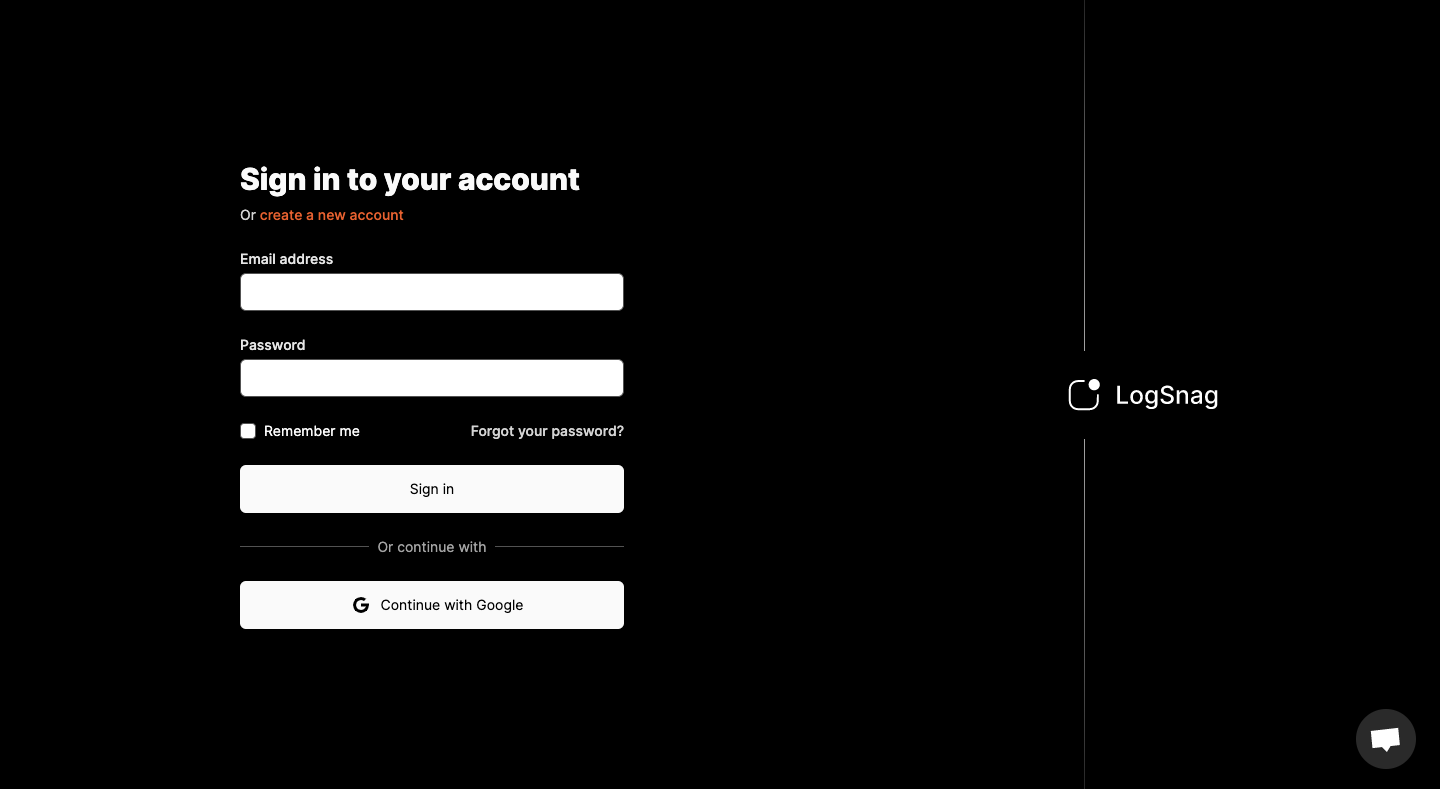
The LogSnag reference shows a sign-in form with email and password, a remember-me choice, password recovery, and a Google alternative. Branding occupies a separate region while the authentication task stays compact.
The form gathers the information required for its visible method in one place. The tradeoff is a denser initial surface than an email-first flow. Choose based on the actual method mix and the frequency with which users need organizational routing.
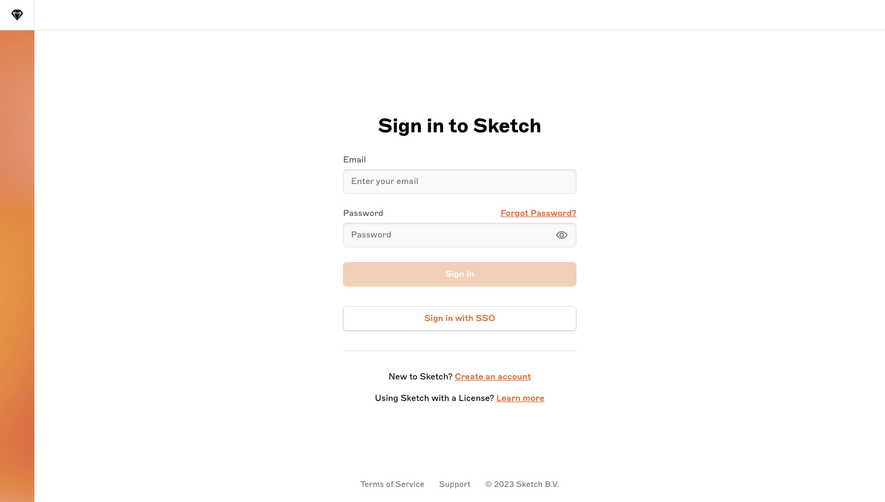
Labels should remain visible after entry, and password visibility controls should have an understandable purpose. Keep validation attached to the affected field while preserving enough context to correct the problem.
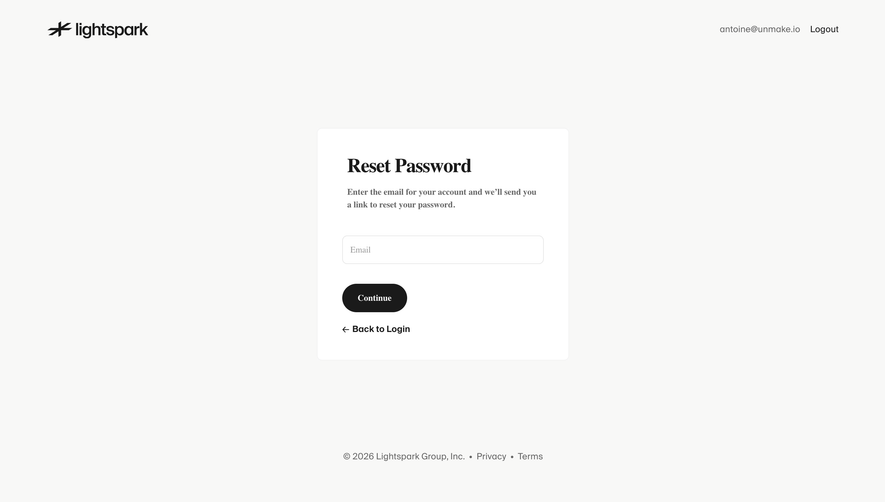
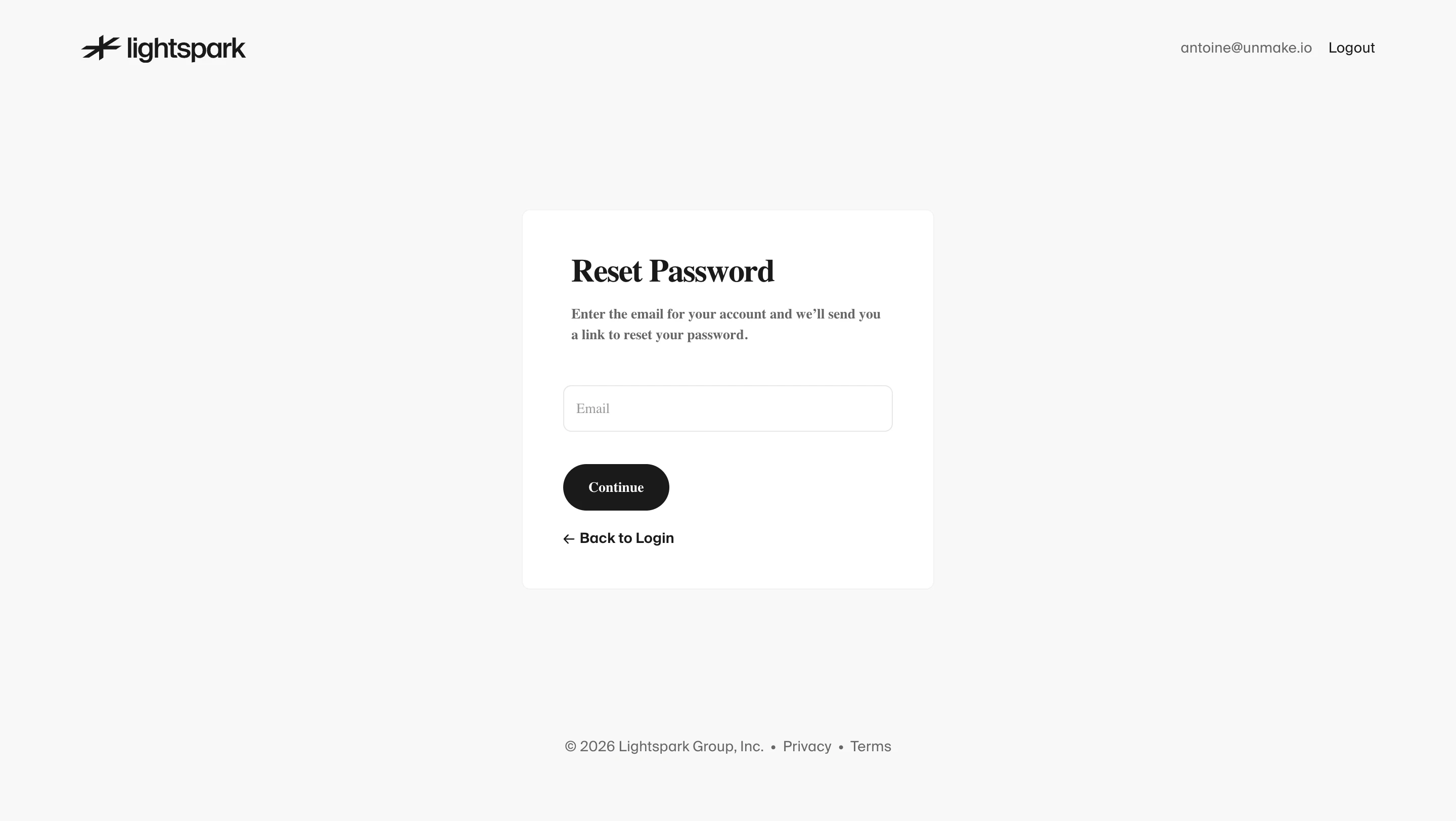
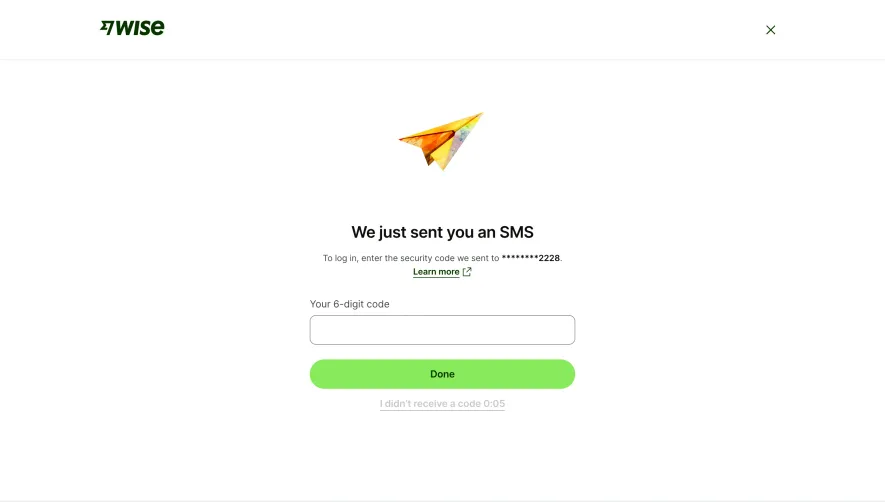
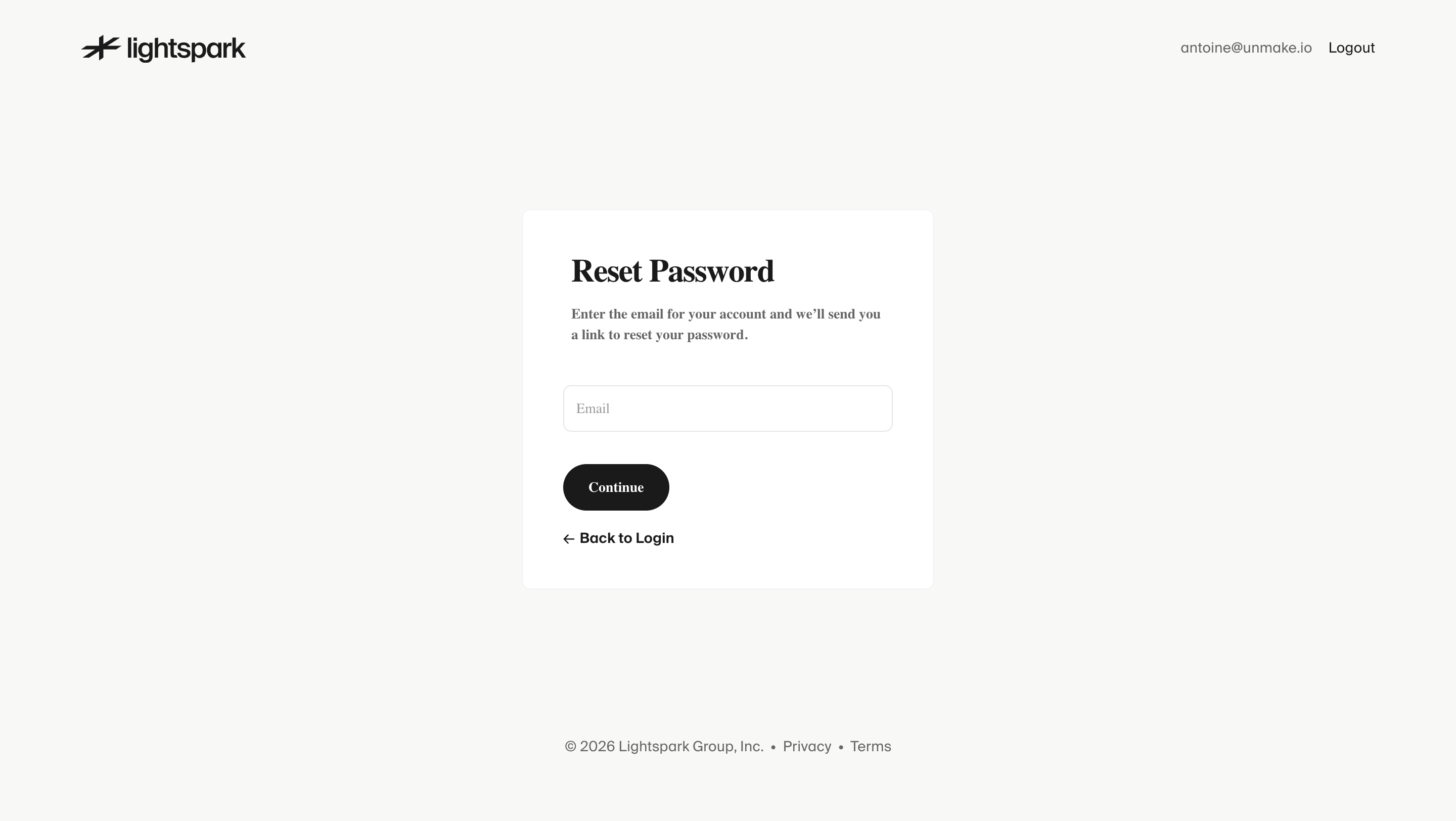
The Lightspark reset-password capture asks for an email address, explains that a reset link will be sent, and provides a route back to login. It is a recovery screen, not evidence that the password has already changed.
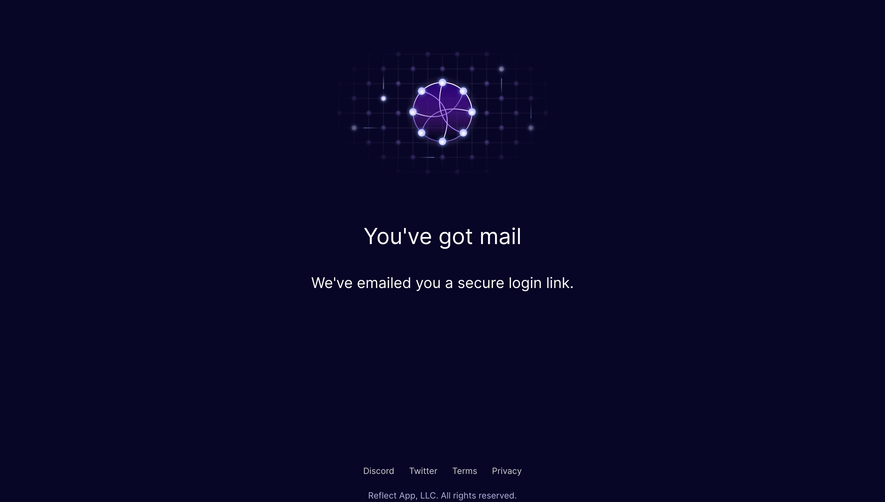
A complete recovery journey needs separate states for request submission, email delivery instructions, link expiry, and a completed change. Describe the state the product can establish at each step. Sending a request does not prove receipt.
The back route matters because users may remember their password or realize they used a provider instead. Help them return without forcing a fresh navigation through the marketing site.
Explain organization-specific access
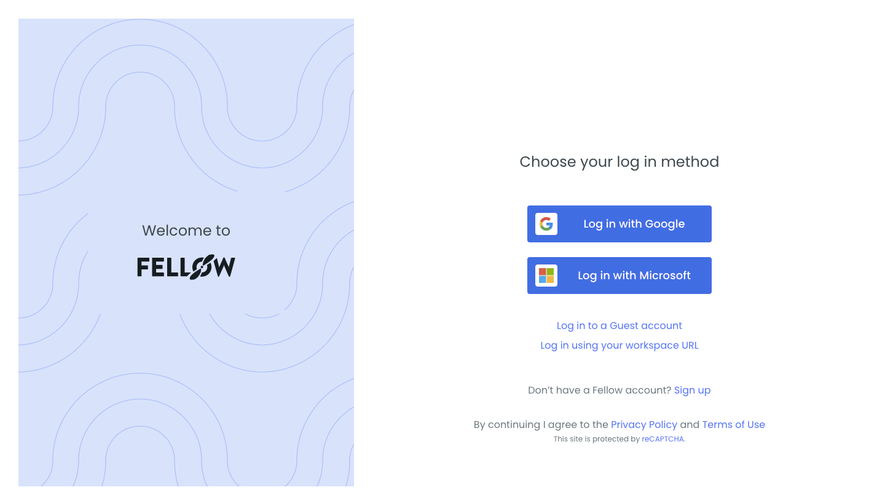
For business software, the same email domain may lead to single sign-on or a workspace selection. Ask for the minimum information needed to route the user, then identify the organization or method clearly.
Avoid promising that a general password form works for every account. If an organization enforces a different method, explain the route to that method and provide a useful recovery path for configuration problems.
Workspace selection and identity authentication are related but different tasks. Keep their headings and outcomes distinct so users know whether they are choosing an organization or proving access to an identity.
Use actionable error feedback
Errors should help users decide whether to correct entry, try another method, recover access, or wait before retrying. The precise wording must fit the product's authentication and privacy model.
Keep submitted information when appropriate so a temporary failure does not require repeating the entire form. Avoid presenting an uncertain network response as a definite wrong-password result.
A loading state should also prevent confusing duplicate submissions while explaining that an attempt is underway. If the operation fails, restore an available action with a clear next step.
Balance convenience with context
A remember-me choice needs understandable scope. People may use personal, shared, or managed devices, so a convenience option should not be explained as universally preferable.
Similarly, provider sign-in can reduce password entry but adds a handoff. Make the provider action recognizable and ensure users can understand a cancelled or unsuccessful return.
Design for interruption. Someone who closes a provider window or switches devices should still have a clear route back into the task.
Keep the screen usable on smaller devices
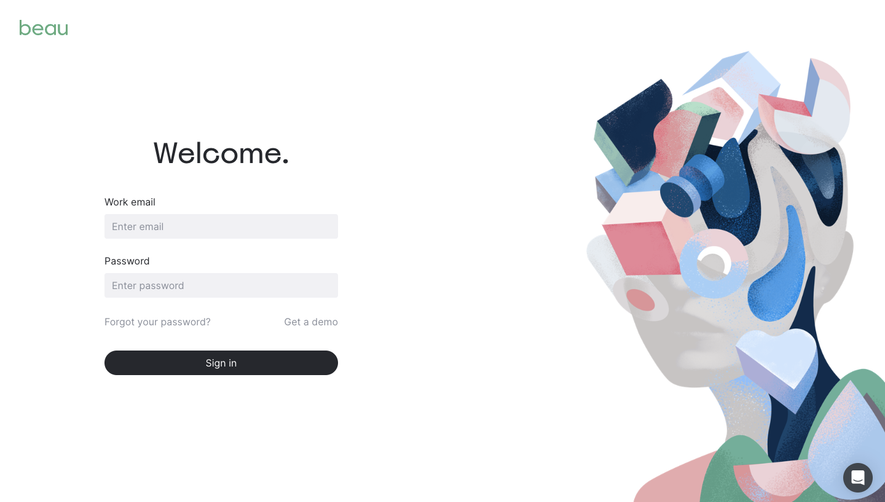
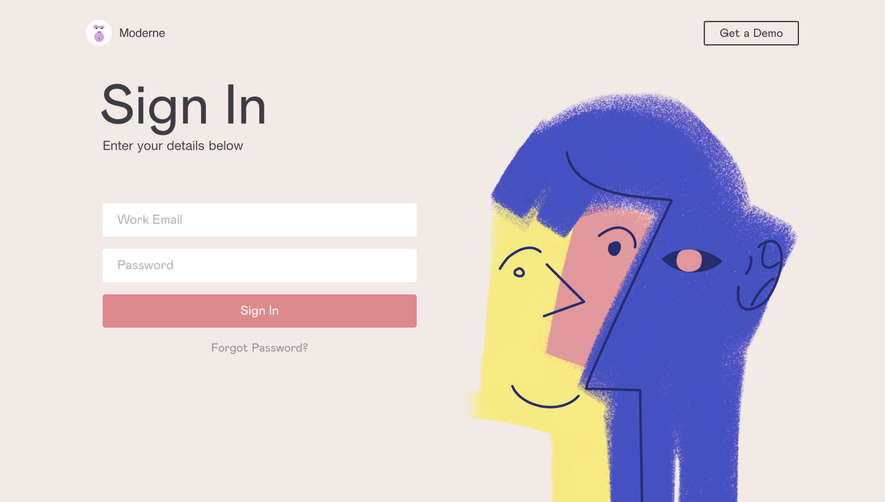
Prioritize the form, heading, and recovery controls when space narrows. Decorative artwork should not push the primary task beneath a long scroll or interfere with the keyboard.
Check labels, focus order, error announcements, and the layout with browser zoom. Keyboard and assistive-technology users need the same distinction between primary authentication and secondary routes.
Do not treat a static desktop reference as proof of mobile usability. Use the screenshot to study hierarchy, then validate the implementation across actual entry and error states.
Review the whole return journey
Test successful access, wrong or incomplete input, provider cancellation, password recovery, expired links, and organization routing. Verify where users land after each successful method.
Review the copy alongside those states. A concise page becomes confusing when its button promises one outcome but its next step performs another.
Use SaaSFrame's login references to compare method hierarchy and recovery placement. The useful question is which structure fits your account model and helps a returning user resume work.
Login page questions
Should login and signup share a screen?
They can share a surface when the active task and secondary route remain clear. Avoid a single ambiguous action that leaves existing users unsure whether they are creating a duplicate account.
Is an email-first flow always simpler?
It simplifies the first screen but adds a step. It is most useful when email determines the required method or workspace; otherwise, a familiar complete form may be easier to understand.
Where should password recovery appear?
Place it near the password task and keep a route back to login on the recovery screen. Explain the pending and completed states separately.
.webp)