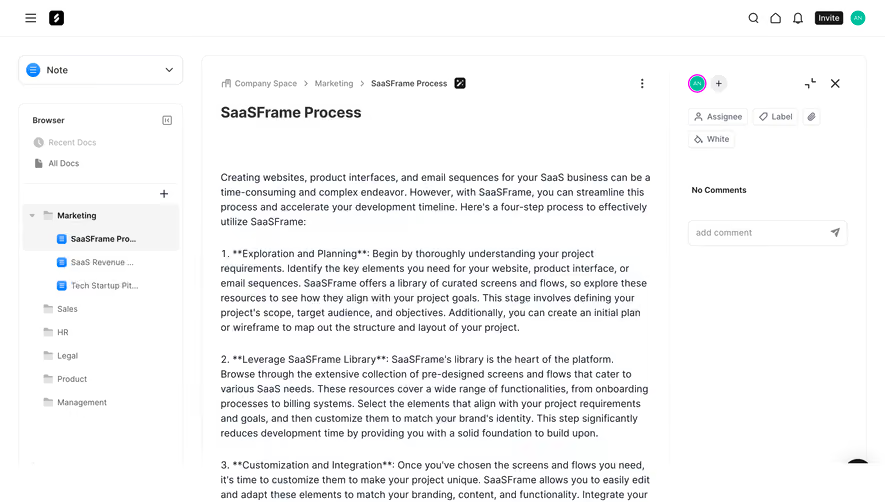
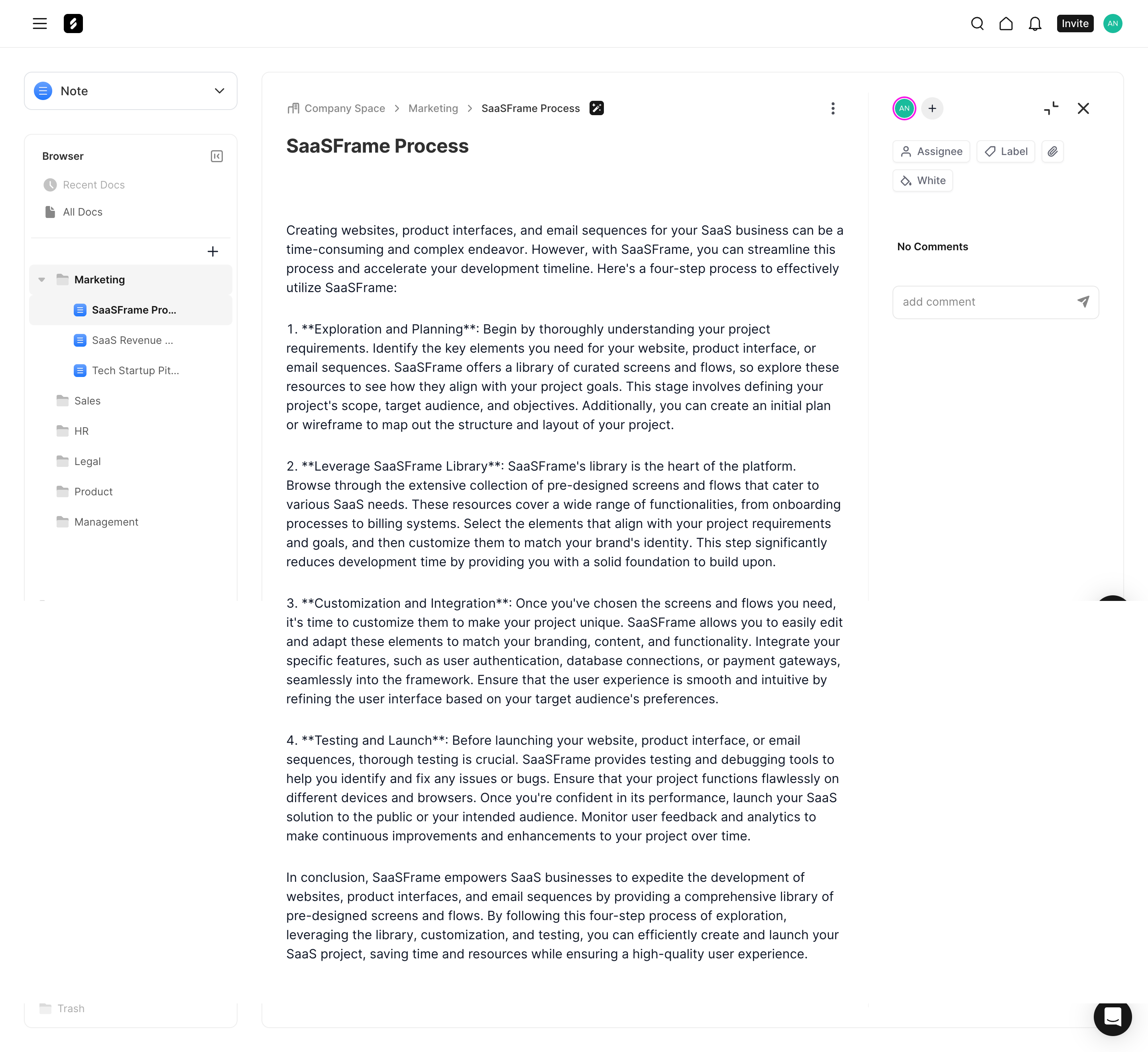
Enhance productivity with powerful SaaS Editor and Canvas UI designs. From block-based text editors to drag-and-drop design canvases, explore how top tools manage complex toolbars, properties panels, and real-time collaboration.
Browse 29 real SaaS Text Editor with modern UI patterns and conversion strategies.
We sell SaaSFrame licenses on Gumroad, a secured online selling platform for creators.
What about future updates and versions?
SaaSFrame gets updated all the time! Every new update and version will immediately be made available to all SaaSFrame users.
I didn't receive my licence key, what should I do?
The licence key required to create your SaaSFrame account is send by Gumroad once you made your purchase. If this email is blocked by your email client, send me an email at antoine[at]unmake[dot]io so I can resend the licence key.
Can you send me an invoice?
You can generate an invoice on Gumroad once you purchased SaaSFrame. You will find the link in the order confirmation email.
Can I get a refund?
If you're not satisfied, you can ask for a refund within 7 days. Just send me an email at antoine[at]unmake[dot]io
Text Editor Design Guide
A SaaS text editor helps users create and maintain written content within a product workflow. It may support notes, knowledge documents, emails, or structured briefs. The editor's quality depends on preserving text, making formatting understandable, and connecting the document to its surrounding work.
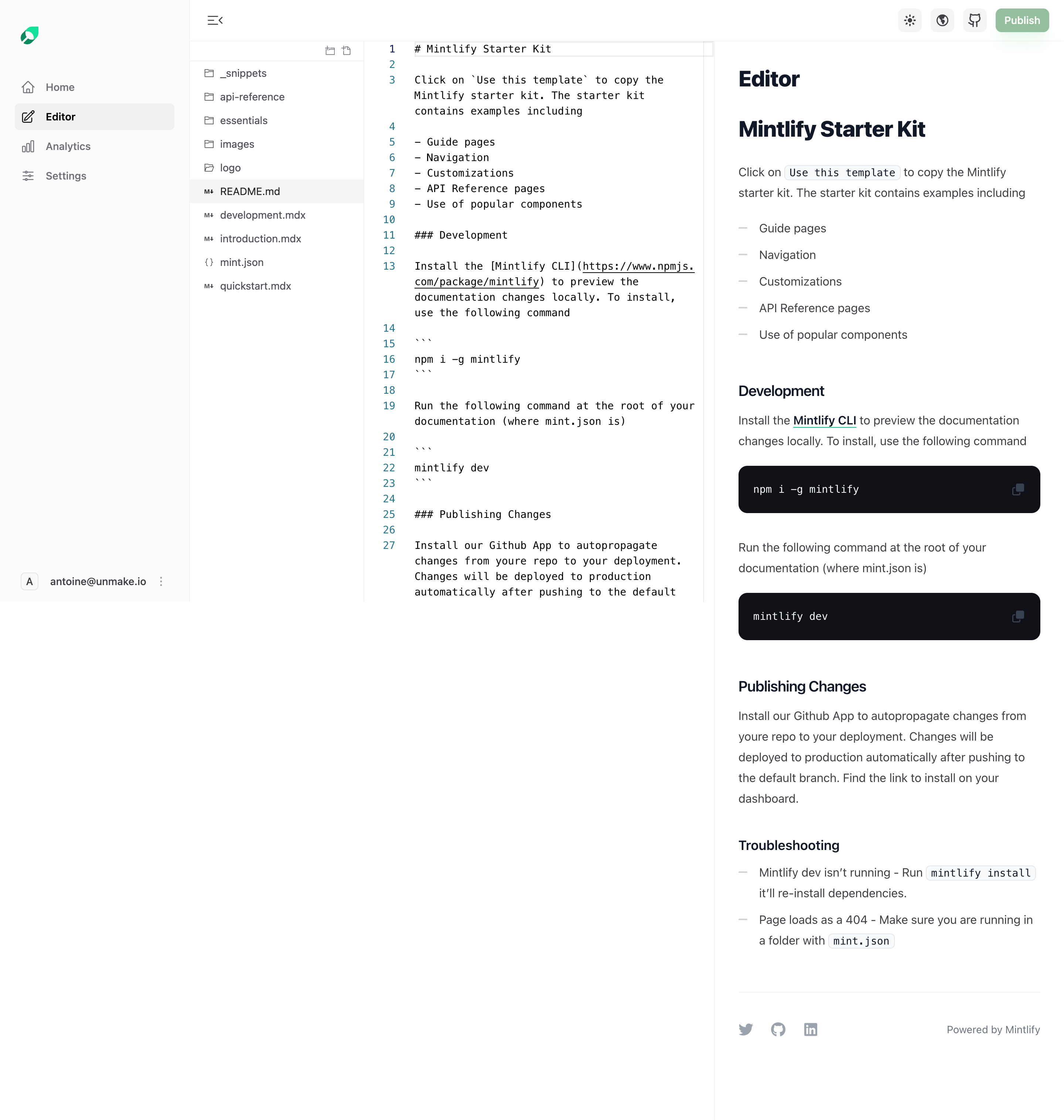
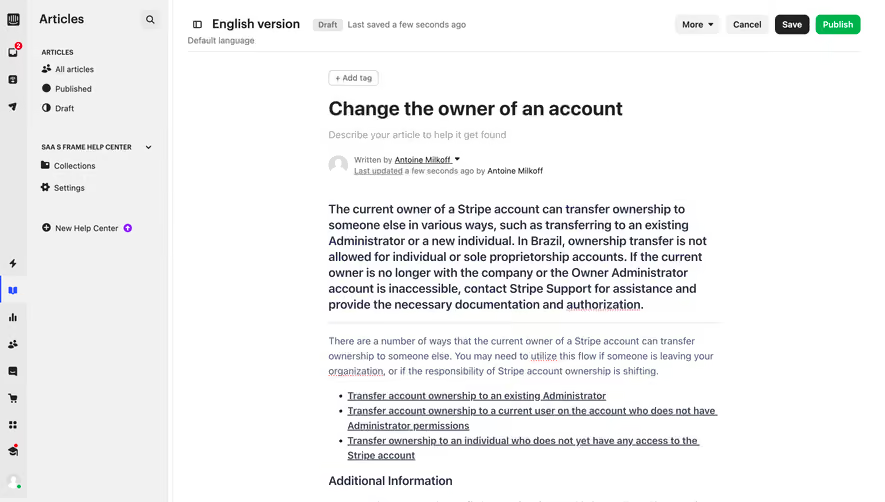
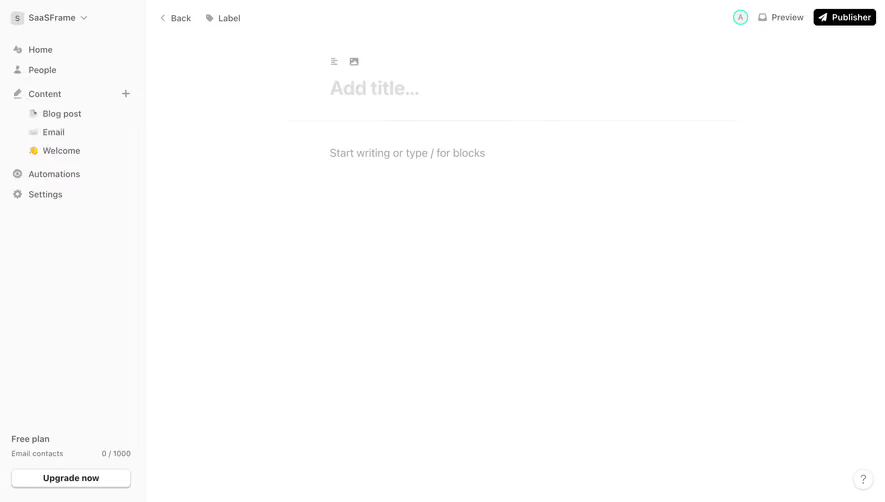
The SaaSFrame references include a collaborative document, an email composition screen, linked notes, and a content brief. They demonstrate different relationships between writing and product context. A visible toolbar is only one part of the editing experience.
Define the content users are creating
A note, campaign email, and publishable brief have different requirements. Decide what structure, metadata, and validation belong to the object before choosing an editor interface.
Separate document content from surrounding fields. An email subject is not simply the first heading of the body. A document title may affect navigation and search in addition to the visible text. Explain the relationship where it is not obvious.
Keep the writing surface central. Navigation and workflow controls should support the task without crowding every paragraph. The appropriate balance depends on whether users are composing, reviewing, or managing a library.
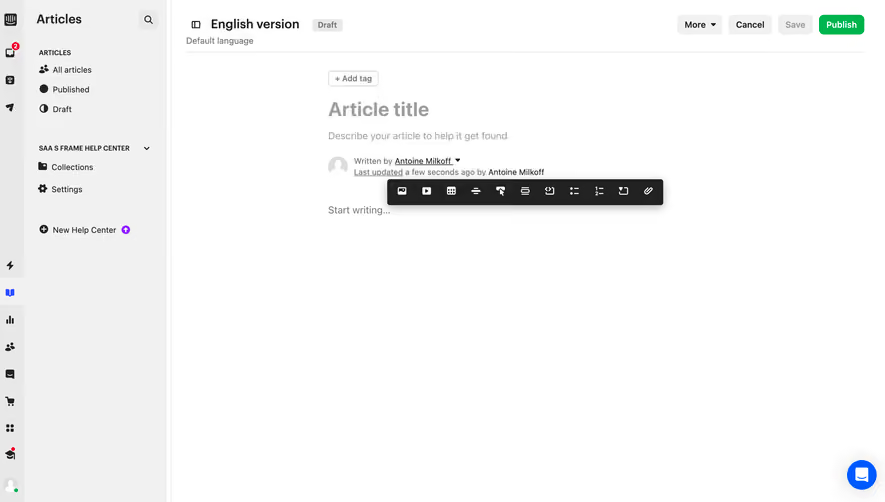
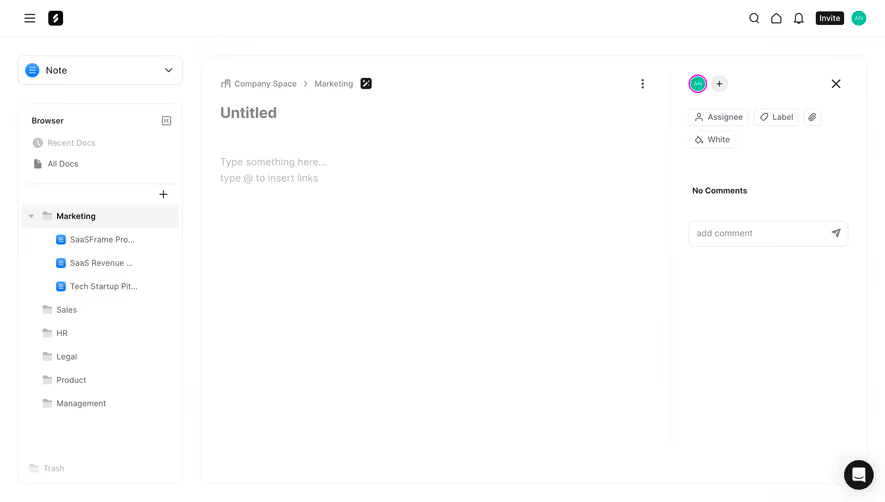
Make the empty state easy to begin
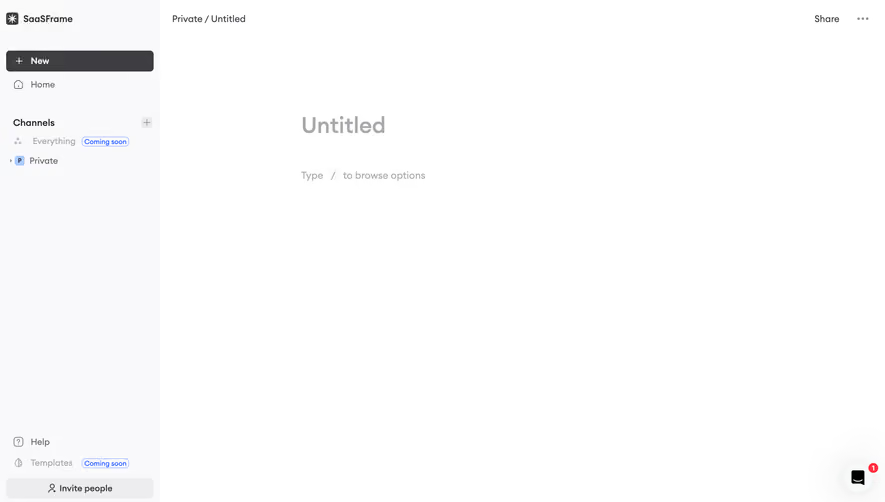
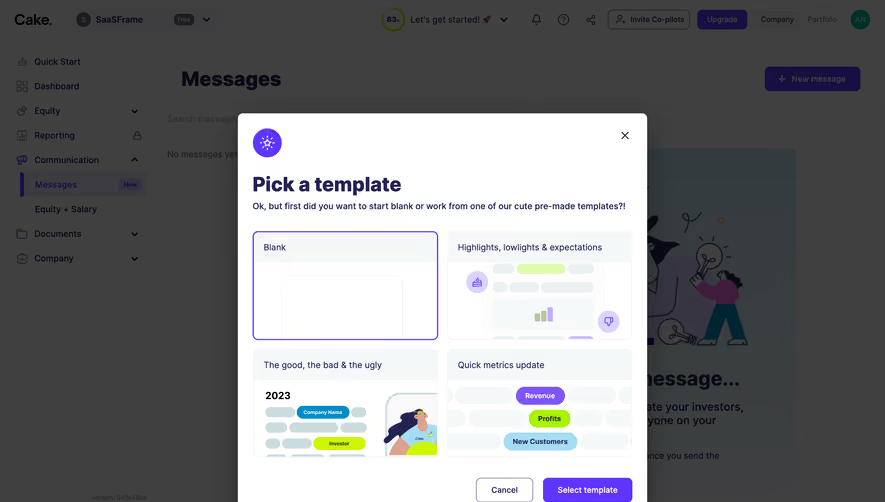
A blank editor can feel ambiguous when the product supports many block types or formatting choices. Provide a useful placeholder or starter structure that explains the first action without becoming content users must delete.
Use templates when they reduce genuine setup work. Label sample text and allow it to be changed. An empty note should not imply that a user needs to understand every editor capability before writing a sentence.
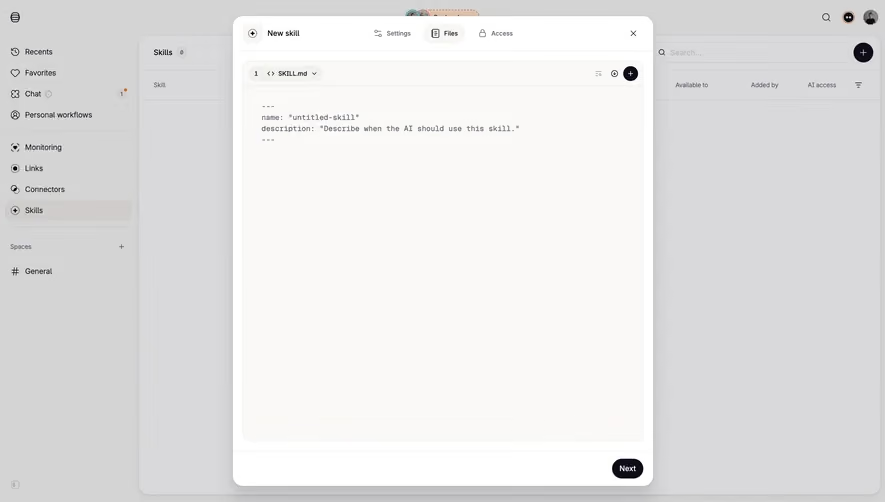
Keep the creation state distinct from saved work. Users should know whether they are editing an existing object or beginning a draft that has not yet been named or persisted.
Study a document embedded in a knowledge workspace
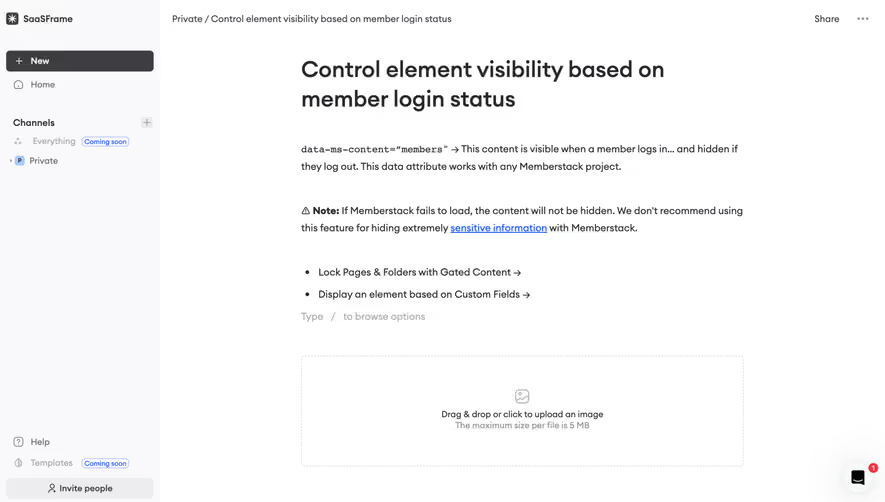
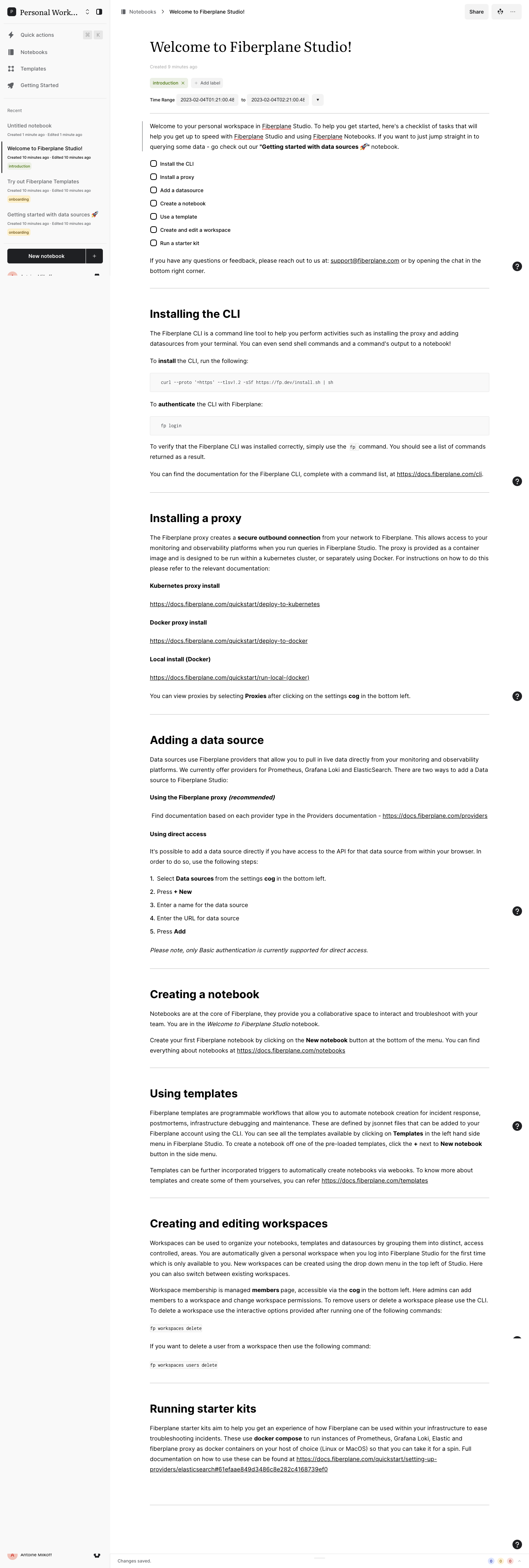
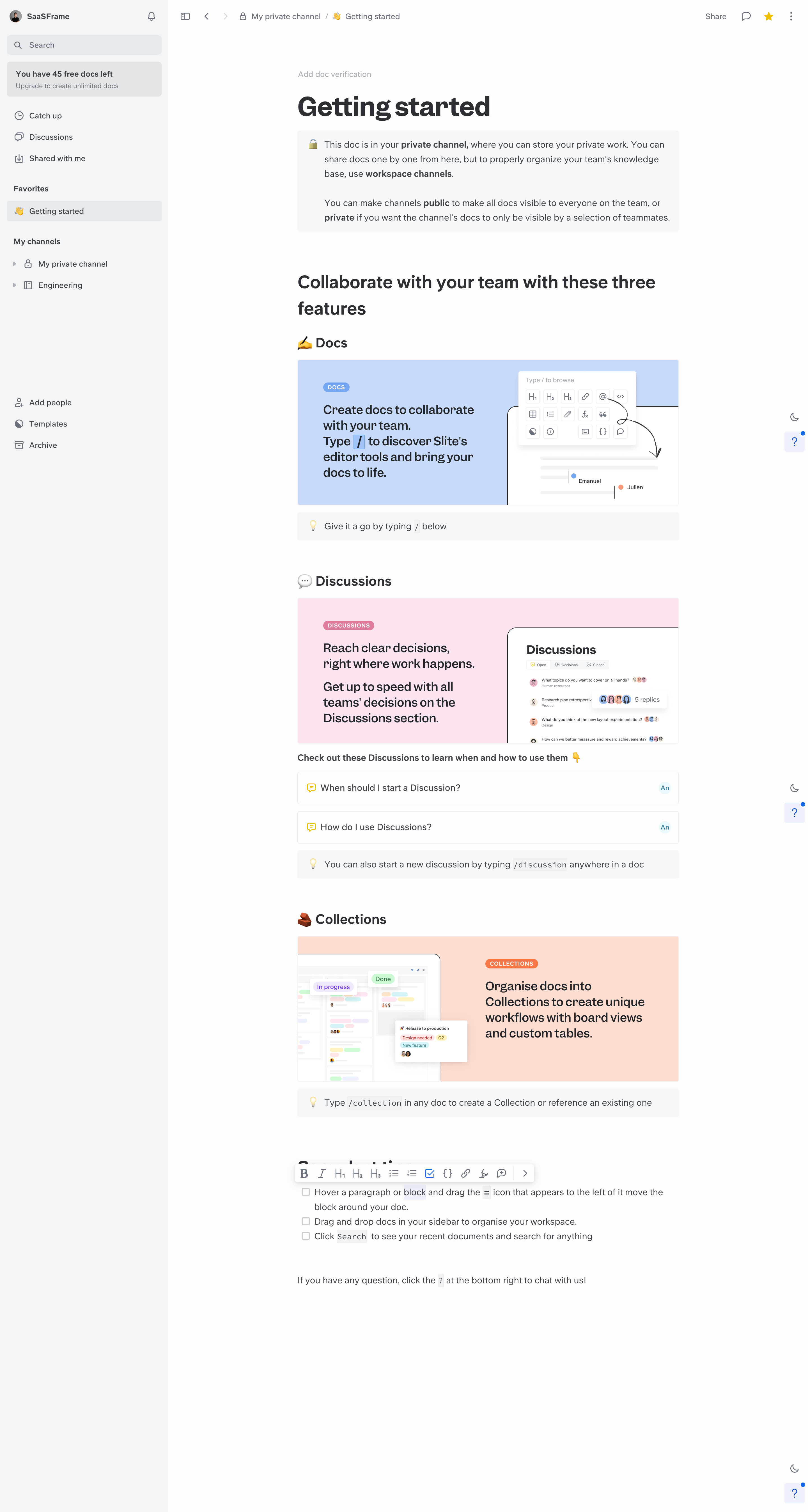
The Slite capture places a getting-started document within channel navigation. The content explains private and shared contexts and introduces editor tools through the document itself. Sharing and verification-related controls sit near the document heading.
This demonstrates how writing can be connected to knowledge organization. The document's location and sharing state matter alongside its paragraphs. An editor should not make every piece of content look equally public or private.
When adapting the structure, keep location and access inspectable. Moving a document between channels can have consequences beyond changing its sidebar position. The writing surface should remain readable while those controls are available.
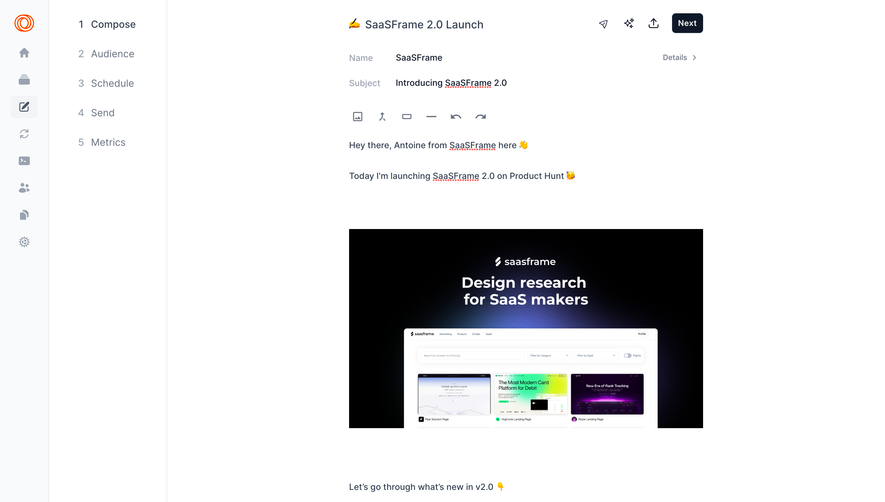
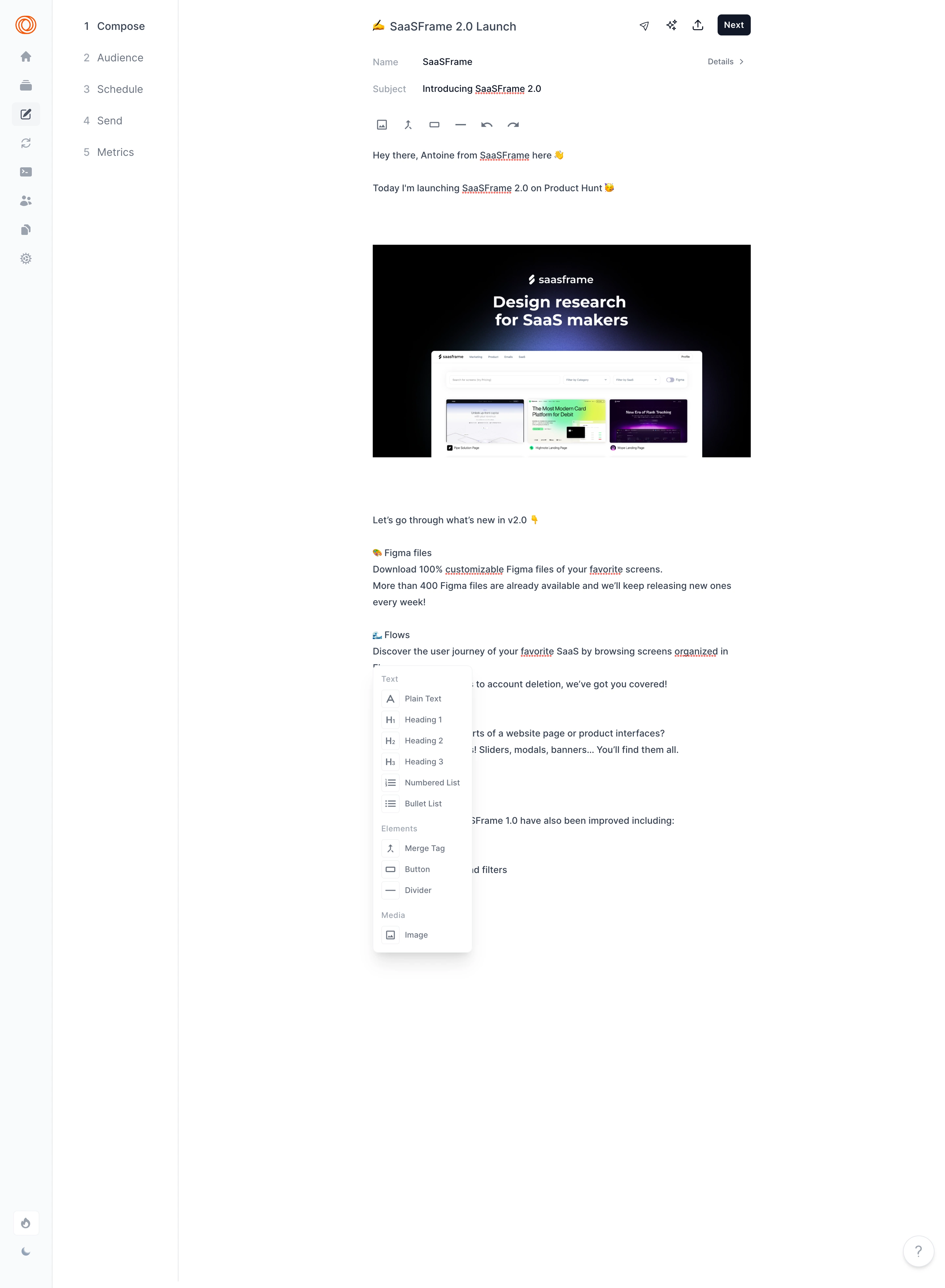
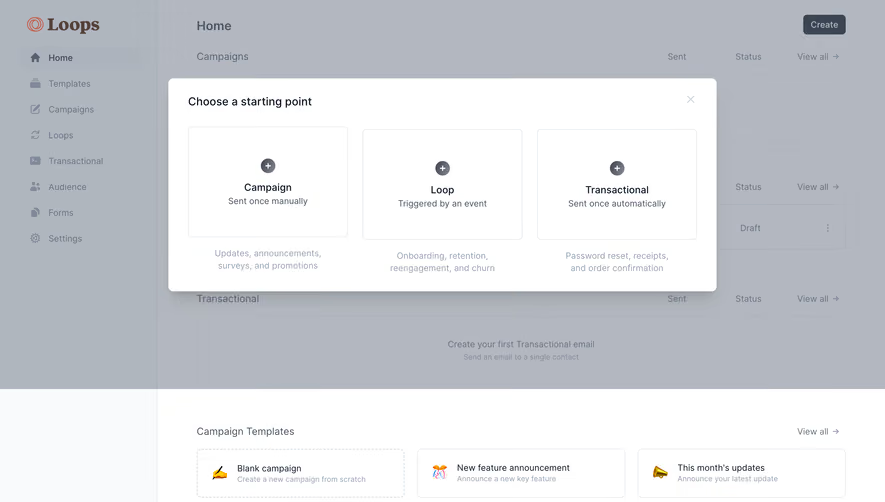
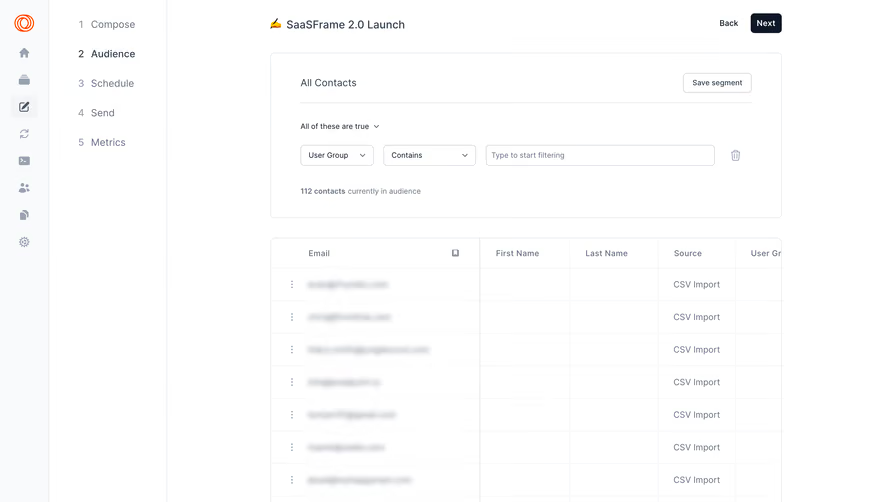
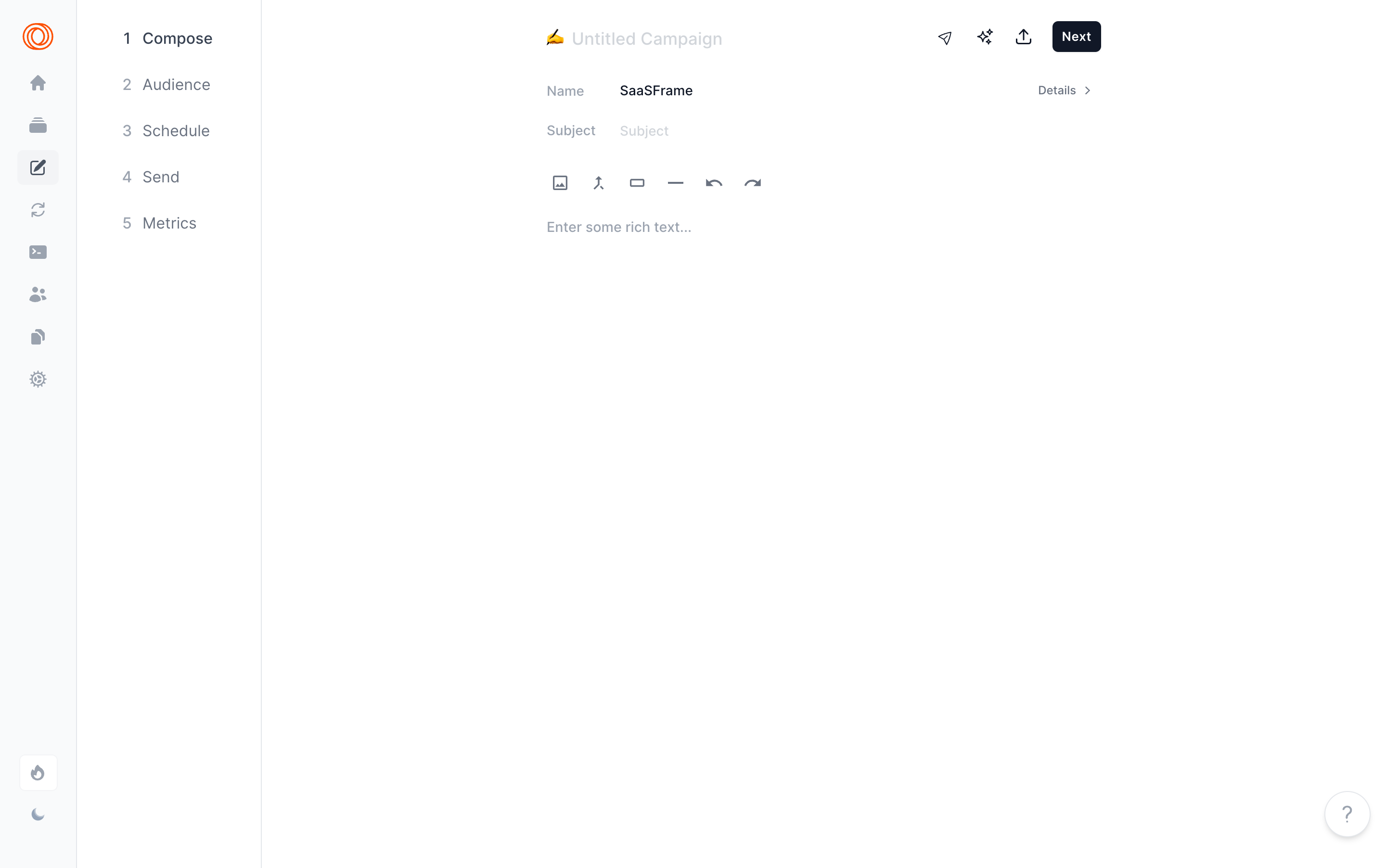
The Loops capture presents an email composition step with name and subject fields, a rich-text body, and a workflow leading through audience, scheduling, sending, and metrics.
This makes writing one stage of a larger process. A completed body does not mean the campaign is ready to deliver. Audience and timing remain separate decisions, and the next action should communicate that progression.
For similar products, keep draft saving distinct from live publication or sending. Users need to know whether a formatting change affects a draft, a shared document, or content already visible to others.
Make formatting state understandable
A formatting toolbar should communicate the active selection and available operations. Heading, bold, link, list, and alignment controls have different effects. Use recognizable labels or accessible names rather than relying only on icons.
Show what the control applies to: selected text, the current paragraph, a block, or the whole document. A user's mental model can break when a command changes a larger scope than expected.
Keep the structure coherent when switching types. Converting a heading to a paragraph should preserve the text. Pasting or changing a block should not silently replace content with an unrelated empty object.
Support block discovery without making it mandatory
Slash commands and contextual menus can help users find blocks near the insertion point. They work best alongside a discoverable alternative for people unfamiliar with the shortcut.
Explain the available choices through meaningful names. A callout, table, code block, and embedded object serve different purposes. The menu should not force users to infer those purposes from decorative previews alone.
Preserve the cursor and selected content through menu interaction. A person should be able to cancel and continue writing without losing their place or accidentally inserting a block.
Connect notes without hiding document identity
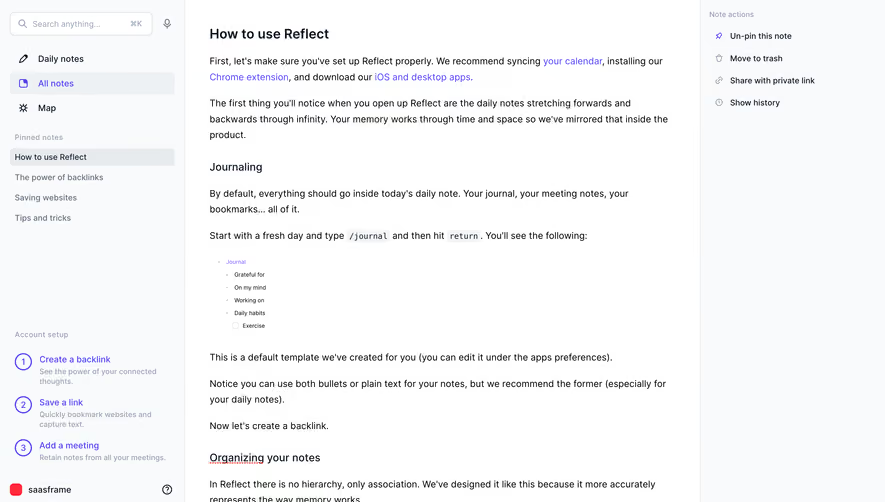
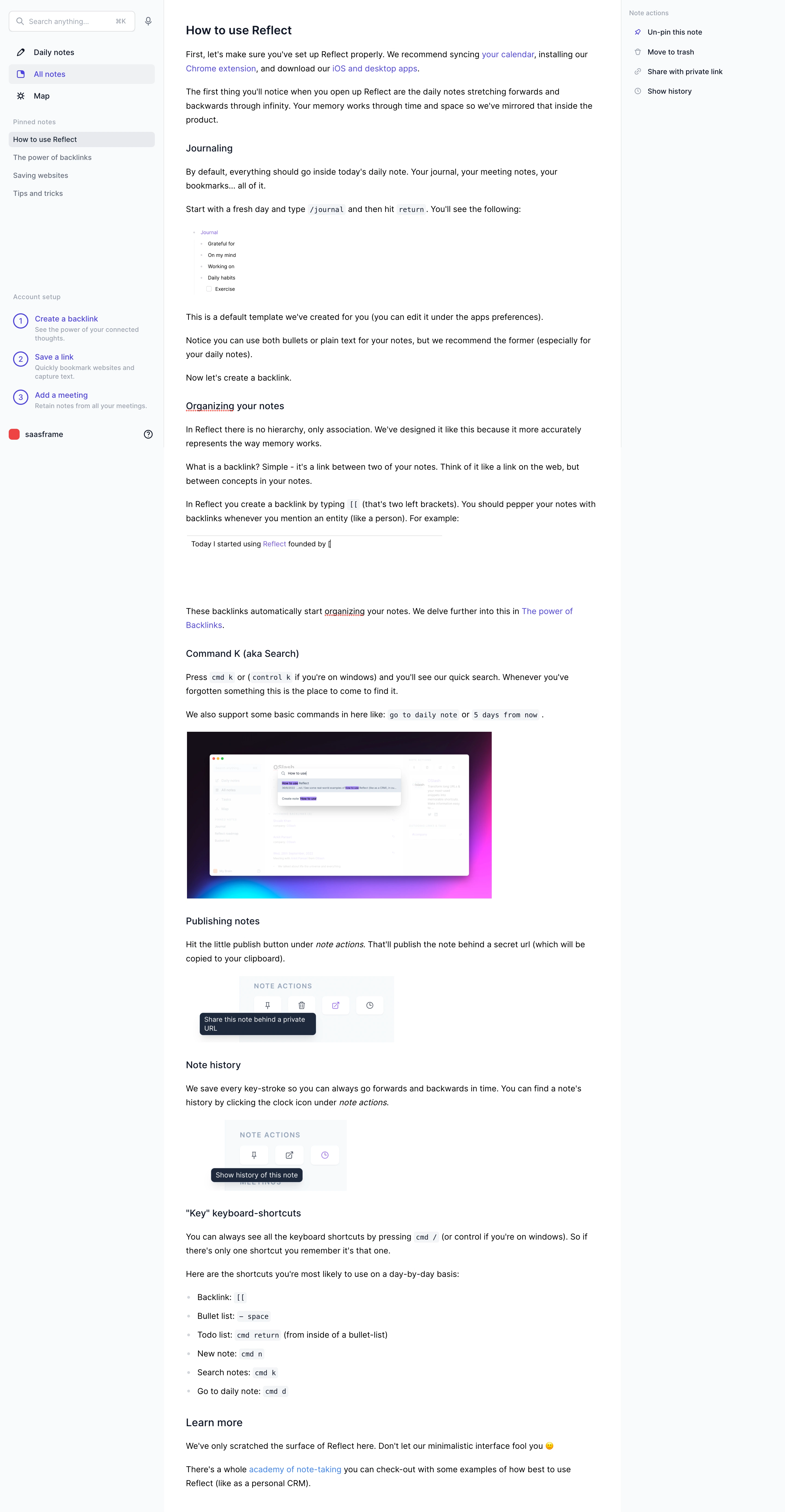
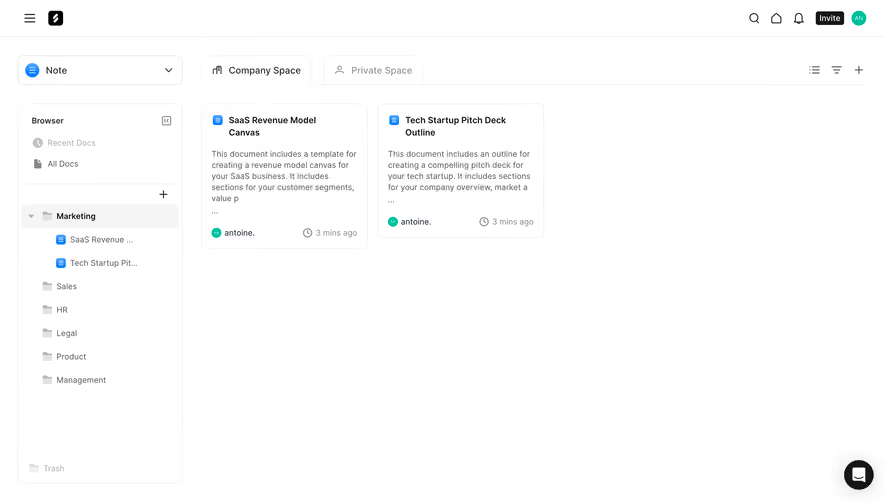
The Reflect capture places a note within navigation for daily notes, all notes, a map, and pinned items. Its getting-started content explains linking, templates, search, and note history.
This shows how an editor can support a network of written objects. A link or backlink is more than a formatting choice: it creates a route through the knowledge structure.
When adapting the model, make the current note and its relationships recognizable. Creating a linked note should not silently navigate away or turn ordinary text into a different object without feedback.
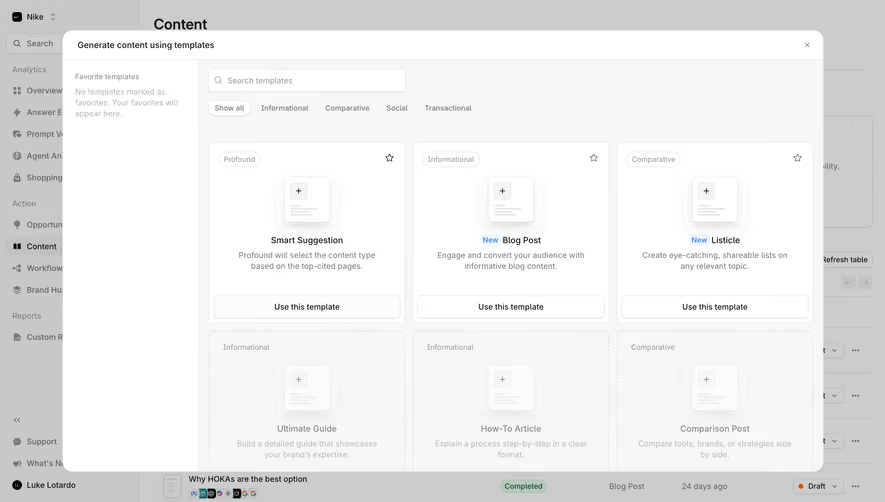
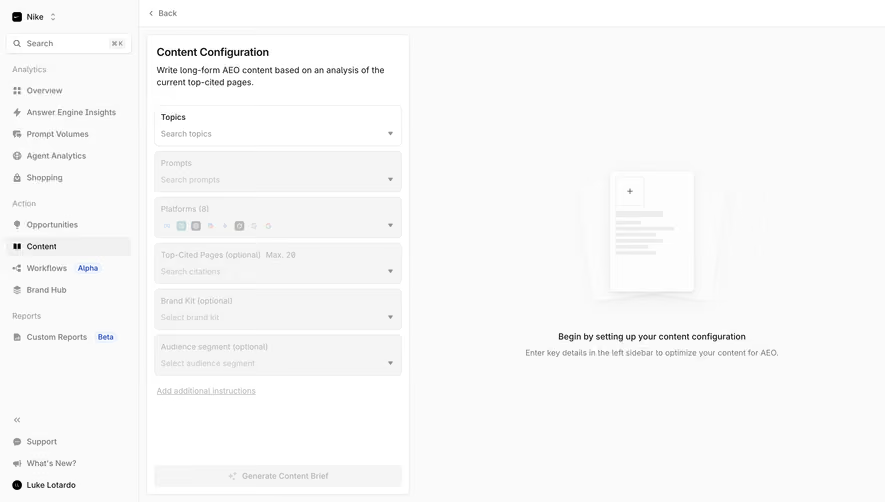
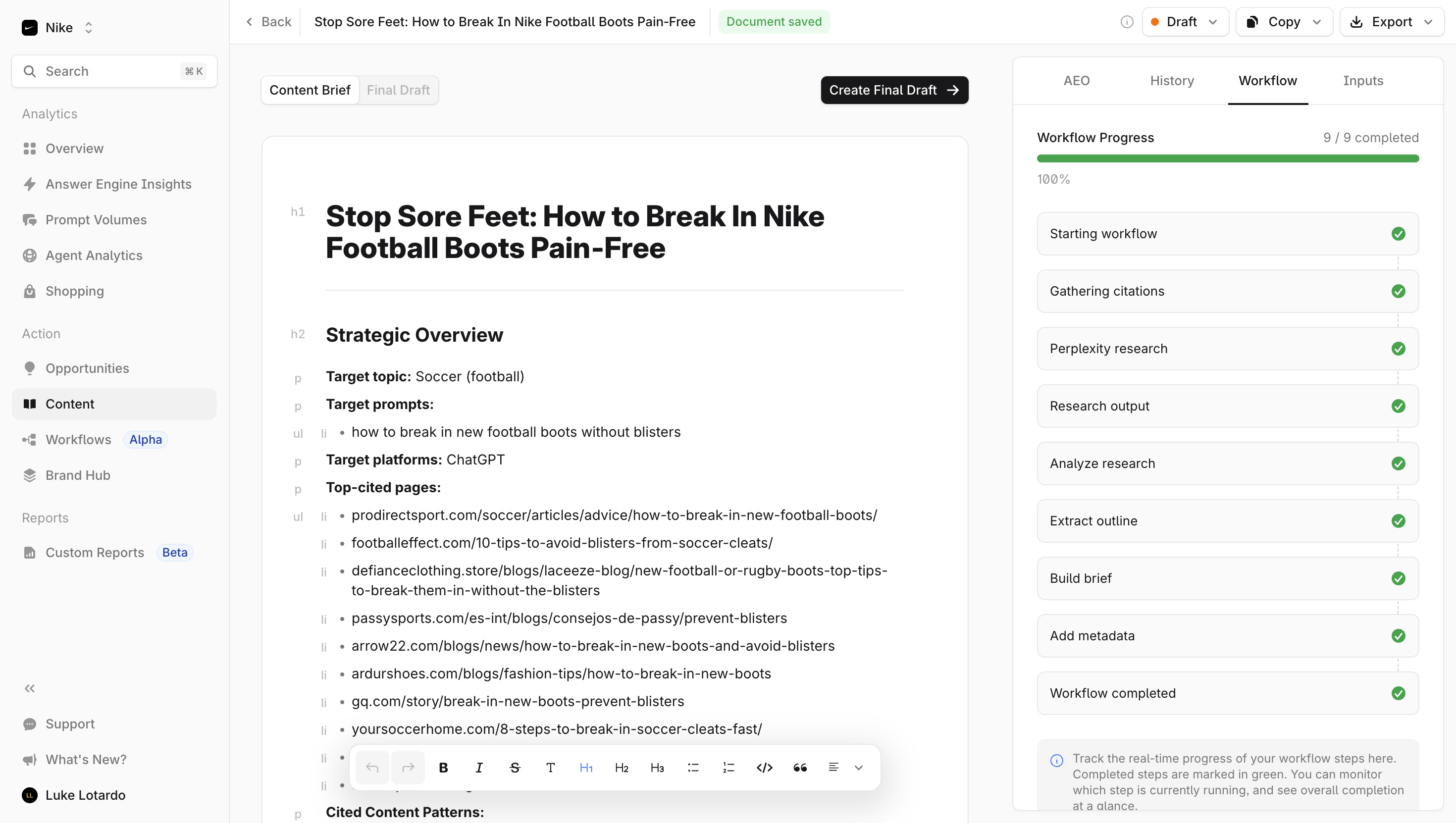
The Profound content-brief capture presents a structured document with headings and cited-page information, a saved-state label, a final-draft action, and a workflow area beside the content.
This connects generated or assisted writing with review and further work. The presence of sources in the document does not independently establish the quality of every claim. Users still need to inspect, revise, and understand the draft.
Make generation state distinct from saved state and publication state. A completed workflow can produce a draft without making it approved or published. The editor should preserve that distinction in its actions and labels.
Keep saving behavior visible and reliable
Autosave can reduce effort, but users need a trustworthy indication of its state. Saving, saved, offline, and failed persistence are different conditions. Avoid displaying saved before the system confirms it.
Preserve local work where the product supports recovery and explain the relevant limitation. A network interruption should not erase the user's text or encourage a refresh that discards pending changes.
Undo and version history serve different purposes. Undo helps reverse a recent edit; history can recover an earlier document state. Make the available recovery route understandable without implying that every change is recoverable forever.
Handle paste, links, and media deliberately
Pasted content may bring headings, lists, styling, or unsupported elements from another tool. Decide which structure the editor preserves and explain transformations that materially affect the result.
A link preview and a plain hyperlink are different representations. Give users control where the choice matters. Uploaded images and embedded content need meaningful placement and an accessible description route.
Protect the writing experience during processing. A media upload should show its pending state without making the surrounding document unusable. Failure should identify the affected object and preserve the rest of the work.
Preserve collaborative context
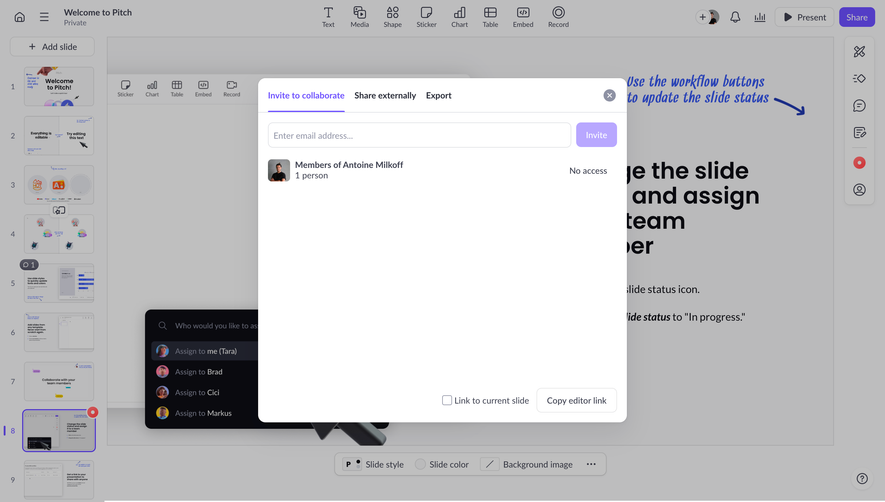
Comments, suggestions, mentions, and simultaneous editing can support review. Keep them distinguishable from the document body so users know which text is part of the actual content.
Show permission boundaries clearly. A person who can comment but not edit should not see a misleading editable cursor. Sharing changes should explain their scope, especially when the document sits within a wider workspace.
For concurrent work, maintain understandable author and save states. Avoid silently overwriting another person's contribution or presenting a stale document as the latest confirmed version.
Test writing rather than toolbar recognition
Ask users to create a heading, add a link, reorganize content, paste material, and recover an edit. Observe whether they understand the affected scope and can continue writing naturally.
Test long documents, unsupported pasted content, failed saves, large images, keyboard navigation, and mobile editing. Text selection and focus behavior are central to the experience.
Measure successful content work and recovery alongside feature use. Frequent formatting actions do not prove that the editor helps users produce or maintain the intended document.
Frequently asked questions about SaaS text editors
Should every editor use a floating toolbar?
No. Choose a presentation that fits the content and interaction model. Contextual controls can reduce clutter, but important tools still need a discoverable accessible route.
Does autosave remove the need for a save indicator?
No. Users need to distinguish pending, confirmed, offline, and failed persistence states. Reliable feedback helps them trust the editor.
Is generating a draft the same as publishing content?
No. Generation, editing, review, and publication can be separate stages. The interface should identify the actual state and consequence of each action.