Third-Party Connection
85
Simplify integrations with 'Connect Third-Party' SaaS patterns. Discover how to design OAuth flows and 'App Connection' toggles that make syncing your tech stack feel seamless.

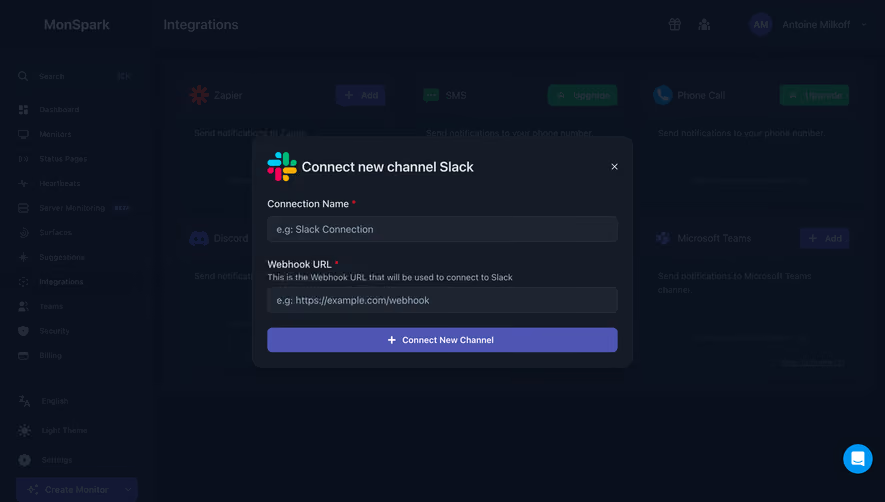
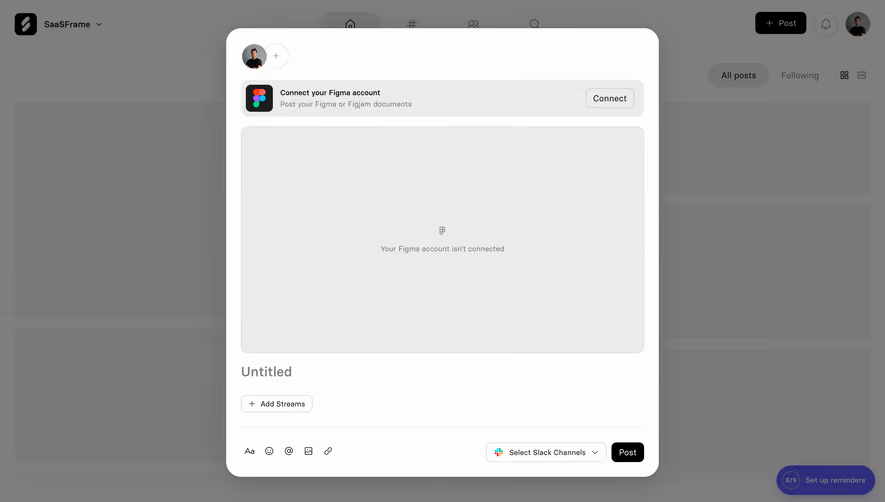
Connecting a third-party service lets a SaaS product access an external account, import information, or act through another system. The interface may start with a familiar “Connect Slack” or “Continue with Google” button, but the complete pattern includes account selection, permissions, authorization, status, configuration, and recovery.
A successful connection flow makes three things clear: which service is being connected, which account or workspace is involved, and what the product will do after authorization. Treat the connection as an ongoing relationship rather than a one-time button click.
People need to understand the benefit before they leave your interface. “Connect your calendar to create tasks from upcoming meetings” provides a more useful decision than “Enable integration.” Explain the relevant data or actions in terms of the workflow, using the external service name consistently.
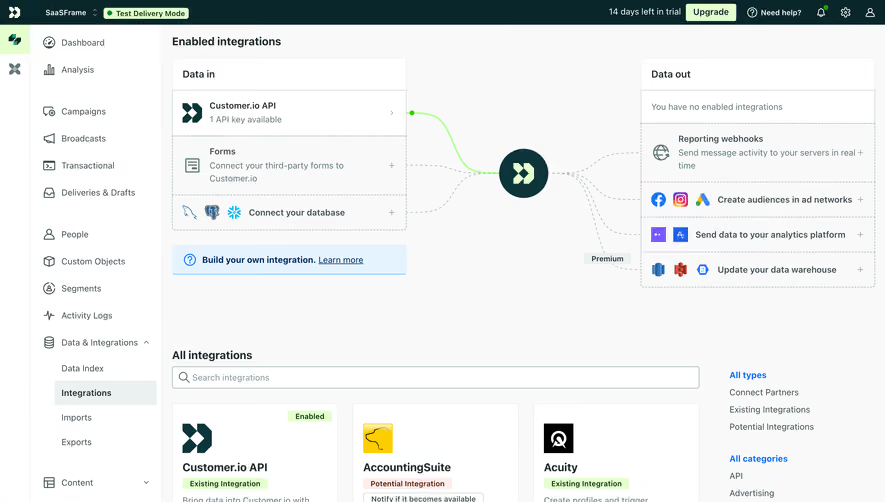
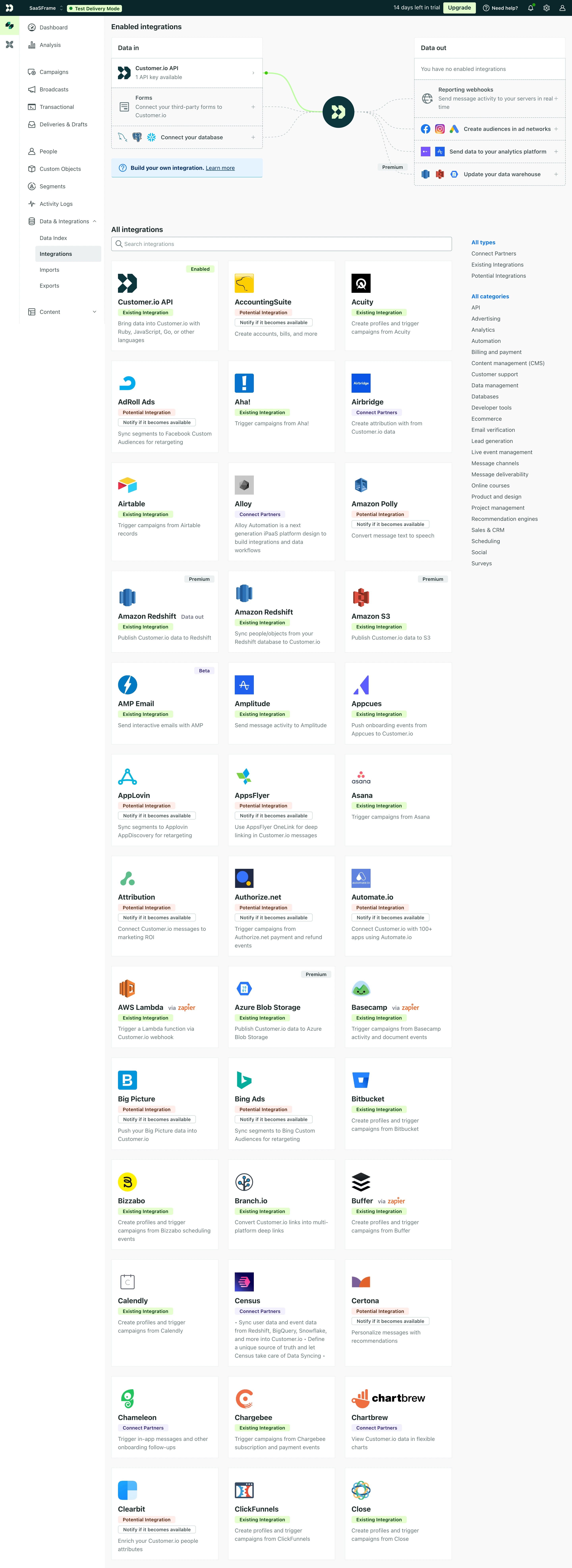
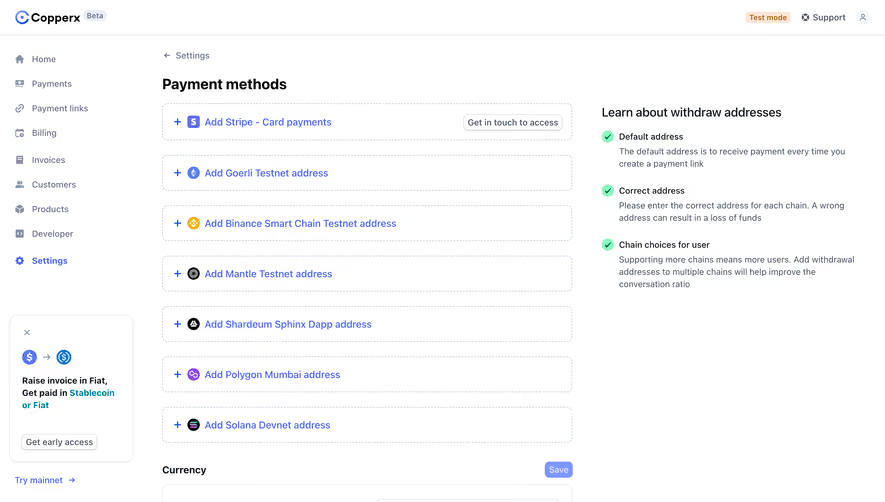
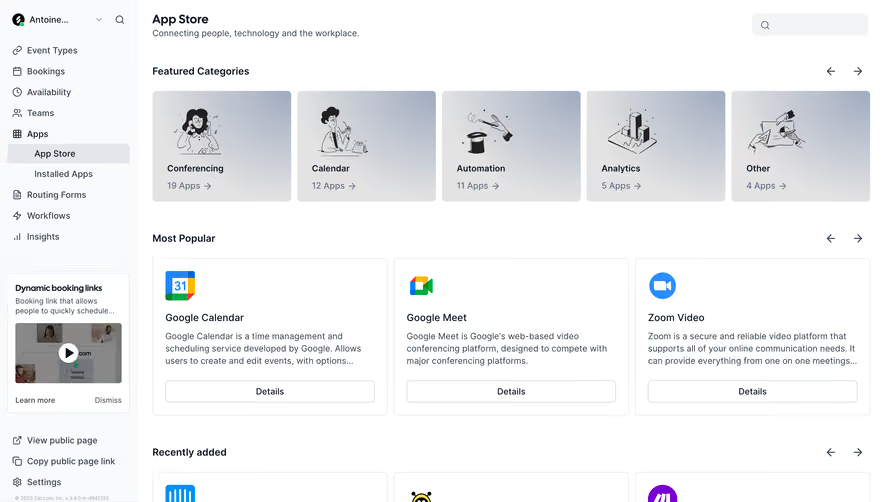
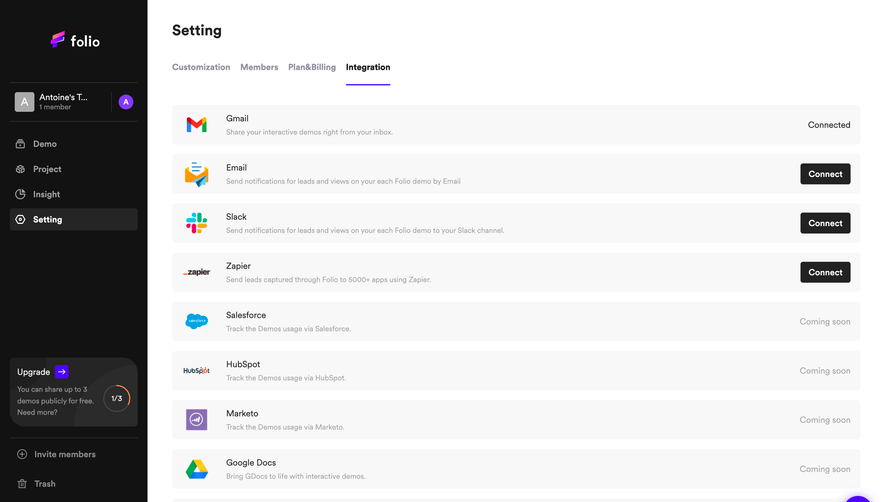
Place the connection near the task it supports. A general integrations directory is useful for discovery, while an empty inbox or reporting setup can offer a contextual connection. Both entry points should lead to the same understandable account and permission model.
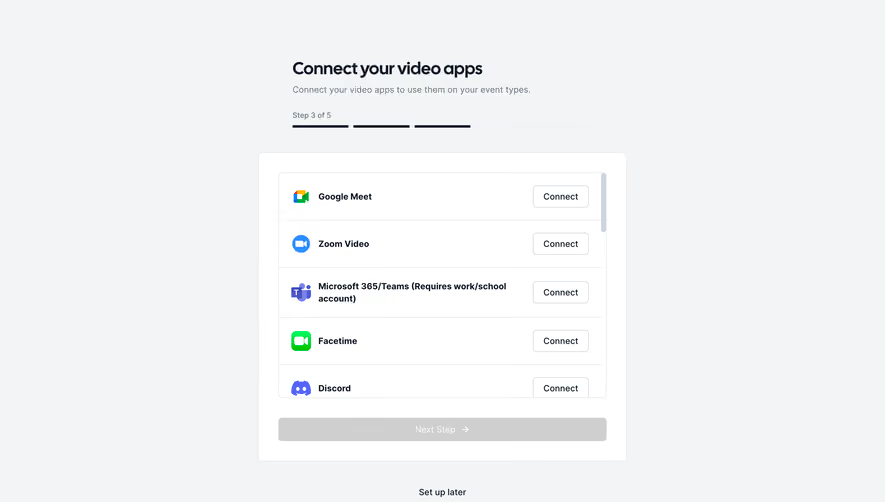
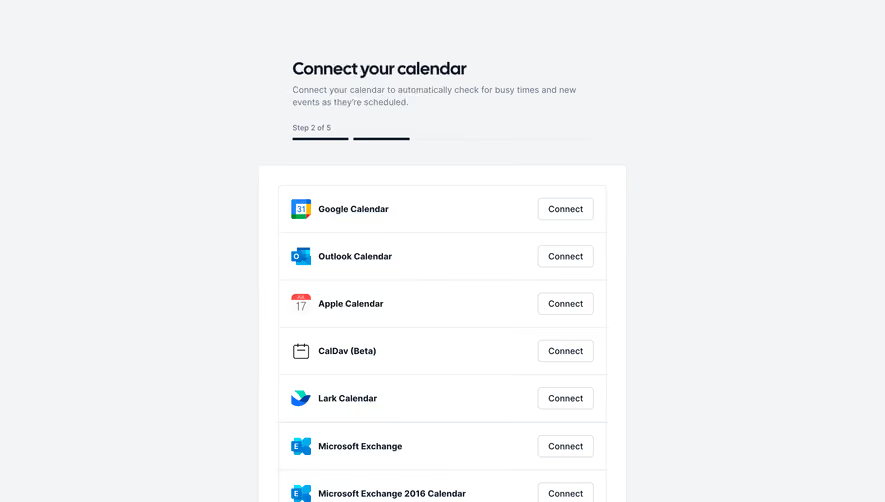
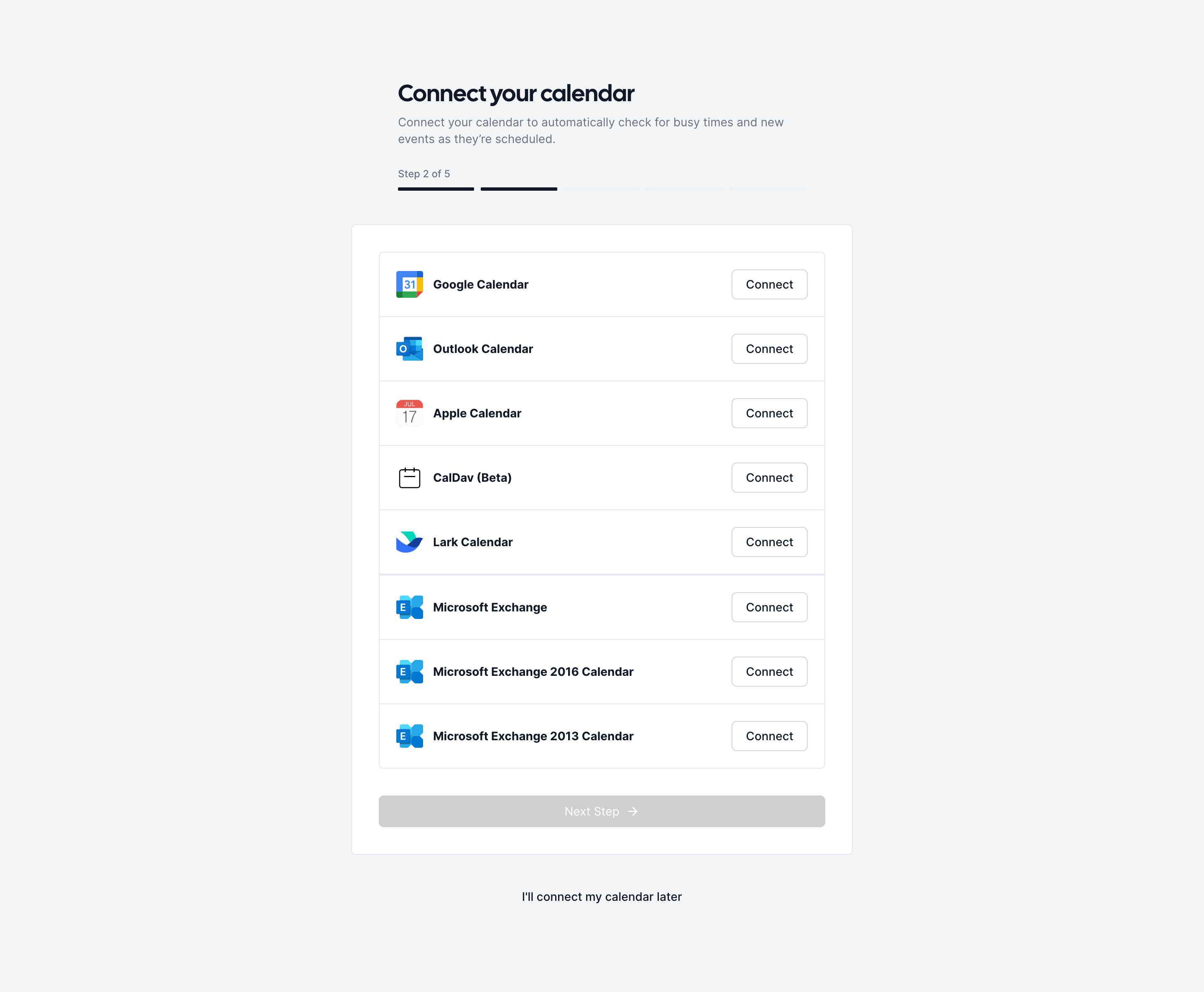
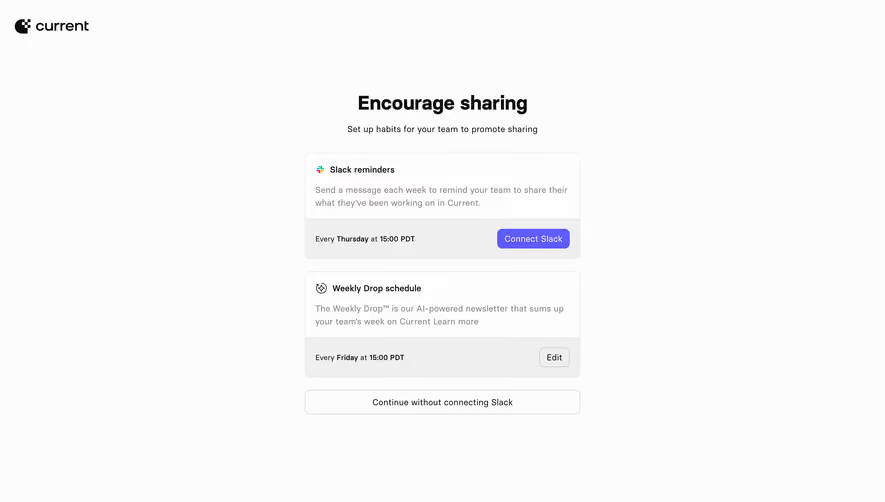
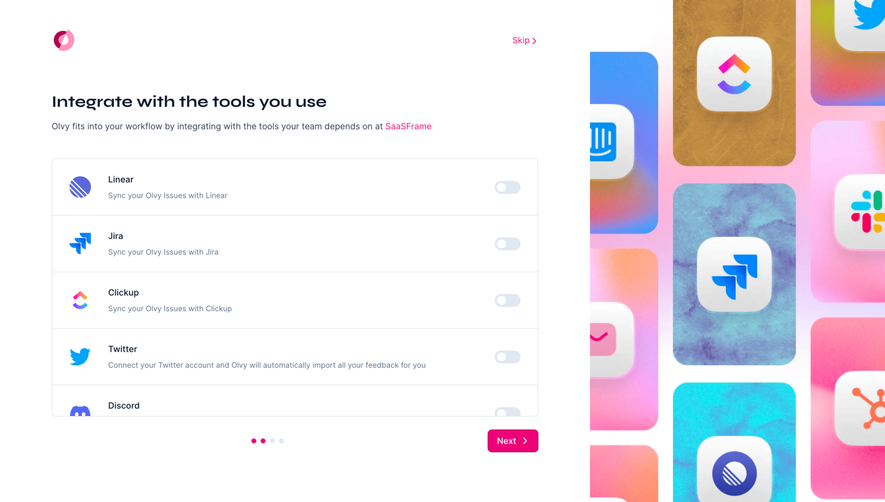
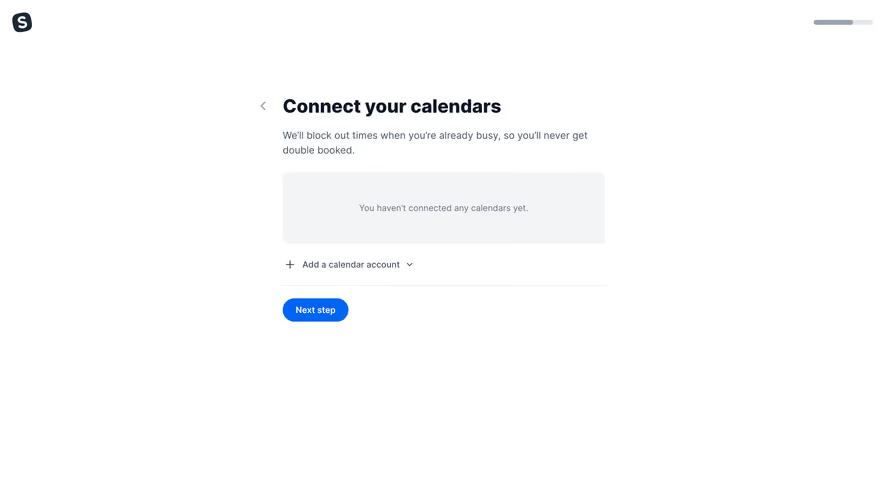
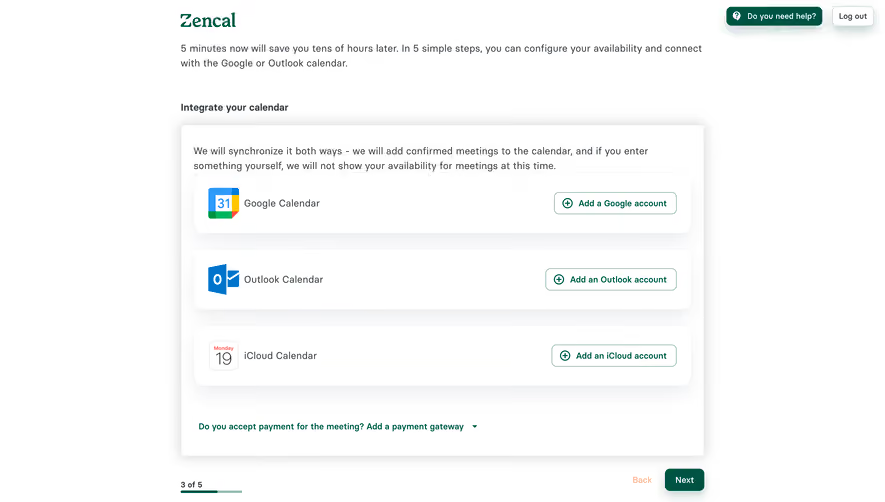
Avoid making optional integrations look mandatory during onboarding. If the product works without a connection, a clear skip or later path preserves momentum. If an integration is essential, explain why and what an administrator or teammate can do when the current user lacks permission.
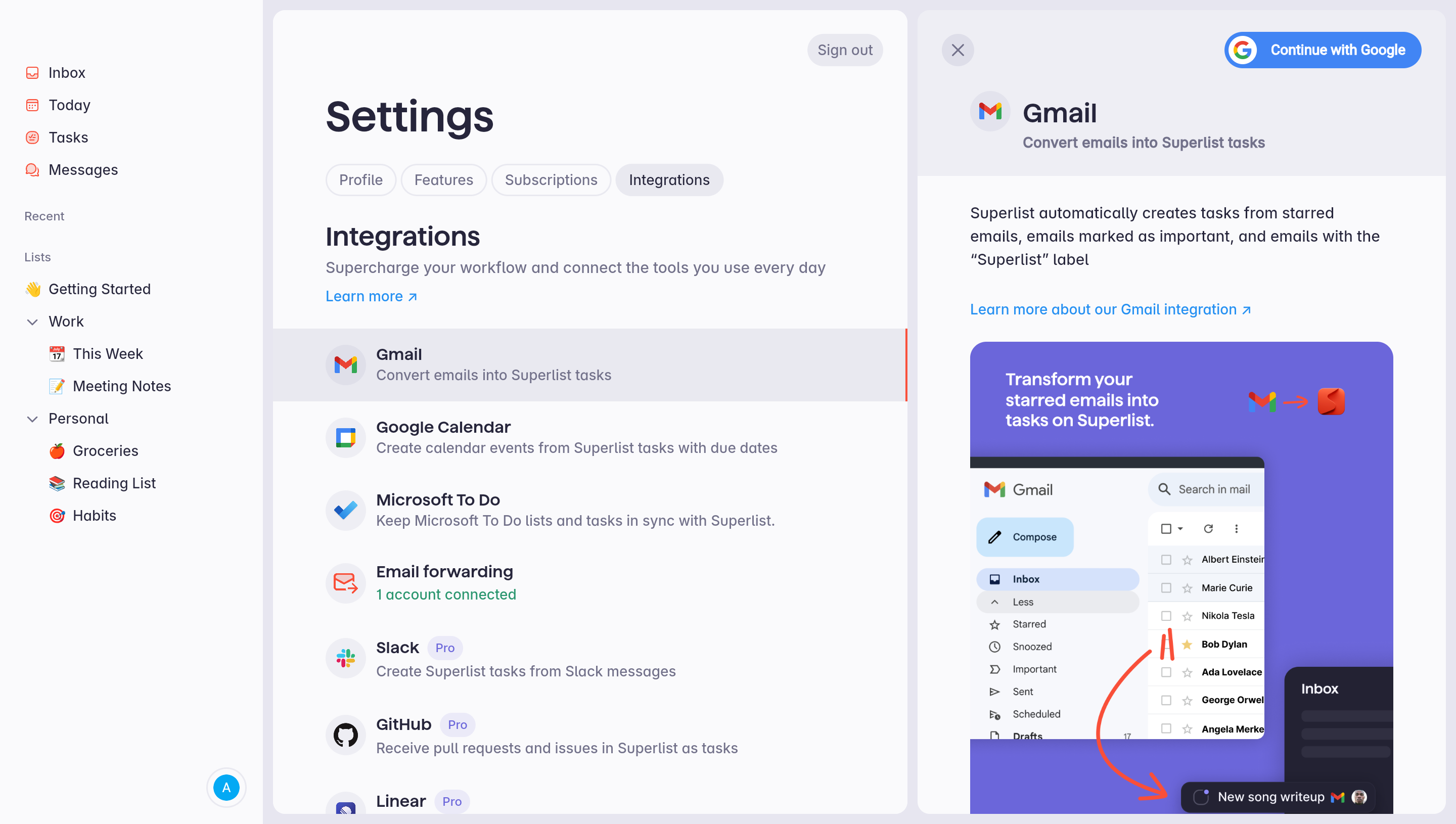
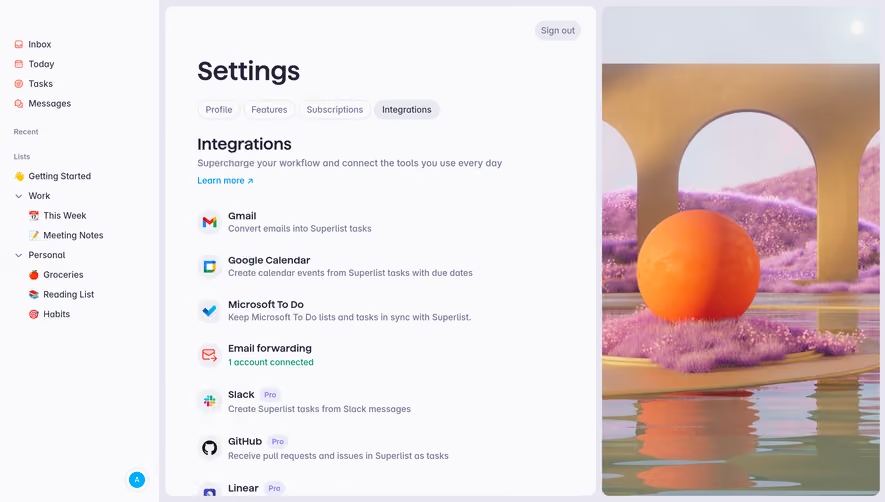
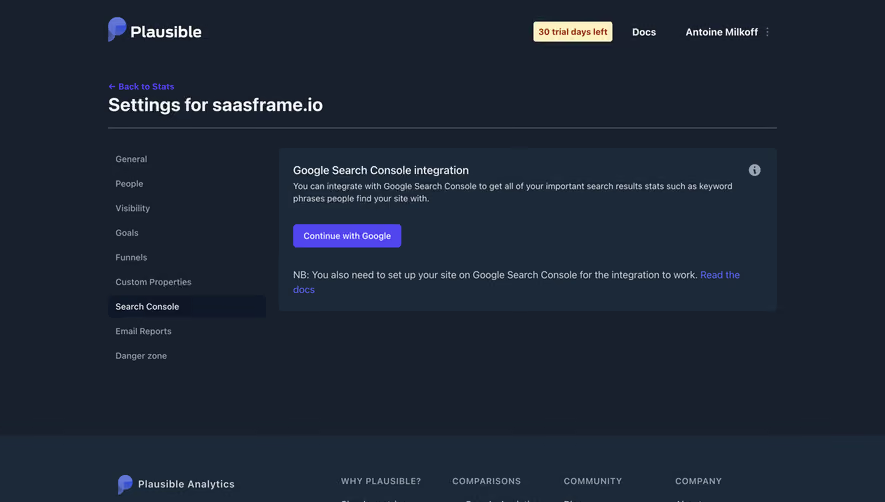
The Superlist Connect Integration reference presents Gmail with a prominent “Continue with Google” action. The service-specific detail surface gives the connection an identifiable destination. This is more concrete than an unlabelled authorization link placed among general settings.
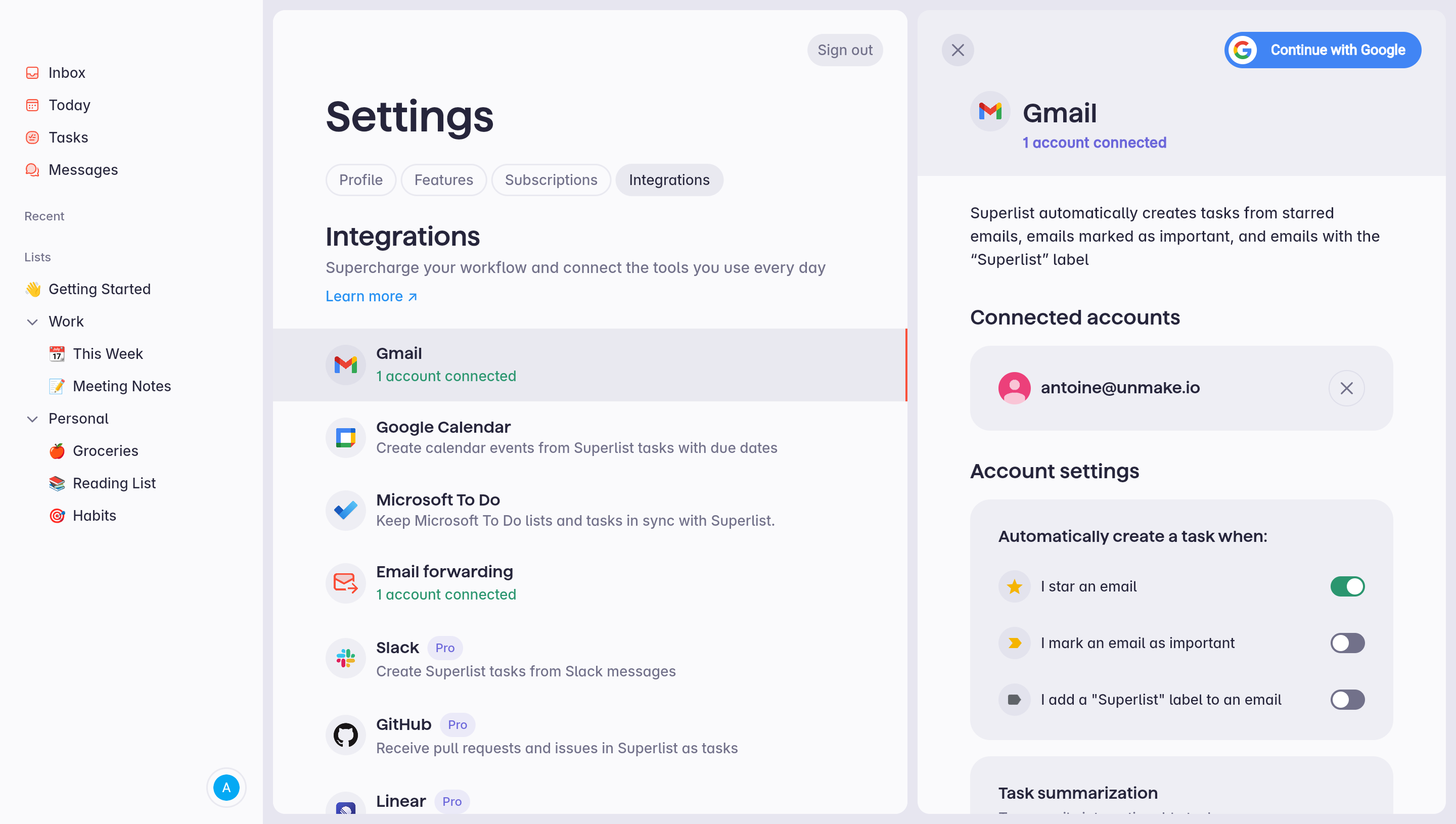
The connected Superlist reference replaces the acquisition step with account identity and configuration. It shows one connected account, an email address, and separate options for creating tasks from starred, important, or labeled emails. The screenshots document visible before and after states; they do not prove the underlying authorization scopes or every intermediate provider screen.
The design lesson is the change in responsibility. Before connection, the interface explains and requests access. After connection, it identifies the account and lets the person control behavior. Continuing to show a generic connect button after success would leave the user uncertain about what actually happened.
An external account can belong to a person, a workspace, or an organization. Your own product may have several workspaces too. Make both sides understandable: which external account will connect to which internal destination.
When the provider controls account selection, show the resulting account after the callback. A person may already be signed into the wrong Google or Slack account in their browser. A successful authorization response is not evidence that they chose the account they intended.
For workspace-wide integrations, explain who can see the imported data or use the connection. For personal connections, avoid implying that all teammates receive access. If administrative approval is required, show that state rather than presenting an authorization failure as a mysterious technical problem.
Give a plain-language account of the access the integration needs. Reading messages, creating tasks, and posting notifications are different capabilities. The user should understand the relationship between requested access and the promised feature.
The provider's consent screen is part of the experience, but its contents can change. Avoid hardcoding instructions that depend on a particular button position or obsolete wording. Prepare users for the purpose of the next step and return them to a stable completion state afterward.
Request access appropriate to the workflow, and separate optional capabilities where the integration supports that choice. Do not claim that a connection is read-only merely because the current UI contains no write controls. Permission explanations must match the actual integration implementation.
Leaving the product should not erase the work that led to the connection. Preserve the intended workspace, integration, and return destination using the application's supported authorization flow. After success, return to the relevant setup or task rather than an unrelated dashboard.
If authorization opens another tab or window, make its relationship to the original page understandable. The original screen should show a waiting or checking state only when that state reflects actual progress. It should also offer a recovery path if the external window closes or authorization never completes.
Avoid interpreting a browser redirect as full success. Authorization can succeed while subsequent account discovery, token exchange, or initial sync fails. A completed connection should mean the application has reached the state it communicates to the user.
“Connected” identifies an authorization relationship. “Syncing” describes ongoing data transfer. “Ready” indicates that the relevant data or feature is available. These states can occur at different times and should not be collapsed into one green badge.
For an initial import, explain what is happening and whether the person can continue using the product. If a large history is being imported, show meaningful progress when available and avoid invented time estimates. If only new events will be captured, say so before the user expects historical records to appear.
Configuration should follow the successful account identification. Superlist's individual Gmail options illustrate this separation: connecting an account establishes access, while toggles determine which inputs become tasks. Make defaults explicit and provide an understandable way to change them later.
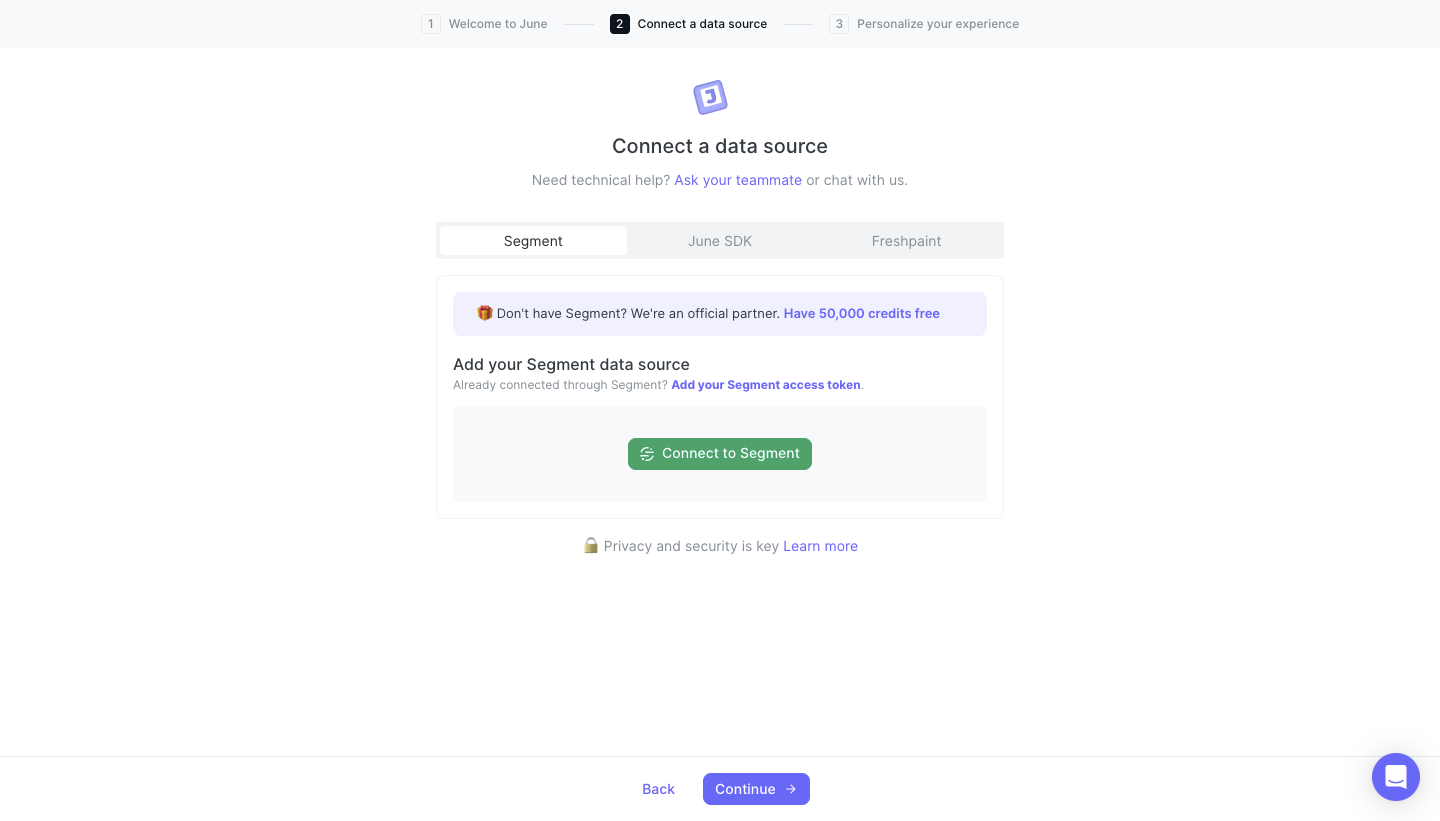
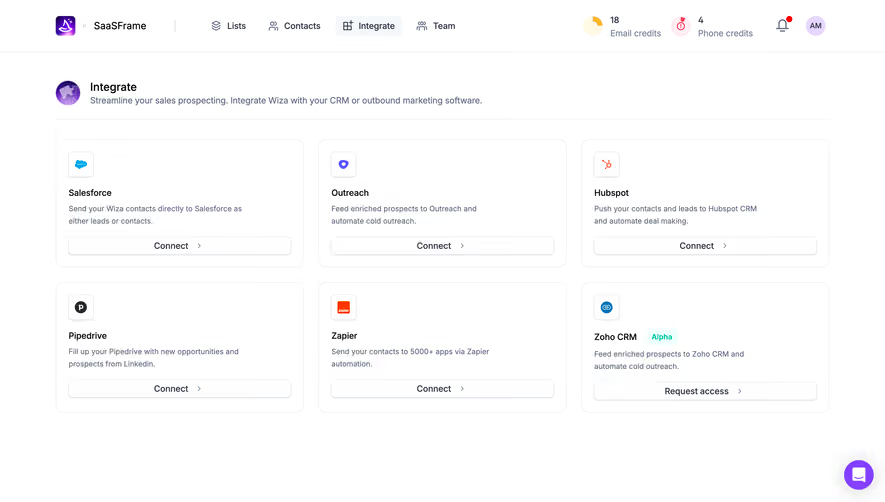
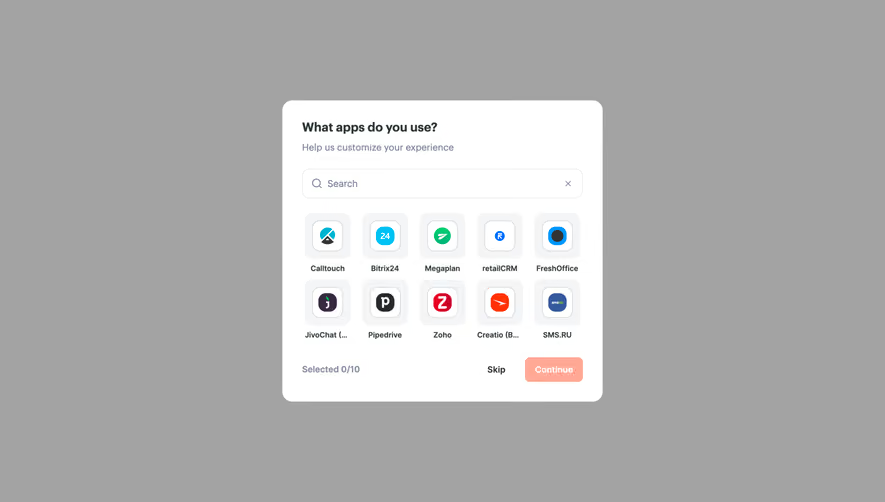
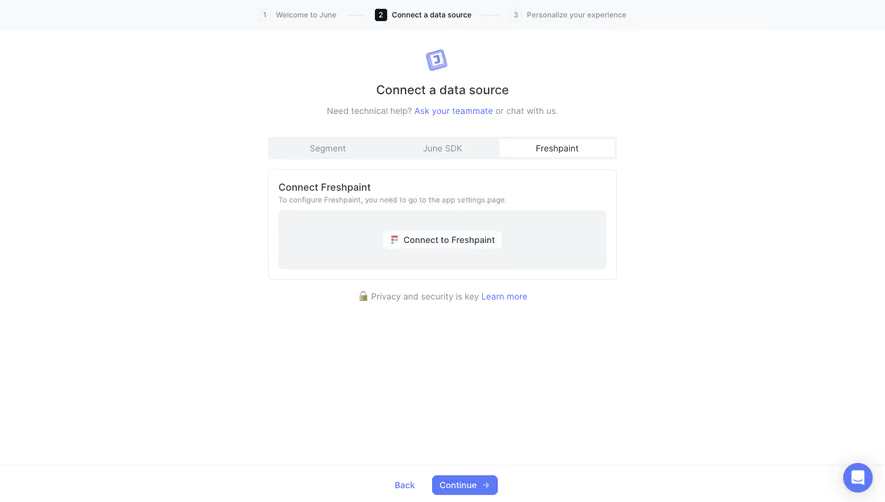
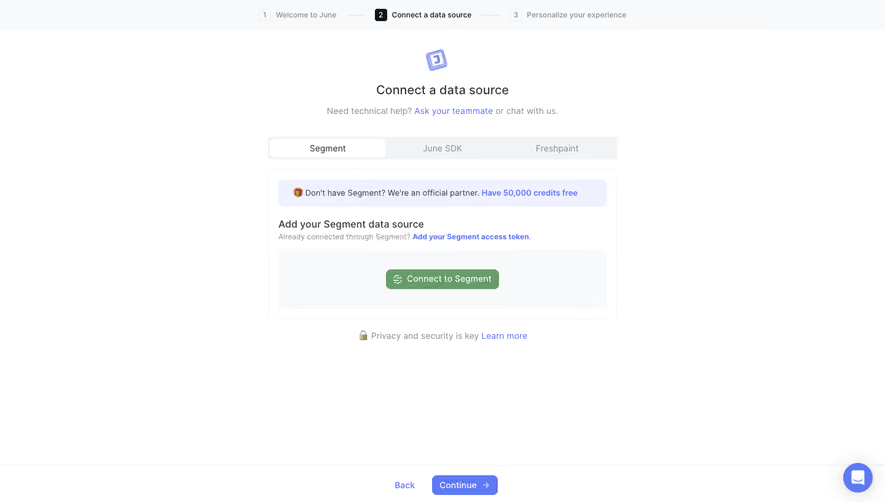
The June Account Setup reference presents integration choices and a route for teammate assistance. Its setup context recognizes that the person beginning onboarding may not be the person who can complete the technical connection. This is a useful distinction for analytics and infrastructure integrations.
When a teammate or administrator is needed, provide an actionable handoff. Identify the required role, the intended integration, and the relevant setup context. Avoid asking users to forward secrets through ordinary messages. If invitations or setup links are supported, make their access and expiration behavior clear.
A manual or SDK-based alternative may be appropriate, but it should not appear as an unexplained pile of tokens and code. Explain who should use that route and what completion will look like. Different setup methods should converge on the same connection status model.
Connections can stop working after account changes, revoked permissions, expired credentials, provider restrictions, or service incidents. “Not connected” is too broad for all these situations. Distinguish a connection that never existed from one that needs reauthorization.
Preserve useful configuration when reconnecting the same account, where the implementation allows it. If choosing a different account would change imported records or destinations, explain that consequence before the switch. Reconnection should not silently duplicate data or redirect team notifications.
Errors should identify the next useful action without exposing sensitive details. “Reconnect Gmail to resume importing starred emails” is more actionable than a raw provider response. Keep diagnostic information available to support through an appropriate channel while showing users a clear recovery path.
Disconnecting may stop future sync, revoke an application token, remove stored credentials, or remove imported data. These are different outcomes. Tell the user what the action will do in your product and avoid suggesting that it necessarily deletes data from the external service.
Show the account being disconnected and any team impact. A personal Gmail connection and a shared Slack workspace connection should not use identical consequence text. If existing records remain, explain that distinction. If disconnecting deletes them, make the destructive effect explicit.
The disconnect control should be available in the connected state. Hiding it behind customer support undermines user control. Where permissions restrict who can disconnect a shared integration, provide a clear explanation rather than silently omitting the action for everyone else.
Test cancellation at the provider, denied permissions, the wrong external account, missing admin rights, blocked popups, a lost network connection, duplicate callbacks, partial sync, and reconnection. Verify that each route returns to a coherent state in the original product.
On mobile, test external app handoffs and browser return behavior. A connection that works in a desktop tab can fail when the provider opens its native app or uses a different browser context. Preserve account and workspace identity through the transition.
Measure completed usable connections, successful first sync, reconnection recovery, and the time until the promised workflow works. A high rate of connect-button clicks does not establish that users reached a functional integration.
No. Signing in establishes an identity for authentication. Connecting Gmail authorizes a separate capability involving that account. Make the intended purpose explicit and avoid treating a familiar provider logo as a sufficient explanation.
General preferences can sometimes be chosen first, but account-specific options usually make more sense after account discovery. Preserve any earlier choices and make the transition from access to configuration clear.
Study account switcher for identity context, before and after for comparing connection states, and consent and opt-in for making optional choices understandable.