Magic Link Authentication
21
Reduce friction with SaaS Magic Link patterns. See how to design passwordless login flows that send a secure, one-click link directly to the user's inbox.

Magic link authentication lets someone sign in by following a time-limited link delivered to their email address, without entering a password. Its central UX challenge is the handoff: the person leaves your product, finds the right message, opens the link, and expects to return to the task they started. A clean email field is only the beginning of that journey.
This guide examines SaaSFrame screenshots from Slite and Superlist to show how to explain that handoff, handle delivery problems, and separate authentication from workspace discovery. The captures document visible interfaces, rather than proving how their underlying authentication systems work.
A magic link can suit a product used occasionally, where remembering another password creates unnecessary work. It can also provide a straightforward route back into a tool when users already have their email inbox open. The tradeoff is that access now depends on the inbox, email delivery, and the browser or application that opens the link.
Consider the actual setting before making it the only route. Someone checking a monthly report may tolerate switching to email. Someone opening a support console repeatedly during a shift may find that switch disruptive. A company account may need an organization-managed sign-in method. A shared kiosk may make opening a personal inbox inappropriate. These situations need different access paths, even when the initial login screen looks identical.
Do not describe an email magic link as multi-factor authentication merely because it adds a step. It can be the primary sign-in method. Email address verification, meanwhile, confirms access to an address for a particular purpose; it does not always create an authenticated session. Tell people what clicking the link will actually do.
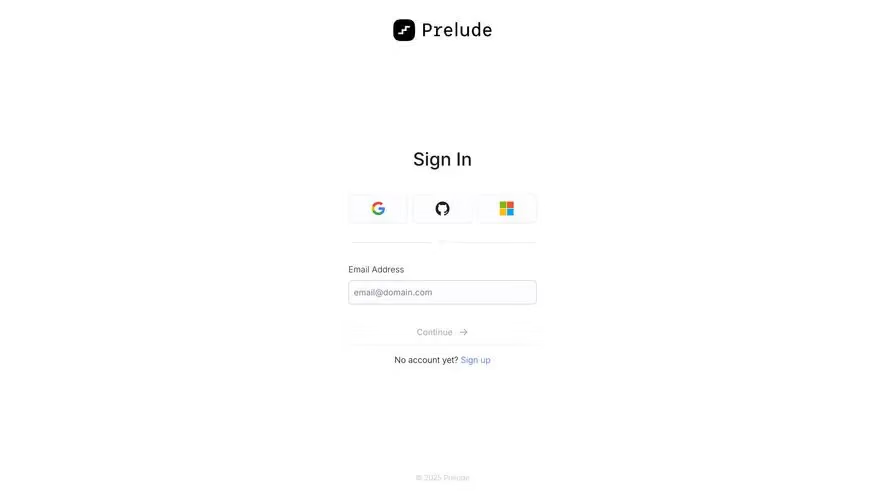
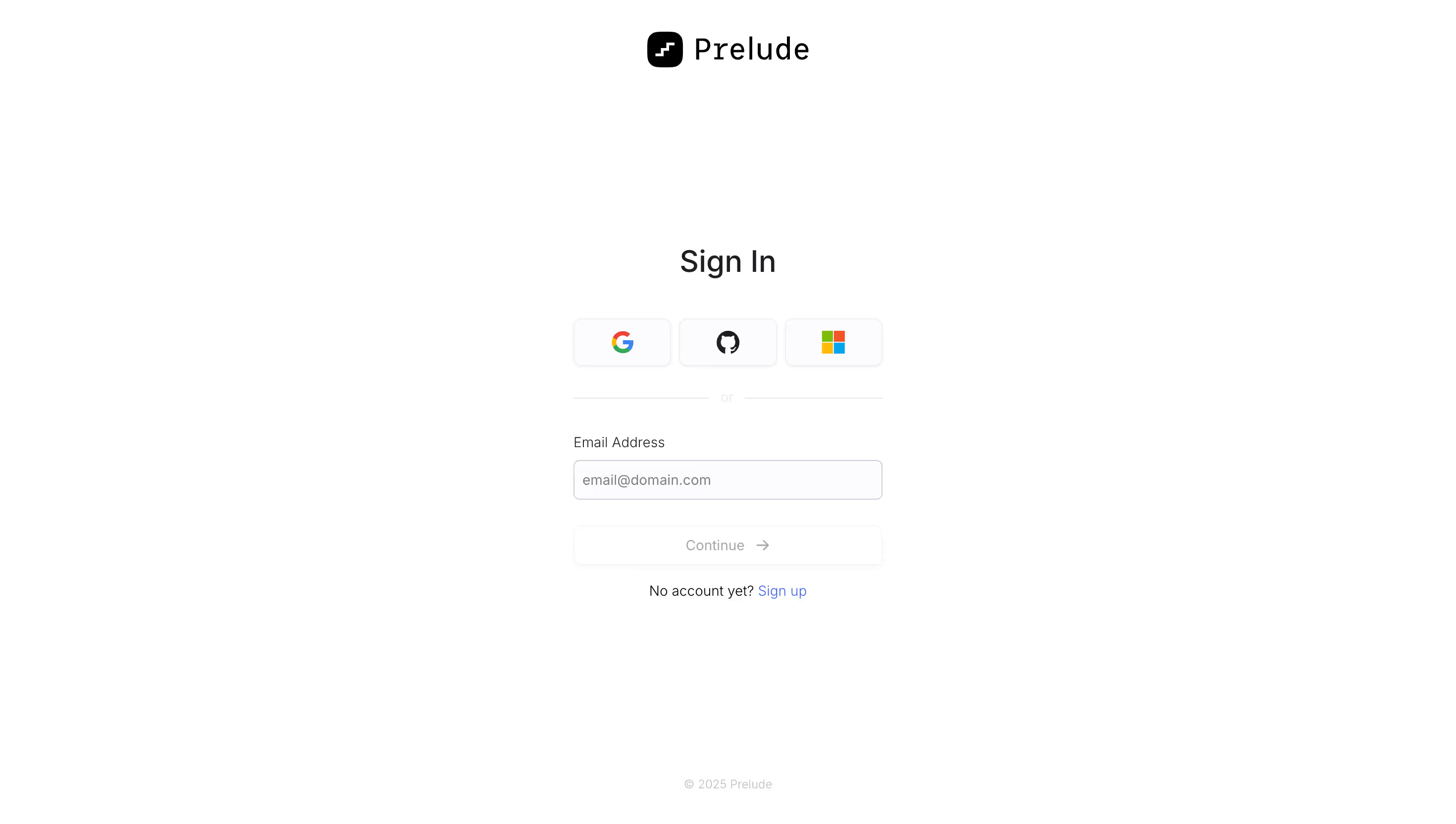
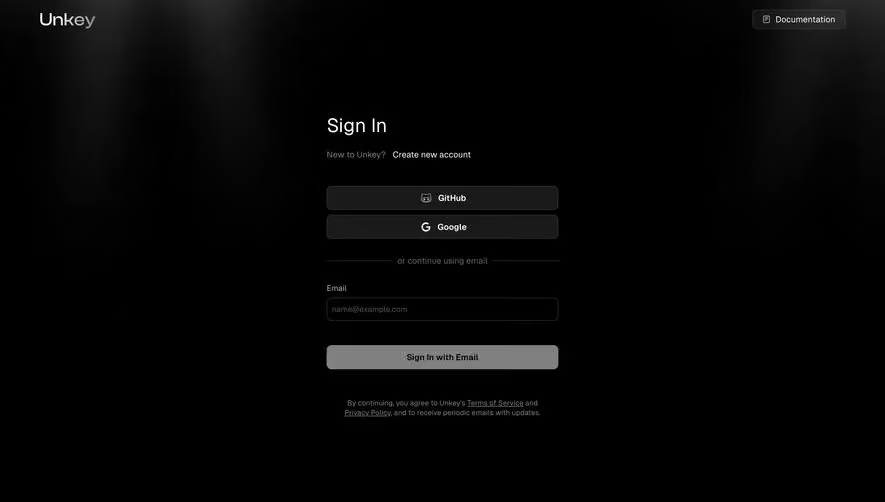
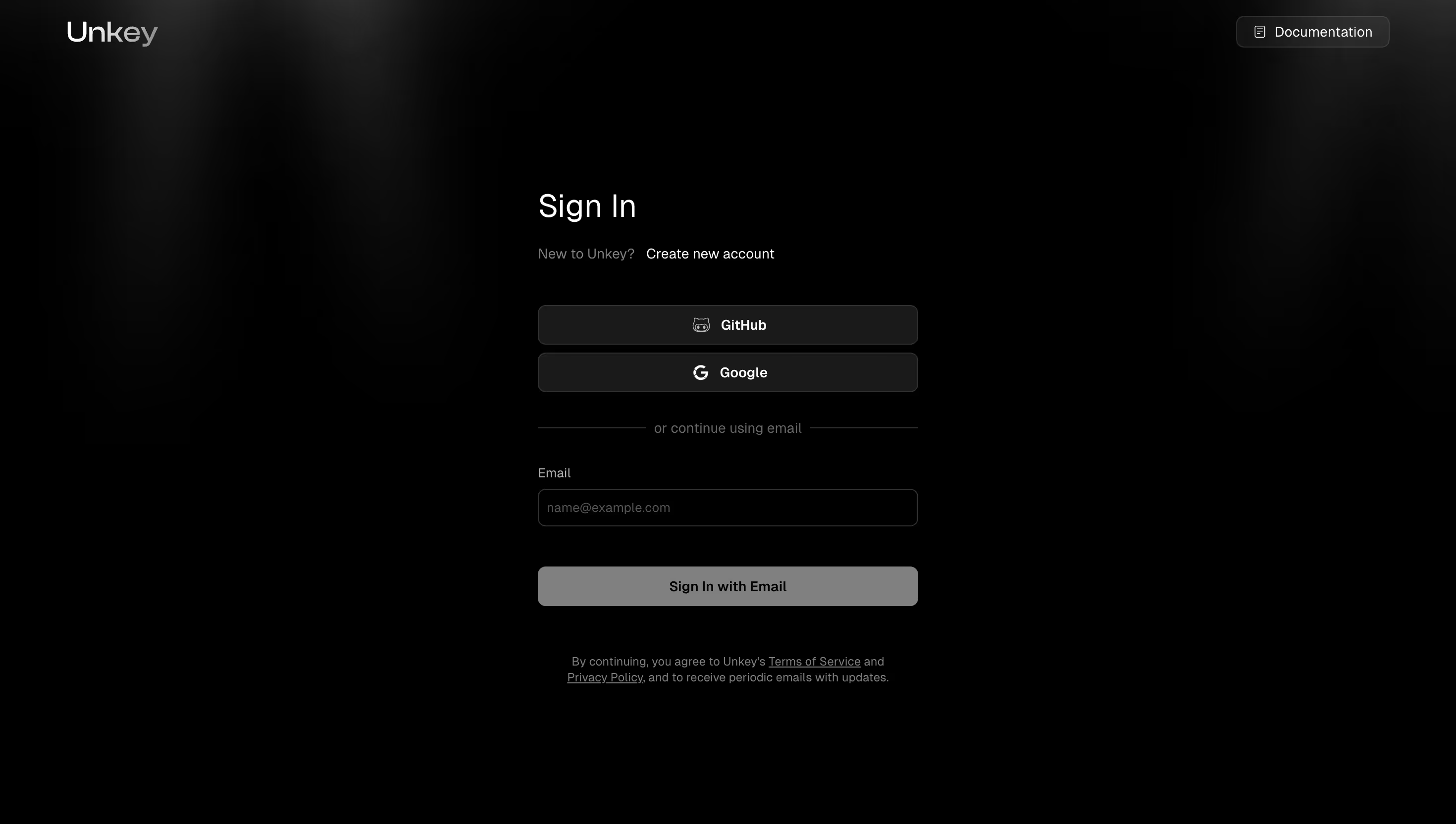
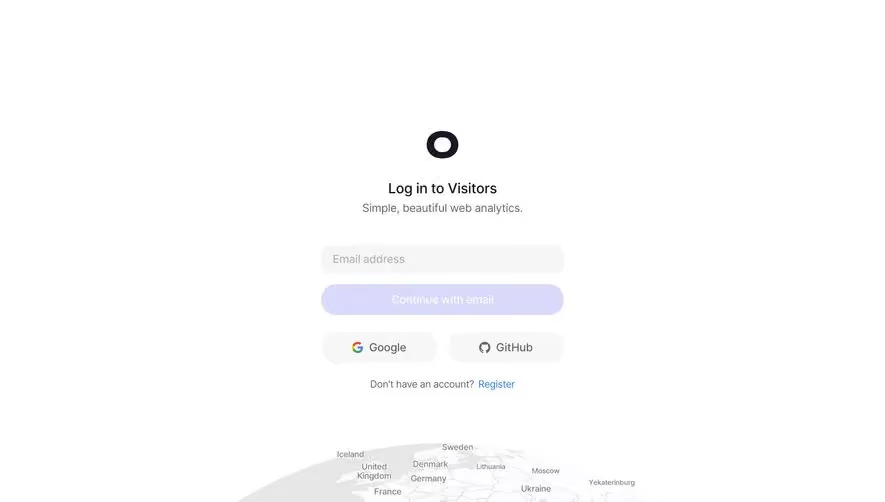
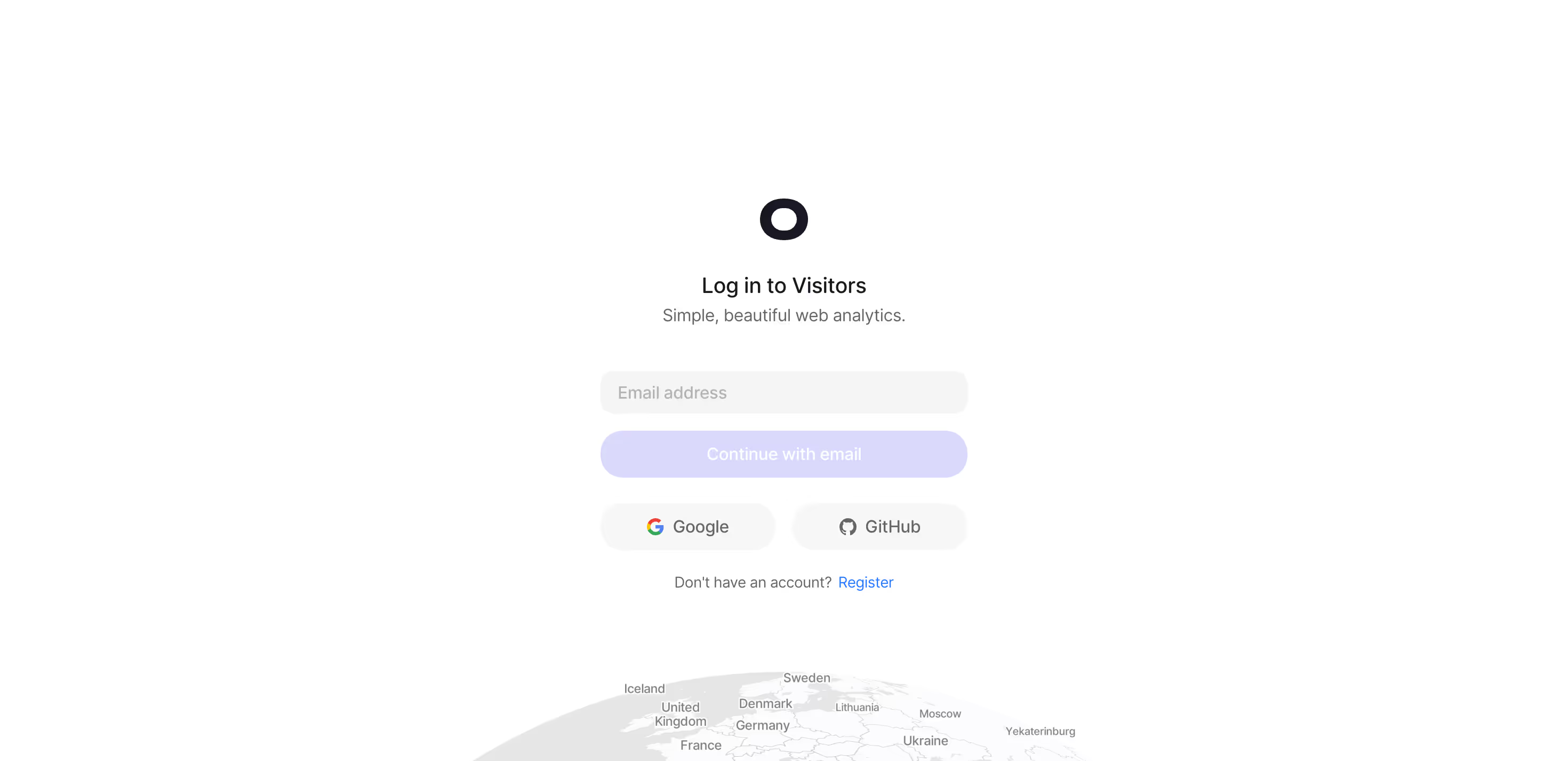
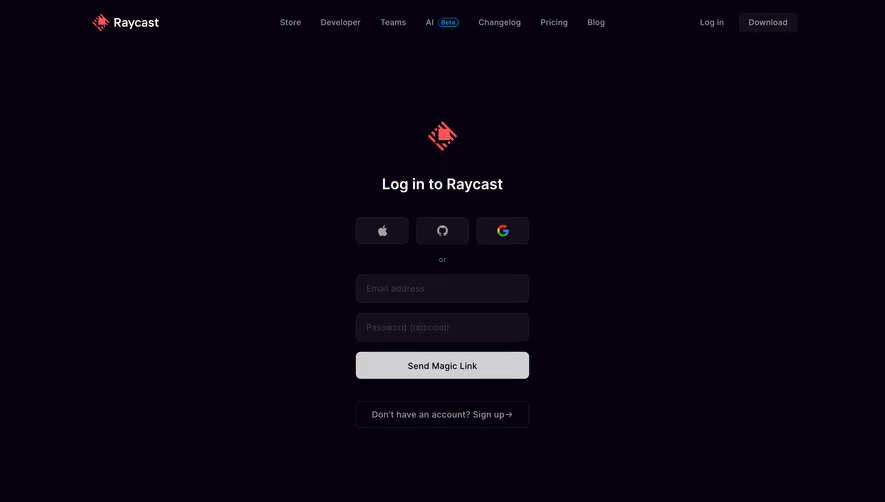
The initial form should make the outcome of submission clear. A label identifies the requested address; the action explains what comes next. “Email me a sign-in link” is more informative than an unexplained arrow when the person has not encountered this method before. If your product accepts only work addresses or routes an organization to SSO, explain that constraint where it becomes relevant.
Slite frames its email entry as finding teams. The supporting text says the email will identify teams the person has joined or can join automatically, and a separate field accepts a team URL. This is a distinctive problem: users may know their email address but not the subdomain of the workspace they need.
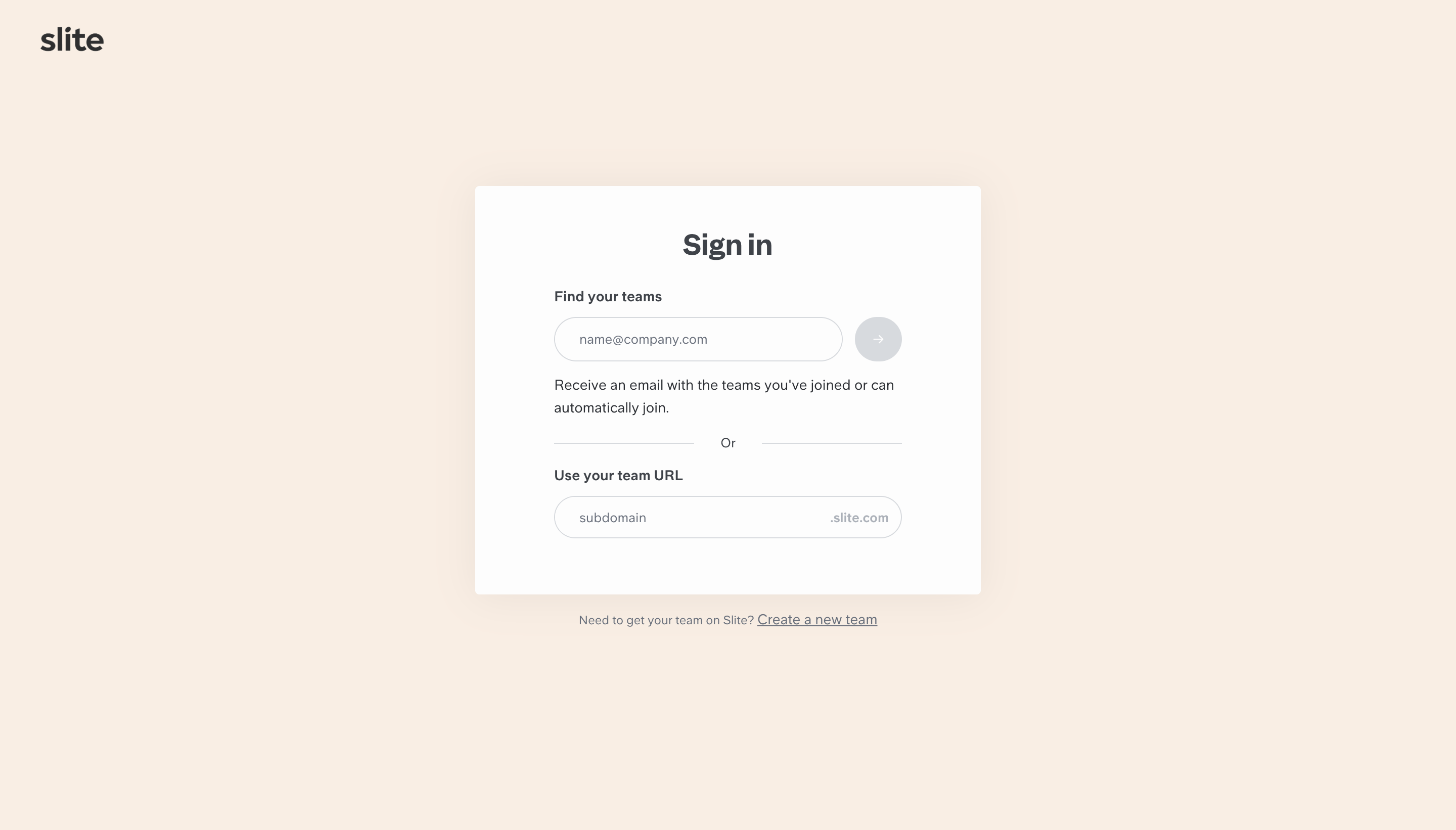
The lesson is to label routes by the information users have. “Find your teams” can be appropriate when discovery is the real next step; “Sign in with email” is clearer when submitting starts authentication directly. Avoid borrowing the former wording if your link will never show a workspace choice. The arrow beside Slite’s email input also illustrates a review question: can a first-time visitor identify the action without relying on its shape or position?
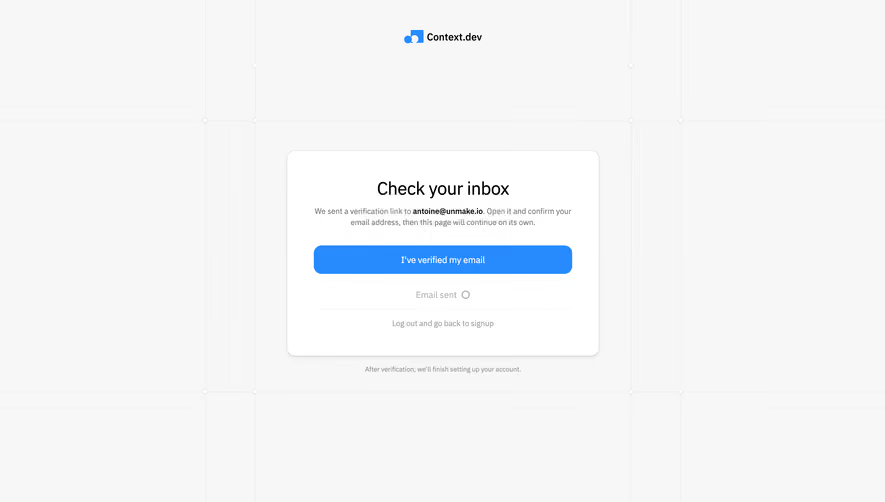
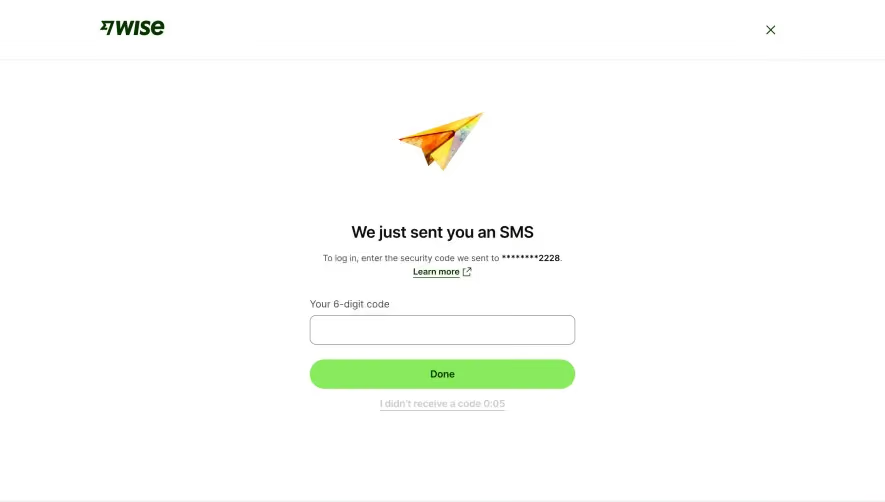
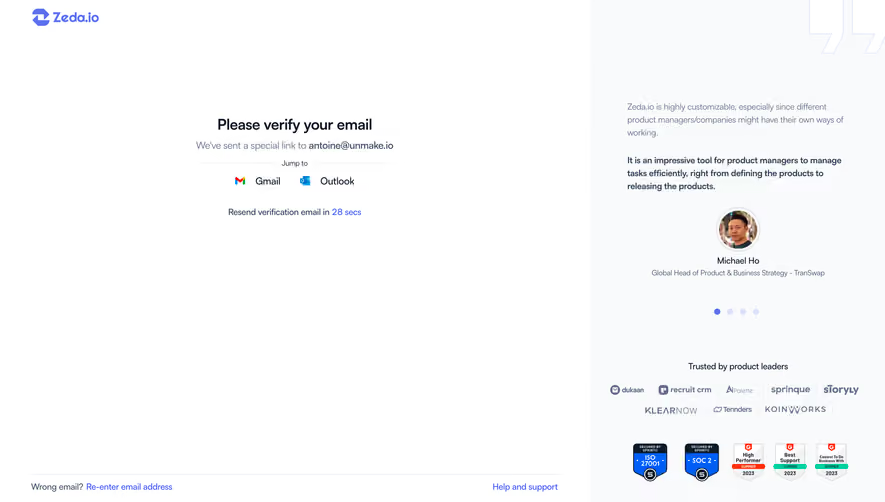
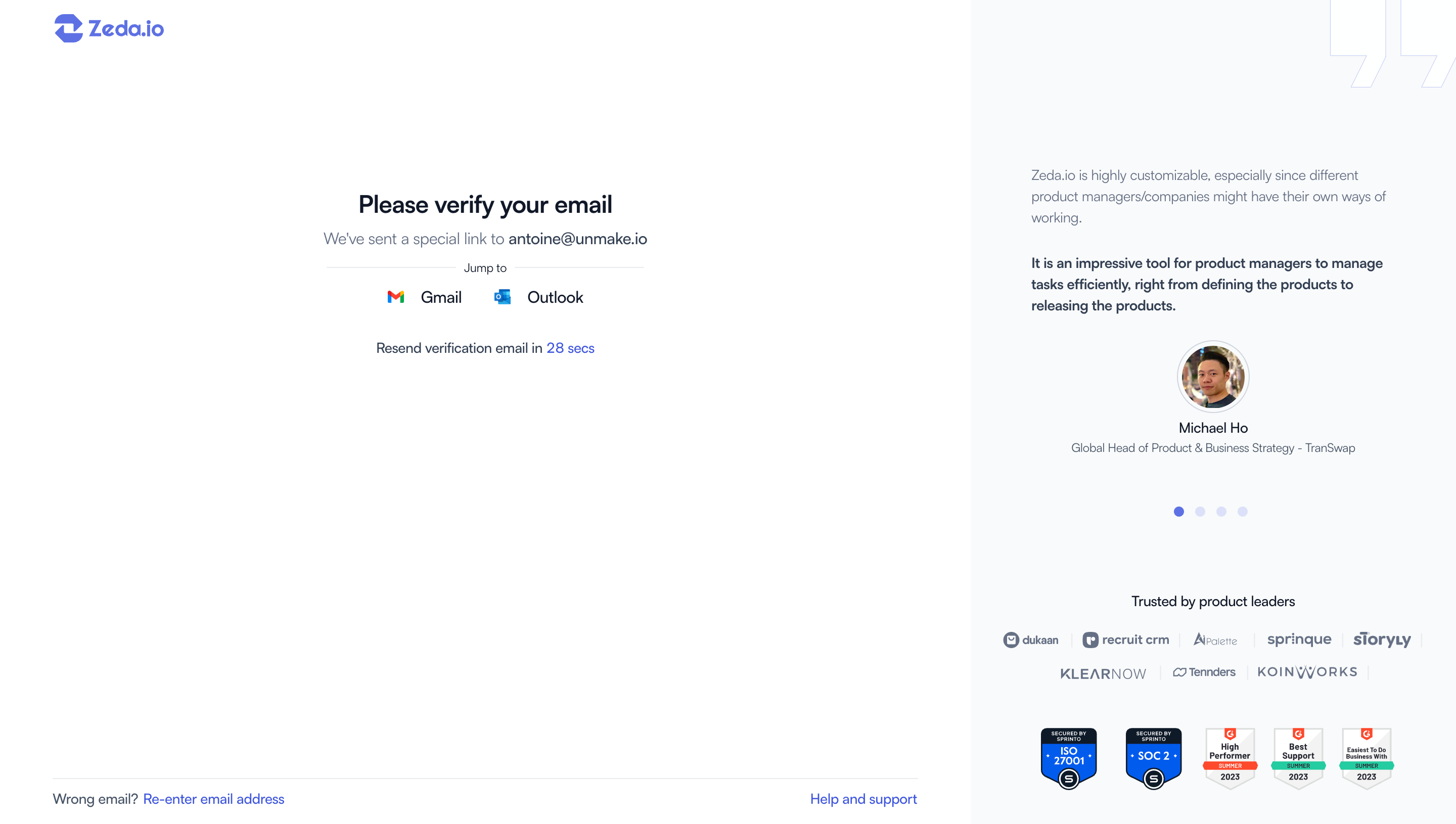
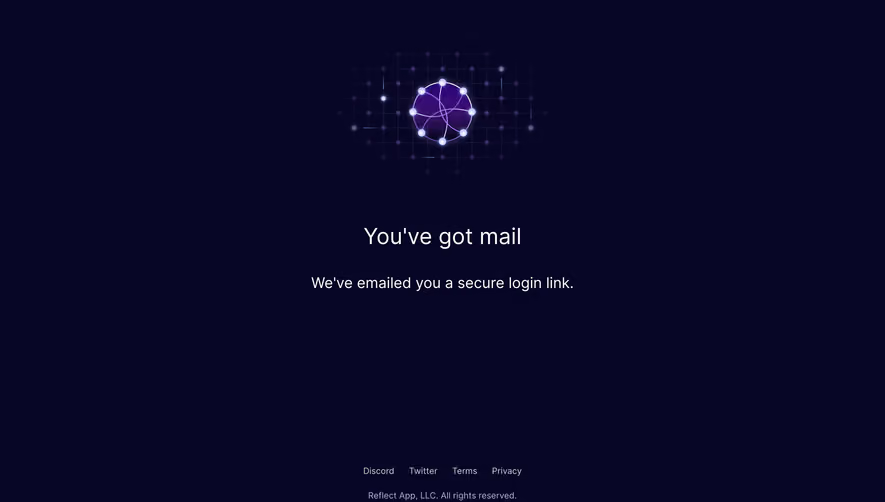
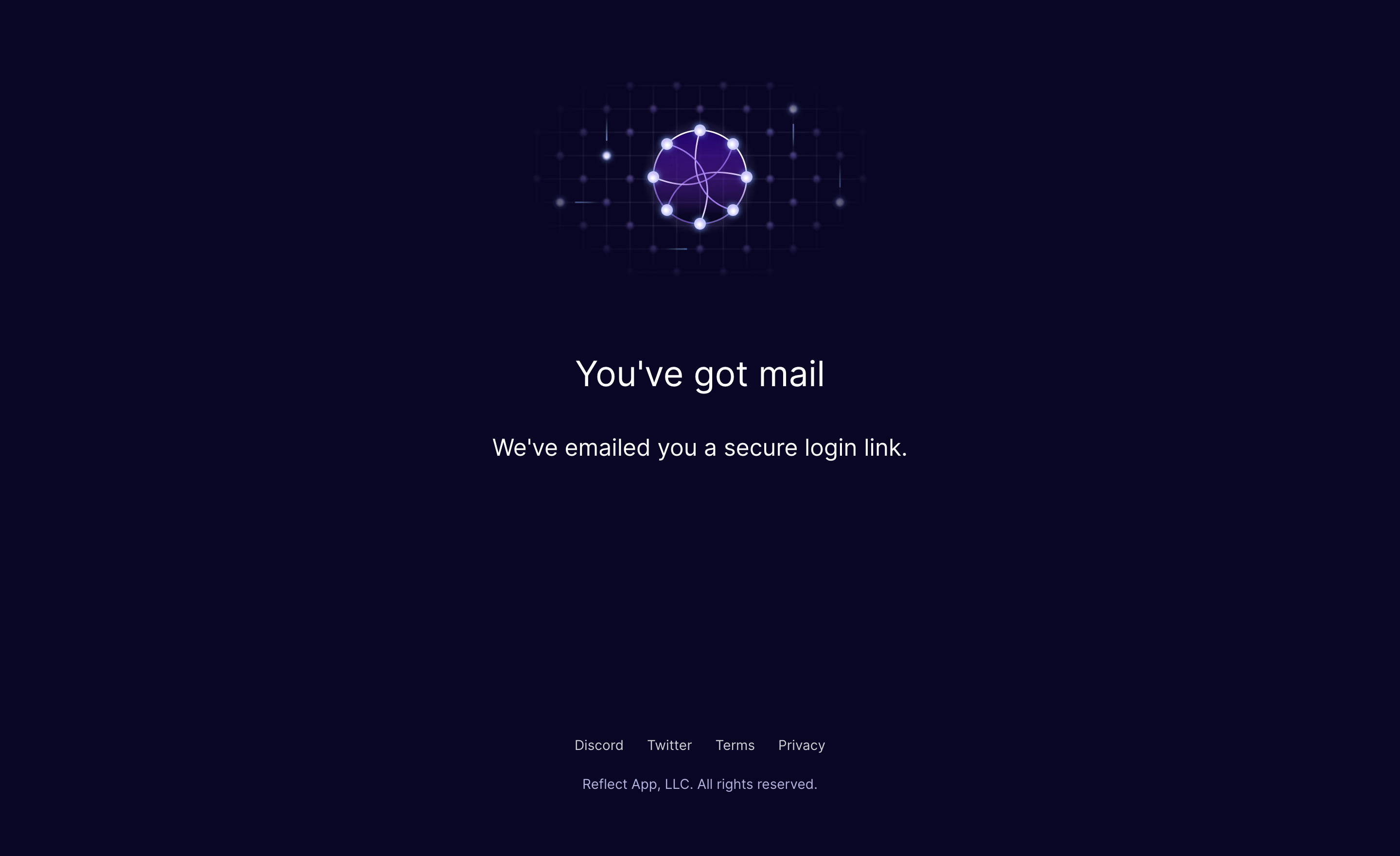
After submission, people need to know that the request was accepted, which inbox to check, and what to do if it is the wrong one. The waiting screen should remain useful while the person is outside the product. Do not treat it as a celebratory success state: the person has not necessarily signed in yet.
Superlist prominently announces that an email is on its way, identifies the destination, and offers both a resend link and another-account action. These controls address two different failures. Resending helps when the address is correct but delivery has not completed; changing the account helps when the person submitted the wrong identity. Repeatedly resending to a mistyped address would solve neither problem.
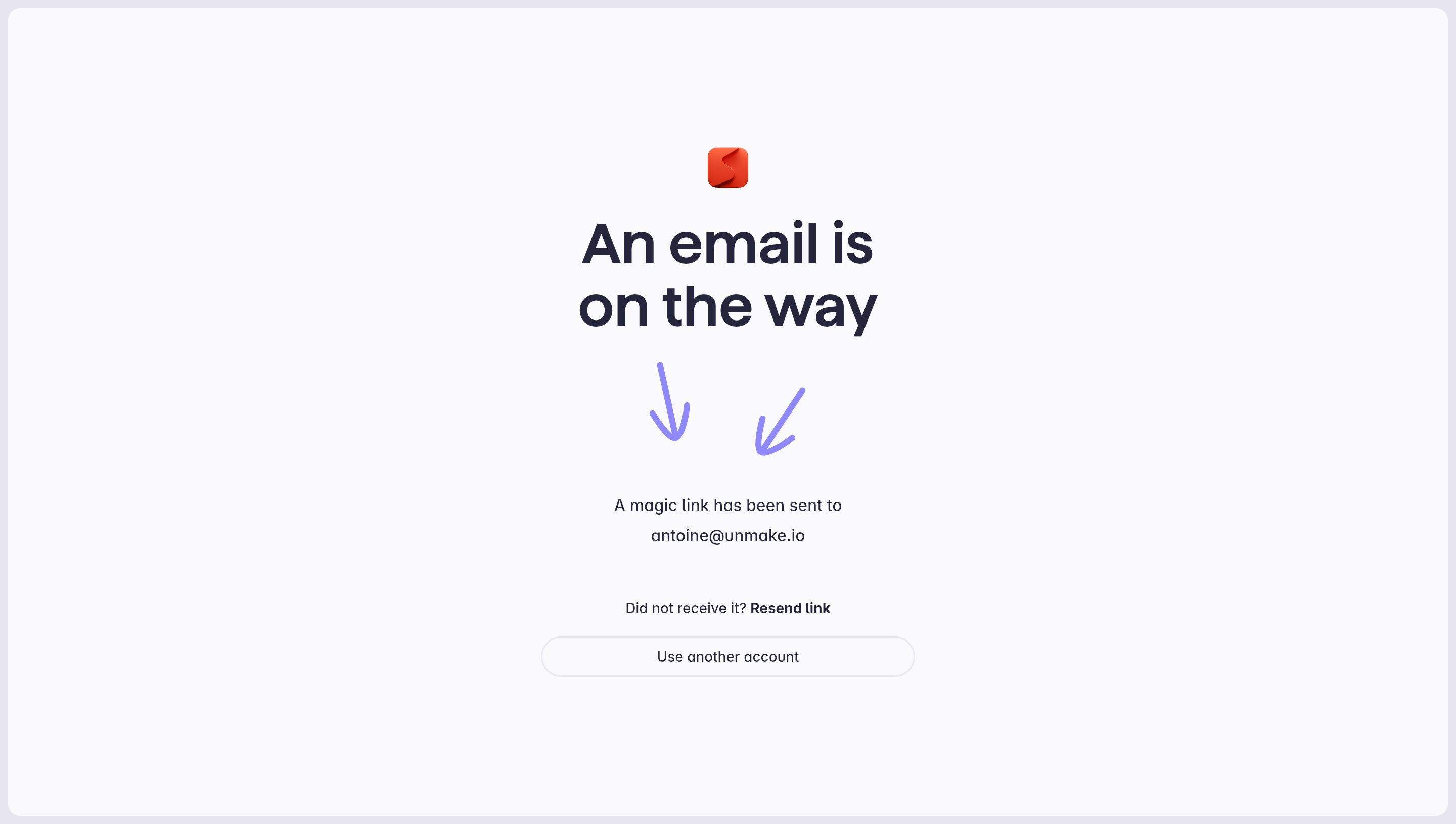
Use the address visibility that fits the context. Showing the entered address helps detect a typo, but a shared-screen environment may require more discretion. The displayed address is a confirmation of the request, not permission to reveal whether that account exists. Keep server responses consistent with your account-enumeration policy.
If there is a resend cooldown, explain when another request is possible. If sending fails, report the sending problem rather than leaving a reassuring “email sent” message in place. Avoid a fixed delivery promise unless your system can reliably meet it. People should not have to guess whether to wait, check spam, edit the address, or restart.
Slite’s second capture confirms that a link was sent and says it can be used to join teams. The team-URL field remains available below that message. The interface preserves the alternative path instead of replacing the whole page with a dead end.
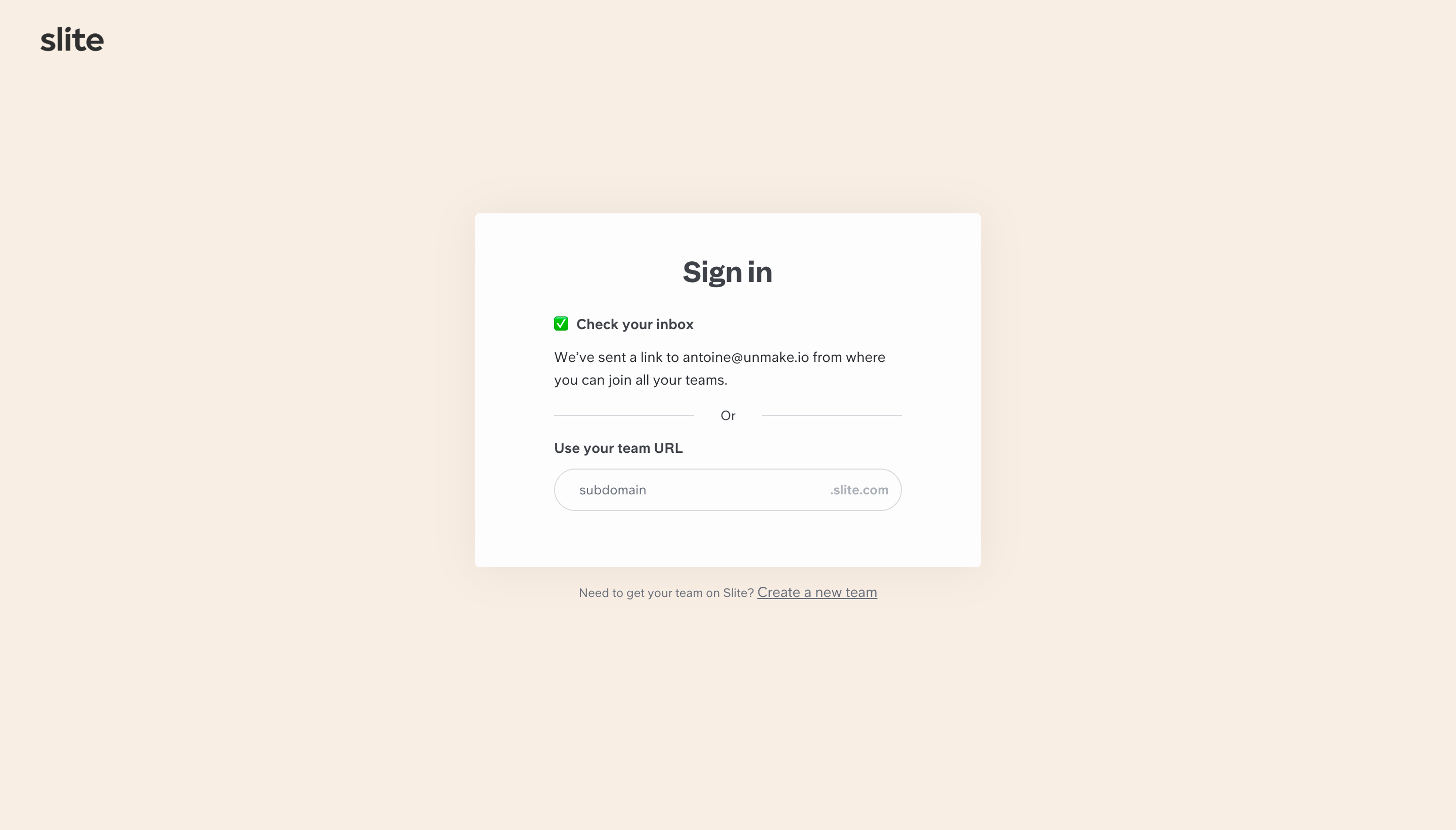
This works as an example of maintaining orientation, but the screenshot does not establish what clicking a team URL will do next. In your own flow, define that behavior explicitly. Workspace selection may precede authentication, follow it, or trigger organization-specific sign-in. A link that proves email access should not silently grant membership or a role that the person is not authorized to receive.
When several workspaces are available, explain the next choice with recognizable workspace names. If access is missing, distinguish “signed in, but not a member” from “sign-in failed.” Those are different problems with different remedies. An invitation, an administrator request, or switching accounts may help the former; sending another magic link may not.
A link may expire before the person opens it, or be opened again after it has already been used. Give those outcomes an intentional page. “This sign-in link is no longer valid” should lead to a new request or an available authenticated session, rather than a generic error page. Do not reveal sensitive account details merely to explain why a token failed.
The expiry duration belongs to the authentication implementation. Confirm its actual value and then reflect it consistently in the email and relevant interface copy. Supabase’s documentation, for example, describes magic links as single use and exposes configurable expiration behavior. That is an implementation reference, not evidence that the Slite or Superlist captures use Supabase.
Decide how multiple requests interact. If requesting a new link invalidates an earlier one, tell people to use the most recent message. If several links remain valid, review the security implications with the team responsible for authentication. Either way, test the inbox ordering problem: the first message to arrive may not be the last one requested.
A desktop login request can lead to a link opened on a phone. A mobile email app can open its default browser rather than the browser where the request began. Depending on the authentication configuration, that can succeed, fail, or require another step. Auth0 documents configurations in which the link must be opened in the initiating browser session. Do not promise cross-device sign-in before testing the selected implementation.
If the original browser is required, explain that before the handoff and provide actionable recovery when the mismatch occurs. If a code-based alternative is available, show how it returns the person to the original flow. Avoid telling someone to repeat the same action in an unexplained loop.
There is also a failure that visual mockups rarely reveal: email security tools may visit links before the person does. Supabase’s email-template documentation discusses prefetching that consumes a single-use link and possible mitigation approaches. Include this scenario in implementation review and delivery testing. A visually polished waiting screen cannot compensate for a link consumed before its recipient opens it.
The message should clearly identify the product and the requested action, with a primary link whose wording matches the sign-in flow. Explain any expiry and what an unexpected recipient should do. Avoid placing essential instructions only inside an image. A user reading a plain-text version should still understand how to continue.
Keep the destination recognizable and validate redirect destinations in the implementation. A person following a sign-in link should arrive at the intended product or approved destination. Returning to the original report, invitation, or project can preserve momentum, but access checks still apply at that destination.
Test the complete route with keyboard navigation, zoom, screen readers, and email clients. Status updates should be perceivable when a link is requested or resent. Controls for changing the address and restarting should have clear names. W3C’s accessible-authentication guidance emphasizes providing authentication paths that do not depend solely on cognitive tests; consider the entire path, including the inbox and any fallback.
No. A magic link is used to authenticate a person. A verification link confirms access to an email address for a defined purpose. A product can combine those actions, but its copy should state the result accurately.
That depends on the implementation and security requirements. Test the actual configuration before choosing the copy. If the originating browser is required, explain it and give a recovery path.
Explain that the link cannot complete sign-in and provide a way to request another one. Preserve useful context where possible, and avoid claiming that the account itself is invalid.
Compare Log In for the overall entry point, Verification for address and code confirmation, Password Reset for credential recovery, and Multi-Factor Authentication for additional factors. For products with multiple teams, Workspace Switcher helps extend the journey after access has been established.
Use the gallery above to compare how products explain the handoff and recovery choices. Evaluate each screen alongside its email and return destination: the quality of this pattern depends on the whole journey.