Upgrading
25
Browse 25 real SaaS Upgrading with modern UI patterns and conversion strategies.
.webp)

We sell SaaSFrame licenses on Gumroad, a secured online selling platform for creators.
SaaSFrame gets updated all the time! Every new update and version will immediately be made available to all SaaSFrame users.
The licence key required to create your SaaSFrame account is send by Gumroad once you made your purchase. If this email is blocked by your email client, send me an email at antoine[at]unmake[dot]io so I can resend the licence key.
You can generate an invoice on Gumroad once you purchased SaaSFrame. You will find the link in the order confirmation email.
If you're not satisfied, you can ask for a refund within 7 days. Just send me an email at antoine[at]unmake[dot]io
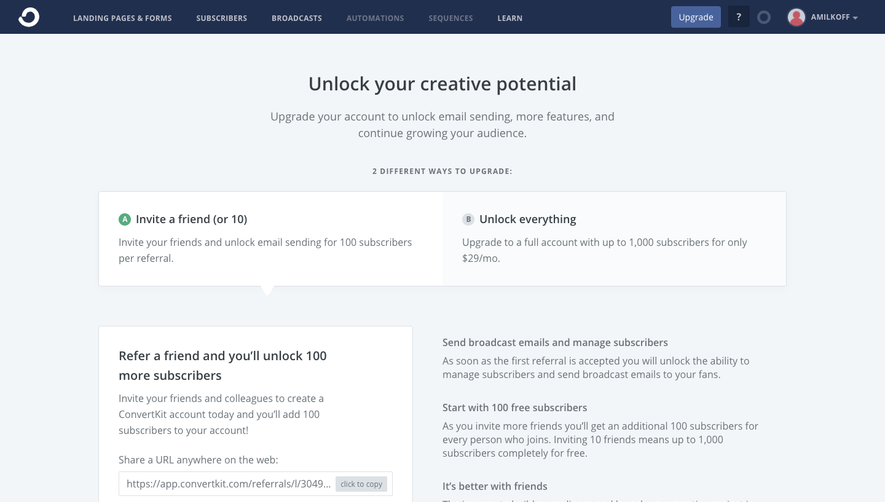
A SaaS upgrading screen helps an existing user move from their current access level to one that supports additional work. It may appear when a trial ends, a limit is reached, or a person requests a restricted capability. The experience should explain the constraint, the available options, and the consequences of choosing one.
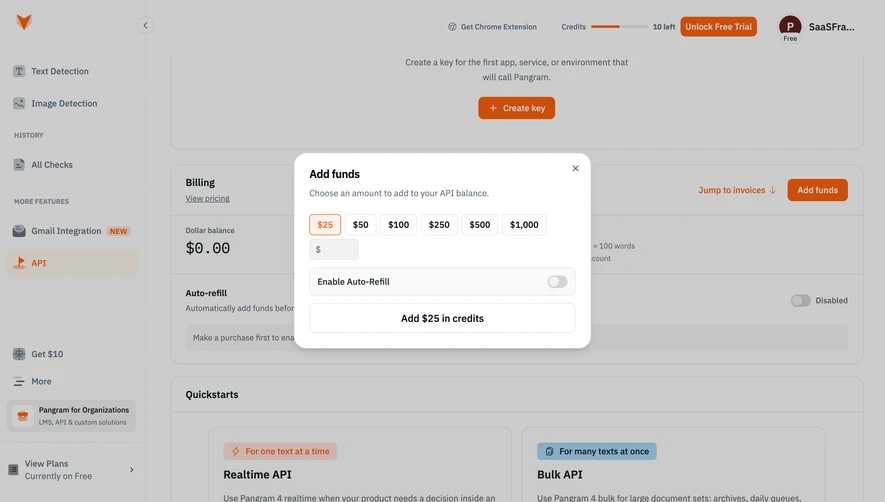
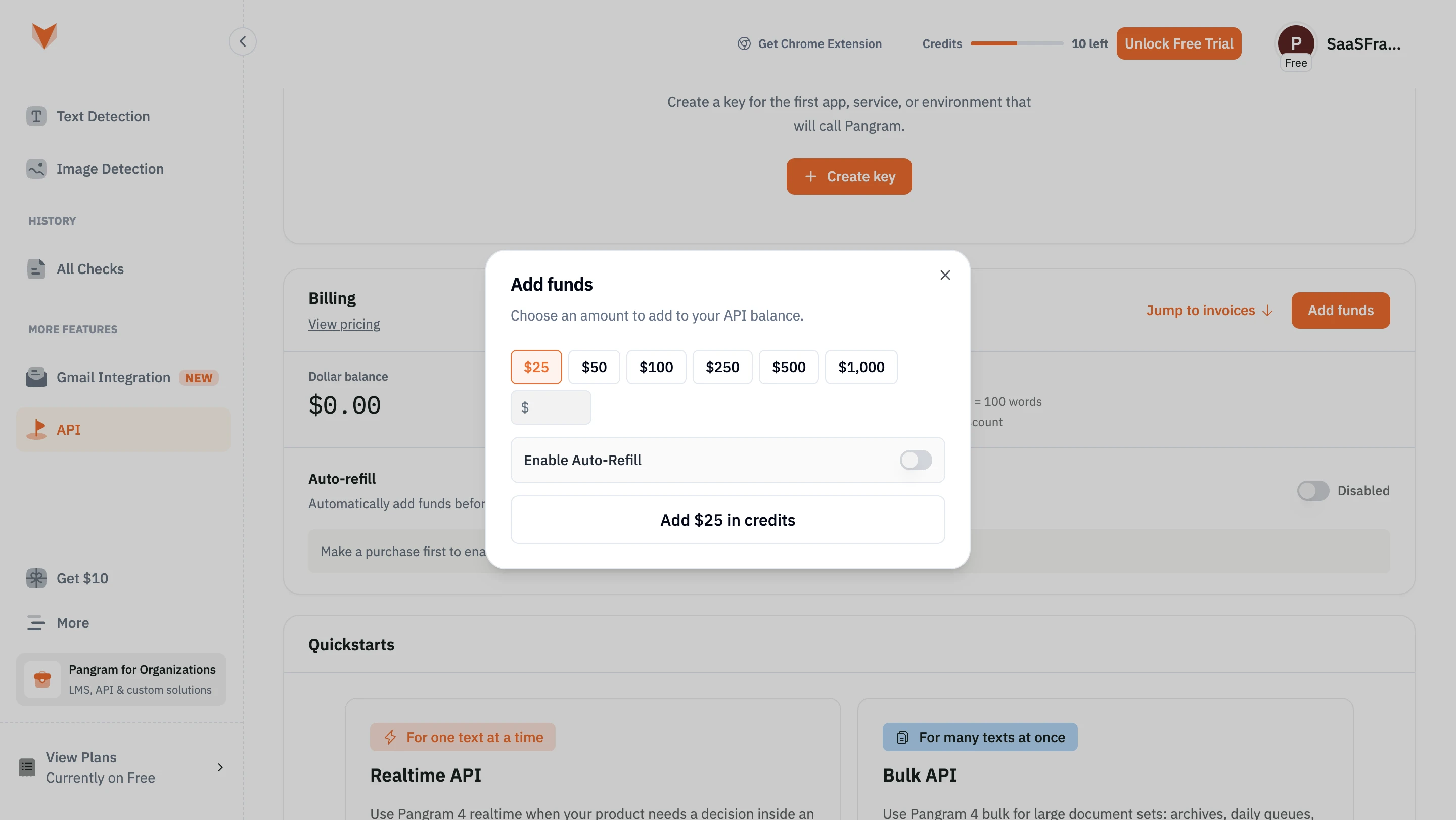
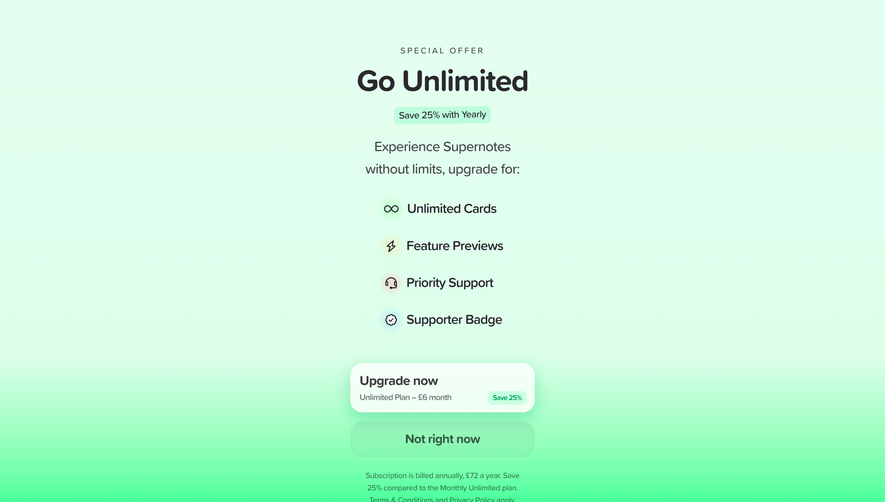
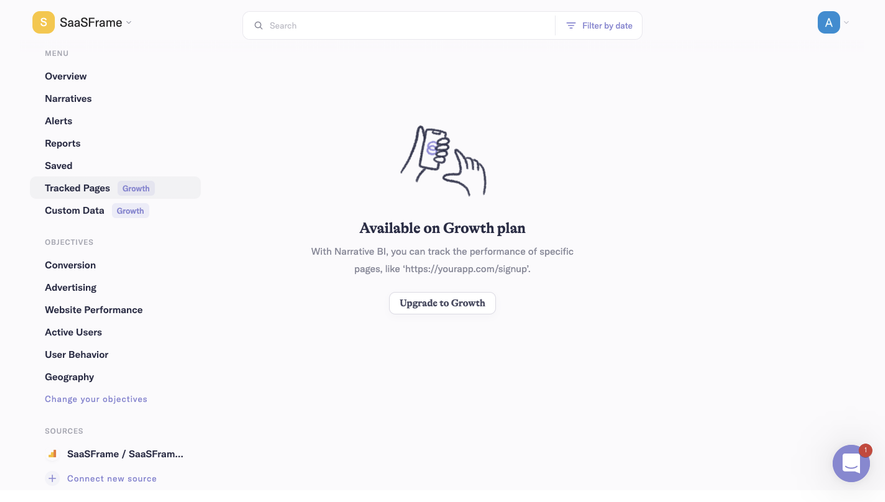
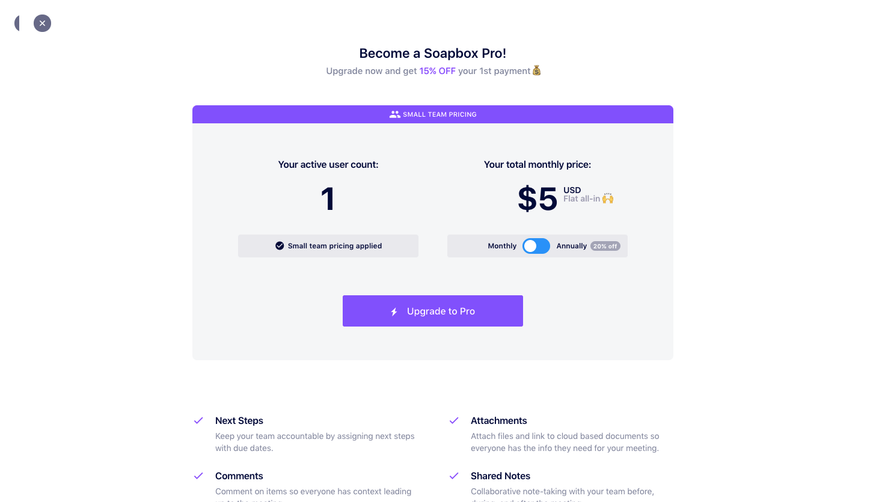
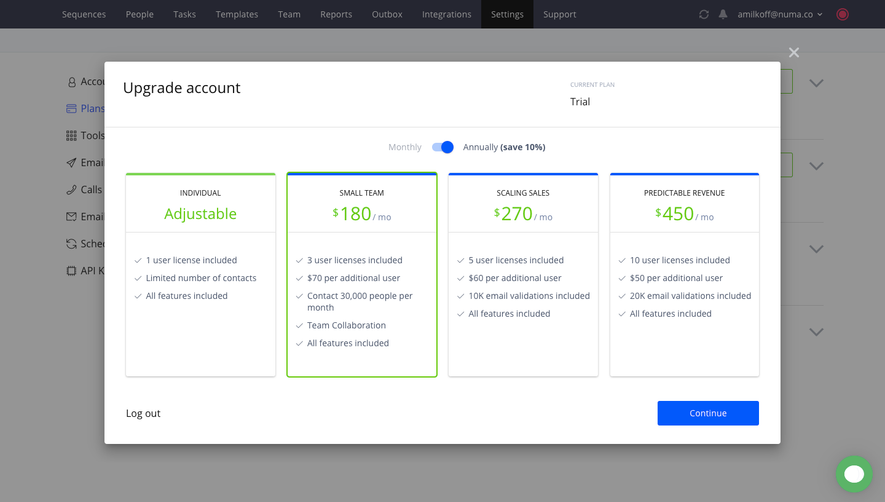
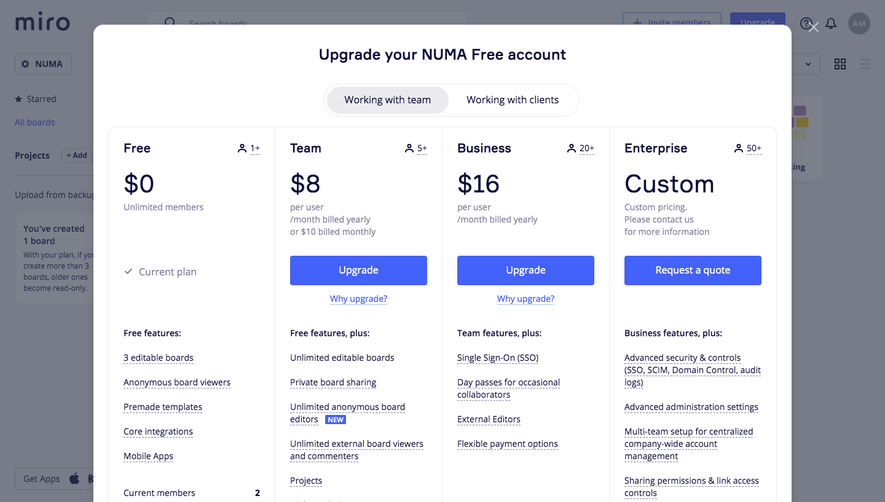
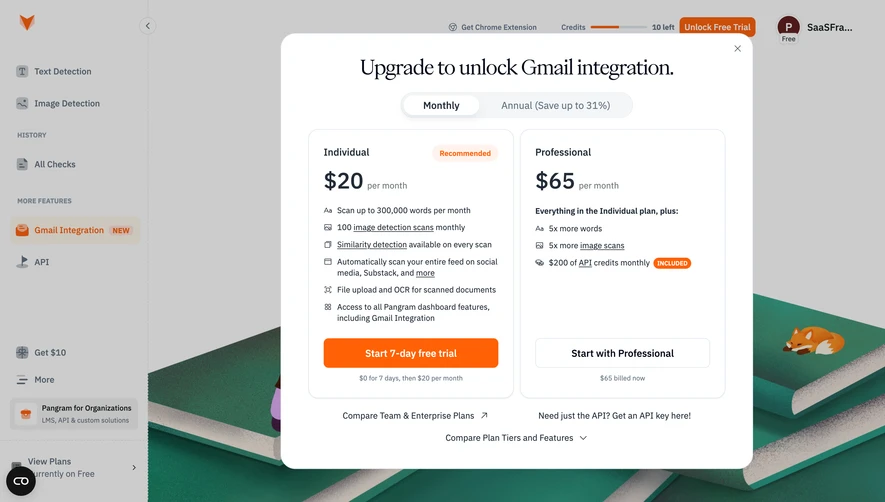
This category focuses on the upgrade decision inside the product. A public pricing page introduces the commercial offer to visitors, while an account plans screen provides an ongoing view of entitlements. The SaaSFrame captures illustrate these relationships through paywalls, contextual plan comparisons, and credit purchases. Their prices and offers are historical reference content.
An upgrade prompt arrives during a task, so its explanation should connect to that task. If publishing requires a paid plan, explain which publishing capability is restricted. If the account has exhausted credits, identify the relevant balance and what activity consumed it.
A generic demand to upgrade leaves people unsure whether payment will resolve their problem. Show the entitlement or allowance that changes, and avoid implying that a higher tier fixes unrelated errors or configuration requirements.
Preserve the user's work before presenting the decision. A person should not lose an edited object because the next action requires payment. When payment is deferred, provide an understandable route back to the current experience.
A hard gate prevents continuation under the current access conditions. An optional expansion offers additional capabilities while the user can still work. Their tone and controls should reflect that difference.
For a gate, explain what remains available and whether another route exists. For an optional upgrade, keep dismissal and return to work straightforward. Repeated prompts that obscure the product can make it difficult to evaluate the value being offered.
Use account state accurately. A trialing user, a free user, and a paid workspace approaching a limit may need different offers and explanations. Do not show a plan that is unavailable to the account or repeat a trial promise the person has already used.
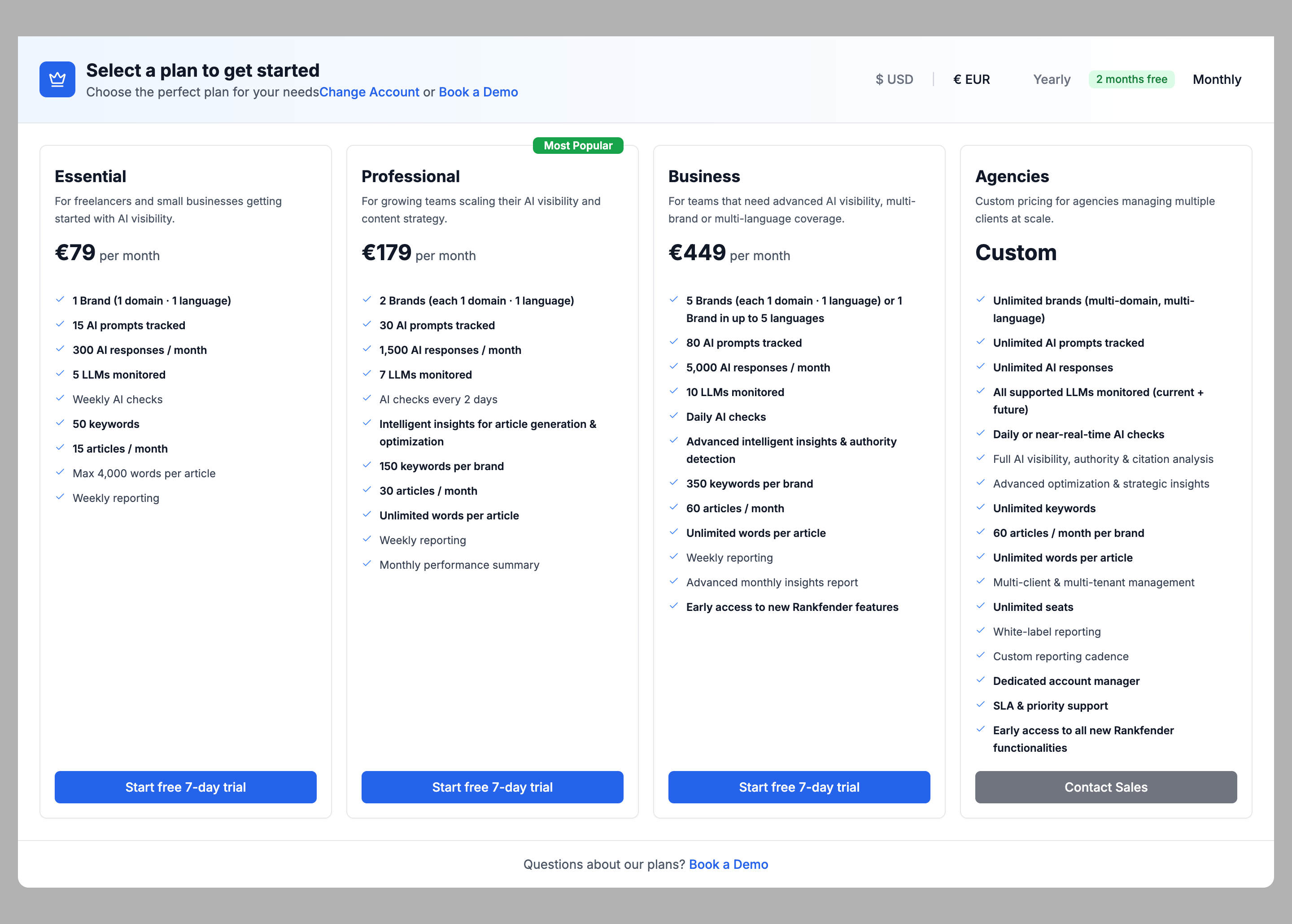
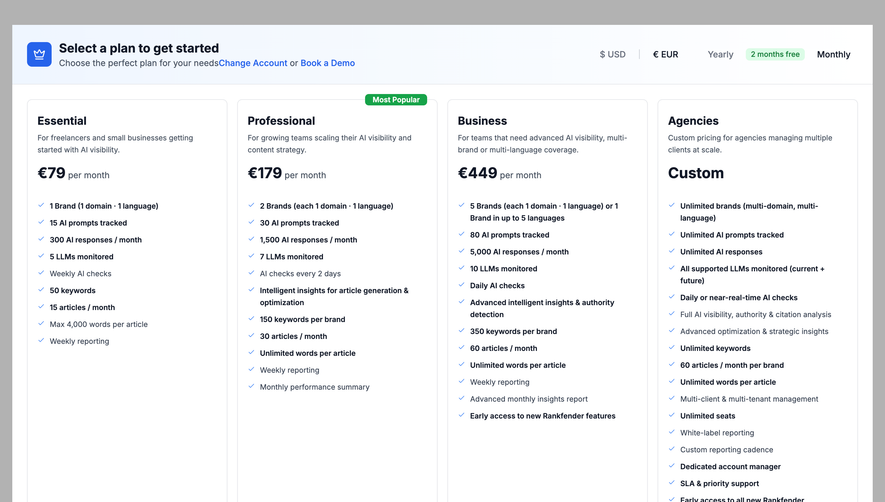
The Rankfender capture presents a select-a-plan gate with audience descriptions, billing-period controls, currency choices, and several capability limits. It also provides routes to change the account or book a demo.
This is a substantial decision surface rather than a small alert. The breadth can help when several limits affect the user's intended work, but it also requires careful hierarchy. Identify the few differences that determine fit before relying on a long feature inventory.
When adapting the approach, make clear whether the user must subscribe to enter the product or only to continue a particular task. Currency and billing controls must update the displayed offer consistently. A captured screenshot shows the controls, not how their behavior is implemented.
A useful upgrade comparison explains the differences that matter at the trigger point. A user blocked by publishing limits needs to understand publishing capacity. A team adding members needs to understand seat allocation and collaboration access.
Keep broader plan information available, but avoid making the user scan an entire marketing table to find the relevant change. Contextual emphasis should help the decision without hiding important conditions.
Show the current plan where appropriate. People need to understand what they already have, what changes, and whether existing configuration is affected. A new plan name alone is not enough to explain the transition.
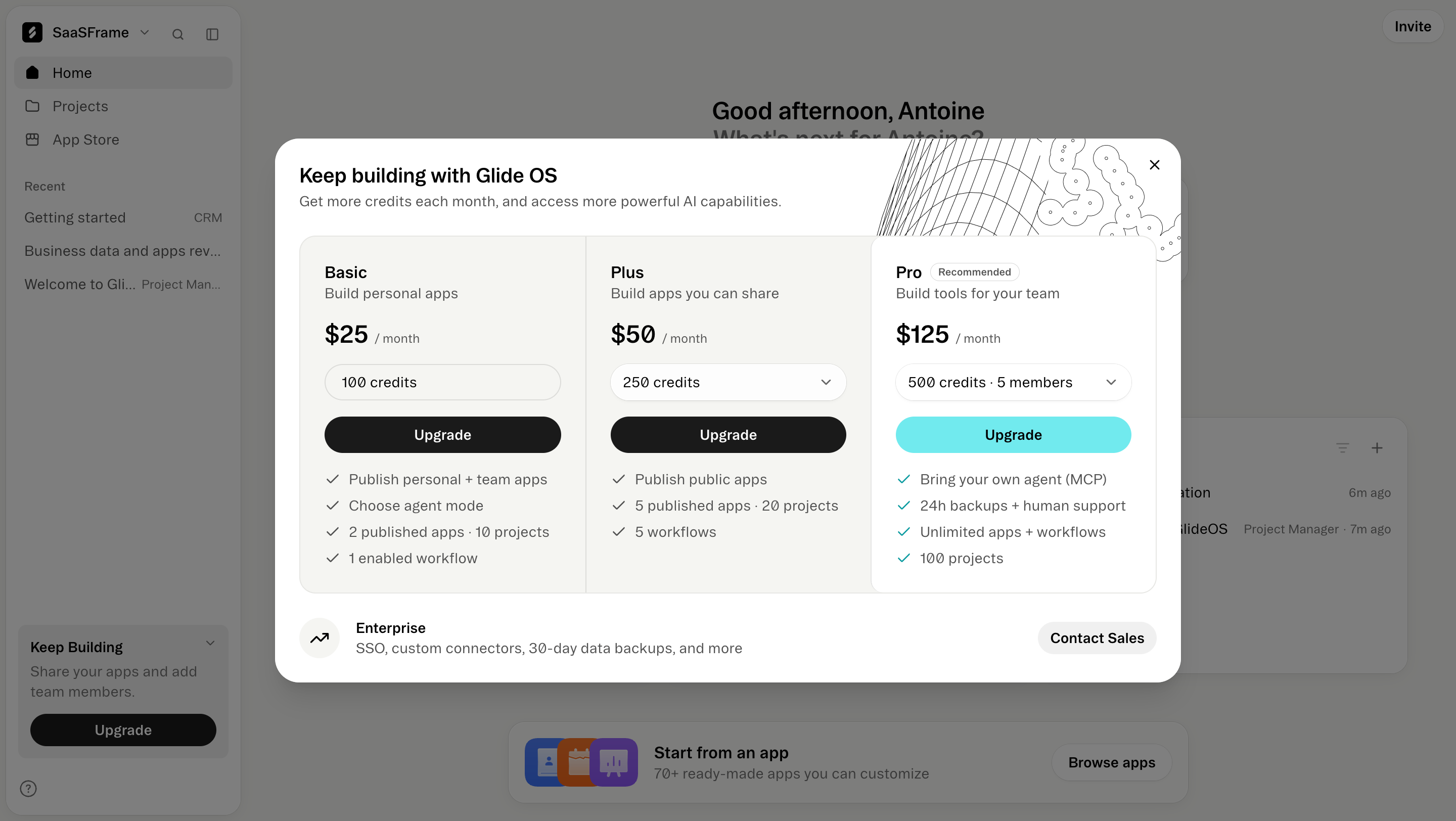
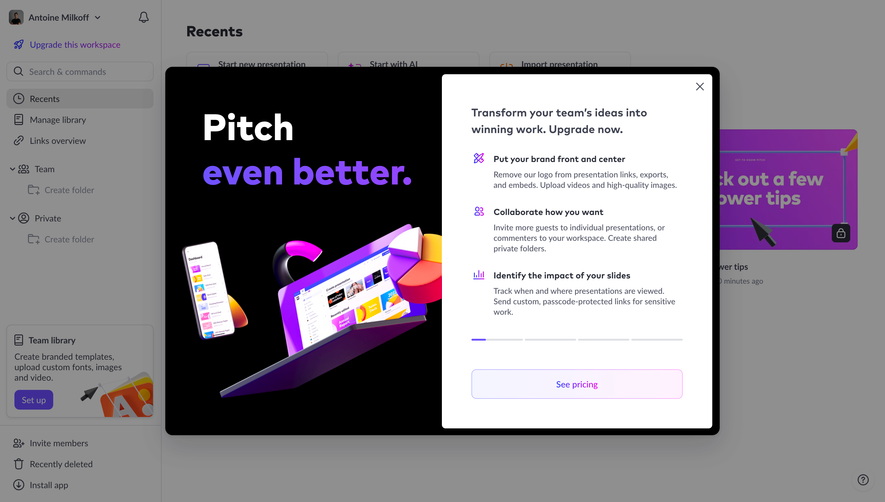
The Glide capture displays an upgrade comparison within the surrounding product home. Plan descriptions distinguish personal apps, shareable apps, and team tools, while limits include credits, published apps, projects, and workflows.
The useful relationship is between audience fit and concrete capabilities. A user can relate a plan to the work they want to do rather than interpret an abstract tier label. The visible account context also makes the screen feel like a decision about the current workspace.
That context introduces a responsibility: explain which workspace changes and who gains access. An individual initiating an upgrade may be acting for a team. Do not make the commercial effect depend on a subtle workspace name in the navigation.
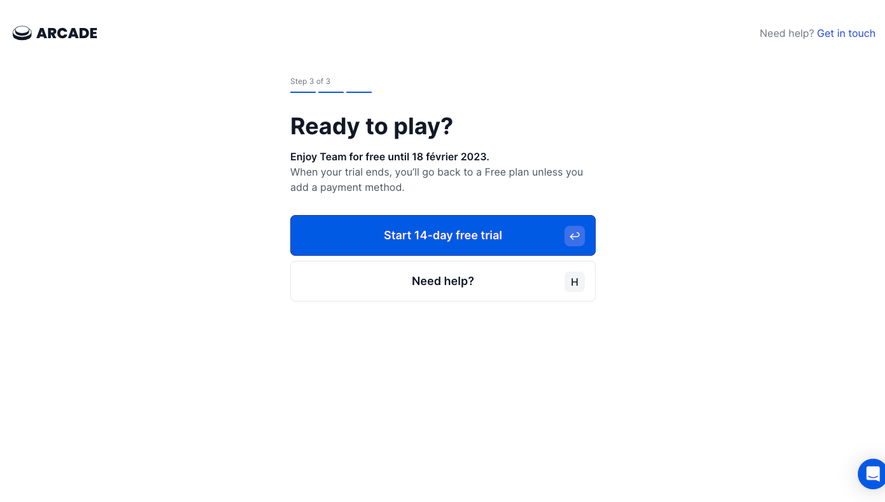
A trial can help a user evaluate capabilities before committing, but the offer needs understandable conditions. Explain the relevant duration, what becomes available, and what happens afterward using the actual account terms.
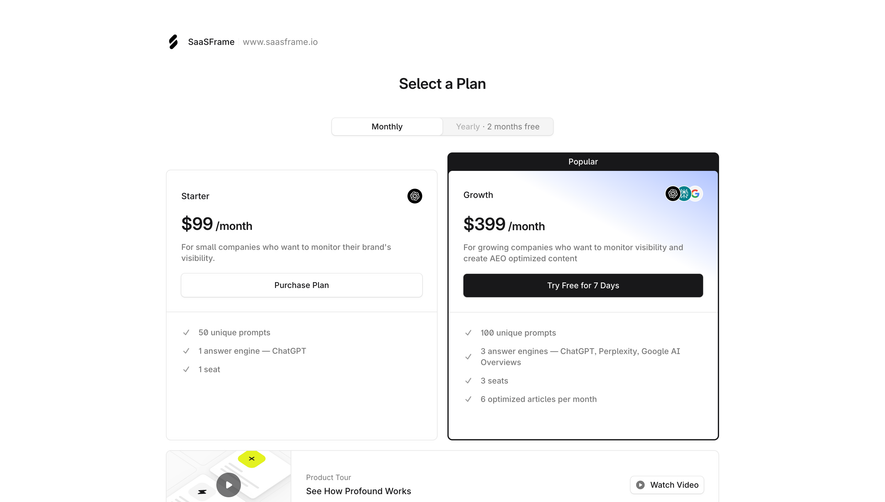
The Profound plan-selection capture places a purchase route on one plan and a trial route on another. This illustrates why action labels matter: the available next step can differ between tiers even when they share a comparison layout.
Avoid presenting every plan with identical wording when the commitment is different. Keep trial conditions discoverable near the action. Do not infer from a screenshot that a trial requires no payment method or ends automatically unless the reference explicitly establishes it.
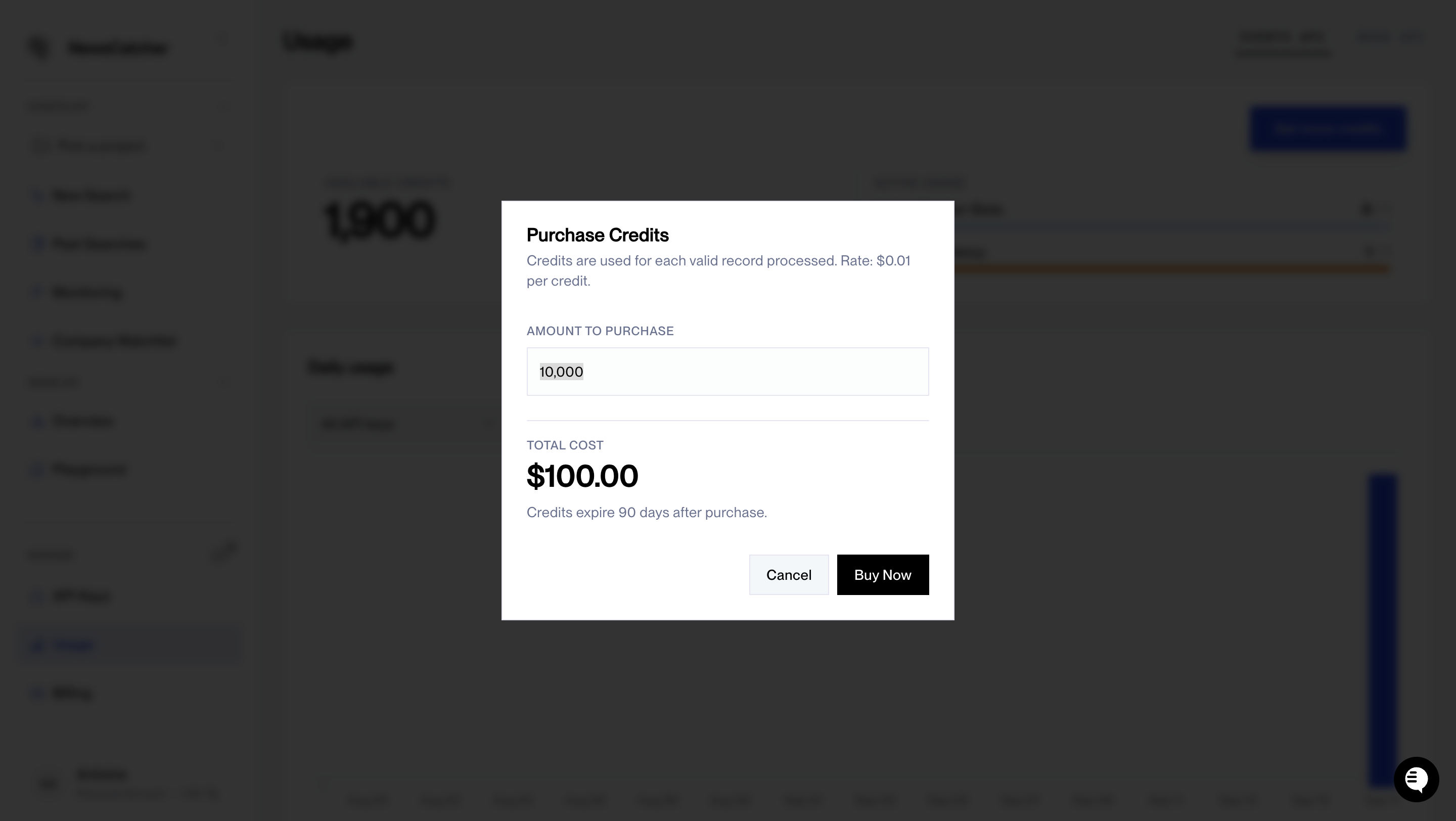
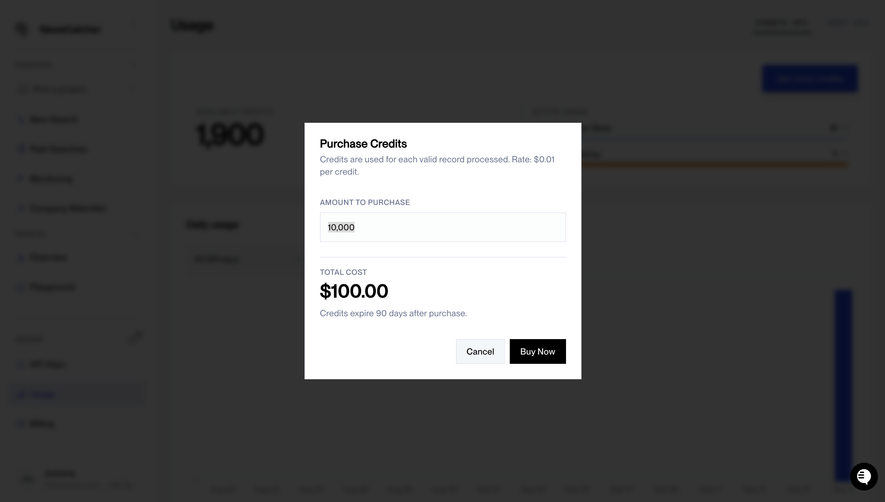
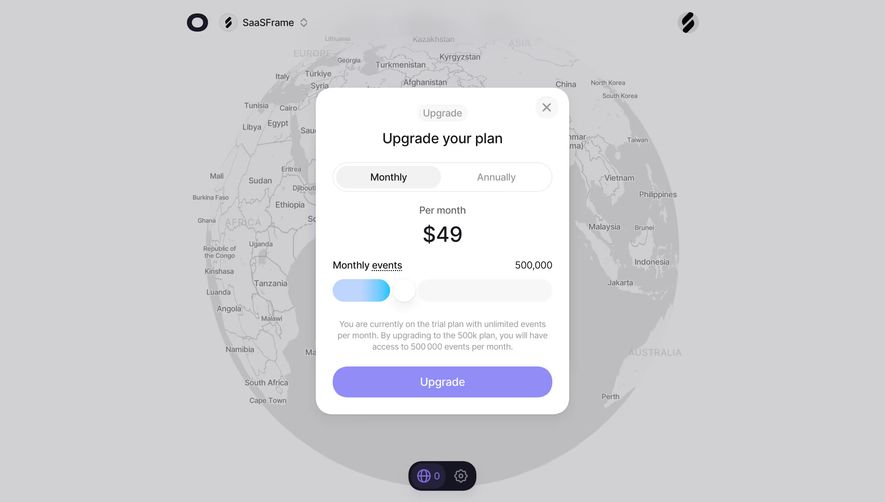
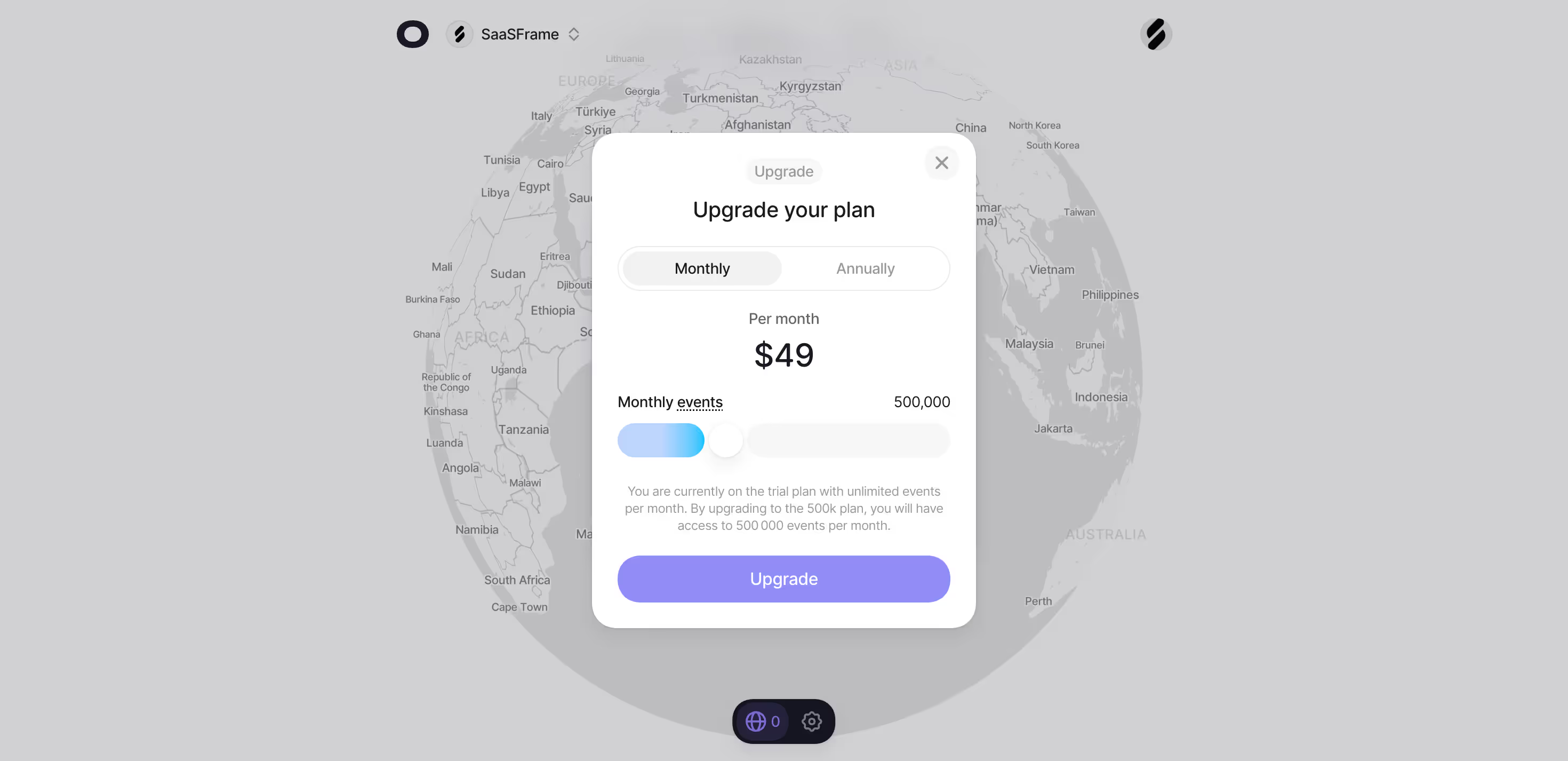
The NewsCatcher purchase-credit capture presents a quantity, a per-credit rate, a calculated total, an expiry statement, and a buy action. This is a top-up decision rather than a subscription-tier comparison.
The user needs to understand both capacity and duration. A quantity that expires can have a different practical value from a monthly included allowance. Show the actual rule, and make the purchased unit distinguishable from other product resources.
Where an account can choose between a higher subscription and a one-time top-up, explain the alternatives coherently. Do not force users to infer whether a credit purchase changes their plan or whether an upgrade includes a separate balance.
Before commitment, distinguish what is due now from what happens at renewal. A monthly equivalent shown for an annual plan should not obscure the actual billing interval or total commitment.
If the transition involves an adjustment, make the relevant calculation understandable. Display a confirmed summary at the appropriate stage rather than relying on a generic starting price. The upgrade screen and checkout must describe the same selection.
Use precise language for timing. Immediate feature access, scheduled plan changes, and pending payment are different states. The product should not promise active access before the underlying change is confirmed.
The person encountering a limit may not be allowed to purchase. Provide an appropriate route for members who need an administrator to act. Explain the restriction without making it look like a payment failure.
Where a workspace upgrade affects several people, show its scope clearly. Seat counts, guest access, and shared limits can materially change the decision. The interface should avoid implying that an organization-wide purchase is only for the person clicking the button.
Keep administrator and member experiences coherent. A member's request should preserve the task context so an authorized person can understand why the upgrade was needed.
Successful payment is not the end of the product experience. Confirm what changed and return the user to the task that triggered the prompt when practical. Preserve selected options, unfinished work, and relevant navigation context.
If activation takes time, show the pending state and explain the next step. Do not loop people back to the same paywall while the account update is processing. Failed or canceled payment should also preserve the original work.
Avoid duplicate submissions and unclear retries. A user needs to know whether a purchase was accepted before attempting it again. The displayed success state should follow the confirmed commercial event.
Ask users to explain what the selected option changes, which account it affects, and what they expect to pay. Misunderstandings reveal weaknesses that a higher click-through rate can hide.
Test exhausted allowances, trial expiry, paid accounts, unavailable plans, non-admin members, payment failure, and interrupted checkout. Include mobile and keyboard interaction, especially for dense comparisons and modal prompts.
Evaluate whether users resume the intended work after upgrading. An accepted offer that does not lead to a useful outcome may indicate a confusing entitlement explanation or a broken handoff.
Upgrading responds to an existing account and often to a specific task. A pricing page introduces the commercial offer to visitors. Use account context to make the upgrade decision more precise.
Show enough choice to support a valid decision. When one entitlement is the issue, emphasize the options that resolve it while keeping fuller information accessible.
Where practical, preserve their work and return them to the relevant task. Confirm the updated entitlement before allowing a consequential action to proceed.