Usage
21
Browse 21 real SaaS Usage with modern UI patterns and conversion strategies.
.webp)

We sell SaaSFrame licenses on Gumroad, a secured online selling platform for creators.
SaaSFrame gets updated all the time! Every new update and version will immediately be made available to all SaaSFrame users.
The licence key required to create your SaaSFrame account is send by Gumroad once you made your purchase. If this email is blocked by your email client, send me an email at antoine[at]unmake[dot]io so I can resend the licence key.
You can generate an invoice on Gumroad once you purchased SaaSFrame. You will find the link in the order confirmation email.
If you're not satisfied, you can ask for a refund within 7 days. Just send me an email at antoine[at]unmake[dot]io
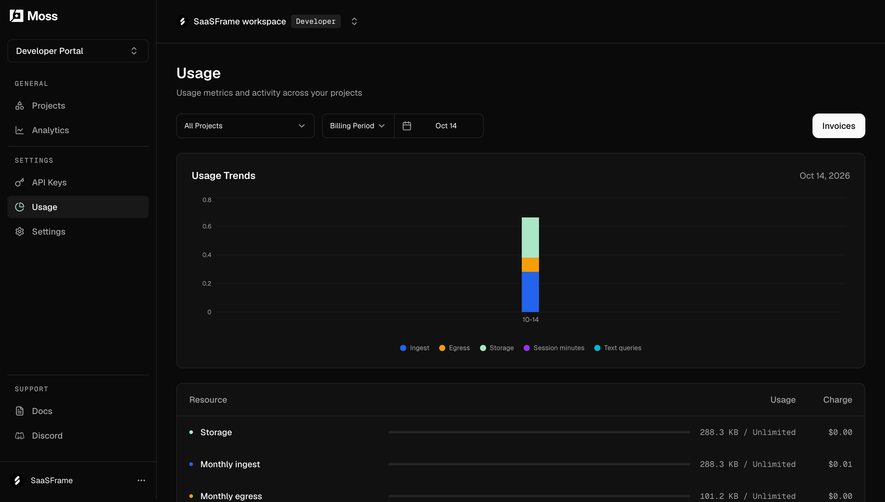
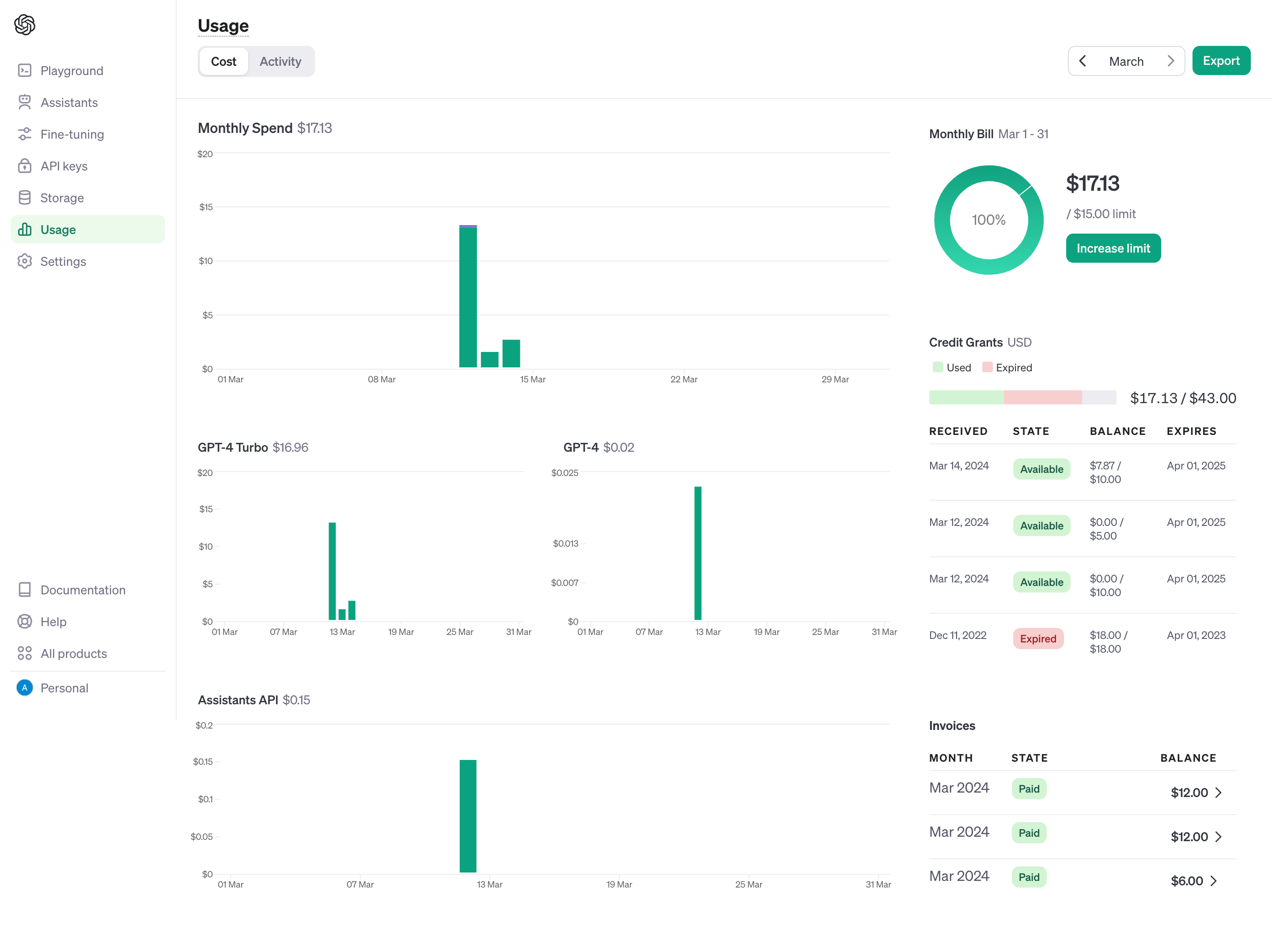
A SaaS usage page explains what an account has consumed, what remains available, and which activity produced that consumption. It can cover API calls, storage, bandwidth, credits, model tokens, or time spent running a service. Good usage design connects those units to understandable scope and useful investigation.
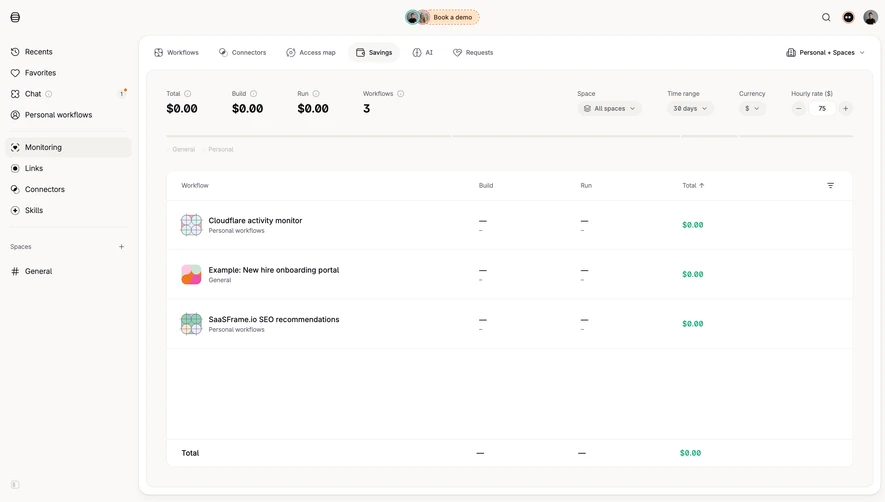
Unlike a general dashboard, a usage screen often has to reconcile operational activity with allowance and billing rules. The SaaSFrame references show aggregate views, resource-specific histories, and request logs. Captured balances and dates are historical interface content, not current commercial information.
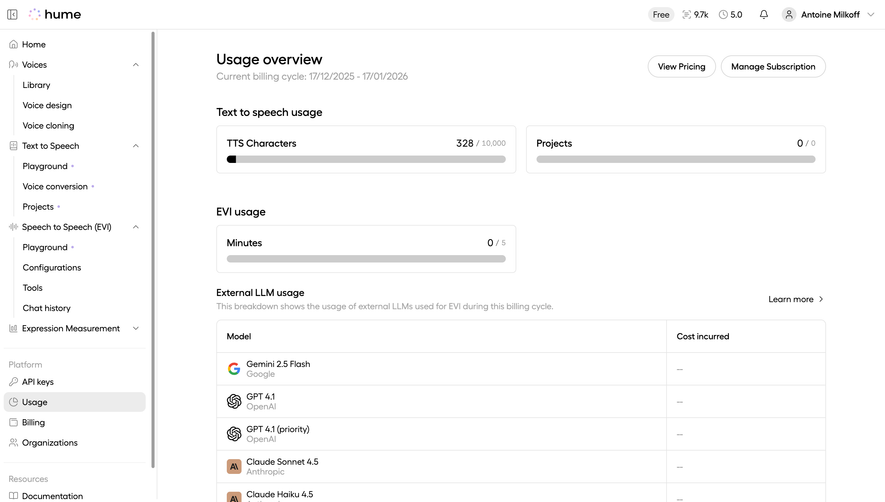
A usage value is meaningful only when users know what is counted. Requests, valid records, generated tokens, and credits are different units. If a product converts several underlying activities into credits, explain that relationship rather than assuming the credit balance speaks for itself.
Keep the unit visible beside the value and use consistent terminology throughout the page. A card labeled calls and a table labeled requests may refer to the same thing, but users should not have to resolve that ambiguity while investigating a limit.
For composite consumption, provide a breakdown that matches how the service operates. A total may be appropriate for orientation, while separate resource measures are needed to explain what changed and how to manage future use.
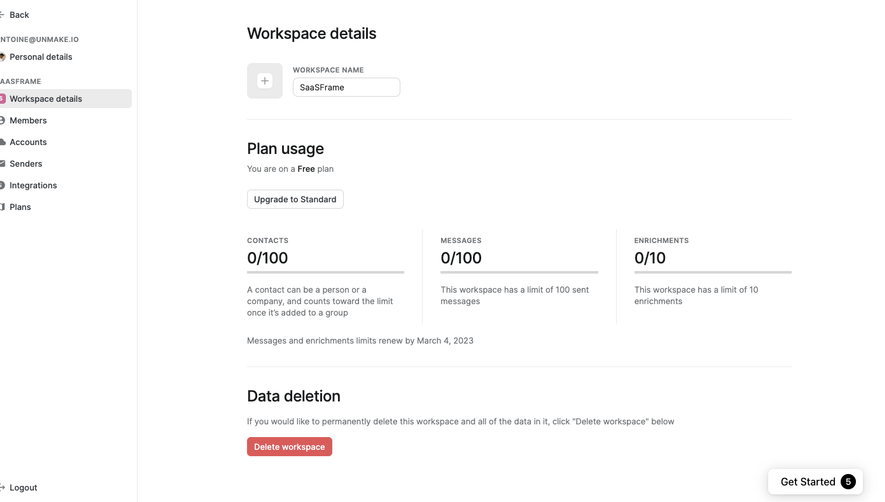
Usage may belong to a person, project, workspace, organization, or API key. Make that subject apparent. Users managing several projects need to know whether an allowance is shared or allocated separately.
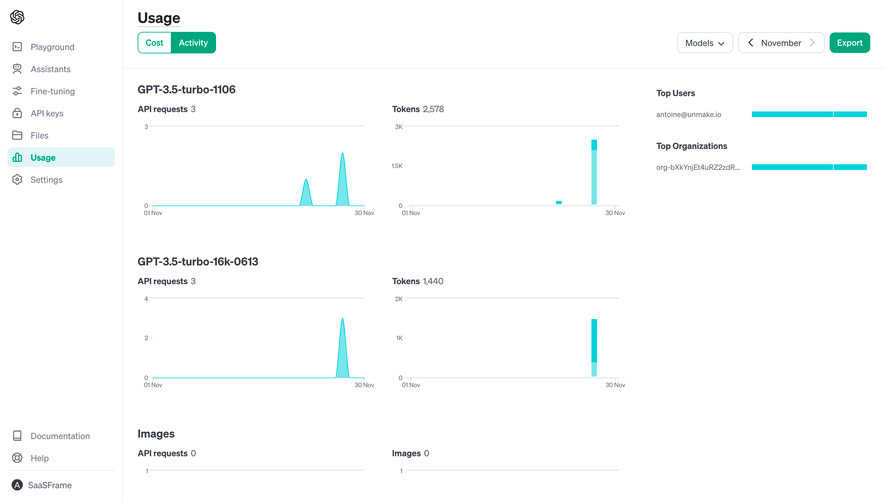
Display the reporting period and the relevant reset or expiry context. A rolling thirty-day chart is not the same as a calendar-month allowance. When both appear, label each rather than using one general date filter to imply they are identical.
Keep scope consistent when users switch accounts or filters. Old values beside a new project name can lead to incorrect decisions even if the page eventually refreshes. Loading and freshness states should make the transition understandable.
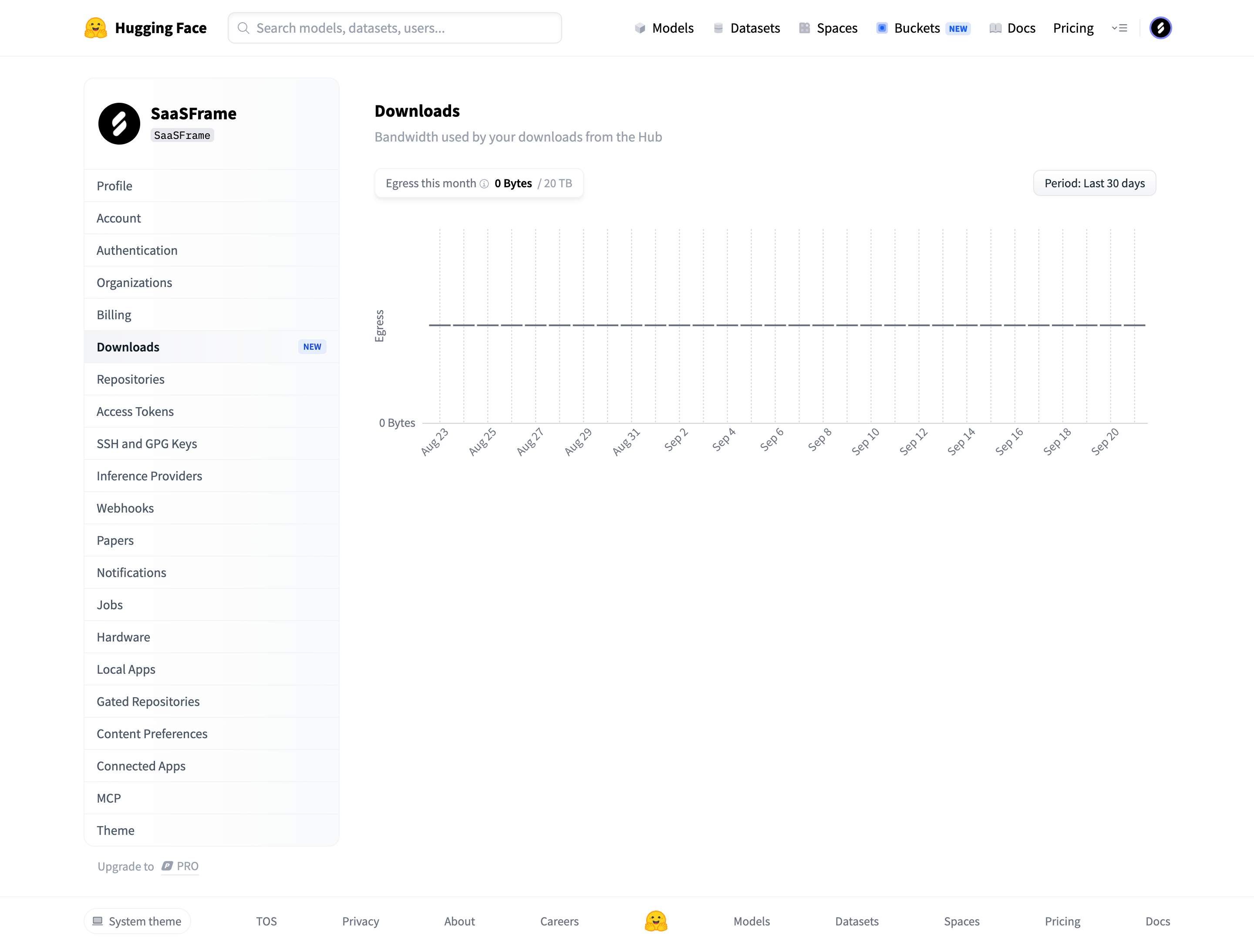
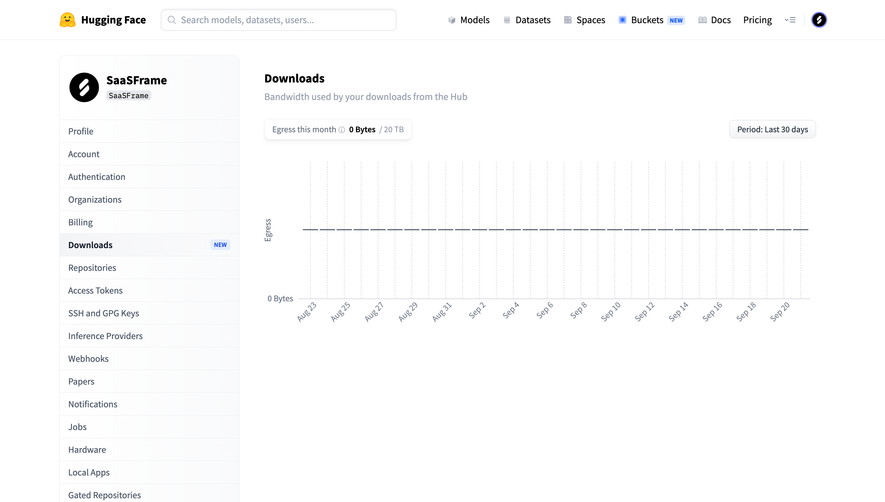
The Hugging Face download-bandwidth capture presents egress usage alongside an allowance and a time-series area. It places the page within account settings and identifies a displayed period for the history.
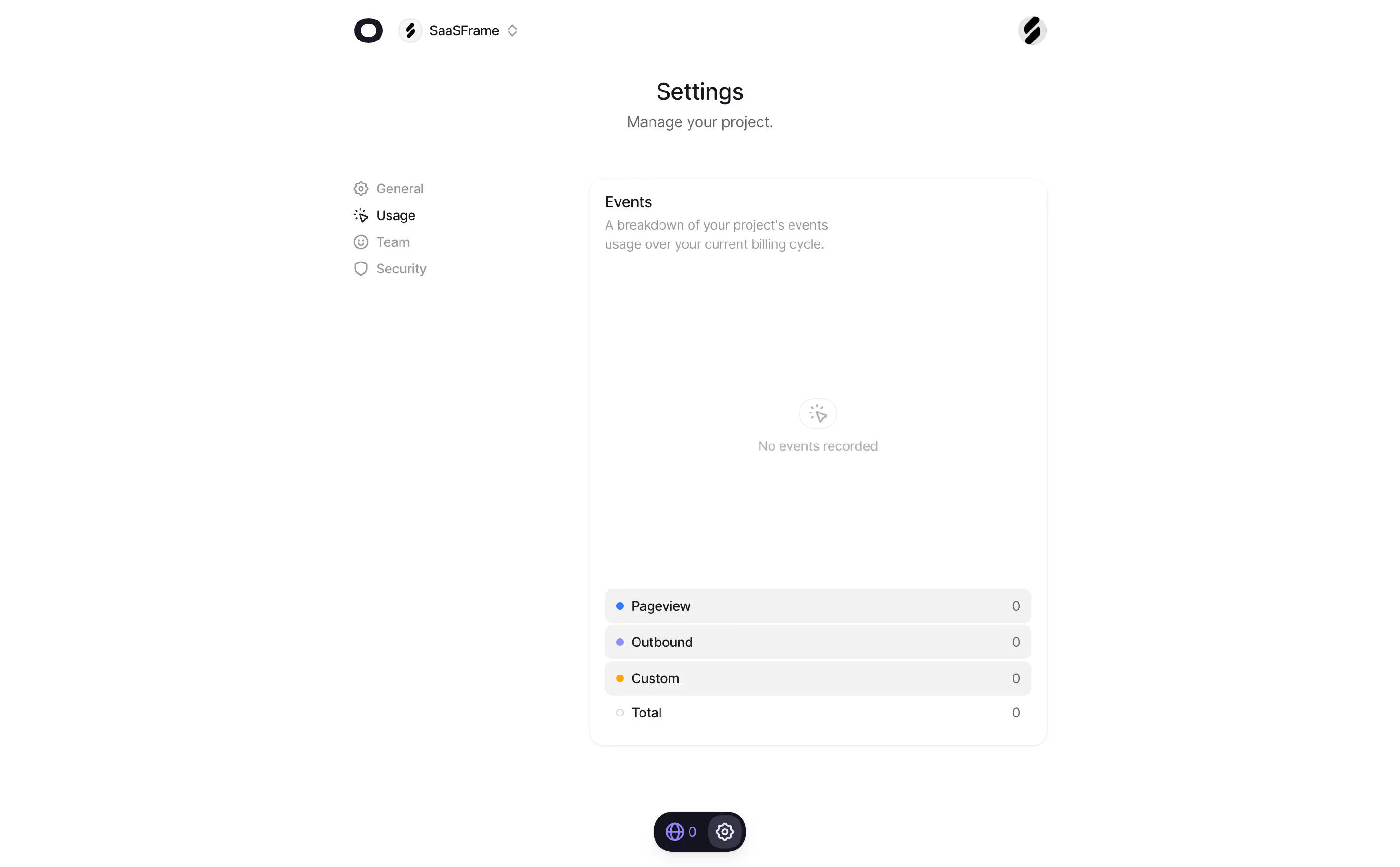
The useful design relationship is between a resource label, a consumed amount, a limit, and historical context. A zero value remains informative when its unit and scope are visible. Users can distinguish a lack of consumption from a missing chart only if the page communicates the state honestly.
When adapting this structure, align period definitions carefully. A label about this month and a last-thirty-days filter can imply different boundaries. Explain the measurement used for the allowance and the measurement used for the chart when they differ.
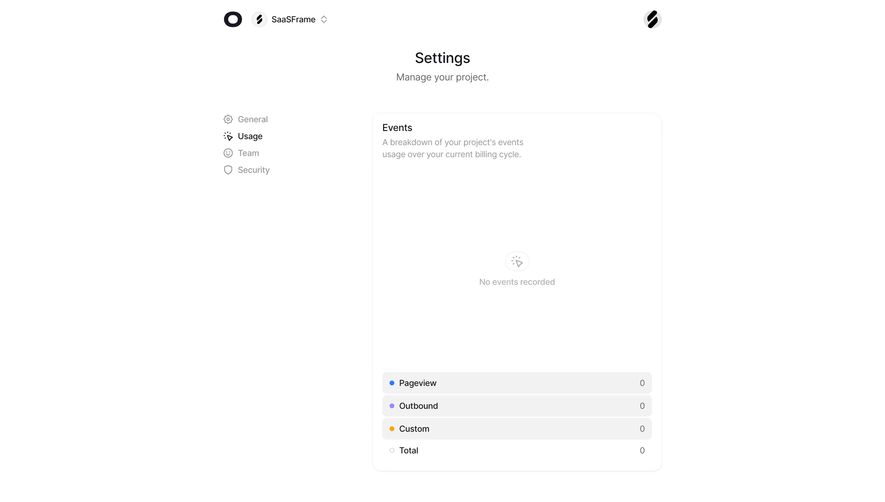
A new account may have no usage yet. A reporting pipeline may also be delayed, or an integration may have failed. These are different states and should not all appear as an empty chart with a zero total.
Use a clear no-activity explanation when the system has confirmed zero usage. For delayed or unavailable data, show the appropriate status and preserve the last trustworthy value when useful. Do not turn an unknown state into an apparently precise measurement.
Give new users a relevant next action where appropriate. A usage screen can link to documentation or a first request, but that guidance should not conceal the reporting information they came to inspect.
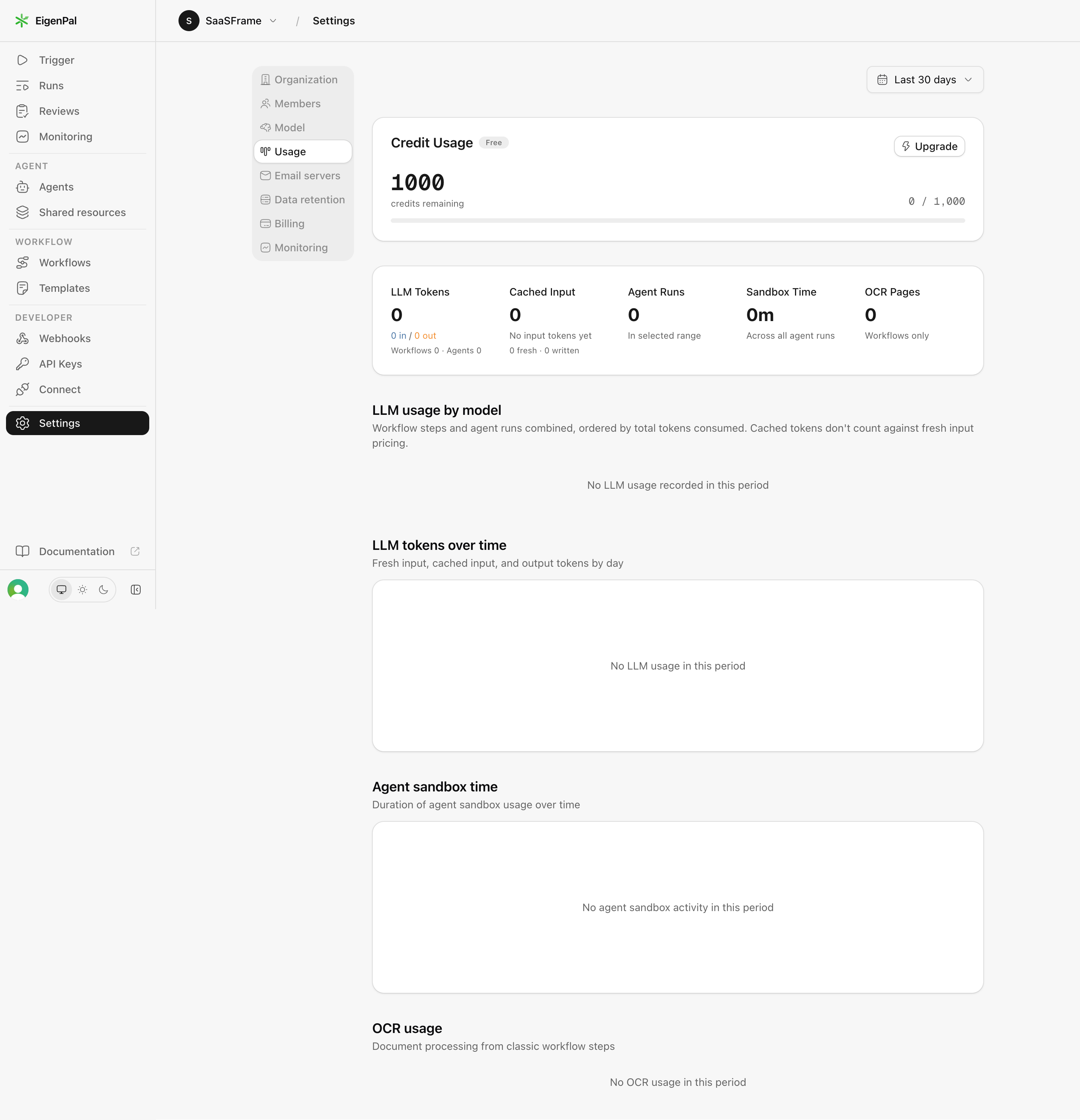
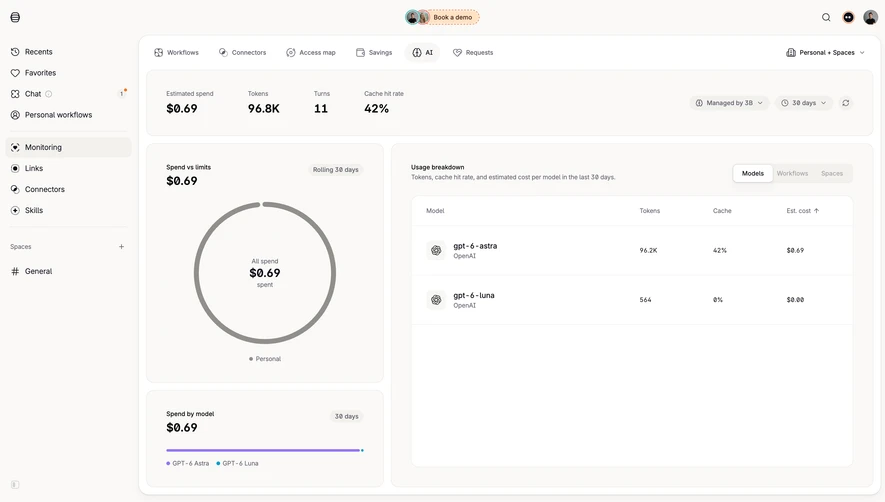
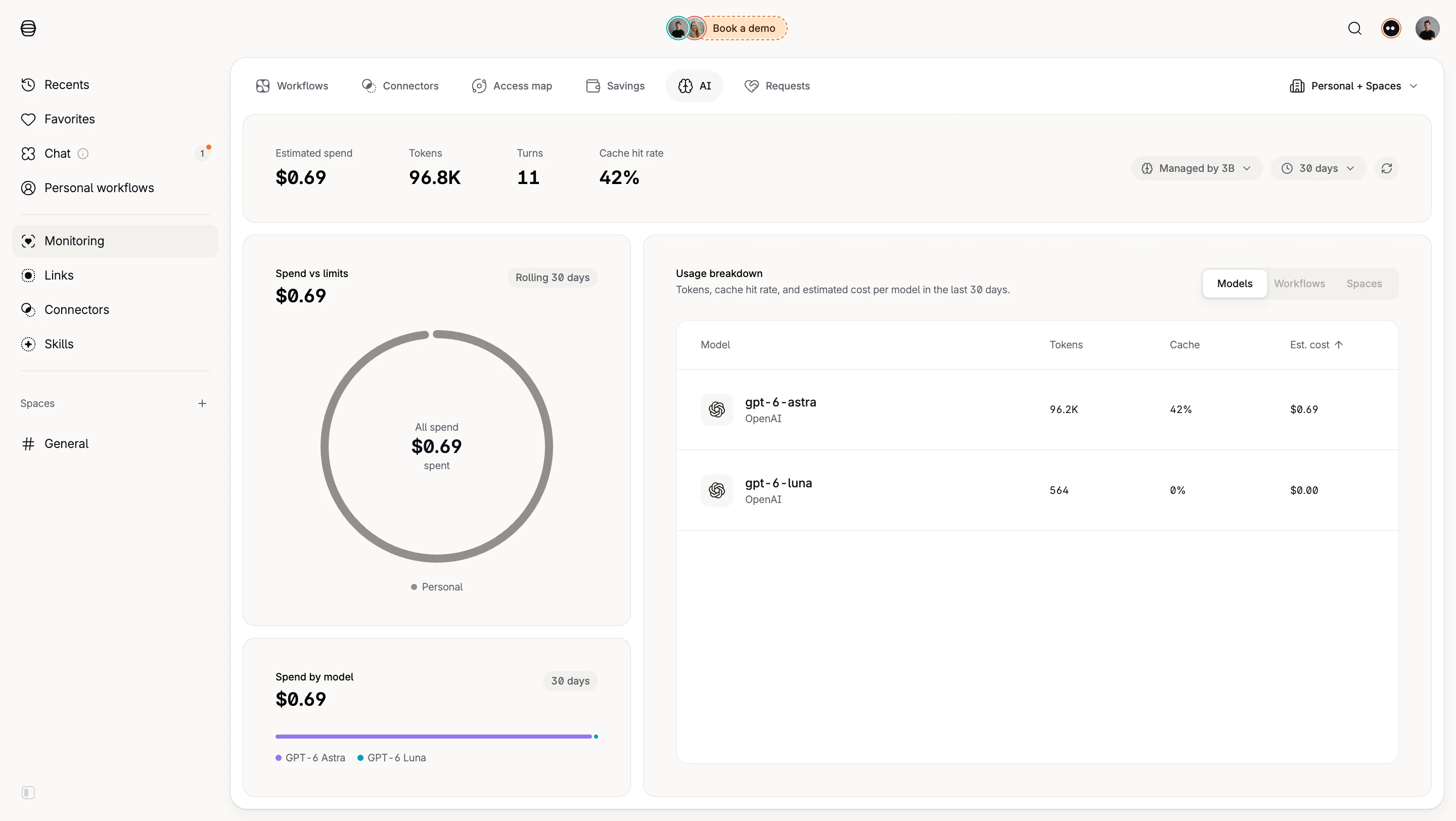
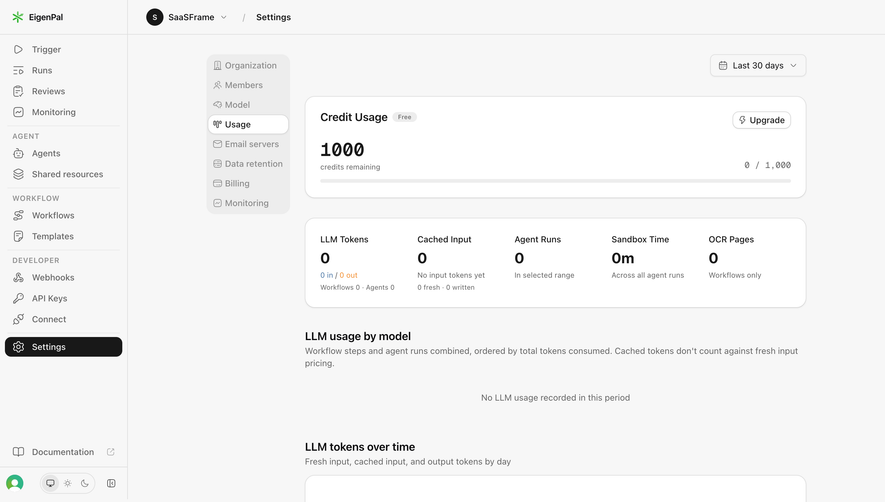
The EigenPal capture combines a remaining credit balance with measures for LLM tokens, workflow and agent activity, sandbox time, and OCR pages. Several areas explain that no usage was recorded in the selected period.
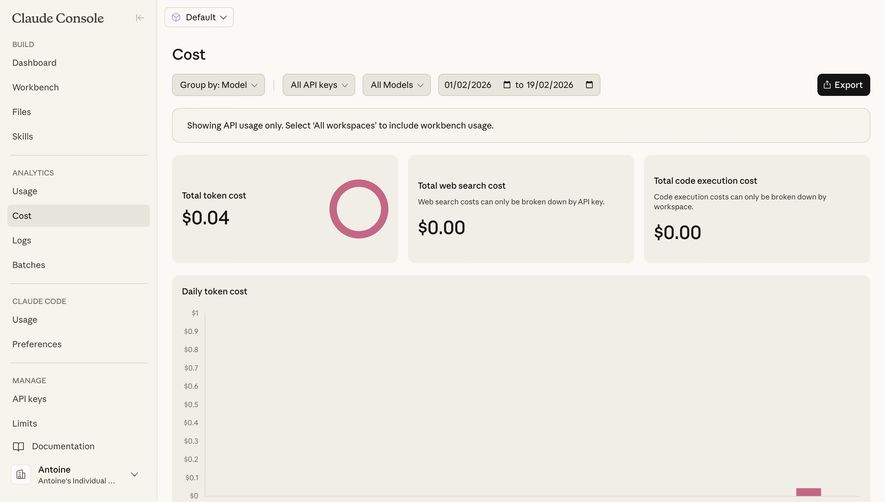
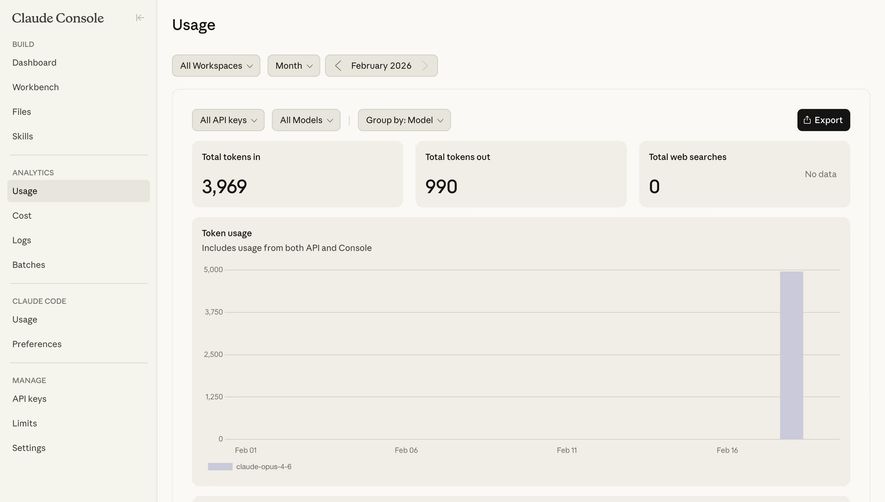
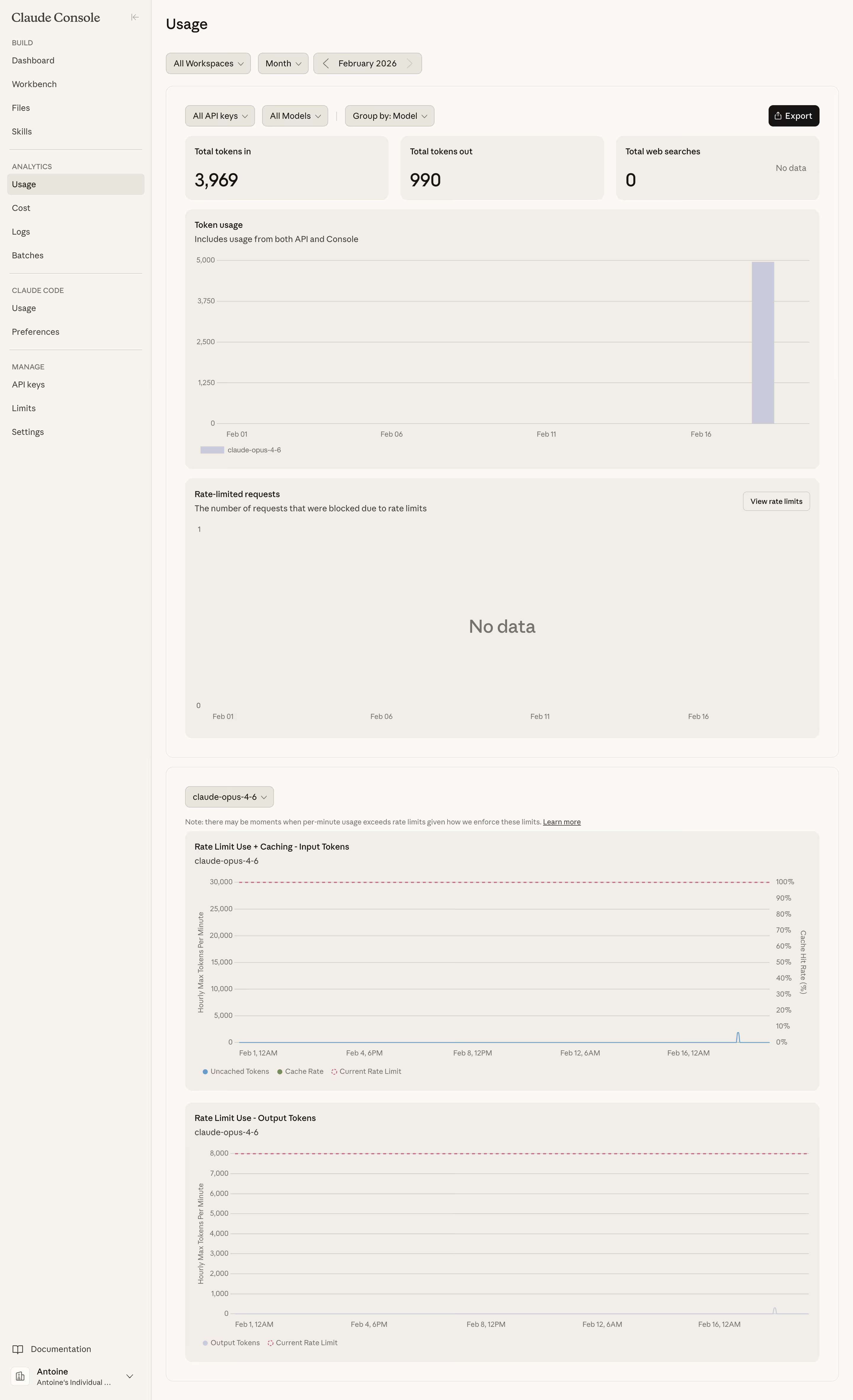
This demonstrates why one aggregate credit total may be insufficient for an AI product. Users may need to distinguish input from output, fresh input from cached input, and agent work from classic workflow processing. Different resource types also require different units.
Do not copy the reference's credit or pricing rules into another product. Define the actual relationship between resource consumption and the account's allowance. Where cached usage has a different treatment, explain that distinction near the relevant breakdown.
A usage total should offer a route to investigation when the product has enough detail. A request log can explain which operation, key, endpoint, or project contributed to consumption. This is especially useful when several people or automated systems share an account.
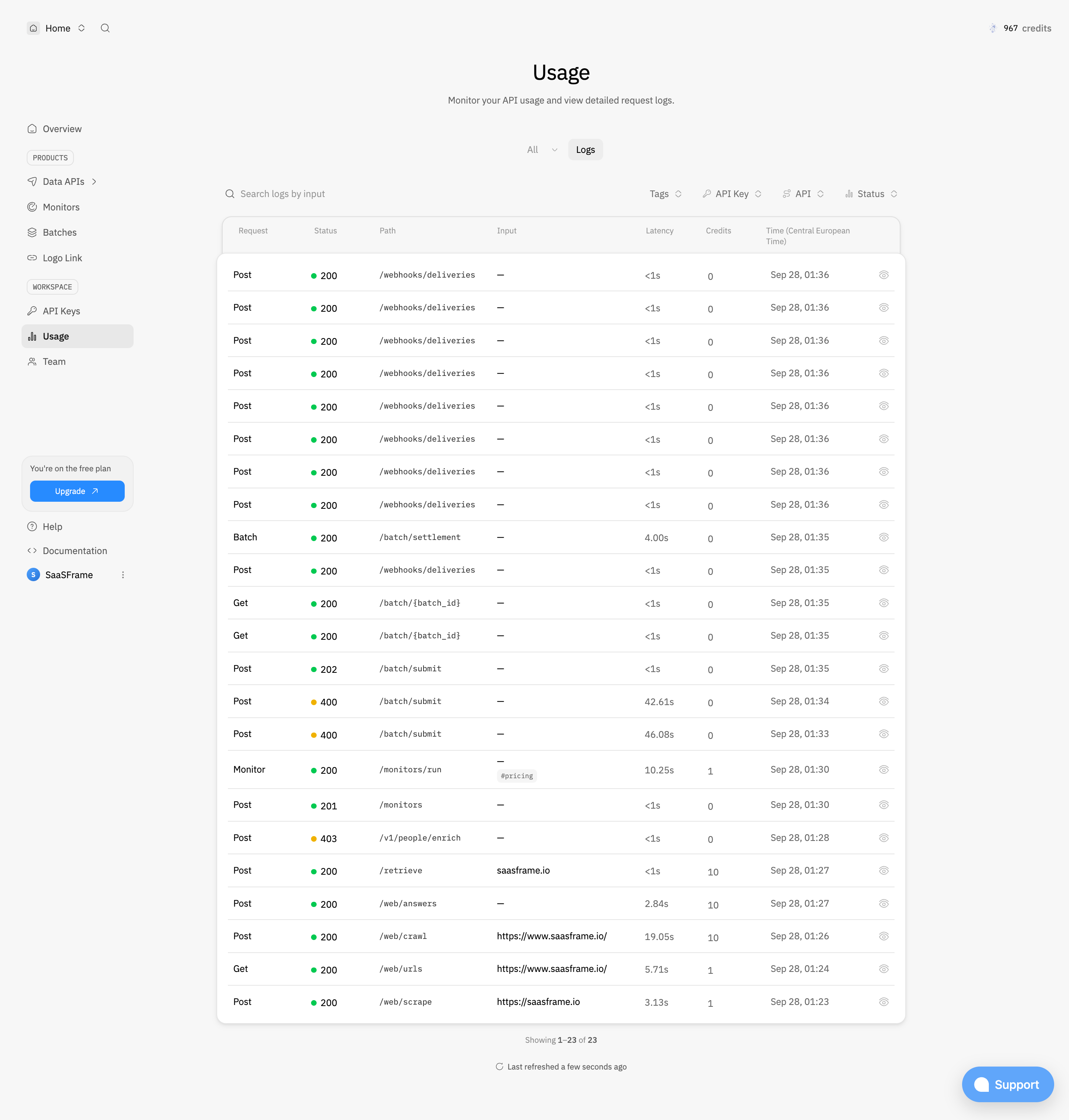
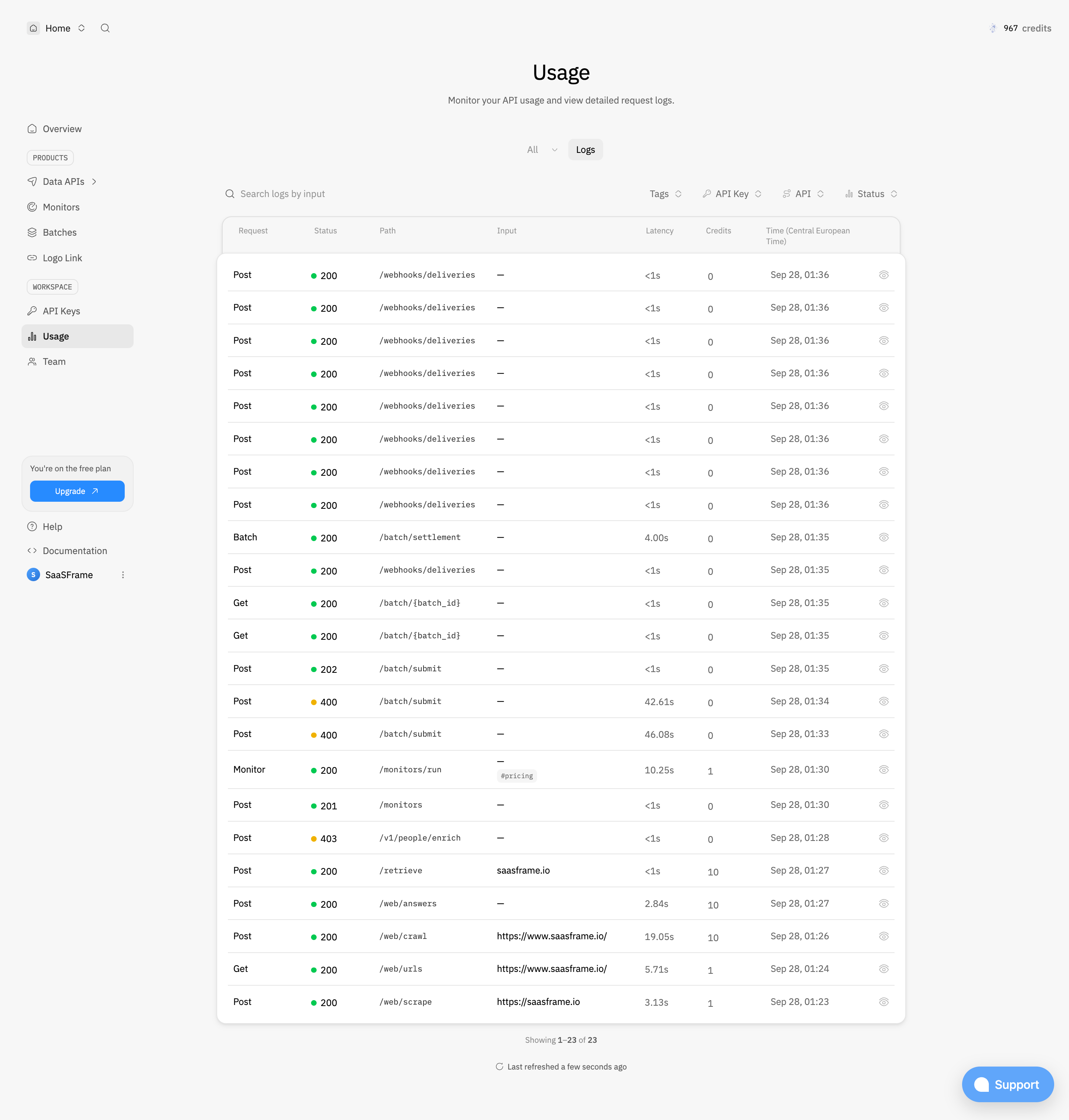
The Context.dev usage capture presents detailed request rows with methods, status codes, paths, input, latency, credits, and timestamps. Search and filters provide different ways to narrow the history. This is a diagnostic view as well as a consumption view.
The design challenge is to connect that detail to the aggregate without losing context. A user investigating a period or key should reach the relevant records, not an unrelated default log. Protect sensitive inputs and credentials when deciding which details can be displayed or shared.
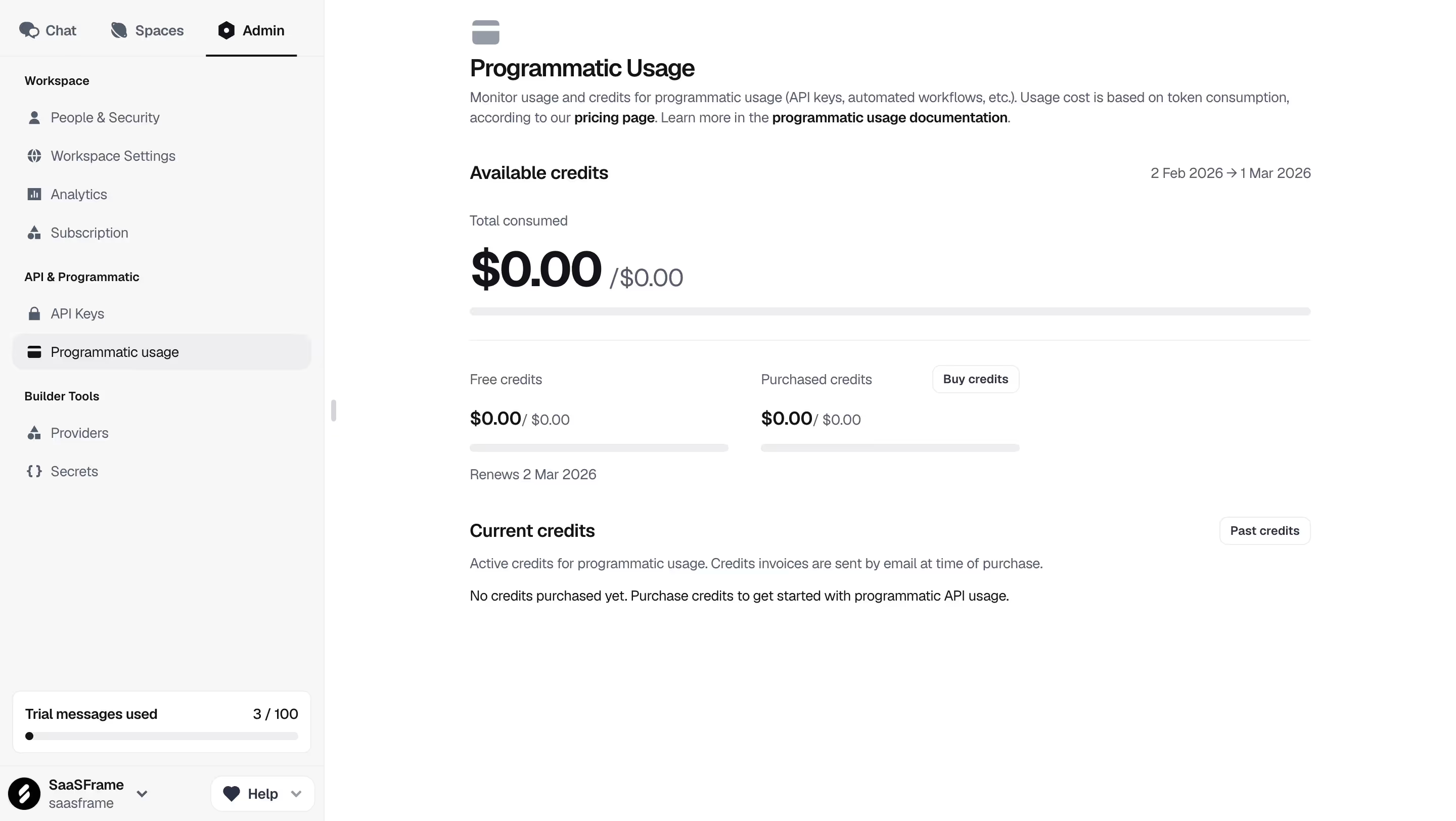
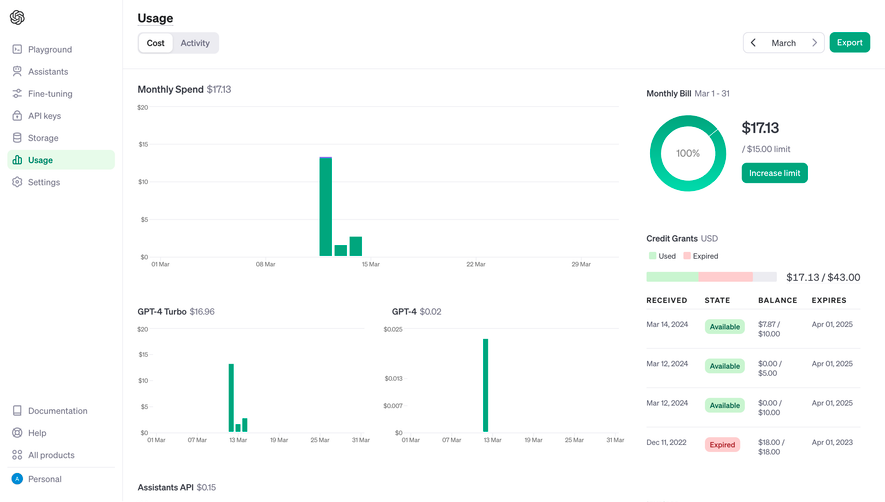
An included monthly allowance, a purchased-credit balance, and a currency spend total answer different questions. Label them separately and avoid mixing them into an unlabeled progress bar.
Explain whether credits reset, roll over, or expire when that affects a decision. The user needs to understand the applicable rule and date, rather than calculate it from a marketing plan description elsewhere.
For spend, distinguish an estimate from a confirmed billing amount. Reporting delays, adjustments, and pending activity may matter. A usage screen should not present an estimate as an invoice or imply that a remaining balance guarantees a fixed future cost.
If a user approaches a limit, explain what happens at that boundary. The service may stop, slow down, require a purchase, or continue under an agreed charging model. The interface should reflect the actual account behavior.
An alert needs a relevant action and enough context to judge urgency. Buying credits is one possible route; inspecting an unusually expensive job or reducing scheduled activity may be another. Do not make every warning a generic upgrade prompt.
Allow users to understand the scope of an alert. A project threshold and an organization-wide threshold can overlap. Clarify who receives notifications and whether an alert merely informs people or changes service behavior.
Some products charge by successful processing rather than every attempted request. Others count all requests, differentiate modes, or consume additional resources during retries. Make the applicable definitions available from the usage interface.
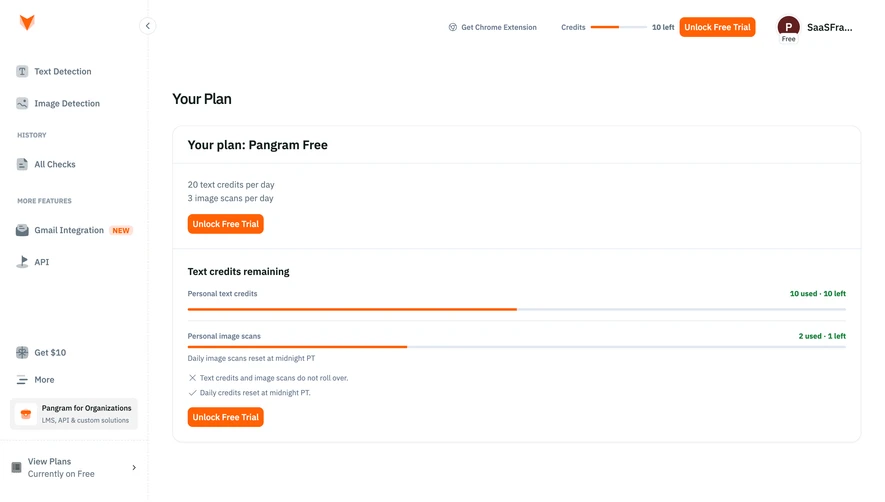
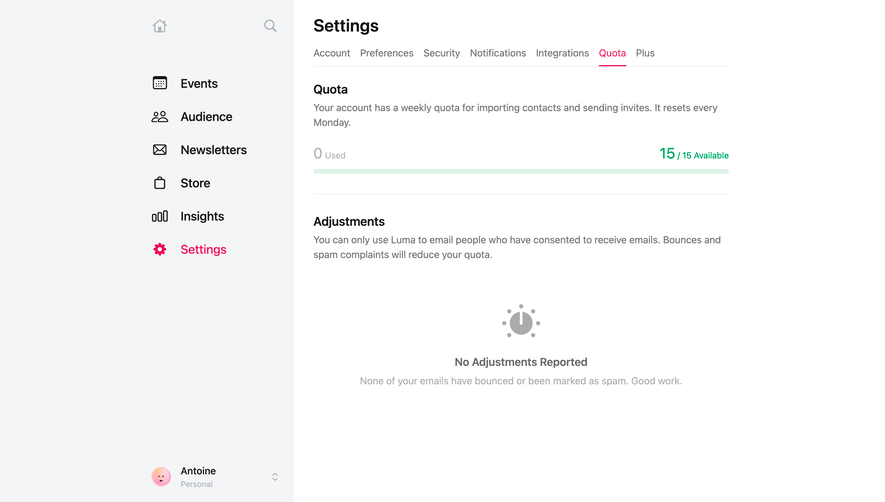
The NewsCatcher capture places a remaining trial-call value and an expiry message near starter guidance. That pairing illustrates two different constraints: a quantity and a time boundary. Users need both when deciding what work can be completed during an evaluation.
For paid accounts, use similarly concrete explanations of limits. Avoid a tooltip that carries essential commercial information but cannot be opened by keyboard or on touch devices. Important definitions deserve a stable accessible route.
Request tables can become wide because they combine several diagnostic dimensions. Prioritize the columns needed for common investigations, then provide detail for long inputs or additional metadata.
Use aligned numeric values and explicit units where useful. Keep timestamps understandable, including the relevant timezone. Truncation should allow inspection of the full value without requiring users to copy a partial string.
On smaller screens, a dedicated record detail can be more useful than compressing every column. Keyboard users should be able to navigate filters and records without losing focus after the data refreshes.
Test the relationship between a summary and its underlying records. Users should understand why a filtered table may not match an account-wide balance. A scope explanation is often necessary when the two views answer different questions.
Include new accounts, recently reset allowances, expired credits, delayed reporting, failed requests, timezone boundaries, and role restrictions. Check whether each state produces truthful labels and appropriate next actions.
Evaluate whether people can identify a consumption spike, locate its source, and explain their remaining capacity. Successful investigation is stronger evidence of usability than simply observing that the chart looks clear.
No. Usage describes consumption; billing describes the commercial account and charges. They should connect clearly, but their values and reporting periods may differ.
Include one when individual activity helps explain consumption or diagnose problems. Other products may need a breakdown by project, file, or member instead.
Show a confirmed no-activity state with the relevant period and scope. If data is unavailable or delayed, identify that state instead of presenting it as zero.