Webhooks
25
Interfaces for creating, configuring, testing, and monitoring webhook endpoints.
.webp)
Webhook interfaces let people configure where a SaaS product sends event notifications and which events should trigger those deliveries. The design must connect initial setup with ongoing operation: naming a destination, selecting events, handling credentials, checking delivery evidence, and recovering when an integration stops working.
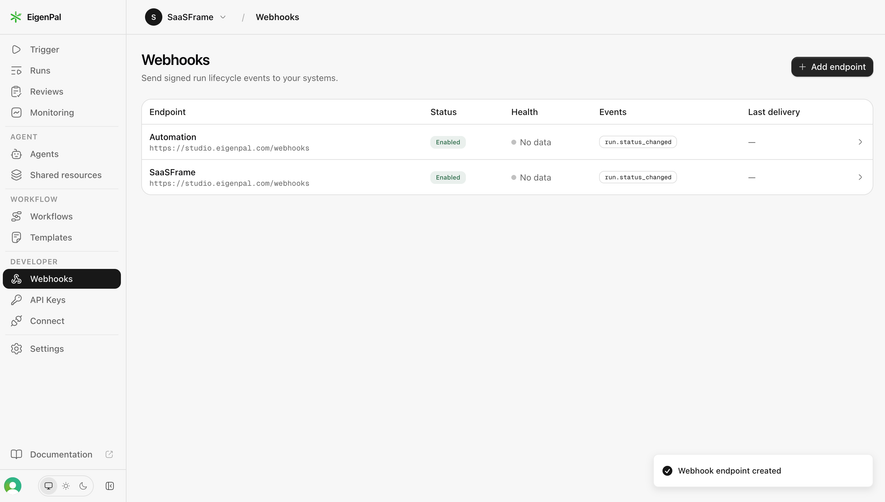
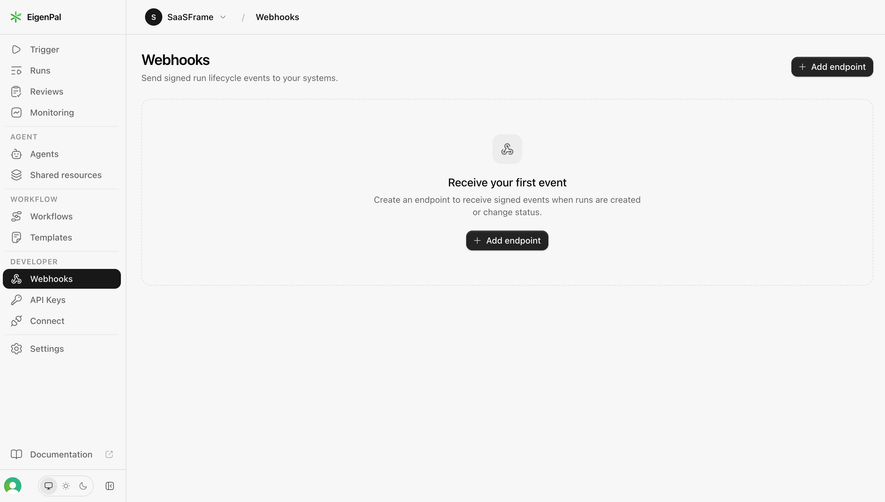
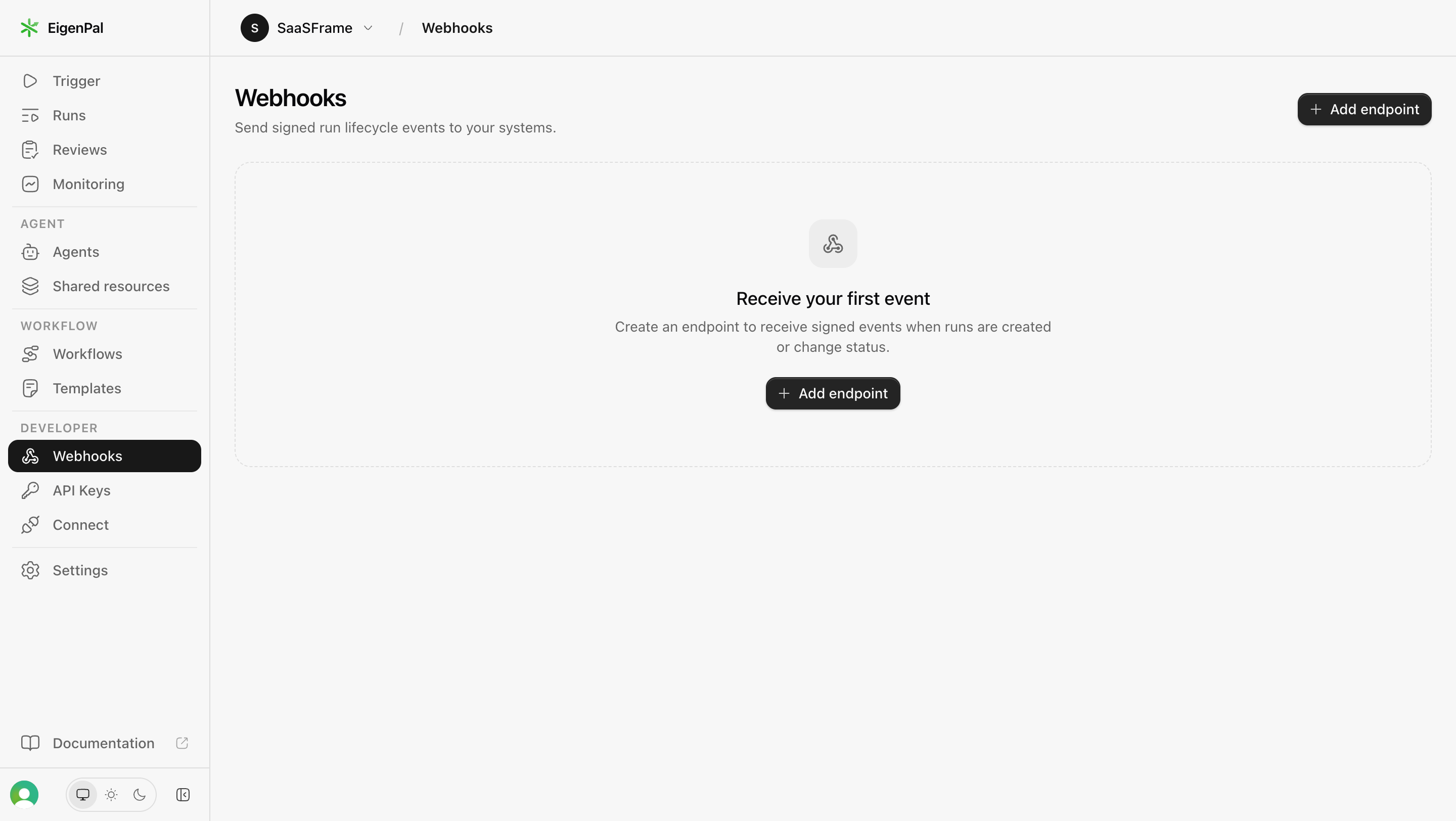
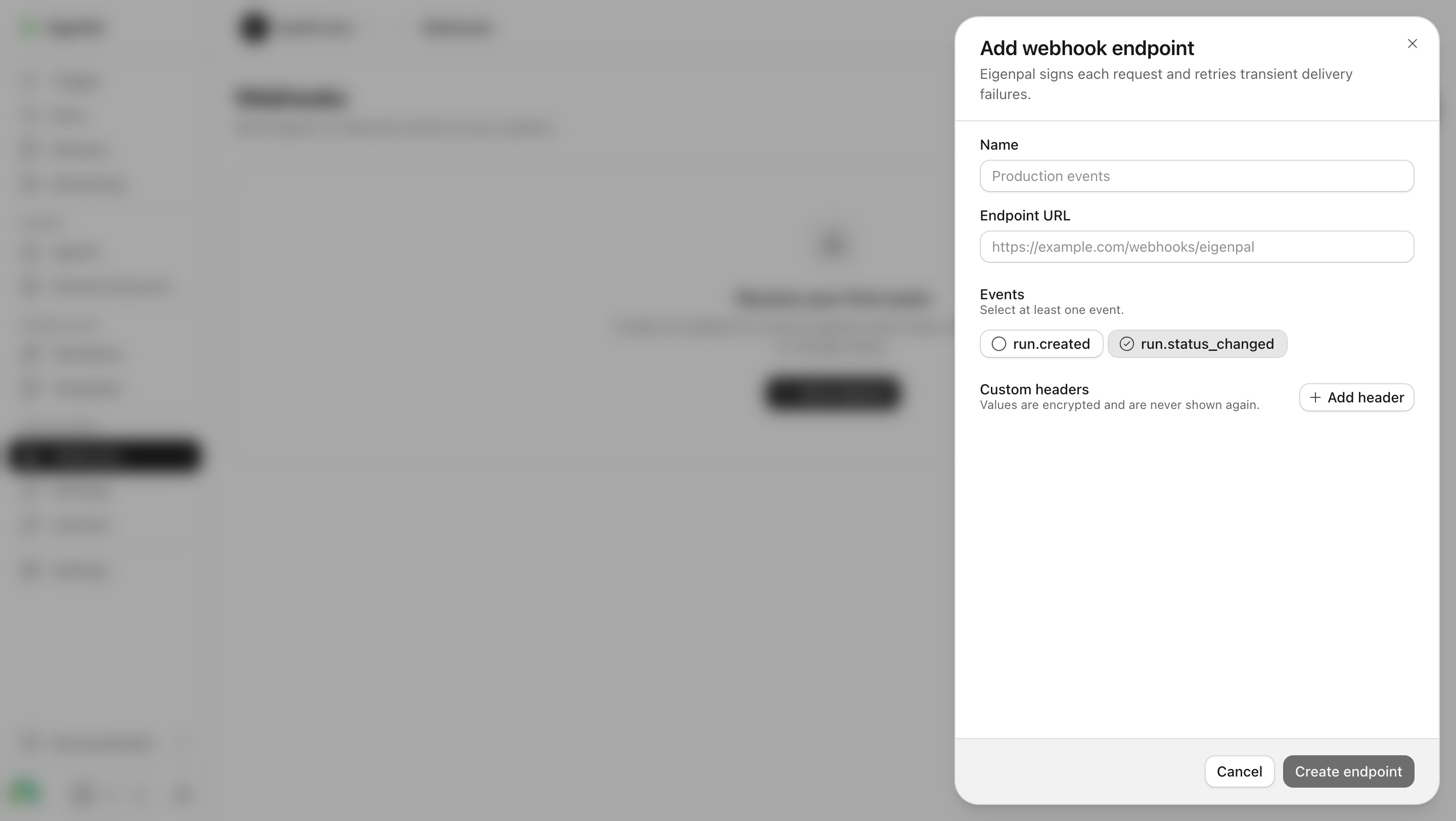
EigenPal’s captured webhook flow shows an empty state, an endpoint-creation panel, and a populated endpoint list. Together, these examples illustrate the distinction between configuring an integration and knowing it has delivered successfully. The screenshots show interface states and product copy; they do not independently verify the implementation behind signing or retries.
A webhook setup page needs to establish three things: which product sends the event, what causes it, and which system receives it. “Connect your tools” is too broad for someone responsible for an operational integration.
EigenPal’s empty state explains that endpoints receive signed events when runs are created or change status. It places a direct Add endpoint action beside that explanation. The copy gives a concrete reason for the setup and a recognizable starting point.
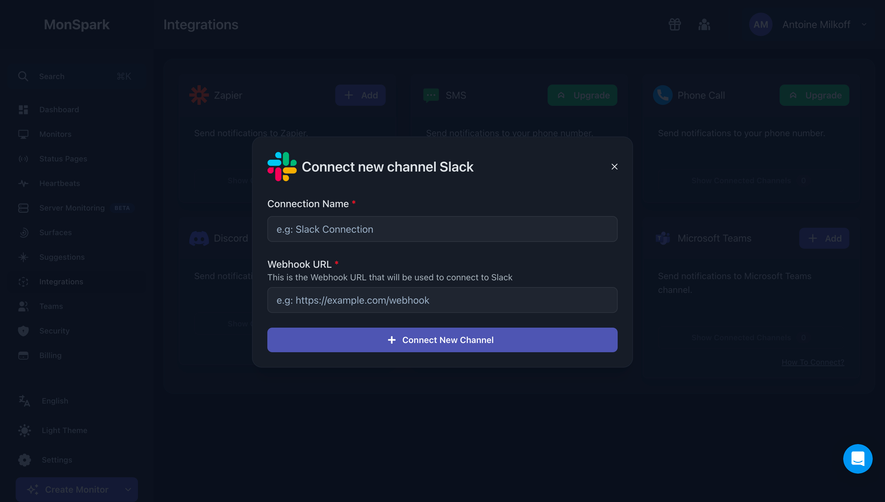
Distinguish an outgoing webhook destination from an incoming webhook trigger. They reverse who sends and who receives. A product supporting both needs separate labels and context so people do not configure a sending URL when they actually need a receiving address.
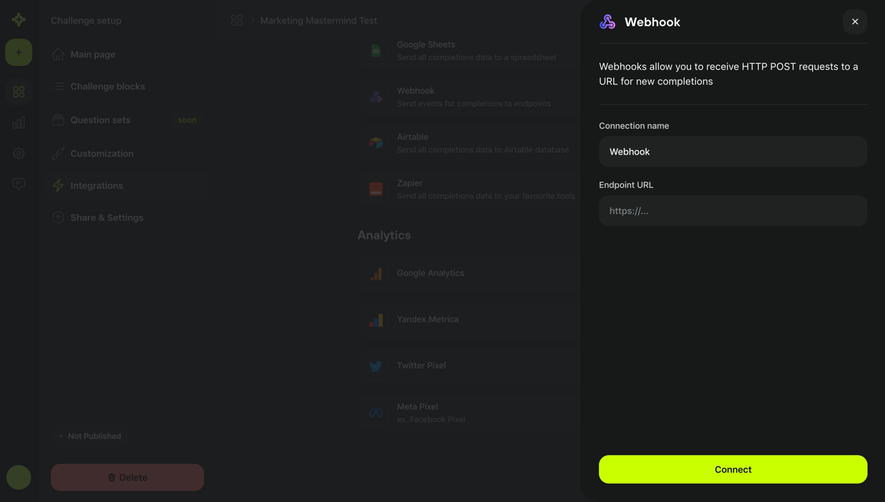
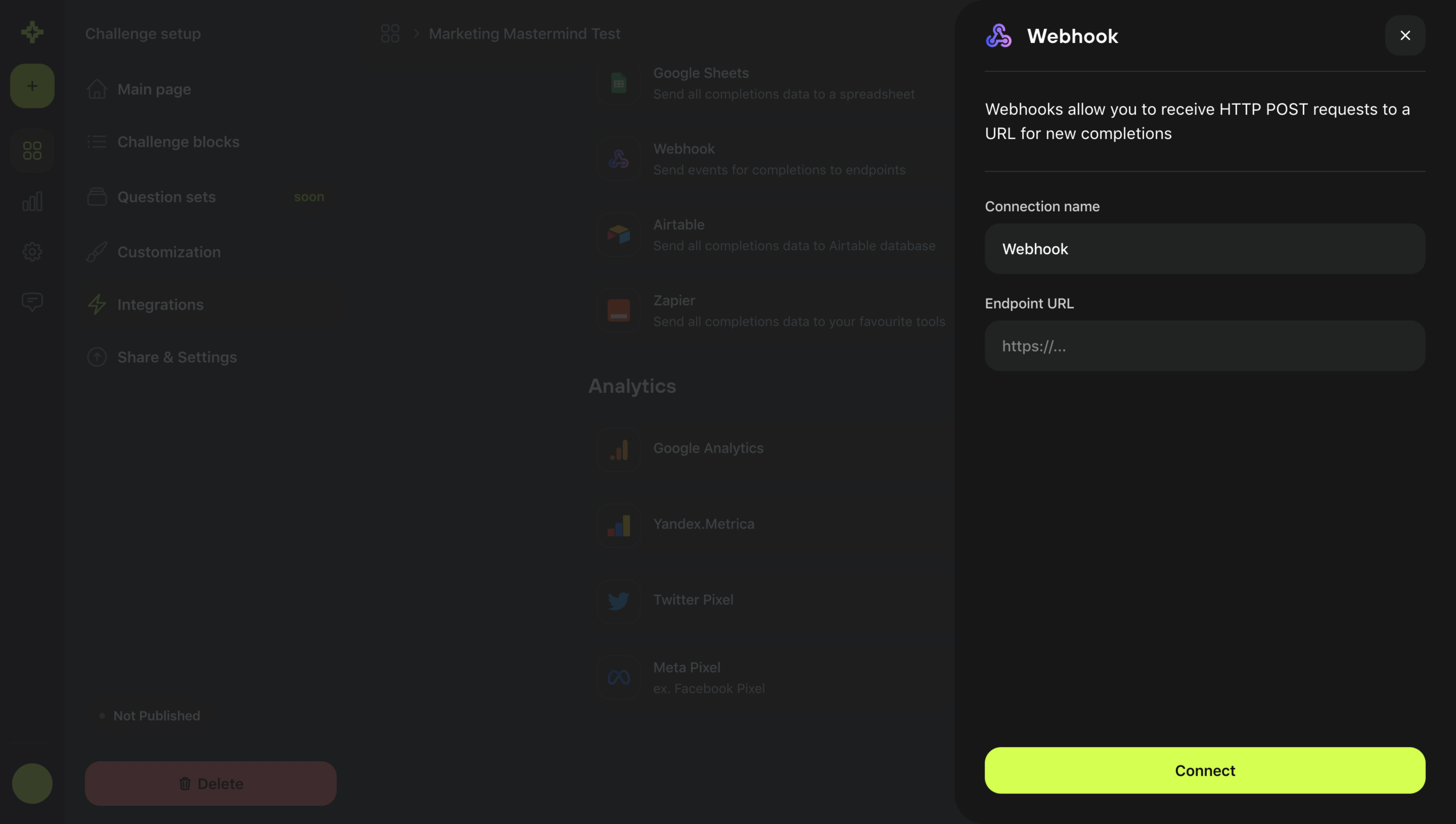
EigenPal’s creation panel asks for a name separately from the endpoint URL. A human-readable name helps identify the integration in a list, while the URL describes its technical destination. These are complementary fields rather than interchangeable labels.
Encourage names that remain useful when several endpoints exist, such as the consuming system and environment. A generic label like “Webhook 2” may be sufficient during an experiment but becomes difficult to distinguish during an incident.
Show the destination alongside the name where access permits it. Two endpoints can share a name but point to different environments. Conversely, several integrations can use related routes on the same domain. The name should support recognition without concealing the actual destination.
The captured endpoint field includes a URL example. This provides a formatting cue, but the product still needs validation and relevant instructions. People should understand whether they must configure a publicly reachable destination, which URL schemes are supported, and whether they are in a testing or production environment.
Report a malformed URL separately from an unreachable destination or a rejected request. These failures need different corrections. A generic “invalid webhook” message makes someone investigate the whole integration when only one field needs attention.
Keep technical setup instructions available through a nearby documentation route. A designer does not need to put the entire receiving-server implementation in the form. The interface should provide the requirements needed to complete the current step and a reliable route to deeper material.
EigenPal presents run.created and run.status_changed as separate selectable event controls and instructs the person to select at least one. The capture shows run.status_changed selected. This makes the subscription part of endpoint creation rather than an invisible default.
For a larger event catalog, group events by resource or task and provide descriptions. Technical names can be useful for developers, but similar names may correspond to materially different lifecycle moments. Clarify whether an event indicates a request, completed operation, or change in state.
Avoid subscribing people to every event merely to eliminate a choice. Broad subscriptions can increase unnecessary traffic and make failures harder to diagnose. If a select-all option exists, show its scope and what happens when new event types are added later.
EigenPal provides an Add header action and states that header values are encrypted and will not be shown again. That statement sets an expectation before the person enters values. The screenshot supports analysis of the disclosure, not a security audit of its claim.
Explain the actual reveal and replacement model. A masked value may be recoverable, visible once, or permanently unreadable through the interface. Those distinctions affect how administrators store the value and repair an integration later.
Separate ordinary metadata from secret values where the product supports that distinction. Do not expose credentials in table rows, copied diagnostic bundles, or unrestricted logs. If changing a secret can interrupt deliveries, explain the transition and the supported rotation route.
EigenPal’s endpoint list has separate columns for Status, Health, Events, and Last delivery. The captured endpoints are enabled, but their health is shown as No data and their last-delivery values are empty. That separation avoids claiming a successful integration solely because it exists.
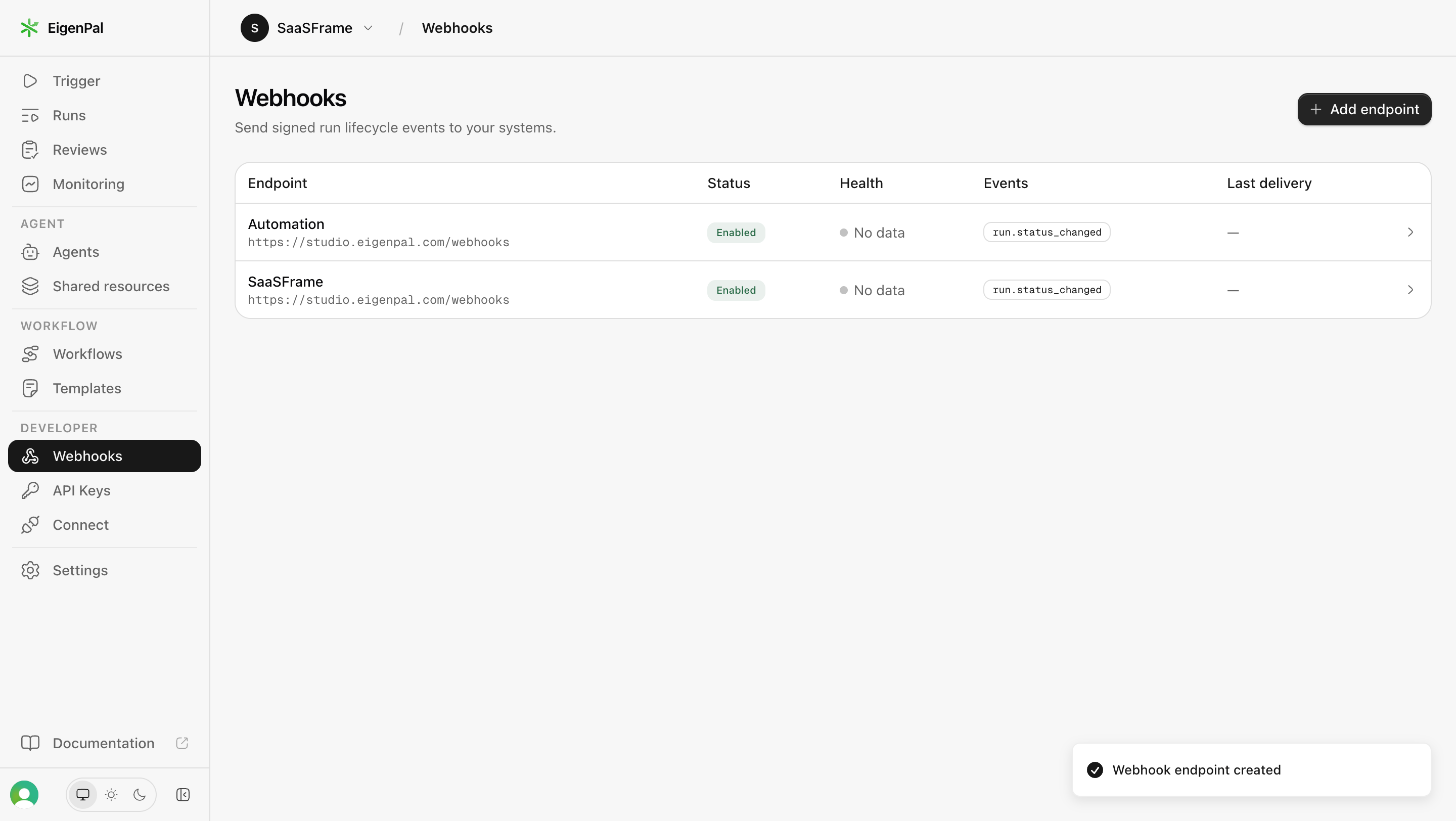
Define what each state means. Enabled can indicate eligibility to send. Healthy may depend on recent delivery evidence. No data should mean insufficient evidence rather than success or failure. The person should not have to reverse-engineer those meanings from colors.
Make time relevant to health. An endpoint that succeeded months ago may have no current evidence. Show the observation window or the last meaningful event where it affects interpretation, especially for integrations that receive events infrequently.
A test delivery can help confirm that the receiving endpoint is reachable and responds as expected. Explain whether it sends a sample payload, replays a previous event, or creates a real product event. The consequences for the receiving system may differ.
Report the test outcome with appropriate precision. A successful HTTP response can establish that a destination acknowledged the request; it does not necessarily prove that every downstream business action completed. Avoid a broad “everything works” label when only transport was tested.
Keep test and production context distinct. A person should know which endpoint, event type, and environment will receive the operation. If a test can trigger real actions, provide the relevant information before it is sent.
A delivery history can connect an event to its attempted destinations. Show enough information to identify the endpoint, attempt time, response status, and next supported action. A failed badge without a diagnostic route leaves the operator dependent on external logs.
Separate the logical event from individual delivery attempts. A retry can be another attempt at delivering the same event, not a new business event. This distinction helps people understand why several rows or timestamps may relate to one action.
Where access permits payload inspection, present readable structured data and a copy action. Explain omitted or redacted values. A copied payload should not appear complete if sensitive fields have been intentionally removed.
EigenPal’s captured creation panel says transient delivery failures are retried. The interface does not expose the schedule or limits in the screenshot. A complete product experience should link to or display the applicable policy instead of making people guess how long recovery may take.
Automatic retry, manual replay, and sending a test are different operations. Label them accordingly. If replaying can produce duplicate effects in the receiving system, make that implication understandable before the action.
Stripe’s webhook documentation provides a concrete technical reference for signature verification and delivery handling. Its behavior should not be treated as a universal contract for every SaaS provider. The design should explain the guarantees and limits of the product being configured.
Changing a destination, subscription, or credential can affect an integration that is already in use. Keep the endpoint’s identity and existing delivery context available while editing. A person should not have to recreate it merely to update one field unless that is a genuine product constraint.
Describe when changes take effect and how queued or retrying deliveries are handled where the implementation makes that relevant. A new URL could apply to future events, outstanding attempts, or both. That decision can matter during a production migration.
Distinguish disabling from deleting. Disabling may preserve configuration for later use; deletion may remove it. Explain what each action does to pending operations and history according to the actual system, rather than assuming a familiar label is sufficient.
Webhook configuration can connect internal events to external systems. Restrict setup and credential access according to the product’s authorization model. Show the organization, project, or environment that owns the endpoint before someone changes it.
Separate a permission restriction from a plan limit or validation failure. An administrator route can help someone who lacks access. An upgrade explanation is appropriate only when the feature is actually restricted by subscription.
Consider auditability for shared configuration. If the product records administrative changes, make the relevant history accessible to permitted operators. Knowing who changed a destination and when can be useful when investigating an interruption.
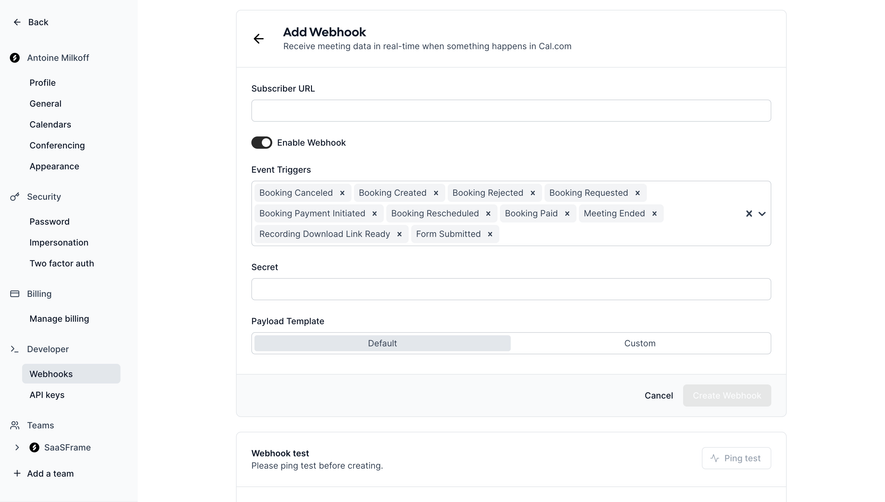
Use persistent labels for URLs, names, and headers rather than relying on placeholders. Event choices need accessible selected states. If the creation form is a modal or drawer, keyboard focus and dismissal should behave predictably.
Long URLs, event names, and header values need readable handling on narrow screens. Preserve access to the full value. A truncated destination that looks identical to another endpoint can lead to a valid edit in the wrong integration.
Associate validation messages with their fields and keep entered information after a failure. Provide feedback for copy actions, endpoint creation, and saving. Avoid a toast that disappears before the operator can understand a consequential error.
No. Enabled describes configuration. Delivery evidence is needed to determine whether requests are reaching and being acknowledged by the destination.
Choose defaults according to the integration task. Make the subscribed scope visible and avoid unnecessary events when the recipient only needs a subset.
No. Retry usually follows the provider’s recovery policy for a failed attempt. Replay is an explicit operation to deliver an event again. Explain the product’s exact behavior.
Explore API Key for credential management, Settings & Preferences for shared configuration, Status Indicator for operational states, and Empty State for the first setup experience.
For a provider-specific technical reference, see Stripe’s webhook documentation. Compare the gallery across setup, evidence, and recovery rather than judging the creation form in isolation.