.avif)

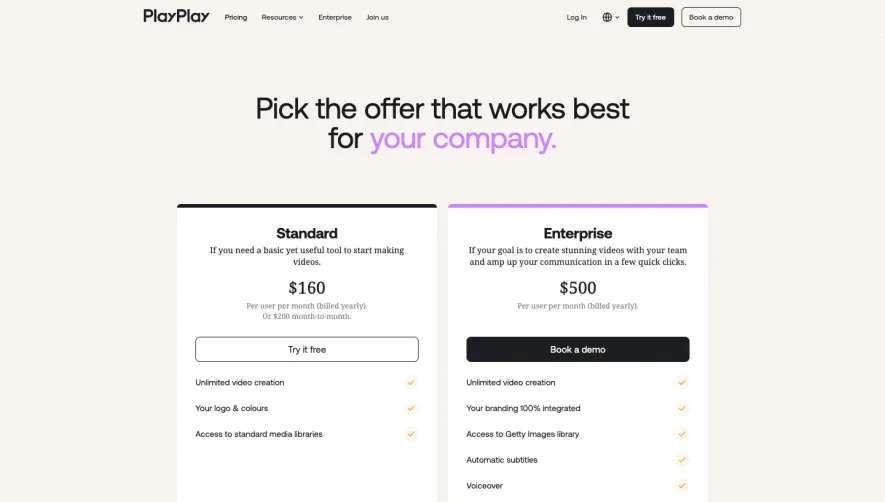
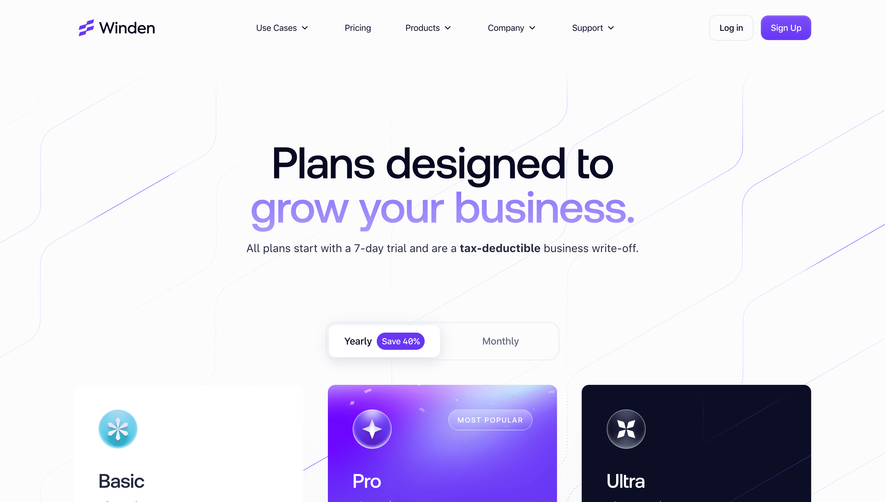
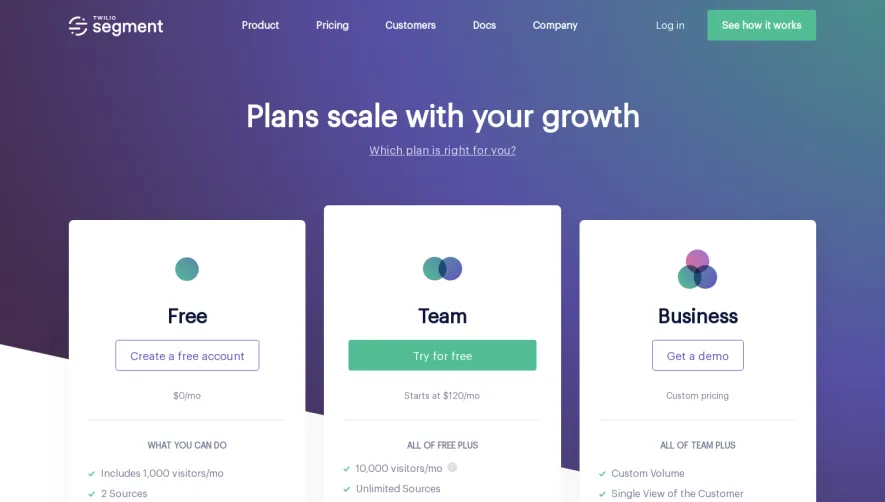
1. Header: The webpage opens with the header, which includes the Typedesk logo, a navigation menu, and a "Get Started" button for new users. 2. Main Section: The main section of the webpage is divided into two columns. The left column displays a title that reads "Pricing Plans," followed by a brief description of the plans. The right column contains a pricing table that displays the three pricing plans that Typedesk offers - Solo, Team, and Enterprise. 3. Plan Details: Each plan is broken down into a detailed list of features that are included in the plan. Additionally, each plan has a clearly marked monthly price displayed next to it. 4. Comparison Chart: A comparison chart follows the pricing table that provides potential users with an overview of the differences between the plans. 5. Faqs: Frequently asked questions are displayed at the bottom of the page that address common queries and concerns. 6. Footer: The webpage concludes with the footer, which includes important links like the blog, a contact page, a link to the terms of service, the privacy policy, and the company's social media handles.
.webp)


Typedesk Pricing Page

Typedesk
Send replies faster and more consistently
Designed by
No items found.
Category
Patterns
No items found.
Tech Stack
Added on
October 16, 2020