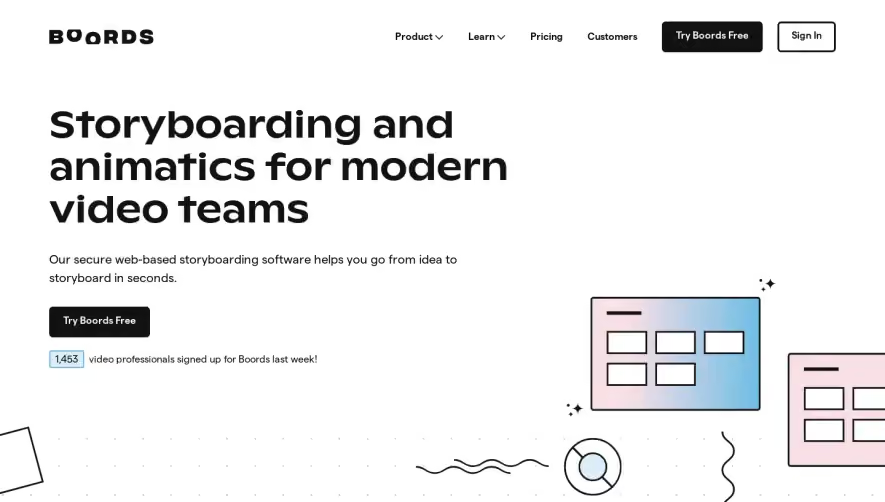
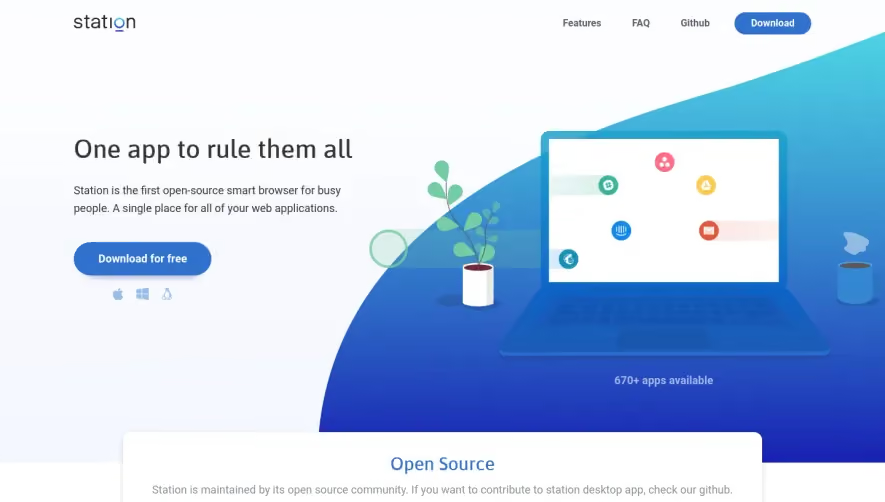
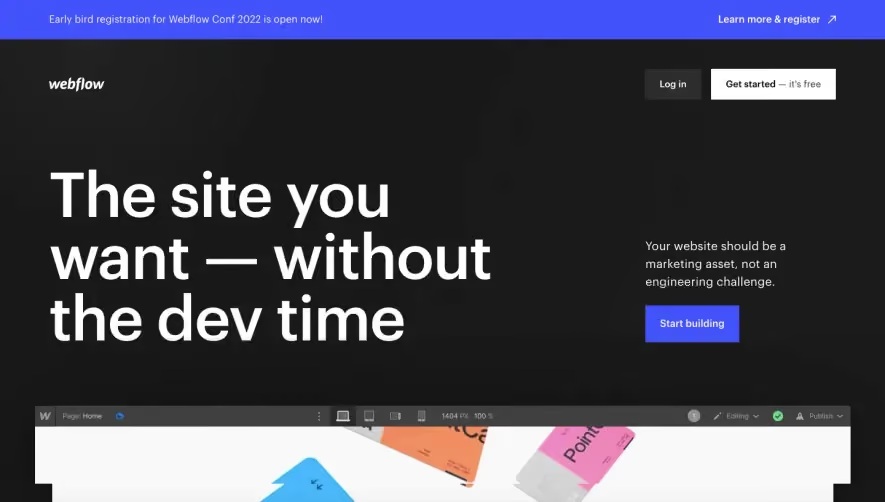
1. Header Section: The header section at the top of the page includes a logo, a navigation menu, a "Try for Free" button, and a login button. 2. Hero Section: The hero section includes a headline, a subheading, and an explainer video. The video showcases the features of the product, including the creation of social media posts, videos, and stories. The section also has a call-to-action button for the user to sign up. 3. Value Proposition: The Value Proposition section highlights the benefits of using the product along with corresponding images. The section explains that Placid can help users create more efficient graphics, social media posts, and product images. 4. Features Section: The Features section lists the various features Placid provides with a one-liner explanation for each feature. This section goes a step further and provides detailed explanations for each feature in a subsection. 5. Testimonials and Use Cases: The Testimonials section features reviews from various businesses and individuals who have used the product previously. The Use Cases section highlights various use cases of Placid, such as creating mockups, graphics, and social media posts. 6. Pricing: In the Pricing section, the user can see various pricing plans, including a Free plan and monthly plans. There is an option to toggle between a monthly billing plan and an annual billing plan. 7. FAQs: The FAQs section provides answers to common questions, such as "What is Placid?" "How do I use it?" and "What are the payment options offered?" 8. Blog Section: The Blog section features a list of recent blog posts that share tips and insights on how to use Placid and improve upon graphics, marketing, and social media use. 9. Footer: The footer includes a navigation menu, social media links, legal links, and a secondary call to action to sign up for a free trial.


Placid Landing Page

Placid
Automate your Social Share Images
Designed by
No items found.
Category
Patterns
Tech Stack
No items found.
Added on
January 28, 2021