Build hype and validate your product-market fit with SaaS Early Access and Waitlist pages. Discover high-converting "Join the Beta" forms, referral loops, and countdown timers designed to capture emails before your official launch.
Browse 13 real SaaS Early Access Page with modern UI patterns and conversion strategies.
We sell SaaSFrame licenses on Gumroad, a secured online selling platform for creators.
What about future updates and versions?
SaaSFrame gets updated all the time! Every new update and version will immediately be made available to all SaaSFrame users.
I didn't receive my licence key, what should I do?
The licence key required to create your SaaSFrame account is send by Gumroad once you made your purchase. If this email is blocked by your email client, send me an email at antoine[at]unmake[dot]io so I can resend the licence key.
Can you send me an invoice?
You can generate an invoice on Gumroad once you purchased SaaSFrame. You will find the link in the order confirmation email.
Can I get a refund?
If you're not satisfied, you can ask for a refund within 7 days. Just send me an email at antoine[at]unmake[dot]io
Early Access Page Design Guide
A SaaS early-access page helps visitors understand a product that is not yet available through an ordinary signup route. It should explain the problem, demonstrate enough of the experience to assess interest, and state what joining actually means.
Make availability explicit
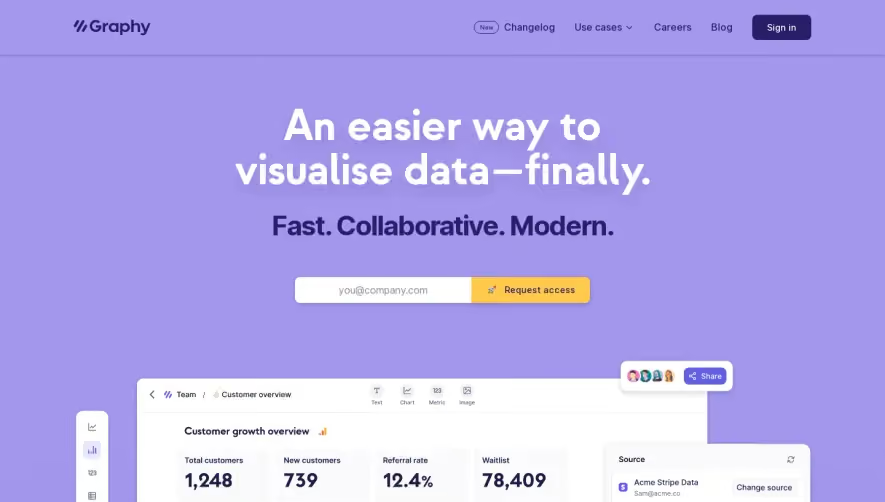
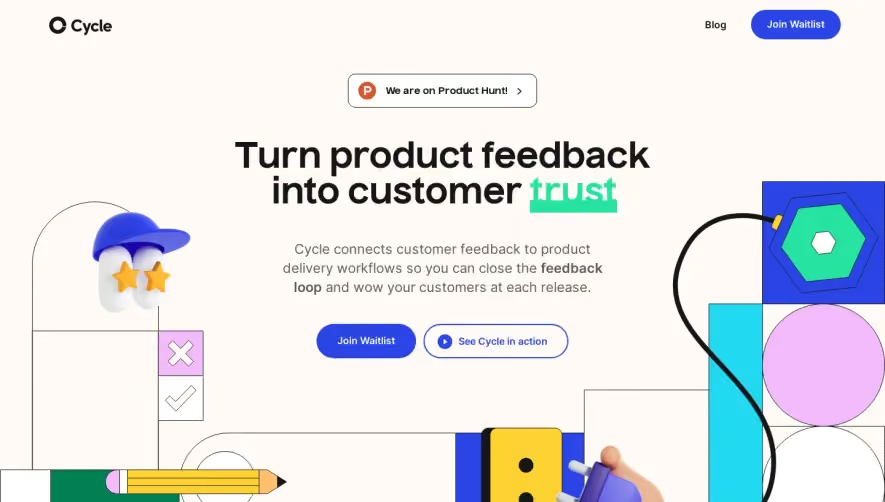
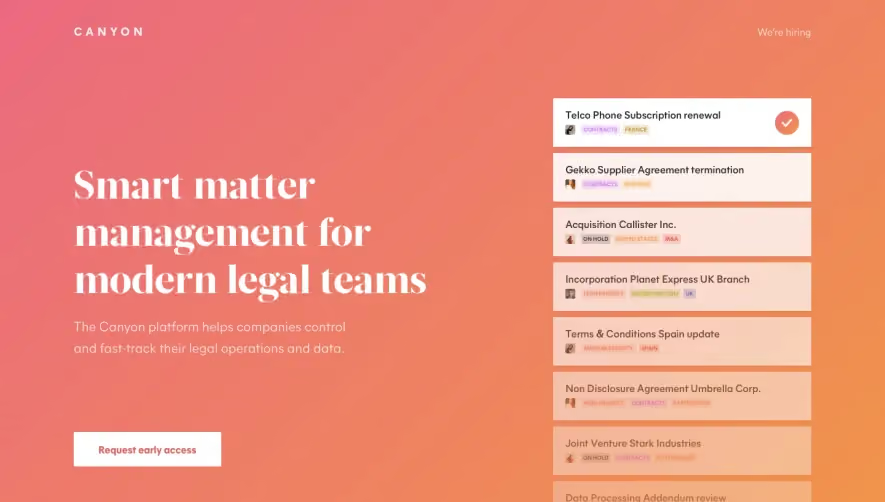
A waitlist, invitation request, private beta, and immediately available trial are different states. Use a heading and CTA that match the actual access model.
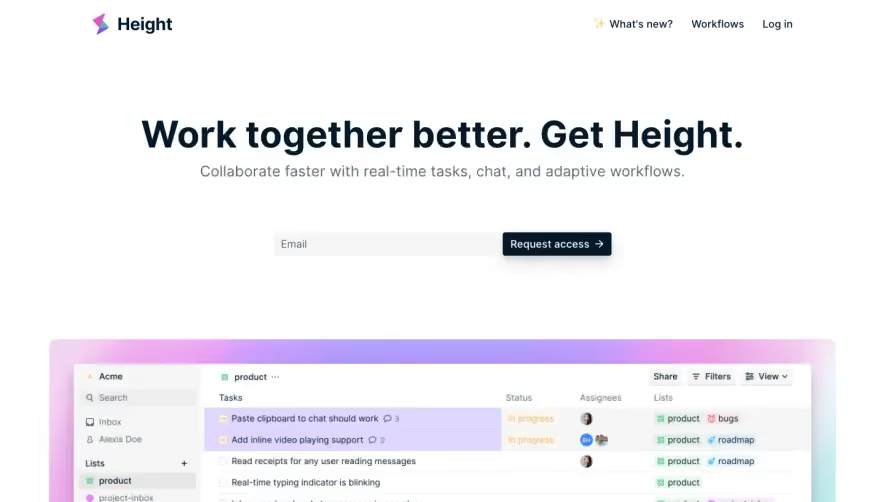
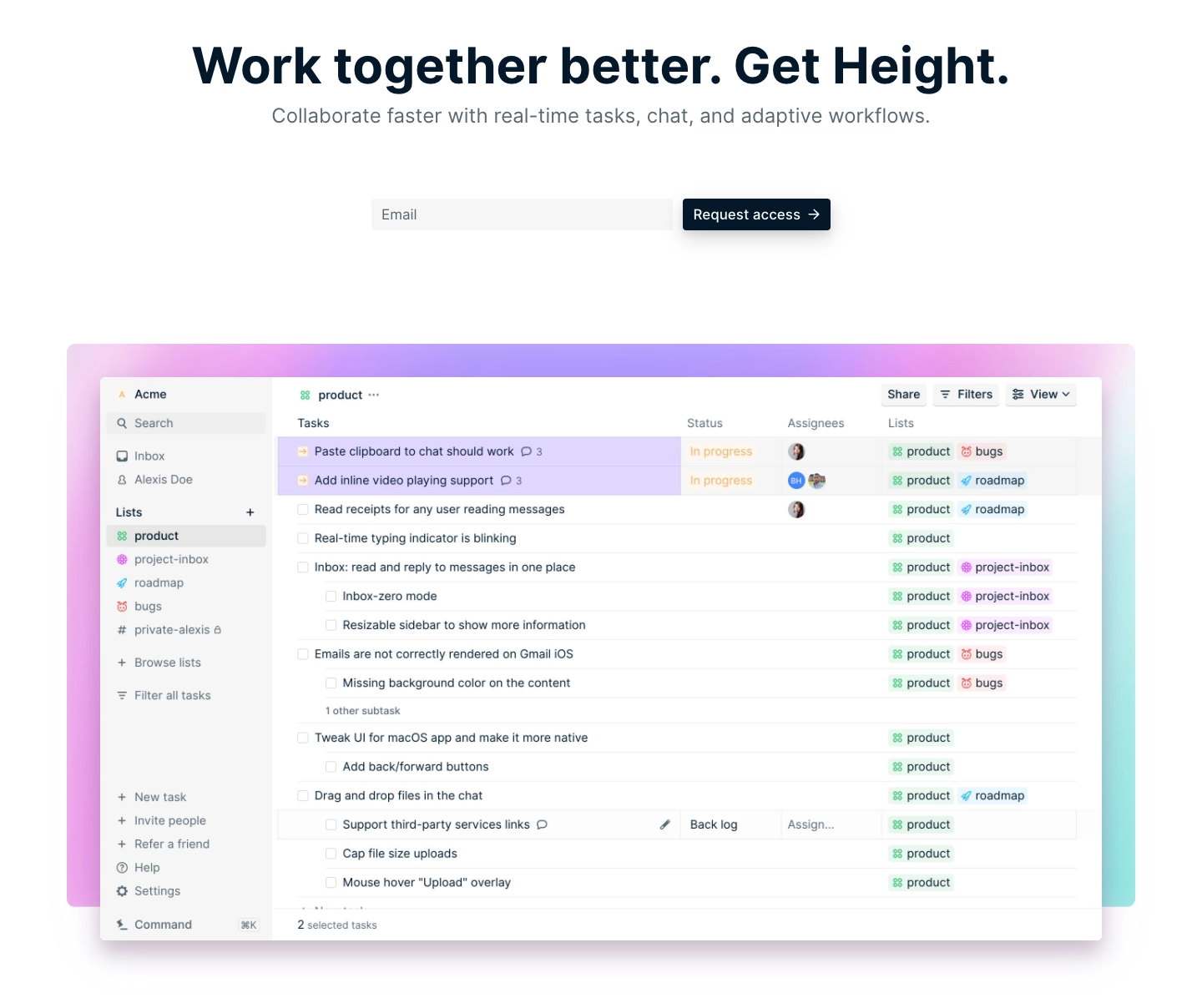
The Height reference pairs a collaboration-oriented hero and access-request route with product views, workflow sections, integrations, and questions. The interface previews make the proposed work recognizable before a visitor requests access.
The capture illustrates a historical page structure. It does not establish today's availability or prove that every demonstrated feature was accessible through the request.
Explain the proposed workflow
Visitors need to understand what the product is for, not only that a launch is coming. Use concrete tasks and representative product views to show the intended experience.
Distinguish a working capability from a planned direction. If a preview is illustrative, label it appropriately rather than letting visitors assume it represents a generally available release.
Avoid replacing substance with anticipation. A signup box and a vague future promise give visitors little basis for deciding whether to join.
Keep the commitment proportionate
A simple email request can fit a waitlist. A private beta application may require information to assess fit, but explain why it is needed.
State what submitting produces: a place on a list, a review request, or an invitation under defined conditions. Do not promise immediate access when the system only records interest.
Optional communications should remain understandable and distinct from the access request where appropriate.
Explain invitation expectations accurately
If invitations happen in stages, provide useful information the team can actually support. Avoid invented launch dates or guaranteed priority claims.
Where a beta involves incomplete functionality or specific participant requirements, explain the relevant boundaries before enrollment. Visitors should know what kind of participation they are considering.
A confirmation should describe the pending state and how further instructions will arrive. It should not present a waiting user as an active account holder.
Use proof suited to an early product
A clear product demonstration, team context, or attributed pilot experience can support evaluation. Each establishes something different.
Do not imply broad customer adoption from a small pilot or treat a mockup as measured evidence of performance. Preserve the scope of any testimonial or result.
Frequently asked questions can resolve uncertainty about audience, access, setup, and the planned learning process without turning into repeated hype.
Maintain the page as availability changes
An early-access page needs a lifecycle. When the product becomes generally available, update the access route and remove stale waiting expectations.
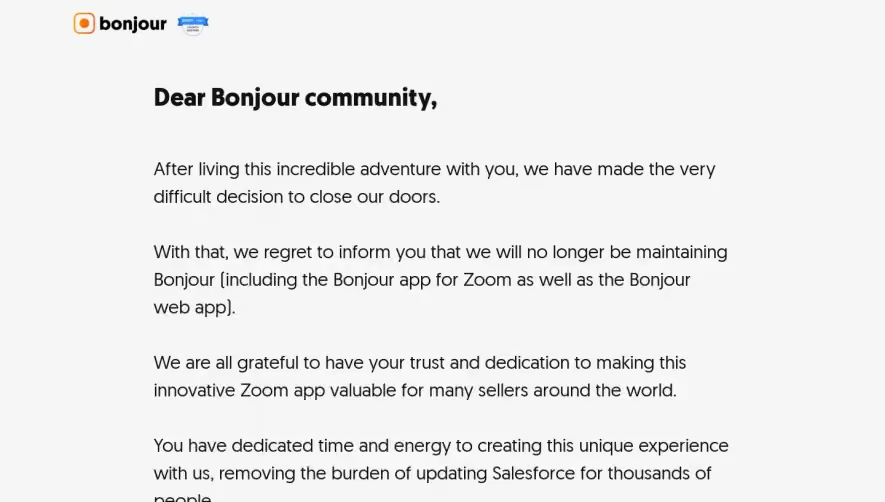
If access closes or the product is discontinued, communicate that state accurately rather than leaving an apparently active request form. A historical screenshot may later show a different page at the same route.
Check the form, confirmation, follow-up, and relevant product links together. The commitment should remain consistent across the journey.
Study the promise and the pending state
Explore SaaSFrame's early-access references to compare product previews and access requests. Choose a structure that gives visitors a concrete reason to join while accurately describing availability.
Early-access page questions
Is a waitlist the same as account creation?
No. Recording interest does not necessarily create an active account or grant access.
Should a launch date always be displayed?
Only when it is a commitment the team can support. Otherwise, explain the invitation process without inventing certainty.
What happens after launch?
Update the page's availability, CTA, and follow-up route so visitors no longer enter an obsolete waiting process.