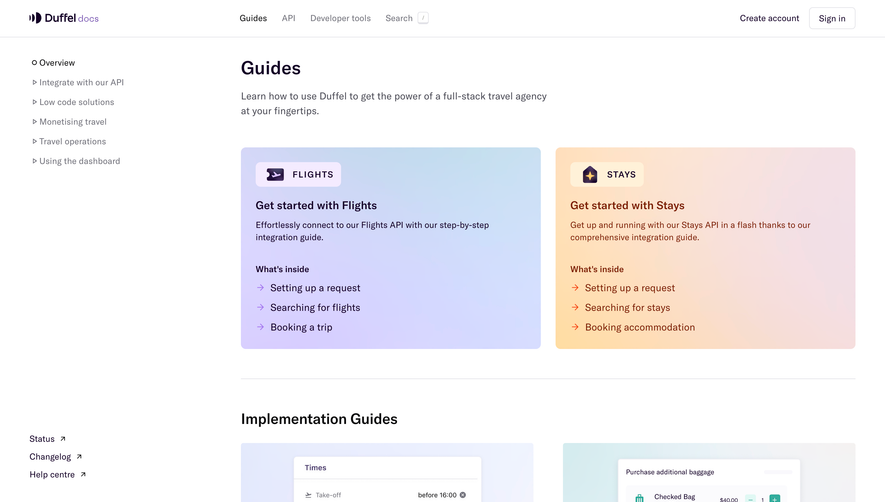
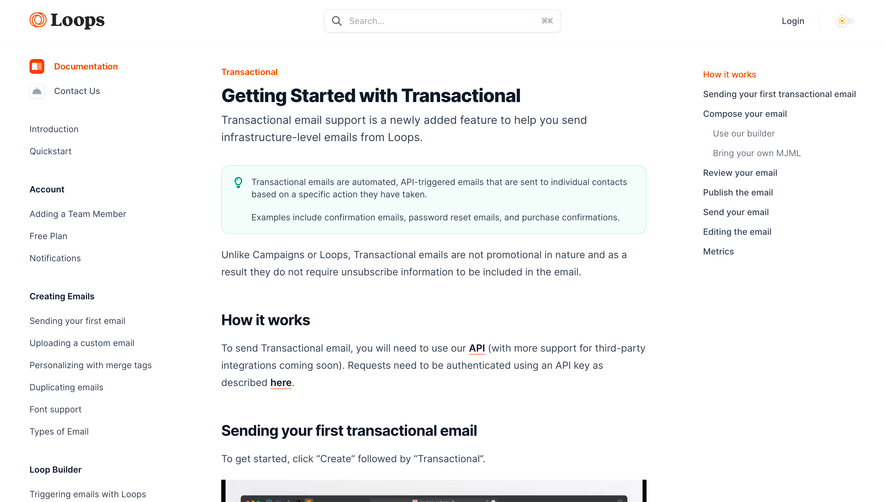
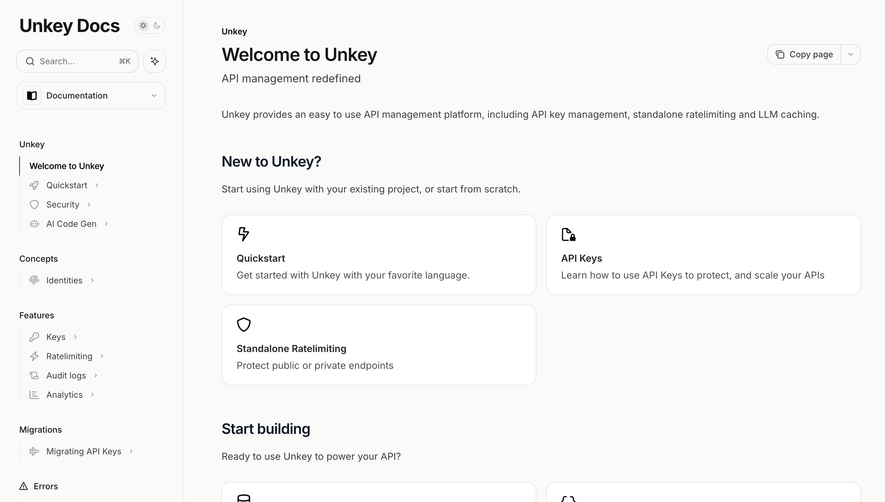
Overall Style & Aesthetic
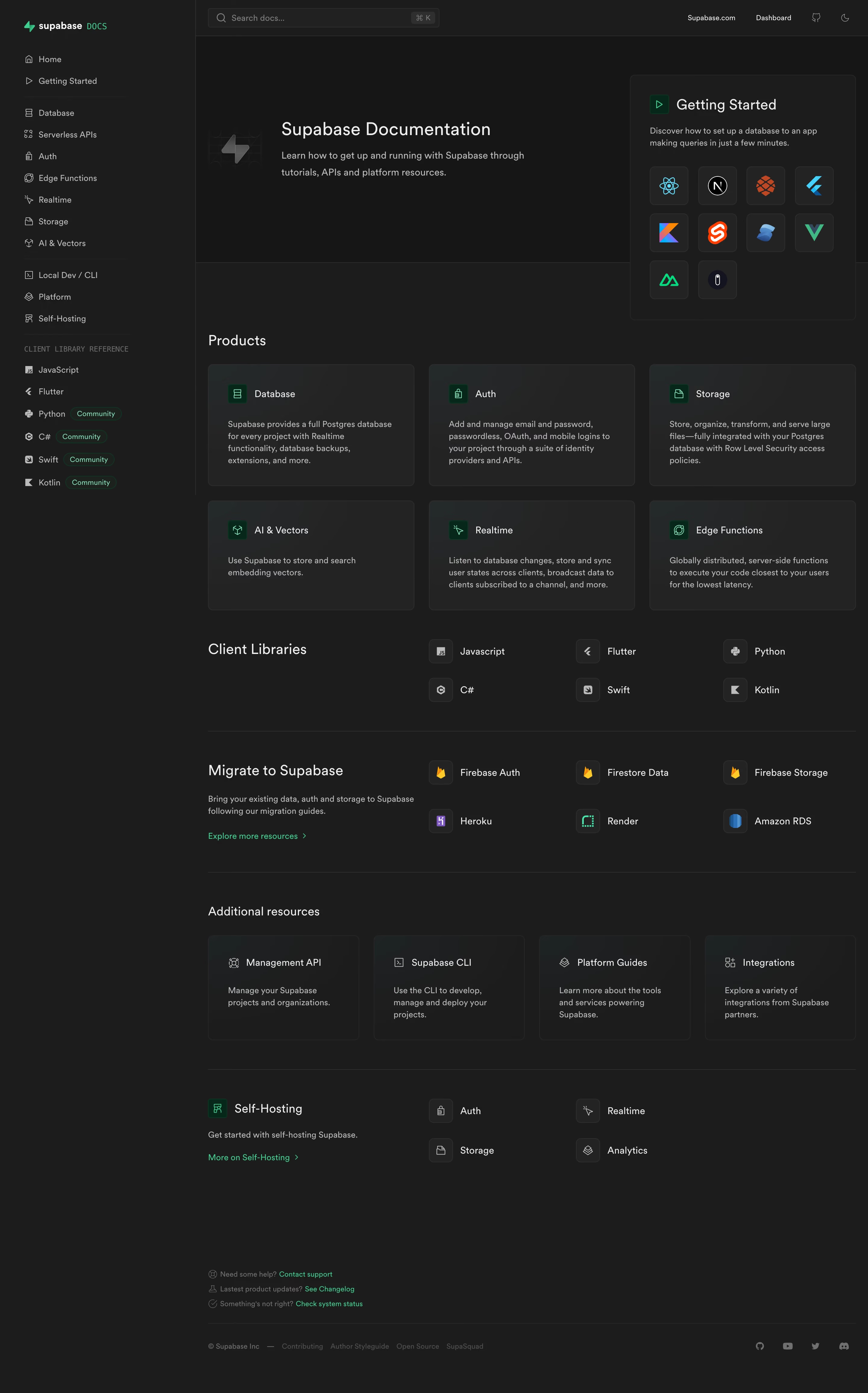
Supabase Docs exemplifies a sleek, modern SaaS visual identity that’s both highly professional and approachable. Its minimalist design ethos—ample whitespace, tidy grid layouts, and unobtrusive interface elements—creates an inviting sense of clarity, allowing content to take center stage without distraction. Layout & Structure
The page is intuitively structured: a compact header highlights navigation and search, leading into a sidebar that anchors all documentation topics. The main content area leverages a roomy column for easy scanning, and a sticky table of contents provides orientation for deep documentation. Each section is meticulously organized, enhancing both discoverability and comprehension. Visual Elements
Supabase’s visual language is understated yet distinctive. Sharp, geometric icons and snappy micro-animations enliven the interface. Occasional spot illustrations and code snippets punctuate the text, fostering engagement without overwhelming the reader. There’s a distinct lack of distracting stock photography or superfluous imagery, staying laser-focused on developer-centric utility. Color Palette & Typography
Expect a punchy, fresh color palette anchored by dark backgrounds, bright greens (brand signature), subtle grays, and white for crisp contrast. Typography is contemporary and highly legible, mixing a robust mono font for code with a clean sans-serif for body text and headings, supporting seamless content hierarchy and effortless skimming. User Experience Patterns & Unique Elements
Navigation is frictionless: a blazing-fast global search, collapsible sidebar, and sticky content directory streamline exploration. Call-to-actions are sparing, tactically placed, and never intrusive. A standout: contextual code editors and language toggles enable instant, hands-on interactivity right within the docs, supercharging learning by doing. Tone & Feel
Every design choice projects trust, technical excellence, and forward-thinking innovation—inviting both newcomers and seasoned devs to dive in with confidence..webp)




.avif)