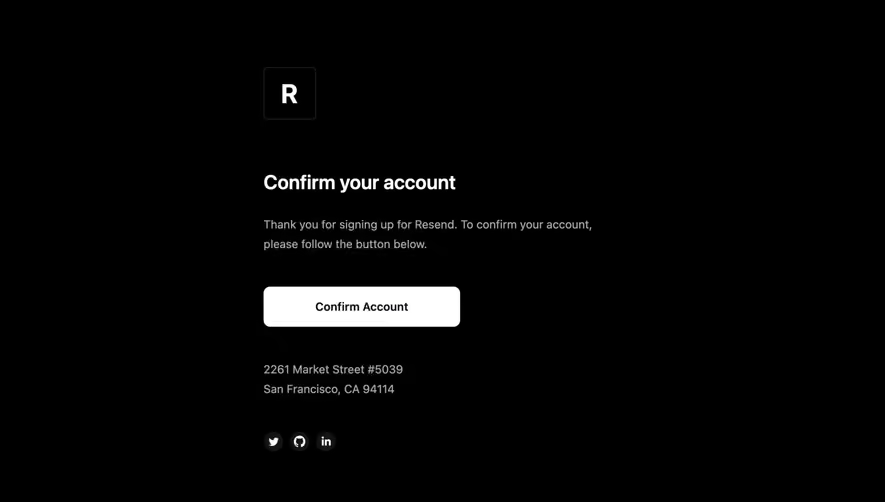
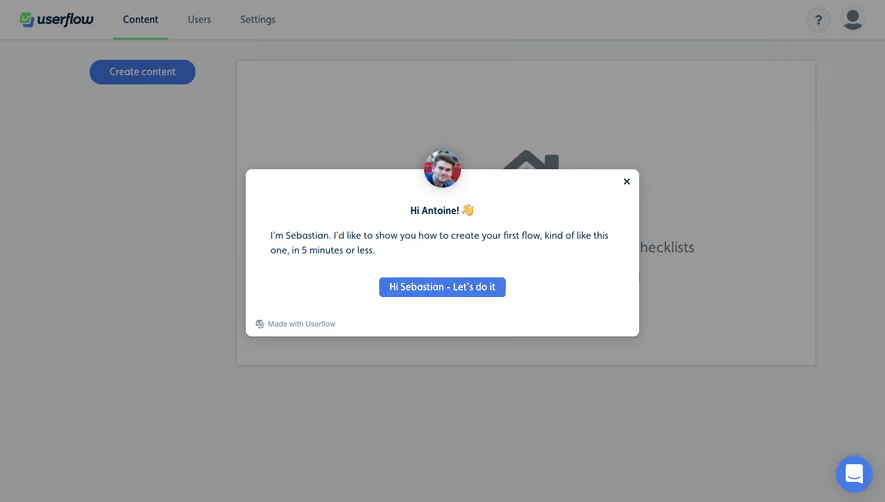
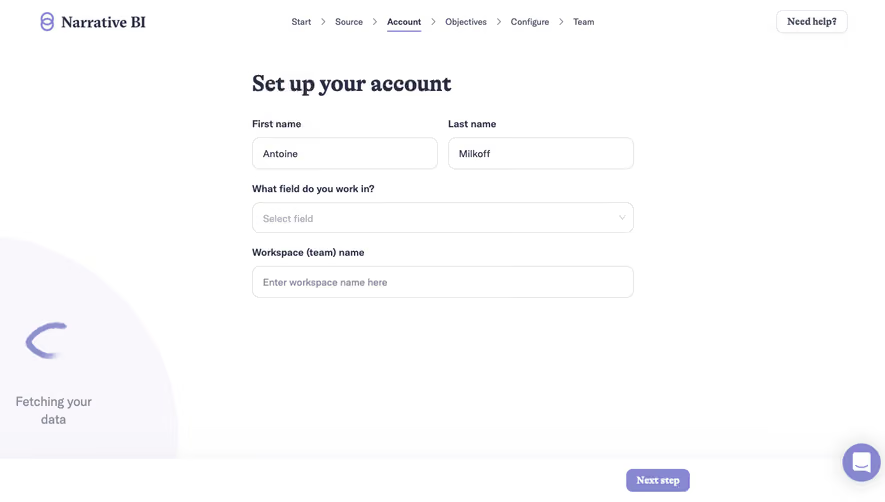
Design with AI
Generate a new design based on this screen using your own content.
# Design from Reference: Resend User Onboarding
Create an original, high-fidelity visual design inspired by the reference. Prioritize composition, typography, colors, spacing, and component styling over technical implementation.
## Reference
- **Product:** Resend
- **Category:** User Onboarding
- **Screenshot:** https://cdn.prod.website-files.com/5e9dc792e1210c5325f7ebbc/6acb6c095391d62536b670aa_6acb6a9dbf2e69a0c03b5554_cms-9d2ddd22db89c642f125bb96.webp
Analyze the screenshot first. If inaccessible, request it rather than guessing.
## Content
{{content.instructions}}
{{content.data}}
Preserve essential messaging and factual accuracy. Adapt structure and copy length for visual balance; never invent product claims.
## Visual Design
### Overall aesthetic
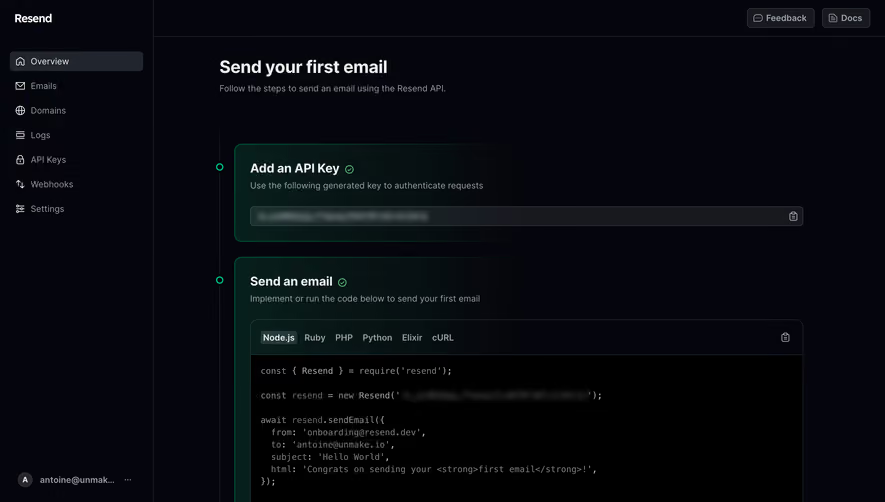
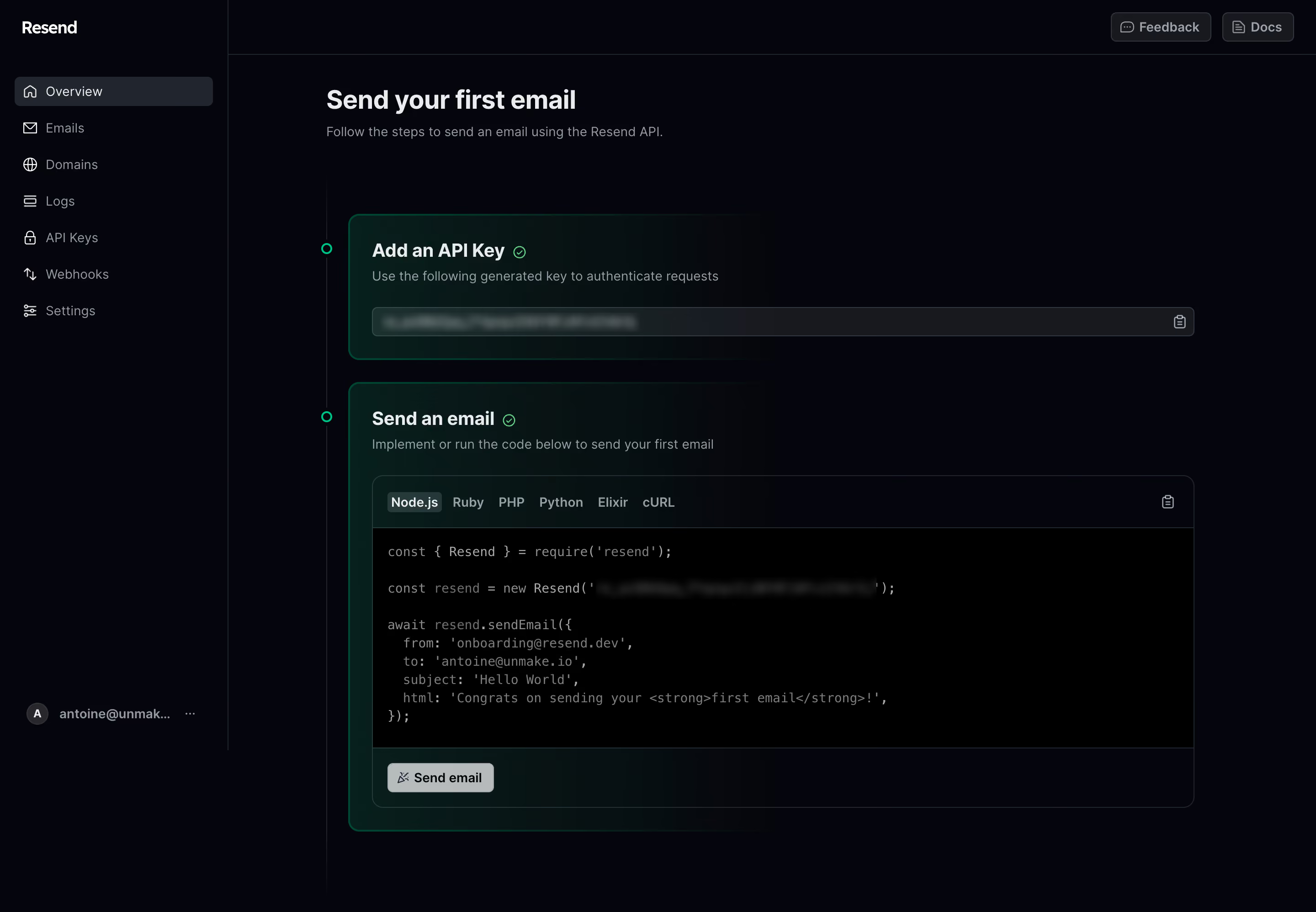
- **Style:** Dark developer onboarding dashboard with nearly black surfaces, muted gray copy and green completion accents.
- **Character:** A two-step vertical sequence combines generated-key display and tabbed code example.
### Page composition
- **Canvas:** Source 2880 × 1996 pixels, inspected at 1400 × 970. Approximate 2× capture is plausible but unverified; geometry uses inspection pixels.
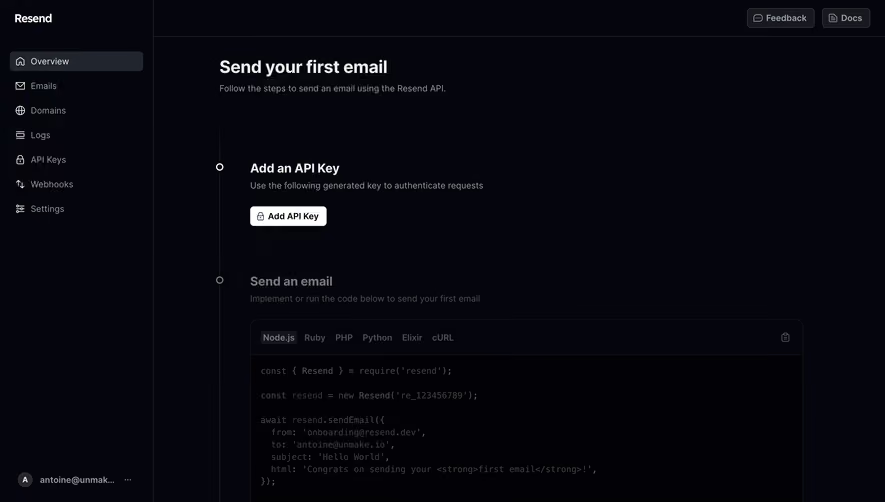
- **Sidebar:** Approximately 242px wide, with brand, seven icon-led destinations and bottom account row.
- **Header utilities:** Feedback and Docs buttons align upper right.
- **Main:** Begins near x347 with task heading/subtitle, followed by a vertical step rail.
- **Steps:** API-key panel above a larger send-email panel containing tabs, code and action footer.
### Information hierarchy
- **Task:** Send your first email is the dominant heading.
- **Step one:** Add an API Key includes a small green check, explanatory line and obscured key field.
- **Step two:** Send an email uses matching completion treatment, helper copy and code panel.
- **Code routes:** Six language tabs are shown, Node.js highlighted.
- **Action:** Send email button sits beneath the code example; no action is performed from this visual analysis.
### Typography
- **Page heading:** Approximately 28px bold sans serif.
- **Step headings:** Approximately 21px semibold, around 26px line height.
- **Body/sidebar:** Around 14px regular, muted gray.
- **Code:** Approximately 14px monospace, around 20px line height.
- **Tabs/buttons:** Around 14px medium. Exact font identities are unverified.
### Colors & surfaces
- **Measured base:** #05050C main canvas and #000000 code body.
- **Measured surfaces:** #18191E controls, #21252E boundaries/selected surfaces and #07090E nearby dark area.
- **Measured green tones:** #071F1C, #081C1A and #091314 occur in subtle step glows.
- **Foreground:** Pale gray headings and subdued gray prose/code.
- **Completion:** Small green circles/checks and green panel outlines distinguish completed steps.
### Components
- **Sidebar selection:** Approximately 211 × 32px charcoal rounded row.
- **Step rail:** Thin vertical gray line with small green outlined circles at panel starts.
- **Key panel:** Approximately 900px wide, thin green boundary, rounded 12px corners and subtle left green glow.
- **Key field:** Long dark bordered row with copy icon; key is blurred and must not be reconstructed.
- **Code panel:** Rounded dark shell, language toolbar, copy icon upper right, black monospace body and separated action footer.
- **Send action:** Compact pale button with small leading icon.
- **States:** Both step headings show completion checks; no delivery result panel, error or tab-switch state is visible.
### Visual rhythm
- **Opening:** Broad gap separates subtitle and first step.
- **Panels:** Approximately 24px separates steps; around 24px internal padding groups headings, helper text and fields.
- **Code:** Clear horizontal dividers separate language tabs, code and action.
- **Alignment:** Main text, step rail and panels follow consistent vertical guides.
### Responsive
- **Observed scope:** Desktop only; mobile behavior is unverified.
- **Recommended shell:** Collapse sidebar and keep the step sequence full width.
- **Recommended code:** Use internal horizontal scrolling rather than reducing monospace text excessively.
- **Recommended tabs:** Allow language tabs to scroll or wrap.
- **Recommended fields:** Keep copy controls accessible alongside long masked keys.
### Adaptation guidance
- **Preserve:** Explicit step sequence, restrained green completion treatment and language-specific example layout.
- **Security:** Use placeholders or masked credentials in reusable visuals; never reproduce obscured keys or personal recipient details.
- **Interaction:** Define copy, tab selection, send progress and result states from requirements.
- **Accessibility:** Label icon controls and provide clear non-color completion/status text.
Use this context to reproduce the reference's visual language: layout, typography, colors, spacing, borders, radii, and distinctive elements. The screenshot takes priority if descriptions conflict.
## Direction
{{preferences.fidelityInstructions}}
## Output
{{output.instructions}}
Deliver a polished, cohesive design with precise alignment, hierarchy, and spacing. Produce the requested visual artifact, not just a description. If unsupported, explain the limitation.
.webp)


.avif)