Overall Style and Aesthetic
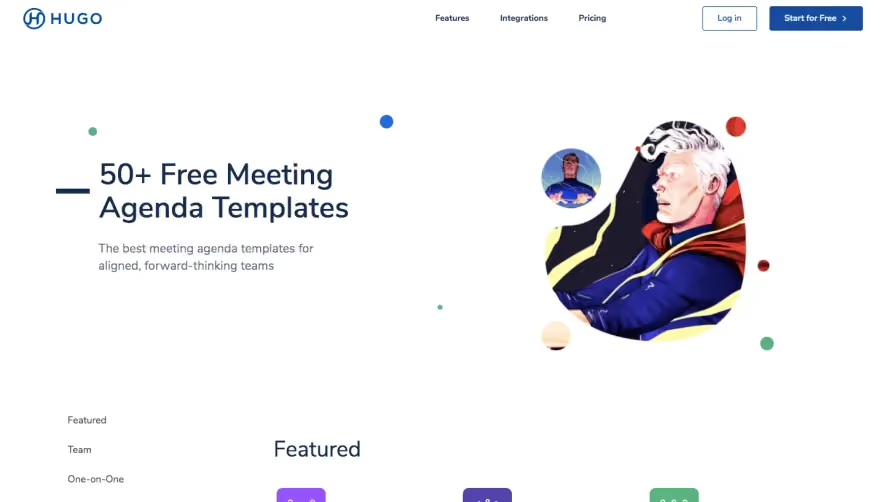
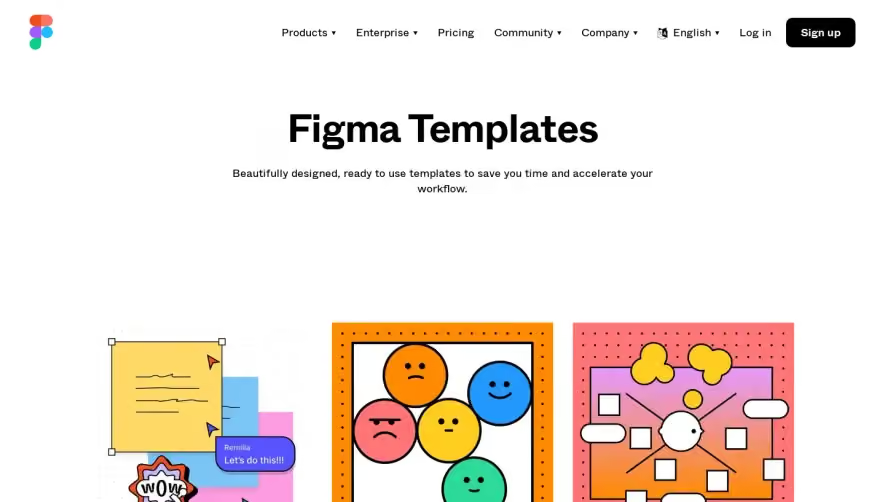
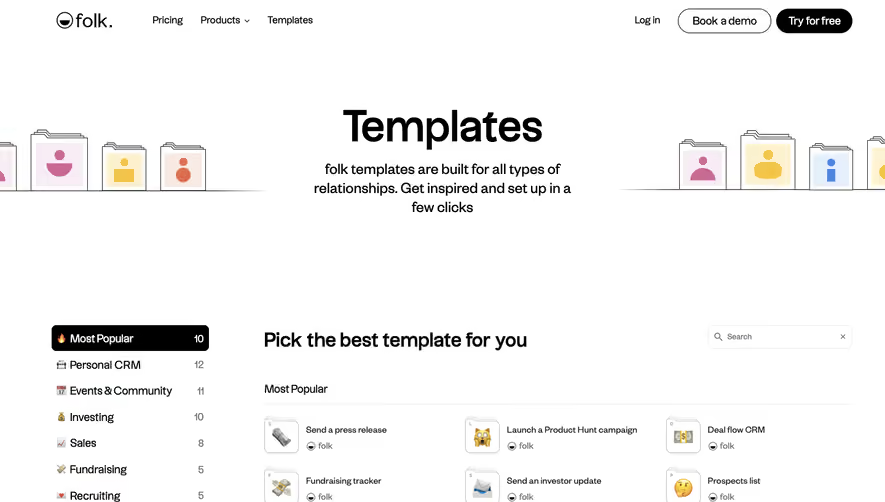
Miro’s Templates page adopts a modern, inviting, and slightly playful style. It balances professionalism with creativity, using rounded edges, dynamic compositions, and vibrant accents to create a sense of energy and approachability. The generous white space and clean lines keep the design uncluttered, allowing content to shine without overwhelming the visitor. Layout and Structure
The layout follows a user-centric flow: a visually engaging hero section with a concise value proposition and a clear CTA, followed by curated template categories displayed as cards. There’s a persistent, sticky navigation bar for ease of browsing, and a comprehensive footer featuring links and resources without visual overload. Search and filter tools are integrated above the template gallery for intuitive discovery. Visual Elements
Custom illustrations, colorful thumbnail images, and expressive icons add personality and help users quickly scan options. Micro-animations on hover breathe life into interactions, while occasional badge-style labels highlight new or popular templates. The hero section often incorporates abstract shapes and product screenshots that hint at the collaborative nature of Miro. Color Palette and Typography
Miro uses a bright, energetic palette—blues, yellows, and purples pop against a crisp white background. Typography is clear and modern, with bold sans-serif headlines establishing a clear hierarchy, and lighter body copy ensuring legibility. Buttons and interactive elements stand out through high-contrast hues. User Experience Patterns & Unique Choices
Sticky navigation, effortless template filters, and smart use of whitespace guide the eye and reduce friction. Prominent CTAs (“Use template”) are always within reach, and the template cards expand smoothly to display more info, enhancing exploration. The tone throughout feels innovative, collaborative, and inclusive—ideal for design inspiration seekers in the SaaS space..webp)





.avif)