.webp)
Thank you! Your submission has been received!
Oops! Something went wrong while submitting the form.
Get SaaSFrame Pro
Monthly
$18
Quarterly
$48
Yearly
$180
Upgrade to access this feature
Browse all screens & flows
Filter and search screens & flows
Access Figma files
Access mobile versions
Bookmark screens & flows
Join now
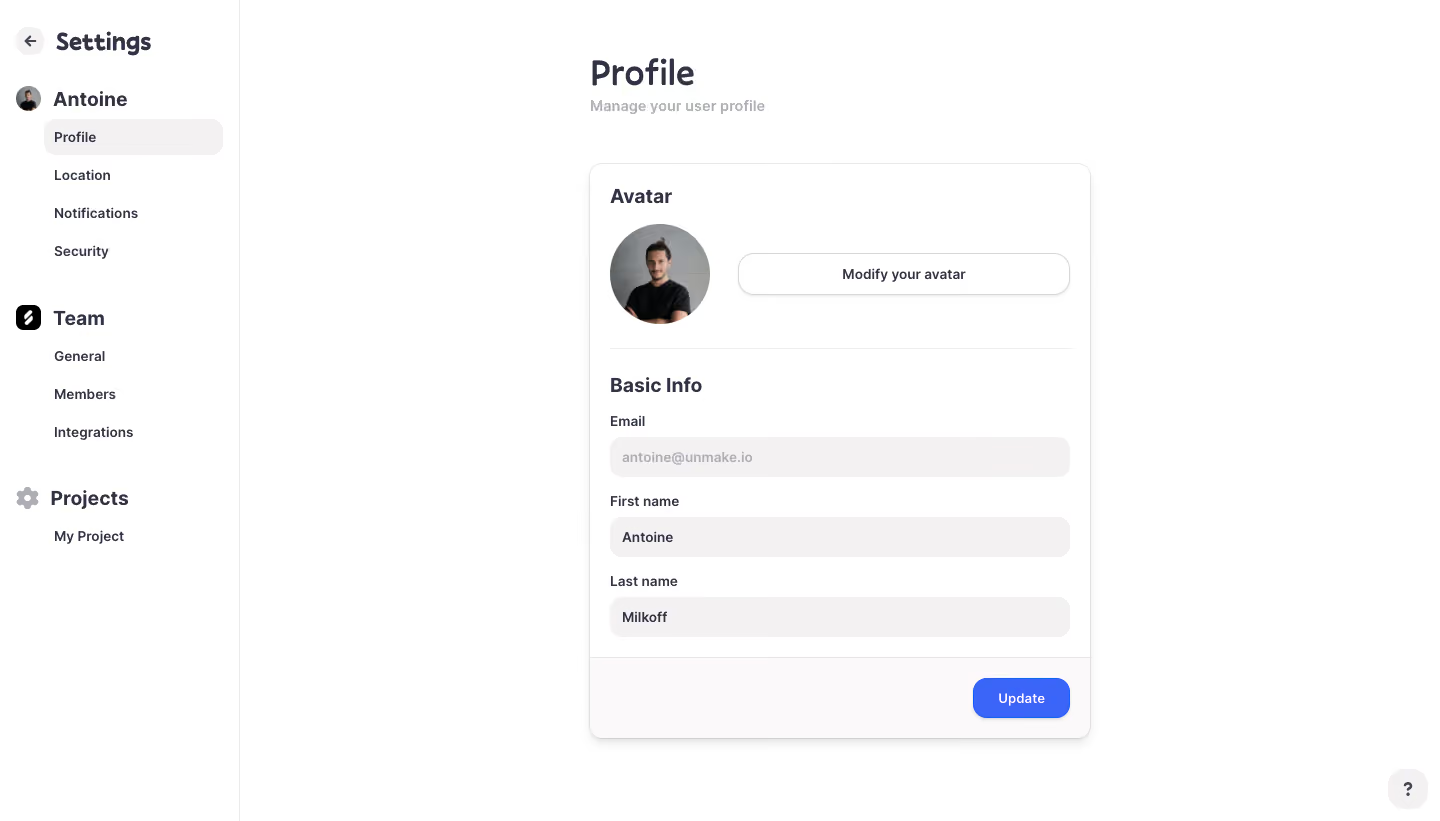
Logbook Profile Settings

Logbook
Meet Logbook. Beat deadlines.
Designed by
No items found.

Bookmark
Bookmark

Design with AI
Thank you! Your submission has been received!
Oops! Something went wrong while submitting the form.
# Design from Reference: Logbook Profile Settings
Create an original, high-fidelity visual design inspired by the reference. Prioritize composition, typography, colors, spacing, and component styling over technical implementation.
## Reference
- **Product:** Logbook
- **Category:** Settings
- **Screenshot:** https://cdn.prod.website-files.com/5e9dc792e1210c5325f7ebbc/6acb6eac2837b9f3168fb739_6acb6cc1834771b57d15a83a_cms-3e7d77b36f750f2d0c1a314d.webp
Analyze the screenshot first. If inaccessible, request it rather than guessing.
## Content
{{content.instructions}}
{{content.data}}
Preserve essential messaging and factual accuracy. Adapt structure and copy length for visual balance; never invent product claims.
## Visual Design
### Overall aesthetic
- **Character:** A simple profile-settings screen combines a white workspace, warm-gray form fields and a compact blue update action.
- **Capture evidence:** The screenshot measures 1440 × 821 pixels. Approximate dimensions are image pixels; a near-1× CSS scale is plausible but unverified.
- **Tone:** Rounded typography and a softly elevated form card create a friendly, low-density administration interface.
### Page composition
- **Sidebar:** A roughly 240px-wide white rail has a back/settings heading, user section, team section and project section.
- **Main heading:** Profile and a muted explanatory subtitle sit above the form, aligned to its left edge.
- **Profile card:** A roughly 500px-wide central card contains avatar controls, a divider and basic-information fields.
- **Action footer:** A pale card footer holds the blue Update button at right.
- **Help:** A small rounded question-mark control sits at the bottom-right corner of the viewport.
### Information hierarchy
- **Navigation context:** Profile is selected with a warm-gray rounded row beneath the user section.
- **Card sections:** Avatar and Basic Info headings divide the form into two clear groups.
- **Field roles:** Email appears muted within its field; first and last name values use darker text. The screenshot suggests a subdued email state but does not verify editability.
- **Primary action:** Update is the only saturated filled action in the form.
### Typography
- **Family:** A rounded sans-serif is visible throughout; exact font identity is unverified.
- **Page title:** Approximately 36px, medium-to-bold, with compact line-height.
- **Sidebar hierarchy:** Settings is around 24px bold; section labels around 20px bold; nested links around 14px medium.
- **Card headings:** Approximately 20px semibold.
- **Labels and fields:** Approximately 14px medium, with labels directly above the inputs.
- **Supporting text:** Subtitle and muted field text use light gray at roughly 14px.
### Colors & surfaces
- **Canvas:** Sampled #FFFFFF supplies the workspace, sidebar and card.
- **Field fill:** Sampled #F3F1F1 forms warm-gray inputs and selected navigation.
- **Footer surface:** Sampled #FBFAFA provides a subtle card-footer tint.
- **Primary ink:** Sampled #323245 supplies dark purple-gray headings and labels.
- **Action blue:** Sampled #3B65F9 supplies the Update button.
- **Boundaries:** Fine pale-gray rules divide sidebar and card sections; the card shadow is soft and neutral.
### Components
- **Profile card:** Approximately 500 × 575px with a fine border, 12px radius and soft shadow.
- **Avatar row:** A roughly 100px circular portrait sits left of a wide outlined Modify your avatar button around 330 × 42px.
- **Fields:** Three approximately 460 × 40px filled inputs have around 12px radii and 12px horizontal padding.
- **Section divider:** A thin light line separates avatar controls from basic information.
- **Update button:** Approximately 96 × 40px, blue with white text, around 14px radii and a subtle shadow.
- **Sidebar selection:** A wide rounded pale row highlights Profile without a colored icon.
- **Help control:** A small pale rounded square contains a dark question mark.
### Visual rhythm
- **Main alignment:** Heading and form card share a left edge around 590px from the screenshot's left boundary.
- **Card padding:** Approximately 20px surrounds form content.
- **Field spacing:** Labels sit around 8px above fields, with roughly 18px between consecutive groups.
- **Open space:** Broad margins around the single card keep attention on the profile form.
- **Sidebar grouping:** Large vertical breaks distinguish user, team and project navigation.
### Responsive
- **Evidence limit:** Only a desktop profile state is visible; upload, validation and mobile behavior are unverified.
- **Layout recommendation:** Collapse the sidebar into a settings menu and use a fluid card with 20–24px outer padding.
- **Avatar recommendation:** Stack the avatar and modification button when width is constrained.
- **Form recommendation:** Keep labels persistent and inputs full width, with a reachable Update action.
- **Feedback recommendation:** Provide clear saved/error messages without disrupting the form layout.
### Adaptation guidance
- **Form system:** Reuse warm-gray filled inputs, dark labels and one blue primary action across settings.
- **State clarity:** Specify whether email is read-only and expose that state semantically rather than relying on muted text alone.
- **Privacy:** Use representative profile values and images in demos.
- **Accessibility:** Associate every label with its field, give the avatar control a clear name and provide visible keyboard focus.
- **Save behavior:** Define validation and update feedback separately; the static screenshot does not confirm persistence behavior.
Use this context to reproduce the reference's visual language: layout, typography, colors, spacing, borders, radii, and distinctive elements. The screenshot takes priority if descriptions conflict.
## Direction
{{preferences.fidelityInstructions}}
## Output
{{output.instructions}}
Deliver a polished, cohesive design with precise alignment, hierarchy, and spacing. Produce the requested visual artifact, not just a description. If unsupported, explain the limitation.

.avif)
Category
Patterns
Tech Stack
No items found.
Added on
March 13, 2023
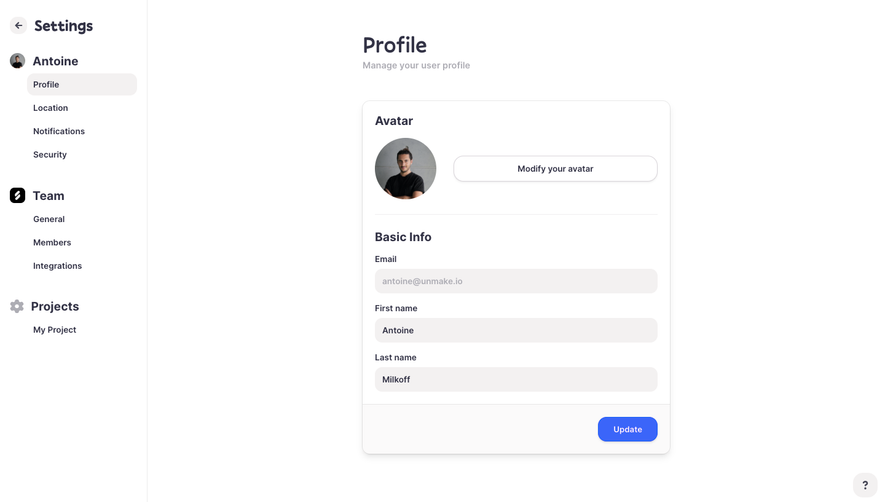

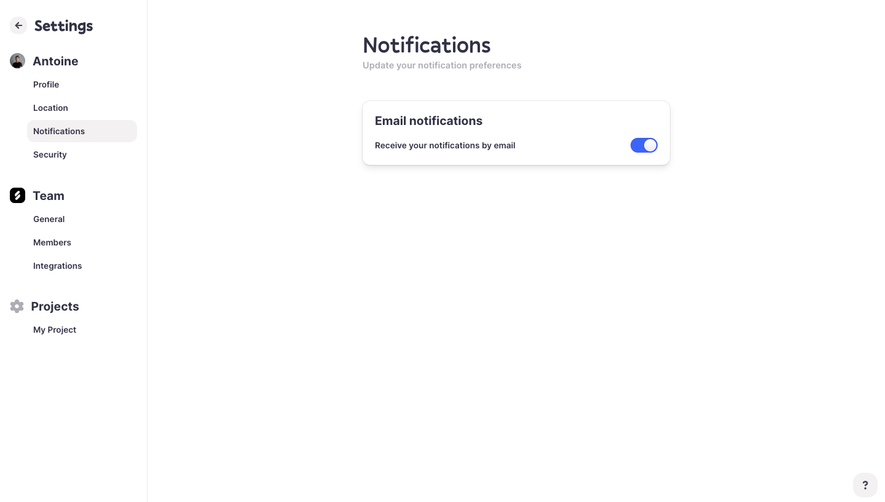


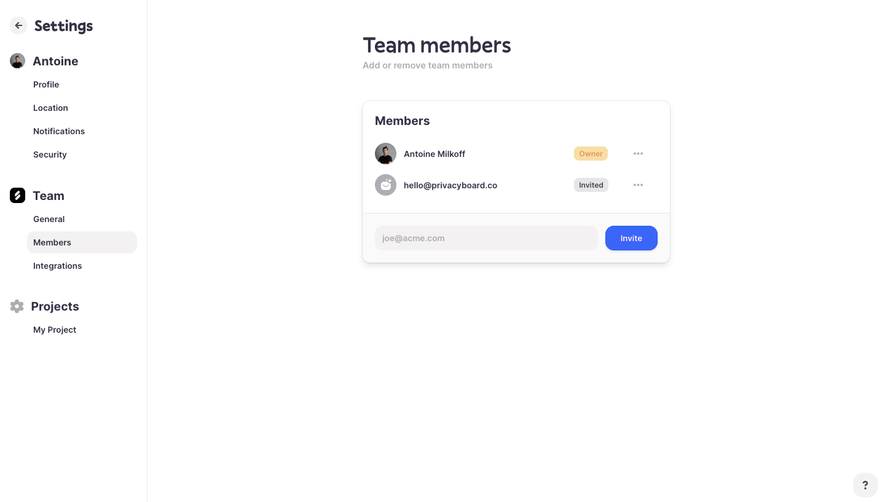


Similar screens





Upgrade to SaaSFrame Pro now to see similar examples.
Monthly
$18 /month
Billed $18 monthly
Browse all screens & flows
Filter and search screens & flows
Search text in screenshots
Access Figma files
Access mobile versions
Join now
Quarterly
$16 /month
Billed $48 quarterly
Browse all screens & flows
Filter and search screens & flows
Search text in screenshots
Access Figma files
Access mobile versions
Join now
Yearly
$15 /month
Billed $180 yearly
Browse all screens & flows
Filter and search screens & flows
Search text in screenshots
Access Figma files
Access mobile versions
Join now