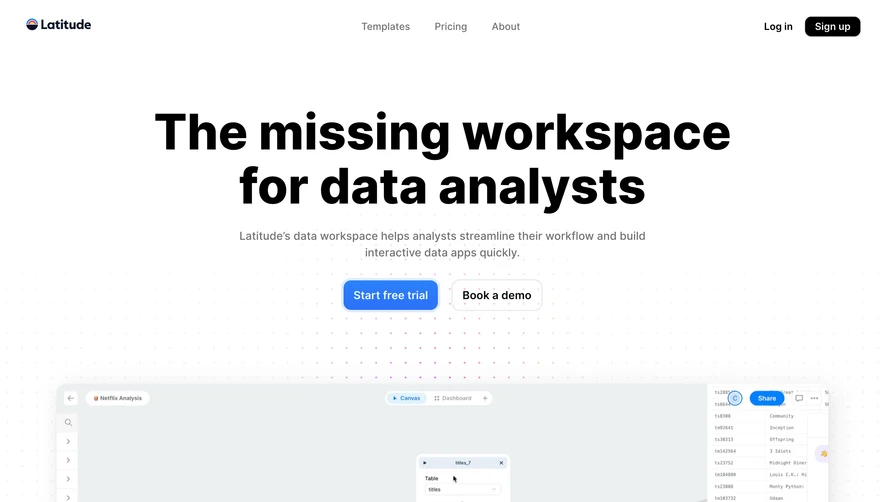
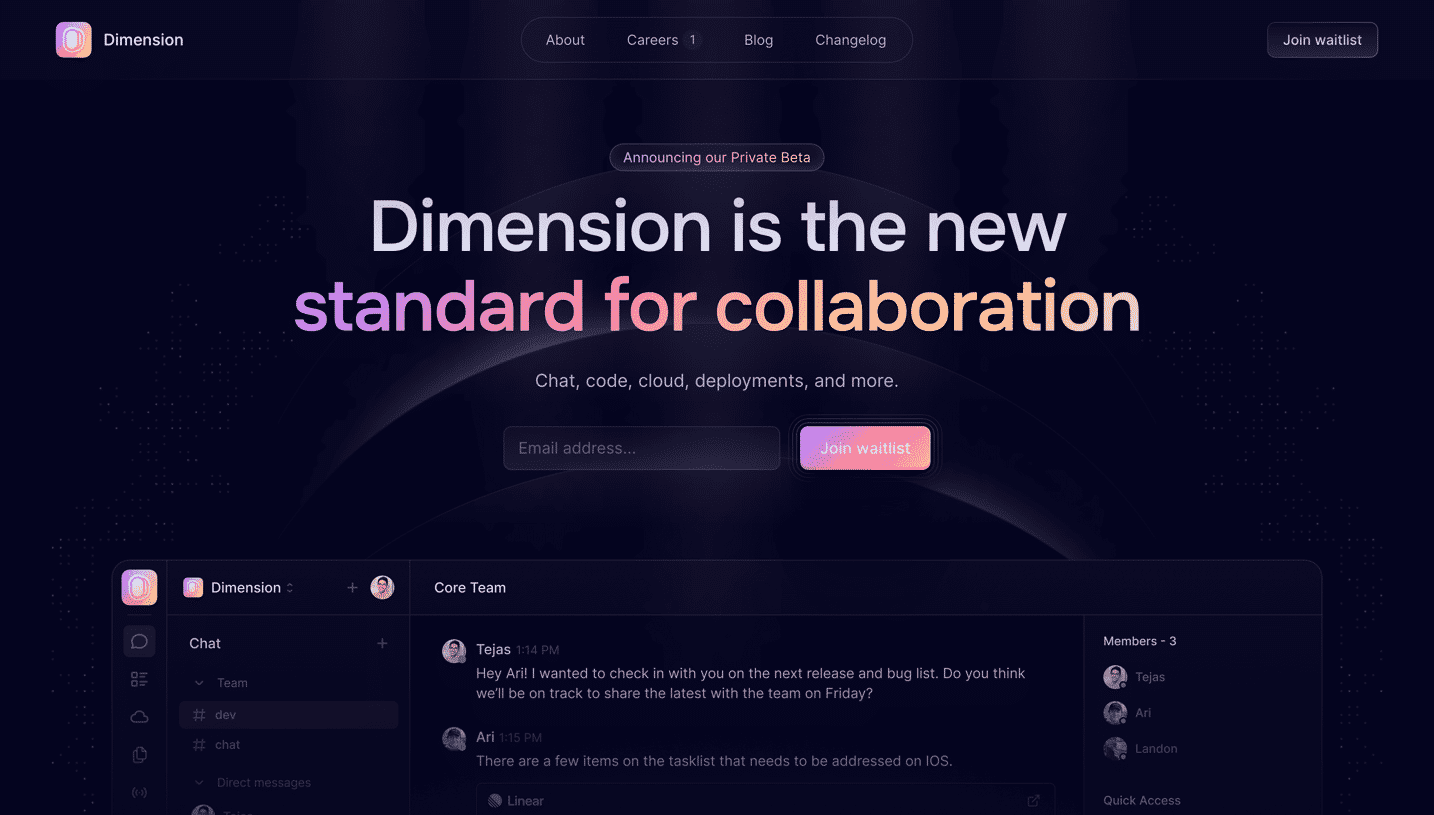
Generate a new design based on this screen using your own content.
Thank you! Your submission has been received!
Oops! Something went wrong while submitting the form.
# Design from Reference: Help Kit Landing Page
Create an original, high-fidelity visual design inspired by the reference. Prioritize composition, typography, colors, spacing, and component styling over technical implementation.
## Reference
- **Product:** Help Kit
- **Category:** Landing Page
- **Screenshot:** https://cdn.prod.website-files.com/5e9dc792e1210c5325f7ebbc/6acbba11d37e66e942ffbeeb_6acb710920cd4e4badaa231d_cms-a213246ca2390449792d9287.webp
Analyze the screenshot first. If inaccessible, request it rather than guessing.
## Content
{{content.instructions}}
{{content.data}}
Preserve essential messaging and factual accuracy. Adapt structure and copy length for visual balance; never invent product claims.
## Visual Design
Use this context to reproduce the reference's visual language: layout, typography, colors, spacing, borders, radii, and distinctive elements. The screenshot takes priority if descriptions conflict.
## Direction
{{preferences.fidelityInstructions}}
## Output
{{output.instructions}}
Deliver a polished, cohesive design with precise alignment, hierarchy, and spacing. Produce the requested visual artifact, not just a description. If unsupported, explain the limitation.
HelpKit’s website embodies a crisp, minimalist aesthetic that radiates modern professionalism while maintaining an inviting, accessible feel. The design avoids visual clutter, letting key content stand out through generous white space and well-weighted components. Subtle micro-interactions and smooth transitions add an innovative edge, creating an experience that feels both effortless and refined.
Layout and Structure
The layout guides visitors through a classic, well-organized SaaS journey. A prominent hero section immediately communicates the product’s value proposition with concise copy and an engaging product demo animation. Below, feature blocks are arranged in clear, digestible panels, each paired with contextual visuals. Testimonials, customer logos, and a visually clean pricing section build credibility and drive conversions. The footer provides straightforward navigation links and social proof, closing the experience with minimal distraction.
Visual Elements
Illustrations are sleek and purposeful, blending vector graphics with subtle animation for a dynamic but not overwhelming experience. Clear icons and simplified screenshots illustrate features, while gentle hover effects bring interactivity to CTAs and navigation elements. The use of product-focused visuals ensures users quickly grasp the functionality.
Color Palette and Typography
The color scheme relies on soft gradients and a calming range of blues, paired with white backgrounds and occasional accent colors for CTAs. Typography is modern—likely utilizing a geometric sans-serif font—with strong hierarchy: bold headlines, medium-weight subheads, and refined body text for easy scanning.
User Experience Patterns
Navigation is sticky and minimal, ensuring ease of access without distraction. Primary CTAs are visually distinct and consistently placed, driving clear user flow. The site employs smooth scroll interactions and carefully placed forms, reducing friction at every touchpoint.
Unique or Notable Design Choices
A standout feature is the interactive product demo embedded within the hero section, immediately showcasing real product value. The integration of subtle motion in icons and illustrations adds vitality without competing for attention. The overall tone is trustworthy and energetic—balancing innovative visuals with calming usability, making HelpKit a strong source of inspiration for SaaS web design.
.webp)



.avif)