


.avif)






1. Header: The header contains a navigation bar with the GitHub logo on the left, followed by links to explore, features, and enterprise. The right side of the header has a "Sign in" button and "Get started" button. 2. Hero section: The hero section of the page features a large banner with the headline "Built for developers" and a subheading that reads "GitHub is a development platform inspired by the way you work. From open source to business, you can host and review code, manage projects, and build software alongside 50 million developers." Below the headline, there are two CTA buttons inviting the user to try GitHub for free or buy a plan. 3. Plans: The next section describes the various plans that are available for GitHub. The page features four plans—Free, Pro, Team, and Enterprise—and a brief description of each. Each plan has a "Choose plan" button that takes the user to the respective plan details page. 4. Comparison table: The next section features a comparison table that lays out the features included in each plan side by side. The table features categories such as "Code review," "Project management," "Security," and "Support" with icons and checkmarks to indicate whether a particular feature is included in a plan or not. 5. Enterprise: The next section details the benefits of GitHub Enterprise, such as having complete control over your code and integration with your existing tools. There is a "Contact Sales" button on this page, which takes the user to a form to get in touch with the sales team. 6. Community: The next section of the page highlights the GitHub community and the various ways it can be leveraged for collaboration, learning, and networking. The section features subheadings like "Join the community," "Learn and grow," and "Connect with GitHub." 7. Featured customers: The page's final section displays customer logos from various industries and sizes. It emphasizes how businesses and teams are successfully using GitHub. 8. Footer: The footer contains links to various important sections of the website, such as "Pricing," "Explore," "Features," "Blog," and "Contact GitHub." The footer also contains links to GitHub's social media profiles and information on its availability in different languages.
.webp)
Thank you! Your submission has been received!
Oops! Something went wrong while submitting the form.
Get SaaSFrame Pro
Monthly
$18
Quarterly
$48
Yearly
$180
Upgrade to access this feature
Browse all screens & flows
Filter and search screens & flows
Access Figma files
Access mobile versions
Bookmark screens & flows
Join now
GitHub Pricing Page

GitHub
Where the world builds software
Designed by
No items found.

Bookmark
Bookmark
Design with AI
Thank you! Your submission has been received!
Oops! Something went wrong while submitting the form.
# Design from Reference: GitHub Pricing Page
Create an original, high-fidelity visual design inspired by the reference. Prioritize composition, typography, colors, spacing, and component styling over technical implementation.
## Reference
- **Product:** GitHub
- **Category:** Pricing Page
- **Screenshot:** https://cdn.prod.website-files.com/5e9dc792e1210c5325f7ebbc/62eca43f5cf598f7ddc27fdb_1659674896630-62ec9c9f3da29e5735f53c0f_screenshot-device-aae423b045c13965ddf45c696df2484d-1659617483241.webp
Analyze the screenshot first. If inaccessible, request it rather than guessing.
## Content
{{content.instructions}}
{{content.data}}
Preserve essential messaging and factual accuracy. Adapt structure and copy length for visual balance; never invent product claims.
## Visual Design
### Overall aesthetic
- **Character:** A substantial pricing page alternates a bright plan/comparison area with dark customer-proof and FAQ regions.
- **Visual language:** Bold headings, light-gray feature surfaces, blue emphasis and understated line icons support a technical, information-heavy presentation.
### Page composition
- **Capture:** The source measures 1440 × 12075 image pixels. Observed dimensions below approximate CSS only under an unverified 1× capture assumption.
- **Opening:** A compact global navigation precedes a large centered headline, billing question and monthly/yearly selector.
- **Plan region:** Three tall cards span a roughly 1240 px content width. Their white summary tops lead into long pale-gray benefit lists; the middle tier has a blue frame and popularity band.
- **Customer proof:** A full-width dark band contains eight customer marks, a large office photograph and a quote/case-study column.
- **Comparison:** A four-column feature matrix pairs a wide label column with three tier columns. Code management, workflow, collaboration, security/compliance, marketplace/integrations and support/deployment form the main groups.
- **Audience support:** A large centered statement leads into three cards for open-source teams, education and nonprofits.
- **FAQ and footer:** A broad rounded dark container holds six FAQ categories with many collapsed rows. A white multi-column footer and pale legal/social strip close the page.
### Information hierarchy
- **Plan choice:** Large prices and plan names lead each card, followed by prominent signup/trial actions and expandable-looking feature labels.
- **Featured tier:** The middle card's thick blue frame and Most Popular strip distinguish it from the flanking plans.
- **Comparison scan:** Category icons/headings, bold feature labels, centered values and green checks/red crosses organize the matrix.
- **Proof:** A blue-to-mint quote and large photograph create a distinct human layer between pricing and detailed comparison.
- **FAQ structure:** A large gradient heading precedes bold category headings and repeated question rows with cyan plus signs.
### Typography
- **Family:** A clean sans serif is used throughout; exact font identity is unverified. Some price qualifiers and footer category labels use a monospaced-looking style.
- **Display:** Hero and audience headings appear approximately 60–64 px, heavy, with tight tracking and compact leading.
- **Plan roles:** Plan names are around 26 px, bold; prices are roughly 44–48 px, with smaller billing qualifiers and struck-through comparison values.
- **Matrix/body:** Feature labels and values are approximately 14–16 px with 20–24 px line height. Labels use heavier weight and slightly expanded tracking.
- **FAQ:** Category headings are around 32 px; questions are approximately 20 px with comfortable multiline leading.
### Colors & surfaces
- **Measured foundation:** ICC-aware sRGB sampling yields white #FFFFFF and pale #F6F8FA across plan details and comparison columns.
- **Measured dark regions:** #0D1116 fills the customer band and FAQ container; dark interface text also includes #242A2F.
- **Accent system:** Saturated blue frames the featured plan and supports links. Green checks and red crosses communicate availability.
- **Gradient emphasis:** The customer quote and FAQ title transition through blue, cyan and mint against the dark background.
- **Depth:** Plan and audience cards use soft gray shadows; the comparison relies on column fills and spacing rather than a dense ruled grid.
### Components
- **Billing selector:** A small pale segmented control contains Monthly and Yearly options; the selected yearly segment has a blue outline and a compact promotional annotation.
- **Plan cards:** Three roughly 390 px wide observed cards use small rounded corners and equal overall height. Dark gradient primary buttons and white outlined alternatives span their summary areas.
- **Feature lists:** Small chevrons precede bold labels; selected entries include smaller explanatory lines. Add-on labels use pale blue uppercase text.
- **Comparison columns:** The middle and right tier columns have pale-gray continuous backgrounds, rounded at their ends. Values remain centered opposite left-aligned labels.
- **Category markers:** Small light-gray line illustrations sit above each feature-group heading.
- **Audience cards:** Three equal pale cards contain an illustrative icon, large title, short paragraph and blue arrow link.
- **FAQ rows:** Cyan plus icons align in a left gutter; white question text sits above thin dark-gray separators. No answer text is visible.
- **Footer:** A large wordmark sits left of four link columns; a pale bottom strip contains small legal text and social icons.
### Visual rhythm
- **Opening cadence:** The billing selector, plan cards and comparison jump link form a clear centered progression.
- **Long matrix rhythm:** Regular row spacing and broad group gaps keep a substantial feature inventory scannable.
- **Light/dark alternation:** The dark proof band interrupts the bright opening; the large dark FAQ block creates another strong break after the audience cards.
- **Narrow FAQ measure:** Questions occupy a centered column substantially narrower than the full dark container, leaving generous side padding.
### Responsive
- **Evidence boundary:** Only a desktop capture is shown; responsive behaviors are recommendations.
- **Plan stacking:** Stack cards or offer accessible horizontal browsing while preserving featured-tier labeling.
- **Comparison access:** Use horizontal scrolling or a per-tier selector, retaining semantic feature/value associations.
- **Proof and audience:** Stack photograph/quote and audience cards; reduce display type fluidly.
- **FAQ/footer:** Reduce dark-container padding and stack footer groups without shrinking question text or plus targets.
### Adaptation guidance
- **Layered pricing narrative:** Reuse concise tier summaries, customer proof, detailed comparison, audience offers and categorized FAQs for complex products.
- **Accessible availability:** Pair check/cross colors with meaningful accessible text and clear table headers.
- **Content separation:** Treat displayed prices, limits, customer claims and product availability as captured content rather than current commercial facts.
- **Interaction states:** Define expanded feature/FAQ behavior and keyboard focus separately; only collapsed static rows are verified.
- **Scale calibration:** Validate source-pixel measurements against the intended CSS viewport before setting card widths and spacing.
Use this context to reproduce the reference's visual language: layout, typography, colors, spacing, borders, radii, and distinctive elements. The screenshot takes priority if descriptions conflict.
## Direction
{{preferences.fidelityInstructions}}
## Output
{{output.instructions}}
Deliver a polished, cohesive design with precise alignment, hierarchy, and spacing. Produce the requested visual artifact, not just a description. If unsupported, explain the limitation.
Category
Patterns
No items found.
Added on
August 12, 2021
Similar screens
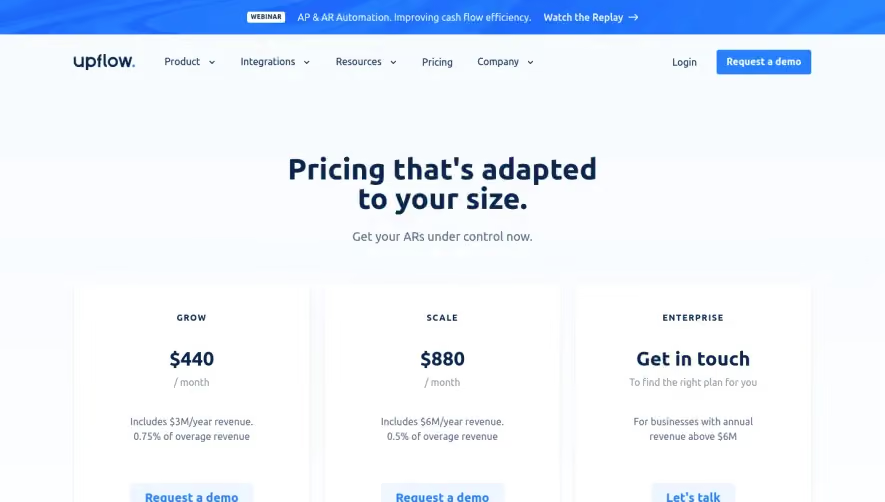




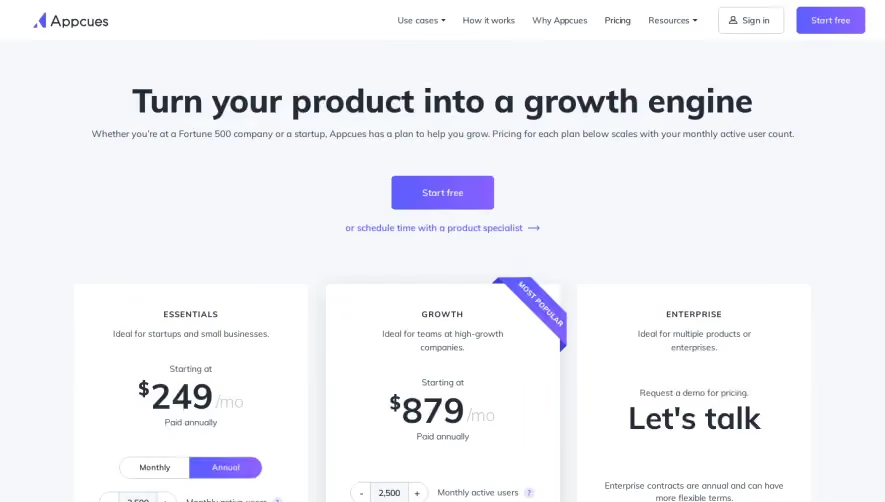

Upgrade to SaaSFrame Pro now to see similar examples.
Monthly
$18 /month
Billed $18 monthly
Browse all screens & flows
Filter and search screens & flows
Search text in screenshots
Access Figma files
Access mobile versions
Join now
Quarterly
$16 /month
Billed $48 quarterly
Browse all screens & flows
Filter and search screens & flows
Search text in screenshots
Access Figma files
Access mobile versions
Join now
Yearly
$15 /month
Billed $180 yearly
Browse all screens & flows
Filter and search screens & flows
Search text in screenshots
Access Figma files
Access mobile versions
Join now