Design with AI
Generate a new design based on this screen using your own content.
# Design from Reference: FullEnrich Enrichment Dashboard
Create an original, high-fidelity visual design inspired by the reference. Prioritize composition, typography, colors, spacing, and component styling over technical implementation.
## Reference
- **Product:** FullEnrich
- **Category:** Dashboard
- **Screenshot:** https://cdn.prod.website-files.com/5e9dc792e1210c5325f7ebbc/696769ecb04b9ad3215f1477_9VDNeIfGZI1TVTyiu_HX15dMcNA47dED1QWInKBUZDQ.avif
Analyze the screenshot first. If inaccessible, request it rather than guessing.
## Content
{{content.instructions}}
{{content.data}}
Preserve essential messaging and factual accuracy. Adapt structure and copy length for visual balance; never invent product claims.
## Visual Design
### Overall aesthetic
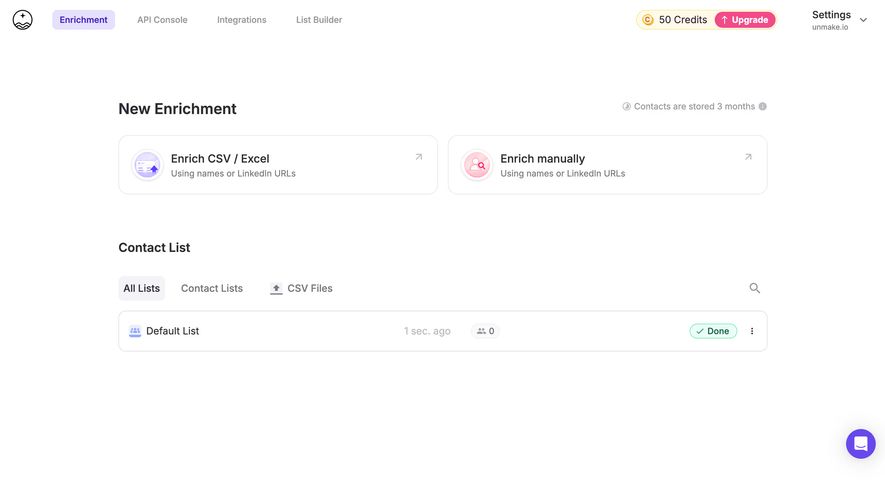
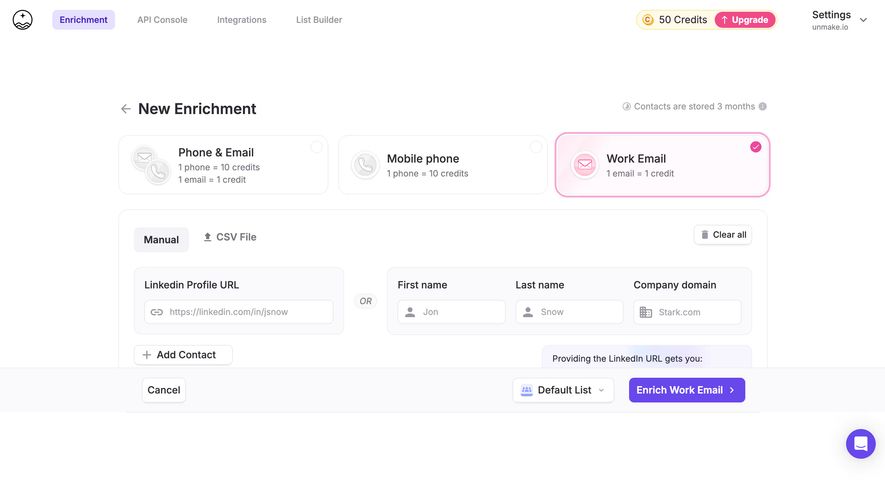
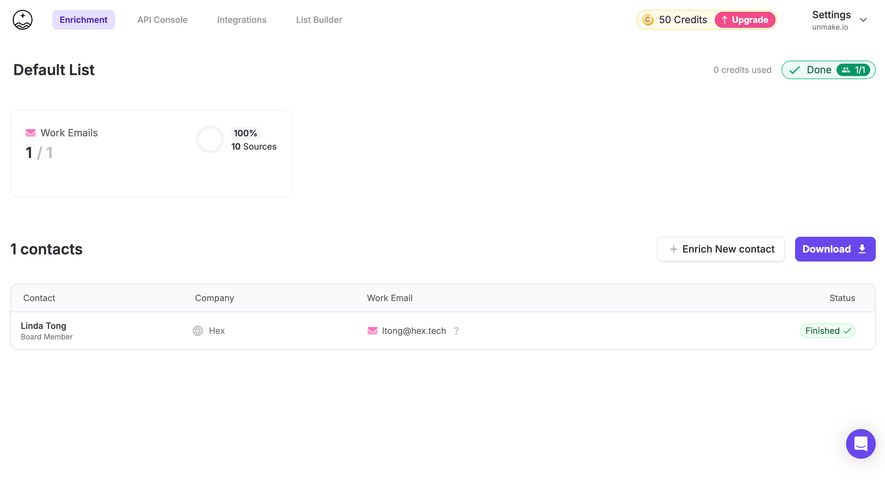
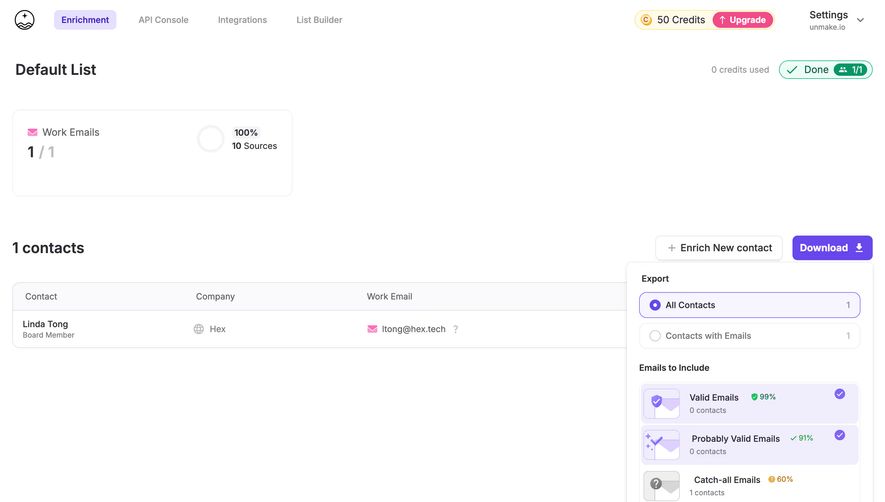
- **Style:** Sparse enrichment dashboard with a white canvas, rounded outlined cards, purple navigation accents and small pastel illustrations.
- **Scale:** Source 2880 × 1624px; dimensions estimate a 1440px-wide CSS layout at 2× capture scale.
### Page composition
- **Header:** Small brand mark and four product tabs align left; credit balance, Upgrade and settings/account context align right.
- **Main column:** A centered roughly 1050px-wide region begins with New Enrichment and a retention note, followed by two equal route cards.
- **Contact area:** Contact List sits below a large gap, with three tabs, search and a single full-width list row. Most of the lower canvas is empty.
### Information hierarchy
- **Starting routes:** Enrich CSV / Excel and Enrich manually are equally prominent, each with a short names/LinkedIn-URL explanation.
- **List organization:** All Lists is selected beside Contact Lists and CSV Files. One Default List row shows recency, zero contacts and Done status.
- **Account context:** The top balance shows 50 Credits and a contrasting Upgrade action.
### Typography
- **Family:** Neutral sans-serif; exact font identity is unverified.
- **Roles:** Estimated section headings 22–24px semibold, route titles 18px medium, descriptions 14px and tabs/list text 16px.
- **Secondary text:** Retention and recency labels use muted lavender-gray.
### Colors & surfaces
- **Sampled palette:** ICC-aware sRGB samples include white #FFFFFF, dark #2D2B36, pale yellow #FFFBEB, lavender #E6E0FF, pale gray #F4F3F7 and border #E6E5EA.
- **Accent roles:** Purple marks selected navigation and chat, pink marks Upgrade/manual illustration and green marks Done.
- **Depth:** Fine outlines and soft icon medallions provide definition without heavy card shadows.
### Components
- **Route cards:** Approximately 516 × 96px, 16px corners, pastel circular icon left and small northeast arrow right.
- **List tabs:** Selected All Lists uses a pale rounded background; CSV Files includes a small upload/file icon.
- **List row:** Approximately 1050 × 66px with 12px corners, list icon/name left, timestamp/count in the middle and status/overflow right.
- **Credit control:** Compact pale-yellow balance pill includes a coin icon and pink Upgrade segment. A purple chat circle floats lower right.
### Visual rhythm
- **Spacing:** Large gaps separate route selection from list management; compact internal spacing keeps the cards scannable.
- **Alignment:** Route pair and list row share outer edges, creating a stable central grid.
### Responsive
- **Recommended adaptation:** Only desktop is observed. Stack enrichment routes and allow header account controls to condense.
- **List handling:** Wrap metadata or move it beneath the list name while retaining status and overflow access.
### Adaptation guidance
- **Preserve:** Keep bulk/manual enrichment routes distinct and list-management status explicit.
- **Adapt:** Use actual credits, retention policy and list metadata. Avoid adding example contacts to the empty list.
Use this context to reproduce the reference's visual language: layout, typography, colors, spacing, borders, radii, and distinctive elements. The screenshot takes priority if descriptions conflict.
## Direction
{{preferences.fidelityInstructions}}
## Output
{{output.instructions}}
Deliver a polished, cohesive design with precise alignment, hierarchy, and spacing. Produce the requested visual artifact, not just a description. If unsupported, explain the limitation.
.webp)




.avif)