.avif)



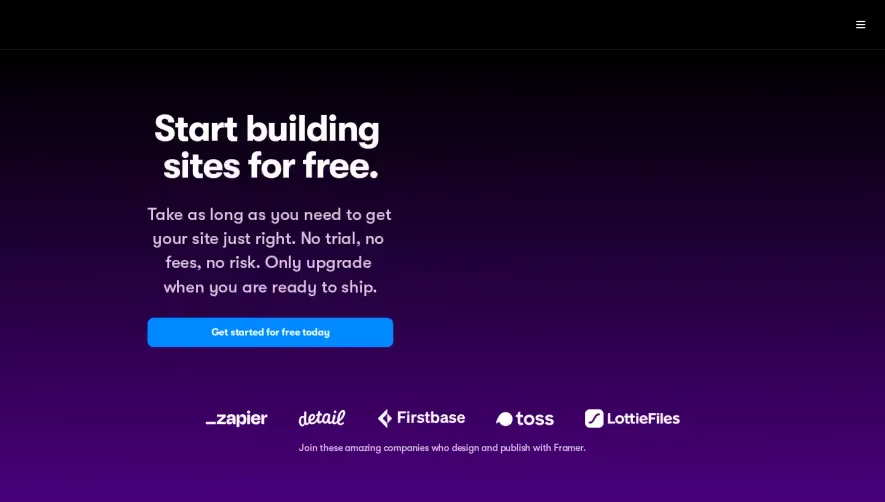
1. Header: The page starts with a header section that includes a logo, navigation links, and a call-to-action button to sign up for a free trial. 2. Hero section: The hero section is a full-width section that includes a background image, a headline, and a subheadline. It highlights the main features and benefits of the product. 3. Pricing table: The pricing table is divided into three columns: Standard, Pro, and Enterprise. Each column includes the pricing plan's name, monthly/yearly billing options, and the number of users allowed. There are also descriptions of the main features included in each plan. 4. FAQ section: The frequently asked questions section includes six questions related to the product's pricing and features. Each question has an expandable answer section. 5. Testimonials: The testimonials section is a full-width section that includes four testimonials from satisfied customers. Each testimonial includes a photo, a name, and a brief statement. 6. Call-to-action section: The call-to-action section includes a headline, a subheadline, and a call-to-action button to sign up for the product's free trial. 7. Footer: The footer section includes navigation links, social media links, and copyright information.
.webp)


Dynaboard Pricing Page

Dynaboard
Develop fast, powerful web apps
Designed by
No items found.
Category
Patterns
No items found.
Tech Stack
Added on
August 10, 2022