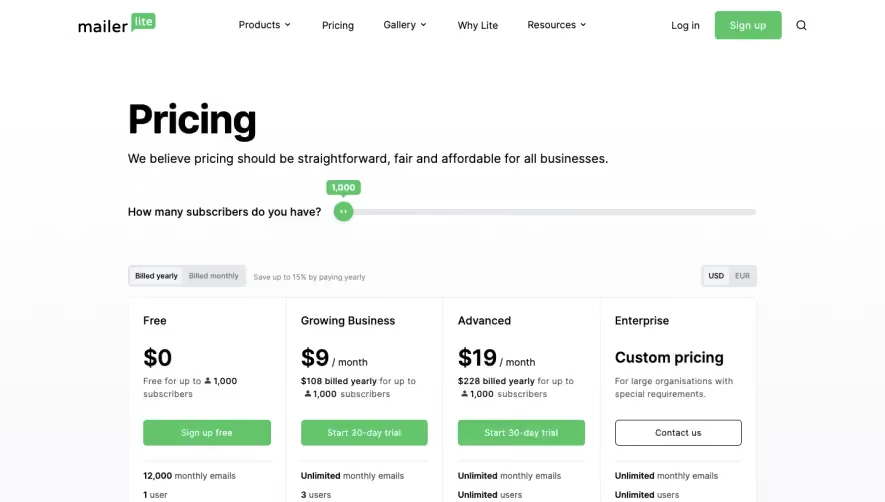

1. The top of the page includes the Baremetrics logo, the main navigation menu, and a "Sign In" and "Get Started" button for users to log in or create an account respectively. 2. The "Pricing" section is prominently displayed, with a header that reads "Simple, predictable pricing." There are three pricing plans available: Starter, Professional, and Business. Each plan includes its corresponding price, a brief description, and a "Try for free" CTA button. 3. Underneath each pricing plan, there is a "What's included" section that includes a list of features available in that plan. Some of the features listed include metrics tracking, engagement insights, revenue forecasts, custom dashboards, and more. 4. The "Add-ons" section is below the pricing plans and includes additional features that can be added to any plan for an additional fee. Some of the add-ons listed include custom reports, API access, and custom domains. 5. The "Frequently Asked Questions" section provides answers to common questions about Baremetrics and its pricing plans. There are five questions answered, such as "What is Baremetrics?" and "What happens when I exceed my monthly limits?" 6. The "Let's work together" section encourages users to schedule a demo with a Baremetrics team member by filling out a form with their name, email, company, and a message. 7. The footer includes additional links to resources and information such as a blog, the Baremetrics API, legal information, and social media links.


Baremetrics Pricing Page

Baremetrics
Subscription Analytics and Insights
Designed by
No items found.
Category
Patterns
No items found.
Tech Stack
Added on
May 1, 2020