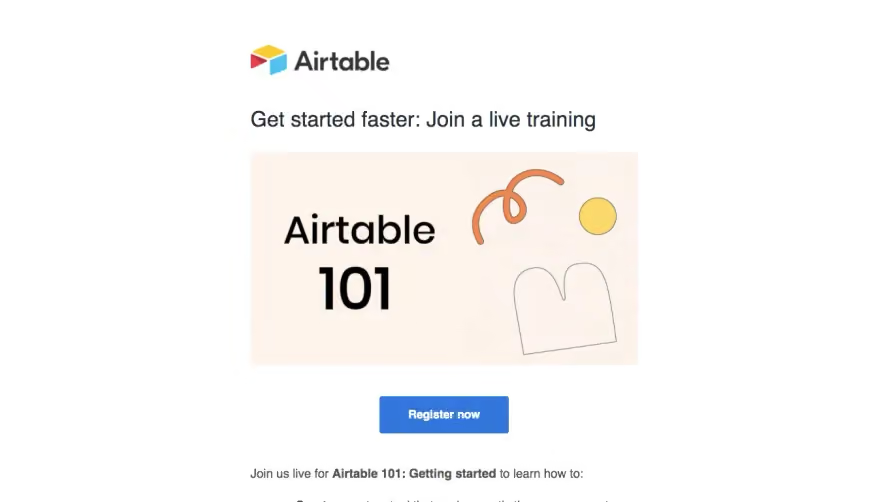
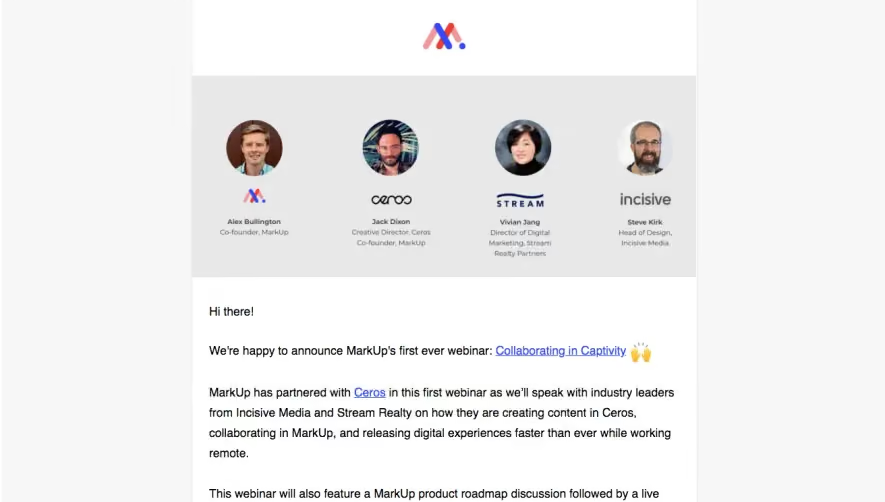
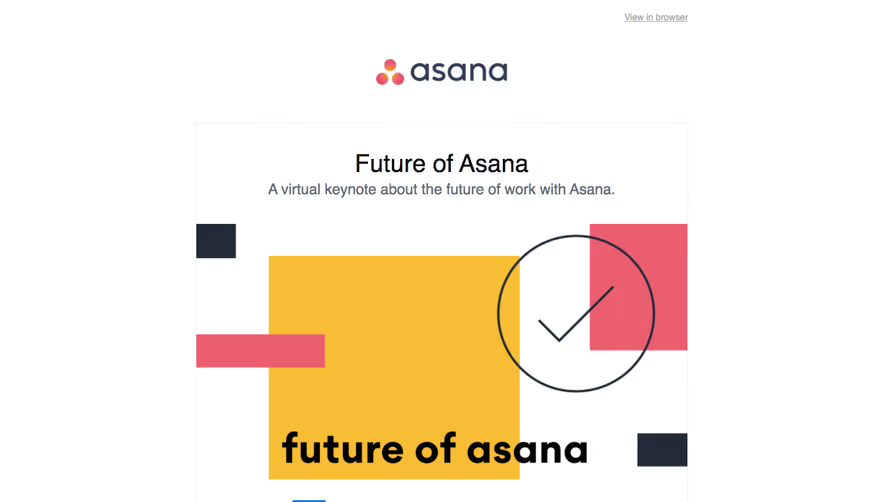
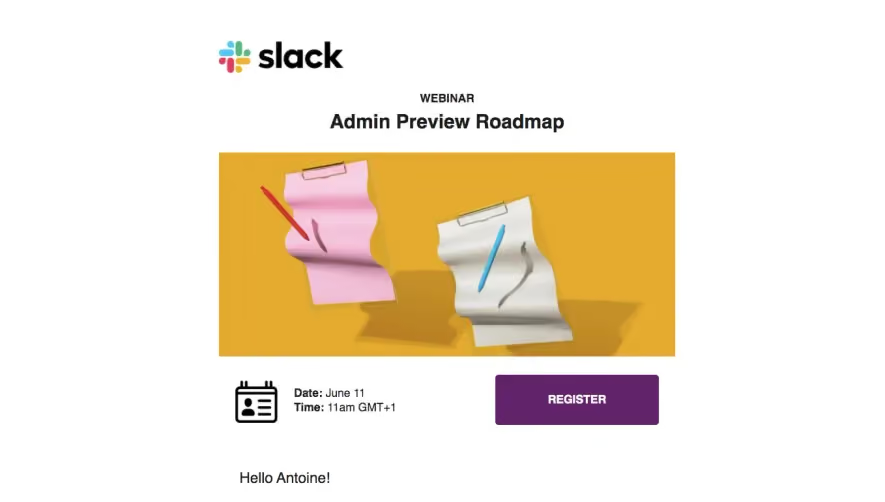
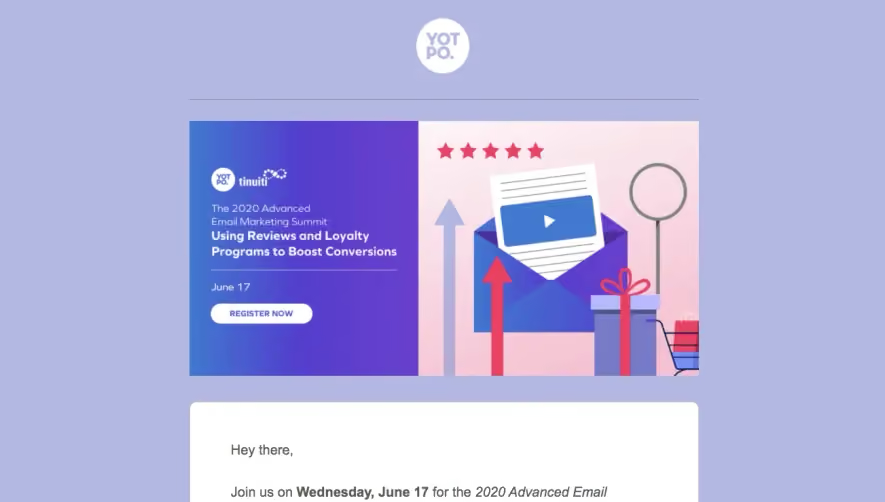
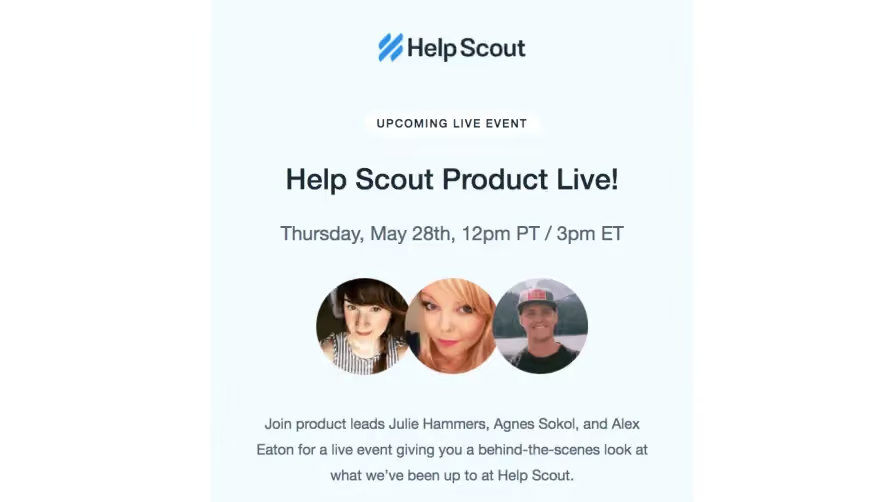
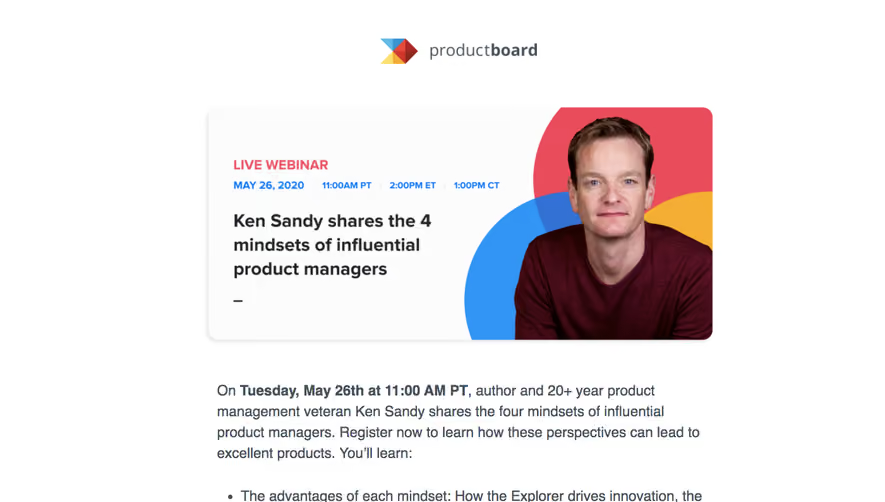
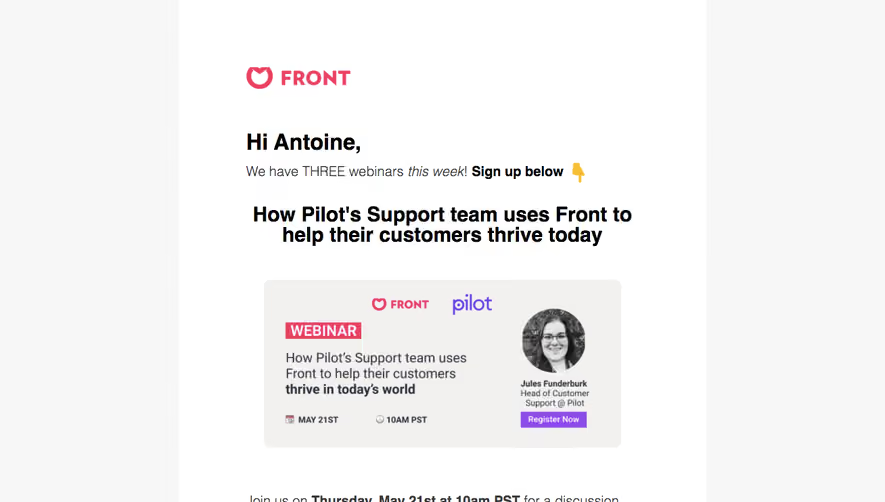
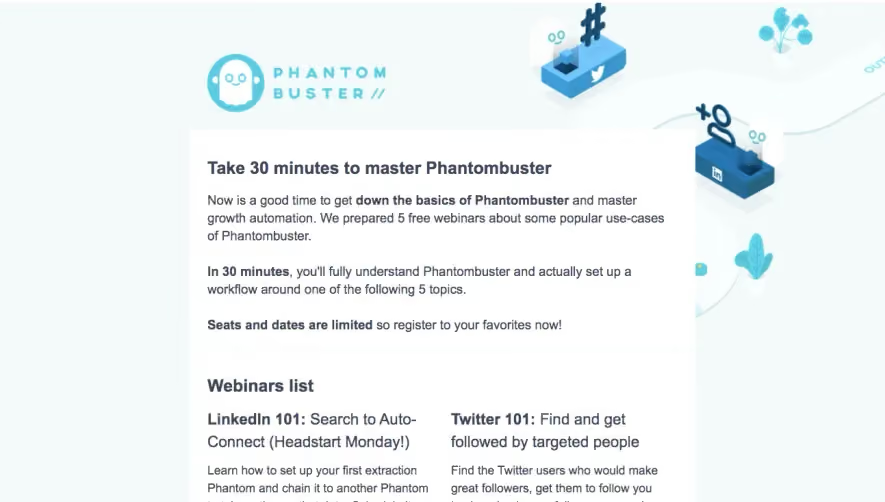
Fill your virtual seats with high-converting SaaS Webinar invitation and reminder emails. Explore effective 'Coming Up' teasers and post-event 'Watch the Recording' follow-ups that turn attendees into qualified sales leads.
Browse 25 real SaaS Webinars Emails with modern UI patterns and conversion strategies.
We sell SaaSFrame licenses on Gumroad, a secured online selling platform for creators.
What about future updates and versions?
SaaSFrame gets updated all the time! Every new update and version will immediately be made available to all SaaSFrame users.
I didn't receive my licence key, what should I do?
The licence key required to create your SaaSFrame account is send by Gumroad once you made your purchase. If this email is blocked by your email client, send me an email at antoine[at]unmake[dot]io so I can resend the licence key.
Can you send me an invoice?
You can generate an invoice on Gumroad once you purchased SaaSFrame. You will find the link in the order confirmation email.
Can I get a refund?
If you're not satisfied, you can ask for a refund within 7 days. Just send me an email at antoine[at]unmake[dot]io
Webinars Emails Design Guide
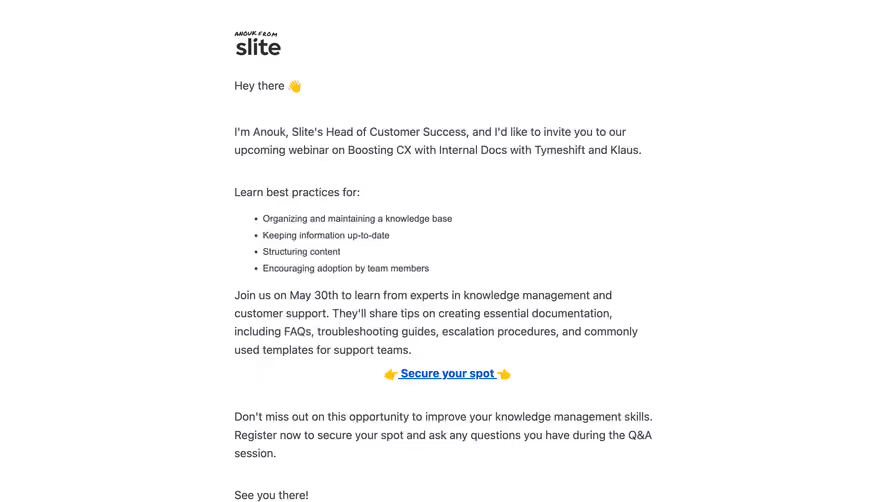
A SaaS webinar email helps recipients decide whether a session fits their interests and schedule. It should explain the learning topic, speaker context, timing, and registration route with a clear hierarchy.
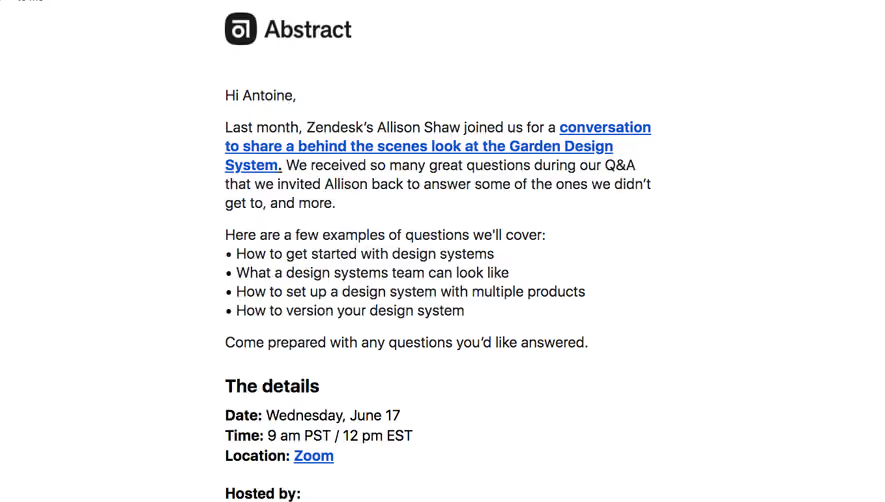
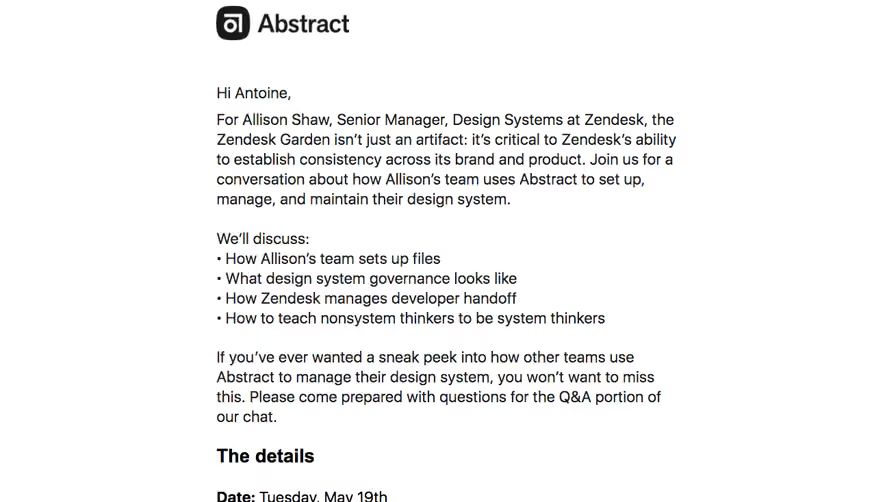
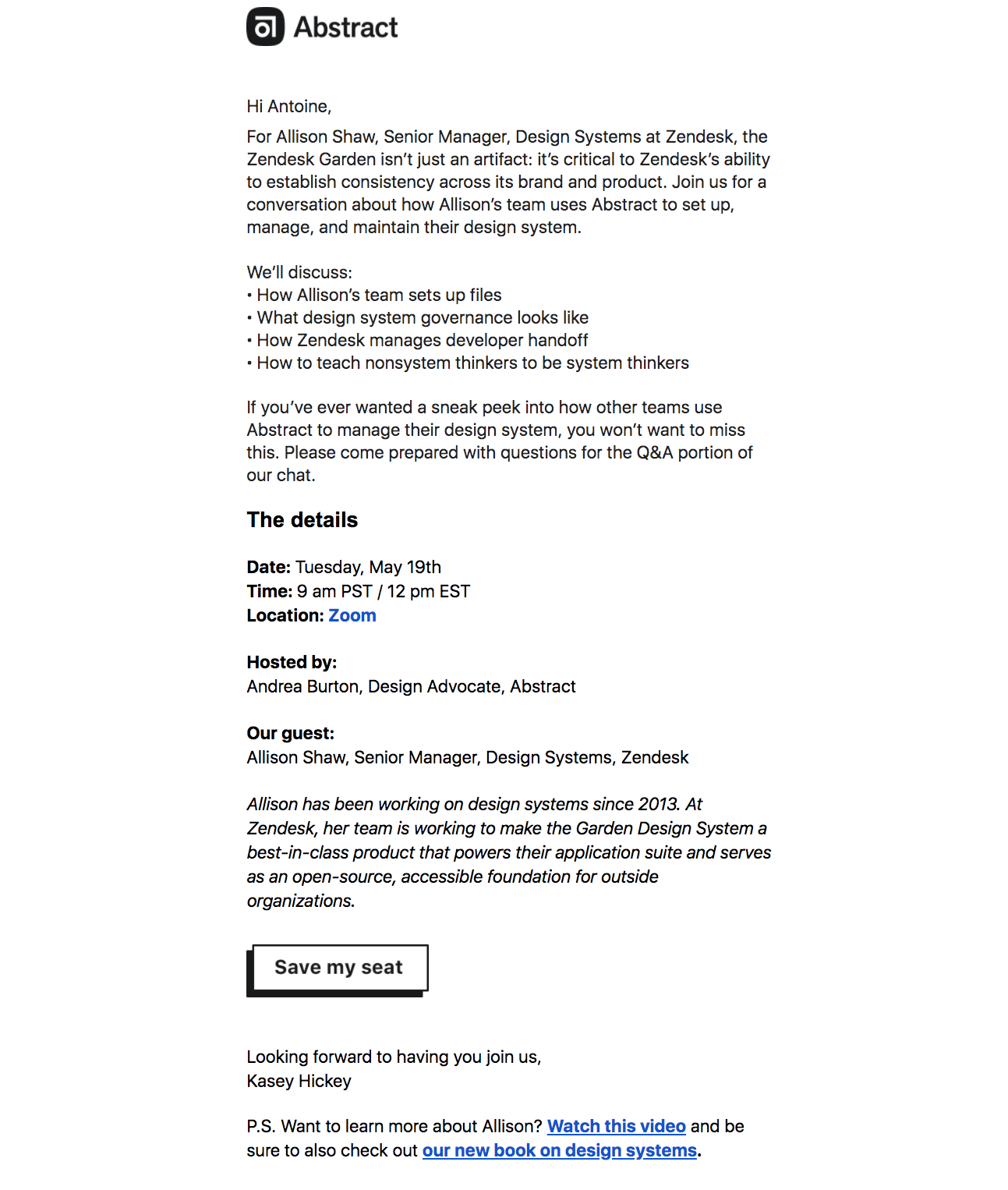
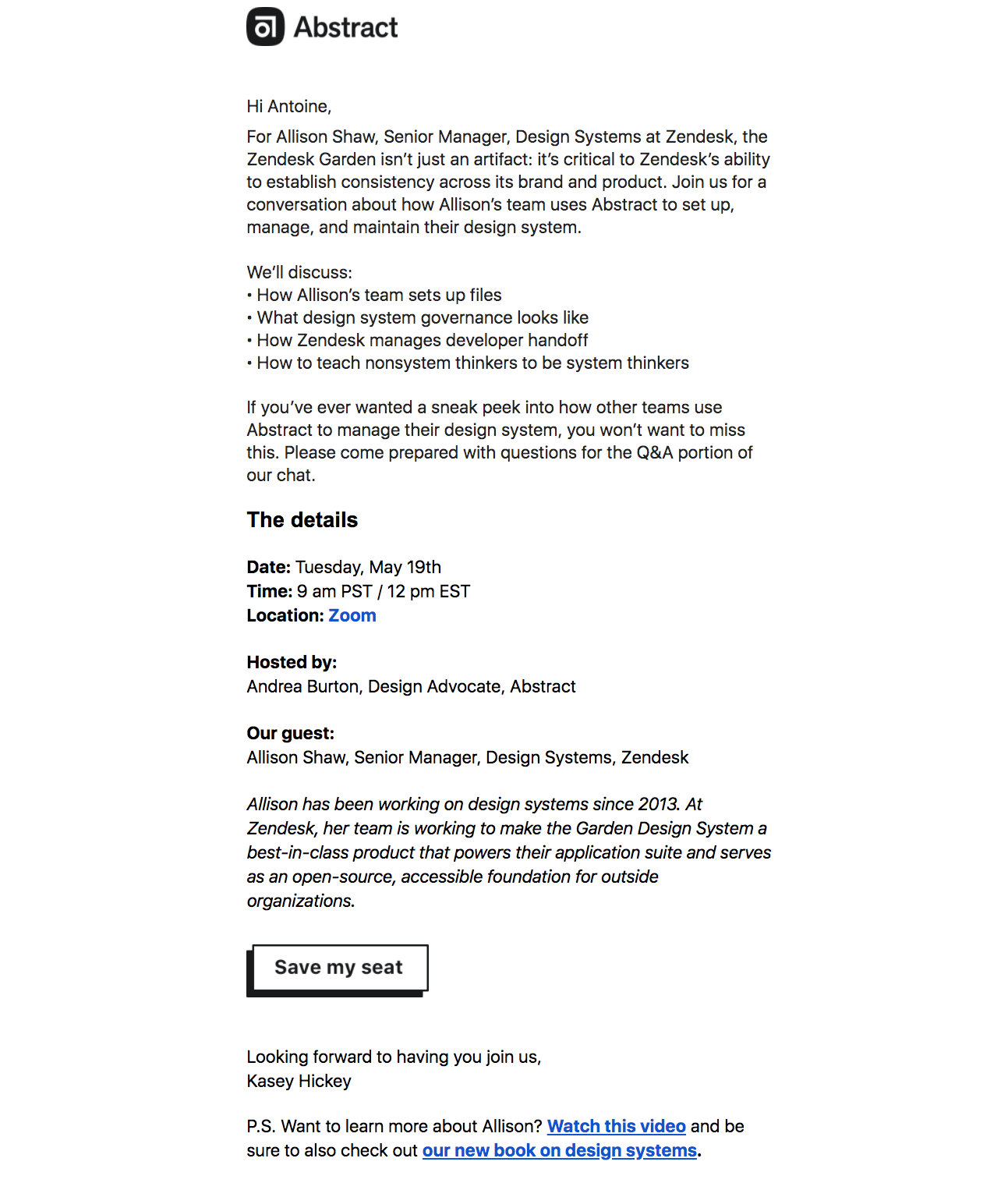
The Abstract reference introduces a guest's design-systems work, lists discussion topics, and provides a separate details section with date, time, location, host, and guest.
This gives the invitation a concrete subject before the attendance action. A recipient can judge relevance rather than respond only to a well-known speaker's name.
Historical session information belongs to the captured event and should not be presented as a current invitation.
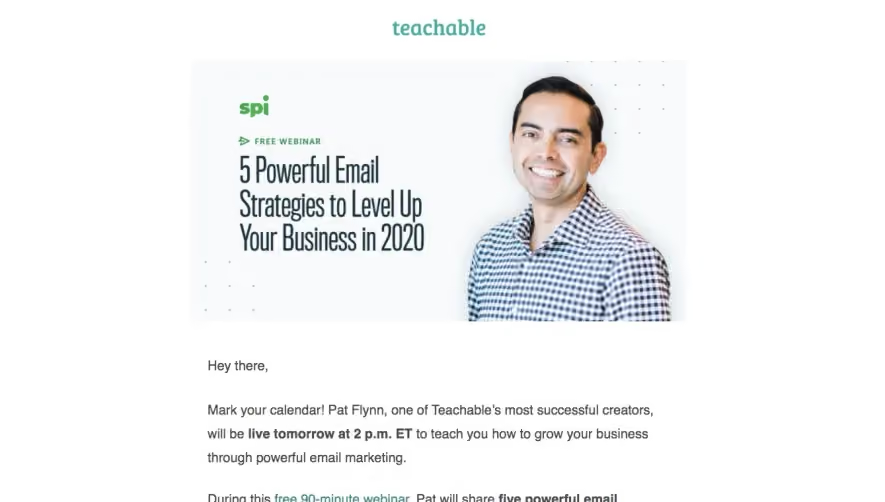
The Teachable reference combines a speaker visual, a session introduction, timing, an identified duration, topic bullets, and a registration action.
Duration and topic help recipients evaluate the commitment. Claims about professional or business results should remain appropriately supported rather than guaranteed by attendance.
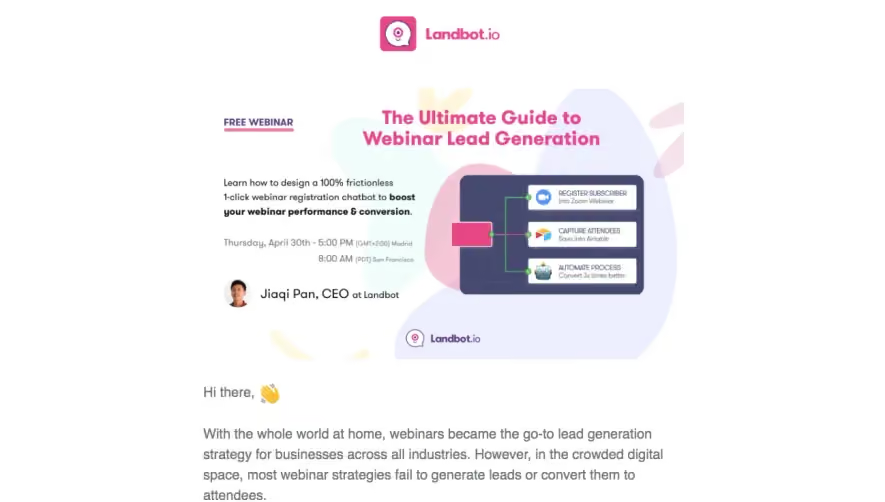
Keep essential logistics in readable text instead of relying on a banner.
State timezone and availability accurately
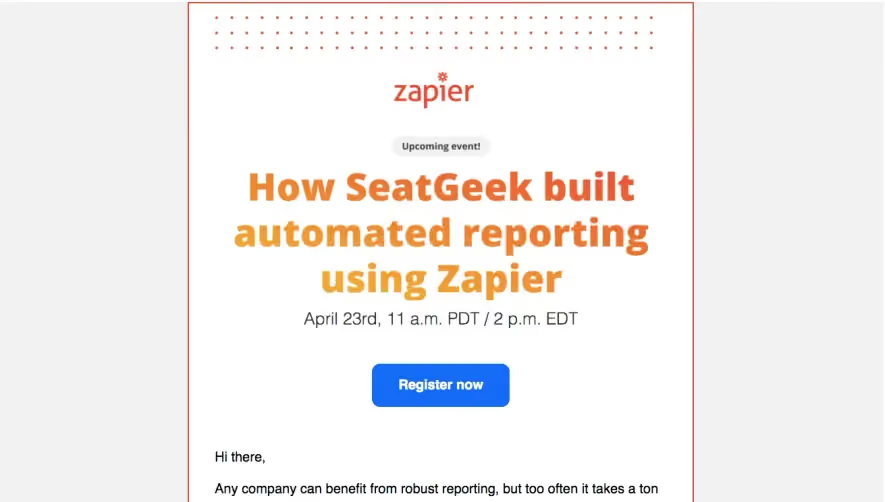
Use the actual date and timezone, with regional alternatives where helpful. A reminder and a first invitation require different opening context.
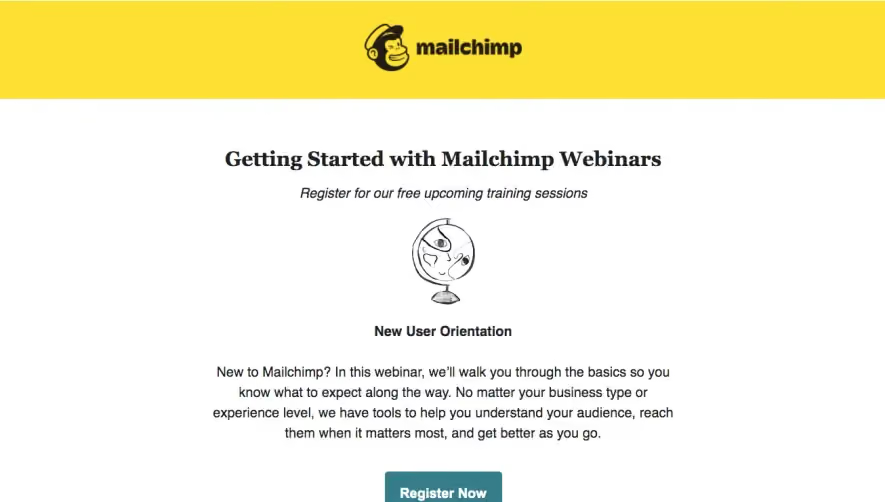
Live registration, waitlist participation, and on-demand viewing should have distinct labels and destinations.
If the session has ended, update its landing route so the old email does not lead to a misleading register-now state.
Explain what registration establishes
Submitting a form may confirm a place or request one under a different model. Use feedback that reflects the system's actual state.
Explain how joining instructions will arrive. A calendar link supports scheduling but does not necessarily complete registration.
Preserve the selected session through any authentication or form handoff.
Keep secondary material subordinate
Related resources can help readers prepare, but they should not hide the central topic and attendance action.
A product CTA should remain distinct from registration. Joining a webinar does not automatically mean creating a paid product relationship.
Use a support route appropriate to access questions rather than sending all concerns through sales.
Review the full attendance route
Check invitation, reminder, landing page, registration, confirmation, and event-access details. Include ended and unavailable states.
Explore SaaSFrame's webinar-email references to compare topic-led and speaker-led invitations. Choose the structure around an informed learning and scheduling decision.
Webinar email questions
What should the recipient know before registering?
Topic, audience, timing, format, and the actual participation process.
Is a calendar entry a confirmed place?
Not necessarily. Keep it distinct from the registration state.
Can related resources be included?
Yes, when they remain secondary to the session and its attendance action.