.webp)

Settings pages become difficult because they mirror the organization’s systems instead of the user’s mental model. Account, workspace, security, notifications and billing may belong to different internal teams, but users experience them as one place where consequential changes happen.
Navigation should communicate scope before category
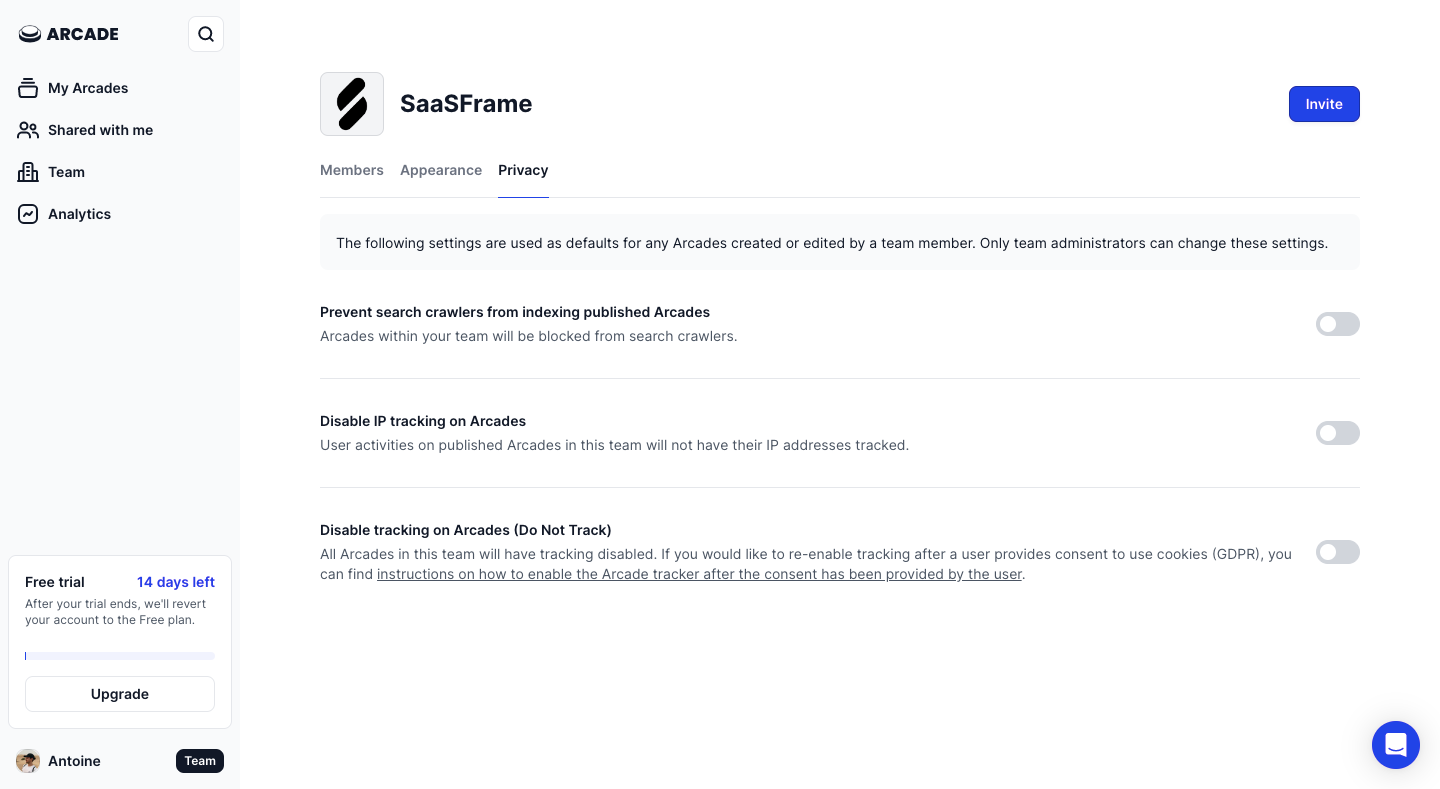
Arcade and Narrative BI organize preferences into recognizable groups, but the crucial distinction is scope: does a change affect me, this workspace or every customer-facing experience? A label such as “General” rarely answers that question.
Study Arcade: Arcade Privacy Settings on SaaSFrame
Study Narrative BI: Narrative BI Account Settings on SaaSFrame
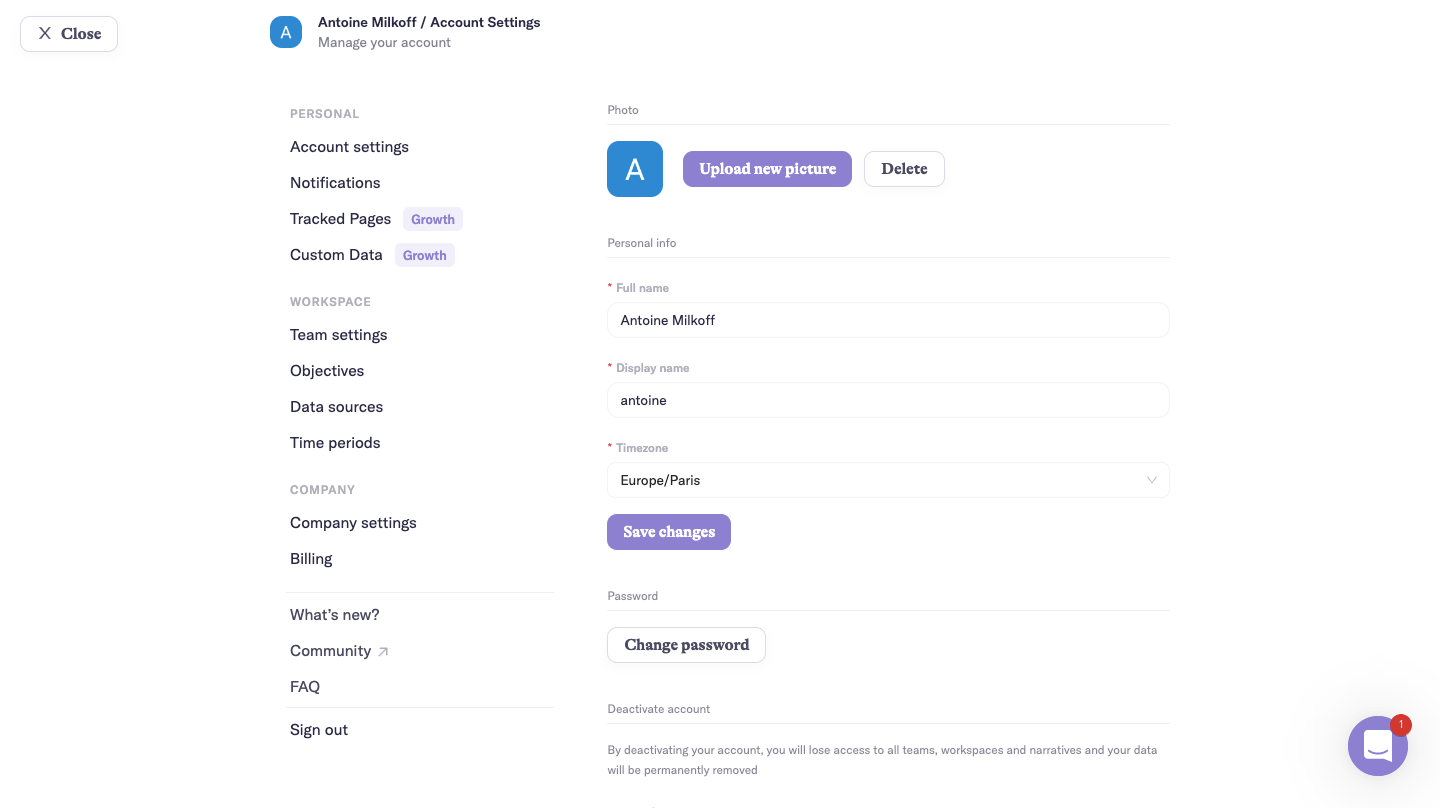
Use navigation and page titles together to state ownership. “My notifications,” “Workspace branding” and “Organization security” prevent users from changing the right setting at the wrong level.
Profile data and preferences are different jobs
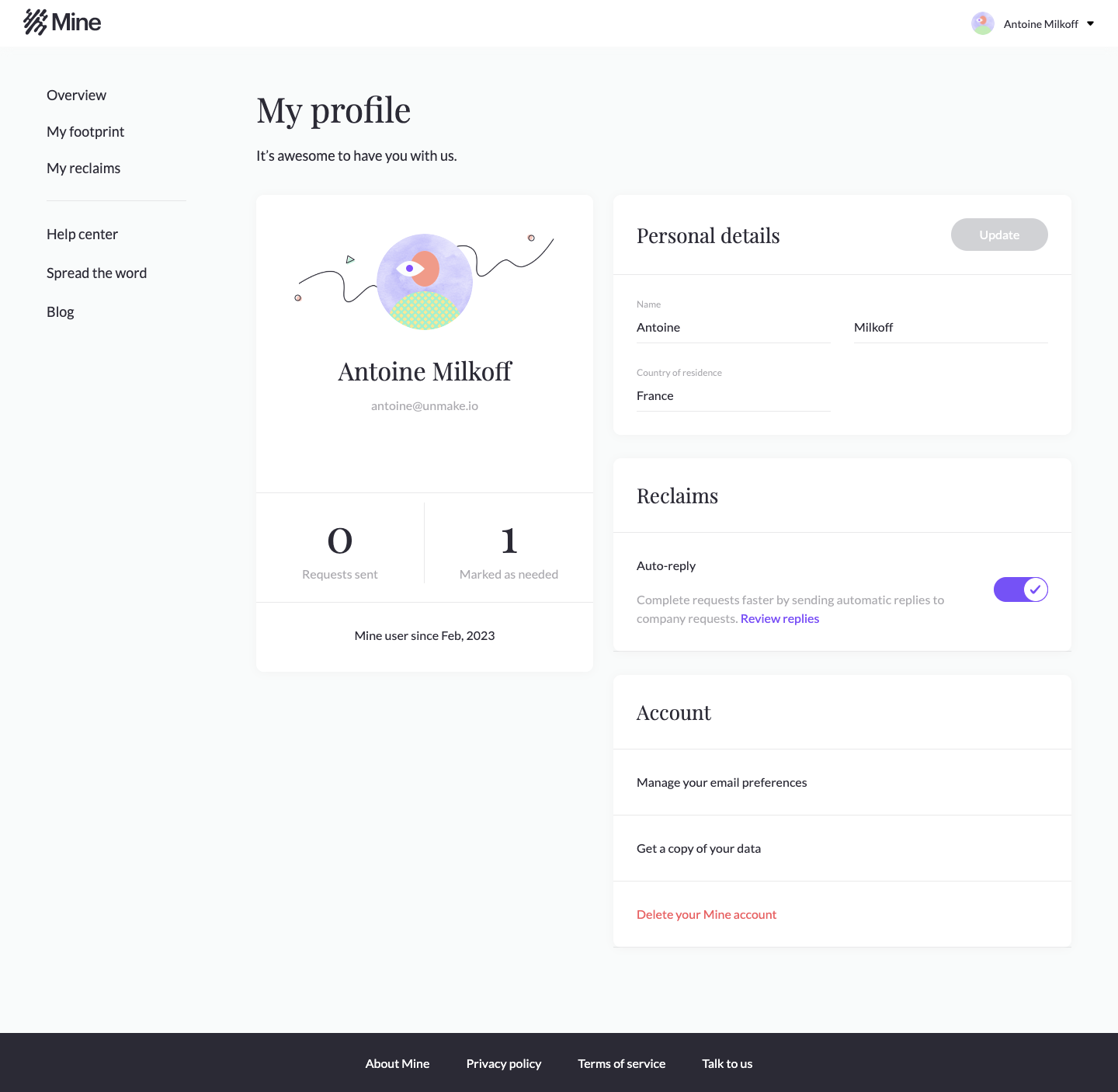
Mine separates profile information from email preferences. This reduces mixed saving behavior and helps users predict the consequence of each control. Identity fields often need explicit submission, while toggles may save immediately.
Study Mine: Mine Profile Settings on SaaSFrame
Study Mine: Mine Email Preferences on SaaSFrame
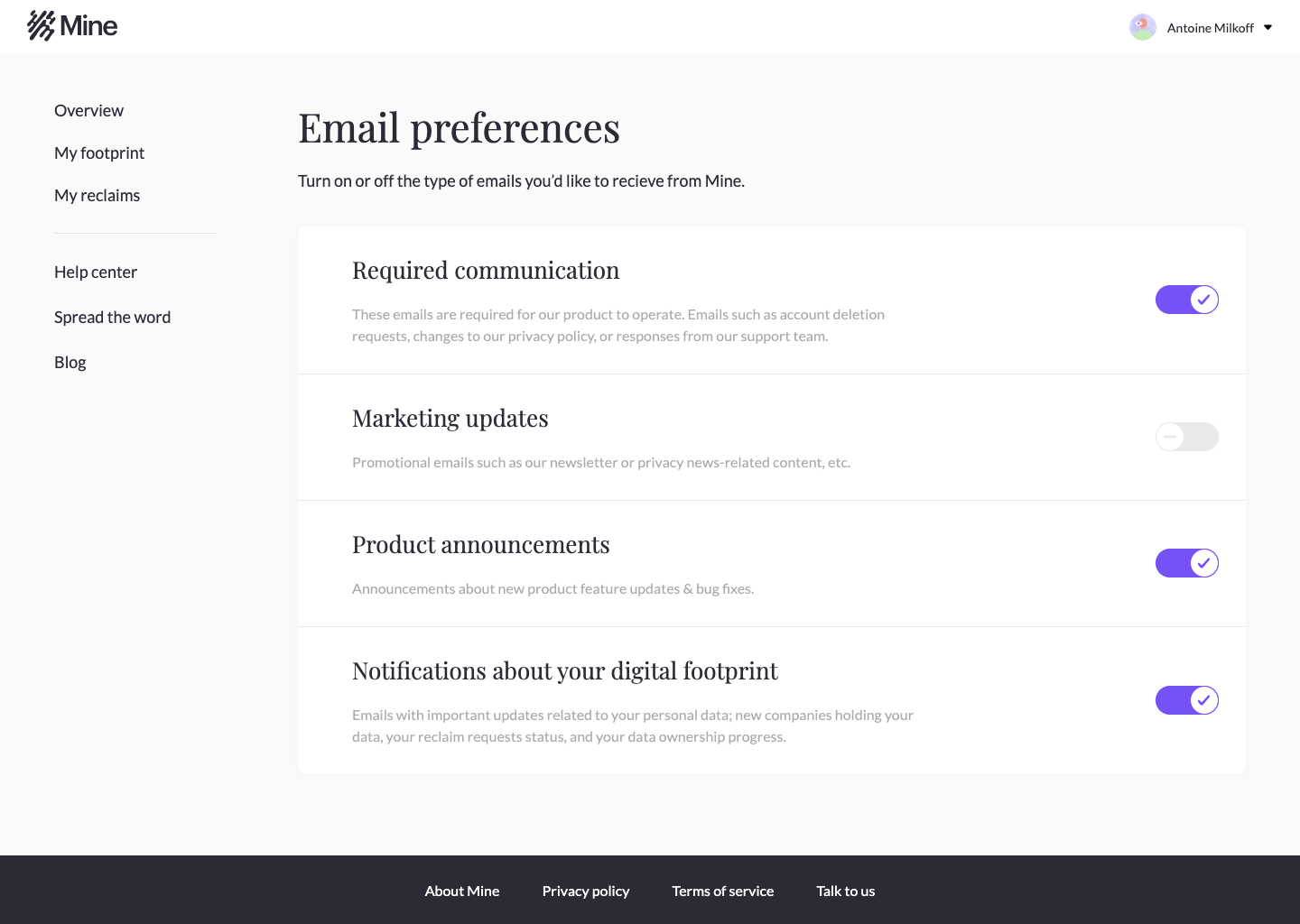
If both patterns coexist, provide unmistakable feedback. A silent autosave beside a prominent Save button makes users unsure which changes have persisted.
Destructive actions deserve clarity, not theatrical friction
Mine isolates account deletion from routine preferences. The goal of a danger zone is not to frighten users with red styling; it is to explain the blast radius, reversibility and timing of the action.
Study Mine: Mine Delete Account on SaaSFrame
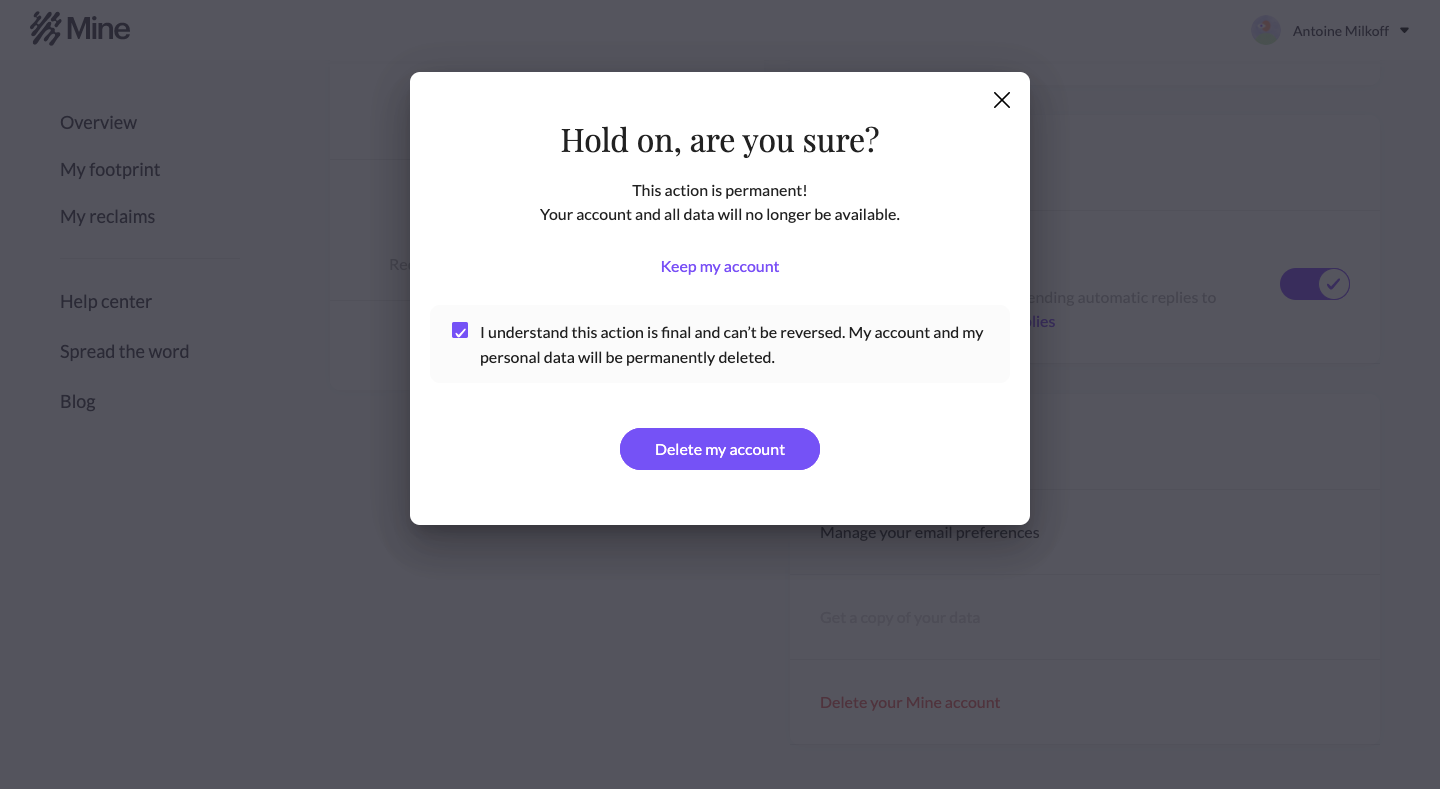
Confirmation friction should correspond to risk. Removing a personal avatar does not need typed confirmation. Deleting an organization with shared data might require ownership checks, a typed name and an explanation of retention.
Technical settings still need a user-facing hierarchy
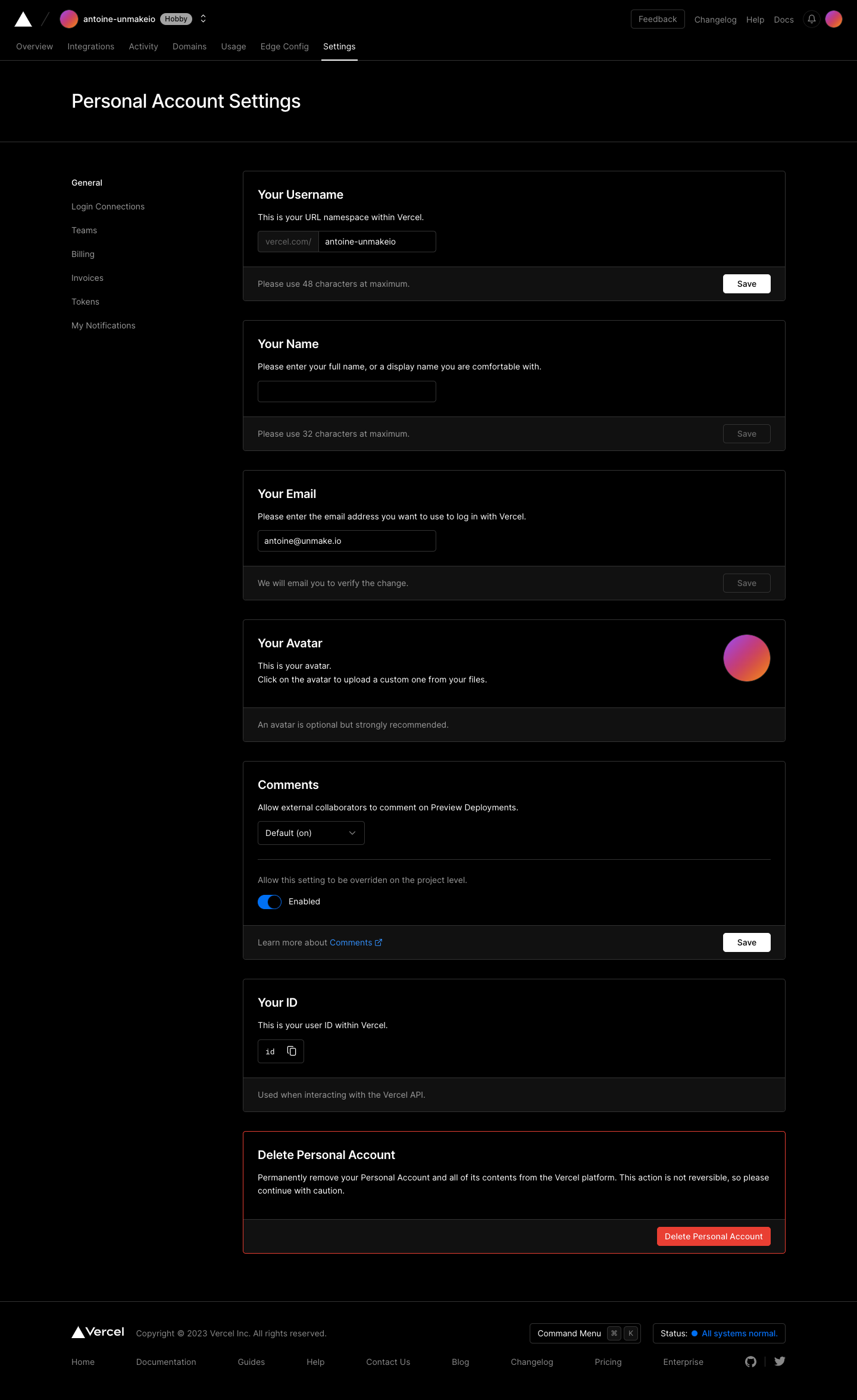
Vercel demonstrates how dense technical controls can remain navigable through strong sections and predictable placement. Advanced users tolerate complexity, but they should not have to remember which internal subsystem owns a control.
Study Vercel: Vercel Account Settings on SaaSFrame
Put high-frequency settings first, group rare controls by outcome and use search only as a supplement. Search cannot repair labels that users do not know to query.
What to carry into your own design
A reliable settings architecture starts with a matrix of scope, frequency and risk. Scope determines location, frequency determines prominence, and risk determines confirmation. This produces a structure that remains understandable as the product grows.
Explore more real interfaces in the related SaaSFrame collection.