Related Items
9
Keep users on your site with SaaS 'Related Items' patterns. Perfect for blogs and resource centers, these cards suggest the next best piece of content to keep your audience engaged.
.webp)
Related items give visitors a useful next destination once they have understood, completed, or exhausted the current page. The relationship can be topical, practical, sequential, or comparative. The design works when that relationship is recognizable and the suggested destination serves the visitor's next question.
A row of cards is not automatically a recommendation system. It may simply be curated navigation. Either approach can be useful, but the interface should explain why these items belong here instead of presenting arbitrary content under a vague heading.
Ask what makes an item relevant to this page. It may explain a concept mentioned above, support the next step in a task, provide an alternative approach, or answer a remaining concern. Choose a relationship that helps the visitor continue with purpose.
Do not rely only on a shared tag when the tag is too broad to establish usefulness. Two resources about business software may have little in common for someone trying to set up a specific workflow. Editorial judgment can produce a better small set than an automatic list based on a weak category.
Name the section according to that relationship when possible. Further reading, related tools, or next steps each creates a different expectation. If the suggestions include several types, their card labels should help visitors understand the distinction before following a link.
The GoFundMe capture presents four destinations about the service: a guarantee, pricing, geographic coverage, and press information. Each card combines a distinct visual with a concise label. The items do not all belong to one content format; they answer different questions someone might still have about the service.

This is a useful model for a product page whose visitors may need reassurance or operational detail before continuing. The cards are recognizable routes rather than miniature articles. The image does not verify current guarantee terms, pricing, or availability; it demonstrates how the captured page organizes those destinations.
When adapting the pattern, choose the unresolved questions that matter to your audience. Avoid promoting a resource solely because it is recent or visually attractive. A related destination should add understanding or support a task, not merely keep someone moving around the website.
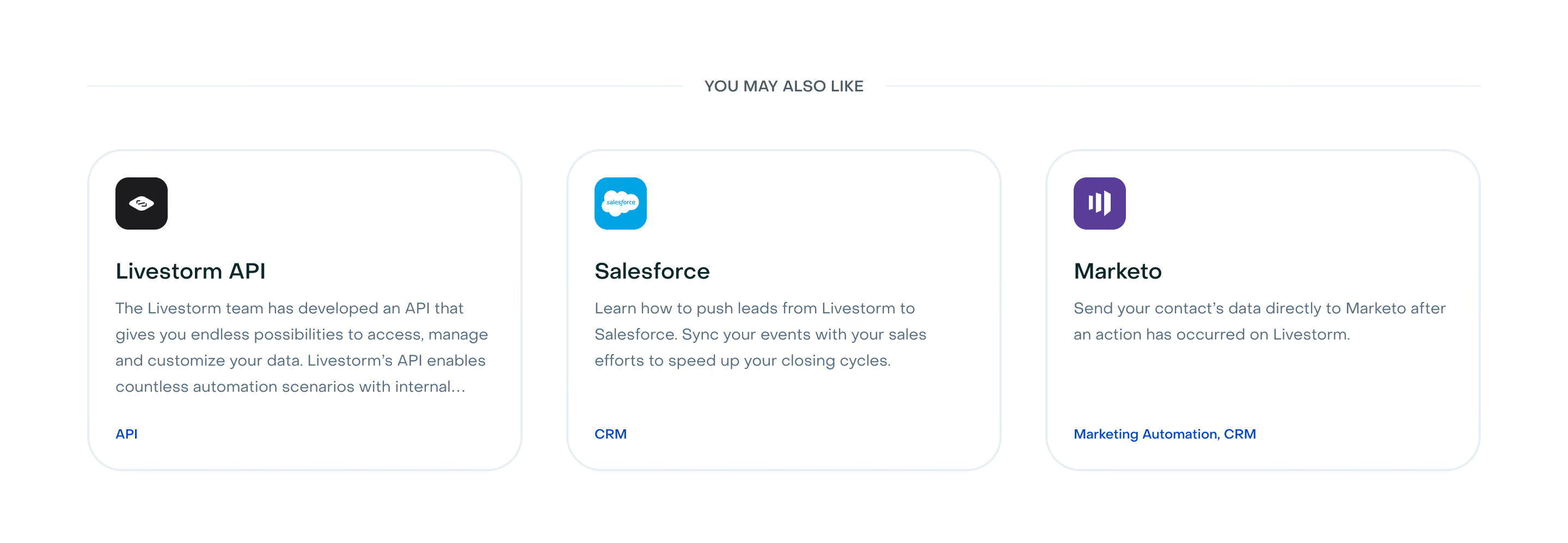
The Context.dev capture uses three tool cards beneath a persistent exploration heading. Each has a name, a short functional description, an icon, and a smaller category or technology label. One also has a New badge, and the section includes a route to the complete tool collection.

The descriptions help visitors decide without opening every tool. The smaller labels add context, including an access qualification on one card. This is more informative than three visually identical cards labeled only with unfamiliar tool names.
Use descriptions to explain what the destination does, not to repeat its title with more adjectives. When an item requires access, opens an external resource, or involves a different product area, make that distinction visible if it changes the visitor's decision. Do not assume a small arrow conveys every kind of destination difference.
Too many suggestions can make the section resemble another navigation menu. A small, varied set often gives clearer choices. Decide which relationships deserve representation and avoid offering several nearly identical articles when one strong resource would suffice.
Balance relevance with duplication. An introductory page may benefit from a detailed guide, but linking to another page that repeats the same explanation adds little. A completion page may benefit from a next task, but an unrelated promotional article can interrupt the momentum the visitor has just built.
Provide a complete collection route when the full set is larger than the curated selection. This lets the cards remain focused while preserving broader discovery. Label that route so visitors understand whether they will find articles, tools, templates, or another kind of resource.
The first suggestion tends to receive visual priority. Choose it according to relevance, task sequence, or another intentional rule. If recency is the main rule, dates may help. If a resource is promoted for a commercial reason, do not disguise that placement as a personalized conclusion about the visitor's needs.
Personalization can be useful when it draws on a meaningful context, such as the current topic or a selected role. It becomes harder to understand when suggestions change unpredictably. Preserve stable navigation and provide a route to the broader collection so visitors are not trapped in a narrow recommendation loop.
Avoid making a strong promise that the system cannot substantiate. Related resources is a modest label; uniquely chosen for you implies a more specific basis. The wording should match the actual selection process.
Titles, descriptions, and type labels should establish the hierarchy. Images can reinforce recognition, but they should not make the card's purpose depend on an illustration. A visually striking image with an ambiguous title often creates more work than a plain card with a clear description.
Use consistent card structures while allowing meaningful differences to appear. A tool may need an access label; an article may need a reading context or publication date. Do not force every content type into an identical metadata row if that row stops being useful.
Keep actions predictable. If the full card is clickable, avoid multiple overlapping links that lead to different places without clear distinction. If there is a separate action, make its relationship to the card evident and ensure the title provides enough context for repeated link labels.
A related item should not cause accidental loss of unsaved work. In an application, consider whether navigation needs a saved state, a confirmation tied to actual unsaved changes, or a separate detail view. The appropriate choice depends on the task, not on the visual appeal of the card layout.
On an informational website, help visitors return to the original context. Clear page titles and consistent navigation can be more useful than forcing every destination into a new tab. Avoid making browser behavior unpredictable simply because the suggestions appear in a promotional section.
If a suggestion leads to a gated resource, explain the gate where it affects expectations. A free-tool label should not conceal an unexpected payment requirement. An access-required label, as visible in the Context.dev capture, is one way to communicate a relevant condition before navigation.
Some pages will not have useful related items. An empty section heading followed by blank cards creates a broken impression. Prefer omitting an unnecessary recommendation block or offering a clearly labeled broader collection rather than inventing a relationship.
Review destinations when content is removed, renamed, or replaced. A card can remain visually polished while pointing to an outdated resource. Keep titles, descriptions, badges, and access conditions aligned with the destination. A New badge needs an editorial lifecycle rather than remaining indefinitely.
If suggestions are loaded dynamically, preserve the main page while the secondary block loads or fails. Do not let a recommendation request block the visitor from reading the content they actually requested. A failure in optional discovery should remain local to that section.
Make links understandable without depending on image text. A label embedded in a promotional graphic may be unreadable at small sizes or unavailable when the image does not load. Use live text for the essential title and purpose, with suitable alternative text when the image adds information.
On narrow screens, stack cards in an order that preserves priority. Avoid a horizontal-only arrangement that makes most recommendations invisible unless visitors discover a gesture. If a carousel is necessary, give it explicit controls and keep each card readable.
Test keyboard navigation, focus visibility, long titles, and varying description lengths. Ensure the reading order associates each title with its own explanation and action. A consistent visual grid is useful only if the underlying relationships remain understandable.
Measure more than card clicks. A high click rate can result from unclear descriptions that force visitors to investigate. Look for evidence that people find a relevant next resource and can accomplish the purpose implied by the card.
Ask participants why each item is related and what they expect after opening it. Misaligned expectations reveal labeling or selection problems. Also test pages with few candidates and newly changed destinations, where automated recommendation logic may have weaker inputs.
Explore the SaaSFrame related-items collection to compare resource cards and tool recommendations. Focus on how each example communicates the relationship, destination type, and reason to continue, then curate a set that supports your own page's remaining questions.
Should recommendations be automated? Automation can help maintain large collections, but it needs a meaningful relationship and editorial checks. A small curated set is often appropriate when context matters more than volume.
Should every card use an image? No. Use imagery when it helps recognition or explains the resource. Clear titles and useful descriptions are more important than a uniform row of decorative thumbnails.
Where should the section appear? Place it where the visitor has enough context to choose a next step. An end-of-page block is common, but a relevant resource can also appear near the question it answers when that placement supports the current task.