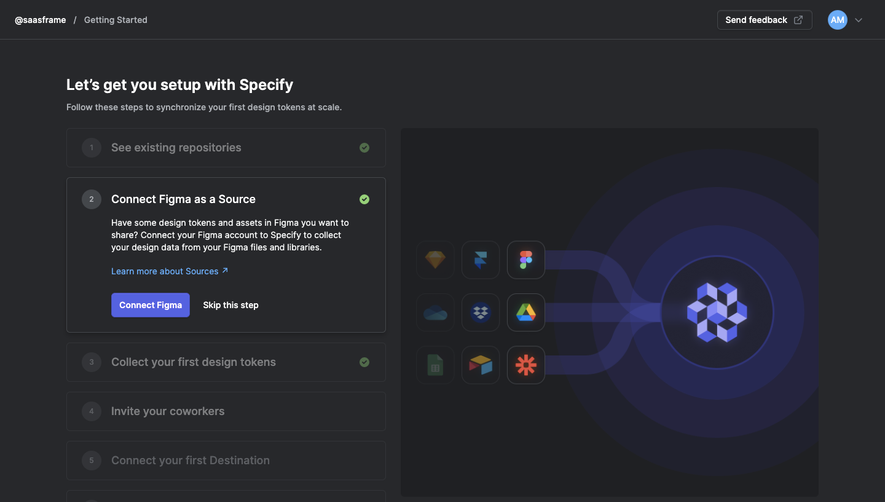
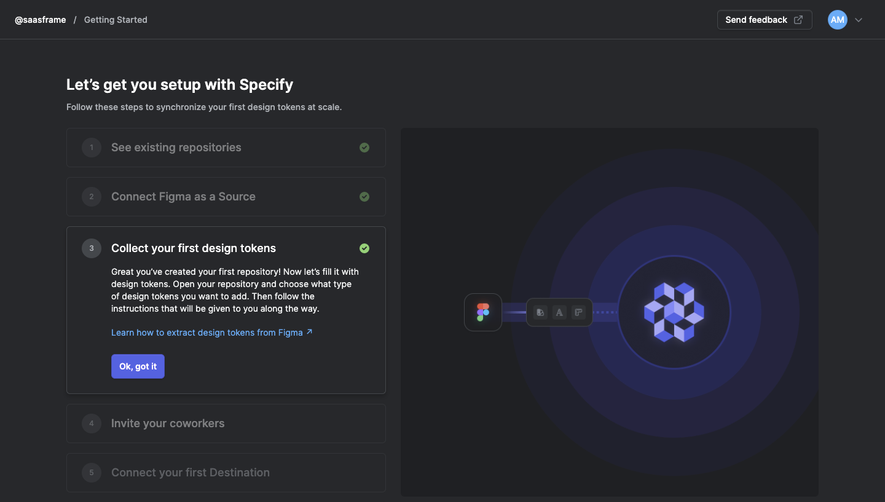
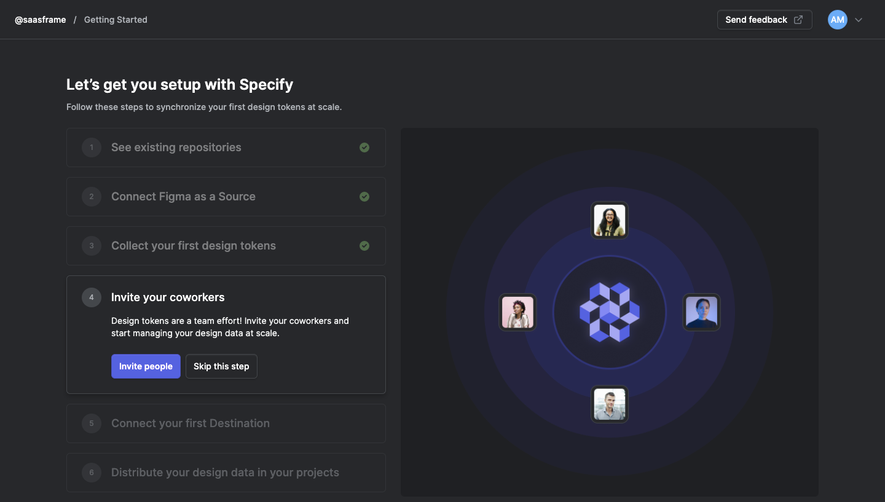
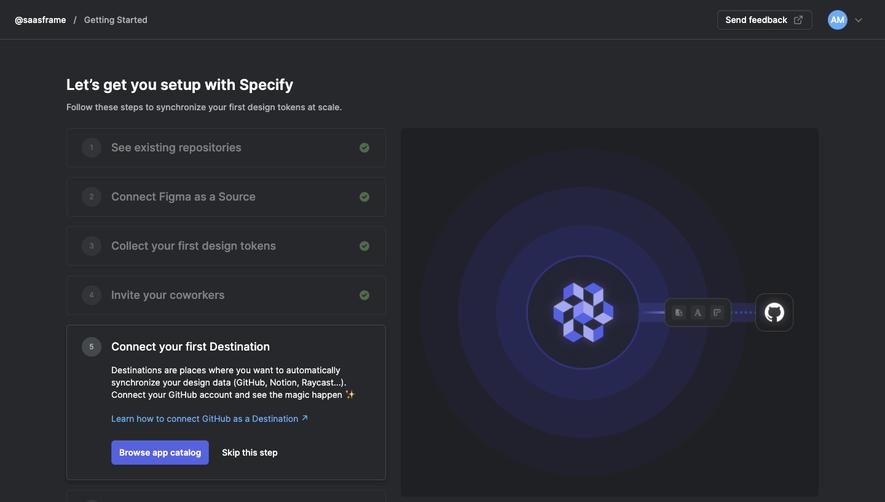
Design with AI
Generate a new design based on this screen using your own content.
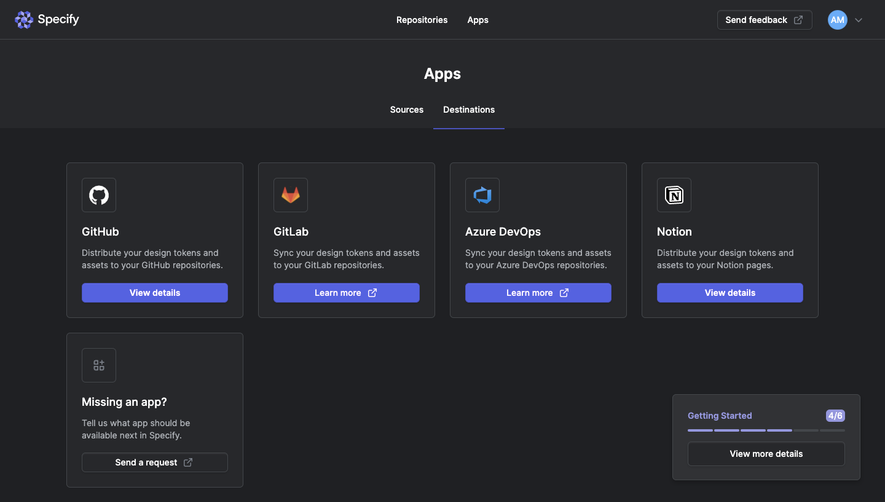
# Design from Reference: Specify Connect a Destination application
Create an original, high-fidelity visual design inspired by the reference. Prioritize composition, typography, colors, spacing, and component styling over technical implementation.
## Reference
- **Product:** Specify
- **Category:** User Onboarding
- **Screenshot:** https://cdn.prod.website-files.com/5e9dc792e1210c5325f7ebbc/6acbba01d37e66e942ffbc99_6acb70b93044374e8e657309_cms-b999eb3a515c8955045bd29d.webp
Analyze the screenshot first. If inaccessible, request it rather than guessing.
## Content
{{content.instructions}}
{{content.data}}
Preserve essential messaging and factual accuracy. Adapt structure and copy length for visual balance; never invent product claims.
## Visual Design
### Overall aesthetic
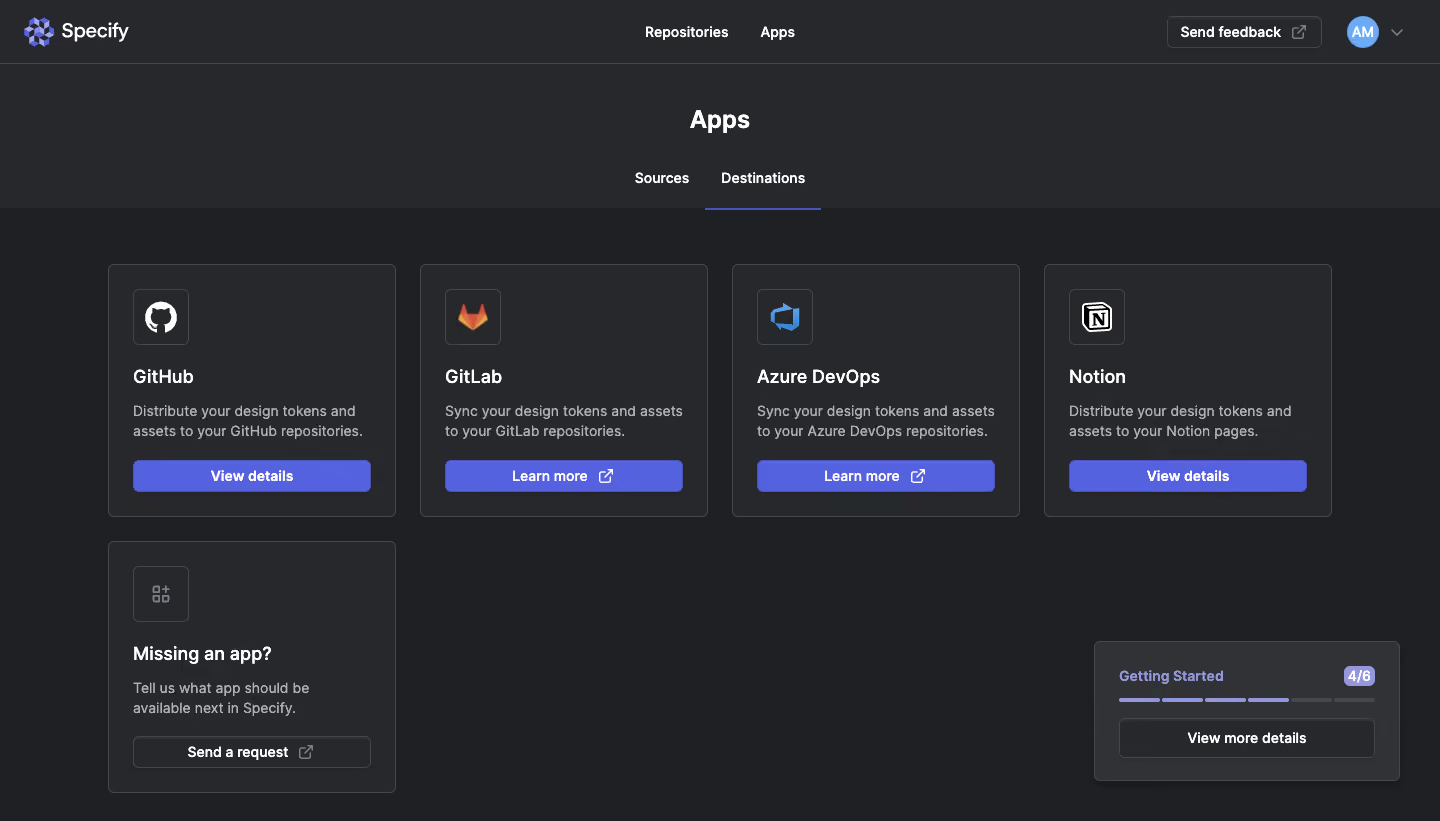
- **Character:** A dark application catalog uses charcoal surfaces, fine gray outlines, white headings, and indigo primary actions.
- **Evidence:** The source is 1440 × 821 image pixels. Measurements below refer approximately to source pixels; CSS scale is unverified.
- **Structure:** Consistent app cards and a compact onboarding-progress widget create a practical integration-selection screen.
### Page composition
- **Header:** Specify branding sits left, Repositories and Apps navigation center, and feedback/account controls right.
- **Section title:** Centered Apps heading sits above Sources/Destinations tabs; Destinations is selected.
- **Catalog:** Four equal cards occupy the first row, with a request-for-missing-app card starting the second row.
- **Progress widget:** A separate dark panel at lower right shows Getting Started, 4/6, a segmented bar, and a details action.
- **Whitespace:** The sparse second row leaves broad empty dark canvas between request card and progress widget.
### Information hierarchy
- **Location:** Page heading and selected destination tab establish context.
- **App identity:** Each card shows a boxed service icon, bold name, two-line explanation, and bottom action.
- **Action differences:** GitHub and Notion use View details; GitLab and Azure DevOps use external Learn more controls.
- **Secondary path:** The missing-app card offers a neutral request action rather than indigo emphasis.
### Typography
- **Family:** A neutral interface sans serif is used; exact identity is unverified.
- **Page title:** Approximately 24 px bold.
- **Card names:** Around 19–20 px semibold.
- **Body:** Approximately 14–15 px with 21 px line-height, muted gray.
- **Controls:** Tabs, buttons, header links, and widget text use approximately 14 px semibold.
### Colors & surfaces
- **Measured palette:** Source samples include charcoal #27282B, deeper canvas #1F2023, gray #313235, indigo #5562E0, outline #44474B, and white #FFFFFF.
- **Semantic use:** Indigo marks app actions and active-tab underline. White carries primary text, gray supports descriptions.
- **Widget:** A slightly lighter dark surface distinguishes the progress panel; pale violet segments and count badge indicate completion.
- **Assets:** Service icons retain their own white, orange, blue, and multicolor identities.
### Components
- **App cards:** Approximately 288 × 253 px with 5–6 px radii, thin outlines, and 24 px padding.
- **Icon boxes:** Roughly 56 px squares with small radii and gray borders; service marks sit centered inside.
- **Card actions:** Nearly full-width indigo rectangles around 32 px high with small radii. External actions include a trailing launch icon.
- **Tabs:** Text controls with a thin indigo underline below the selected destination tab.
- **Progress panel:** Approximately 305 × 140 px, rounded about 5 px, with four filled and two muted bar segments.
- **Account control:** Circular initial avatar with dropdown chevron sits beside an outlined feedback action.
### Visual rhythm
- **Catalog frame:** Roughly 108 px side gutters and 24 px column/row gaps.
- **Card anatomy:** Icon, name, description, and action share consistent vertical positions.
- **Header separation:** A fine rule and darker catalog canvas distinguish navigation from content.
- **Empty space:** The lower-right widget balances the isolated second-row request card.
### Responsive
- **Observed limit:** Only desktop is shown; actual app-detail and tab behavior are unverified.
- **Recommended grid:** Reduce four columns to two and then one without shrinking card text.
- **Recommended widget:** Move onboarding progress into document flow on narrow screens to avoid covering cards.
- **Recommended header:** Collapse navigation and allow feedback/account controls to reflow accessibly.
### Adaptation guidance
- **Preserve:** Keep consistent destination-card anatomy, indigo emphasis, explicit external-link icons, and visible onboarding progress.
- **Implement:** Use accessible tabs and descriptive card actions, with keyboard focus and clear selected states.
- **Assets:** Preserve authentic service-logo proportions; do not infer connected status from catalog presence.
- **Validate:** Confirm fonts, CSS dimensions, contrast, long descriptions, app-detail states, and responsive widget placement.
Use this context to reproduce the reference's visual language: layout, typography, colors, spacing, borders, radii, and distinctive elements. The screenshot takes priority if descriptions conflict.
## Direction
{{preferences.fidelityInstructions}}
## Output
{{output.instructions}}
Deliver a polished, cohesive design with precise alignment, hierarchy, and spacing. Produce the requested visual artifact, not just a description. If unsupported, explain the limitation.
.webp)



.avif)