.webp)
Thank you! Your submission has been received!
Oops! Something went wrong while submitting the form.
Get SaaSFrame Pro
Monthly
$18
Quarterly
$48
Yearly
$180
Upgrade to access this feature
Browse all screens & flows
Filter and search screens & flows
Access Figma files
Access mobile versions
Bookmark screens & flows
Join now
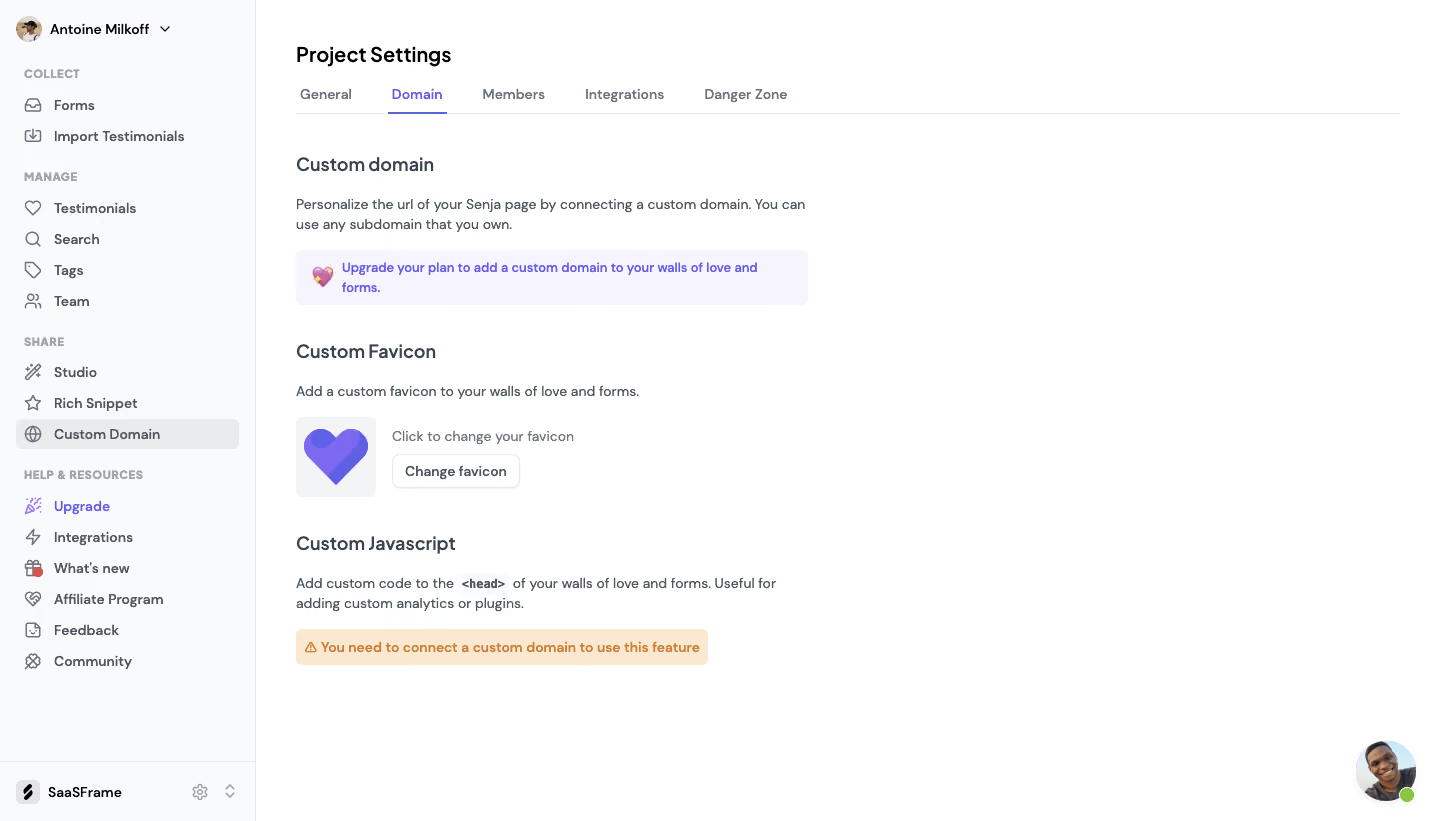
Senja Domain Settings

Senja
Collect, Manage & Share Testimonials
Designed by
No items found.

Bookmark
Bookmark

Design with AI
Thank you! Your submission has been received!
Oops! Something went wrong while submitting the form.
# Design from Reference: Senja Domain Settings
Create an original, high-fidelity visual design inspired by the reference. Prioritize composition, typography, colors, spacing, and component styling over technical implementation.
## Reference
- **Product:** Senja
- **Category:** Settings
- **Screenshot:** https://cdn.prod.website-files.com/5e9dc792e1210c5325f7ebbc/6acbbbeaf023ce865170e13e_6acbbb2fd6be908889c42a73_cms-953bdc1b0cca8d0479f43dd5.webp
Analyze the screenshot first. If inaccessible, request it rather than guessing.
## Content
{{content.instructions}}
{{content.data}}
Preserve essential messaging and factual accuracy. Adapt structure and copy length for visual balance; never invent product claims.
## Visual Design
### Overall aesthetic
- **Style:** Light project-settings page with a fixed navigation sidebar and three vertically stacked domain-related configuration sections.
- **Character:** White canvas, muted slate typography, violet selected states and compact contextual notices.
- **Surface treatment:** Mostly flat content without enclosing cards; pale violet and warm orange message surfaces provide emphasis.
### Page composition
- **Capture dimensions:** 1440 × 821 image px. CSS reconstruction estimates assume an unverified 1× capture.
- **Sidebar:** Approximately 255 px wide, full height, with user selector, grouped product links and bottom workspace/settings controls.
- **Main inset:** Content starts around x=296, y=45 px, with a broad unused right region.
- **Header:** Project Settings title above five horizontal tabs; Domain is selected with violet text and underline.
- **Custom domain:** Heading, short two-line explanation and pale-violet upgrade notice occupy the first section.
- **Custom favicon:** Heading and sentence precede a square heart-logo preview with adjacent helper text and Change favicon button.
- **Custom JavaScript:** Heading and two-line explanation precede a warm warning notice; no code editor is visible.
- **Support:** Circular portrait chat launcher with green availability dot floats near the lower right.
### Information hierarchy
- **Navigation state:** Custom Domain is selected in the left navigation while Domain is active in the settings tabs.
- **Section hierarchy:** Domain, favicon and JavaScript have matching heading styles and progressively separated vertical blocks.
- **Upgrade emphasis:** A violet notice indicates that custom-domain access requires an upgrade.
- **Available action:** Change favicon is shown as a small outlined control.
- **Dependency message:** JavaScript notice states a custom domain must be connected before using the feature.
- **Evidence limit:** No domain-entry field, connected-domain value, upload dialog or code editor is shown.
### Typography
- **Family:** Rounded neutral sans serif; exact identity is unverified.
- **Page title:** Approximately 22 px semibold with 28 px leading.
- **Section headings:** Approximately 18–20 px semibold.
- **Body:** Approximately 14 px with 20 px leading, muted slate.
- **Tabs/sidebar:** Approximately 14 px medium; group labels around 12 px uppercase and heavier.
- **Notices/actions:** Approximately 13–14 px semibold.
- **Measurement limit:** All values are visual CSS estimates under the assumed 1× scale.
### Colors & surfaces
- **Main canvas:** Sampled sRGB #FFFFFF fills the content.
- **Sidebar:** Sampled #F9FAFB supplies the near-white navigation surface.
- **Upgrade notice:** Sampled #F6F4FE supplies a pale violet background.
- **Warning notice:** Sampled #FAE9D0 supplies a warm cream/orange background.
- **Selected accent:** Sampled #7D68F0 supplies a violet reference among active controls.
- **Text:** Sampled #4C5662 and #384250 provide slate references.
- **Rules:** Sampled #EAEBED and #E5E7EB supply subtle dividers/borders.
### Components
- **Sidebar groups:** Small uppercase labels separate Collect, Manage, Share and Help/Resources; icon-led links follow.
- **Selected row:** Pale-gray rounded rectangle behind Custom Domain.
- **Tab strip:** Text tabs over a full-width fine bottom rule; selected Domain has a thin violet underline.
- **Upgrade notice:** Compact rounded pale-violet rectangle with heart/upgrade-style icon and bold violet text.
- **Favicon preview:** Approximately 80 px square pale surface with a large layered violet heart.
- **Change action:** Small white outlined rounded rectangle beside the preview.
- **Warning notice:** Short warm-tinted rounded bar with warning triangle and orange text.
- **Workspace footer:** Brand icon/name with small gear and chevron controls, separated by a top rule.
### Visual rhythm
- **Vertical grouping:** Each setting follows heading, explanation and control/notice.
- **Whitespace:** Broad gaps separate sections, while the right side remains mostly empty.
- **Alignment:** Titles, copy and notices share one left edge; favicon helper/action align beside its preview.
- **Color economy:** Violet signals navigation/upgrade, while orange marks the JavaScript dependency warning.
### Responsive
- **Evidence limit:** Only desktop is shown; recommendations below are not observed behavior.
- **Navigation recommendation:** Collapse the sidebar into a settings menu.
- **Tabs recommendation:** Allow horizontal scrolling or a compact selector when labels no longer fit.
- **Notice recommendation:** Let messages wrap naturally within 20–24 px side margins.
- **Preview recommendation:** Stack favicon preview and action if space is limited.
- **Accessibility recommendation:** Label controls, expose active tabs and provide readable warning text; these behaviors are not verified by the screenshot.
### Adaptation guidance
- **Preserve dependencies:** Explain plan requirements and prerequisite configuration before presenting unavailable controls.
- **Use actual state:** Populate upgrade/domain messages from real account eligibility.
- **Keep scope clear:** Separate domain, favicon and script settings into understandable sections.
- **Retain restraint:** Use white space, small outlined actions and contextual tinted notices.
- **Avoid invented configuration:** Do not add connected-domain values, upload results or JavaScript content absent from the target workflow.
Use this context to reproduce the reference's visual language: layout, typography, colors, spacing, borders, radii, and distinctive elements. The screenshot takes priority if descriptions conflict.
## Direction
{{preferences.fidelityInstructions}}
## Output
{{output.instructions}}
Deliver a polished, cohesive design with precise alignment, hierarchy, and spacing. Produce the requested visual artifact, not just a description. If unsupported, explain the limitation.

.avif)
Category
Tech Stack


Added on
February 24, 2023
Similar screens
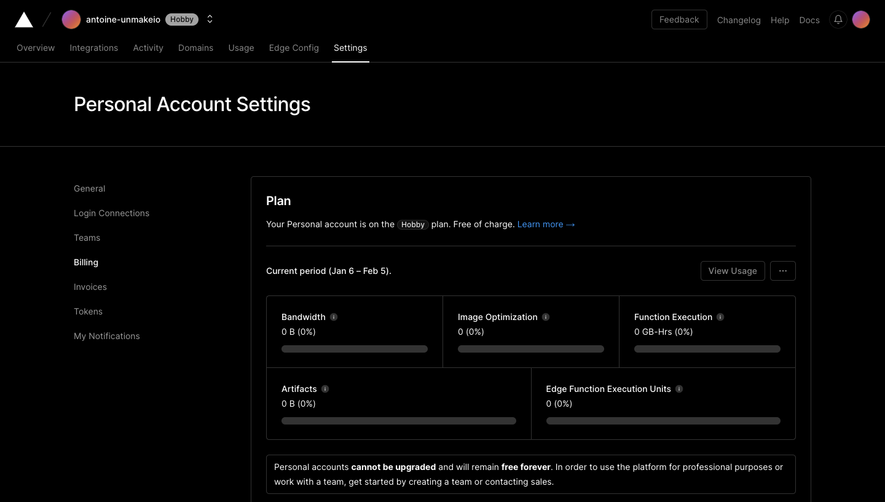


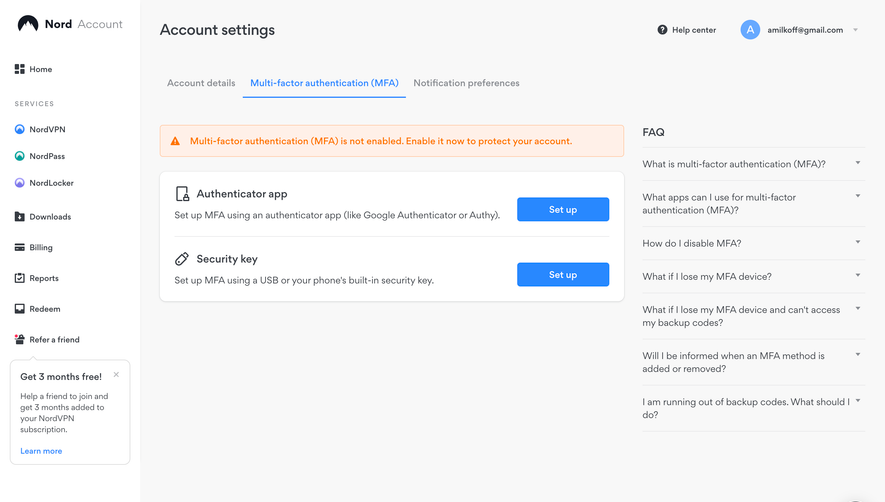

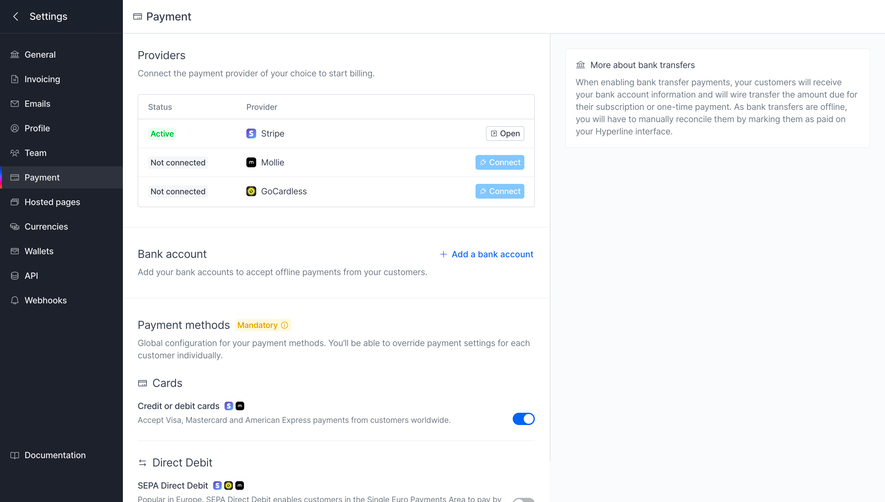

Upgrade to SaaSFrame Pro now to see similar examples.
Monthly
$18 /month
Billed $18 monthly
Browse all screens & flows
Filter and search screens & flows
Search text in screenshots
Access Figma files
Access mobile versions
Join now
Quarterly
$16 /month
Billed $48 quarterly
Browse all screens & flows
Filter and search screens & flows
Search text in screenshots
Access Figma files
Access mobile versions
Join now
Yearly
$15 /month
Billed $180 yearly
Browse all screens & flows
Filter and search screens & flows
Search text in screenshots
Access Figma files
Access mobile versions
Join now