.avif)

1. Header: The webpage begins with a header section at the top of the page, which contains the Reply Academy logo, a login button, and a hamburger menu icon. 2. Hero section: Just below the header, there is a Hero section that contains a bold heading that reads "Maximize your sending power." There is also a subheading and a CTA button that invites visitors to explore the website. 3. Features section: The next section on the page highlights the features of Reply Academy. A set of icons accompanied by text descriptions explains the features of the tool. 4. Courses section: After the features section, there is a courses section, which showcases the courses and programs offered by the academy. This section displays an image of a course, the name of the course, its duration, and its pricing details. 5. Testimonials section: Following the courses section, there is a testimonials section that contains feedback from satisfied customers. This section includes customer names, their professions, and a brief statement about their experience with Reply Academy. 6. Footer: The webpage ends with a footer that includes links to various pages, including the homepage, courses, testimonials, and a contact page. There are also links to Reply's social media pages and a newsletter subscription form. The footer is consistent throughout the website. Overall, the structure of the webpage is simple and easy to navigate. It is organized in a way that offers visitors a clear understanding of the purpose and features of Reply Academy.
.webp)
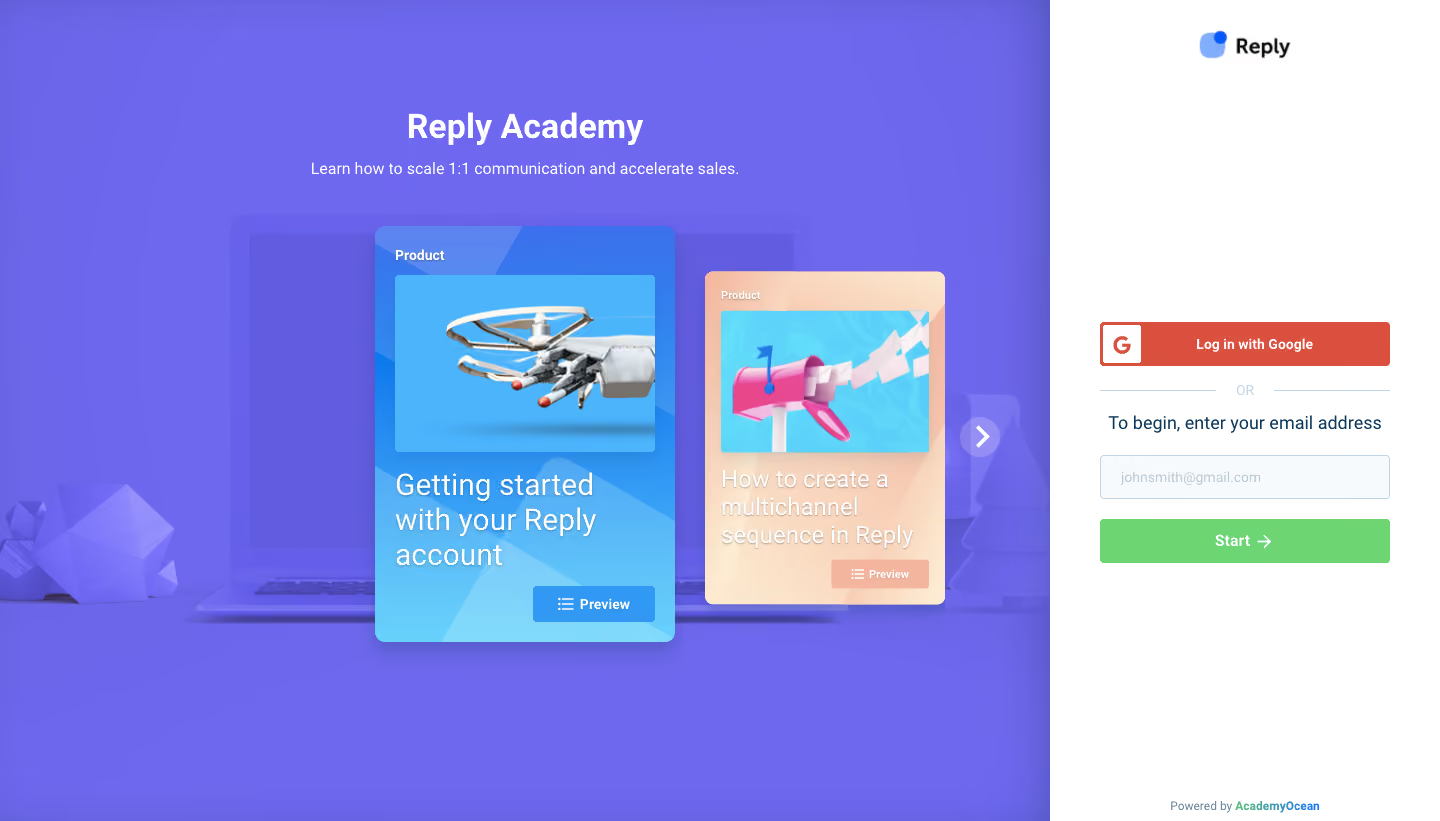

Reply Academy

Reply
Supercharge your sales team
Designed by
No items found.
Category
Patterns
No items found.
Tech Stack
Added on
May 9, 2020