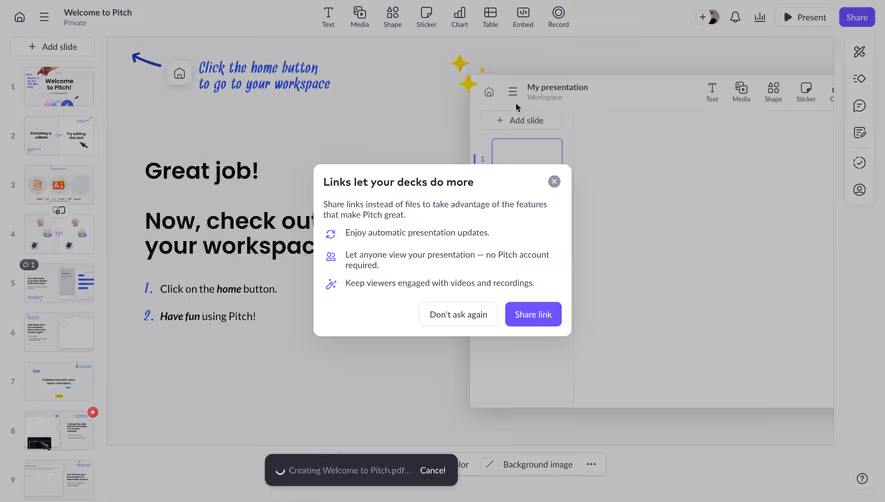
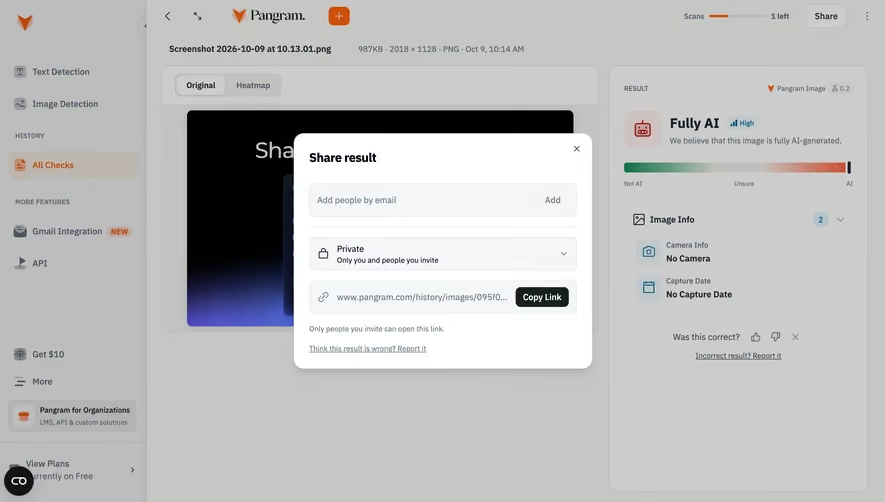
Generate a new design based on this screen using your own content.
Thank you! Your submission has been received!
Oops! Something went wrong while submitting the form.
# Design from Reference: Pitch Invite Collaborators
Create an original, high-fidelity visual design inspired by the reference. Prioritize composition, typography, colors, spacing, and component styling over technical implementation.
## Reference
- **Product:** Pitch
- **Category:** Share
- **Screenshot:** https://cdn.prod.website-files.com/5e9dc792e1210c5325f7ebbc/6aca27eaaca7079066e8e836_6aca27096c0e5ae5caa33412_cms-1eace8bb21bf7ccc1591f75f.webp
Analyze the screenshot first. If inaccessible, request it rather than guessing.
## Content
{{content.instructions}}
{{content.data}}
Preserve essential messaging and factual accuracy. Adapt structure and copy length for visual balance; never invent product claims.
## Visual Design
Use this context to reproduce the reference's visual language: layout, typography, colors, spacing, borders, radii, and distinctive elements. The screenshot takes priority if descriptions conflict.
## Direction
{{preferences.fidelityInstructions}}
## Output
{{output.instructions}}
Deliver a polished, cohesive design with precise alignment, hierarchy, and spacing. Produce the requested visual artifact, not just a description. If unsupported, explain the limitation.
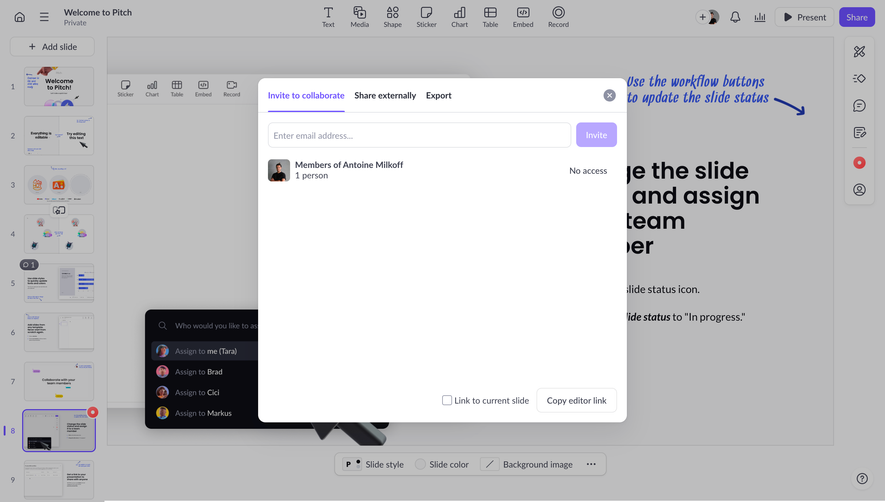
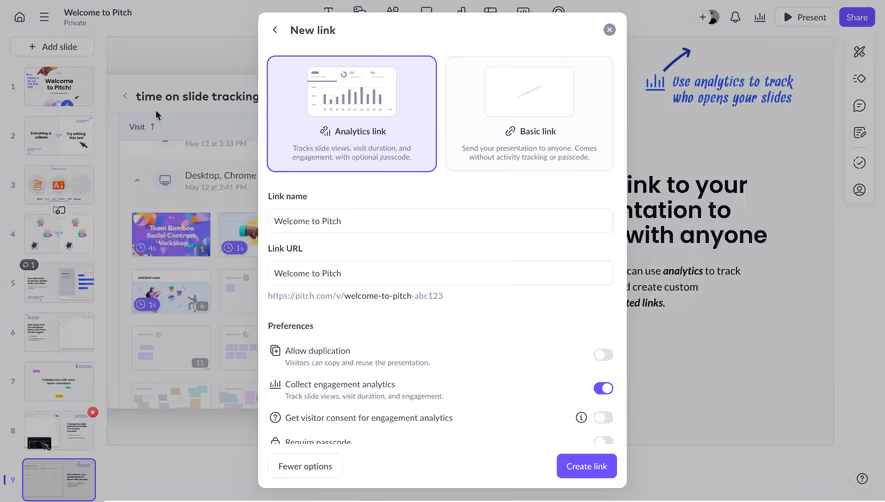
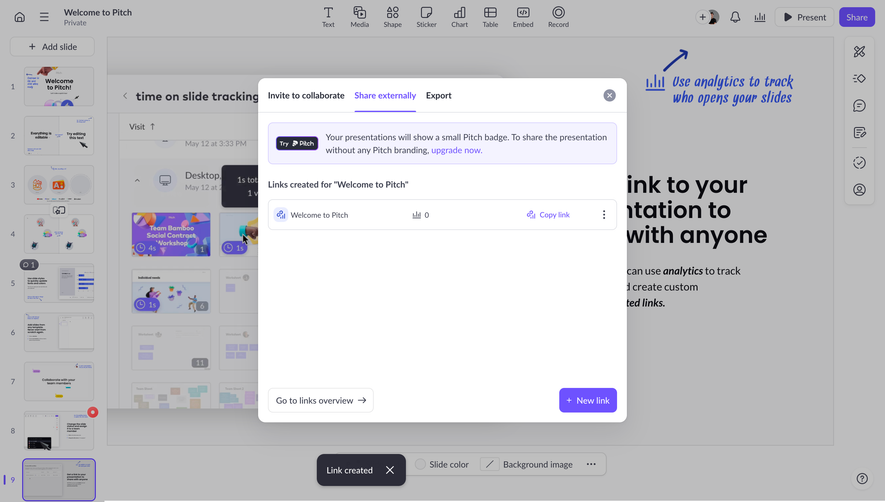
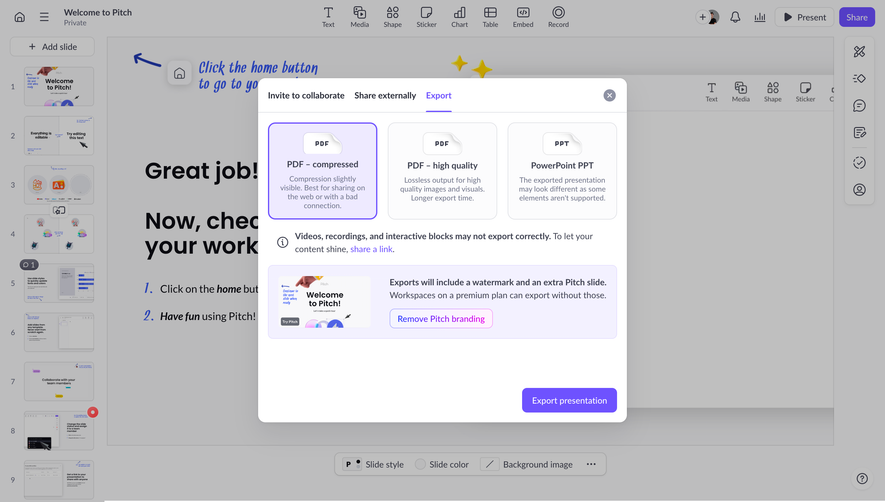
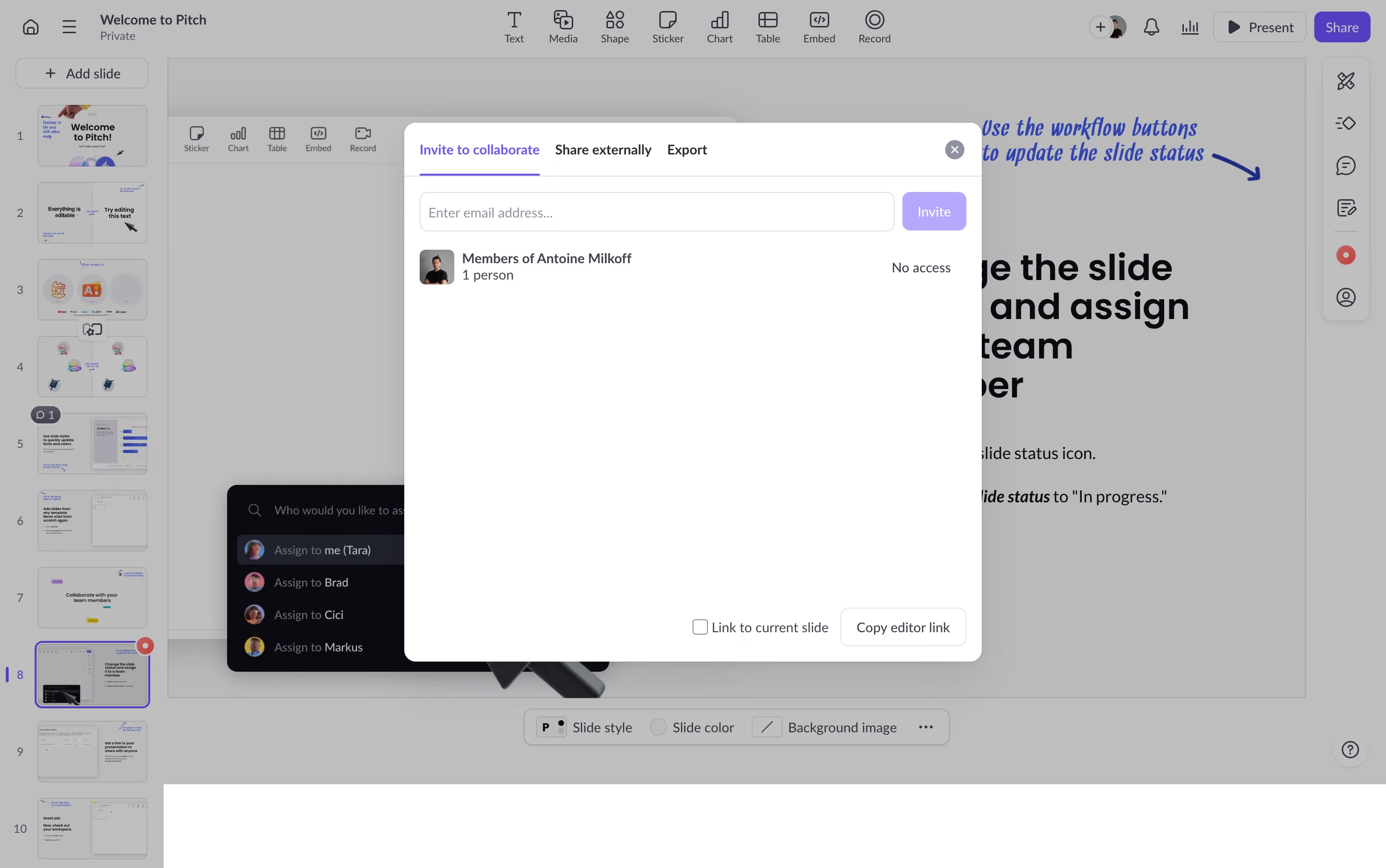
This is Pitch's sharing and collaboration modal, and it's a great example of layered UI done right. The invite dialog sits clean and centered with three clear tabs: Invite to collaborate, Share externally, and Export. Simple hierarchy. The email input field is generous and the purple Invite button pops without screaming.
Smart Contextual Layers
What really catches the eye is the dark assignment dropdown peeking out from behind the modal. You get "Assign to me (Tara)", Brad, Cici, Markus. Two UI contexts overlapping but still completely readable. That contrast between the dark popover and the white modal is doing heavy lifting here. The avatars next to each name add warmth and scannability.
The Little Details
The "Members of Antoine Milkoff" section with its "No access" label is super transparent. No guessing about permissions. The bottom row offers "Link to current slide" and "Copy editor link" as secondary actions, properly deemphasized. Typography is clean and consistent throughout, with clear weight differences guiding your eye from headers to body to actions. Functional and honest.
.webp)




.avif)