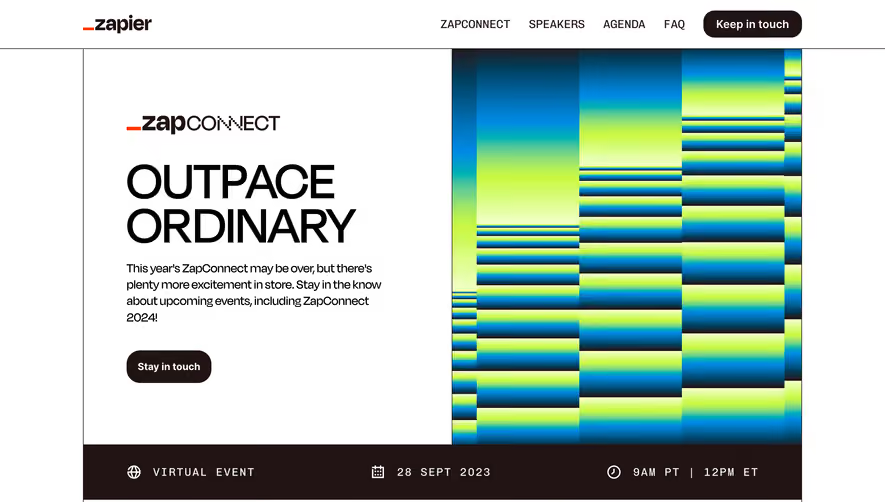
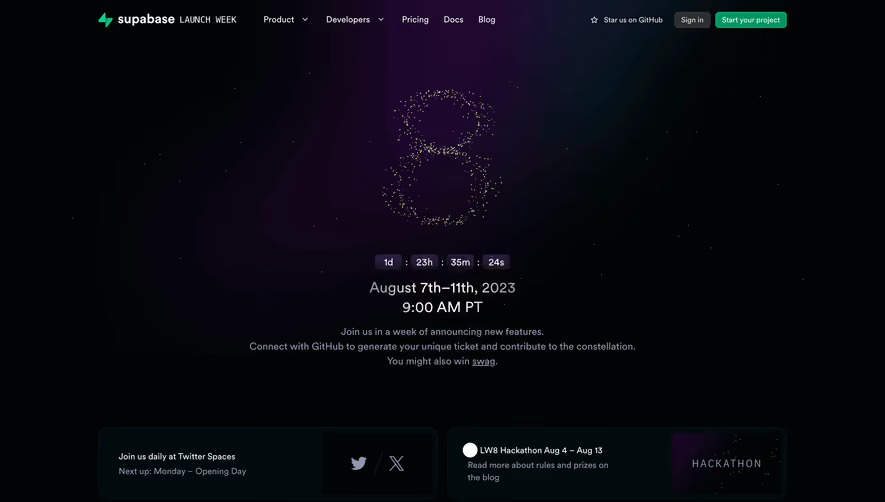
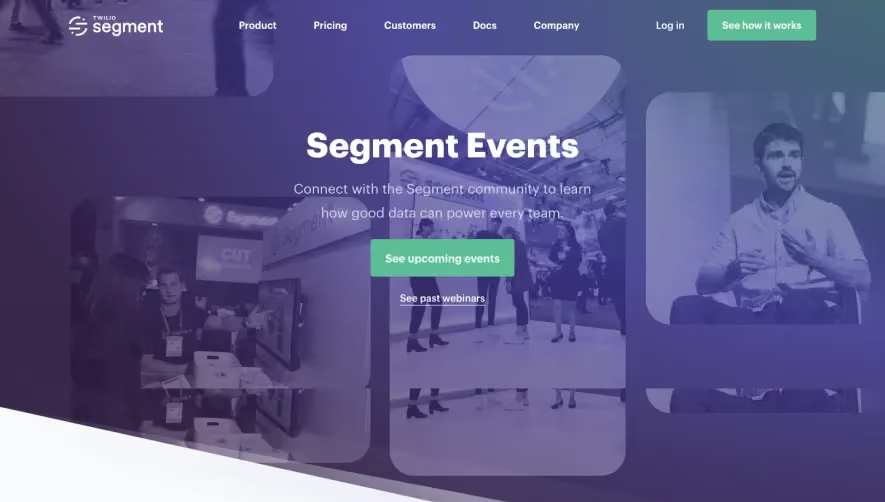
.avif)
1. The page begins with a header that includes the Overflow logo on the left and a menu icon on the right. The menu icon reveals a dropdown menu when clicked, which displays links to the Overflow's homepage, events, blog, and documentation. 2. Next, there is a large image of a computer with an Overflow webpage displayed on the screen. Overlaid on top of the image is the text "Part of the Stack Overflow Community" along with a brief paragraph introducing Overflow events. 3. Underneath the introductory text, there are three tabs labeled "Upcoming Events," "Featured Event," and "Past Events" arranged in a horizontal layout. 4. Clicking on one of the tabs will display events that match the respective category. Each event appears as a card, displaying an image, title, date, and location. Clicking on a card will take the user to a page with more details about the event. 5. Below the event tabs, there is a section featuring a video of a past event with the title "Watch Our Past Events." Underneath the video, there is a call-to-action button encouraging users to "Subscribe to our YouTube channel." 6. Following the video section, there is another section displaying testimonials from previous event attendees. Each testimonial includes a photo of the speaker, their name, and a quote about their experience at the event. 7. The page ends with links to Overflow's social media accounts and a footer containing the Overflow logo and links to the company's homepage, events, blog, and documentation.
.webp)
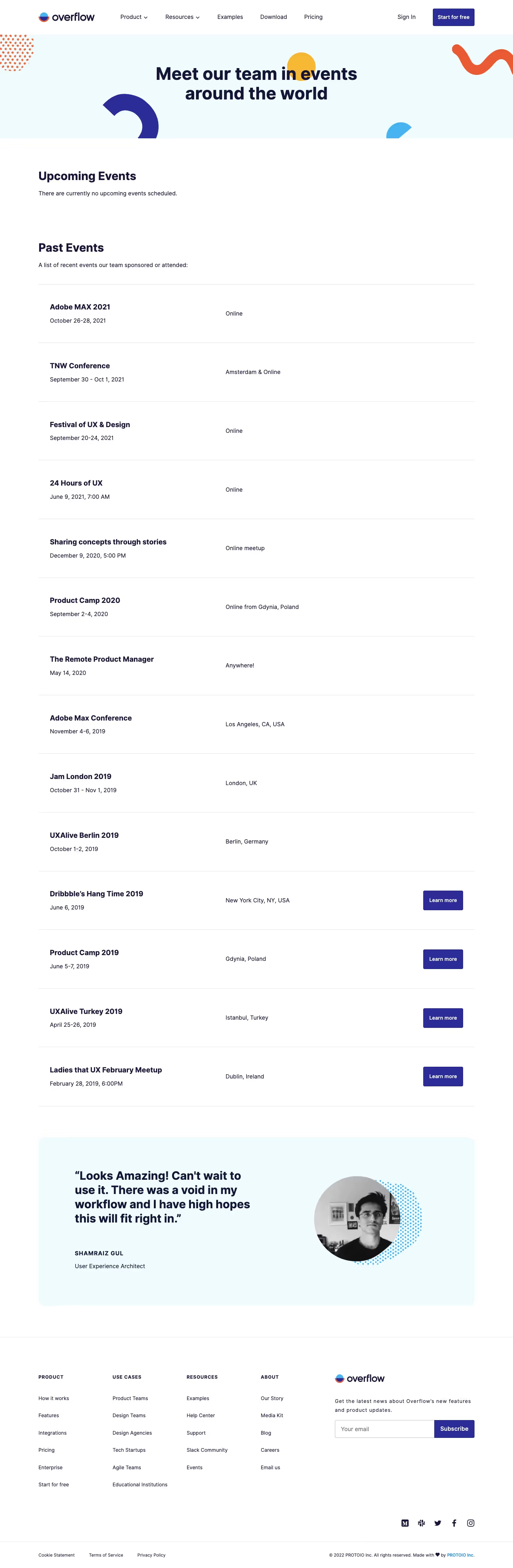

Overflow Events Page
Overflow
User flows done right
Designed by
No items found.
Category
Patterns
No items found.
Tech Stack
No items found.
Added on
June 20, 2020