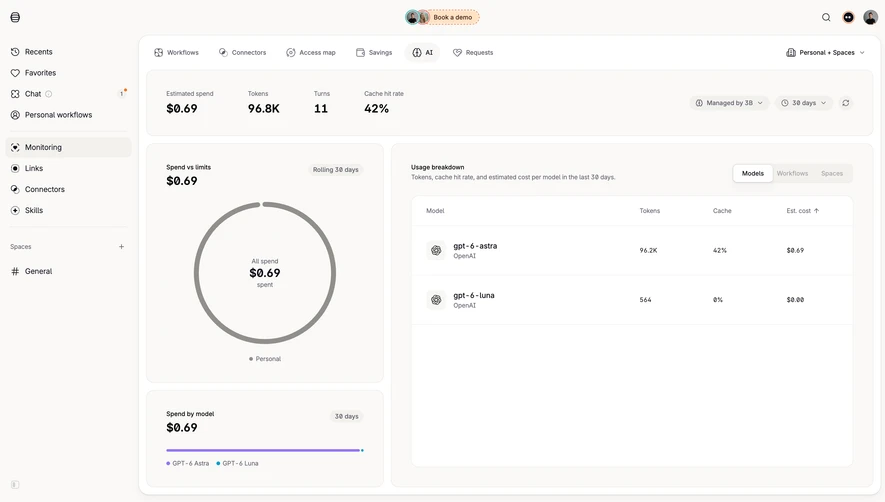
Generate a new design based on this screen using your own content.
Thank you! Your submission has been received!
Oops! Something went wrong while submitting the form.
# Design from Reference: OpenAI Usage Activity
Create an original, high-fidelity visual design inspired by the reference. Prioritize composition, typography, colors, spacing, and component styling over technical implementation.
## Reference
- **Product:** OpenAI
- **Category:** Usage
- **Screenshot:** https://cdn.prod.website-files.com/5e9dc792e1210c5325f7ebbc/6acad58186f1bee9c3650972_6acad4f8c910b3adf9e4ea3f_cms-e65204dd72c7f1cd2e053a5b.webp
Analyze the screenshot first. If inaccessible, request it rather than guessing.
## Content
{{content.instructions}}
{{content.data}}
Preserve essential messaging and factual accuracy. Adapt structure and copy length for visual balance; never invent product claims.
## Visual Design
Use this context to reproduce the reference's visual language: layout, typography, colors, spacing, borders, radii, and distinctive elements. The screenshot takes priority if descriptions conflict.
## Direction
{{preferences.fidelityInstructions}}
## Output
{{output.instructions}}
Deliver a polished, cohesive design with precise alignment, hierarchy, and spacing. Produce the requested visual artifact, not just a description. If unsupported, explain the limitation.
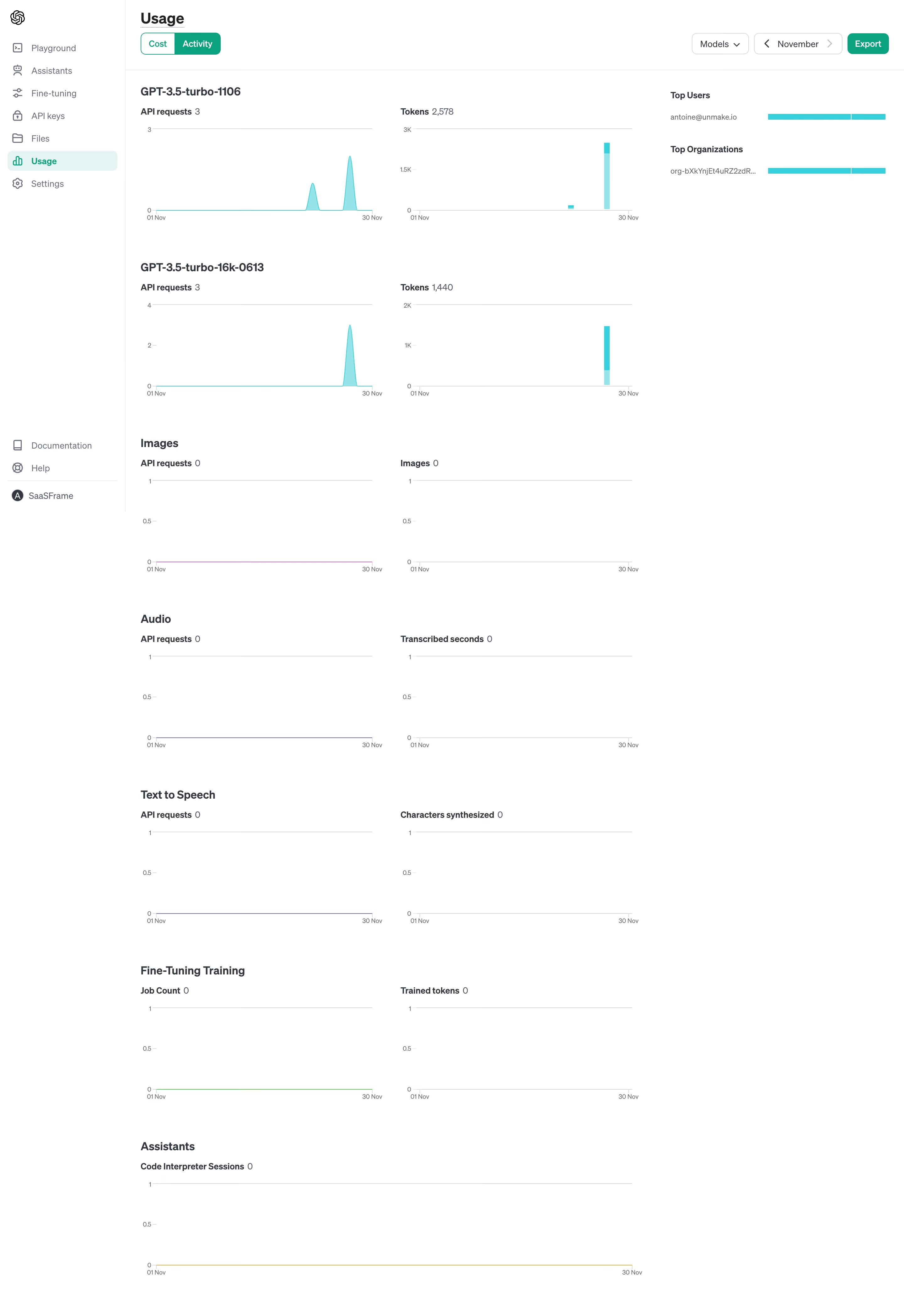
First thing you notice is how quiet this page feels. OpenAI's usage dashboard leans hard into whitespace and minimal charting. The teal accent color does all the heavy lifting, appearing in the activity toggle, bar charts, and top user indicators. It's the only real color on the page and it pops against the flat white background.
Structure That Scales
The layout is dead simple. Each API category (GPT-3.5-turbo, Images, Audio, Text to Speech, Fine-Tuning) gets its own row with two mini charts side by side. Requests on the left, volume metric on the right. Repeat. This pattern works because once you understand one section, you understand them all. The left sidebar stays tight with just seven nav items. Usage is highlighted in green, matching the brand accent.
What Makes It Stand Out
The "Top Users" and "Top Organizations" panel tucked into the upper right is a smart touch. Typography is system-level clean, nothing fancy. Honestly the best thing here is restraint. Most dashboards try too hard. This one doesn't.
.webp)



.avif)