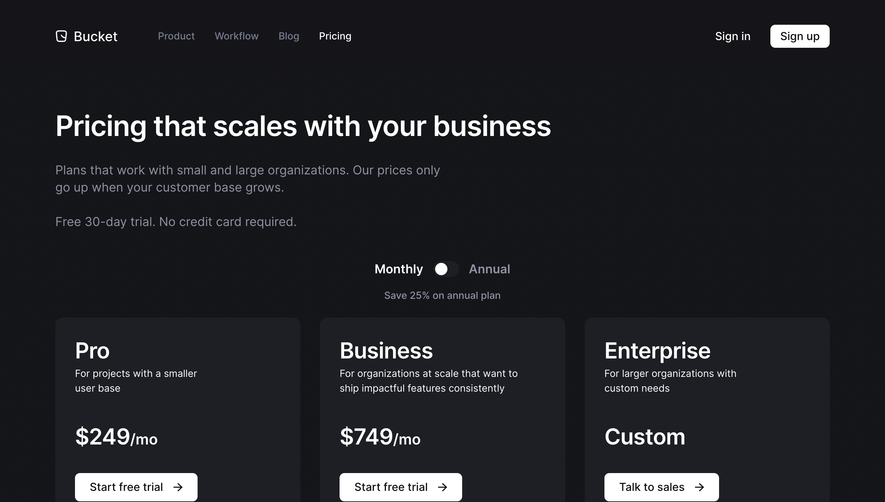
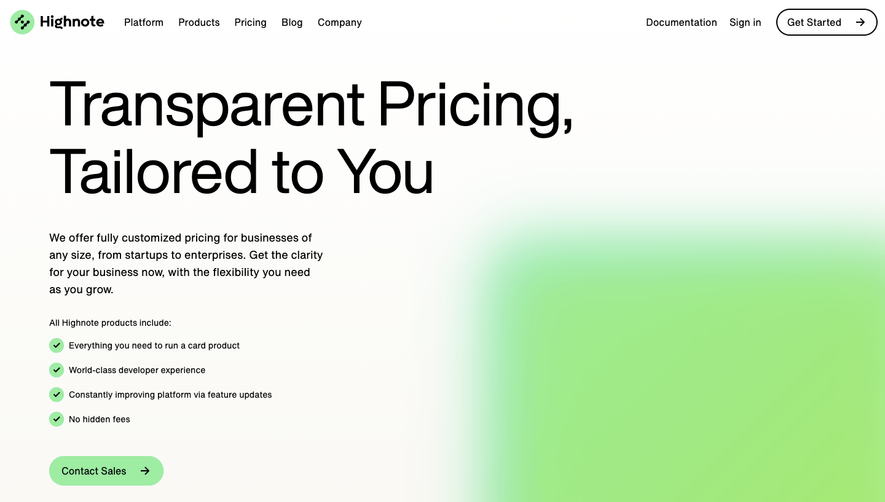
Generate a new design based on this screen using your own content.
Thank you! Your submission has been received!
Oops! Something went wrong while submitting the form.
# Design from Reference: Narrative BI Pricing Page
Create an original, high-fidelity visual design inspired by the reference. Prioritize composition, typography, colors, spacing, and component styling over technical implementation.
## Reference
- **Product:** Narrative BI
- **Category:** Pricing Page
- **Screenshot:** https://cdn.prod.website-files.com/5e9dc792e1210c5325f7ebbc/6acbbecc39e7f22db40289fc_6acbbe144d71070f5fd38b9c_cms-f02c03b7bc5598df330ac01b.webp
Analyze the screenshot first. If inaccessible, request it rather than guessing.
## Content
{{content.instructions}}
{{content.data}}
Preserve essential messaging and factual accuracy. Adapt structure and copy length for visual balance; never invent product claims.
## Visual Design
Use this context to reproduce the reference's visual language: layout, typography, colors, spacing, borders, radii, and distinctive elements. The screenshot takes priority if descriptions conflict.
## Direction
{{preferences.fidelityInstructions}}
## Output
{{output.instructions}}
Deliver a polished, cohesive design with precise alignment, hierarchy, and spacing. Produce the requested visual artifact, not just a description. If unsupported, explain the limitation.
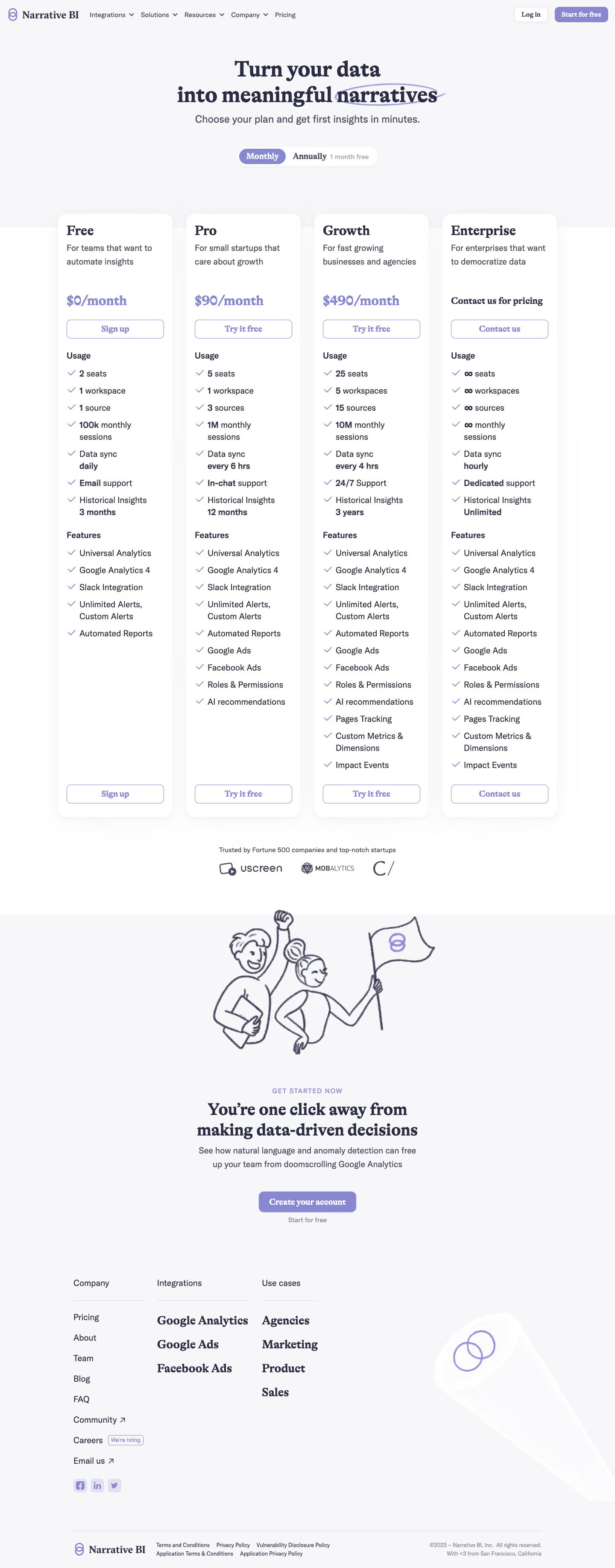
Narrative BI’s pricing page embodies a crisp, minimalist aesthetic that communicates professionalism and clarity. The design exudes trustworthiness, balancing a clean white background with strategic pops of deep blue and soft accent hues, framing a product built for modern analytical workflows. There’s a sense of understated innovation, with visual restraint amplifying ease-of-use and focus.
Layout and Structure
The page is structured for seamless scanability. It opens with a concise header and a direct, comparison-style pricing table above the fold—no distractions, just immediate value. Each plan is easy to differentiate and is paired with essential features. Below, a well-organized FAQ section addresses user concerns, and a minimal footer neatly ties in primary navigation links without clutter.
Visual Elements
Instead of heavy illustrations or flamboyant visuals, the design employs refined iconography to outline features and assist decision-making. Simple checkmarks and clear dividing lines create rhythm and guide the eye, while interactive states (like subtle plan highlighting) provide feedback without visual noise. There are no animations or videos; clarity takes center stage.
Color Palette and Typography
The palette centers on ample whitespace, deep marine blues for emphasis, and lighter blues for interaction states, with restrained use of accent colors. Typography is modern, leveraging sans-serif fonts with generous spacing and distinct sizing, establishing a visual hierarchy that directs users from plan names to feature lists and CTAs.
User Experience Patterns & Notable Choices
Navigation is sticky, straightforward, and frictionless. Prominent “Get Started” CTAs employ brand color for contrast and immediacy. Notably, the pricing toggle is elegantly simple, eschewing complex grids for side-by-side clarity. The tone remains transparent and approachable, demystifying BI pricing and bolstering user confidence through design.
.webp)




.avif)