.webp)
Thank you! Your submission has been received!
Oops! Something went wrong while submitting the form.
Get SaaSFrame Pro
Monthly
$18
Quarterly
$48
Yearly
$180
Upgrade to access this feature
Browse all screens & flows
Filter and search screens & flows
Access Figma files
Access mobile versions
Bookmark screens & flows
Join now
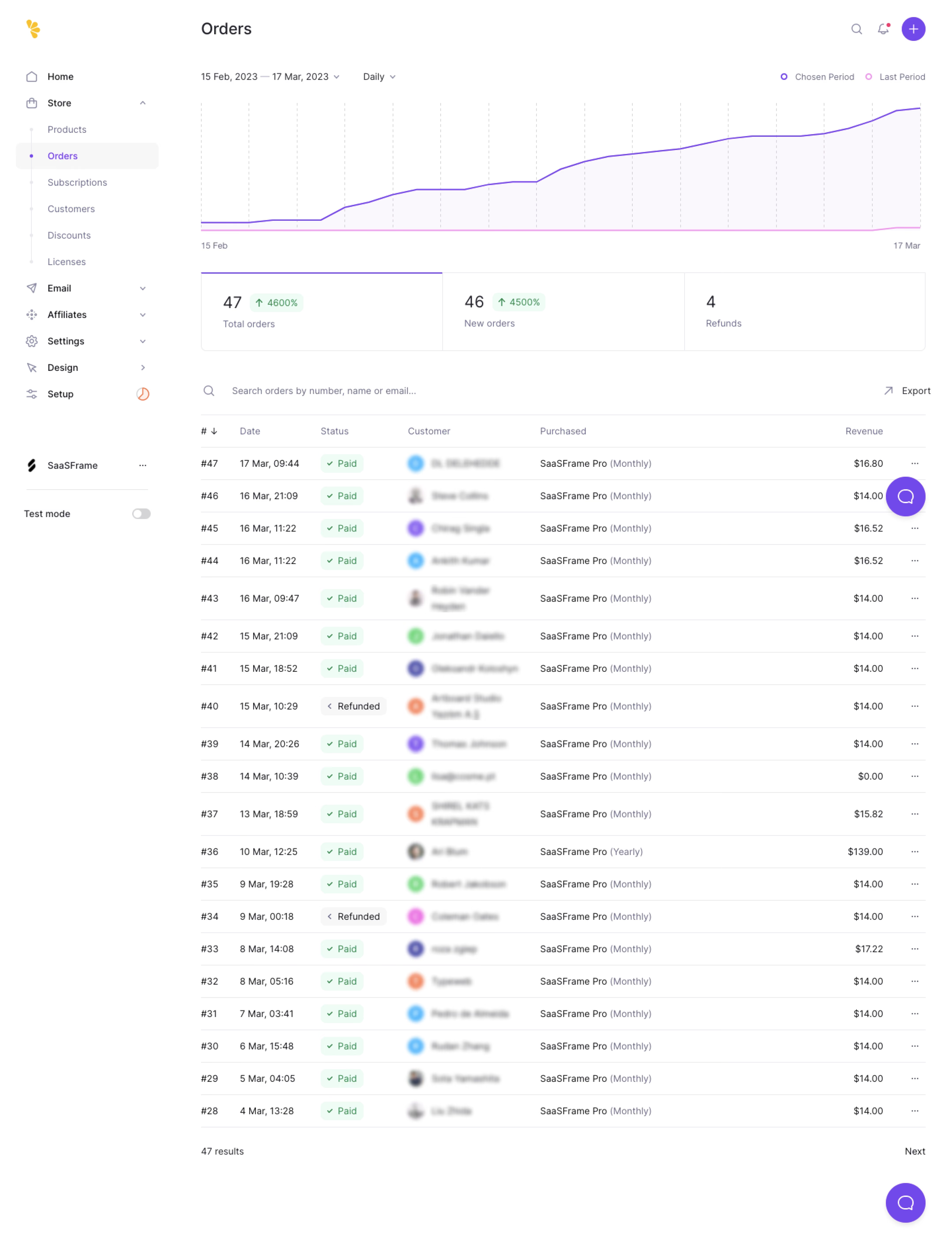
Lemon Squeezy Orders Dashboard

Lemon Squeezy
Payments, tax & subscriptions for software companies
Designed by
No items found.

Bookmark
Bookmark

Design with AI
Thank you! Your submission has been received!
Oops! Something went wrong while submitting the form.
# Design from Reference: Lemon Squeezy Orders Dashboard
Create an original, high-fidelity visual design inspired by the reference. Prioritize composition, typography, colors, spacing, and component styling over technical implementation.
## Reference
- **Product:** Lemon Squeezy
- **Category:** Dashboard
- **Screenshot:** https://cdn.prod.website-files.com/5e9dc792e1210c5325f7ebbc/6acb6de10e8221f130836476_6acb6ba5834771b57d155446_cms-dd8985a84d2cb65d7abede62.webp
Analyze the screenshot first. If inaccessible, request it rather than guessing.
## Content
{{content.instructions}}
{{content.data}}
Preserve essential messaging and factual accuracy. Adapt structure and copy length for visual balance; never invent product claims.
## Visual Design
### Overall aesthetic
- **Character:** A commerce orders dashboard combines a white canvas, lavender accents, a simple comparison chart and a dense transaction table.
- **Capture evidence:** The screenshot measures 4311 × 5654 pixels and was inspected in two readable portions. An approximately 1437px CSS width at 3× density is estimated, not verified.
- **Tone:** Pale surfaces and fine separators keep a data-heavy page visually light.
### Page composition
- **Sidebar:** A roughly 260px CSS-wide navigation rail contains store destinations, secondary product groups, workspace identity and a lower test-mode switch.
- **Page header:** Orders sits left of small search, notification and creation icons.
- **Chart region:** Date range and interval controls sit above a broad purple/pink line chart.
- **Metric strip:** Three equal blocks summarize total orders, new orders and refunds.
- **Table tools:** A search prompt and Export action precede the transaction list.
- **Orders table:** Number, date, status, customer, purchased product and revenue columns continue through twenty visible entries.
- **Bottom:** Result count and Next pagination sit below the table; purple chat launchers appear along the captured right edge.
### Information hierarchy
- **Current area:** Orders is highlighted in purple within the expanded Store group.
- **Trend:** The chosen-period purple line rises above the nearly flat pink previous-period line.
- **Summary:** Large values lead the three metric blocks; pale green growth badges accompany the first two.
- **Transactions:** Green Paid pills and neutral Refunded pills make order state easy to scan.
- **Privacy:** Customer names and identities are blurred in the source and must not be inferred.
- **Captured data:** Dates, counts and revenue are screenshot content, not independently verified business metrics.
### Typography
- **Family:** A neutral rounded sans-serif is visible; exact identity is unverified.
- **Page title:** Approximately 24px CSS, medium weight.
- **Metric values:** Approximately 26px regular, with smaller muted labels beneath.
- **Navigation and controls:** Approximately 14px regular-to-medium.
- **Table:** Approximately 14px body text, with muted headers and secondary plan-period text.
- **Chart labels:** Small muted text around 12–13px identifies period boundaries and legend entries.
### Colors & surfaces
- **Canvas:** Sampled #FFFFFF dominates the interface.
- **Chart fill:** Sampled #FBF8FE provides the very pale lavender area below the selected-period line.
- **Status fill:** Sampled #EEFBF4 supplies the pale mint Paid and growth badges.
- **Rules:** Sampled #E8E8ED supplies light table and card boundaries.
- **Selected surfaces:** Sampled #F7F7F8 and #F3F3F6 support muted navigation/status areas.
- **Purple accent:** Sampled #714AEB supplies the principal purple action/selection character.
- **Comparison:** A lighter pink line distinguishes the previous period from the purple chosen period.
### Components
- **Chart:** A wide line/area plot uses thin dashed vertical grid lines and a compact two-item legend; no vertical-axis labels are visible.
- **Metric strip:** A single rounded outlined container is divided into three equal cells, with a purple top edge on the first cell.
- **Status pills:** Small rounded green badges include a checkmark; neutral refund badges include a small left-facing mark.
- **Table rows:** Roughly 48–50px CSS high, with thin horizontal rules, colored circular customer avatars and trailing overflow menus.
- **Search/export:** A magnifying-glass prompt occupies the left above the table; a small diagonal-arrow icon precedes Export at right.
- **Sidebar:** A pale selected row and purple dot highlight Orders within a lightly ruled nested list.
- **Top creation:** A purple circular plus control is the strongest header icon.
### Visual rhythm
- **Content inset:** Approximately 44px separates main content from the sidebar.
- **Chart spacing:** A large upper visualization area precedes the compact metric strip.
- **Table cadence:** Uniform rows and stable column alignment support rapid scanning.
- **Whitespace:** Moderate gaps separate chart, summary and search/table layers without fragmenting the data.
- **Long capture:** The table continues far below the initial dashboard region, ending in simple pagination rather than additional modules.
### Responsive
- **Evidence limit:** Only a wide desktop capture is visible; chart interactions and responsive behavior are unverified.
- **Table recommendation:** Preserve column relationships with horizontal scrolling or explicit column configuration.
- **Metrics recommendation:** Stack the three summaries or wrap them into a compact grid.
- **Navigation recommendation:** Collapse the store sidebar into a drawer on narrow screens.
- **Chart recommendation:** Retain readable legend labels and provide an accessible summary of the compared trends.
### Adaptation guidance
- **Data system:** Keep chart period, summary metrics and transaction filters synchronized.
- **Status clarity:** Pair color with explicit Paid/Refunded labels and accessible meanings.
- **Privacy:** Use representative or redacted customer data; do not reconstruct blurred identities.
- **Component consistency:** Reuse fine row rules, pale mint badges and restrained purple selection.
- **Accessibility:** Provide semantic table headers, labeled sorting/pagination and keyboard-accessible overflow actions.
Use this context to reproduce the reference's visual language: layout, typography, colors, spacing, borders, radii, and distinctive elements. The screenshot takes priority if descriptions conflict.
## Direction
{{preferences.fidelityInstructions}}
## Output
{{output.instructions}}
Deliver a polished, cohesive design with precise alignment, hierarchy, and spacing. Produce the requested visual artifact, not just a description. If unsupported, explain the limitation.

.avif)
Category
Tech Stack



Added on
March 17, 2023
Similar screens
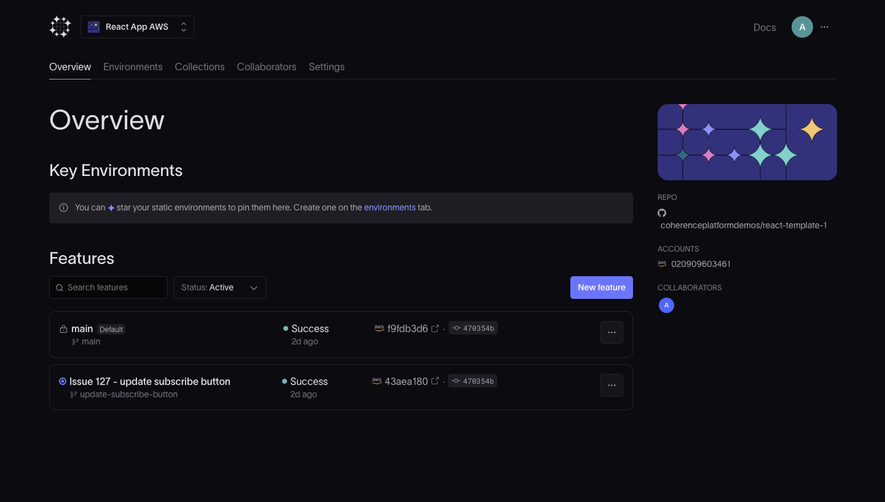


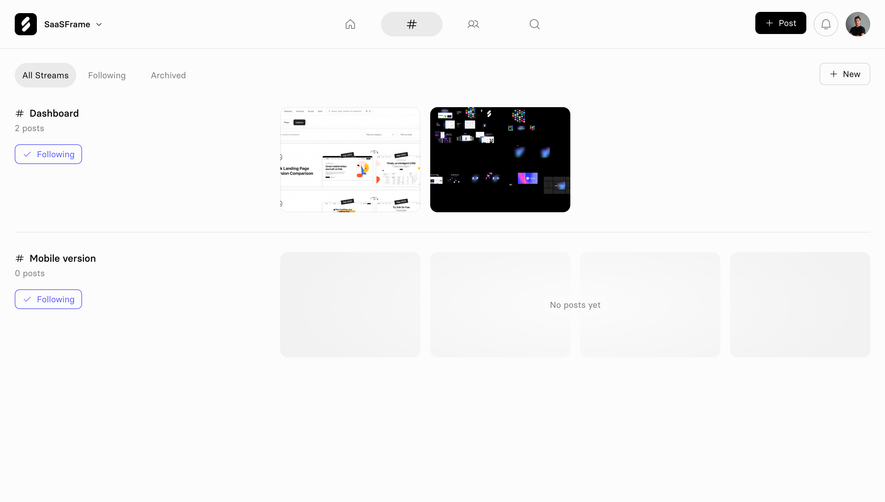

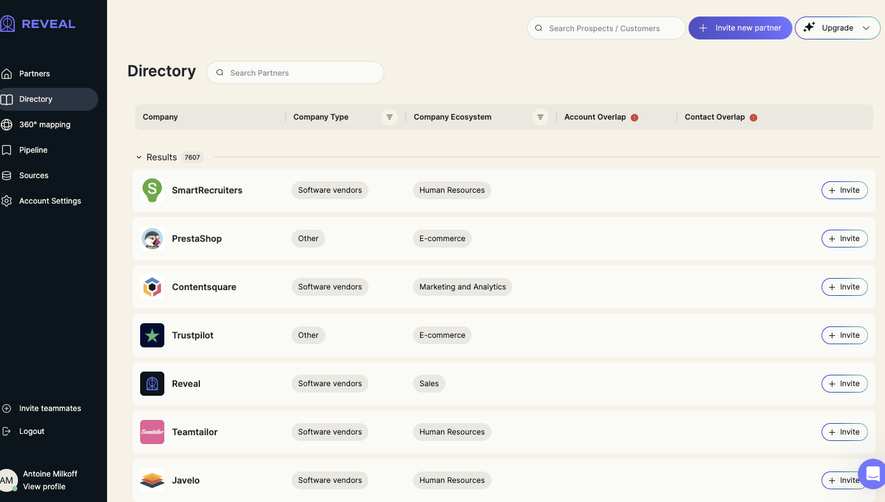

Upgrade to SaaSFrame Pro now to see similar examples.
Monthly
$18 /month
Billed $18 monthly
Browse all screens & flows
Filter and search screens & flows
Search text in screenshots
Access Figma files
Access mobile versions
Join now
Quarterly
$16 /month
Billed $48 quarterly
Browse all screens & flows
Filter and search screens & flows
Search text in screenshots
Access Figma files
Access mobile versions
Join now
Yearly
$15 /month
Billed $180 yearly
Browse all screens & flows
Filter and search screens & flows
Search text in screenshots
Access Figma files
Access mobile versions
Join now