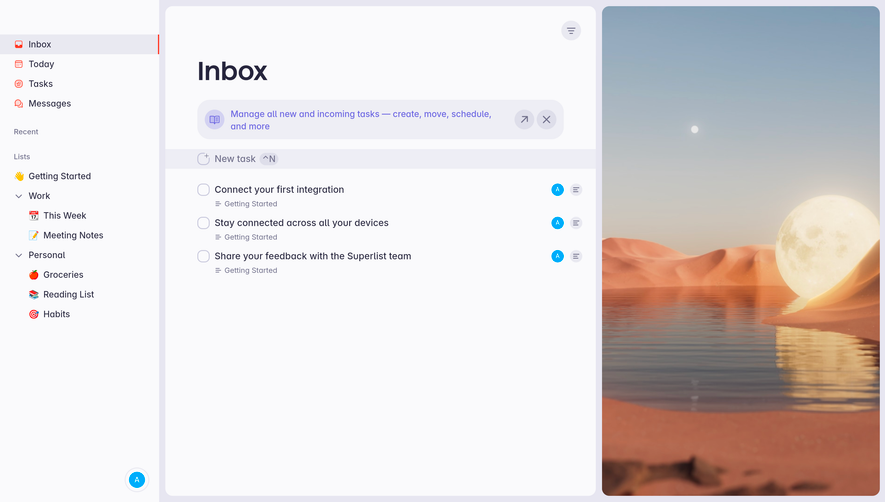
Generate a new design based on this screen using your own content.
Thank you! Your submission has been received!
Oops! Something went wrong while submitting the form.
# Design from Reference: Huly Inbox
Create an original, high-fidelity visual design inspired by the reference. Prioritize composition, typography, colors, spacing, and component styling over technical implementation.
## Reference
- **Product:** Huly
- **Category:** Inbox
- **Screenshot:** https://cdn.prod.website-files.com/5e9dc792e1210c5325f7ebbc/6acad3ffc910b3adf9e48aaf_6acad17cc910b3adf9e3623c_cms-f5d9a2e752a428714cd571b3.webp
Analyze the screenshot first. If inaccessible, request it rather than guessing.
## Content
{{content.instructions}}
{{content.data}}
Preserve essential messaging and factual accuracy. Adapt structure and copy length for visual balance; never invent product claims.
## Visual Design
Use this context to reproduce the reference's visual language: layout, typography, colors, spacing, borders, radii, and distinctive elements. The screenshot takes priority if descriptions conflict.
## Direction
{{preferences.fidelityInstructions}}
## Output
{{output.instructions}}
Deliver a polished, cohesive design with precise alignment, hierarchy, and spacing. Produce the requested visual artifact, not just a description. If unsupported, explain the limitation.
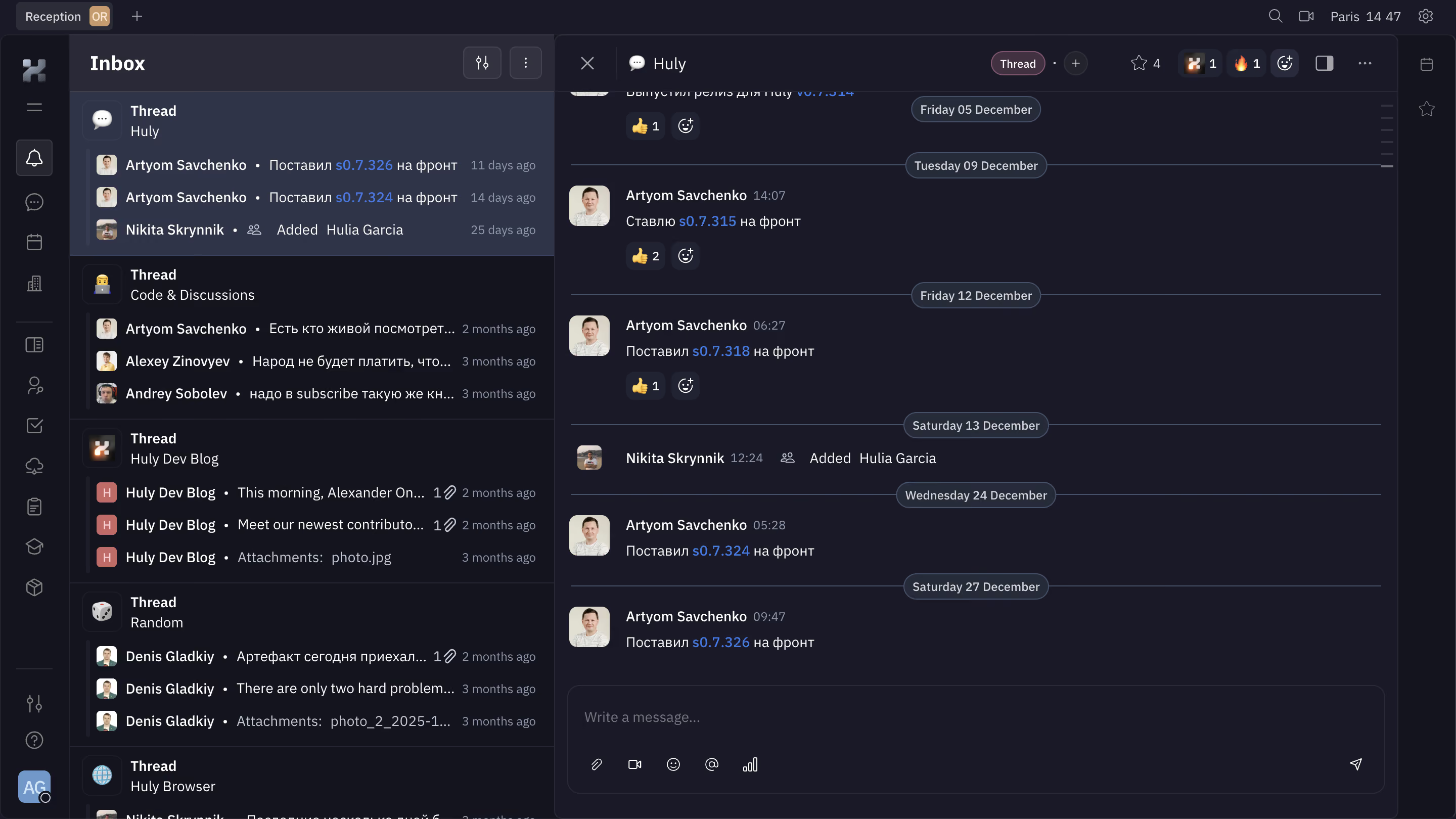
The deep charcoal background with purple-tinted accents gives this whole interface a moody, focused feel. Huly's messaging view looks like it was designed for people who actually live in their project tools. The left sidebar stacks threaded conversations with just enough preview text to be useful without being noisy.
Two-Panel Clarity
The inbox list on the left and the expanded thread on the right. Classic pattern but executed well. Each message in the thread gets breathing room, and the date separators in muted pill shapes break up the timeline without screaming for attention. The blue version links like s0.7.326 pop against the dark canvas and create obvious interaction points.
Typography That Works Hard
The type hierarchy is tight. Bold usernames, regular weight for message content, and smaller gray timestamps. Nothing competes. The emoji reactions sit cleanly beneath messages without cluttering the layout.
What Makes It Stand Out
That bottom compose bar is minimal but functional. Attachment, video, emoji, mention, and poll icons all in a row. No labels needed. The whole thing feels like Discord met a proper project management tool and they got along great.
.webp)



.avif)