Design with AI
Generate a new design based on this screen using your own content.
# Design from Reference: Hugo Onboarding Emails
Create an original, high-fidelity visual design inspired by the reference. Prioritize composition, typography, colors, spacing, and component styling over technical implementation.
## Reference
- **Product:** Hugo
- **Category:** Onboarding Email
- **Screenshot:** https://cdn.prod.website-files.com/5e9dc792e1210c5325f7ebbc/6acbc682edc235600abc9103_6acbc0c475891049b181aab3_cms-46af96f70dba58ab86b1ff99.webp
Analyze the screenshot first. If inaccessible, request it rather than guessing.
## Content
{{content.instructions}}
{{content.data}}
Preserve essential messaging and factual accuracy. Adapt structure and copy length for visual balance; never invent product claims.
## Visual Design
### Overall aesthetic
- **Character:** Plain personal-style onboarding email with dark-gray text on white, one instructional screenshot and conventional blue underlined links.
- **Tone:** A salutation, conversational paragraphs, emoji and named sign-off give the message a human support feel rather than a branded newsletter.
- **Capture:** The image measures 1341 × 1144 px. Dimensions below are observed image estimates; email-client scale and CSS dimensions are unverified.
### Page composition
- **Reading column:** A roughly 700 px-wide text area starts near x319, leaving broad white side margins.
- **Upper message:** Several short paragraphs explain calendar filtering, followed by a three-item bulleted example list.
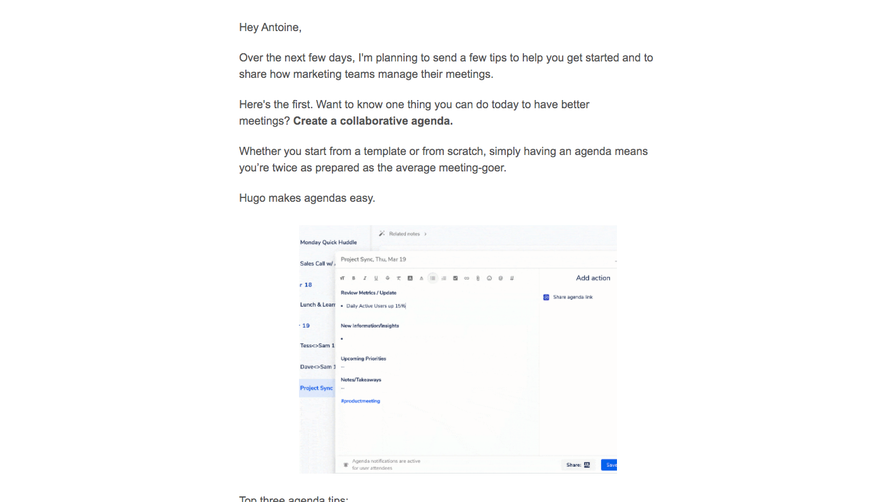
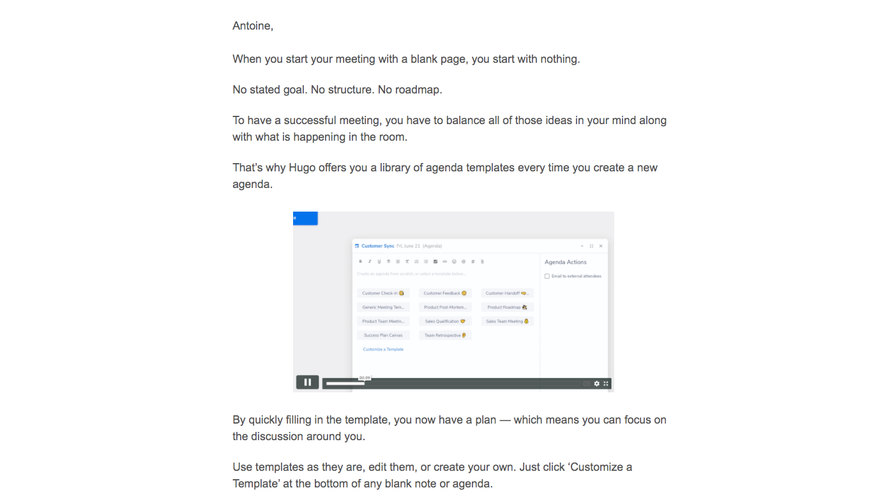
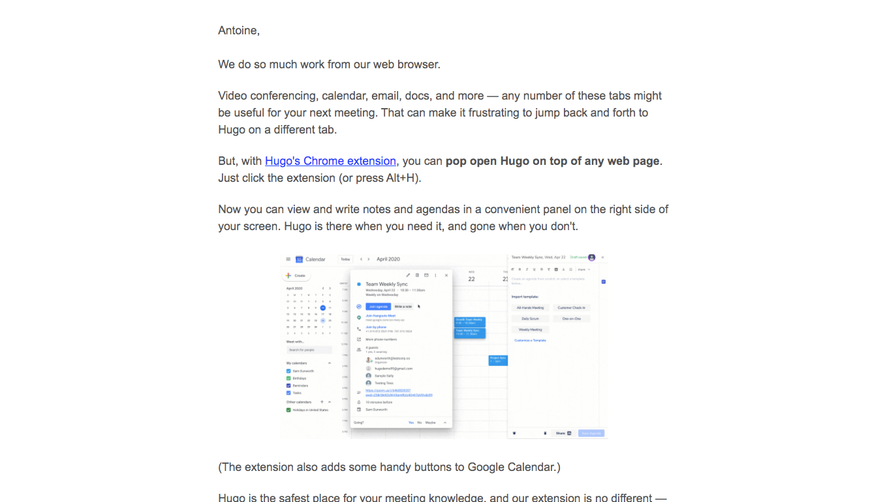
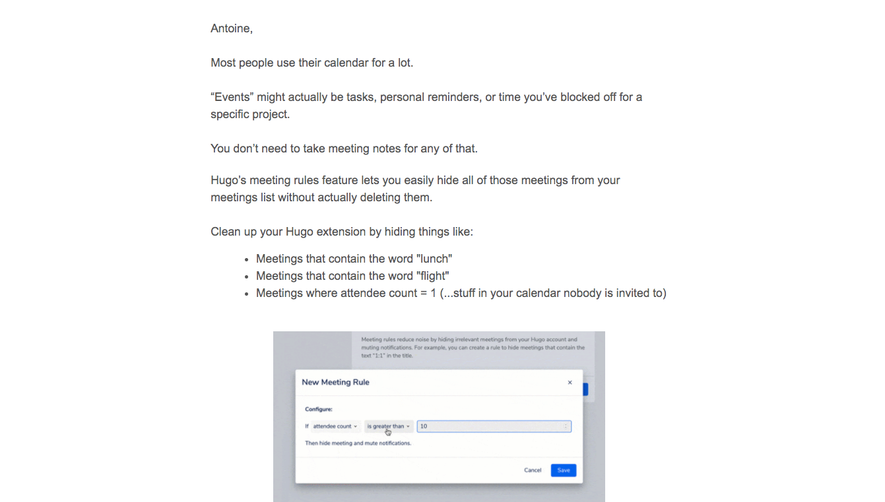
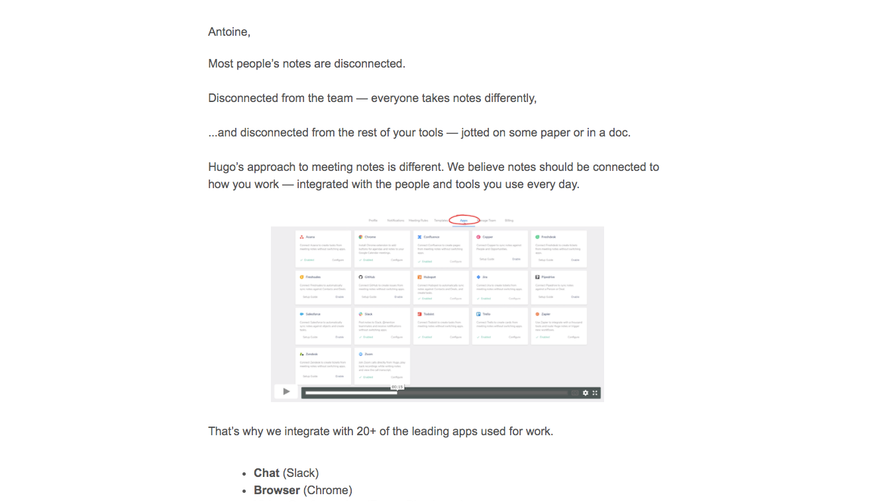
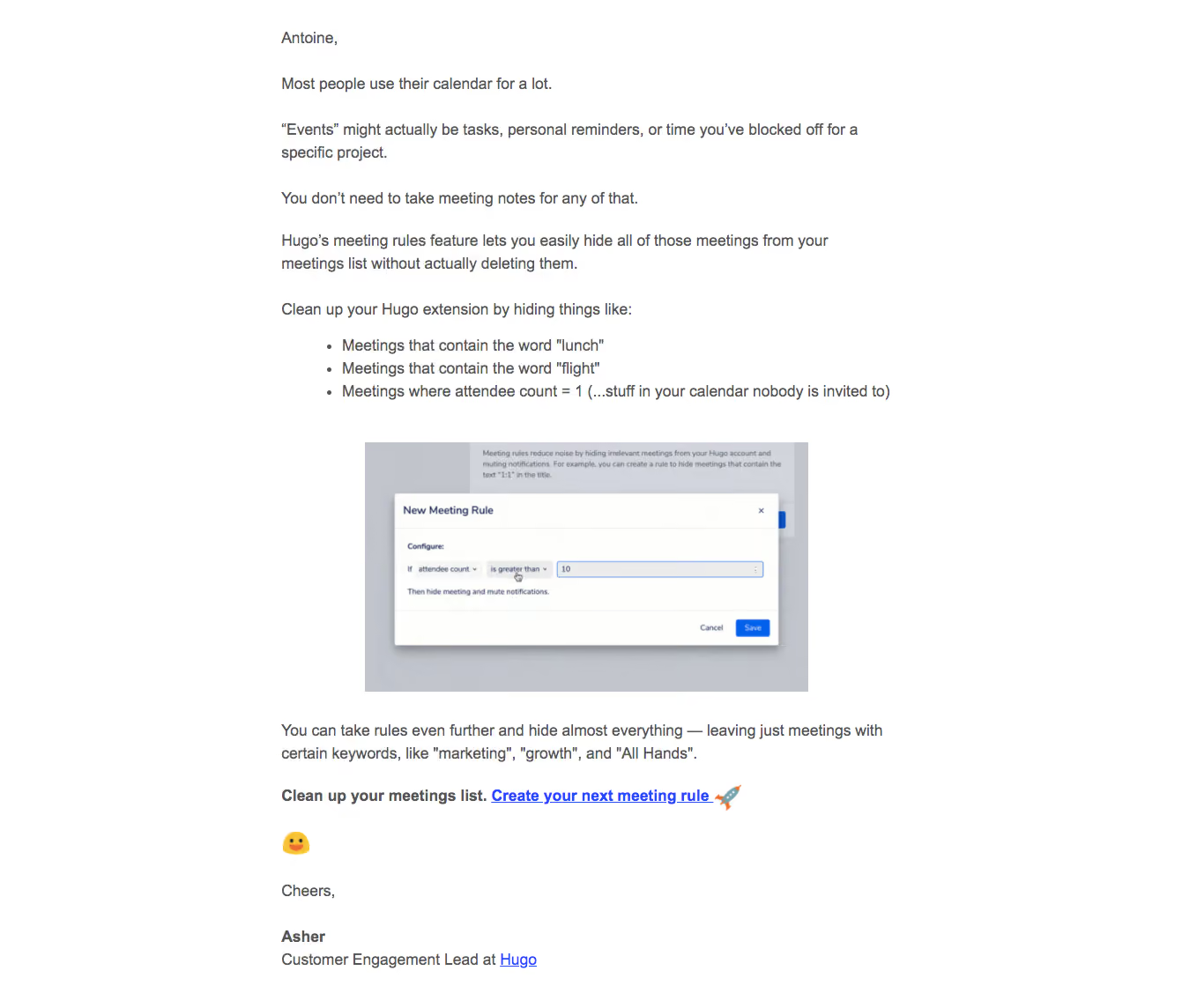
- **Product figure:** A centered landscape screenshot approximately 500 × 280 image px shows a meeting-rule dialog over a dimmed application.
- **Closing:** A further paragraph, bold inline call to action with blue link, standalone emoji and short signature complete the email. No large brand header or enclosing card is visible.
### Information hierarchy
- **Problem first:** The opening text describes calendar noise before introducing meeting rules.
- **Examples:** Three bullets turn the explanation into concrete filtering cases.
- **Demonstration:** The embedded rule dialog provides visual context, but its controls are image content rather than live email interactions.
- **Action:** A bold sentence and underlined rule-creation link form the primary destination; a smaller brand link appears in the signature.
### Typography
- **Family:** Conventional Arial-like sans-serif; exact font identity is unverified.
- **Body:** Approximately 18 image px with roughly 25–26 px leading and regular weight.
- **Emphasis:** Bold text is limited to the closing action phrase and sender name; there is no display-sized heading.
- **Lists and signature:** Bullets retain body size with modest indentation; the role/brand line sits directly beneath the bold signature name.
### Colors & surfaces
- **Measured base:** ICC-aware sRGB sampling yields #FFFFFF as the dominant background and #555555 as a prominent text tone.
- **Measured figure neutrals:** #C2C6CC, #C2C3CC and #D2D6DC occur within the embedded screenshot's dimmed UI.
- **Links:** Vivid default-style blue underlined links contrast with gray copy.
- **Depth:** The email itself is flat; the small captured dialog has its own white surface and shadow.
### Components
- **Bullet list:** Three compact text bullets align under the preceding paragraph with no icons or colored backgrounds.
- **Embedded dialog:** A white meeting-rule panel contains a title, condition controls and a blue save action inside the image.
- **Inline CTA:** Bold dark introductory text joins a bold blue underlined link and rocket emoji; no filled email button is present.
- **Signature:** A short sign-off, bold sender name, role and linked brand end the message.
### Visual rhythm
- **Paragraph spacing:** Approximately 25–30 image px separate text groups.
- **Figure spacing:** Larger gaps above and below the centered screenshot distinguish demonstration from prose.
- **Alignment:** All text groups share a left axis; only the figure is centered within the reading column.
- **Density:** The upper explanation is compact, while the closing emoji/signature introduces more white space.
### Responsive
- **Evidence limit:** Only this email capture is shown; these are recommendations.
- **Column:** Use a fluid email width with readable side padding.
- **Figure:** Scale the screenshot proportionally and provide a useful text alternative.
- **Links:** Preserve underlines and make the primary destination easy to tap without relying on tiny screenshot controls.
### Adaptation guidance
- **Reusable pattern:** Explain one onboarding problem, give examples, show one supporting image and end with one direct inline action.
- **Content discipline:** Keep conversational prose and bold emphasis limited to meaningful actions.
- **Accessibility:** Use semantic lists, descriptive links and image alternatives; do not make the screenshot the sole source of instructions.
- **State truth:** Describe the demonstrated rule setup without implying a rule was saved or applied.
Use this context to reproduce the reference's visual language: layout, typography, colors, spacing, borders, radii, and distinctive elements. The screenshot takes priority if descriptions conflict.
## Direction
{{preferences.fidelityInstructions}}
## Output
{{output.instructions}}
Deliver a polished, cohesive design with precise alignment, hierarchy, and spacing. Produce the requested visual artifact, not just a description. If unsupported, explain the limitation.
.webp)



.avif)