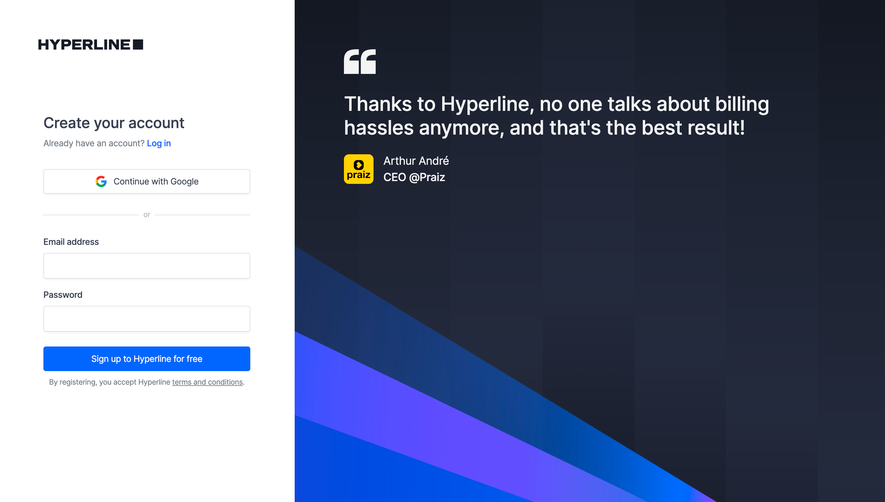
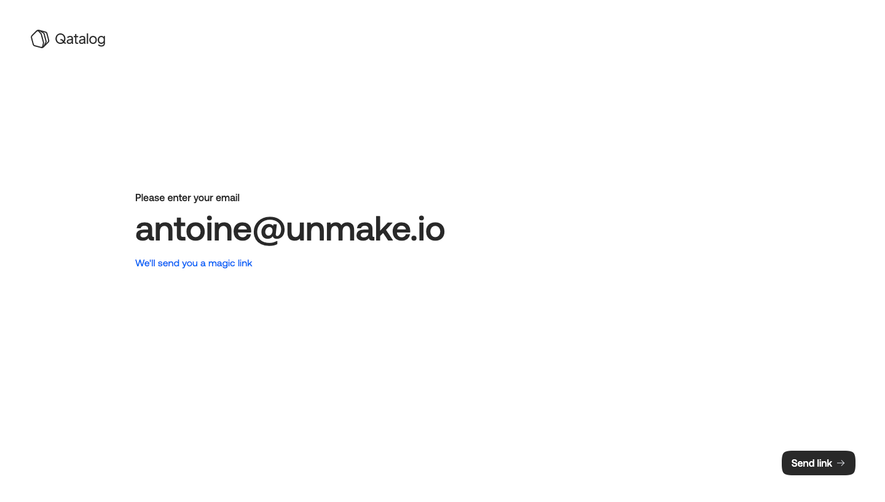
Design with AI
Generate a new design based on this screen using your own content.
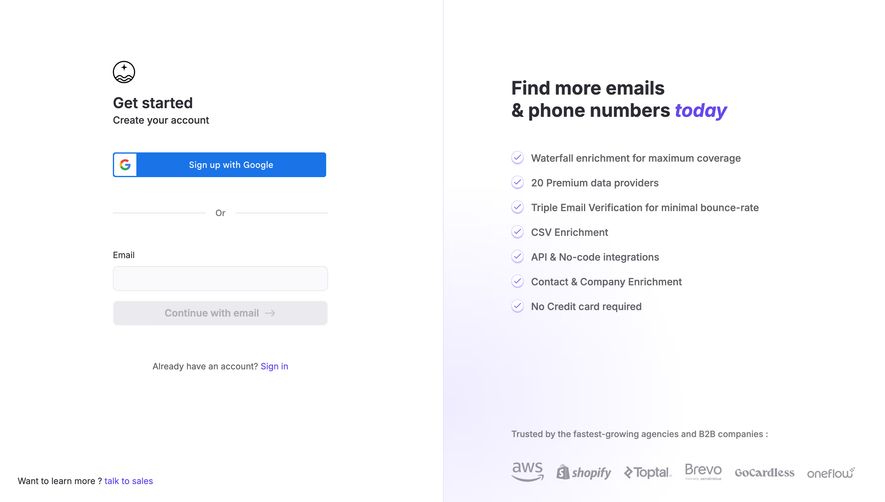
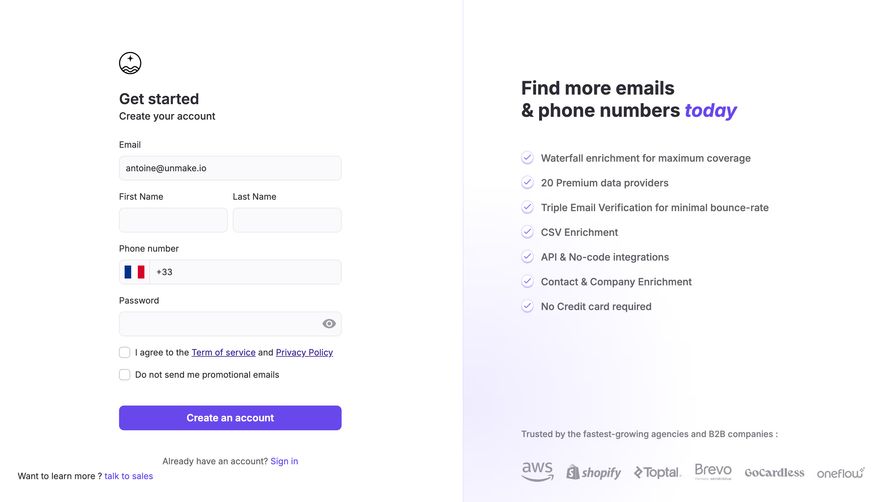
# Design from Reference: FullEnrich Signup
Create an original, high-fidelity visual design inspired by the reference. Prioritize composition, typography, colors, spacing, and component styling over technical implementation.
## Reference
- **Product:** FullEnrich
- **Category:** Signup
- **Screenshot:** https://cdn.prod.website-files.com/5e9dc792e1210c5325f7ebbc/696769de16afbb63049b49d3_EalPhO-dyAm6tW7cqOh1Y4CxiDlxRUame681hKxMgms.avif
Analyze the screenshot first. If inaccessible, request it rather than guessing.
## Content
{{content.instructions}}
{{content.data}}
Preserve essential messaging and factual accuracy. Adapt structure and copy length for visual balance; never invent product claims.
## Visual Design
### Overall aesthetic
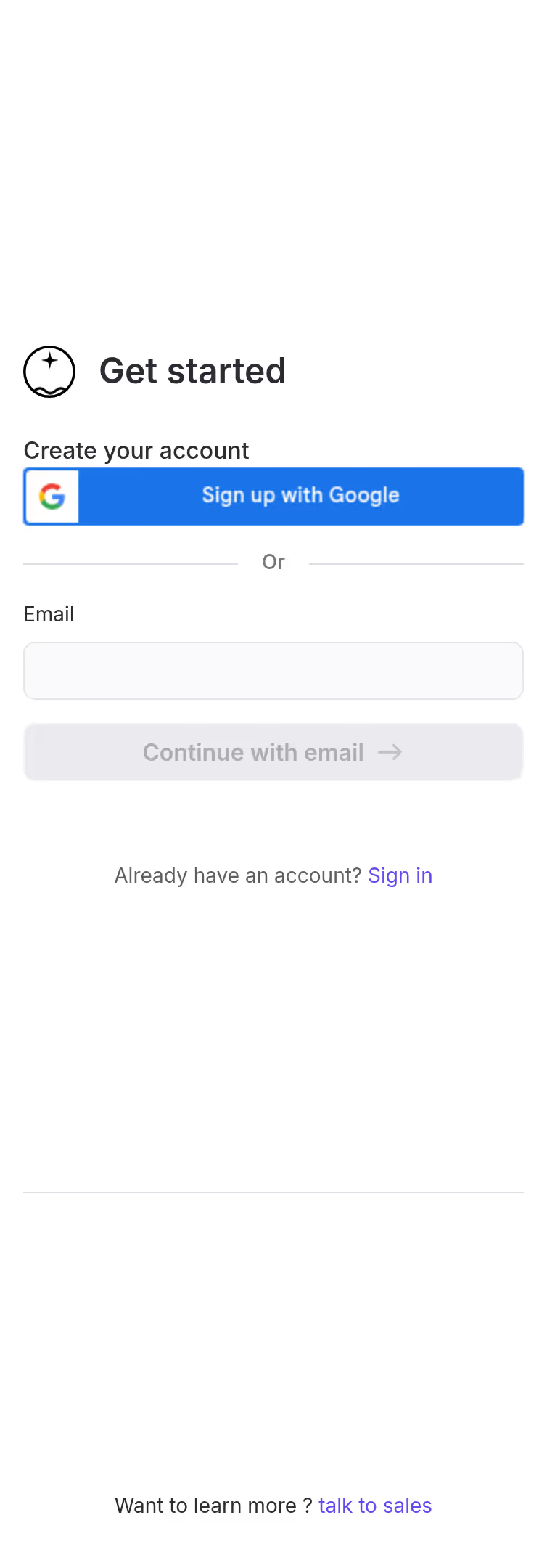
- **Character:** Minimal two-column signup with an uncluttered form and a softly tinted benefits/trust panel.
### Page composition
- **Canvas:** 2880 × 1624 screenshot pixels; CSS estimates assume approximately 2× capture scale.
- **Structure:** Equal halves separated by a fine pale vertical line. Left contains brand symbol and narrow signup stack; right contains benefit headline, seven checkmarked points and a low customer-logo strip.
### Information hierarchy
- **Priority:** Get started title, Google signup, OR divider, email field and subdued Continue action.
- **Support:** Sign-in link follows the form; sales contact sits near the lower-left edge. Right-hand headline highlights one word in italic violet.
### Typography
- **Family:** Clean sans-serif; exact font is unverified.
- **Scale:** Estimated CSS title 24–28px, benefits heading 30–32px, body 16px and form labels 14px.
### Colors & surfaces
- **Sampled palette:** White #FFFFFF; pale field #FAFAFB; gray control #EBEBEF; Google blue #1A73E7; near-white lavender #FBFAFF and #FCFBFF.
- **Accent:** Violet links/check outlines sit over a faint lavender glow in the right panel.
### Components
- **Form:** Approximately 350px CSS wide, with 40–42px input/button heights and 6px radii.
- **Trust:** Small circular checkmarks align with benefits; monochrome customer logos form a single bottom row.
- **Controls:** Google button uses a white icon tile at its left; Continue includes a right arrow.
### Visual rhythm
- **Spacing:** Large 48–64px gaps distinguish social signup, email flow and sign-in helper. Benefits use an even vertical cadence.
### Responsive
- **Guidance:** Mobile is not shown. Put signup first and stack benefits/logo proof beneath; keep sales contact accessible.
### Adaptation guidance
- **Transfer:** Preserve low-friction signup and separate reassurance column. Use authorized customer marks and accurate target benefits.
Use this context to reproduce the reference's visual language: layout, typography, colors, spacing, borders, radii, and distinctive elements. The screenshot takes priority if descriptions conflict.
## Direction
{{preferences.fidelityInstructions}}
## Output
{{output.instructions}}
Deliver a polished, cohesive design with precise alignment, hierarchy, and spacing. Produce the requested visual artifact, not just a description. If unsupported, explain the limitation.
.webp)




.avif)