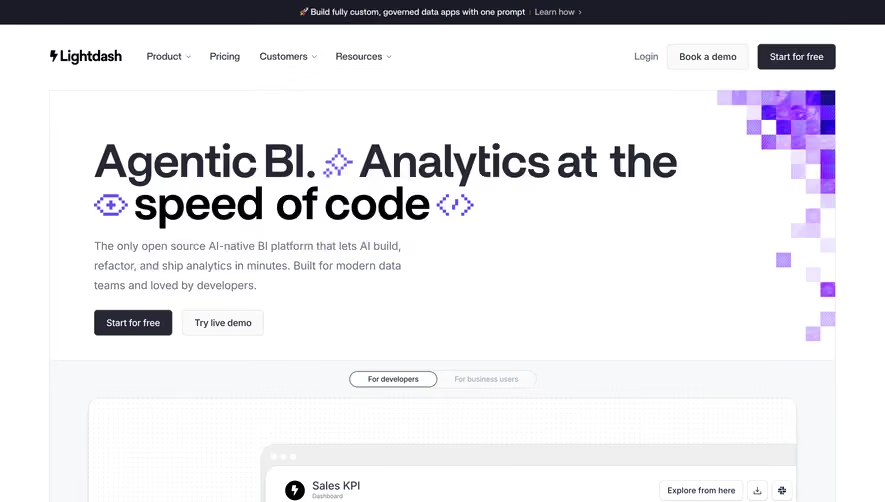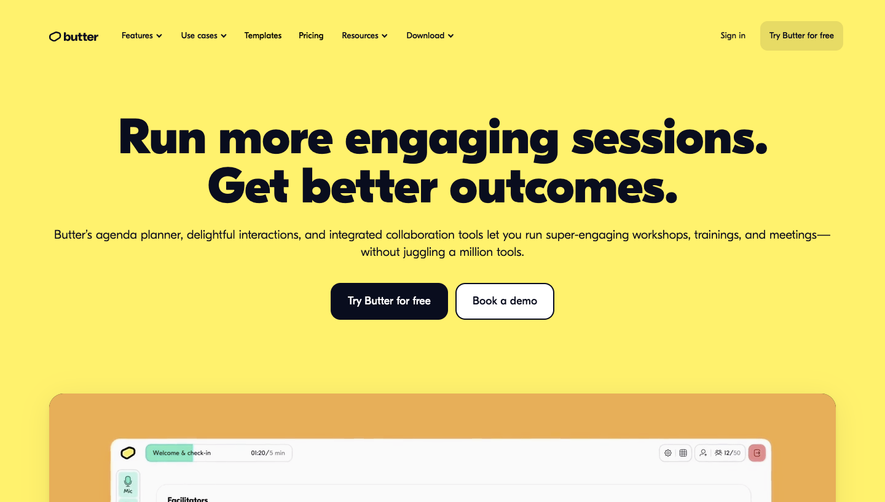


1. The page header includes a logo of FounderPath, a navigation menu with options such as Features, About, Pricing, Login and Sign up and a CTA button "Get Started" on the right. 2. The hero section has a background image of a desktop with FounderPath displayed on it. There's a heading "The all-in-one tool for building & scaling your startup" with a subheading "Save time, money and grow faster with FounderPath". 3. Below the hero section, there are three horizontal sections showcasing the features of FounderPath including Team collaboration, Financial planning and Reports & Pitch decks. Each section has a heading, an image and a brief description. 4. Then there's a section with customer testimonials, which includes their name, photo, and a quote about their experience with FounderPath. The section is divided into two columns, and there's a CTA button at the bottom to learn more. 5. The next section includes logos of some of the companies and organizations that use FounderPath, such as Google, Techstars, and Columbia University. 6. The pricing section comes with three pricing packages. Each package has a heading, a description of the included features, and a CTA button to "Get Started" or "Learn More." 7. The final section is the footer, which includes a newsletter subscription form, social media icons, and links to other pages on the site - such as the Privacy Policy, Terms of Use, and Contact Us.


Founderpath Landing Page

Founderpath
Where Bootstrapped SaaS Founders Get Capital
Designed by
No items found.
Category
Patterns
No items found.
Tech Stack
Added on
August 19, 2022