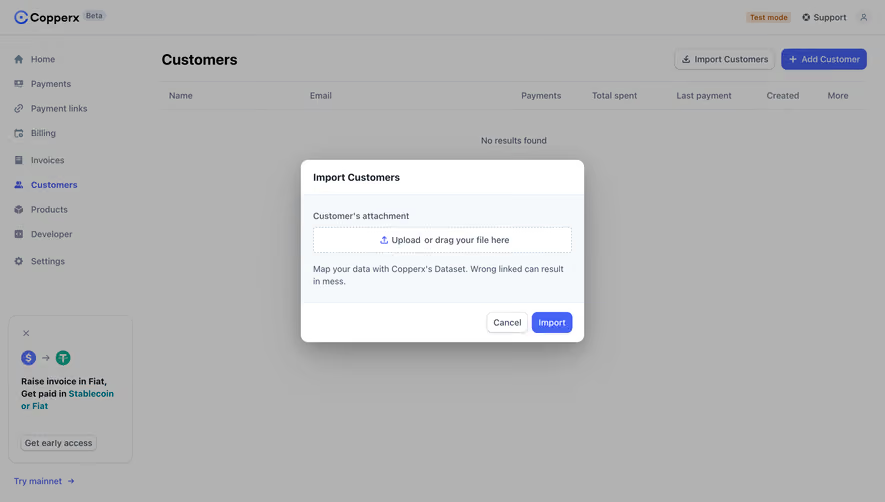
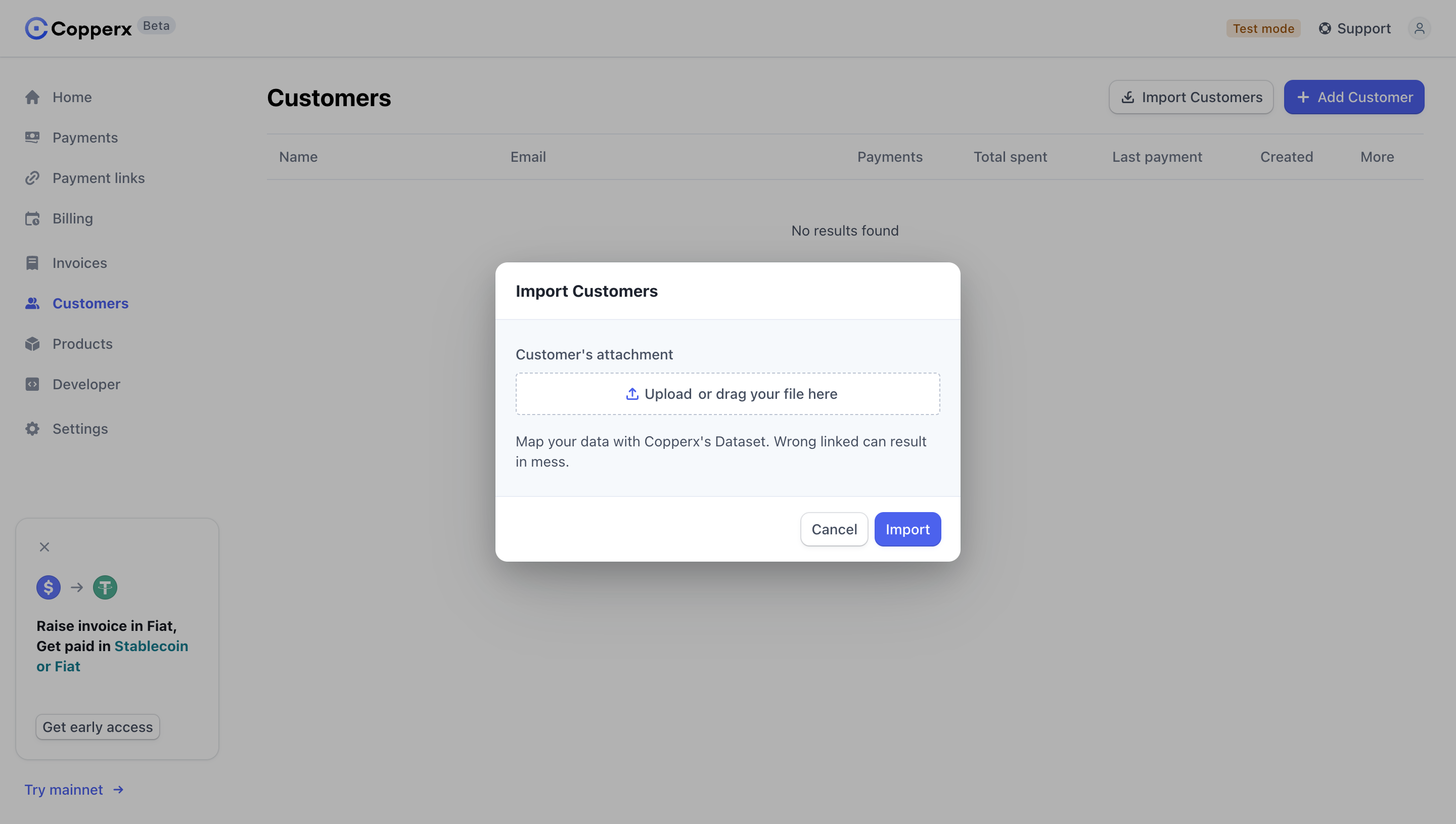
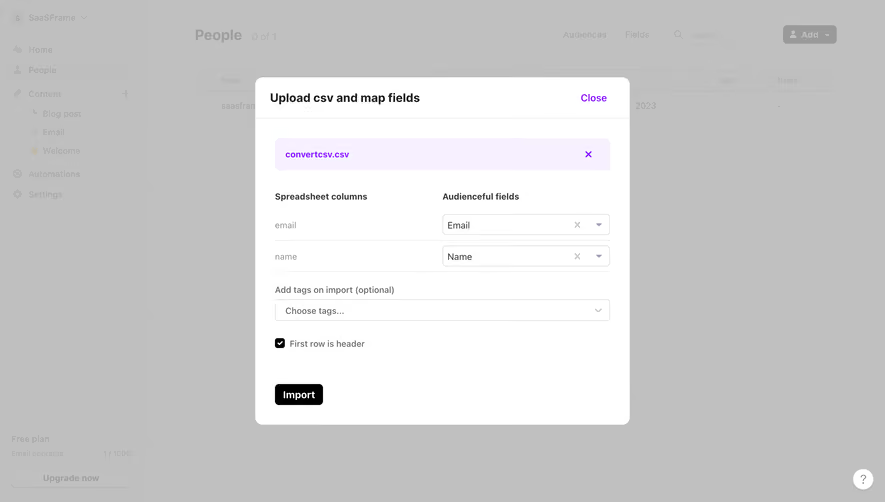
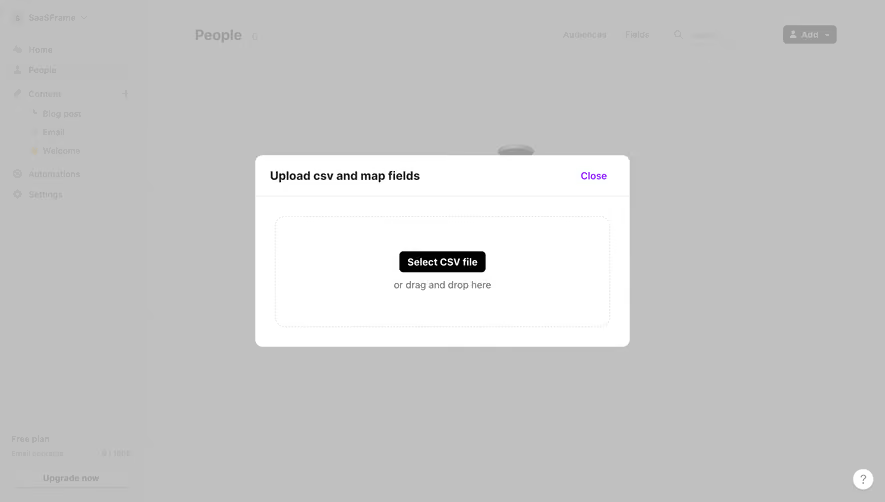
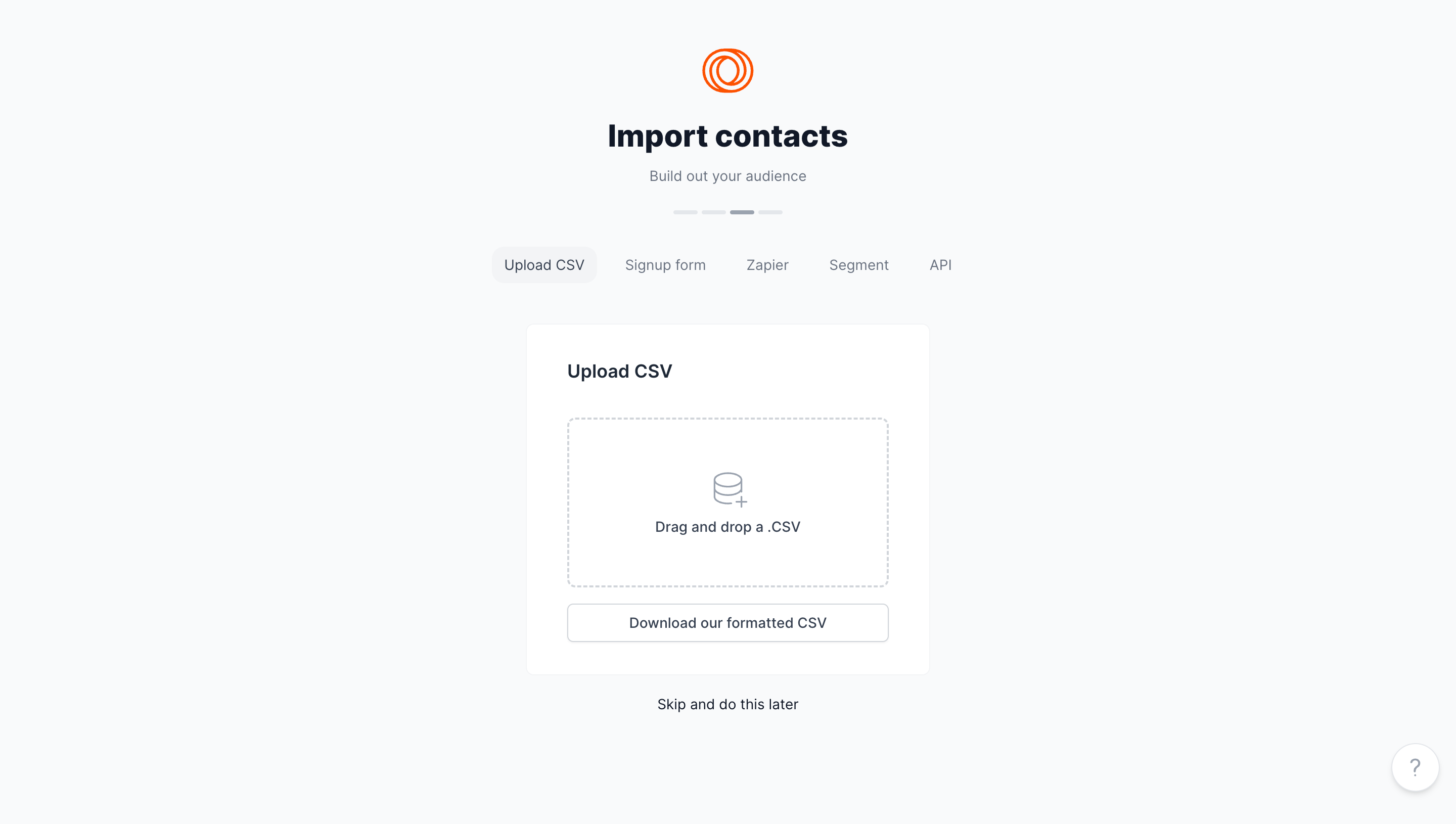
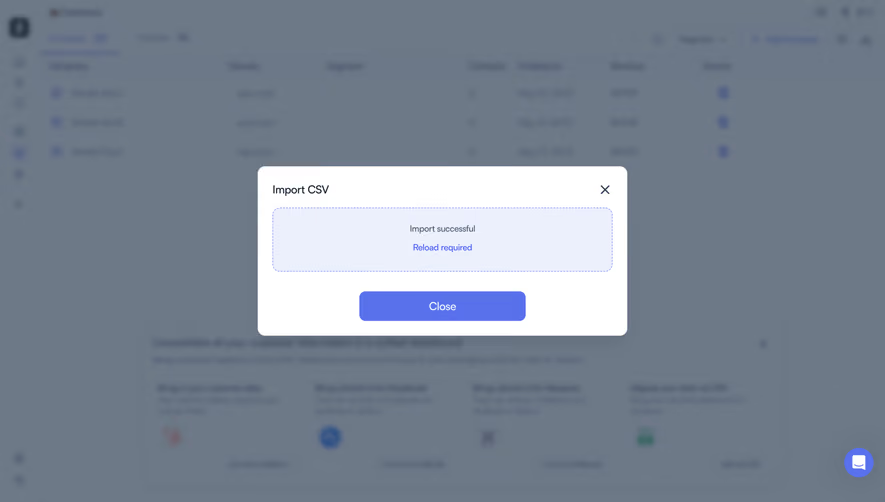
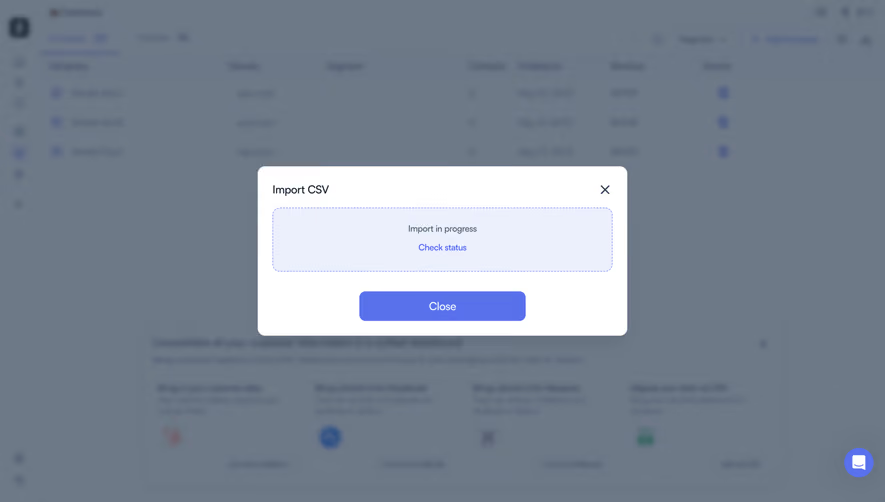
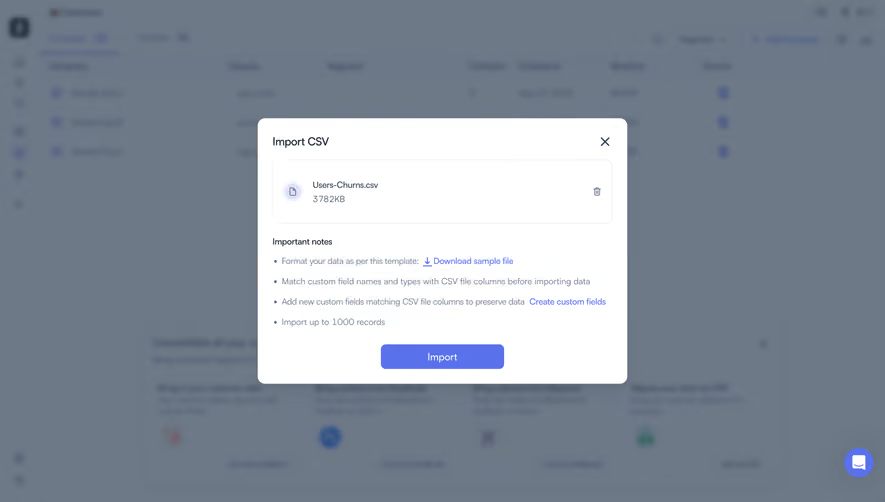
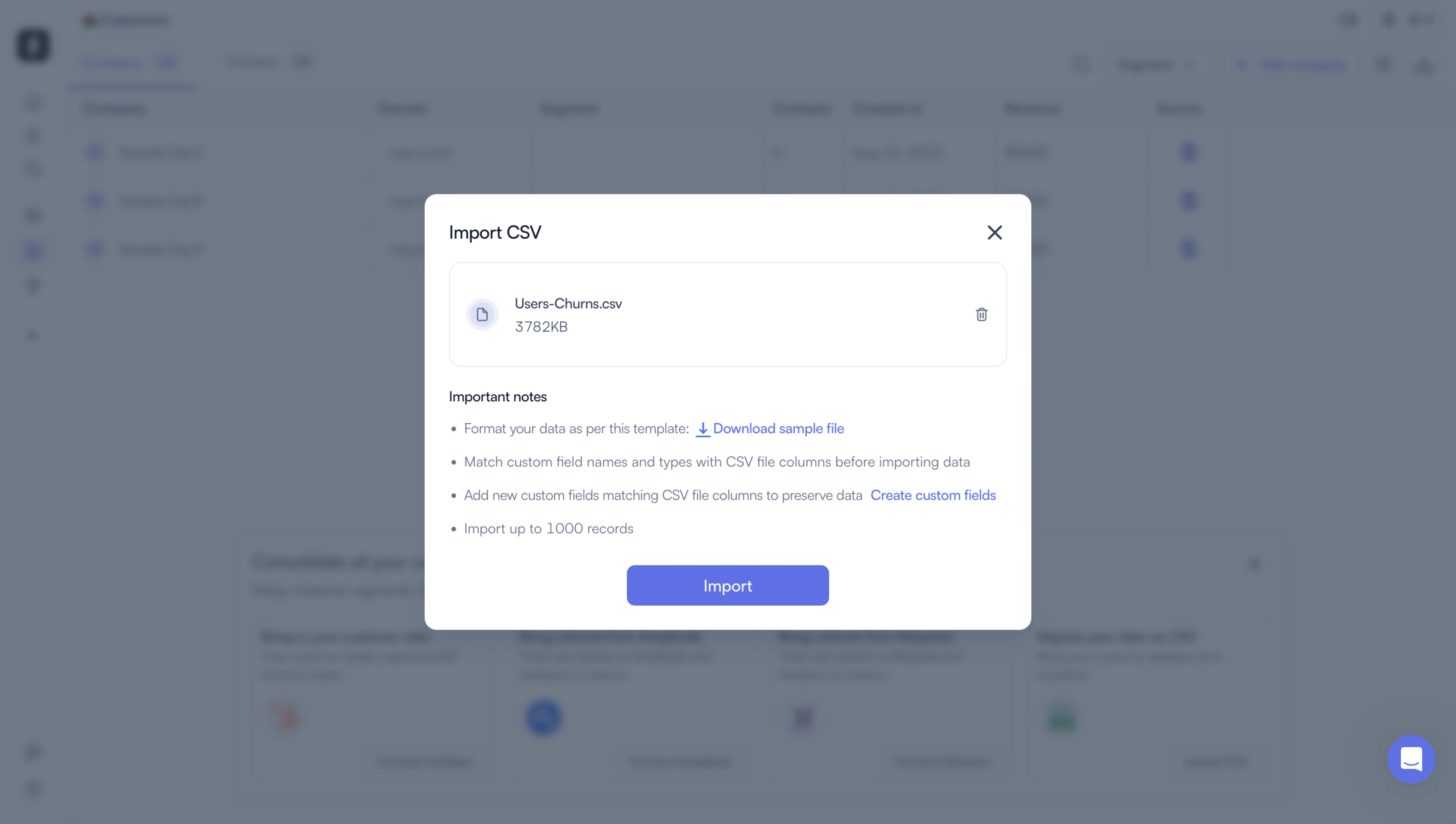
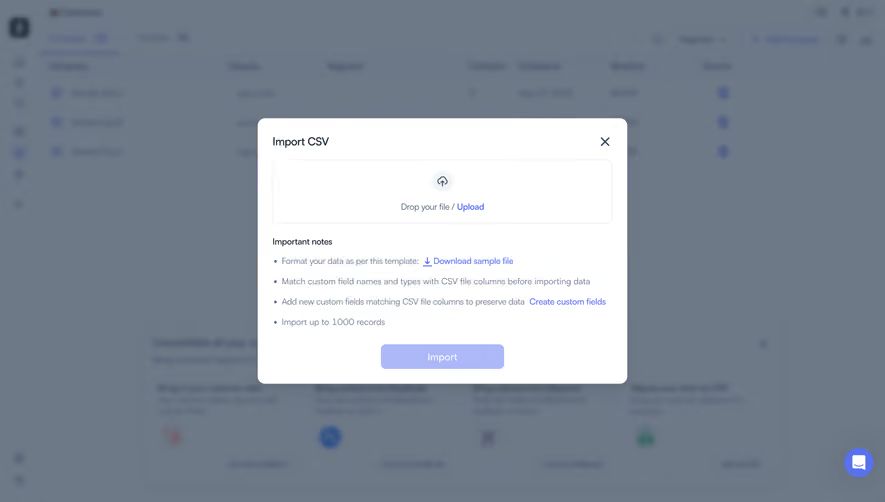
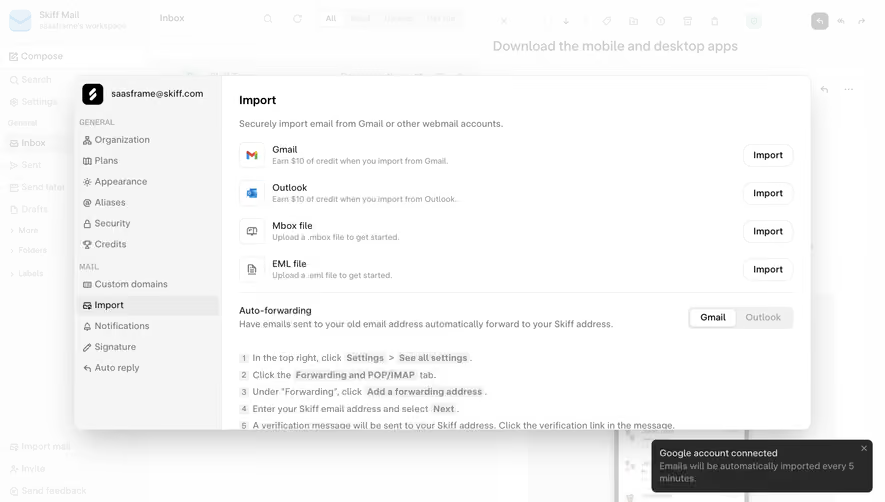
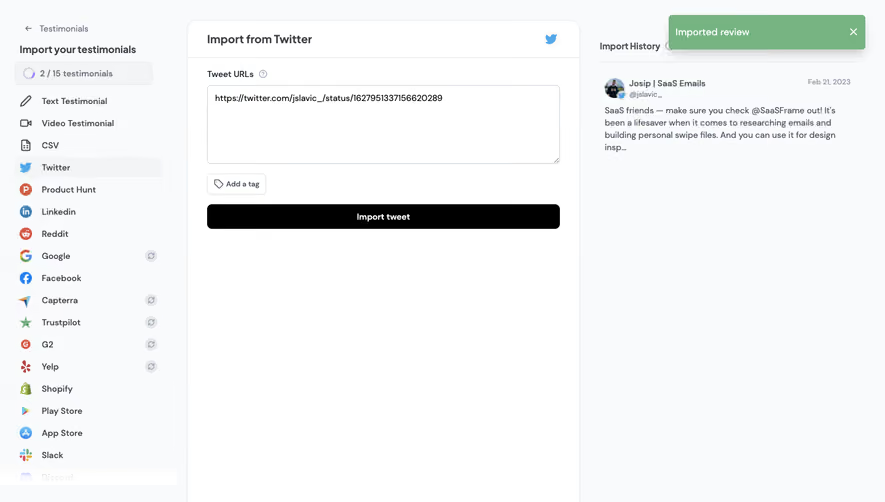
Simplify data migration with user-friendly SaaS Import and Export UI flows. Explore CSV mapping screens, progress indicators, and error-handling layouts designed to help users move data in and out of your platform seamlessly.
Browse 40 real SaaS Import & Export with modern UI patterns and conversion strategies.
We sell SaaSFrame licenses on Gumroad, a secured online selling platform for creators.
What about future updates and versions?
SaaSFrame gets updated all the time! Every new update and version will immediately be made available to all SaaSFrame users.
I didn't receive my licence key, what should I do?
The licence key required to create your SaaSFrame account is send by Gumroad once you made your purchase. If this email is blocked by your email client, send me an email at antoine[at]unmake[dot]io so I can resend the licence key.
Can you send me an invoice?
You can generate an invoice on Gumroad once you purchased SaaSFrame. You will find the link in the order confirmation email.
Can I get a refund?
If you're not satisfied, you can ask for a refund within 7 days. Just send me an email at antoine[at]unmake[dot]io
Import & Export Design Guide
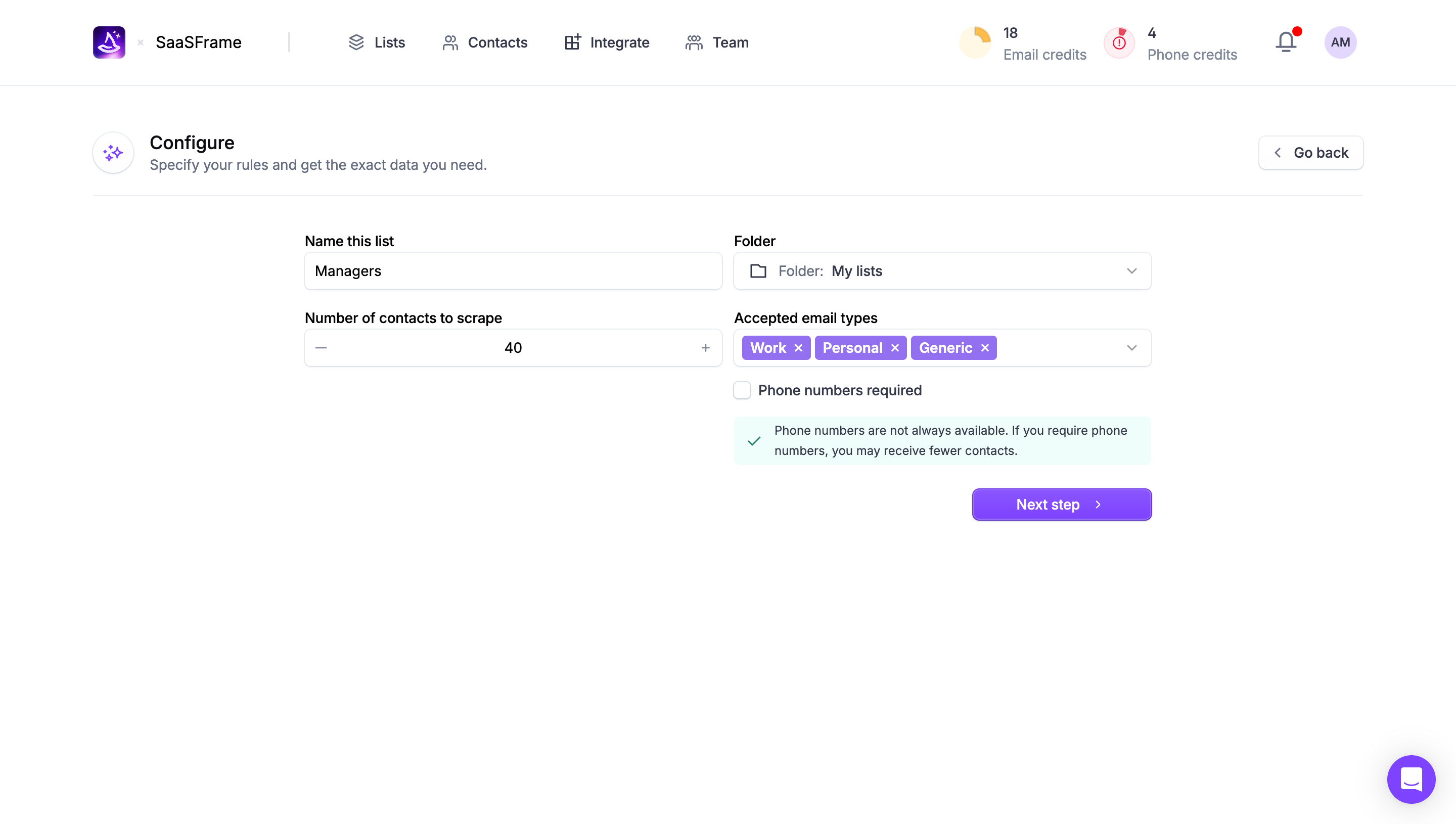
SaaS import and export screens move information across a product boundary. Import turns external data into usable records or assets; export turns product state into a file or output another person can use. Good design makes the source, destination, scope, format, and result understandable before the operation begins.
The SaaSFrame references include map exports, contact downloads, asset libraries, and storage upload entry points. They demonstrate different parts of the transfer experience. A screenshot of an upload button or library is not evidence that a full import mapping flow exists behind it.
Start with the transfer's purpose
An import may support migration, recurring updates, or the creation of a first dataset. An export may support reporting, archiving, presentation, or work in another tool. These purposes require different options and feedback.
Ask what the receiving system or person needs. A spreadsheet of contacts needs a different structure from a presentation-ready map. Choosing a familiar file extension does not guarantee that the output is useful.
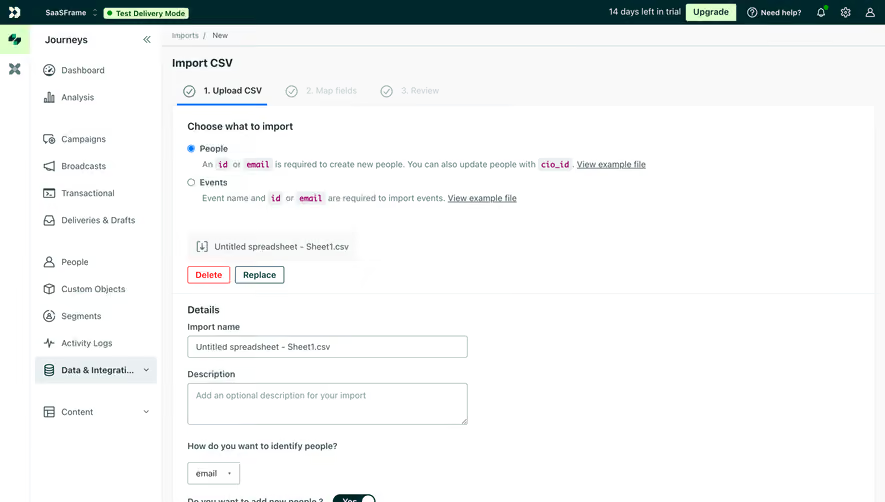
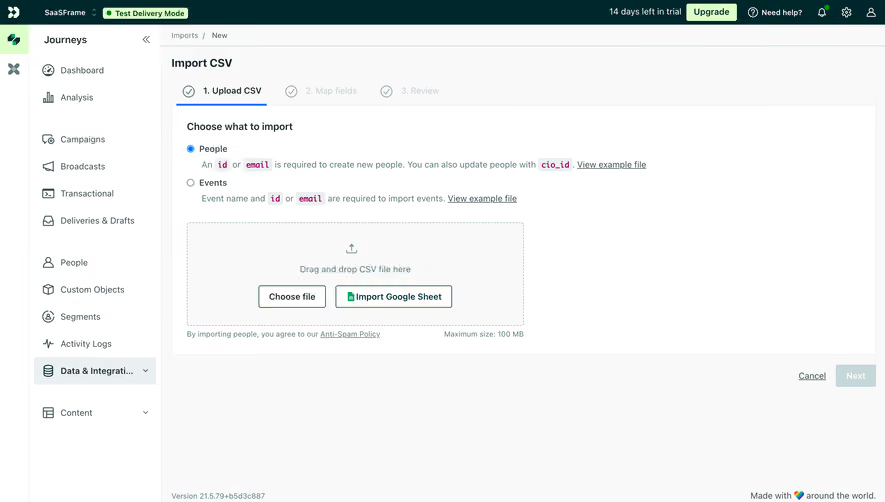
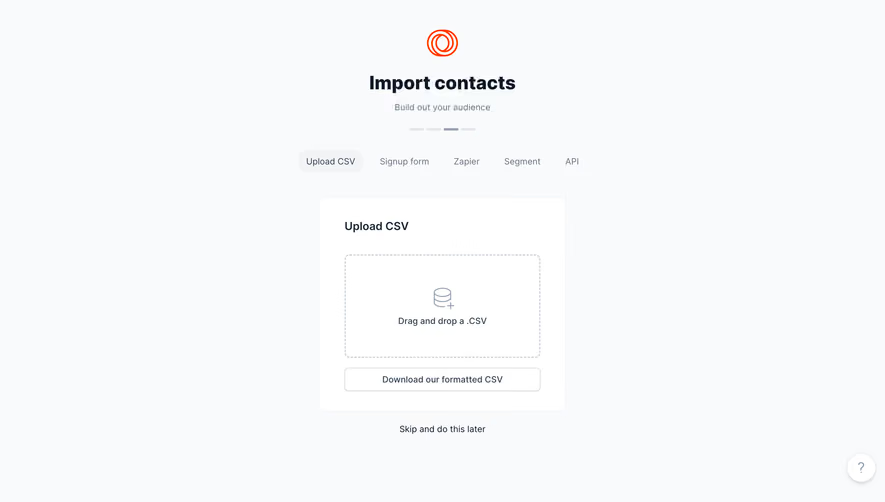
Describe the operation in concrete terms. Uploading a file, synchronizing a folder, importing rows, and attaching an asset are related but distinct actions. The interface should not use one vague import label for every route.
Make selection scope explicit
Users need to know which records or assets will be included. The whole workspace, current filtered view, selected rows, and one object are different scopes. Show the relevant count and describe exclusions before exporting.
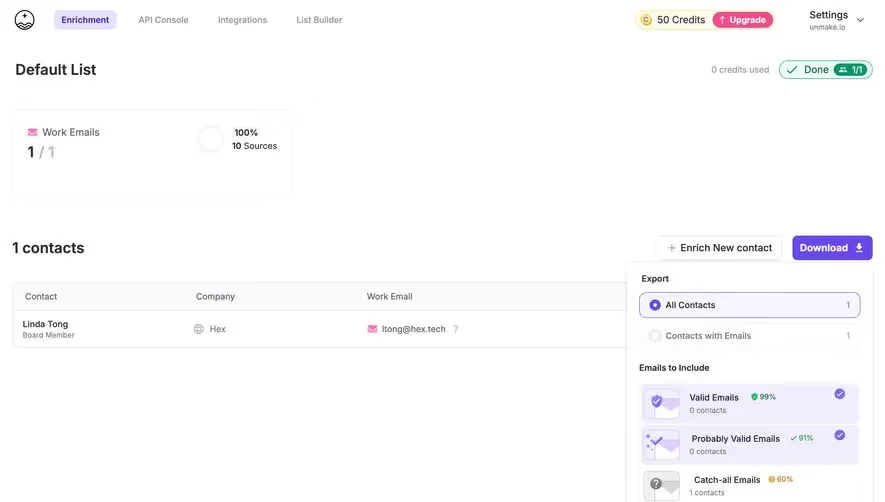
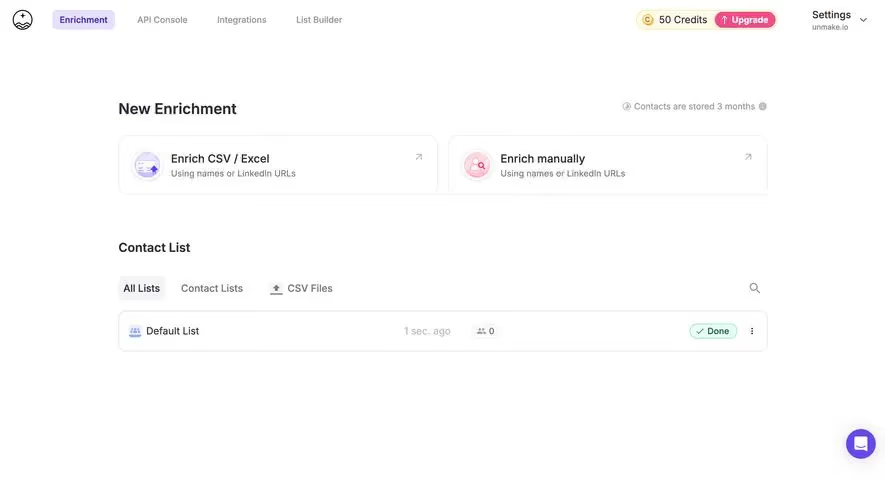
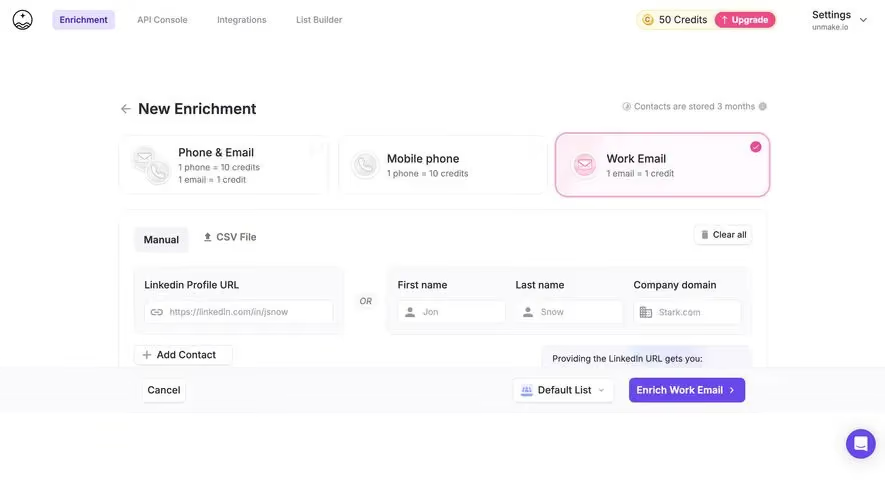
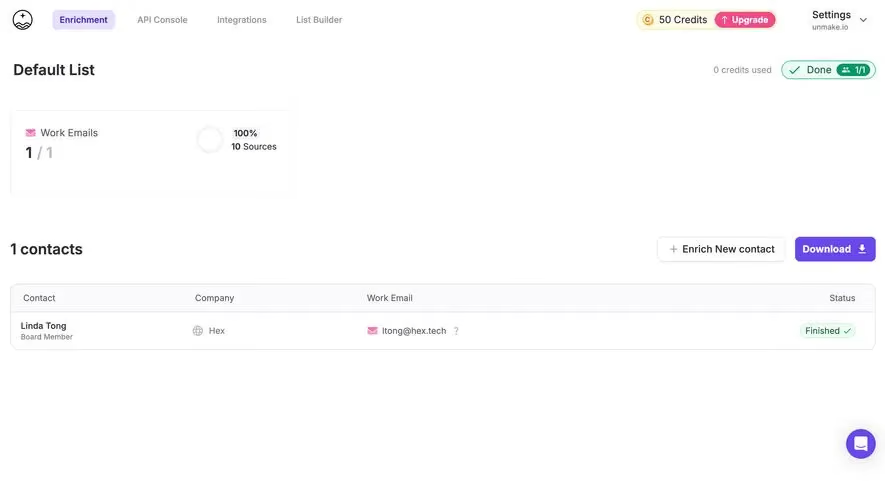
The FullEnrich capture presents an export panel beside a contact list. It distinguishes all contacts from contacts with emails, then lets users choose email categories and inspect counts before downloading in a selected format.
This links filtering to the output instead of treating download as a single opaque action. The design question is how to explain the quality categories and their consequences. A displayed estimate should remain an estimate, not become a guarantee about downstream results.
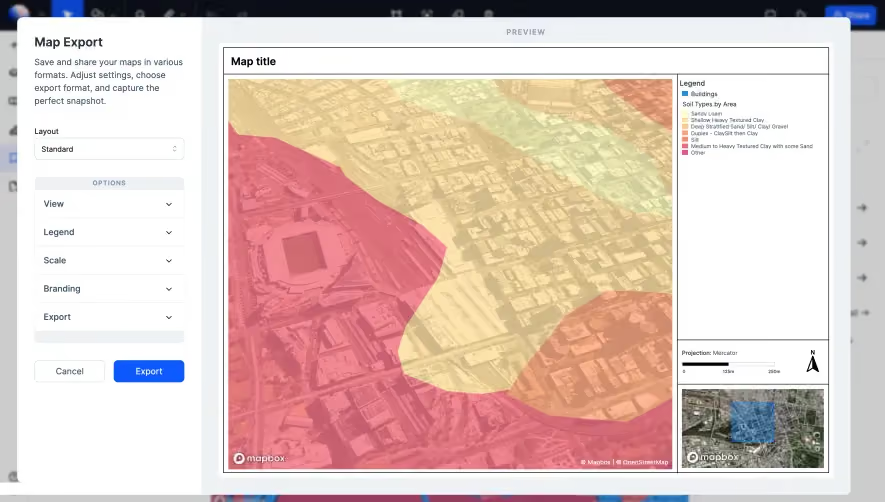
The Atlas map-export capture places configuration options beside a large output preview. The controls cover layout and areas such as view, legend, scale, branding, and export, while the preview shows a composed map with contextual elements.
A preview is useful when the exported artifact differs from the working canvas. Users can judge the relationship between the map, legend, title, and scale before generating a file. This reduces the need to export repeatedly just to discover layout problems.
Make clear which options affect presentation and which affect included data. A branding change should not silently change the data scope. If the preview is approximate or has a lower resolution than the output, explain that limitation where it matters.
Keep format choices connected to downstream use
A format selector should describe meaningful differences. A spreadsheet, structured data file, static image, and editable project serve different purposes. If a choice drops formulas, relations, layers, or metadata, explain that consequence.
Avoid presenting formats as interchangeable icons without names. Users may recognize CSV and XLSX but still need to know which fields or sheets are included. Technical users may need details about encoding or schema compatibility.
Choose a sensible default from the task. Preserve the last-used preference when appropriate, but do not let it hide the actual format of the current output. The final action should make the chosen route understandable.
Establish the destination before importing
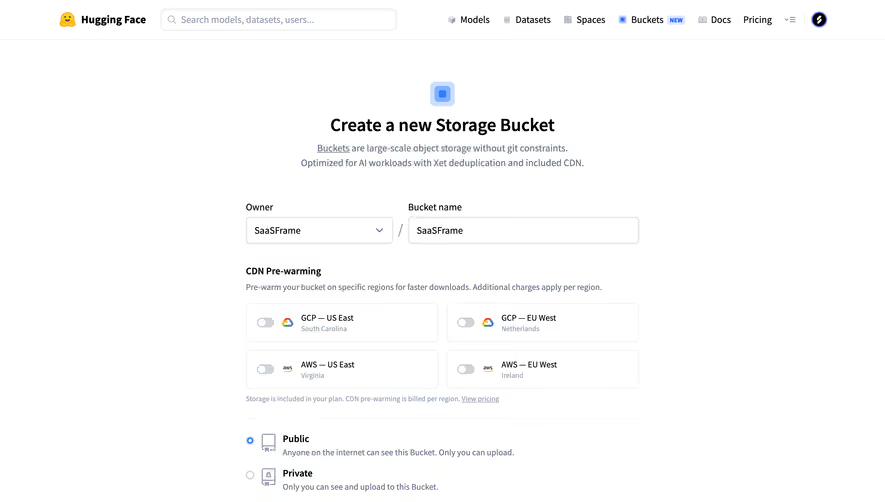
An import needs a clear destination: workspace, project, list, environment, folder, or bucket. Users should not discover after completion that data entered the wrong context.
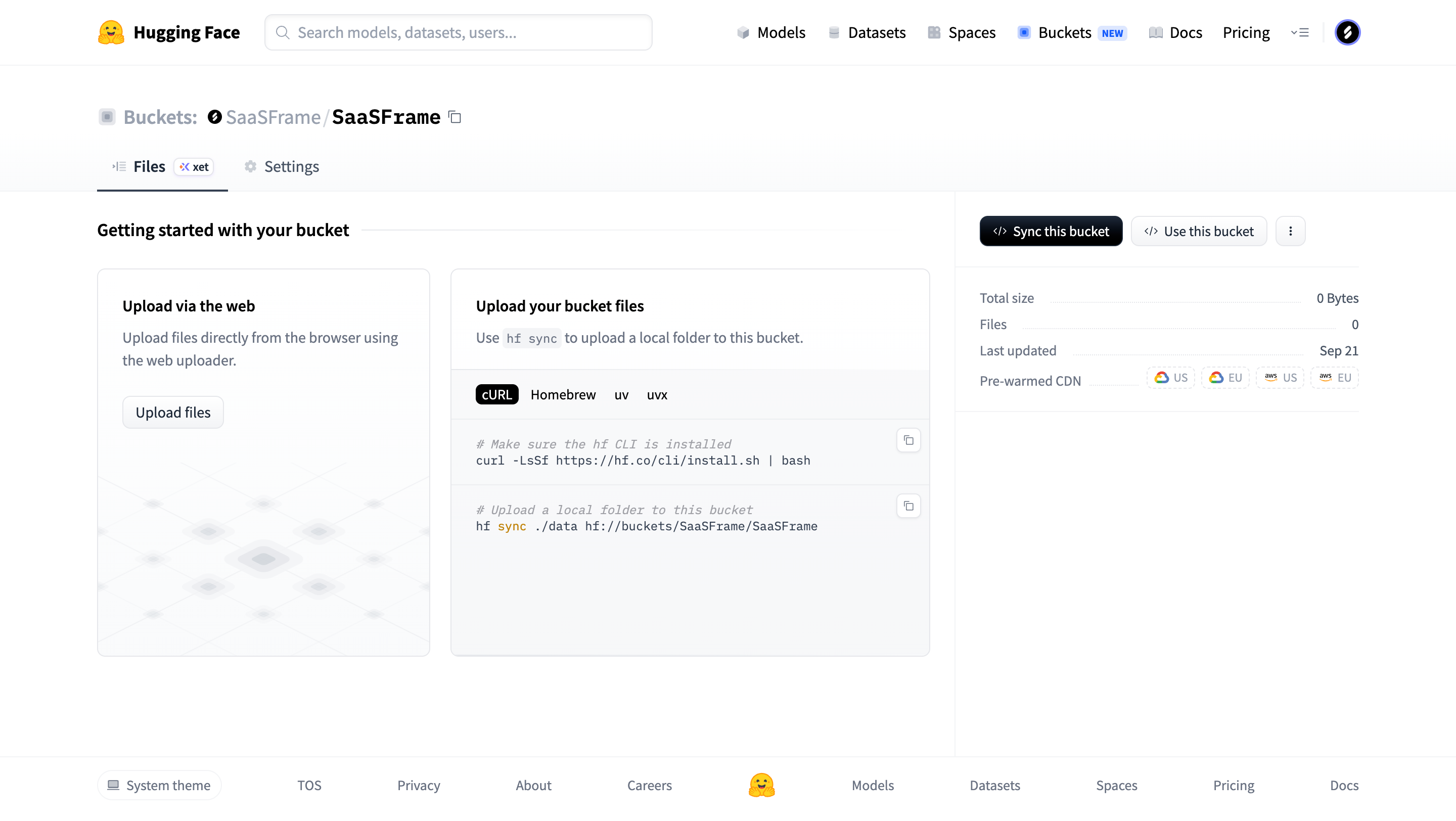
The Hugging Face bucket capture presents the named bucket and separates browser upload from a command-line synchronization route. It also includes a getting-started area and summary information about the bucket.
This distinguishes transfer methods within a concrete destination. The capture shows entry points and instructions, not the full upload outcome. When adapting the model, explain whether a route adds files, replaces matching files, or synchronizes a broader folder state.
Separate asset upload from record import
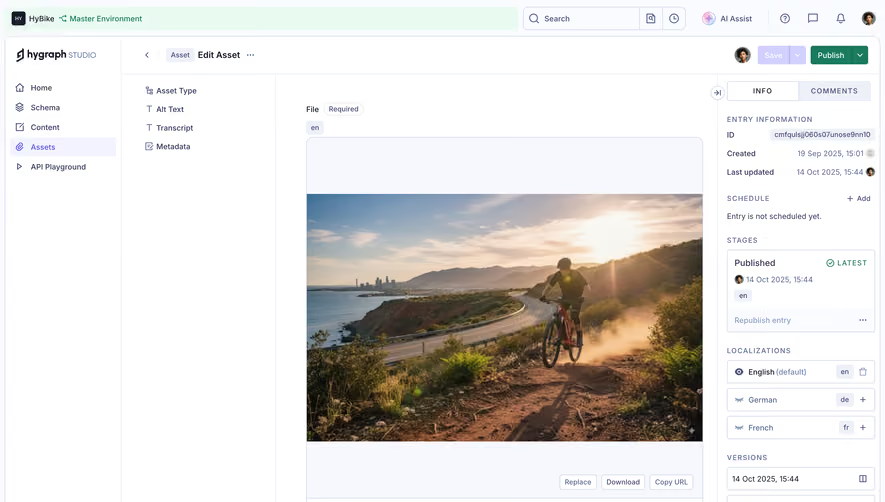
The Hygraph media-library capture shows assets in a filtered grid, with upload and add-entry actions alongside environment, locale, and view context. The thumbnails make the destination's existing contents inspectable.
That is a different problem from importing a spreadsheet into a record schema. Asset workflows may need file-type and metadata handling, while row imports may need field mapping and duplicate decisions. Keep the interface specific to the object being transferred.
Where both routes exist, name them accordingly. A user should not open a record-creation form when expecting to upload a file, or assume that an asset upload will create all the relationships needed by a content model.
Make mapping and validation reviewable
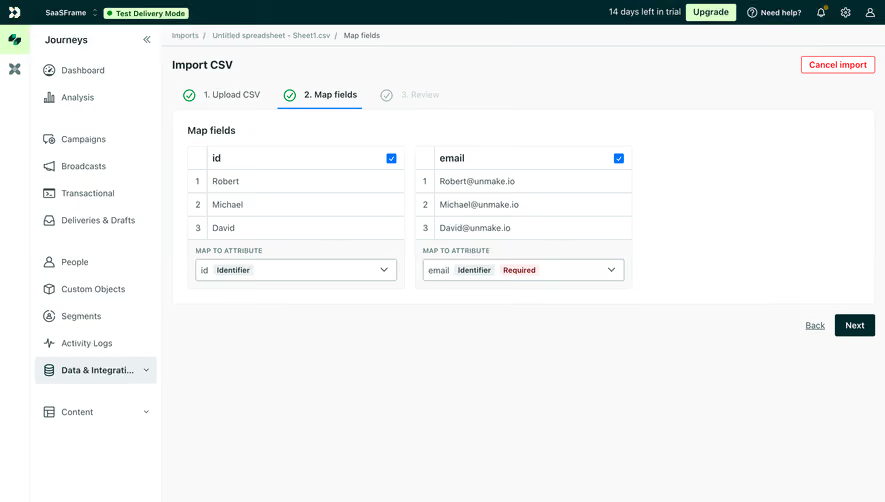
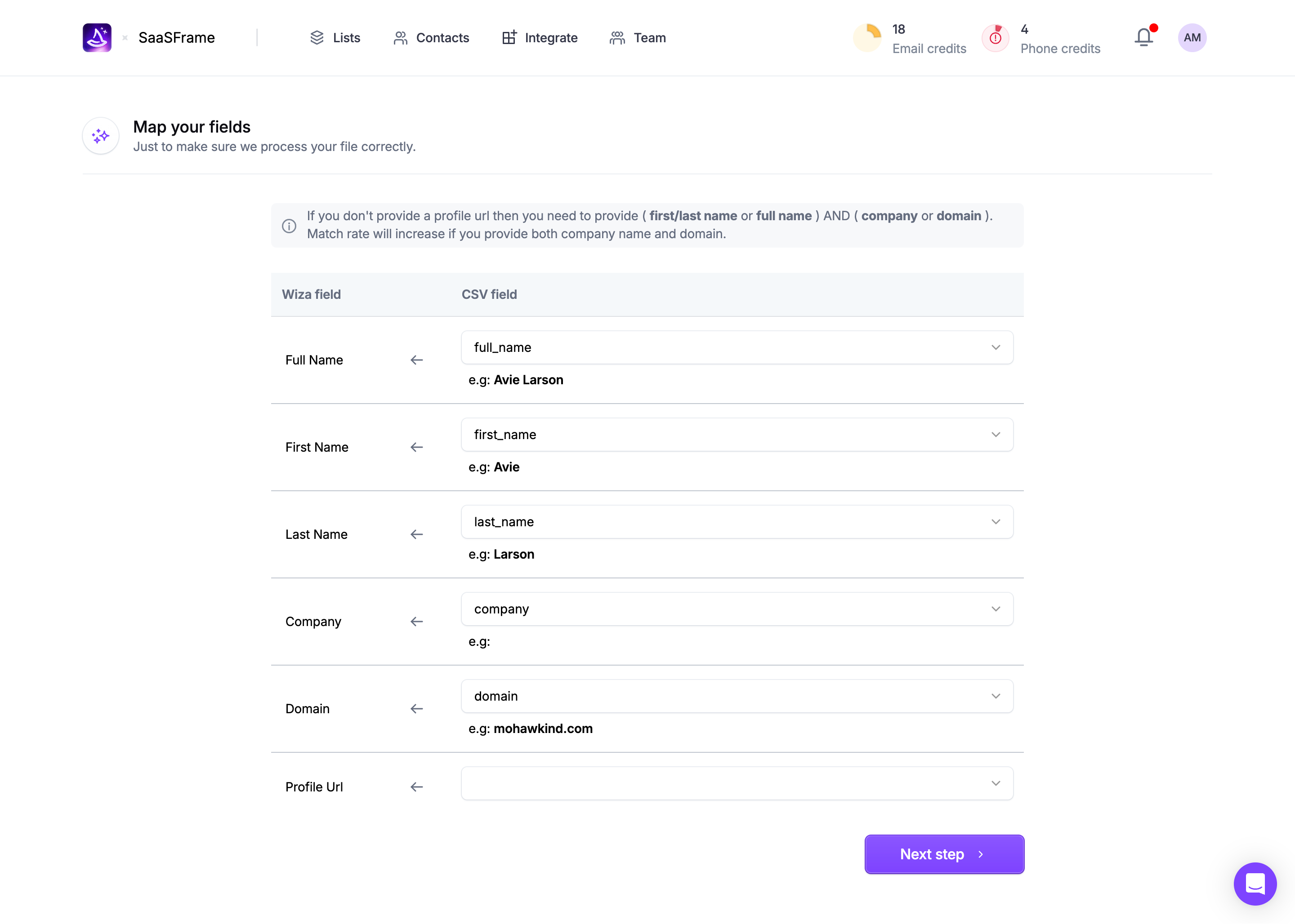
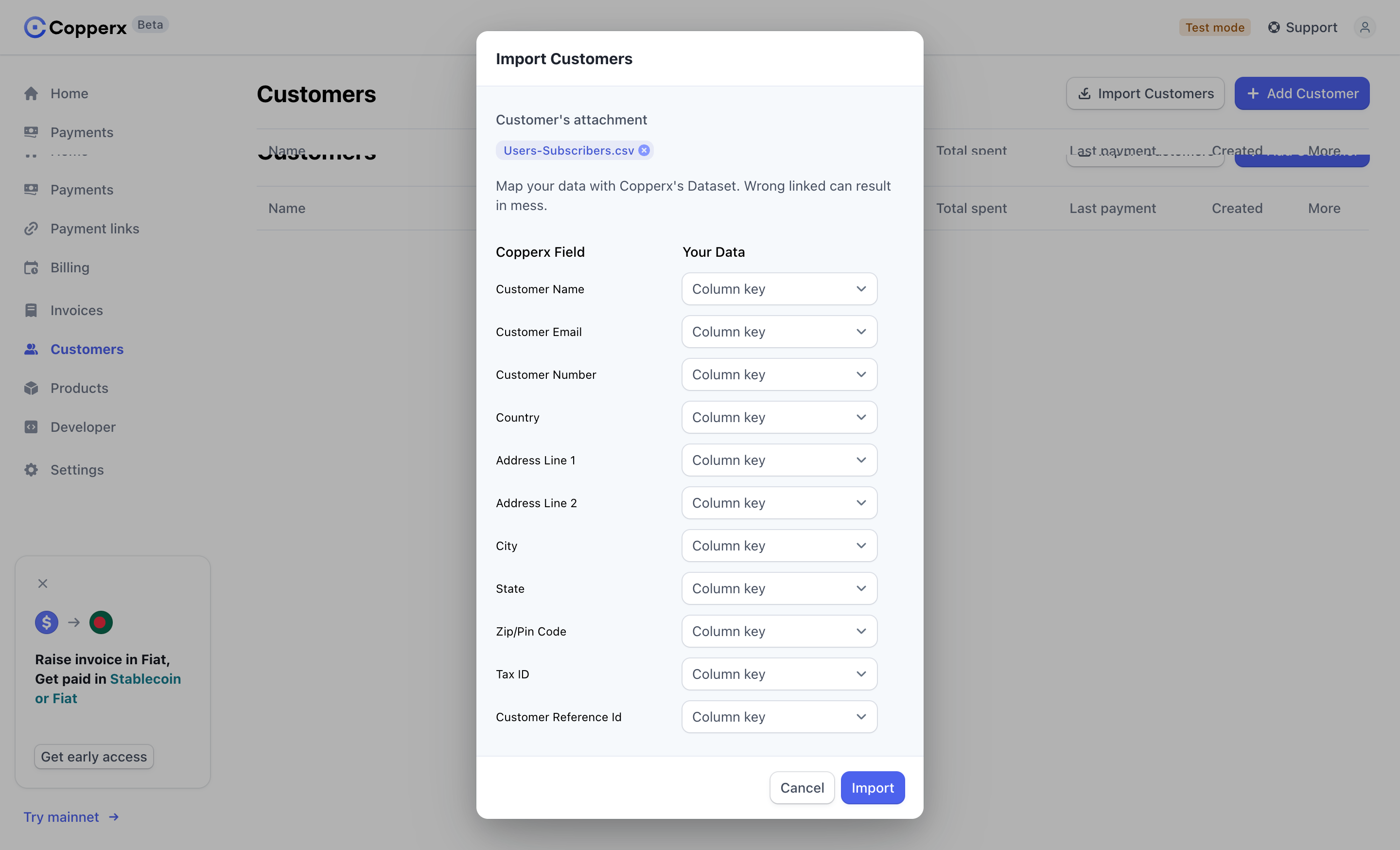
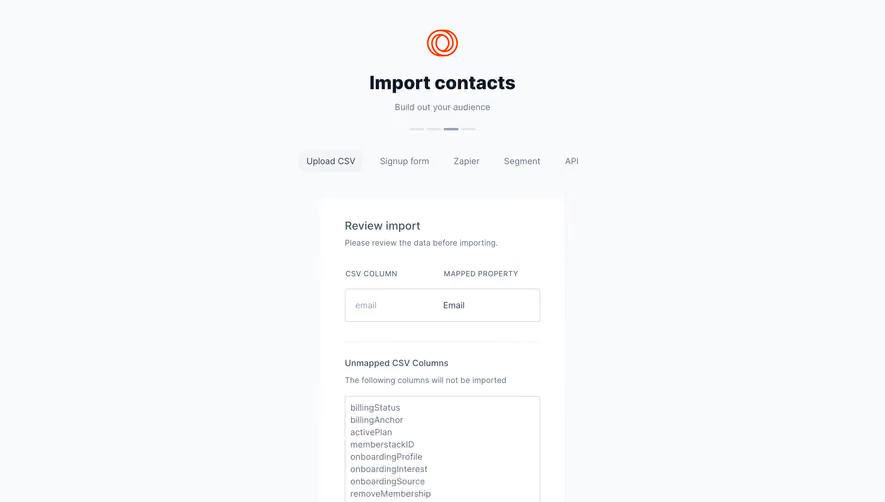
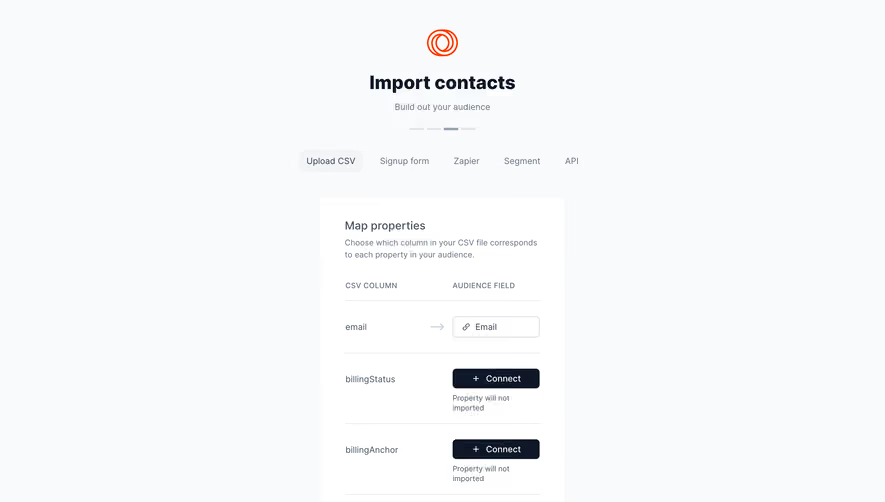
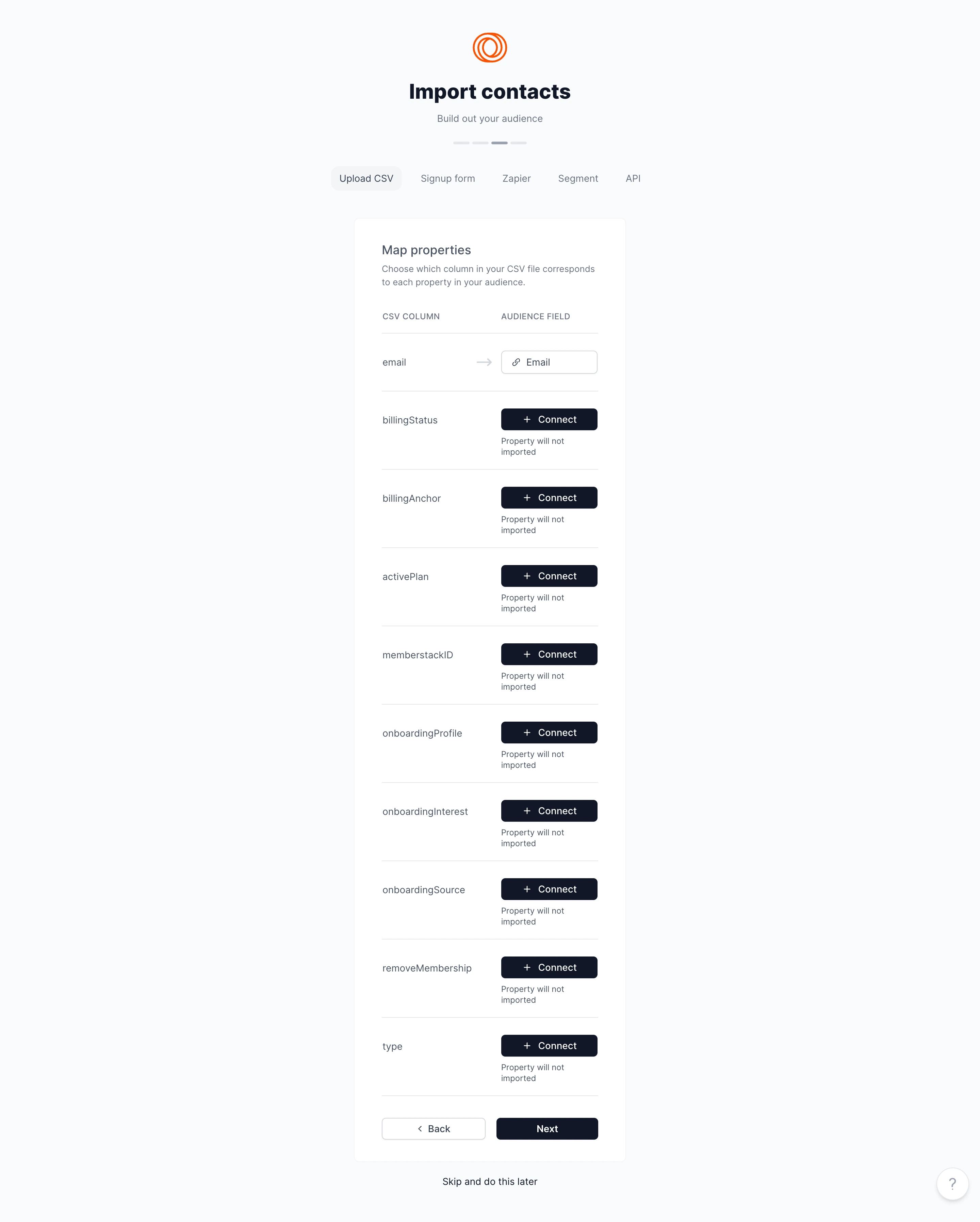
For structured imports, show how source columns map to destination fields before committing. Distinguish a suggested mapping from a confirmed one, especially when similar field names have different meanings.
Explain validation issues in terms of affected rows and fields. A downloadable error report can help with large datasets, but users also need a concise summary of what can proceed and what needs correction.
Do not imply that all rows failed when only part of a file is invalid. Decide whether partial import is supported and state the consequence. If users retry corrected rows, provide a way to avoid unintentionally duplicating the successful ones.
Explain duplicates and replacement behavior
Appending, updating, merging, and replacing data are different operations. Use clear language and explain the matching key before users choose. A file name or email address may not be a reliable unique identifier for every dataset.
When an operation can overwrite existing data, show its scope and provide a review stage proportionate to the consequence. A generic import button should not conceal a broad replacement operation.
For exports, clarify whether the output reflects the current saved state or includes unsaved edits. A visual preview of a draft can otherwise lead users to expect content that the generated artifact does not contain.
Show progress at the level of real work
Large transfers may have stages such as upload, validation, processing, and file generation. Label the active stage rather than showing one progress value that implies completion before the work is usable.
If the operation can continue after the user leaves, explain where its status and result can be found. A notification is useful only if it identifies the transfer and provides a reliable route back.
Cancellation and retry need explicit semantics. Tell users whether cancellation stops future processing, removes imported items, or only closes the interface. Do not suggest that a completed subset was rolled back unless it actually was.
Confirm the result and its exceptions
A completed import should identify the records created, updated, skipped, or rejected. A completed export should provide an accessible output and describe the included scope. “Done” alone may not establish whether the intended work succeeded.
Preserve a route to inspect errors and original settings. Users often need to explain what happened after leaving the operation. A useful history can support recurring transfers and troubleshooting without forcing a fresh attempt.
Protect sensitive data in previews and error reports according to the user's access. Export availability should follow the product's permission model, rather than relying only on whether a download button is visible.
Test realistic files and interrupted operations
Use large datasets, unusual field names, empty values, duplicate records, unsupported formats, and files with partial errors. Include destination switches and retries after uncertain completion.
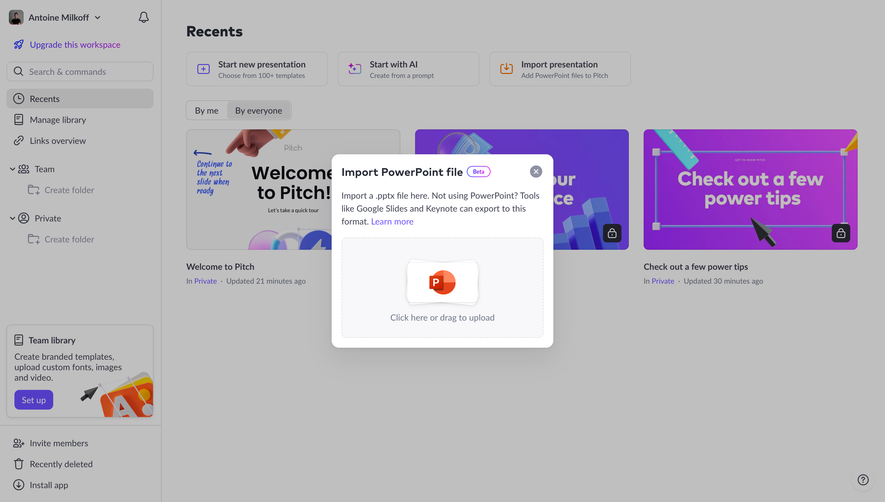
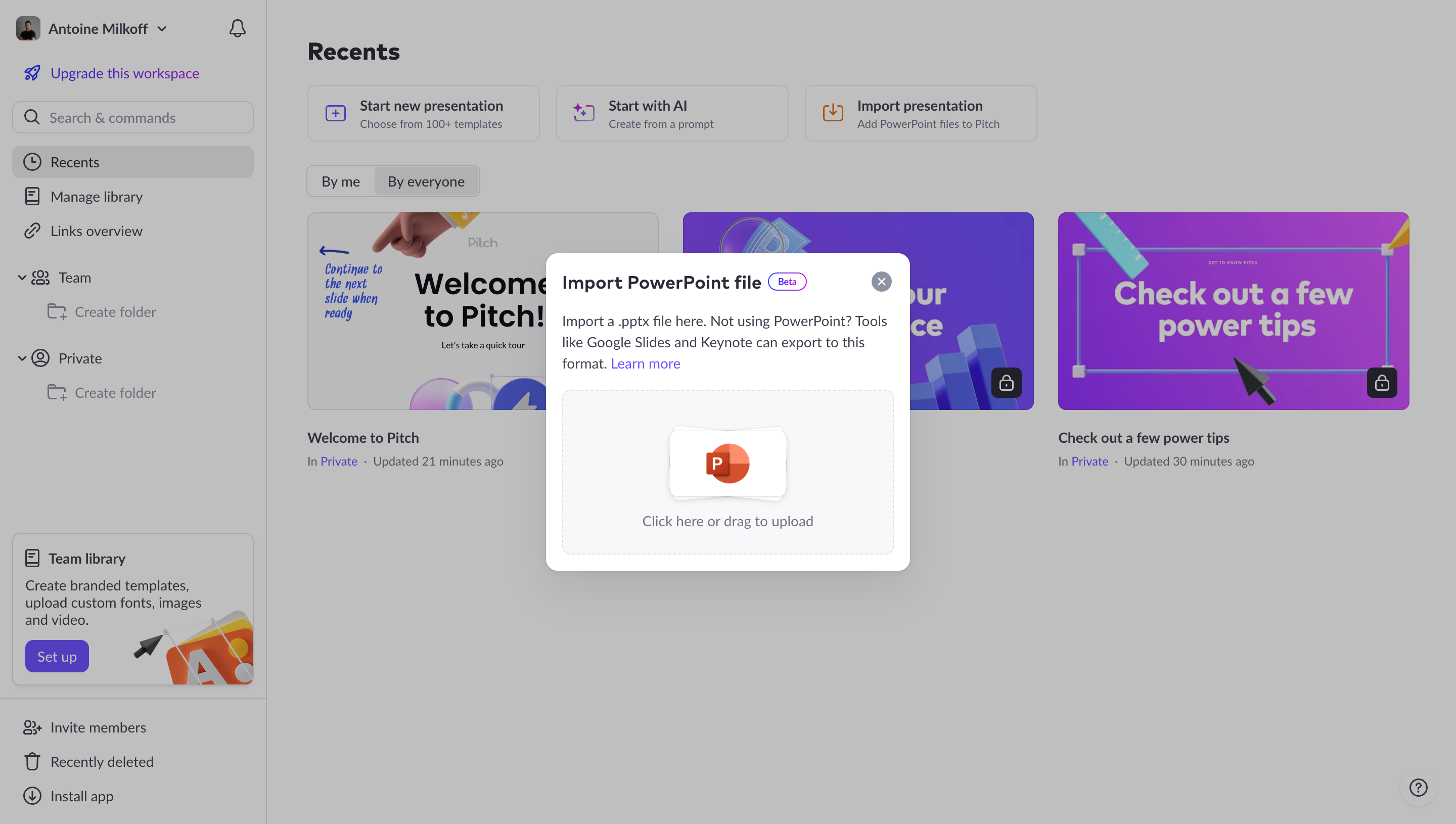
Review keyboard access to upload controls, format choices, and mapping selectors. A drag-and-drop area needs an alternative input route. Progress and error messages should remain understandable without relying only on color.
Evaluate whether users can predict the destination state before importing and explain the exported scope before downloading. That comprehension is central to a trustworthy transfer experience.
Frequently asked questions about SaaS import and export
Does every export need a preview?
A preview is especially useful for composed visual output or complex scope choices. A simple record export may instead need a clear count, format, and field summary.
Should partial imports be allowed?
They can be useful when successful and rejected records are clearly distinguished. Explain retry and duplicate behavior so users can repair the remaining data safely.
Is uploading an asset the same as importing records?
No. They involve different objects and validation needs. Name the action according to what the product actually creates or updates.