.webp)
Thank you! Your submission has been received!
Oops! Something went wrong while submitting the form.
Get SaaSFrame Pro
Monthly
$18
Quarterly
$48
Yearly
$180
Upgrade to access this feature
Browse all screens & flows
Filter and search screens & flows
Access Figma files
Access mobile versions
Bookmark screens & flows
Join now
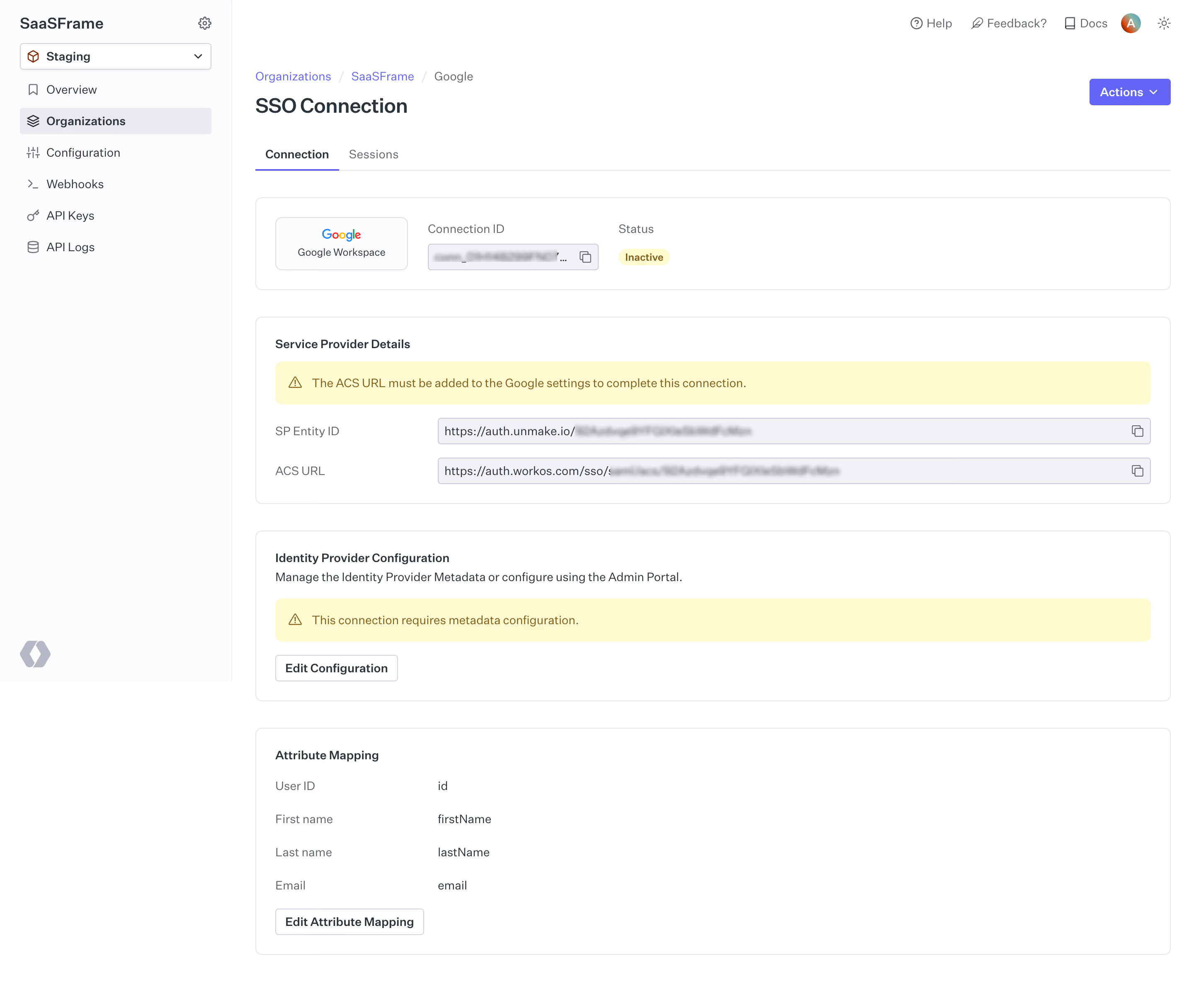
WorkOS Single Sign-On Setup

WorkOS
our app, Enterprise Ready.
Designed by
No items found.

Bookmark
Bookmark

Design with AI
Thank you! Your submission has been received!
Oops! Something went wrong while submitting the form.
# Design from Reference: WorkOS Single Sign-On Setup
Create an original, high-fidelity visual design inspired by the reference. Prioritize composition, typography, colors, spacing, and component styling over technical implementation.
## Reference
- **Product:** WorkOS
- **Category:** Add & Edit
- **Screenshot:** https://cdn.prod.website-files.com/5e9dc792e1210c5325f7ebbc/6acb6a4a03442b22fb62aabc_6acb695bc8e486b21178e4b5_cms-75ecfeb34b7ac98b84e8b24a.webp
Analyze the screenshot first. If inaccessible, request it rather than guessing.
## Content
{{content.instructions}}
{{content.data}}
Preserve essential messaging and factual accuracy. Adapt structure and copy length for visual balance; never invent product claims.
## Visual Design
### Overall aesthetic
- **Character:** Clean developer configuration dashboard with white bordered panels, pale-gray navigation and purple accents.
- **State emphasis:** Yellow warning strips and an Inactive status pill communicate incomplete SSO setup without a blocking modal.
- **Scale:** The source measures 2880 × 2432 image px. Dimensions below estimate a 1440 × 1216 CSS layout at 2× scale; device scale and zoom are unverified.
### Page composition
- **Sidebar:** A roughly 280 CSS px rail holds workspace title, staging selector and six configuration destinations. Organizations is selected.
- **Page header:** Breadcrumbs identify organization and provider above SSO Connection. A purple Actions dropdown aligns right; Connection and Sessions tabs sit underneath.
- **Summary panel:** A horizontal card contains a Google Workspace provider tile, connection-ID copy field and inactive badge.
- **Configuration stack:** Service Provider Details, Identity Provider Configuration and Attribute Mapping panels follow with consistent widths and gaps.
- **Utility header:** Help, feedback, documentation, account avatar and theme symbol occupy a small top-right row.
### Information hierarchy
- **Orientation:** Breadcrumbs establish the provider context, while the large connection title identifies the resource.
- **Connection state:** The yellow inactive badge appears beside the ID. Two larger yellow notices explain missing service-provider setup and metadata configuration.
- **Technical data:** Service-provider identifiers are arranged in labeled copyable rows; attribute mapping uses a simple two-column list.
- **Actions:** Edit Configuration and Edit Attribute Mapping are subordinate outlined buttons within their relevant panels; Actions is the strongest colored header control.
- **Privacy:** Connection IDs and endpoint suffixes are blurred in the capture and are not reproduced.
### Typography
- **Family:** Neutral interface sans-serif; exact identity is unverified.
- **Title:** Approximately 24–26 CSS px, medium-to-bold, with around 32 px leading.
- **Panel labels:** Roughly 14 px, weight 600, followed by regular 14 px supporting copy.
- **Technical rows:** Labels and values are around 14 px, with muted labels and darker values. The ID fields have compact single-line text.
- **Small roles:** Breadcrumbs, tabs and sidebar labels are approximately 14 px; the status pill is smaller at about 12 px and bold.
### Colors & surfaces
- **Measured surfaces:** ICC-aware sRGB sampling yields #FFFFFF, #FCFCFD and #F2F2F5 across main panels, sidebar and read-only controls.
- **Measured borders:** #E4E4E9 and #EBEBEF define fine panel edges and separators.
- **Measured foreground:** #29333C is a dark text tone; #C8C9D5 appears in subdued neutral details.
- **Measured accents:** Purple #6565F4 marks actions and active-tab rules. Warning surfaces use #FFF9D0 with brown #7E5E17 text/icons.
- **Depth:** Thin outlines and small corner radii define panels; shadows are minimal.
### Components
- **Environment selector:** A white outlined dropdown spans most of the sidebar width and pairs a small cube icon with the staging label.
- **Tabs:** Connection is bold with a purple underline; Sessions is muted. A fine rule extends across the remaining width.
- **Provider summary:** A compact outlined provider tile sits beside a gray connection-ID field with copy icon and a small yellow status pill.
- **Warning bars:** Full-width pale-yellow rounded notices include triangular icons and one-line instructions.
- **Copy fields:** Two long read-only-looking rows pair a left label with a gray outlined endpoint box and trailing copy symbol.
- **Mapping list:** Four attribute rows align labels and values in two columns, followed by a small outlined edit action.
- **Panel geometry:** Broad cards use roughly 8 px corners, 24 px padding and about 32 px vertical gaps.
### Visual rhythm
- **Alignment:** Breadcrumb, title, tabs and every panel share one left axis around 28 px inside the main column.
- **Section spacing:** Consistent panel gaps separate summary, provider details, metadata and mappings.
- **Row rhythm:** Technical rows have compact regular spacing, while warning bars receive more breathing room.
- **Color hierarchy:** Purple indicates navigation/actions; yellow isolates setup issues within otherwise neutral content.
### Responsive
- **Evidence limit:** Only desktop is available; these are recommendations.
- **Shell:** Collapse the rail and wrap header utilities on smaller screens.
- **Summary:** Stack provider tile, ID and status without clipping the copy control.
- **Technical rows:** Place labels above endpoint fields and support safe wrapping or horizontal scrolling for long values.
- **Panels:** Preserve readable warning text and adequate action targets within fluid-width cards.
### Adaptation guidance
- **Reusable pattern:** Combine a resource summary, explicit setup warnings, copyable provider values and scoped configuration panels.
- **State clarity:** Keep inactive status and required next steps visible together; do not imply a completed connection.
- **Data handling:** Preserve masking for identifiers and avoid exposing secrets in examples or reusable text.
- **Accessibility:** Label copy controls, expose warning/status semantics and make tab selection and keyboard focus clear.
Use this context to reproduce the reference's visual language: layout, typography, colors, spacing, borders, radii, and distinctive elements. The screenshot takes priority if descriptions conflict.
## Direction
{{preferences.fidelityInstructions}}
## Output
{{output.instructions}}
Deliver a polished, cohesive design with precise alignment, hierarchy, and spacing. Produce the requested visual artifact, not just a description. If unsupported, explain the limitation.

.avif)
Category
Patterns
Tech Stack


Added on
May 23, 2023


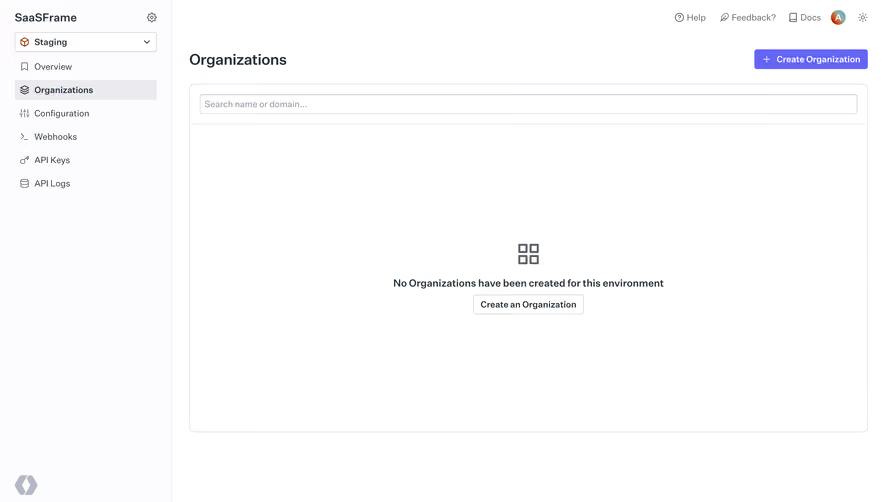
Similar screens
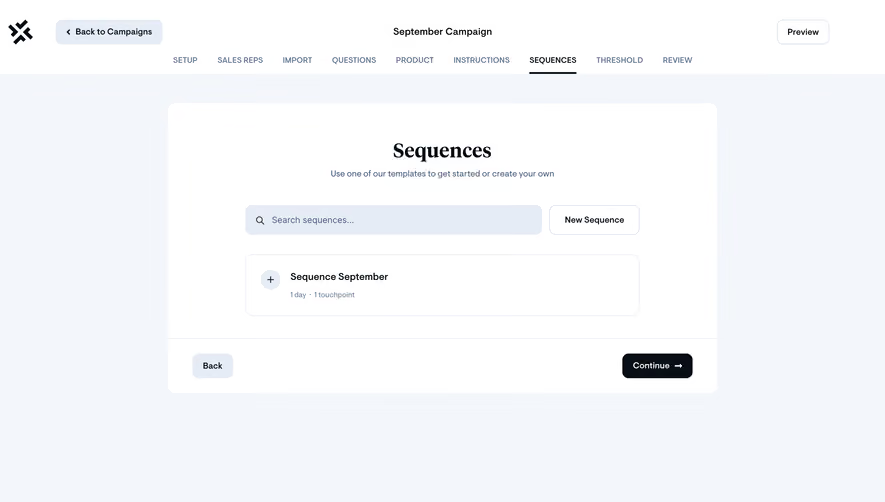


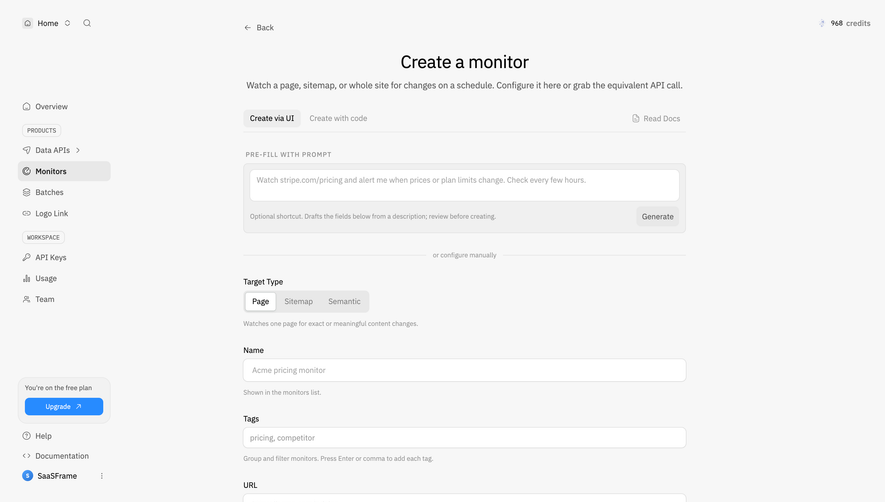


Upgrade to SaaSFrame Pro now to see similar examples.
Monthly
$18 /month
Billed $18 monthly
Browse all screens & flows
Filter and search screens & flows
Search text in screenshots
Access Figma files
Access mobile versions
Join now
Quarterly
$16 /month
Billed $48 quarterly
Browse all screens & flows
Filter and search screens & flows
Search text in screenshots
Access Figma files
Access mobile versions
Join now
Yearly
$15 /month
Billed $180 yearly
Browse all screens & flows
Filter and search screens & flows
Search text in screenshots
Access Figma files
Access mobile versions
Join now