.avif)

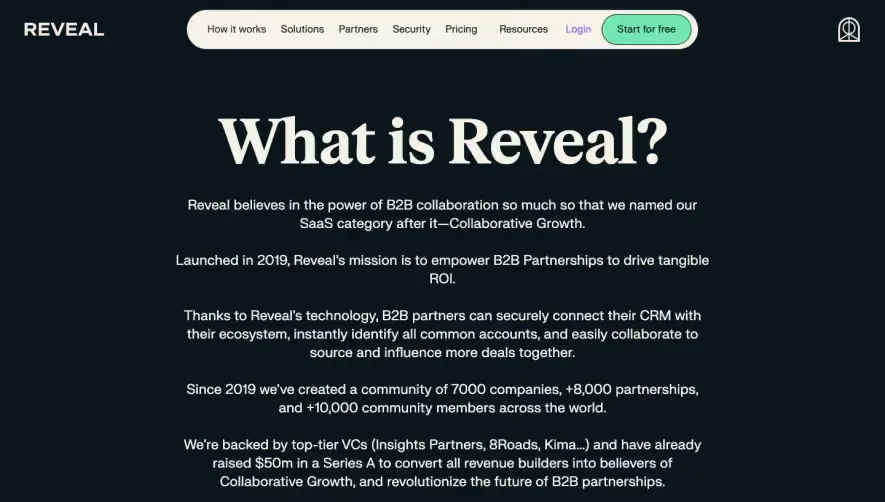
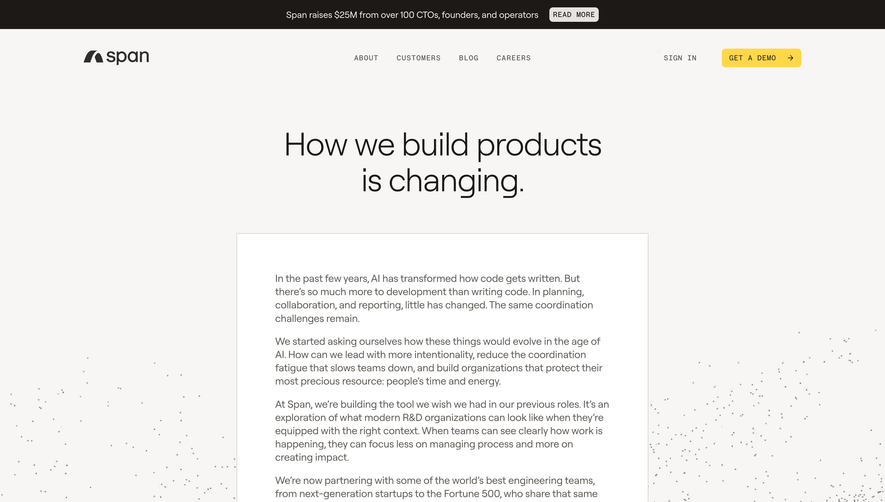
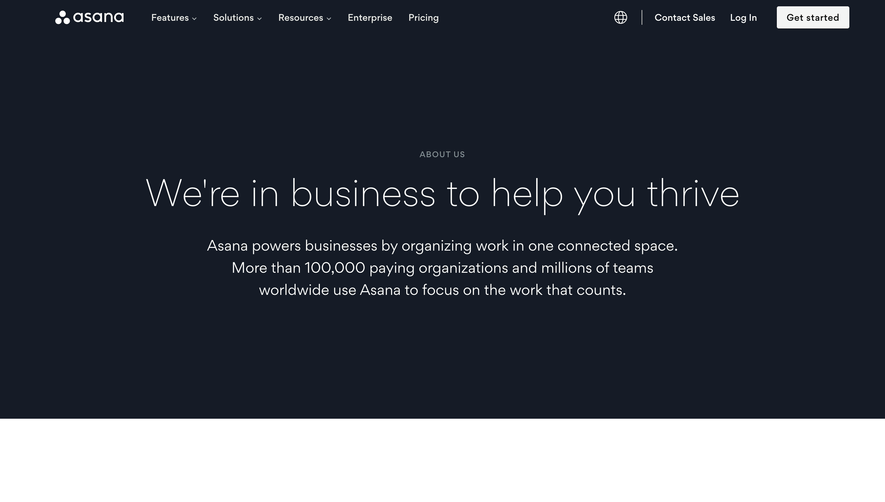
1. The page starts with a video banner featuring a short clip showcasing the company's culture and values. 2. Next is a section titled "Our Mission" with a brief description of the company's goals and objectives. 3. This is followed by a section featuring the company's core values listed in a grid with icons and text. 4. The next section highlights the company's team with a grid layout of profile pictures of team members along with their names and job titles. 5. A "Join Our Team" button is placed below this section, leading to the company's career opportunities page. 6. The next part of the page is dedicated to showcasing the company's customers and their testimonials. 7. After this, there is a section featuring the company's achievements so far, including numbers of users and customers, countries served, and awards earned. 8. A "See Our Awards" button is placed below this section, leading to the company's press page. 9. The final section of the page is titled "Let's Get in Touch" and includes a contact form and the company's contact details. Overall, the page has a simple and visually pleasing layout with clear sections showcasing the company's mission, culture, team, customers, achievements, and contact information. The use of grid layouts and concise text effectively presents the necessary information while maintaining a professional and approachable aesthetic.
.webp)


Loom About Page

Loom
Say it with video
Designed by
No items found.
Category
Patterns
No items found.
Tech Stack
Added on
May 1, 2020