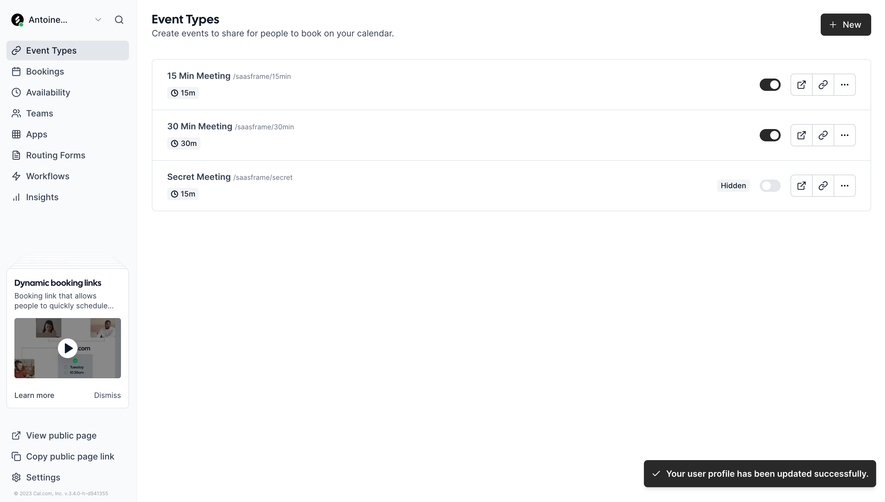
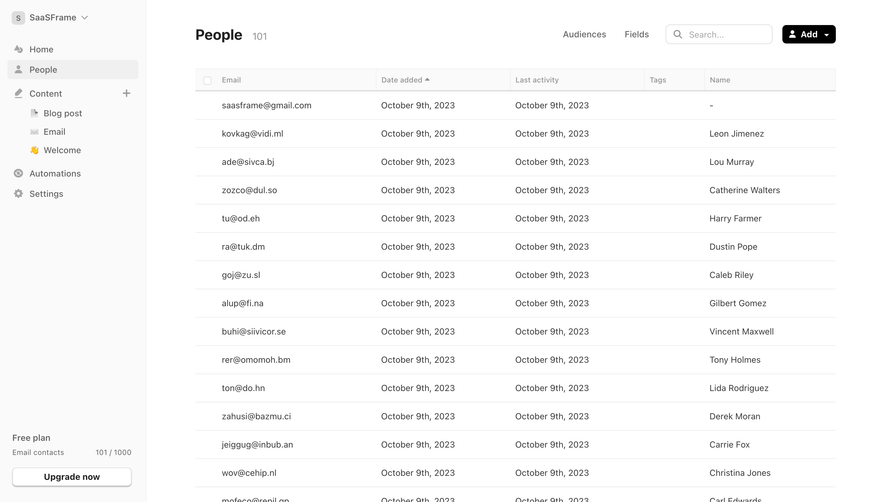
Generate a new design based on this screen using your own content.
Thank you! Your submission has been received!
Oops! Something went wrong while submitting the form.
# Design from Reference: Intercom Workflows Table
Create an original, high-fidelity visual design inspired by the reference. Prioritize composition, typography, colors, spacing, and component styling over technical implementation.
## Reference
- **Product:** Intercom
- **Category:** Table
- **Screenshot:** https://cdn.prod.website-files.com/5e9dc792e1210c5325f7ebbc/6acad625fef6904ce0090dcc_6acad5a8701e38c79488f44c_cms-1fcf84433594e411cb07408f.webp
Analyze the screenshot first. If inaccessible, request it rather than guessing.
## Content
{{content.instructions}}
{{content.data}}
Preserve essential messaging and factual accuracy. Adapt structure and copy length for visual balance; never invent product claims.
## Visual Design
Use this context to reproduce the reference's visual language: layout, typography, colors, spacing, borders, radii, and distinctive elements. The screenshot takes priority if descriptions conflict.
## Direction
{{preferences.fidelityInstructions}}
## Output
{{output.instructions}}
Deliver a polished, cohesive design with precise alignment, hierarchy, and spacing. Produce the requested visual artifact, not just a description. If unsupported, explain the limitation.
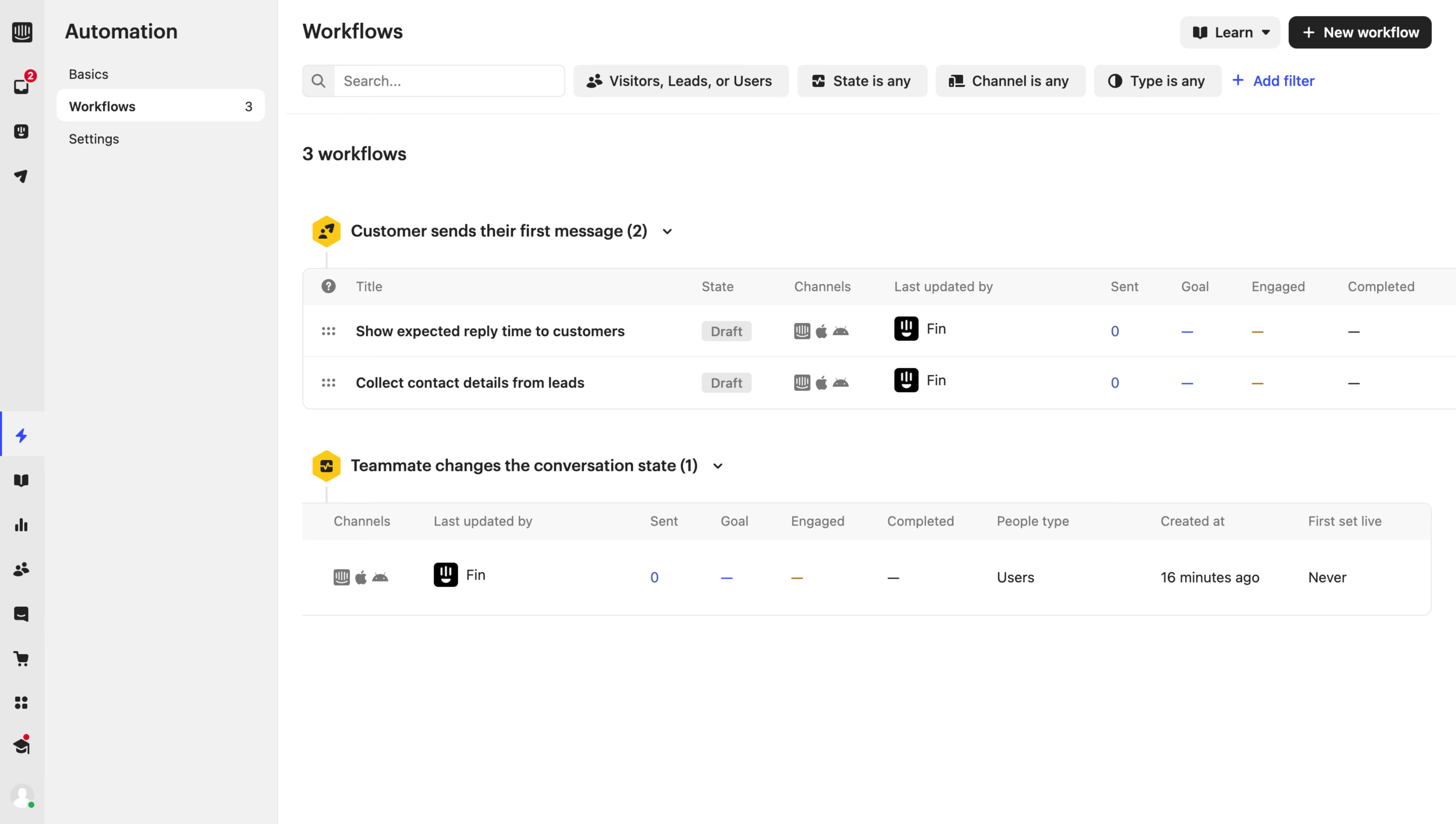
Intercom’s Workflows Overview page combines a crisp, modern interface with a professional yet inviting aesthetic. The design emphasizes clarity and ease of use, favoring subtle gradients and generous white space for a clean, breathable layout. Rounded corners and gentle shadows add dimension without distraction, contributing to an approachable and polished tone.
Layout and Structure
The structure is intentionally simple: a prominent header establishes context, followed by a neatly organized grid of workflow cards, each representing an automation flow. There’s no clutter from traditional promotional elements like hero banners or testimonials—everything is focused on operational efficiency. A persistent sidebar on the left streamlines navigation across different automation features.
Visual Elements
Minimalist icons, layered with soft accent colors, reinforce the SaaS focus on automation while maintaining visual harmony. Micro-interactions on hover and selection provide tactile feedback, guiding users through actions and data without overwhelming movement or animation.
Color Palette and Typography
The palette leans on cool blues and teals, accented with pops of purple and green for status and highlights. Typography prioritizes legibility with a sans-serif font, using bold weights for headings and high-contrast, smaller text for supporting details—creating a clear hierarchy that makes scanning effortless.
User Experience Patterns
Navigation is predictable and efficient, with sticky sidebars and clear CTAs for creating new workflows. Every interaction is geared towards giving users confidence—modals, tooltips, and in-line notifications guide rather than interrupt. The interface feels intuitive, fast, and scaled for both beginners and power users.
Unique or Notable Design Choices
A stand-out feature is the task-oriented card layout, allowing users to view and manage complex automations at a glance. The light, almost playful accent colors counterbalance the page’s operational seriousness, making automation feel both sophisticated and friendly.
Tone and Feel
Trustworthy and reassuring, the design communicates innovation and control—helping users feel empowered to automate processes with confidence and transparency.
.webp)



.avif)