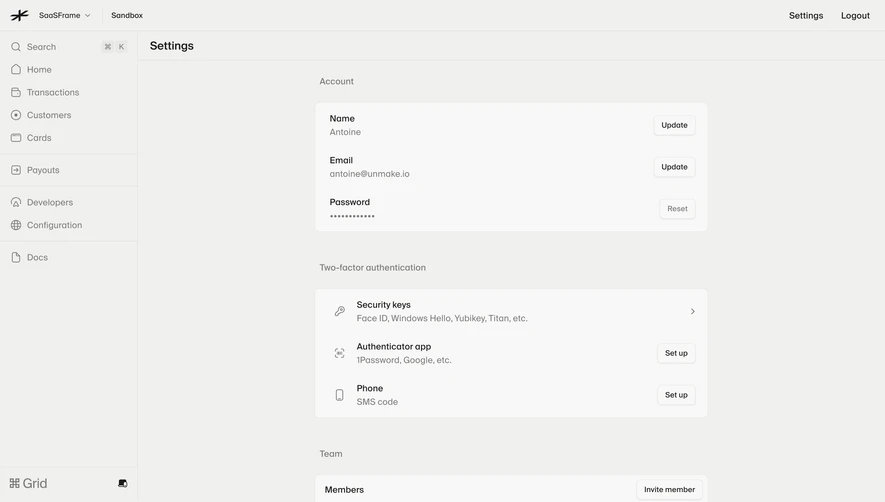
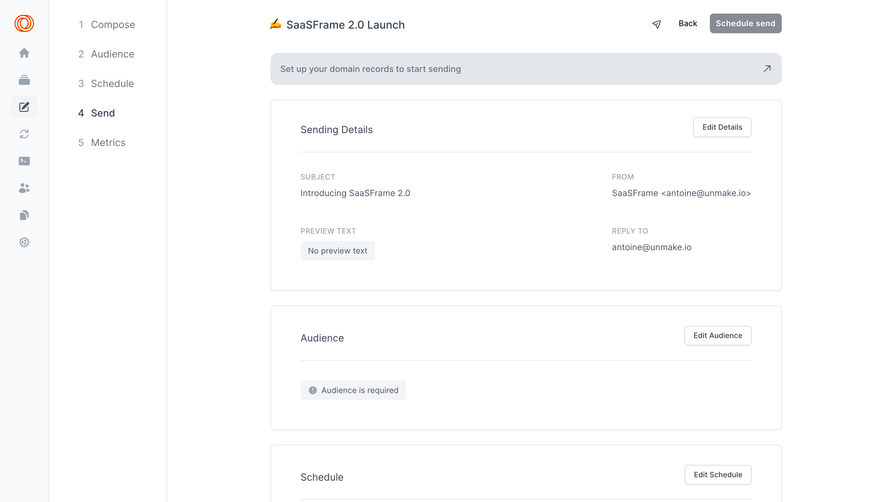
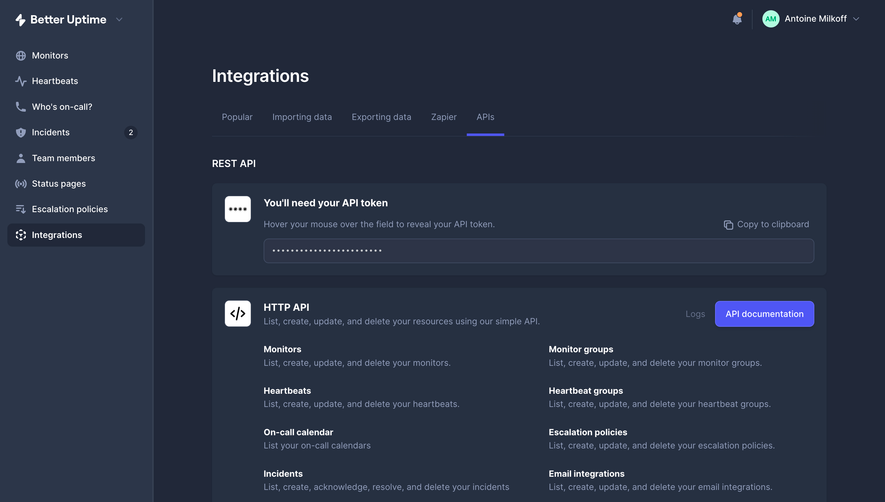
Design with AI
Generate a new design based on this screen using your own content.
# Design from Reference: Evervault Team settings
Create an original, high-fidelity visual design inspired by the reference. Prioritize composition, typography, colors, spacing, and component styling over technical implementation.
## Reference
- **Product:** Evervault
- **Category:** Settings
- **Screenshot:** https://cdn.prod.website-files.com/5e9dc792e1210c5325f7ebbc/6acbbe31476aea3982e3f945_6acbbd51d6be908889c4c564_cms-c3098ec4966f7b6bcf8472ee.webp
Analyze the screenshot first. If inaccessible, request it rather than guessing.
## Content
{{content.instructions}}
{{content.data}}
Preserve essential messaging and factual accuracy. Adapt structure and copy length for visual balance; never invent product claims.
## Visual Design
### Overall aesthetic
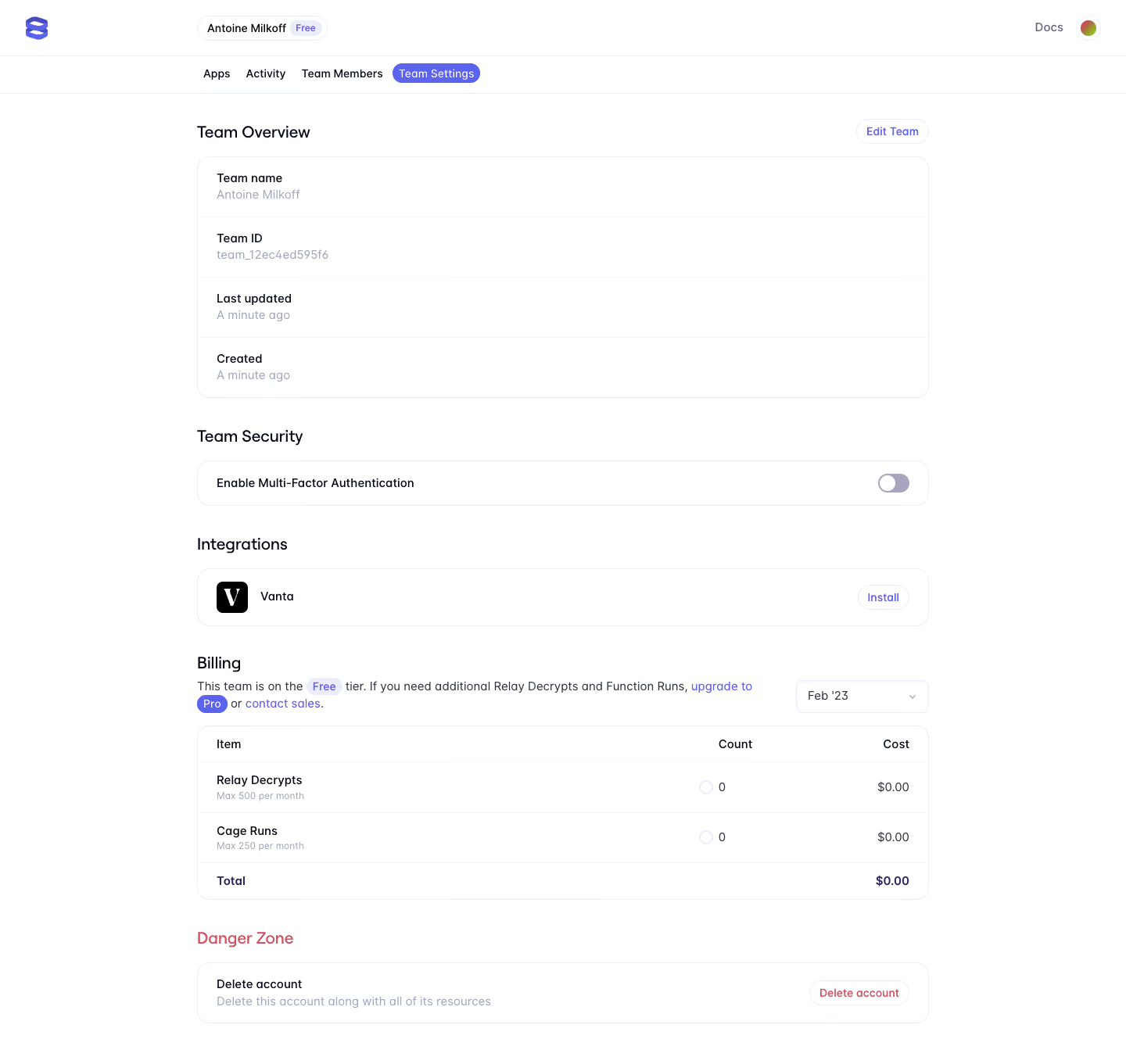
- **Character:** A clean team-settings page uses white surfaces, fine lavender borders and small violet accents.
- **Structure:** Stacked outlined groups organize account information, security, integration, billing and destructive action.
### Page composition
- **Capture:** The original is 1440 × 1361 pixels, inspected throughout. Dimensions approximate image pixels; CSS scale is unverified.
- **Header:** Brand, team/free badge and docs/avatar occupy the top row; four tabs sit below with Team Settings selected.
- **Main:** A centered roughly 935-pixel-wide column stacks Team Overview, Team Security, Integrations, Billing and Danger Zone.
- **Overview:** Four label/value rows share one rounded container with Edit Team above.
- **Lower groups:** A toggle row, Vanta integration row, billing table and delete-account row complete the screen.
### Information hierarchy
- **Overview:** Section heading and edit control introduce team metadata.
- **Security/integration:** Single-purpose horizontal rows keep action targets clear.
- **Billing:** Free-tier explanation and month selector precede count/cost columns.
- **Danger:** Red heading and action label distinguish the final group.
### Typography
- **Family:** Rounded sans serif is visible; exact identity is unverified.
- **Section headings:** Approximately 20 pixels, medium weight.
- **Labels:** Around 15–16 pixels, darker than muted values.
- **Table:** Compact body text and smaller quota helper lines use clear weight contrast.
- **Utilities:** Tabs, badges and buttons use approximately 14 pixels.
### Colors & surfaces
- **Measured base:** White #FFFFFF dominates.
- **Measured boundaries:** Pale lavender #EBEDFB and #F4F5FE support outlines and badges.
- **Measured accent:** Violet #5A63EB marks selected navigation and links.
- **Measured ink:** Deep #010414 and black #000000 provide text contrast.
- **Danger relationship:** Red text differentiates the destructive area without a filled red surface.
### Components
- **Outlined groups:** Thin lavender borders and approximately 16-pixel radii enclose rows.
- **Overview rows:** Four equally padded rows use fine dividers and label/value stacking.
- **Toggle:** A small muted lavender switch sits at the far right of the security row, with thumb left.
- **Integration:** A black square service mark sits beside name, with outlined Install action right.
- **Billing table:** Three columns organize item, count and cost, with two usage rows and bold total.
- **Danger row:** Label/helper left and outlined red-text delete action right.
### Visual rhythm
- **Container:** Main groups share consistent full-width edges.
- **Spacing:** Approximately 40-pixel pauses separate sections.
- **Row density:** Overview and billing rows use generous vertical padding without heavy cards.
- **Actions:** Right-aligned compact controls repeat across sections.
### Responsive
- **Observed state:** Only desktop is supplied; compact behavior is unverified.
- **Recommended flow:** Wrap tabs, stack row actions and keep billing headers associated with values.
- **Recommended controls:** Preserve toggle and button hit areas as the content width narrows.
### Adaptation guidance
- **Preserve clarity:** Keep sections distinct with restrained lavender outlines.
- **State fidelity:** Match visible free-tier and toggle appearance without changing account settings.
- **Data minimization:** Describe metadata structure without relying on specific team identifiers.
- **Accessibility:** Label switch state, table headers and destructive controls clearly.
Use this context to reproduce the reference's visual language: layout, typography, colors, spacing, borders, radii, and distinctive elements. The screenshot takes priority if descriptions conflict.
## Direction
{{preferences.fidelityInstructions}}
## Output
{{output.instructions}}
Deliver a polished, cohesive design with precise alignment, hierarchy, and spacing. Produce the requested visual artifact, not just a description. If unsupported, explain the limitation.
.webp)



.avif)