.webp)
Thank you! Your submission has been received!
Oops! Something went wrong while submitting the form.
Get SaaSFrame Pro
Monthly
$18
Quarterly
$48
Yearly
$180
Upgrade to access this feature
Browse all screens & flows
Filter and search screens & flows
Access Figma files
Access mobile versions
Bookmark screens & flows
Join now
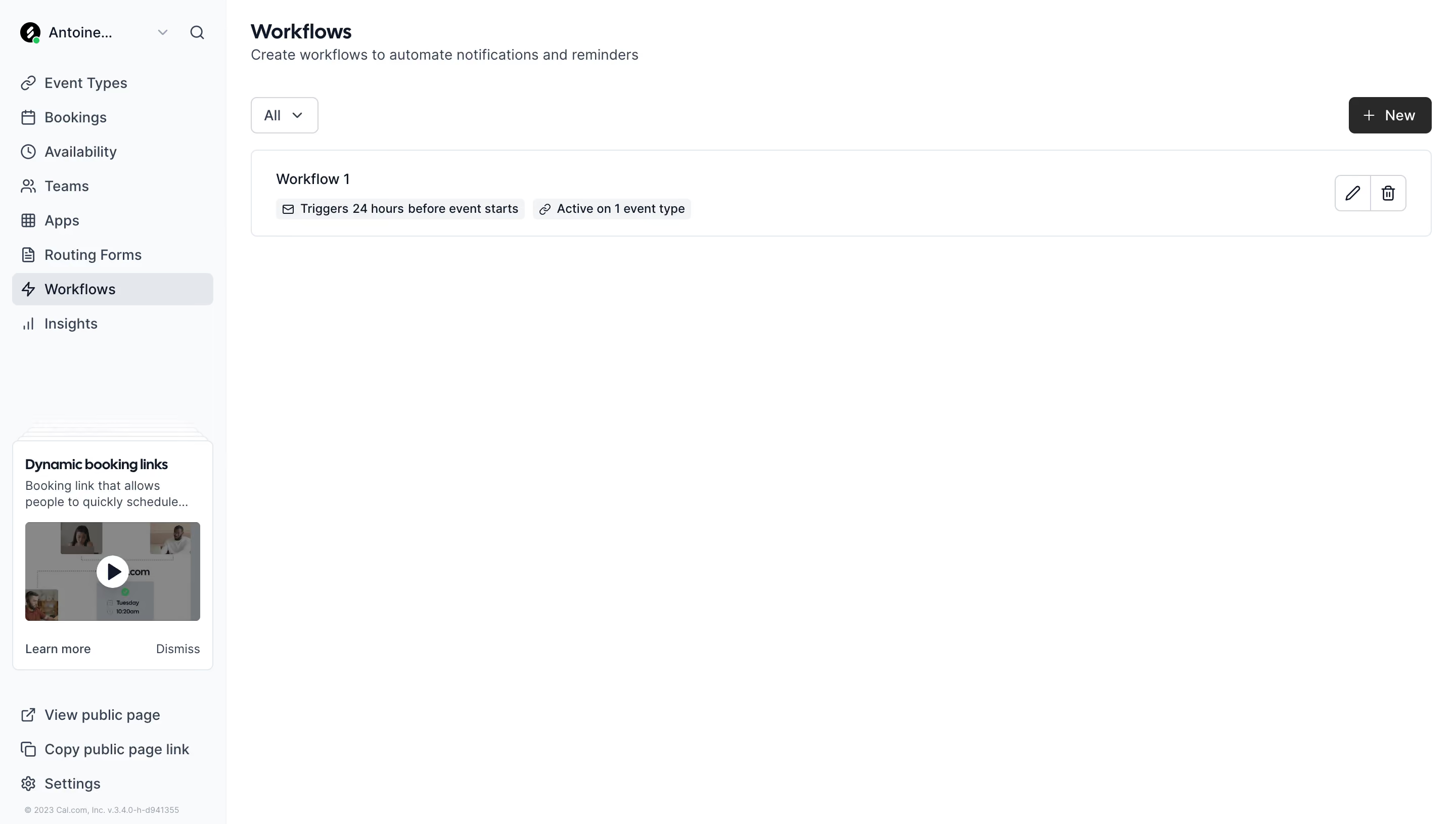
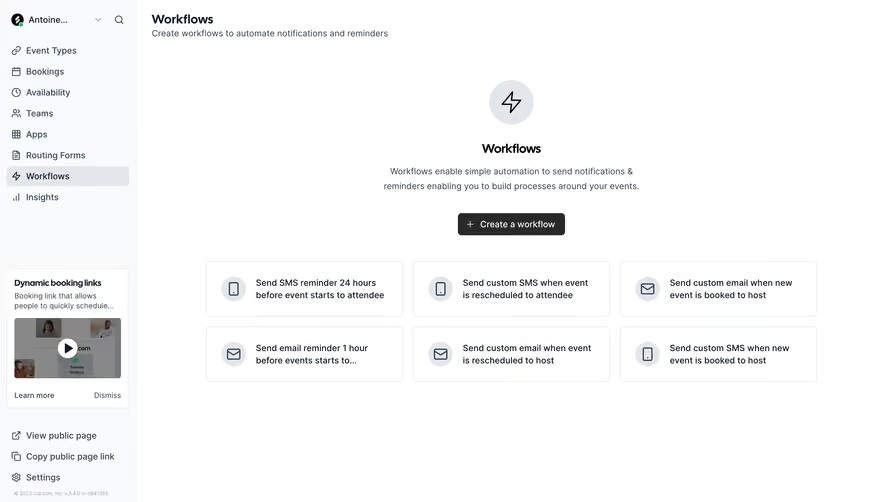
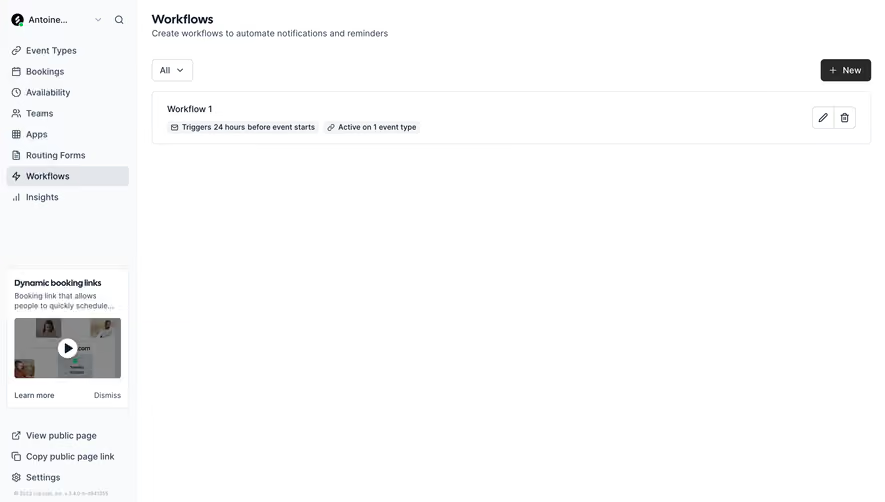
Cal.com Workflow Dashboard

Cal.com
Open-source scheduling platform
Designed by
No items found.

Bookmark
Bookmark

Design with AI
Thank you! Your submission has been received!
Oops! Something went wrong while submitting the form.
# Design from Reference: Cal.com Workflow Dashboard
Create an original, high-fidelity visual design inspired by the reference. Prioritize composition, typography, colors, spacing, and component styling over technical implementation.
## Reference
- **Product:** Cal.com
- **Category:** Empty
- **Screenshot:** https://cdn.prod.website-files.com/5e9dc792e1210c5325f7ebbc/6acad8a5d05a3f53c0a74cee_6acad81f8b7c605a8f57ffb6_cms-287e812397e40382e131dc6d.webp
Analyze the screenshot first. If inaccessible, request it rather than guessing.
## Content
{{content.instructions}}
{{content.data}}
Preserve essential messaging and factual accuracy. Adapt structure and copy length for visual balance; never invent product claims.
## Visual Design
### Overall aesthetic
- **Character:** Minimal scheduling dashboard with a cool near-white sidebar, white workspace, fine gray borders and restrained black actions.
- **Visual emphasis:** A single workflow row and compact toolbar occupy the top; most of the canvas is intentionally empty.
- **Scale:** The screenshot is 2880 × 1630 image px. Dimensions below estimate a 1440 × 815 CSS layout at 2× scale; browser zoom and device ratio are unverified.
### Page composition
- **Sidebar:** A roughly 224 CSS px rail contains a truncated account selector/search row, eight navigation destinations, an educational card and bottom public-page/settings links.
- **Main header:** The Workflows heading and one-line explanation begin approximately 24 px inside the content area.
- **Toolbar:** An All dropdown aligns left below the introduction; a black New button with plus icon aligns to the far right.
- **Workflow list:** One full-width bordered row, approximately 1168 × 86 CSS px, sits directly below. Its title and two metadata badges are left aligned, while edit/delete controls sit at the right.
- **Remaining space:** No additional workflows or modal are visible; the rest of the main workspace remains white.
### Information hierarchy
- **Page role:** A bold heading establishes the area, followed by a muted sentence explaining notifications/reminders.
- **Creation:** The filled New button is the strongest action; the All filter is a lighter outlined control.
- **Workflow summary:** A short workflow title leads, followed by a trigger-timing badge and active-event-count badge with small icons.
- **Navigation state:** Workflows is selected through a light-gray rounded row and darker text/icon, with neighboring destinations remaining plain.
- **Learning content:** A small sidebar promotional card includes a title, brief description, video thumbnail, Learn more and Dismiss actions.
### Typography
- **Family:** Neutral interface sans-serif; precise family and rendered weights are unverified.
- **Page heading:** Approximately 20 px, weight 600–700, with around 26 px line-height.
- **Body/navigation:** Roughly 14 px with 20 px leading, using dark slate for primary labels and muted slate for supporting text.
- **Workflow metadata:** Badges use compact text around 12 px; the workflow title is about 14 px at medium weight.
- **Sidebar details:** Educational card copy is around 12–13 px, while bottom version/copyright text is much smaller.
### Colors & surfaces
- **Measured backgrounds:** ICC-aware sRGB sampling yields #FFFFFF for the main workspace and #F9FAFB for the sidebar.
- **Measured neutral surfaces:** #F3F4F6 appears in pale badges; #E3E7EB occurs in borders and selected-navigation treatment.
- **Measured foregrounds:** #0F1828 and #344153 are dark text/icon tones. #292929 appears in the dark action surface.
- **Thumbnail overlay:** #888888 is prominent within the muted video poster; it is image content rather than a dashboard background token.
- **Depth:** Thin borders define row, dropdown and learning card. The screen uses almost no pronounced shadows.
### Components
- **Filter:** An approximately 66 × 36 CSS px white outlined dropdown has a small downward chevron, 6 px corners and compact padding.
- **New action:** Roughly 82 × 36 px, dark fill, white plus/text and about 6 px corners.
- **Workflow row:** Thin pale border, approximately 6 px radius and 24 px horizontal padding. The title sits above two light-gray inline badges.
- **Row utilities:** Edit pencil and trash icons occupy two adjacent outlined square segments, approximately 36 px each. No edit or deletion is performed.
- **Selected navigation:** A roughly 200 × 32 px pale-gray rounded strip highlights Workflows with a lightning icon.
- **Learning card:** A narrow white bordered card includes a darkened video poster with centered circular play button. Several faint offset card outlines appear behind its top edge.
- **Bottom utilities:** Public-page, copy-link and settings destinations pair outline icons with text; a small muted version line sits below.
### Visual rhythm
- **Main alignment:** Header, filter and workflow row share a consistent 24 px left inset; the New button aligns with the row's right boundary.
- **Vertical spacing:** A moderate gap separates the introductory copy from the toolbar, followed by roughly 16 px before the row.
- **Navigation cadence:** Sidebar items use evenly spaced compact rows; a large gap separates main navigation from the educational card.
- **Sparse content:** The lone row remains visually light, avoiding expansion merely to fill the viewport.
### Responsive
- **Evidence limit:** Only a desktop dashboard is shown; the following are recommendations.
- **Shell:** Replace the fixed sidebar with a drawer at narrow widths while retaining current-page orientation.
- **Toolbar:** Keep filter and creation action on a compact wrapping row with adequate touch targets.
- **Workflow row:** Allow metadata badges to wrap and place utilities on a stable trailing or secondary row without obscuring the title.
- **Learning card:** Move or collapse the educational module so it does not compete with primary workflow management on small screens.
### Adaptation guidance
- **Reusable pattern:** Use a concise page introduction, simple filter/create toolbar and one-line resource cards with compact status metadata.
- **State clarity:** Keep trigger timing and activation scope visible at a glance; add accessible names to edit/delete icons.
- **Visual discipline:** Reserve dark fill for the main creation action and use pale neutrals for selection and metadata.
- **Interaction coverage:** Design empty, loading, edit and deletion-confirmation states separately; none of those states is open in this capture.
- **Accessibility:** Provide keyboard-operable filter and row controls, visible focus styles and clear labels for video and dismissal actions.
Use this context to reproduce the reference's visual language: layout, typography, colors, spacing, borders, radii, and distinctive elements. The screenshot takes priority if descriptions conflict.
## Direction
{{preferences.fidelityInstructions}}
## Output
{{output.instructions}}
Deliver a polished, cohesive design with precise alignment, hierarchy, and spacing. Produce the requested visual artifact, not just a description. If unsupported, explain the limitation.

.avif)
Category
Tech Stack



Added on
October 16, 2023

Similar screens





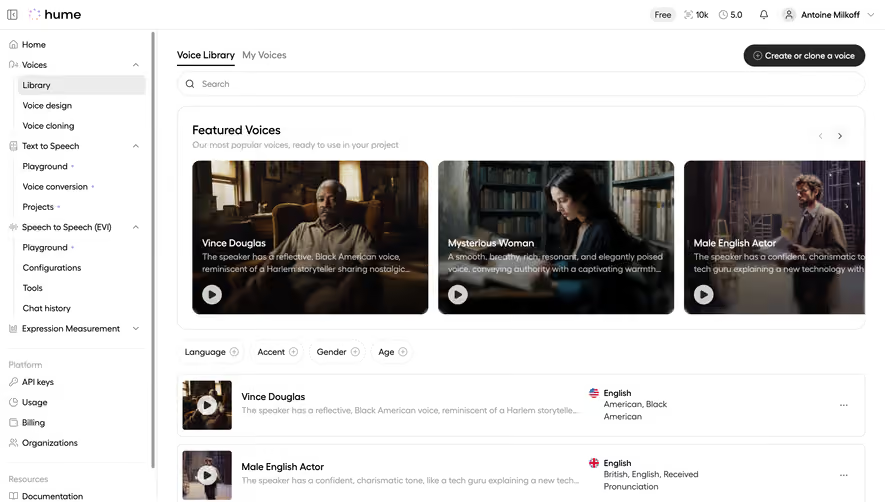

Upgrade to SaaSFrame Pro now to see similar examples.
Monthly
$18 /month
Billed $18 monthly
Browse all screens & flows
Filter and search screens & flows
Search text in screenshots
Access Figma files
Access mobile versions
Join now
Quarterly
$16 /month
Billed $48 quarterly
Browse all screens & flows
Filter and search screens & flows
Search text in screenshots
Access Figma files
Access mobile versions
Join now
Yearly
$15 /month
Billed $180 yearly
Browse all screens & flows
Filter and search screens & flows
Search text in screenshots
Access Figma files
Access mobile versions
Join now