Overall Style and Aesthetic
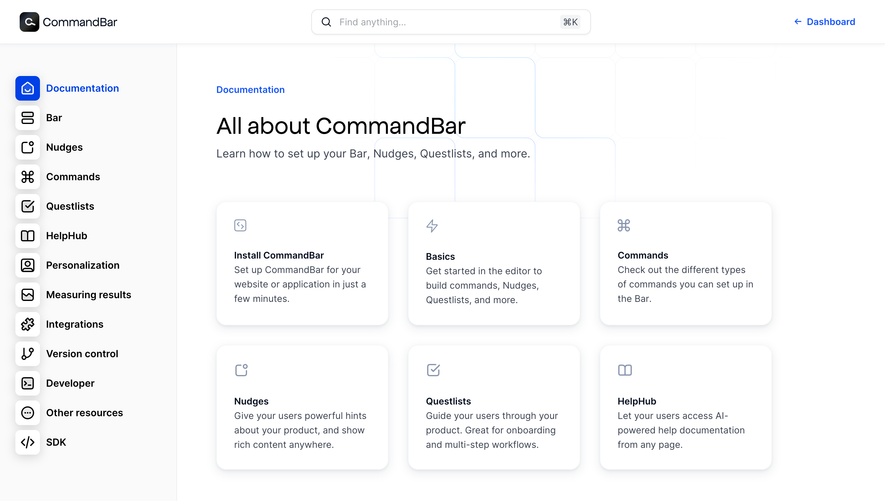
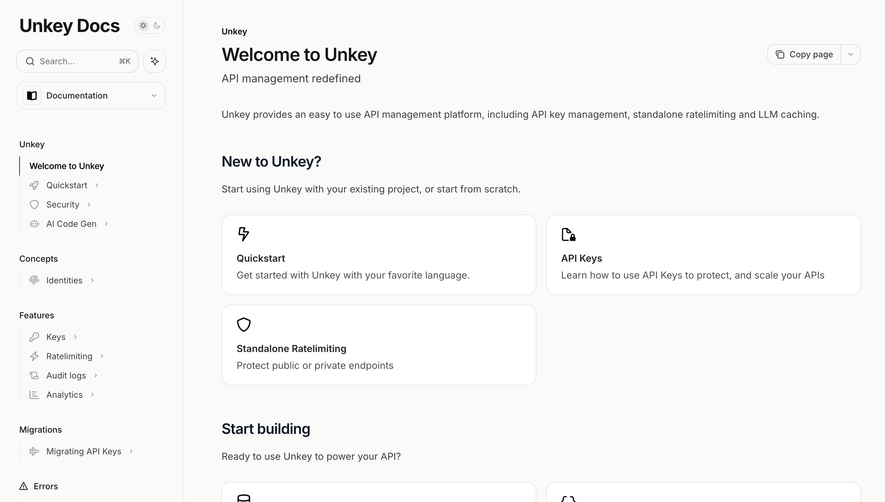
Cal.com’s documentation site epitomizes modern minimalism, blending clarity with subtle sophistication. The design is sleek, professional, and focused, favoring a whitespace-rich layout that keeps readers engaged without distraction. Rather than relying on loud colors or flashy graphics, the aesthetic prioritizes ease-of-use and confidence, projecting a trustworthy and capable SaaS product with an understated yet polished presence. Layout and Structure
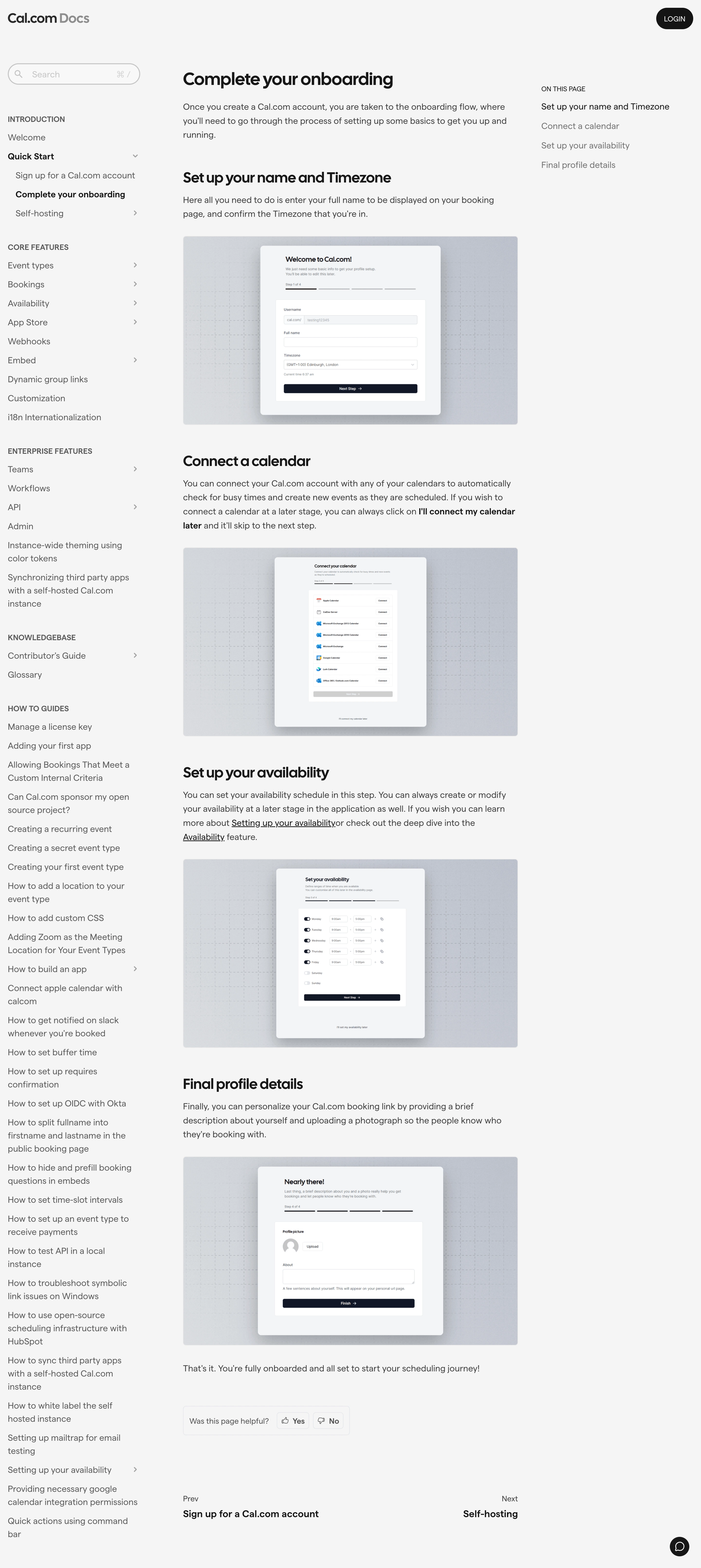
The page employs a straightforward doc-style layout, prioritizing readability. The content is sectioned into digestible chunks with clear headings, anchored navigation, and easily accessible progression. No fluffy hero banners or overwhelming CTAs; instead, the interface leads users step-by-step, reinforcing the concept of guided onboarding. A sticky sidebar navigation enhances orientation, making deep documentation fast and intuitive to scan. Visual Elements
Visual communication leans on subtle, monochromatic icons and concise screenshots, providing useful visual anchors without overwhelming the page. Inline code snippets, checkmarks, and numbered steps break up text and clarify actions, making the process easier to follow. Decorative elements are kept to a functional minimum, supporting content rather than distracting from it. Color Palette and Typography
The palette orbits around crisp whites, cool grays, and bold black for text, underscored by occasional accents of purple or blue to highlight key elements and links. Typographically, the site leverages a clean, geometric sans-serif that balances modernity with ultimate legibility. Font sizes and weights are strategically varied for a clear hierarchy, aiding scannability. User Experience Patterns
UX patterns are direct and frictionless. Persistent, side-mounted navigation enables effortless jumping between onboarding steps. Call-to-actions are subtle but clearly marked, encouraging progression without overwhelming the user. There’s a strong emphasis on guided flow, with each section presenting only what’s relevant. Scroll interactions remain smooth and distraction-free, promoting focus and ease. Unique or Notable Design Choices
What makes this page distinct is its dignified restraint—demonstrating that SaaS onboarding can feel both welcoming and ultra-professional without excess ornamentation. The use of familiar doc-site conventions, thoughtful spacing, and clear instructional content gives the onboarding a calm clarity that inspires user trust and sets a high bar for usability-focused design..webp)




.avif)