Search by category

All screens
Latest SaaS

All SaaS
No items found.

Moss

Tech
No items found.

Pangram

AI
DatoCMS
React
Vercel

Tines

AI
Prismic
React
Vercel

Lightspark

Finance
React
Vercel

Context.dev

Tech

Everything you need
to research SaaS design

Biggest SaaS library.

Browse website pages, product interfaces and emails from a growing library of hundreds of SaaS.

Raycast logoNotion logoFullstory logoStripe logoNarrative BI logoLinear logo

Advanced filtering.

Use filters to find the design or copywriting inspiration that you need in seconds.
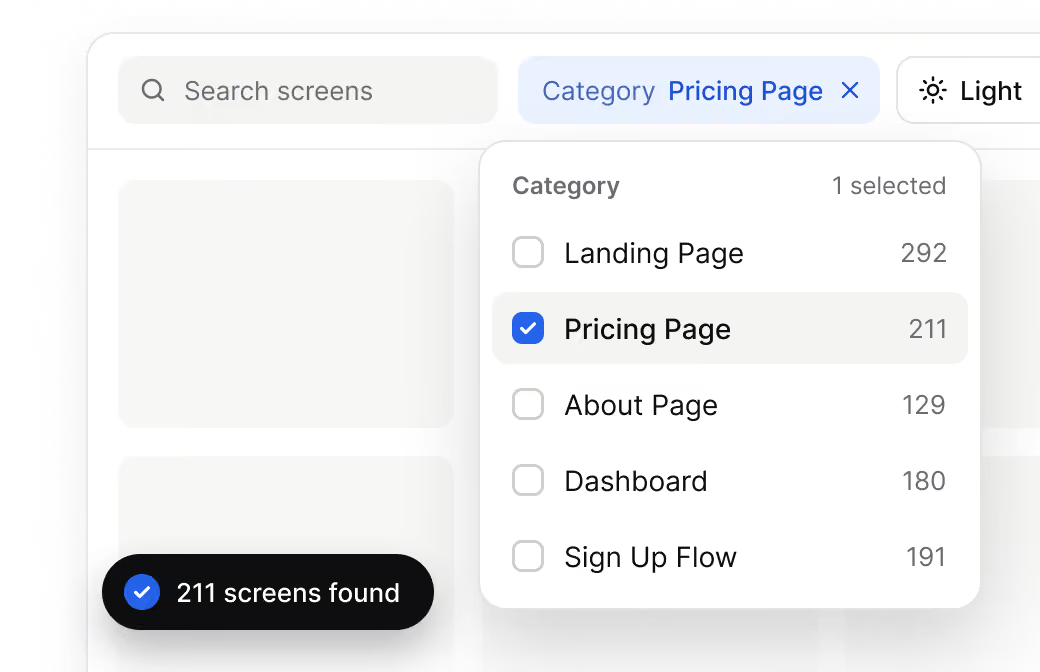
Filter dropdown menu showing categories of screens with 'Pricing Page' selected and 211 screens found, alongside a search bar and light mode toggle.

Copy into Figma.

You like a design? Download the Figma file of any website page you see on SaaSFrame.
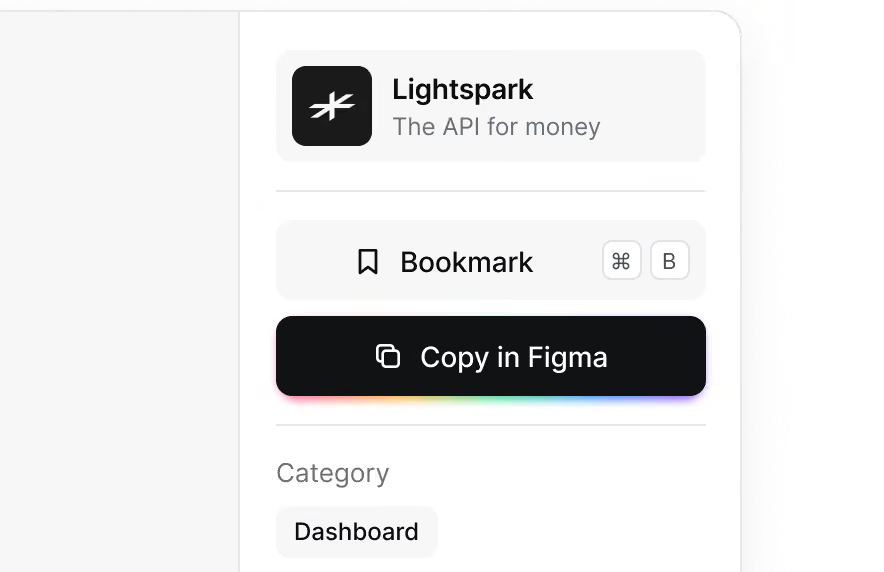
User interface section showing a card for Lightspark, described as 'The API for money,' with buttons labeled 'Bookmark' and 'Copy in Figma,' and a category label 'Dashboard.'

Let it flow.

Discover the user journey of the best SaaS with interfaces organized in flows.
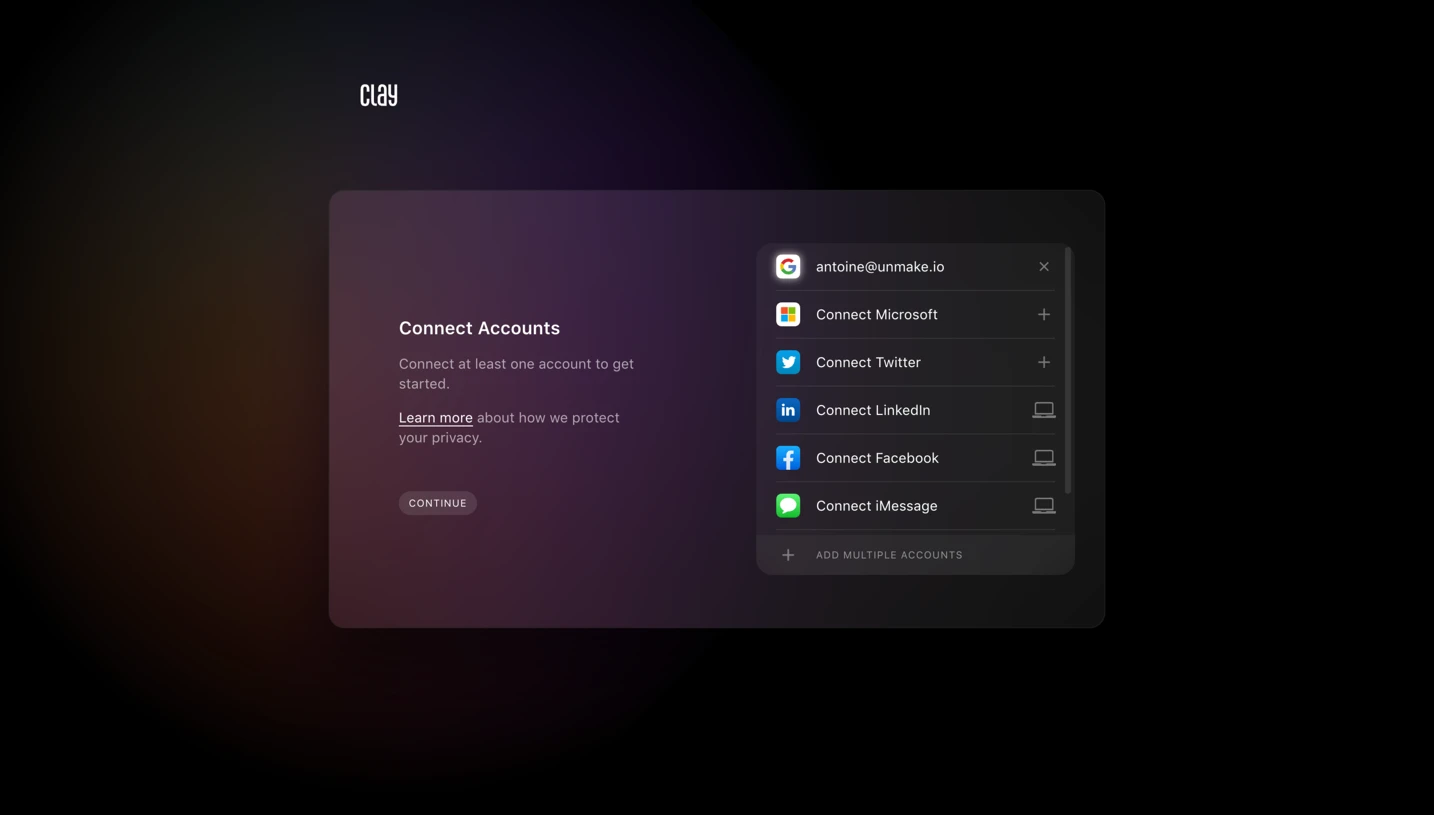
User interface screen titled 'Connect your tools' listing Figma and Webflow as connected, and Notion and Slack with buttons to connect them, with a 'Continue' button below and onboarding progress indicator showing 3 of 5 steps.

Desktop & mobile versions.

See how the same page adapts on a phone, so you design responsive from the start.
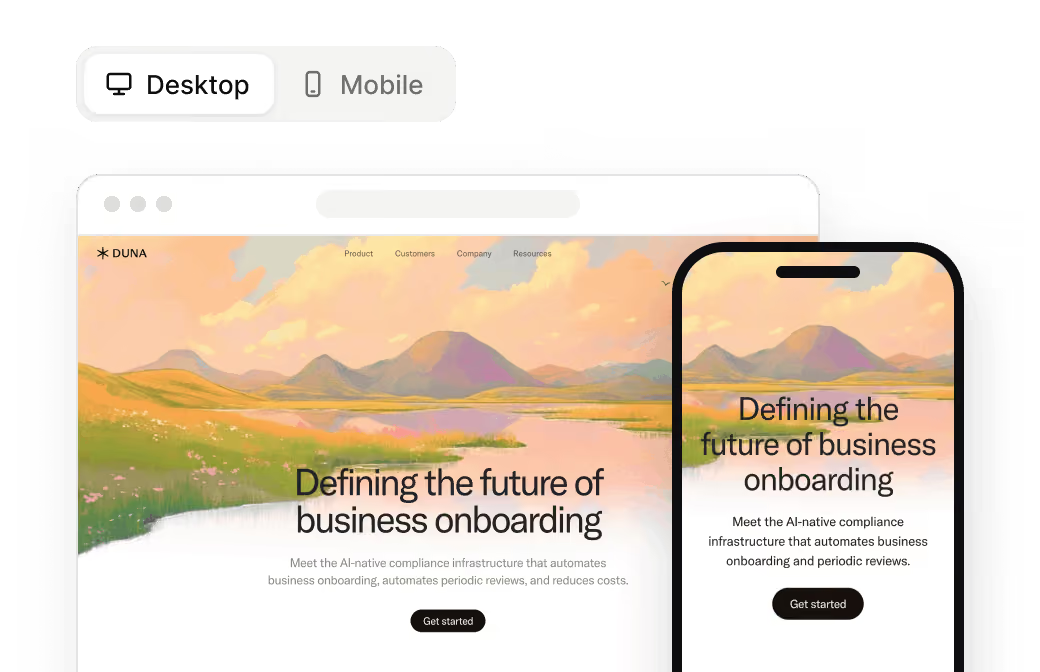
Comparison of a business onboarding website on desktop and mobile screens, showing scenic mountains and a river with text about AI-native compliance infrastructure automating onboarding and reviews, with a 'Get started' button on both devices.

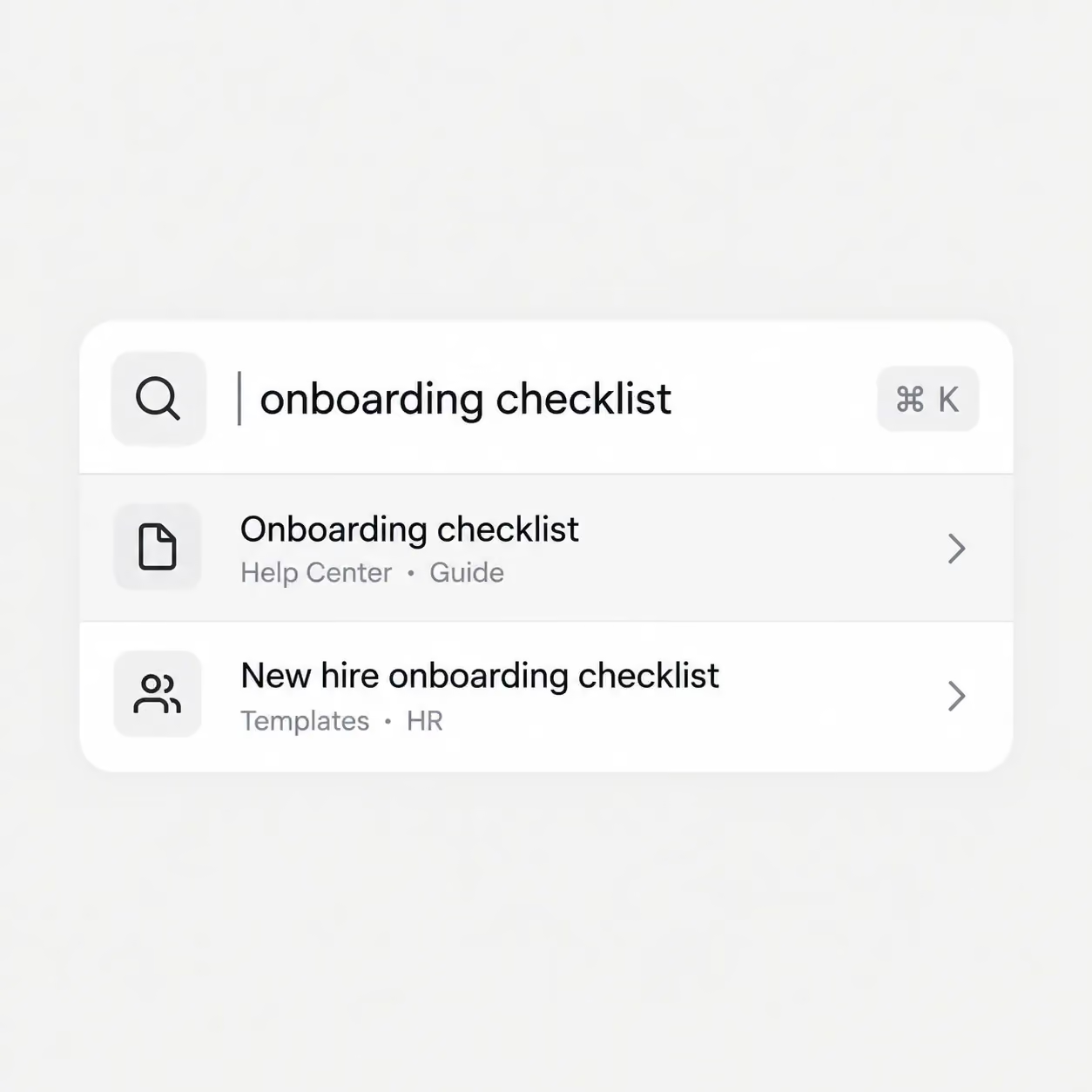
Search in screen.

Type any word or phrase and find every screen that mentions it.
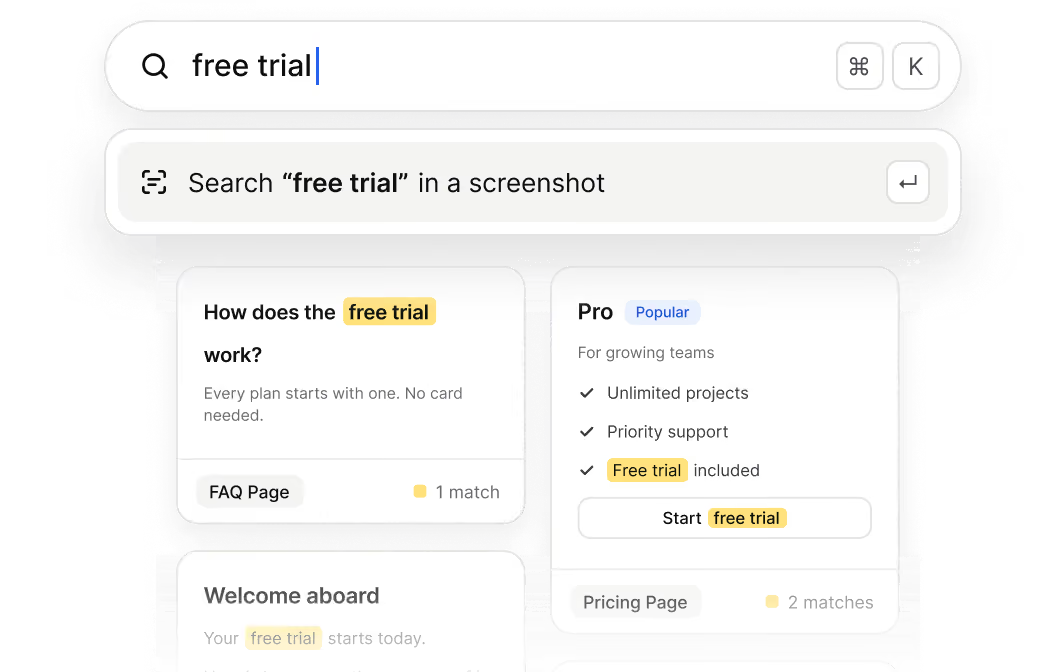
Search interface showing the query 'free trial' with search results highlighting this phrase in multiple cards, including FAQ and Pricing pages, mentioning features like unlimited projects and priority support in the Pro plan.
Start your design
research
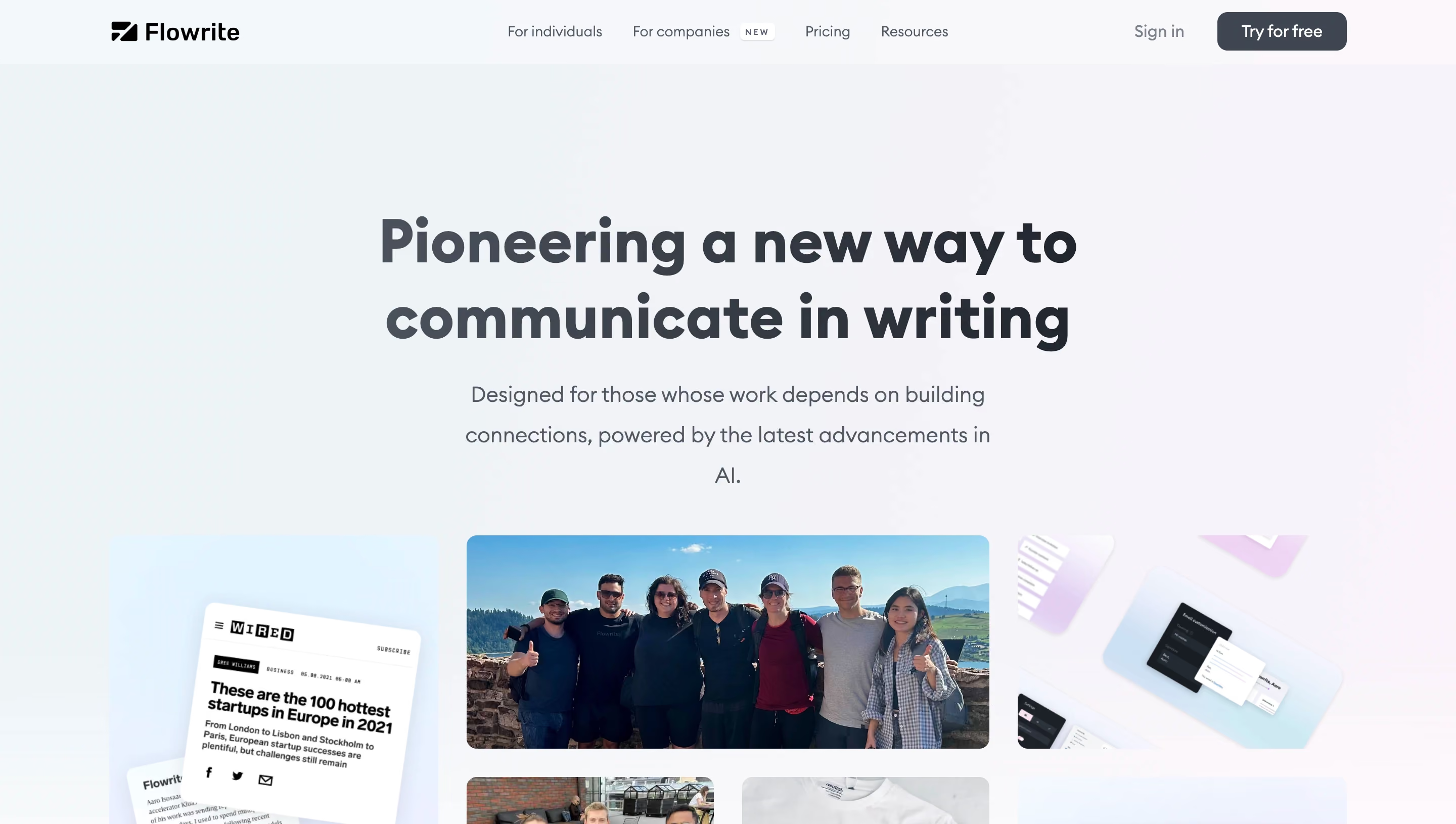
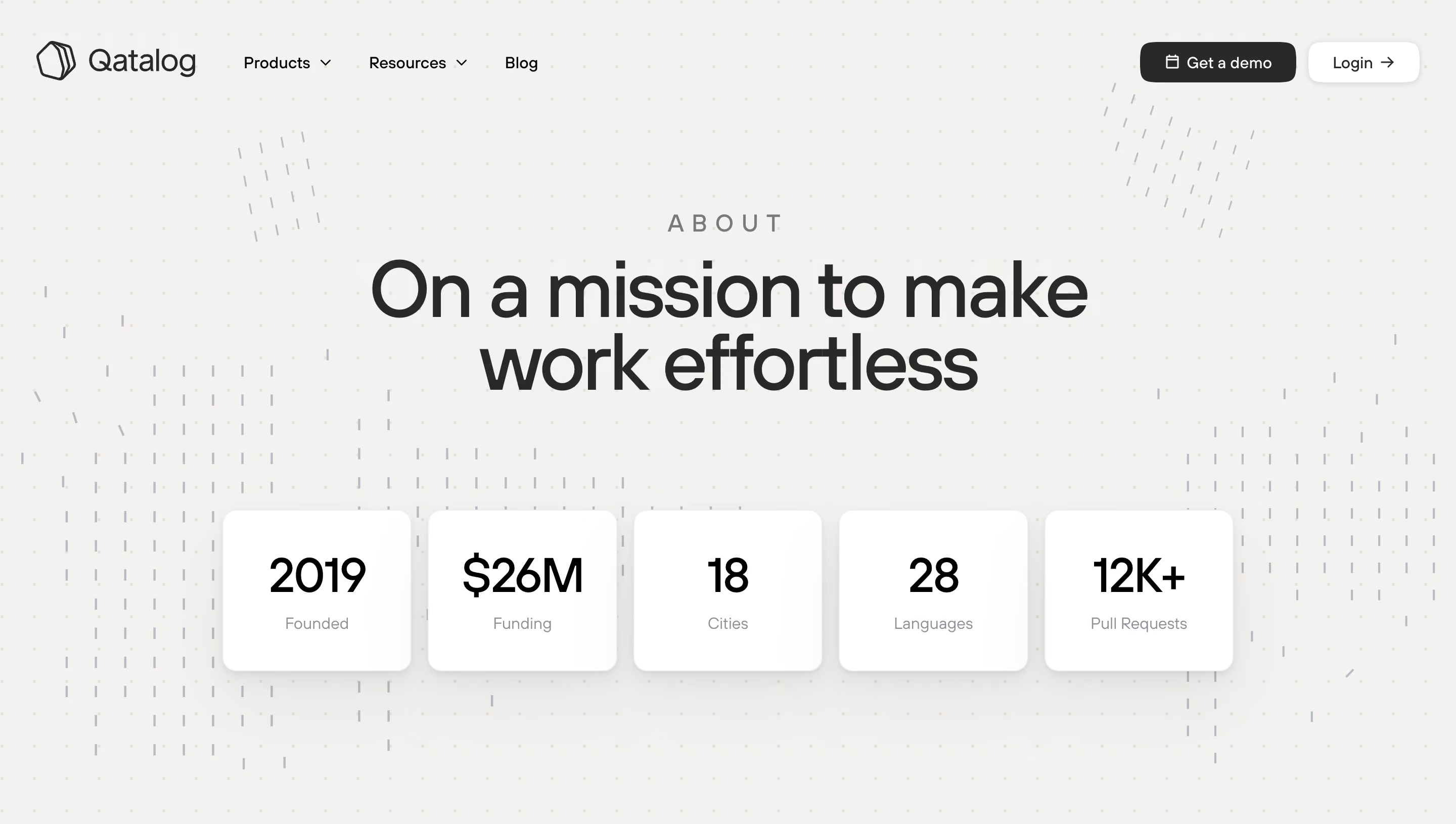
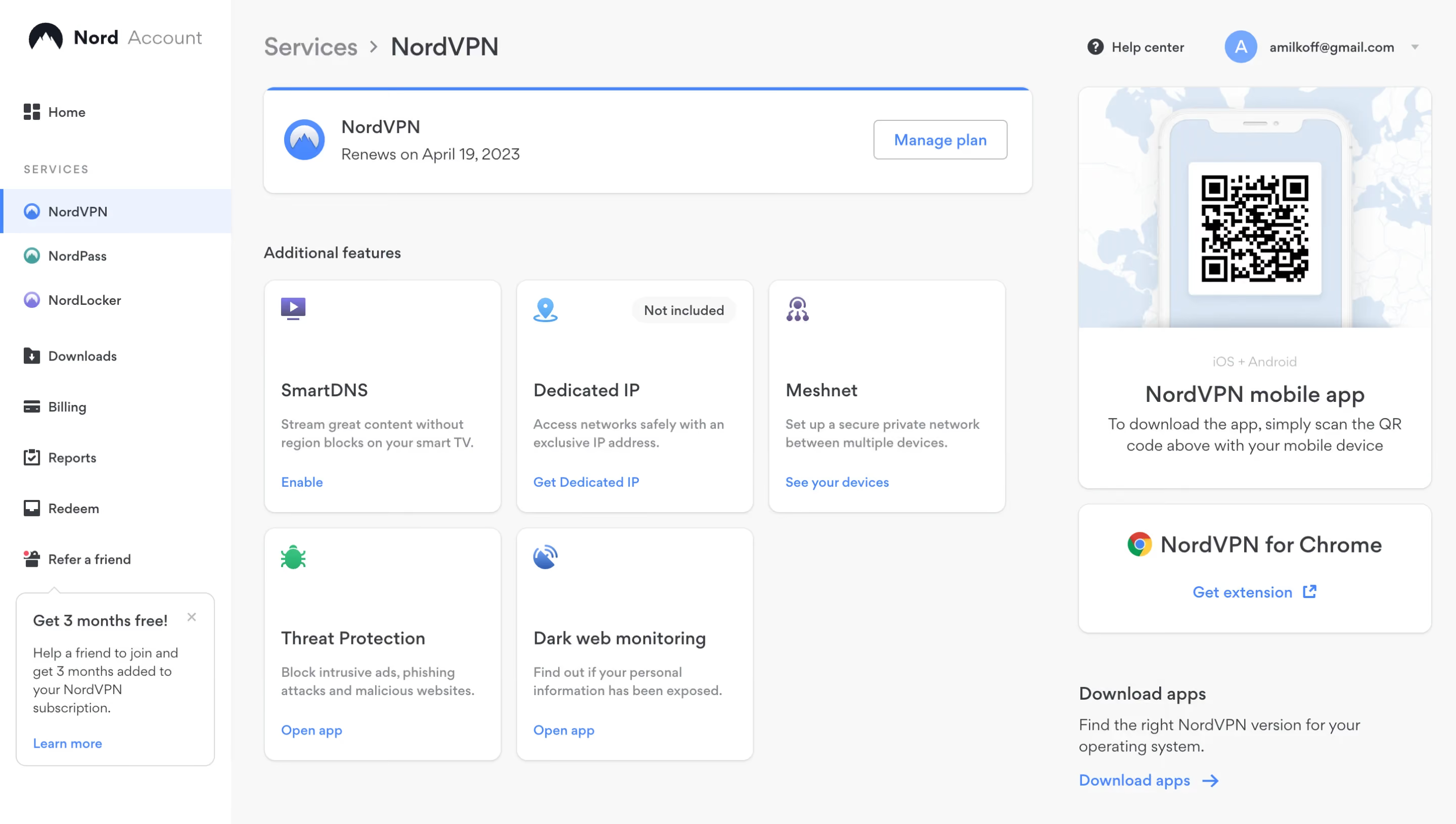
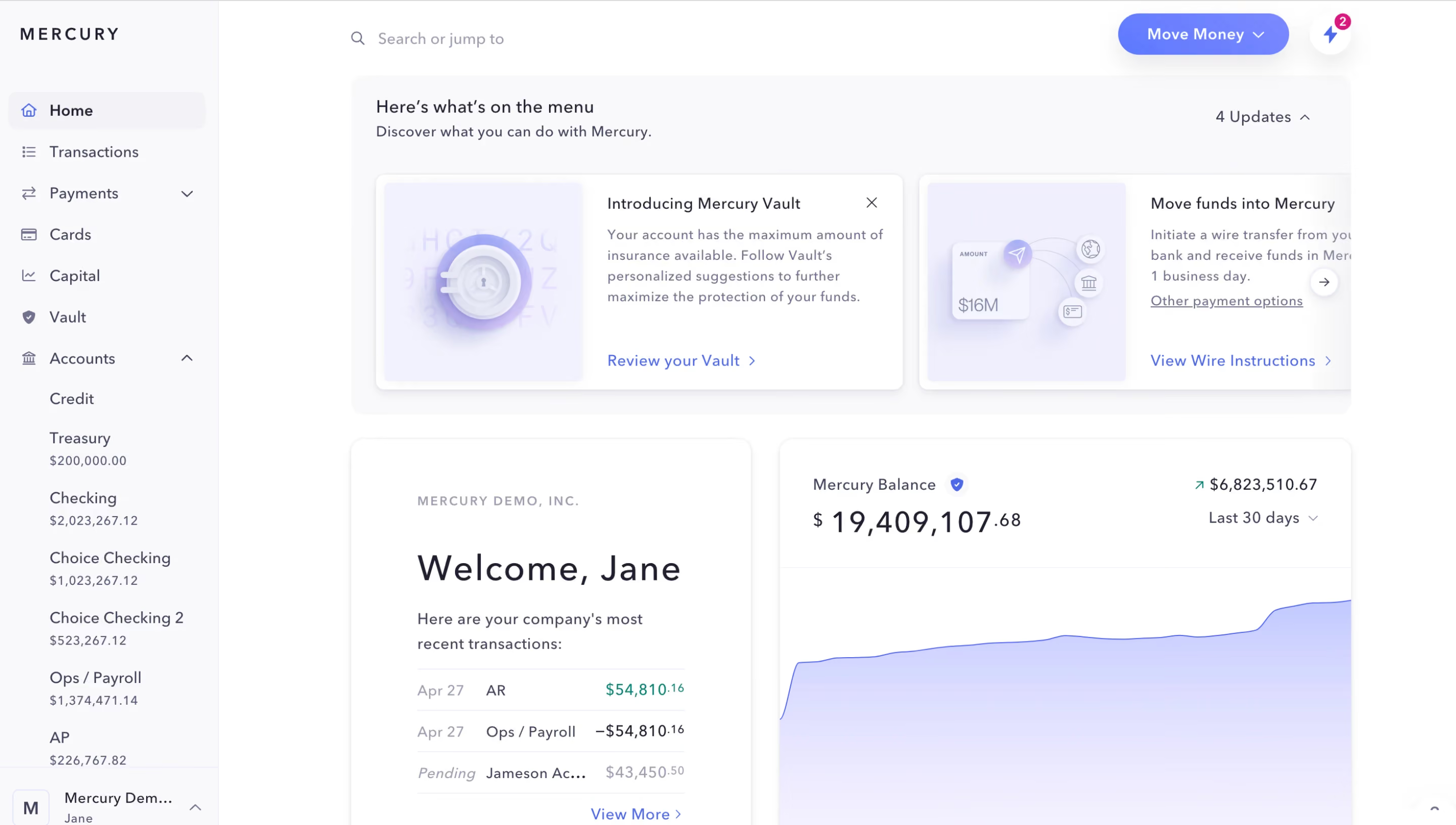
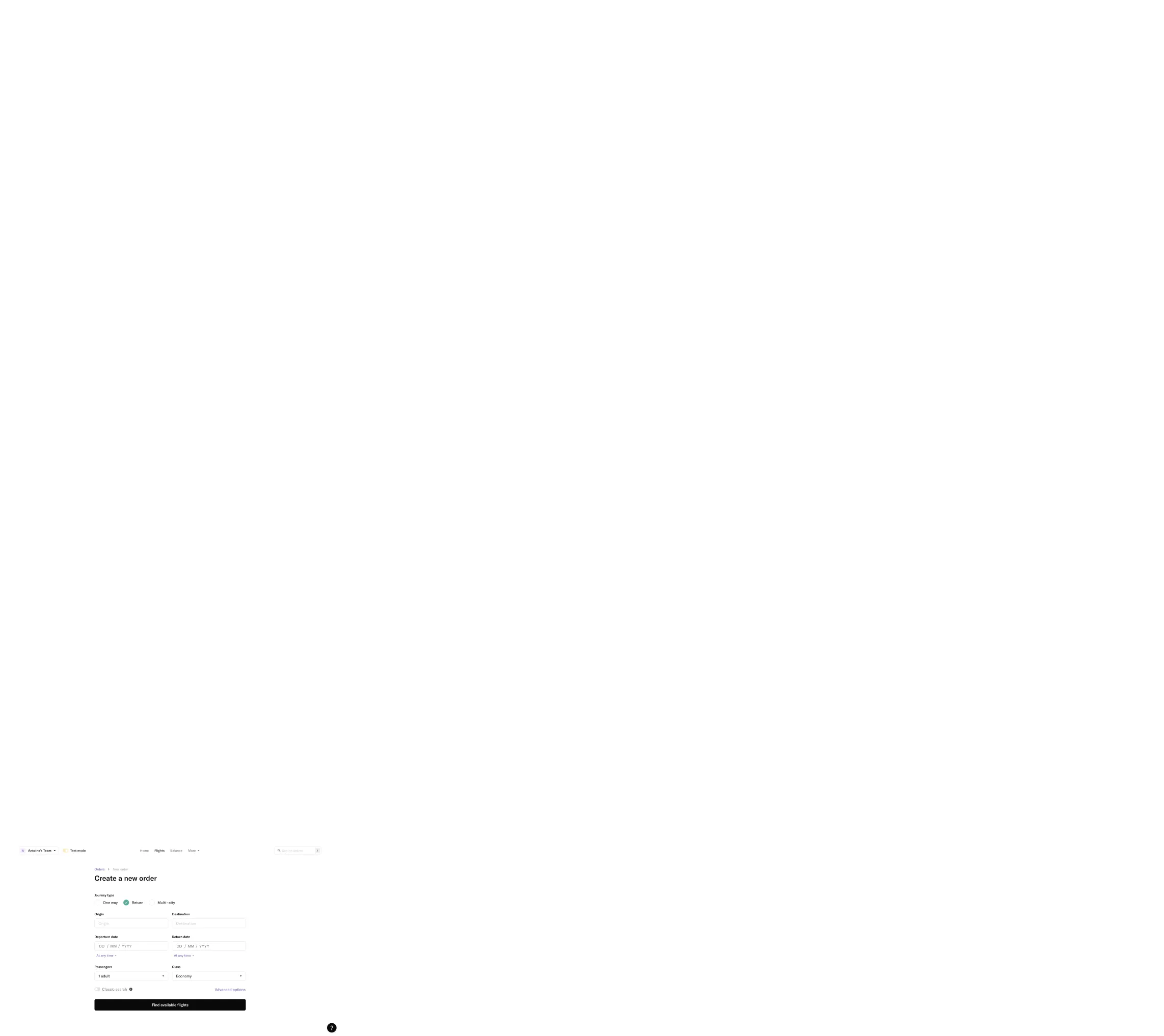
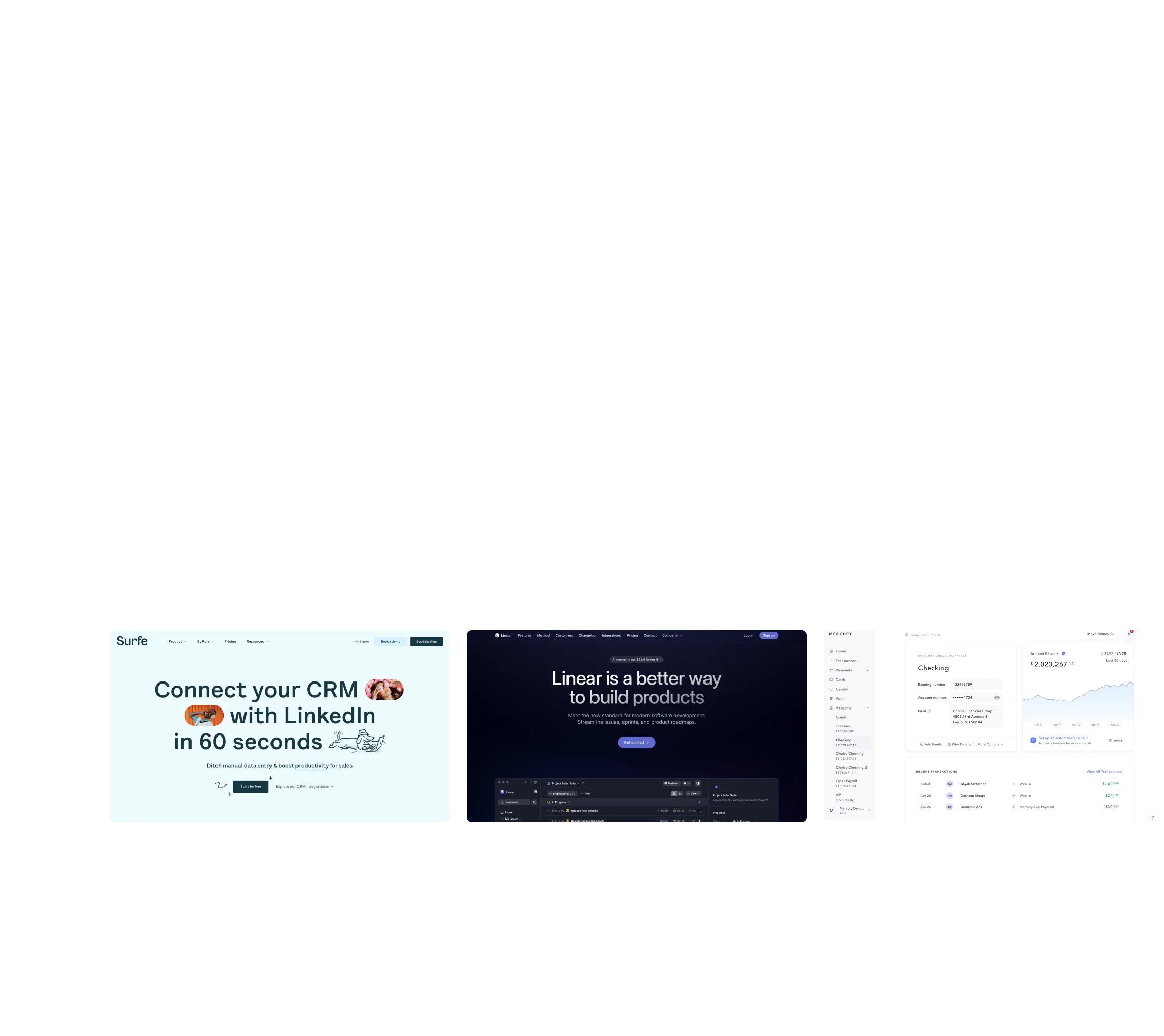
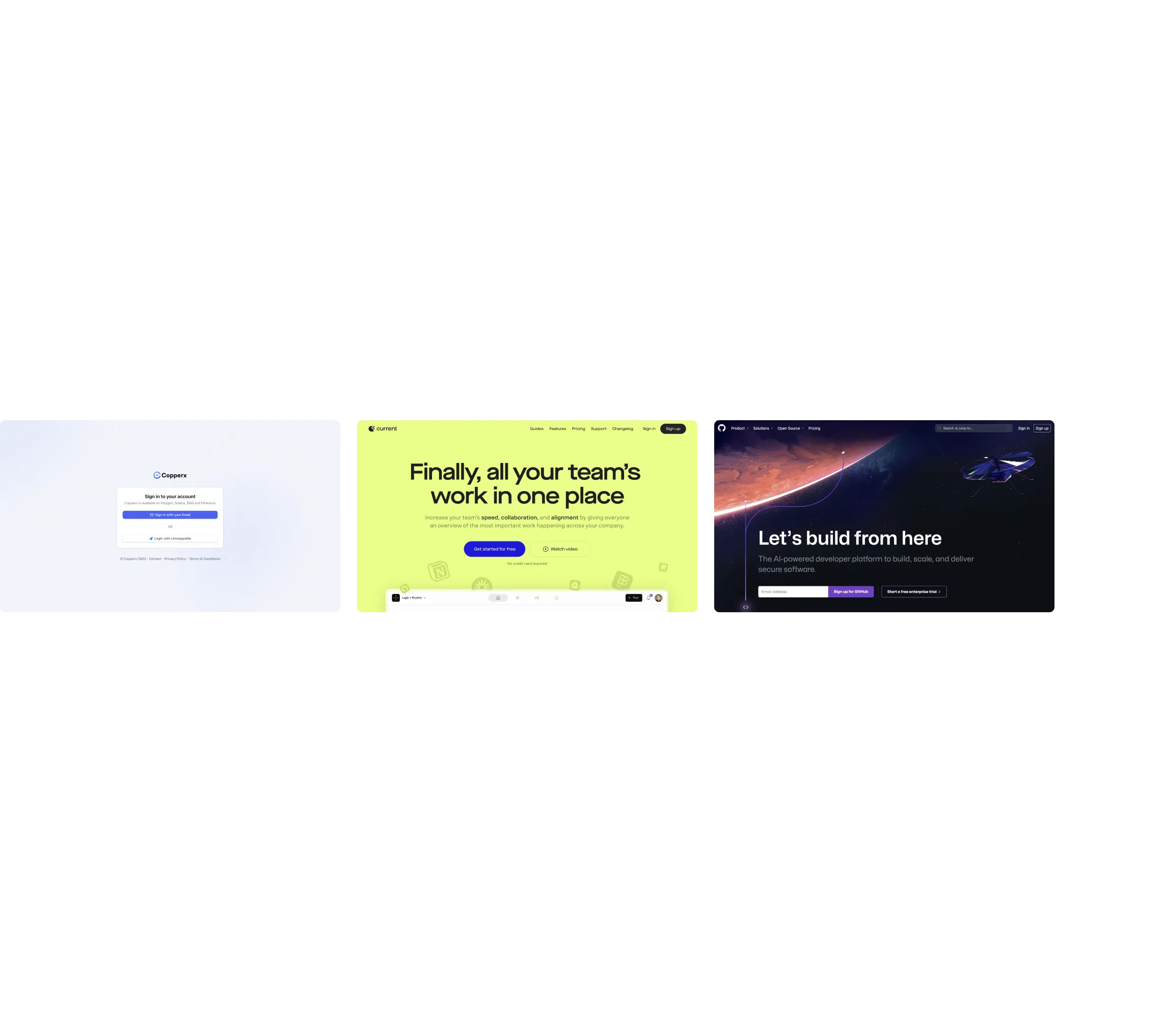
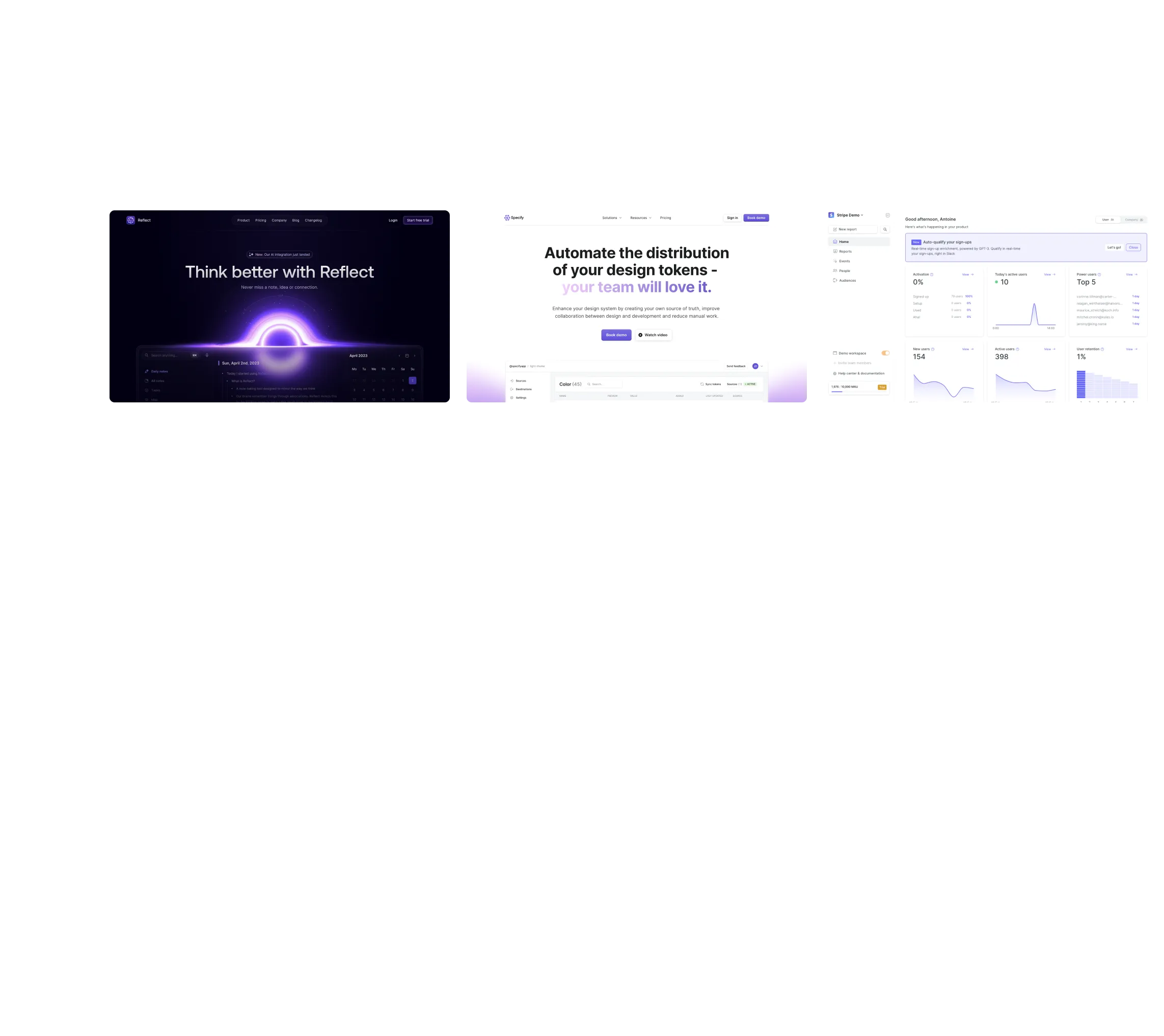
Flight booking interface showing options to create a new order with journey type, origin, destination, departure and return dates, passenger count, and class selection.Three adjacent software interface screenshots: Surfe CRM LinkedIn integration on left, Linear product development tool in center, and Mercury banking dashboard on right.Three screenshots of software websites: Copperx sign-in page on white background, Current workspace app with yellow background, and a dark-themed AI developer platform homepage.Three website screenshots showing a design tool and distribution dashboard for design tokens, promoting ease and automation.Three website homepage screens: Copperx login page, Current's team collaboration platform, and AI-powered developer platform with space theme.