Design with AI
Generate a new design based on this screen using your own content.
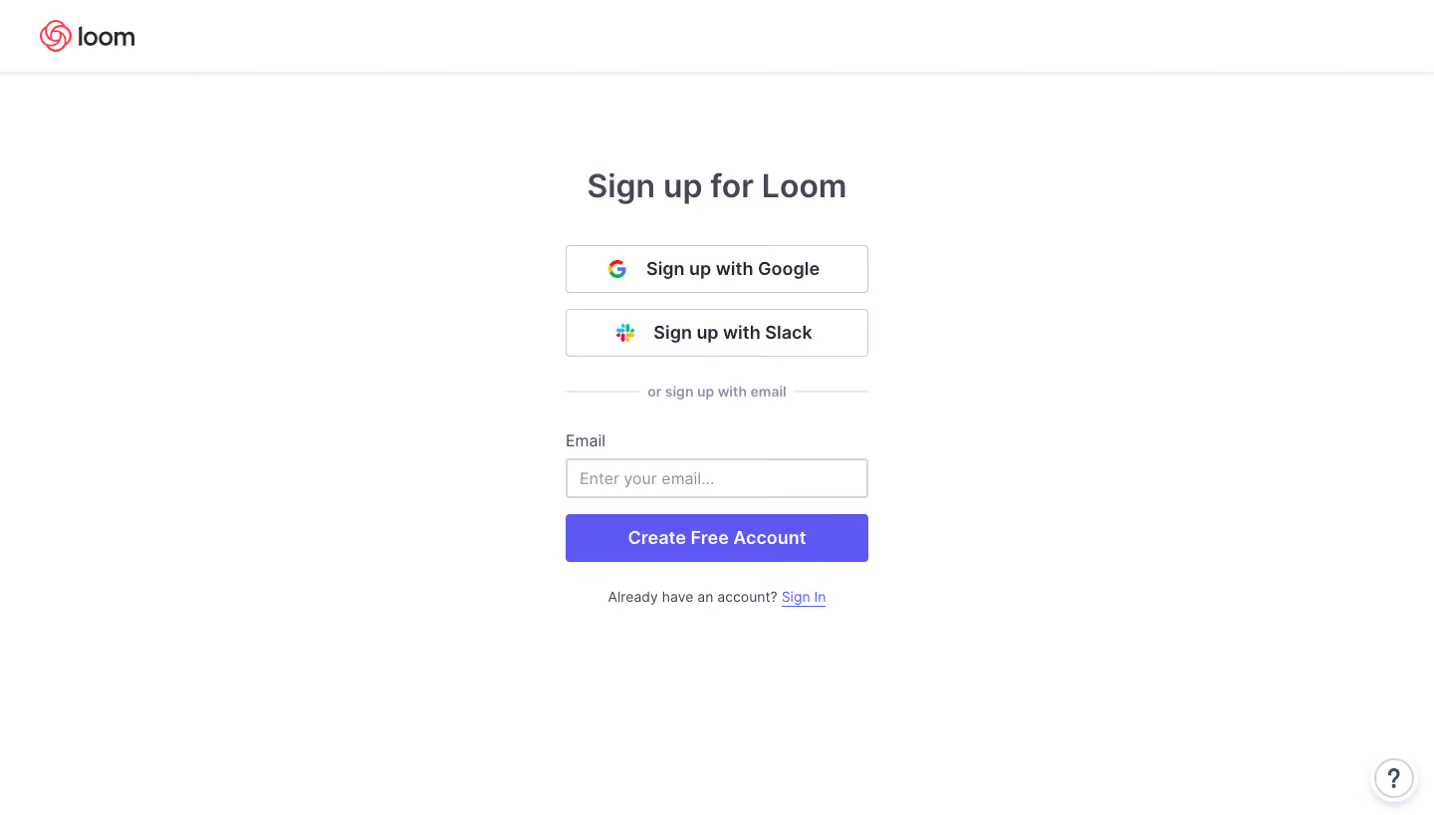
# Design from Reference: Loom Sign Up Flow
Create an original, high-fidelity visual design inspired by the reference. Prioritize composition, typography, colors, spacing, and component styling over technical implementation.
## Reference
- **Product:** Loom
- **Category:** Account Setup
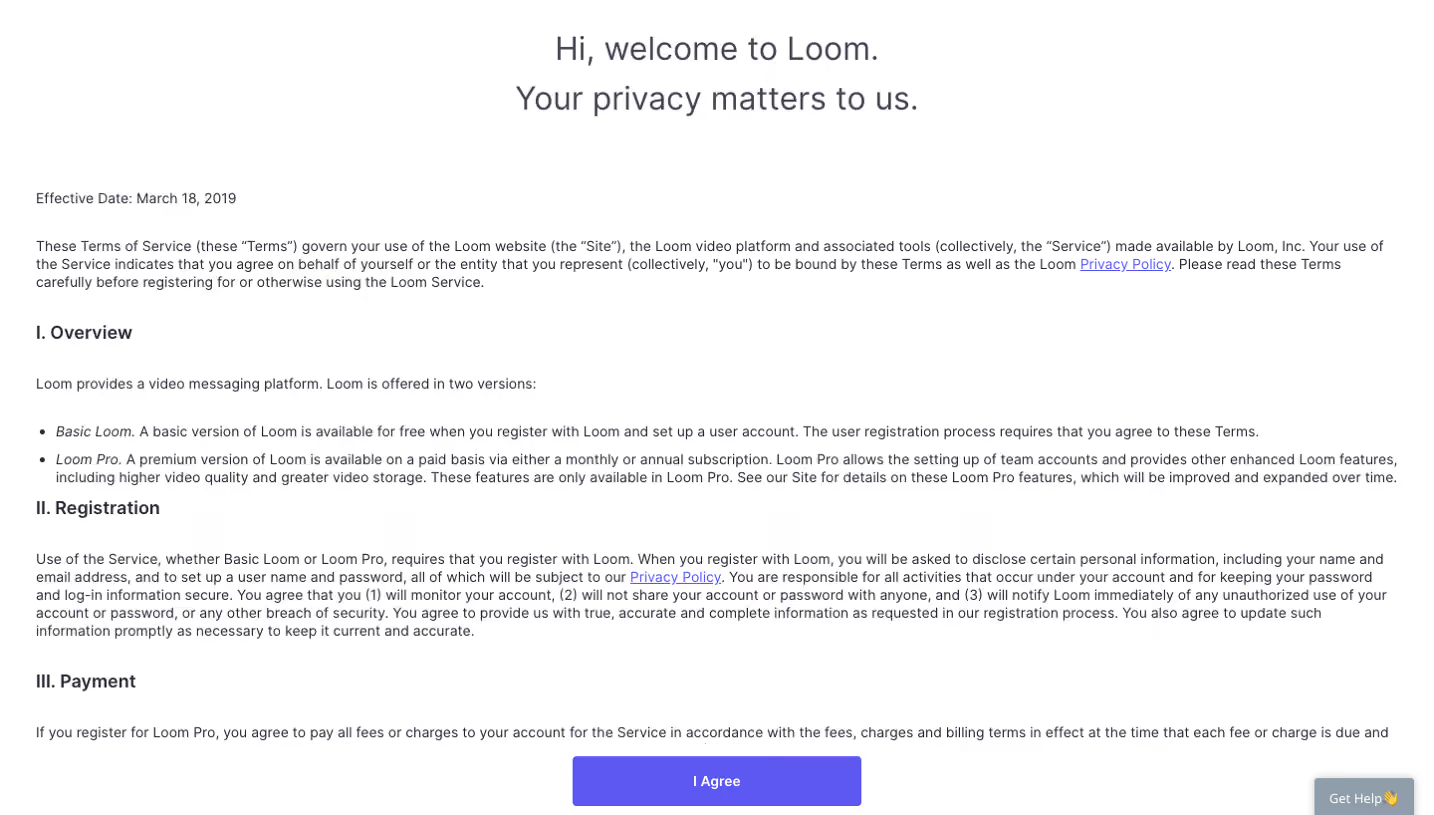
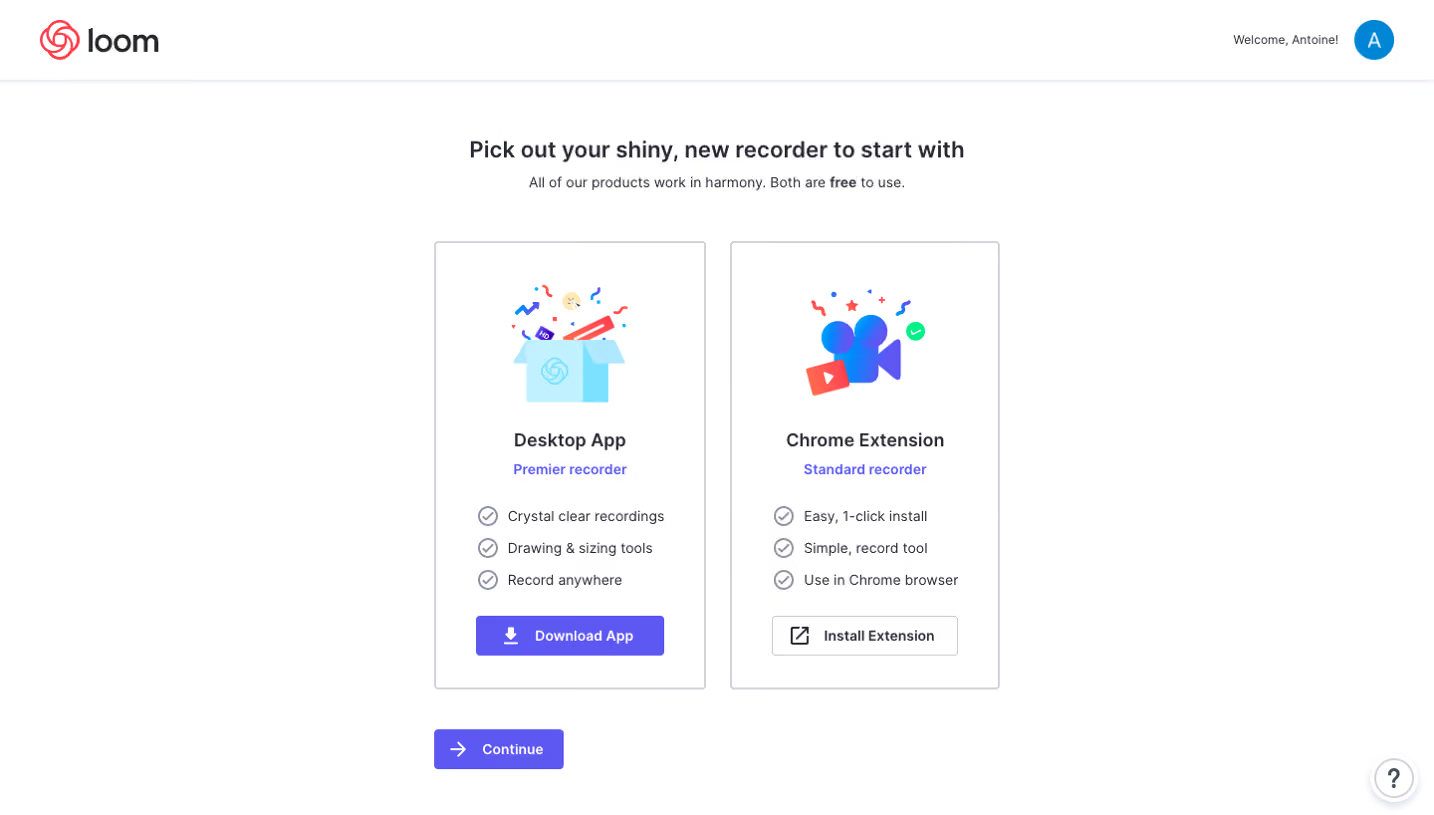
- **Screenshot:** https://cdn.prod.website-files.com/5e9dc792e1210c5325f7ebbc/6acbc890d69dbc5db10091fd_6acbc617a4008ddb74789344_cms-a75b81901f75cd1906256d49.webp
Analyze the screenshot first. If inaccessible, request it rather than guessing.
## Content
{{content.instructions}}
{{content.data}}
Preserve essential messaging and factual accuracy. Adapt structure and copy length for visual balance; never invent product claims.
## Visual Design
### Overall aesthetic
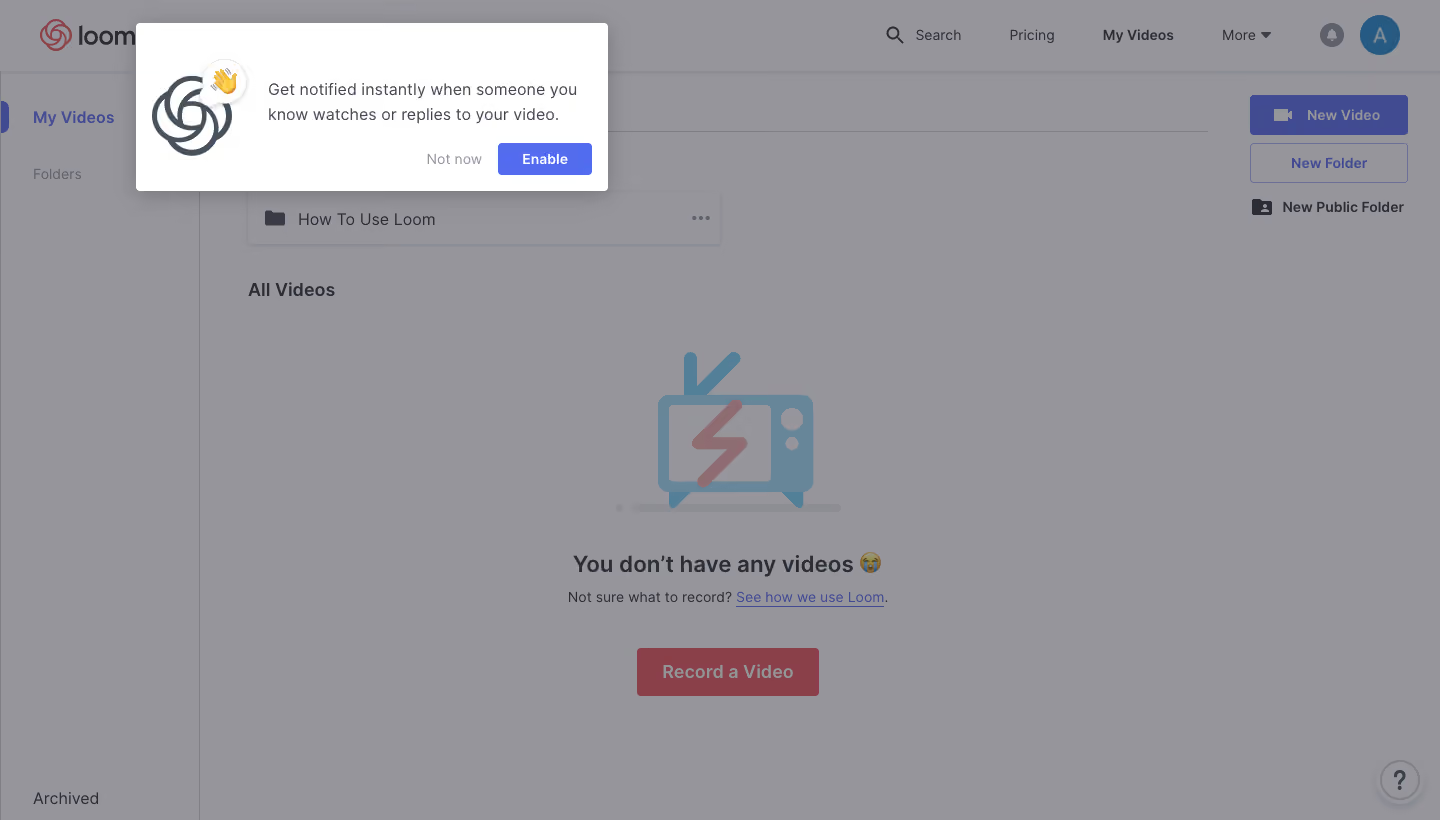
- **Style:** Notification-permission onboarding prompt over a dimmed video-library dashboard.
- **Character:** Compact white overlay, indigo action, playful icon, and short explanatory text.
### Page composition
- **Canvas:** 1440 × 820 screenshot px.
- **Prompt:** Approximately x=135–608, y=23–191; about 473 × 168 screenshot px, anchored near the upper-left.
- **Prompt layout:** Large app mark at left, two-line explanation at right, then right-aligned actions.
- **Background:** Header navigation, narrow left library sidebar, empty video state, and creation actions on the right.
### Information hierarchy
- **Primary:** Bright notification prompt against a dimmed backdrop.
- **Message:** Benefit-focused explanation before the Enable action.
- **Actions:** Quiet Not now text followed by a filled Enable button.
- **Background state:** Central illustration, empty-state heading, supporting link, and Record a Video CTA.
### Typography
- **Family:** Interface sans serif; exact identity unverified.
- **Prompt text:** Approximately 16 screenshot px with 24px line-height, regular weight.
- **Enable label:** Approximately 14px, semibold.
- **Background headings:** Approximately 22–24px, semibold.
- **Navigation and secondary labels:** Approximately 14–16px.
- **Precision:** Sizes are screenshot-based estimates, not verified CSS.
### Colors & surfaces
- **Prompt surface:** #FFFFFF.
- **Enable fill:** Approximately #526CF0.
- **Dimmed canvas:** Dominant sampled #95959A.
- **Dimmed dark text:** Approximately #404B92 occurs in blue background controls; source colors are altered by overlay.
- **Dimmed coral and illustration colors:** Samples #894048 and #678699; do not treat these as undimmed brand tokens.
- **Shadow:** Soft gray drop shadow around the prompt.
- **Precision:** WebP compression affects sampled shades; background colors include dimming.
### Components
- **Prompt corners:** Approximately 4px screenshot radius.
- **Enable button:** Approximately 94 × 32 screenshot px, modest rounding.
- **Secondary action:** Unboxed muted text.
- **Illustration:** App mark with a small waving-hand badge.
- **Background controls:** Filled New Video, outlined New Folder, utility icons, and circular help bubble.
### Visual rhythm
- **Prompt padding:** Approximately 16px around its content.
- **Grouping:** Icon and message form a horizontal row; actions occupy the lower-right edge.
- **Whitespace:** Large empty-state area contrasts with compact top navigation.
- **Overlay:** Dimming keeps background context subordinate.
### Responsive
- **Observed:** Desktop only.
- **Recommendation:** Constrain prompt width to viewport margins, let copy wrap, and preserve accessible action sizes.
- **Placement:** On mobile use a centered dialog or safe anchored panel rather than fixed desktop coordinates.
### Adaptation guidance
- **Preserve:** Short benefit statement, contextual app icon, optional dismissal, and clear opt-in action.
- **Content:** Adapt the notification purpose and product identity to supplied requirements.
- **Behavior:** This is a static onboarding frame, not evidence of the entire signup flow.
- **Palette:** Use the unobscured prompt as the reliable color reference.
Use this context to reproduce the reference's visual language: layout, typography, colors, spacing, borders, radii, and distinctive elements. The screenshot takes priority if descriptions conflict.
## Direction
{{preferences.fidelityInstructions}}
## Output
{{output.instructions}}
Deliver a polished, cohesive design with precise alignment, hierarchy, and spacing. Produce the requested visual artifact, not just a description. If unsupported, explain the limitation.
.webp)



.avif)