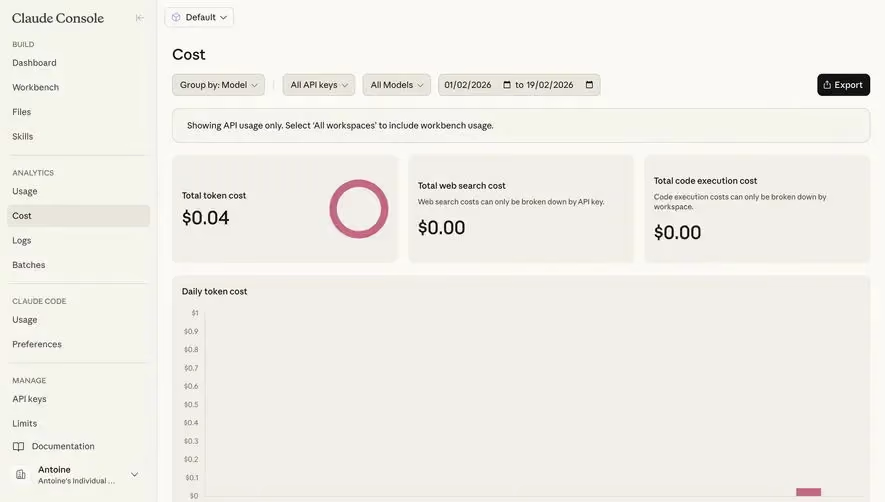
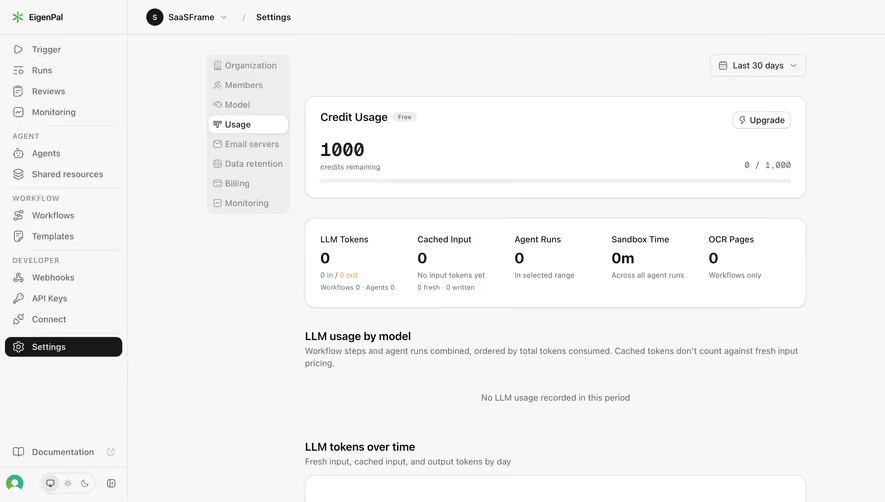
Generate a new design based on this screen using your own content.
Thank you! Your submission has been received!
Oops! Something went wrong while submitting the form.
# Design from Reference: Hume AI Usage
Create an original, high-fidelity visual design inspired by the reference. Prioritize composition, typography, colors, spacing, and component styling over technical implementation.
## Reference
- **Product:** Hume AI
- **Category:** Usage
- **Screenshot:** https://cdn.prod.website-files.com/5e9dc792e1210c5325f7ebbc/6acbcc4be13ab9df8f053252_6acad18d3ce5f4104ebd0807_cms-4001512f0e04d44bbad19e37.webp
Analyze the screenshot first. If inaccessible, request it rather than guessing.
## Content
{{content.instructions}}
{{content.data}}
Preserve essential messaging and factual accuracy. Adapt structure and copy length for visual balance; never invent product claims.
## Visual Design
Use this context to reproduce the reference's visual language: layout, typography, colors, spacing, borders, radii, and distinctive elements. The screenshot takes priority if descriptions conflict.
## Direction
{{preferences.fidelityInstructions}}
## Output
{{output.instructions}}
Deliver a polished, cohesive design with precise alignment, hierarchy, and spacing. Produce the requested visual artifact, not just a description. If unsupported, explain the limitation.
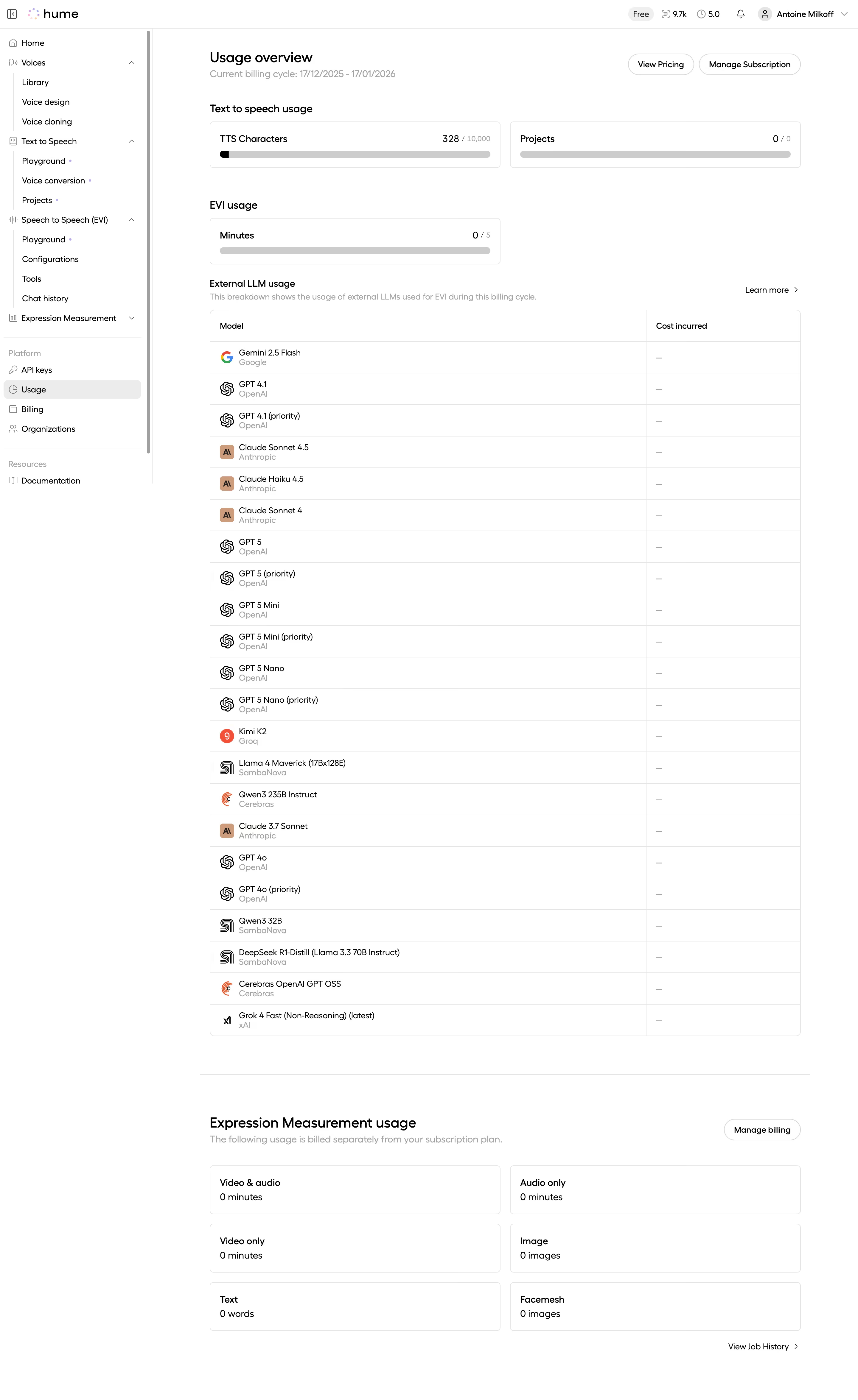
Hume's usage overview page is a masterclass in making dense data feel breathable. The left sidebar navigation is well-organized with clear hierarchy, splitting Voices, Text to Speech, Speech to Speech, and Platform sections without feeling cluttered. That subtle gray background keeps everything grounded.
The Layout Does the Heavy Lifting
Three distinct usage sections stack vertically with zero confusion. The TTS Characters progress bar (328/10,000) gives you instant status at a glance. Below that, the External LLM usage table lists models from Gemini to Grok with provider labels in light gray. It's a long list but the consistent row height and alternating model icons keep your eyes moving. Every row shows "—" for cost incurred, which is honest and clear for a free tier.
What Makes It Stand Out
The Expression Measurement section at the bottom uses a simple card grid for Video, Audio, Image, Text, and Facemesh metrics. No charts, no decoration. Just zeros and labels. The restraint here is the design. Black and white with minimal accent colors lets the information hierarchy do all the talking.
.webp)



.avif)