.avif)


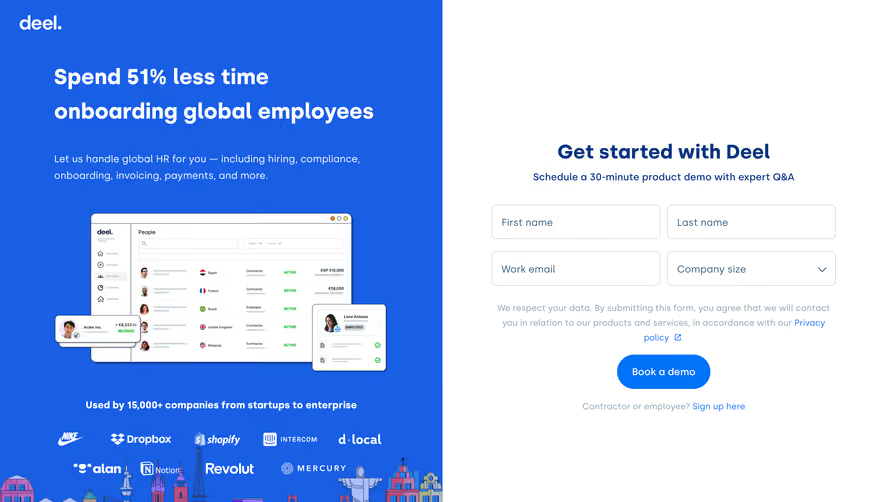
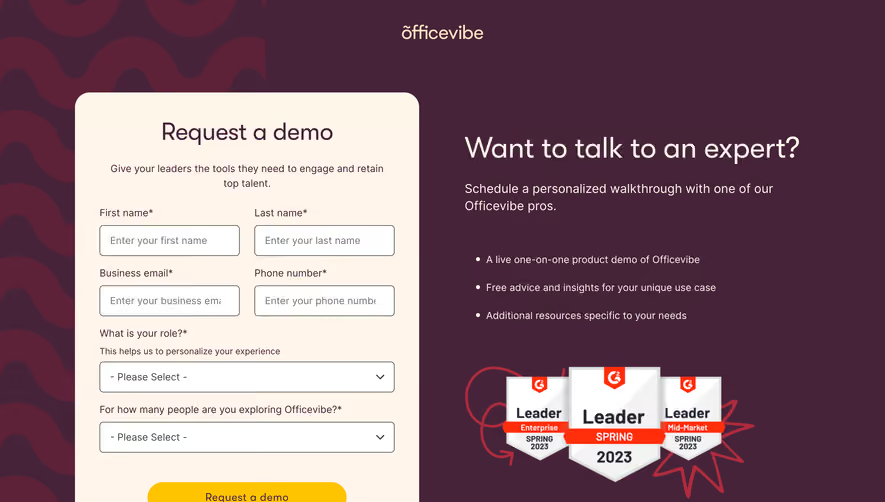
1. Header - The page consists of a header section that contains the Front logo, a hamburger menu that opens up a navigation menu when clicked, and an option to request a demo. 2. Hero Section - This section starts with a headline that reads "Join 5,000+ teams using Front to close deals faster." This section also contains a short paragraph that explains the benefits of using Front, a CTA button to request a demo, and an image of the Front app in action. 3. Features Section - This section highlights the main features of the Front app. It's divided into three columns that overlap each other, containing an icon and a short description of each feature. This section has a see-all-features button at the bottom that takes you to the features page. 4. Testimonials Section - This section starts with a headline that reads "Hear what our customers have to say." It displays three customer testimonials, each with a picture, name, and position. 5. Demo Request Section - This section provides a form where visitors can request a demo. The form consists of fields like First Name, Last Name, Work Email, Company Name, and Job title. There is also a checkbox at the end that allows visitors to sign up for Front's newsletter. 6. Resources Section - This section contains links to various resources that may interest visitors, such as the blog, an E-book, help center, and more. 7. Footer - The page ends with a footer section that contains links to various pages on the Front website, social media links, and copyright information.
.webp)


Front Demo Request

Front
Email client
Designed by
No items found.
Category
Patterns
No items found.
Added on
May 19, 2020