.avif)


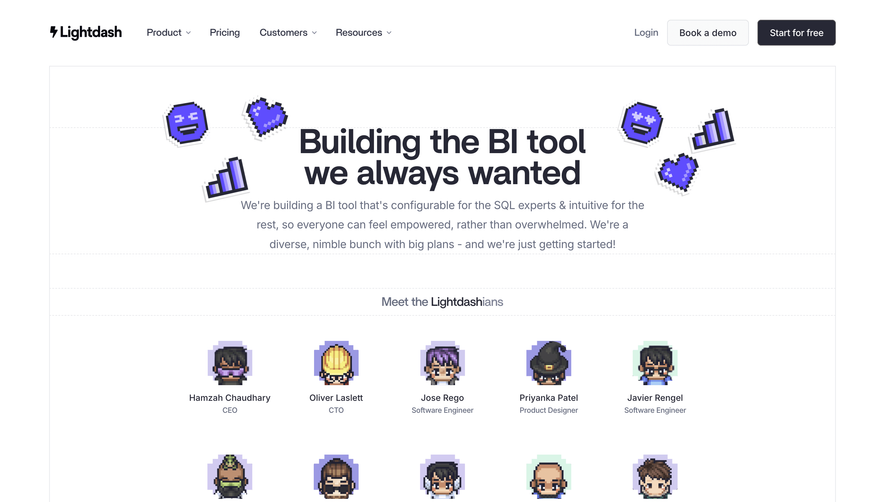
1. The page starts with a header section consisting of the Bubble logo and the main navigation menu with links to various sections of the website. 2. The second section is a hero section with a prominent heading that greets visitors and highlights Bubble's main benefits. The section also includes a call-to-action button that invites visitors to create a free account. 3. The next section is titled "What is Bubble?" and contains an introduction to the platform's features and how it can help individuals and businesses build and launch web applications quickly. 4. The fourth section is titled "Why Bubble?" and provides an overview of Bubble's key features, such as the drag-and-drop visual editor, the ability to integrate with other tools and services, and the power of the platform to handle complex web applications. 5. The following section is titled "How it Works" and explains the process of building a web application using Bubble. It includes information on the visual editor, data structures, workflows, and hosting. 6. The "Who Uses Bubble?" section features a list of notable companies and organizations that have used Bubble to build their web applications. Each listing includes a brief description of what the organization built using Bubble. 7. The next section is titled "Pricing" and outlines the different pricing plans available for using Bubble. The section includes a detailed comparison of features and pricing for each plan. 8. The penultimate section is titled "Resources" and features links to helpful articles, tutorials, and videos that users can access to learn more about how to build web applications using Bubble. 9. Finally, the page concludes with a footer section that includes links to social media profiles, the Bubble blog, and a contact section for support inquiries.
.webp)


Bubble About Page

Bubble
Visual Programming
Designed by
No items found.
Category
Patterns
No items found.
Tech Stack
Added on
June 10, 2020