Security & Compliance
12
Trust content presenting security practices, certifications, privacy controls, or compliance standards.
.webp)
A SaaS security and compliance section helps evaluators understand the product's stated controls, deployment options, and supporting evidence. Its design should make important claims easy to inspect and direct visitors toward maintained details. Reassuring symbols and broad language can introduce the subject, but they cannot verify a technical or legal claim.
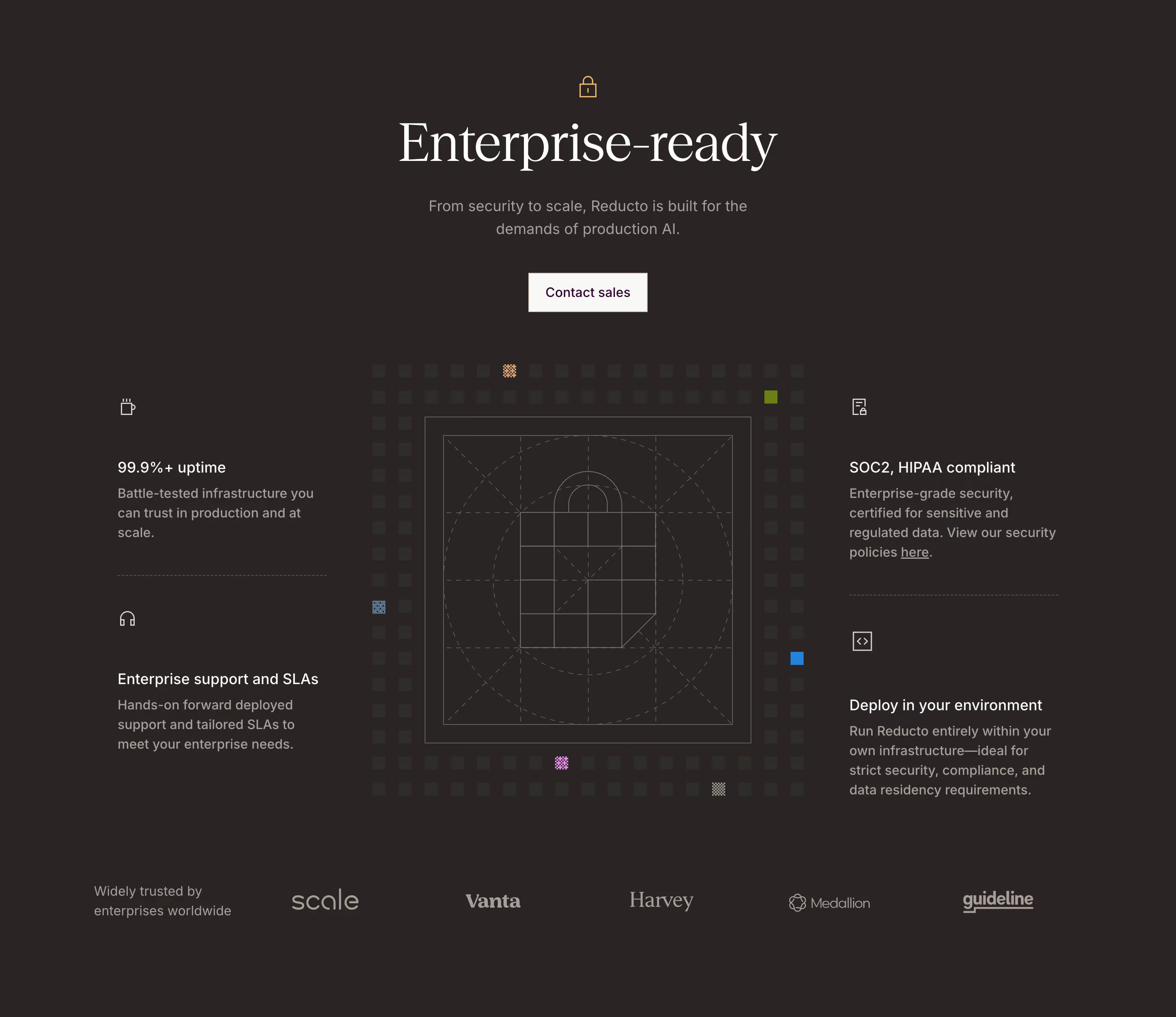
Reducto and Forest Admin show different structures. Reducto combines several enterprise concerns around a central illustration and contact action. Forest Admin uses three clear categories for privacy, access control, and compliance. Their captures are presentation references rather than an independent assessment of the products' current security or compliance status.
Start with the audience's actual review needs. A buyer may need an initial trust overview, while a security or procurement team may need detailed documentation. A section can serve the first stage and provide a clear route into the second.
Identify the topics that matter to the product's deployment and data use. These may include access controls, data handling, infrastructure, operational support, or relevant assurance material. Do not assemble a generic collection of badges merely because similar websites use them.
Keep the scope explicit. A statement about one deployment option, product area, or plan should not appear to cover every configuration. Work with the responsible technical and legal owners to define accurate wording before designing its emphasis.
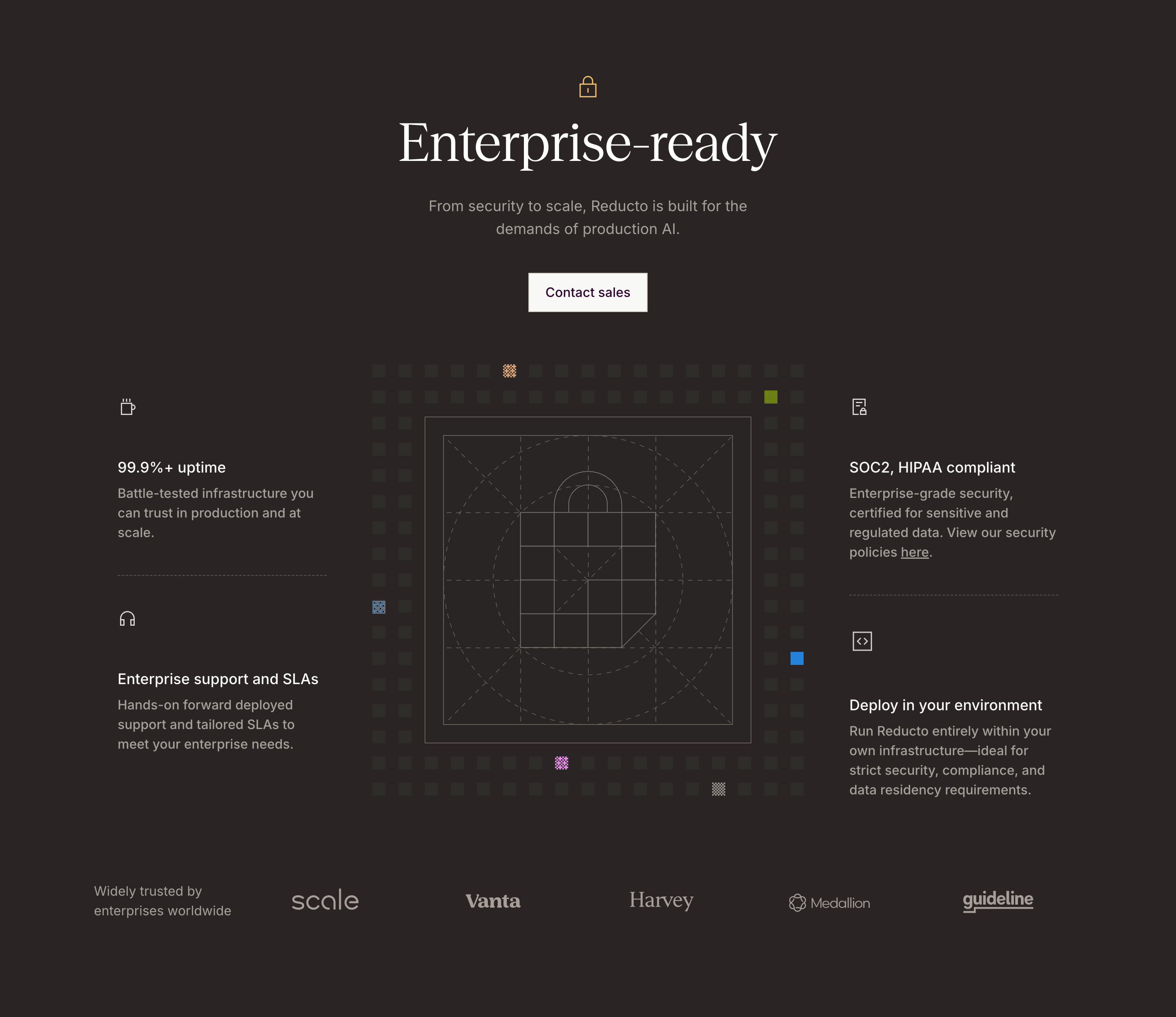
Reducto's section separates availability, enterprise support, compliance-related language, and deployment within the customer's environment. The grouped statements surround a central illustration, while a Contact sales action appears above them. A policy link is visible within one of the claim descriptions.
The structure helps visitors recognize that enterprise evaluation involves several topics. A deployment route is different from a support offer, and an availability statement is different from assurance material. Giving them separate positions can improve initial orientation.
The captured wording includes quantitative and compliance claims. Treat those as claims displayed by the site, not conclusions established by the image. In your implementation, each needs a maintained source and appropriate scope. The section's visual clarity should make the evidence easier to reach, rather than make verification appear unnecessary.

Forest Admin presents three parallel columns: Privacy by design, Security and access control, and Compliance. Each has an icon, heading, and short explanation. The layout creates a concise overview without combining all trust-related topics into one paragraph.
This approach works when the categories have distinct content and a useful path to details. A short statement about architecture can introduce data handling; a control statement can introduce authentication and roles; a compliance statement can introduce supporting materials and responsibilities.
Keep the categories precise. Privacy, security, and compliance overlap, but they are not interchangeable labels. The description beneath each should explain a relevant topic rather than repeat a general promise of safety. The responsible owners should review the underlying wording, while design review checks hierarchy and access to detail.
Use specific language about the product's relevant behavior, supported options, or available evidence. Broad terms such as enterprise-ready need an explanation of what that means for the evaluator. A claim should help someone ask the next informed question.
Keep conditions discoverable. A deployment option may require a particular plan, process, or configuration. An administrative control may have a defined scope. A service commitment may apply under specific terms. Do not remove those distinctions to make every column equally short.
Avoid presenting several frameworks or labels as interchangeable proof. If the section refers to an assessment, report, certification, or regulatory responsibility, use the accurate terminology approved by the owner and link to the relevant explanation. The interface should not expand a narrow piece of evidence into a universal claim.
A trust center, security page, policy document, or review process can provide the detail that a compact section cannot carry. Make those routes recognizable and relevant to the visible claim. A generic Contact us link may not be enough for an evaluator who needs a specific document.
Use descriptive link text. A label such as View security policies is clearer than Here when read outside its paragraph. If access is gated, explain the process and what kind of material the visitor can request. Do not promise immediate inspection and then surprise the person with an unrelated sales qualification flow.
Keep public summaries and detailed materials consistent. A change in architecture, deployment, or scope may affect both. Review them together so the landing page does not continue presenting an outdated shorthand after the supporting information has been revised.
Reducto's grouped layout includes an availability statement and support terms alongside security-related claims. Those topics can all matter to enterprise evaluation, but they answer different questions. A reliability measure does not by itself establish how data is protected.
Label operational commitments with their own scope and destination. A historical performance figure, a contractual target, and a product capability should not share wording that makes them appear identical. Let the supporting source explain the period, measurement, and terms where needed.
Similarly, a support route can help evaluators ask questions, but it does not replace technical evidence. Give visitors the appropriate entry points for both operational and security concerns. The section can remain compact while preserving those distinct paths.
A statement about running in a customer's environment can be relevant to data or procurement requirements. Explain what the offered route means through maintained details rather than relying on a short phrase to resolve every question.
Clarify the product boundary at the destination. Evaluators may need to understand what is managed by the provider, what remains with the customer, and which configuration the documentation describes. A marketing section can introduce that distinction without trying to document an entire architecture.
Do not infer that one deployment model is universally preferable. The relevant choice depends on the organization's requirements and operational context. Use the section to make options and evidence discoverable, then support a more precise evaluation through the appropriate materials or conversation.
Locks, shields, certificate icons, and architectural illustrations can identify the topic quickly. They are navigation and communication aids, not proof. Keep real text and links sufficient to understand the section without those symbols.
Customer logos may support recognition, as in Reducto's lower row, but they do not verify every nearby security claim. Label their relationship accurately and avoid a layout that implies all displayed organizations certify or endorse the complete section.
Review contrast and density. Both captures use dark panels, where muted supporting copy can become hard to read. Important qualifications and source links need as much care as the headline. A visually reassuring section should still invite inspection rather than make the details difficult to find.
Test with someone performing a realistic evaluation. Ask them to find the information behind one claim and explain what remains uncertain. If they can only repeat the headline, improve the source route and scope. If they encounter an unexpected sales gate, clarify that handoff.
On mobile, preserve the relationship between heading, description, and evidence link when columns stack. Keep decorative illustrations from consuming the space needed for essential text. Use visible focus and descriptive controls. A trust section should remain useful with images disabled and text enlarged.
Assign maintenance ownership for each topic. Product changes can alter architecture statements, new plans can affect control availability, and assurance material can have time-sensitive scope. Review the section when those sources change, rather than waiting for a visual redesign. Retain the approved wording and source so later editors understand what the claim was intended to cover.
No. Badges can introduce a topic or identify a specific distinction, but evaluators need accurate context and supporting information. Explain what each item represents and provide a relevant source or review route.
Provide a useful public overview and clearly explain how relevant detailed material can be accessed. The exact disclosure process belongs with the responsible team. Avoid making the initial summary so vague that visitors cannot assess relevance.
A screenshot can show how a claim is presented. It cannot verify the underlying controls, assessment scope, or legal responsibilities. Keep presentation review separate from the responsible technical and legal evaluation.
Explore SaaS security and compliance section examples on SaaSFrame to compare topic grouping, evidence links, deployment messaging, and readable trust summaries.